 Animates



ANIMATES
GRAB THE ARC.
SHAPE THE ANIMATION.
Direct control over your animation arcs — inside the Blender viewport.
Arc Buster turns motion paths into editable 3D animation controls. Move animation keys and Bezier handles, reshape arcs, preserve motion while retiming, and connect the Graph Editor directly to the motion you see in the viewport.
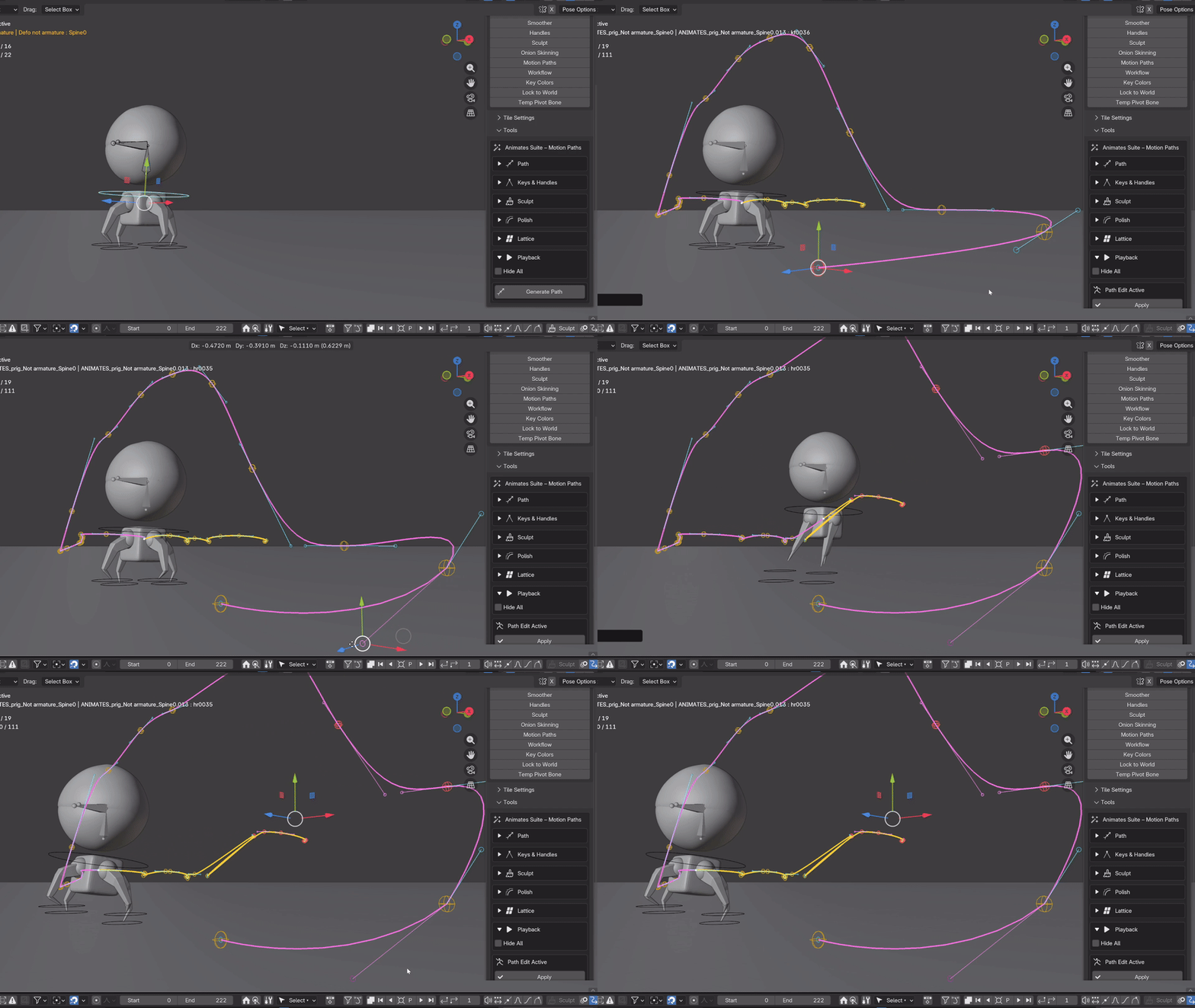
FK • IK • OBJECTS • CAMERAS
Real Blender keyframes. Direct viewport editing. Fast visual feedback.
DIRECT MOTION EDITING
EDIT THE MOTION.
NOT A GUIDE.
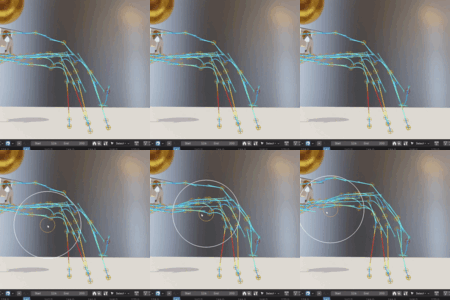
Generate an editable path from your existing animation. Grab its keys and handles directly in 3D and reshape the trajectory while Arc Buster updates the animation underneath.
LIVE EDITING
LIVE GRAPH LINK
The Graph Editor and the arc — connected.
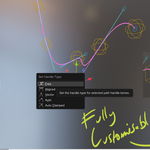
Edit animation keys in the Graph Editor and see those changes update the rig and its arc in real time. Work numerically when you need to. Work spatially when you want to.
PRESERVE YOUR MOTION
CHANGE THE TIMING.
KEEP THE ARC.
Preserve Arc lets you adjust keys while retaining the established motion path — giving you control over timing and spacing without throwing away the trajectory you've already built.
GO FURTHER
MORE WAYS TO SHAPE MOTION
SCULPT
Work across the path rather than individual keys. Nudge, smooth and reshape motion directly in the viewport.
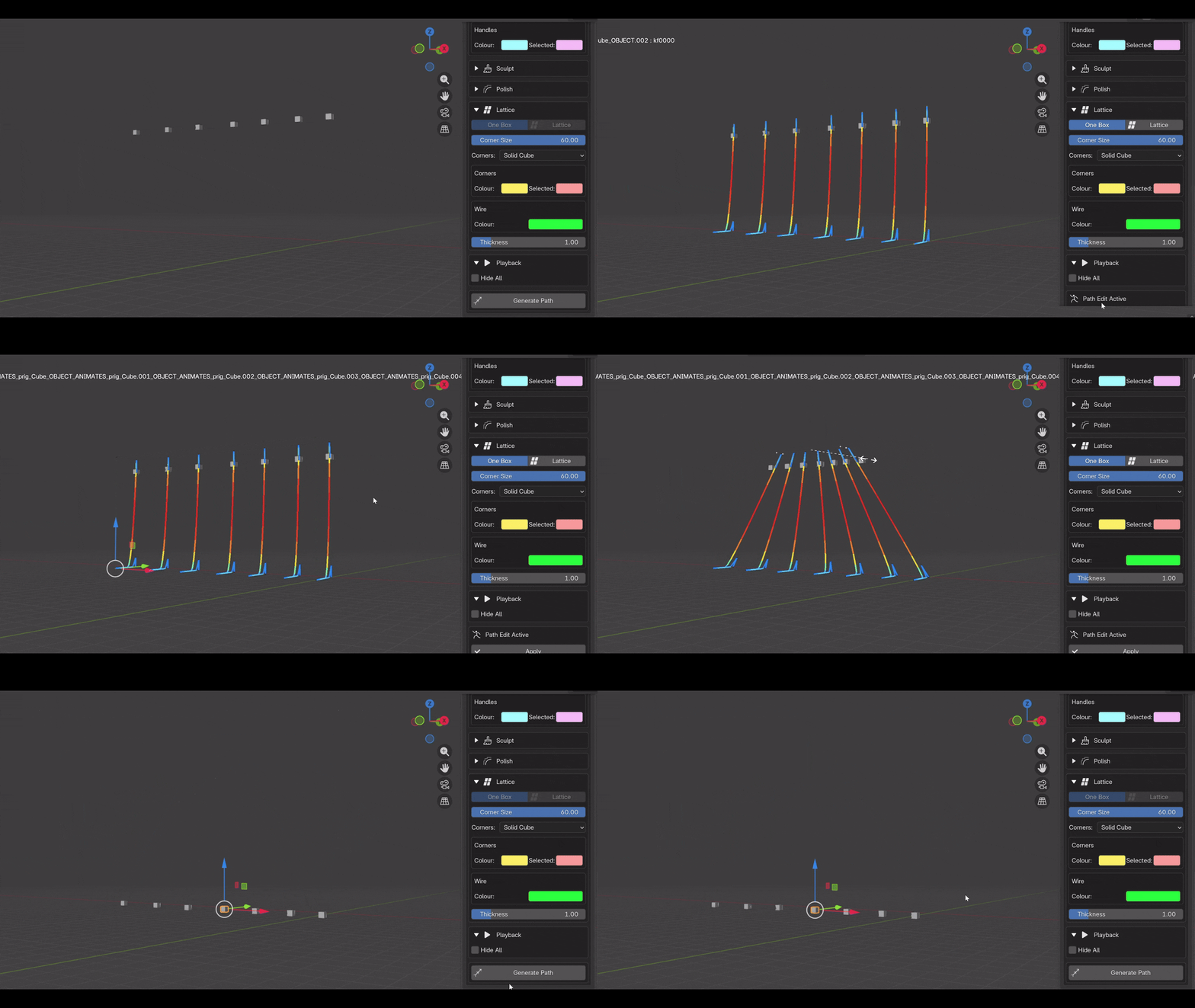
LATTICE
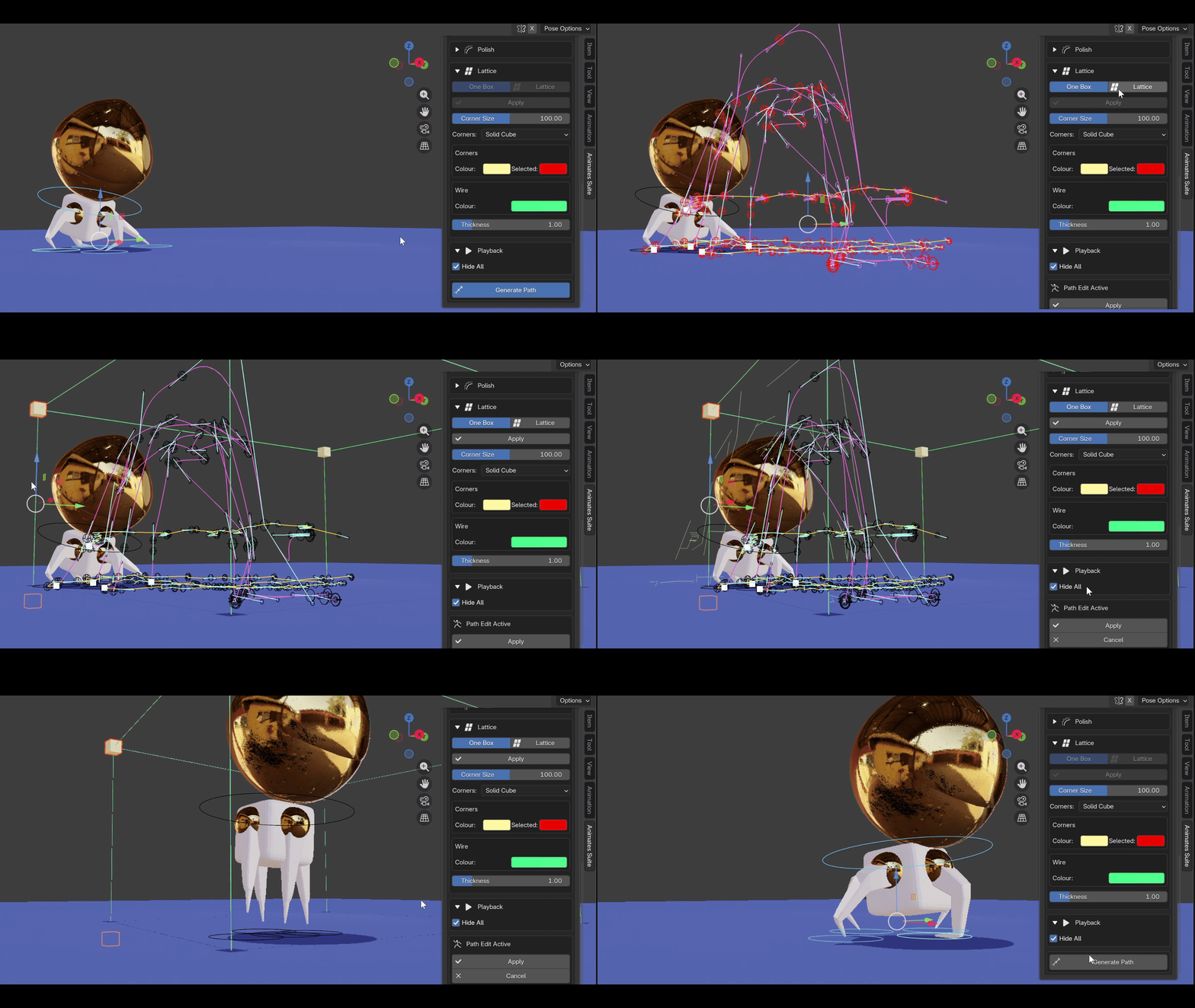
Reshape selected keys or entire sections of animation using a lattice around the motion path. Ideal for making broad spatial changes without rebuilding the animation.
POLISH
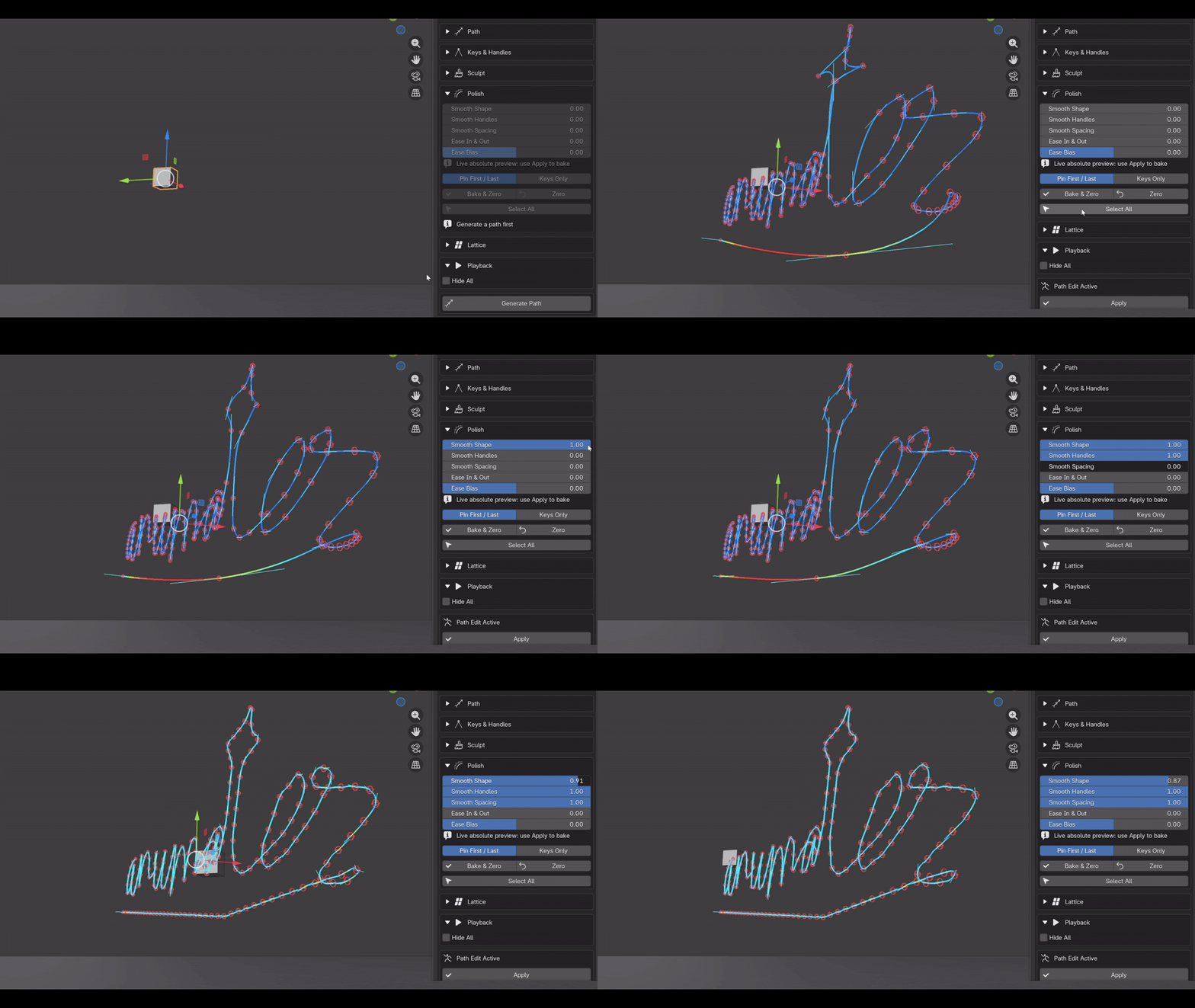
Refine whole paths or selected sections with responsive controls for smoothing keys, handles and spacing.
MULTI-PATH EDITING
ONE ARC OR MANY.
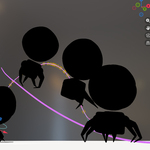
Generate and manipulate multiple paths together. Arc editing, sculpting and lattice deformation can work across multiple animated objects.
INCLUDED WITH ARC BUSTER
ONION SKINS
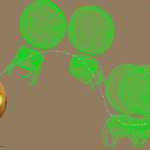
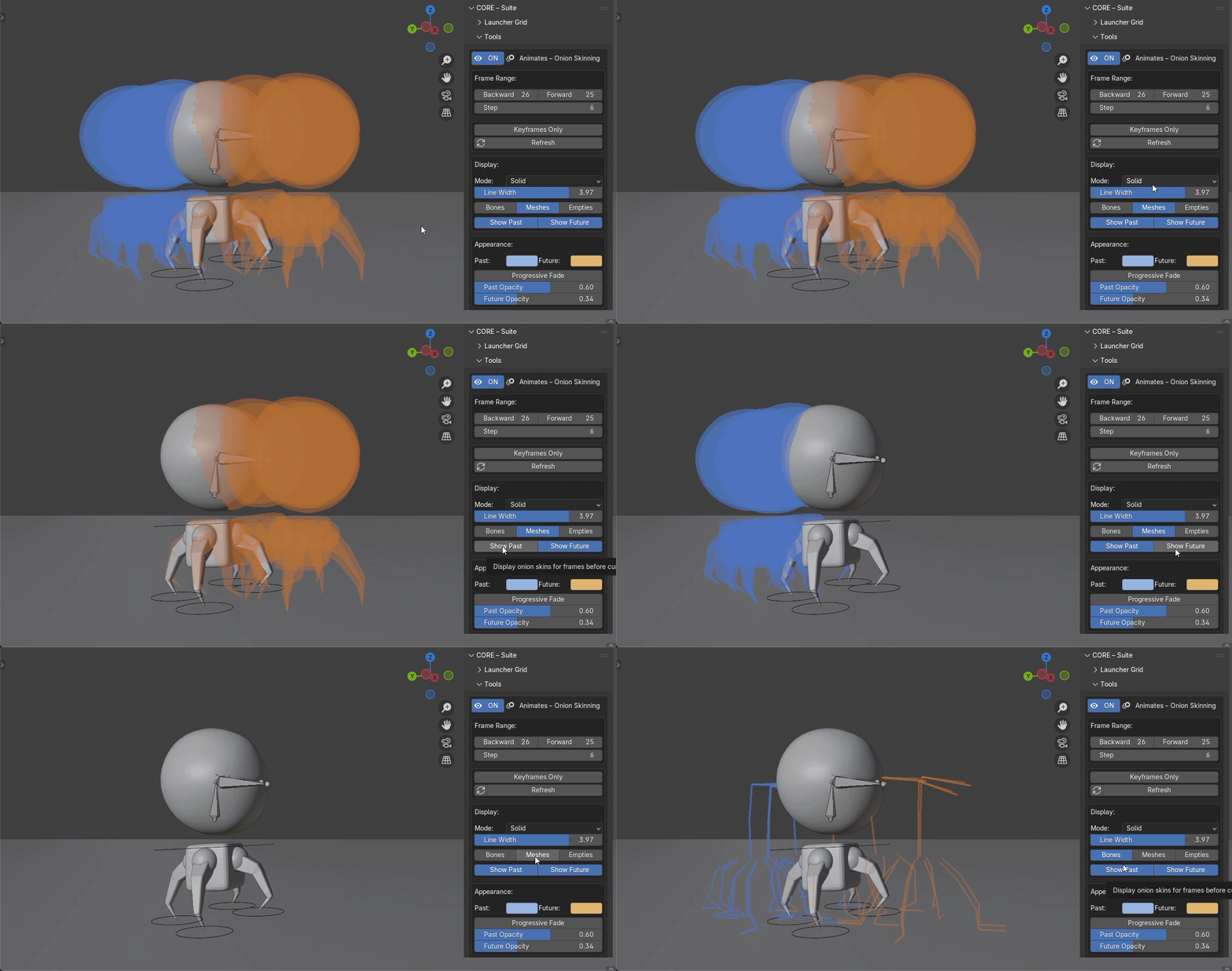
See the poses around the current frame. Judge spacing, arcs and timing without constantly scrubbing backwards and forwards.
SEE WHAT YOU NEED.
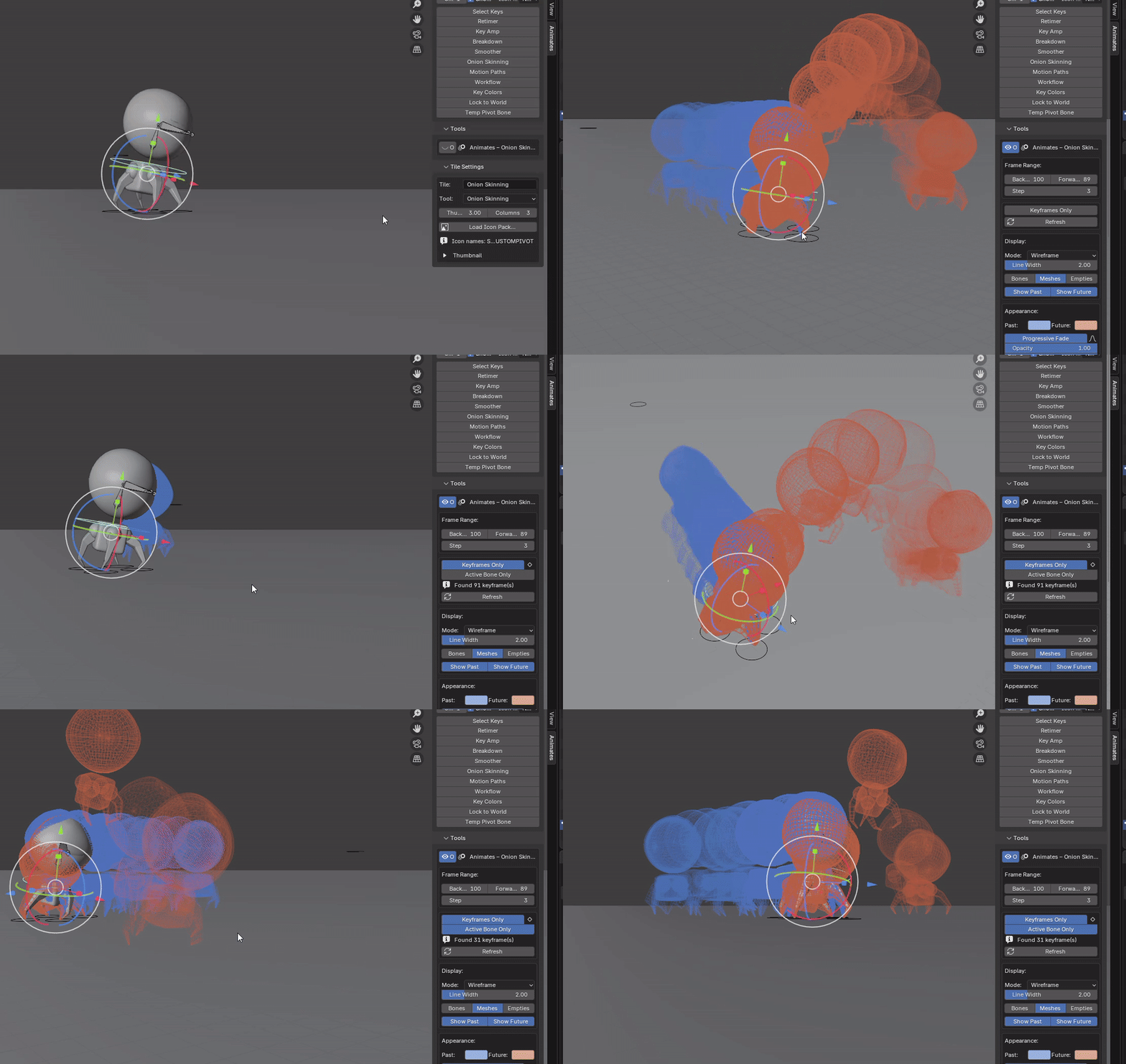
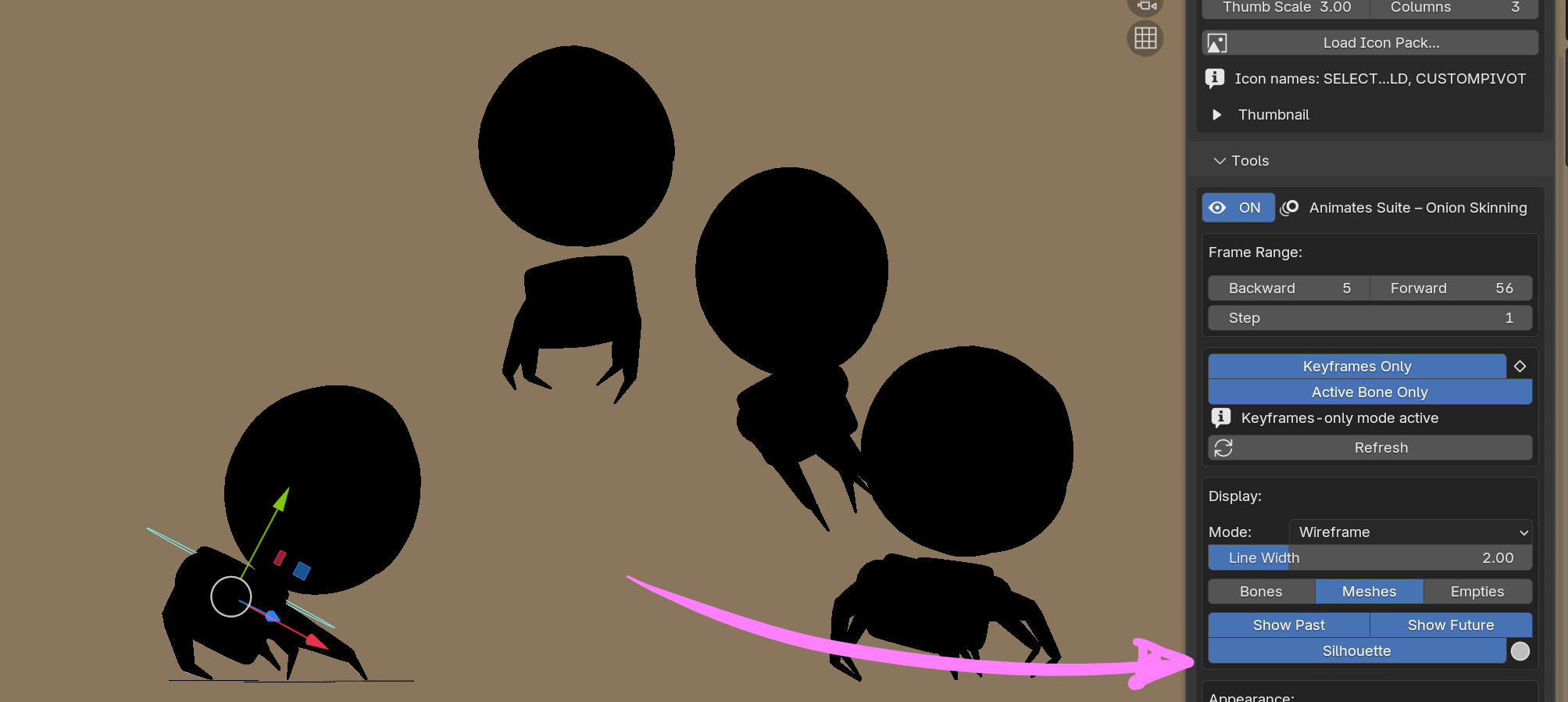
Show previous and future poses across a configurable frame range. Display all frames, stepped frames, keyframes or keyframes per bone.
Focus onion skins on individual bones when you want to study the movement of a specific controller without covering the viewport with the entire rig.
Adjust past and future colours, opacity and progressive falloff, and switch mesh display between solid and wireframe.
BUILT FOR ANIMATION
THE PATH SHOULDN'T
JUST BE SOMETHING YOU SEE.
It should be something you can grab.
Arc Buster was built around that idea: spend less time translating movement into separate curves and more time looking directly at the motion you're creating.
ARC BUSTER + ONION SKINS
SEE THE MOTION.
GRAB THE MOTION.
SHAPE THE MOTION.
Motion-path editing and onion skinning built for animators working in Blender.