 Animates


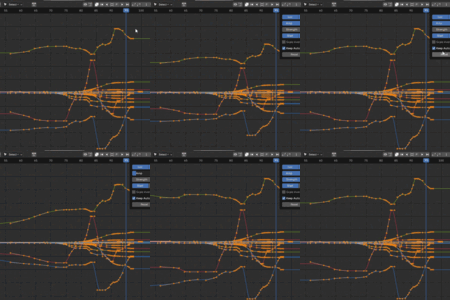
ANIMATES
YOUR ANIMATION TOOLKIT.
BUILT AROUND THE WAY
ANIMATORS WORK.
A practical, visual collection of animation tools for Blender.
Shape arcs. Build poses. Push keys. Retime animation. Lock controls in space. Create temporary pivots. See your poses with onion skins. Polish motion without breaking your flow.
ARC BUSTER • BREAKDOWNER • RETIMER • ONION SKINS • CONSTRAINTS • TEMP PIVOT • KEY TOOLS
BUILT BY AN ANIMATOR
LESS MENU HUNTING.
MORE ANIMATING.
I built Animates because I missed that buttons + sliders = instant joy feeling from Maya and tools like AnimBot.
I wanted to stay focused on the animation: pose, push keys, reshape motion, retime, clean up and keep moving. So Animates grew into a collection of the tools I wanted beside me every day.
FLAGSHIP MOTION EDITING
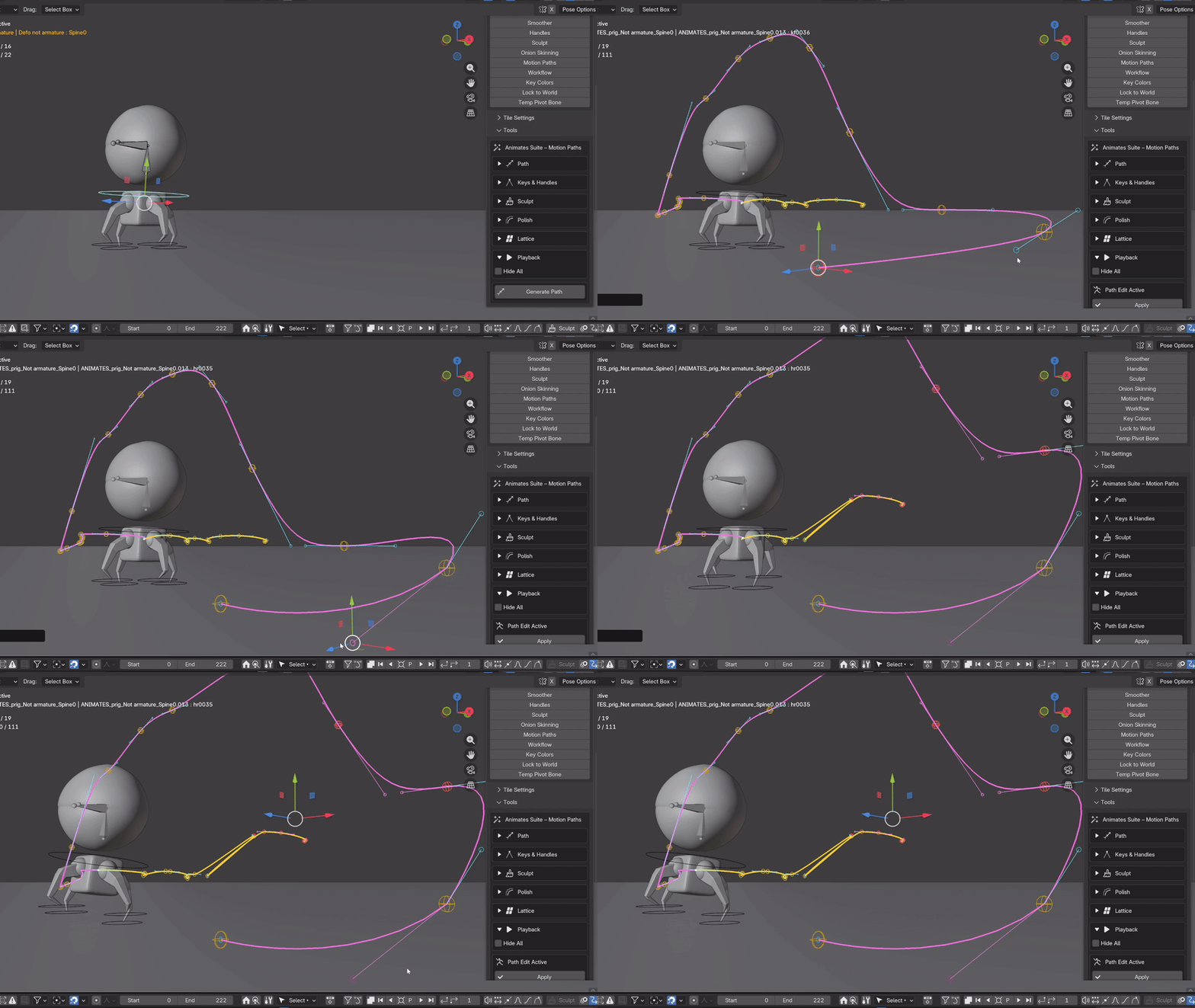
ARC BUSTER
Grab the arc. Shape the animation.
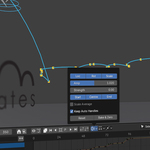
Turn motion paths into editable 3D animation controls. Move animation keys and Bezier handles directly in the viewport and reshape the trajectory while Arc Buster updates the animation underneath.
DIRECT MOTION EDITING
Work with FK, IK, objects and cameras. Edit helpers and handles directly in 3D, rotate and scale handles, work with aligned handles and reshape the path while staying focused on the motion itself.
LIVE GRAPH LINK
Connect Graph Editor changes directly to the live arc. Adjust animation curves while seeing the resulting movement spatially in the 3D viewport.
PRESERVE ARC
Change timing and spacing while keeping established motion constrained to its path. Keep Timing gives you another layer of control when working between the arc and Graph Editor.
SHAPE THE MOTION
PUSH IT FURTHER.
Arc Buster isn't limited to moving individual keys. Sculpt and broader path tools let you work across the shape of the motion itself.
SCULPT
Nudge, ripple, smooth and reshape animation directly across the arc rather than treating every key as a separate problem.

BUILD THE POSES
FIND THE POSE.
THEN PUSH IT.
Fast visual controls for building breakdowns, exaggerating motion and exploring poses without constantly leaving the animation.
BREAKDOWNER
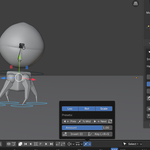
Create weighted in-betweens between poses with immediate visual feedback. Work with location, rotation and scale independently, use quick previous, middle and next positions, or push the result beyond the surrounding poses.

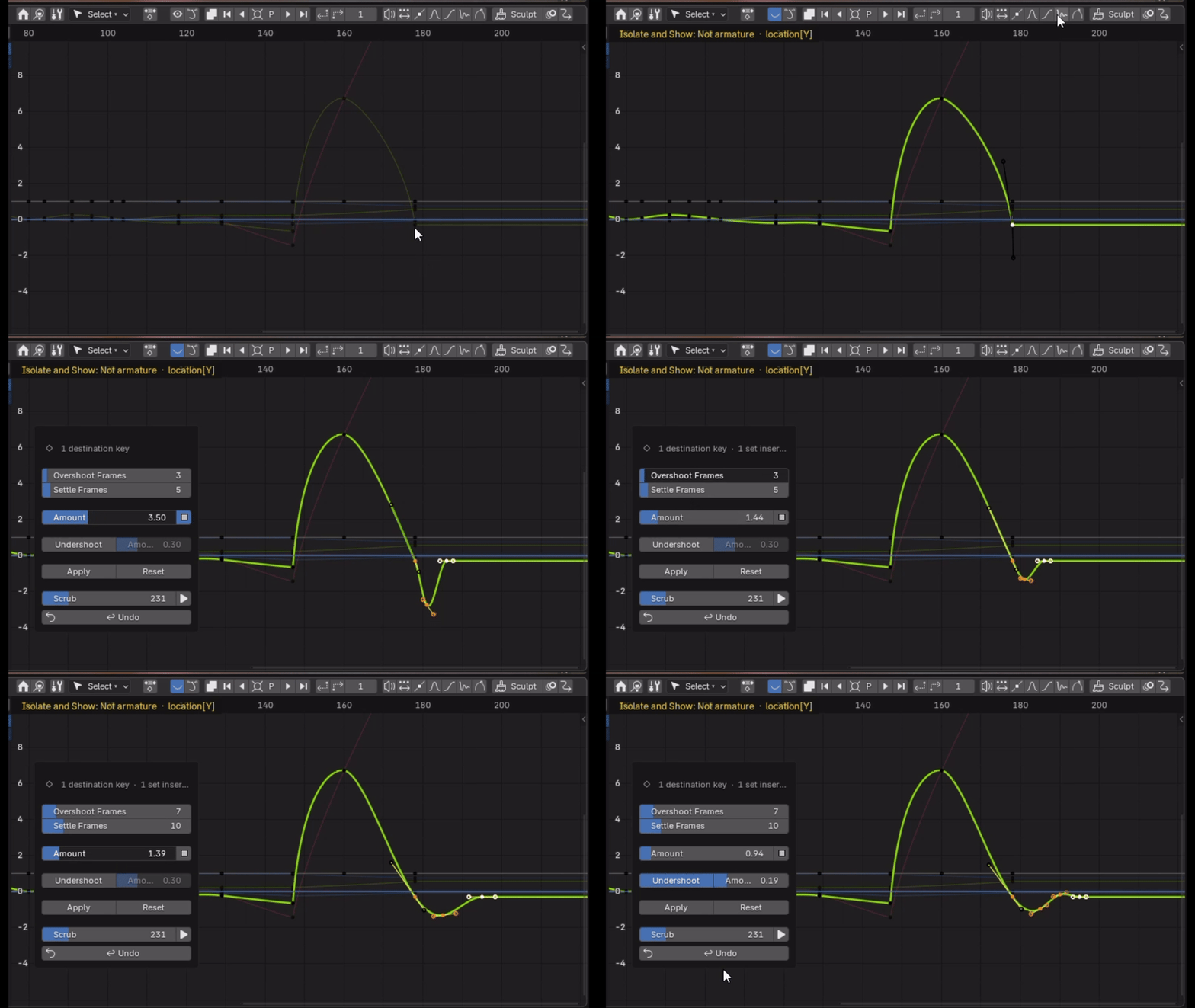
OVERSHOOT
Push animation beyond the surrounding poses quickly and visually, making it easier to explore stronger accents and more expressive motion.
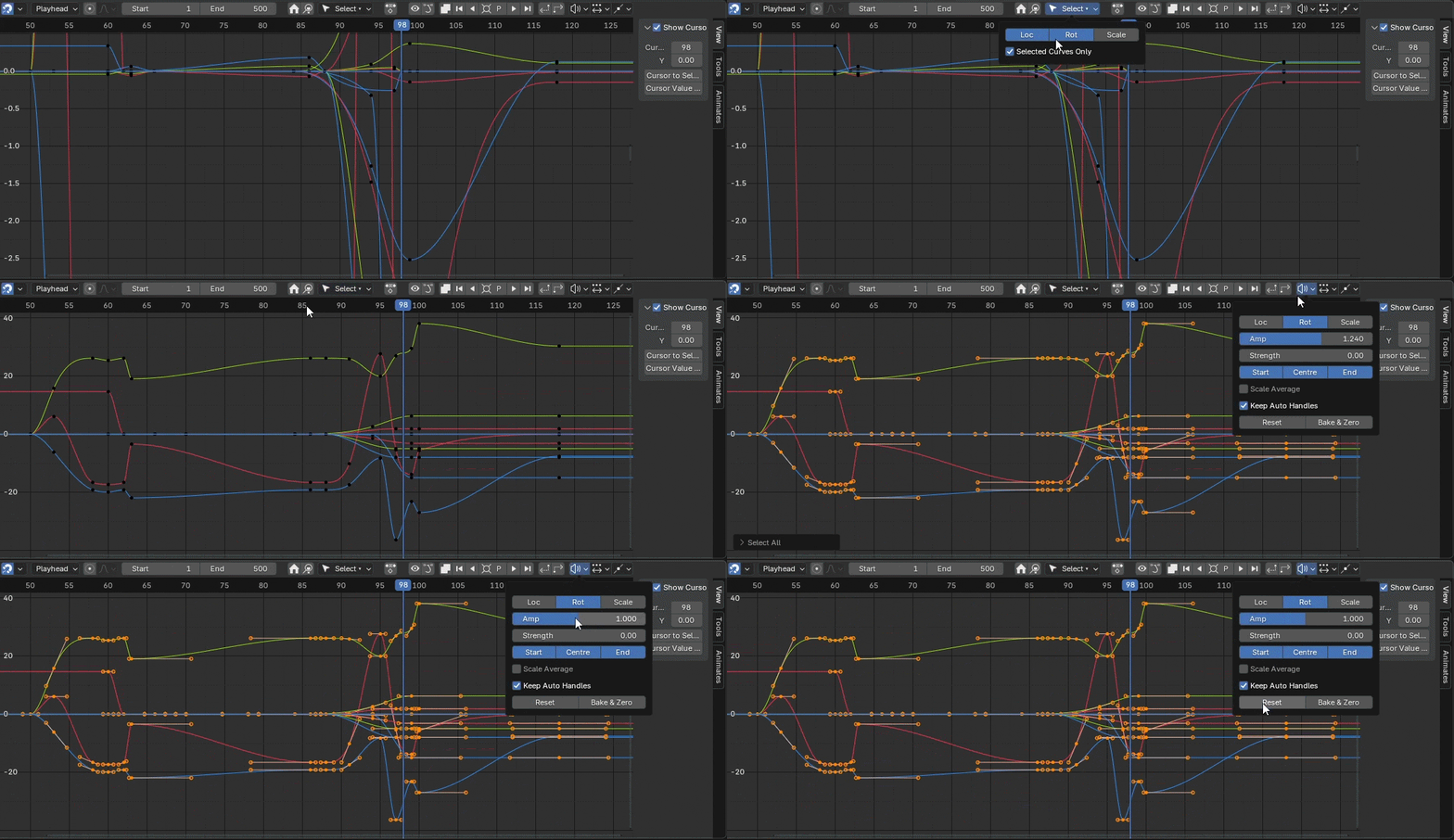
KEY AMP
Amplify or reduce F-Curve values while preserving their timing. Use channel controls to focus the adjustment exactly where you need it.
CONTROL THE TIMING
RETIME WITHOUT THE WRESTLING.
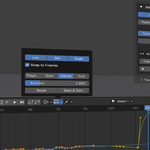
Use responsive controls to redistribute and scale key timing instead of manually dragging groups of keys around the timeline.
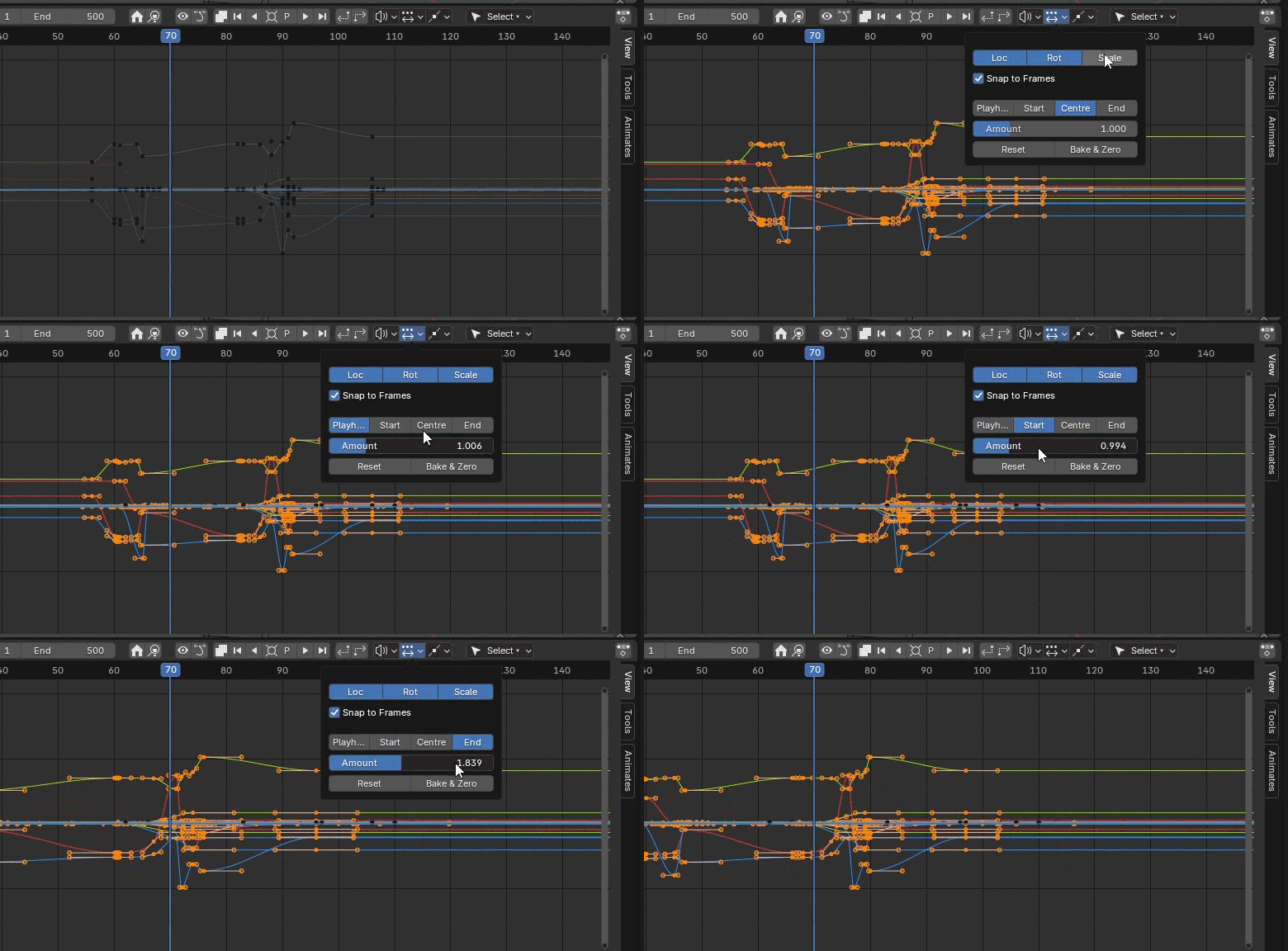
SEE THE ANIMATION
MORE INFORMATION.
RIGHT WHERE YOU NEED IT.
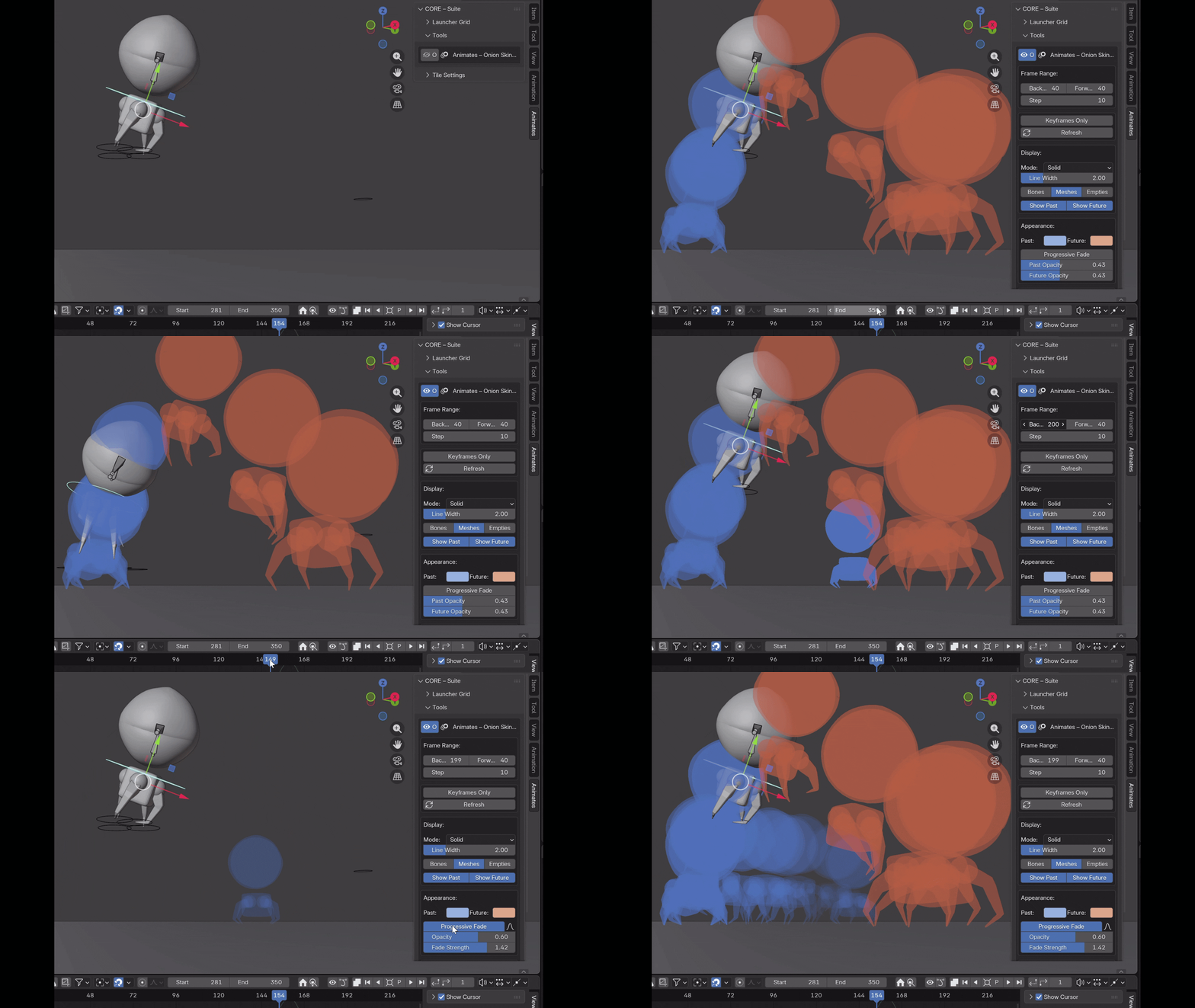
ONION SKINS
See poses around the current frame directly in the viewport. Configure previous and future ranges, opacity, falloff, display style and which animation frames you want to see.
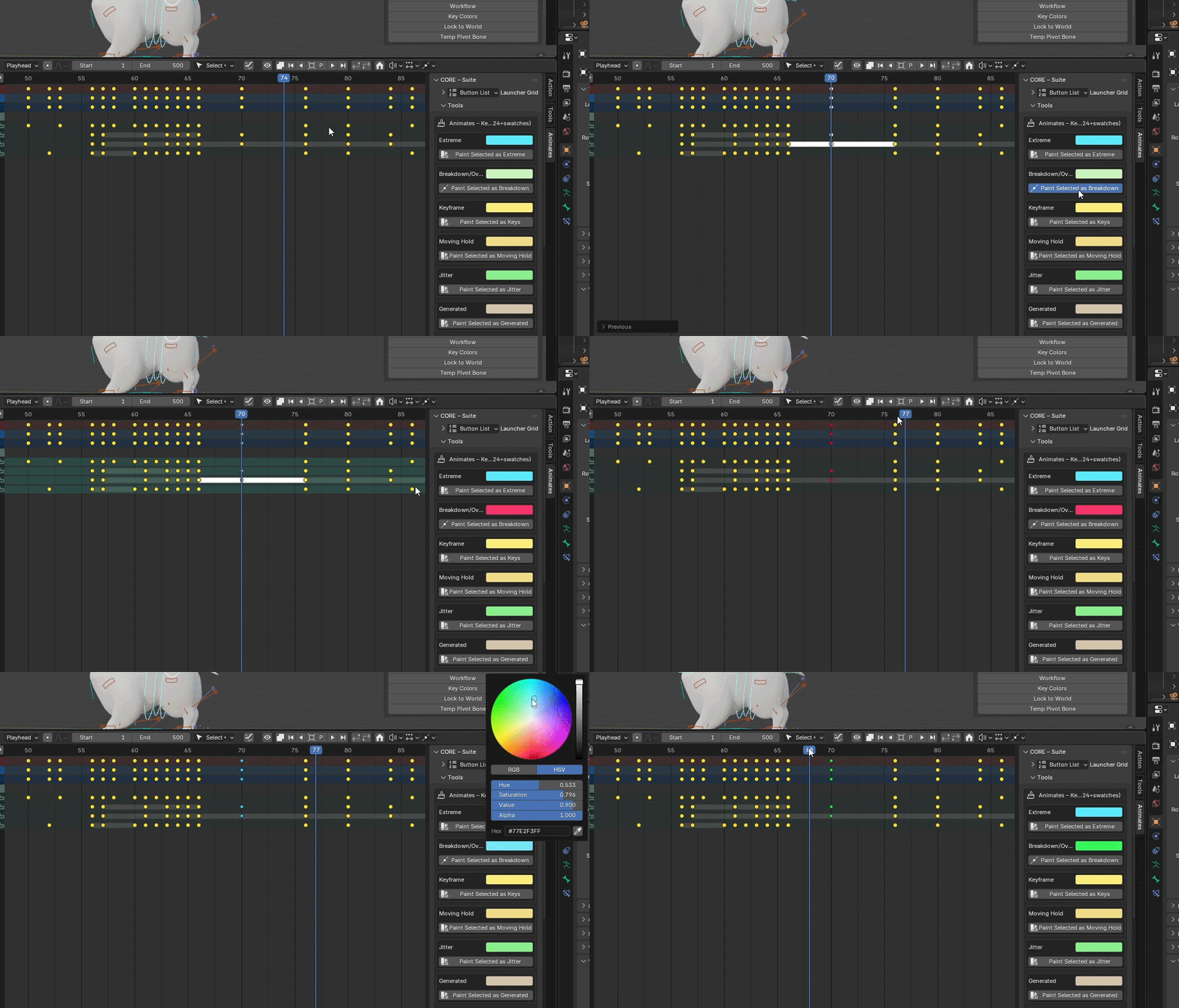
KEY COLOURS
Give important keys an immediate visual identity. Useful for organising blocking, breakdowns and polish passes without losing your place in a dense animation.
SOLVE THE AWKWARD STUFF
WHEN THE RIG GETS
IN YOUR WAY.
Practical tools for those moments when the animation is simple, but the hierarchy, pivot or constraint setup isn't.
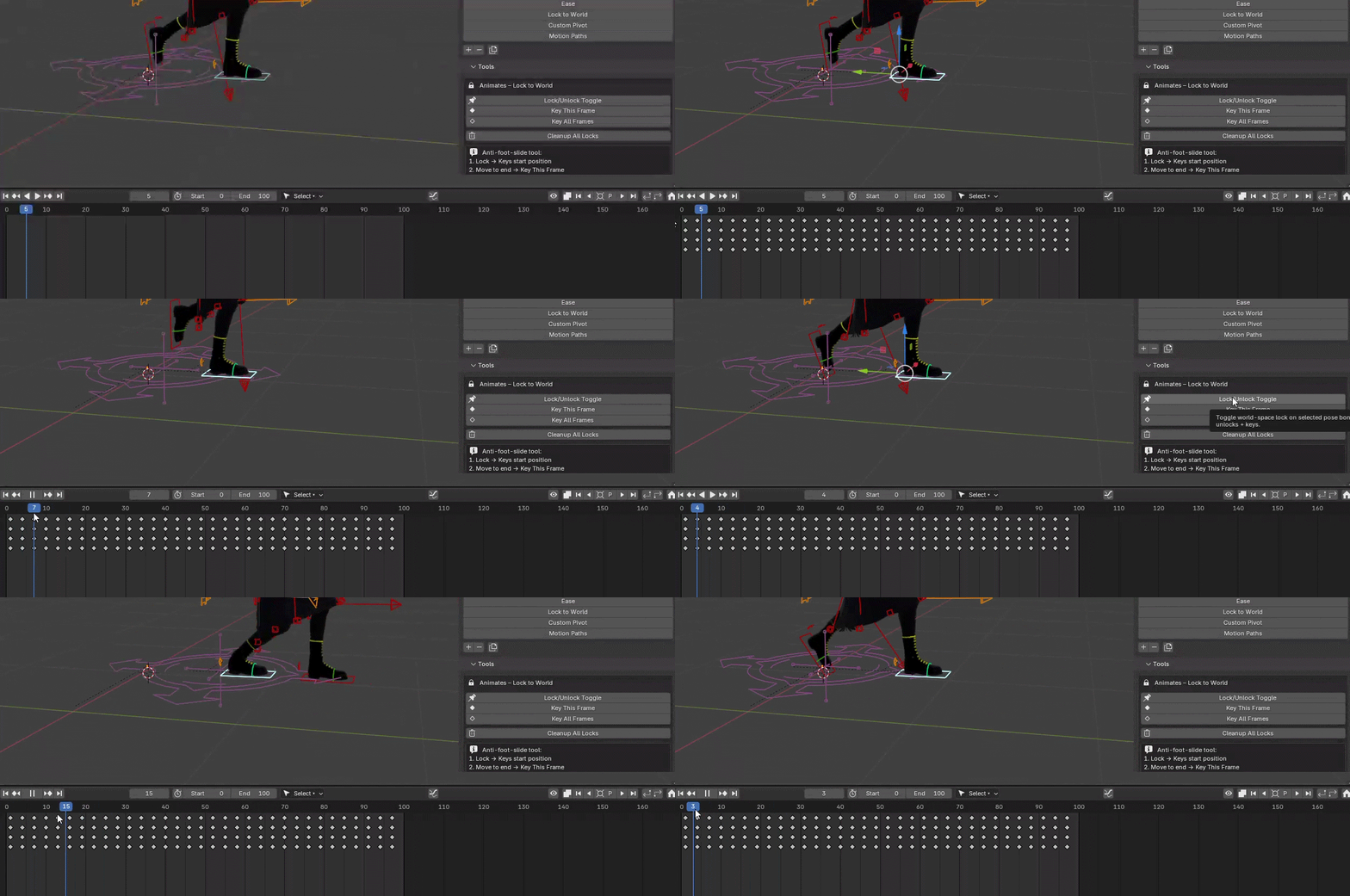
LOCK TO WORLD
Hold a control in world space while the rest of the rig moves. Particularly useful for planted feet, hands and contacts when editing parent or body motion.
TEMP PIVOT
Create a temporary transform pivot, position it where the movement needs to originate, then rotate your animation around it without rebuilding the rig.
PICK UP & RELEASE
Create animation-friendly constraint hand-offs for picking up, releasing and transferring props or controls while preserving the visual position at the transition.
ONE TOOLKIT
BLOCKING.
BREAKDOWNS.
SPLINING.
POLISH.
Animates is designed to stay useful through the whole animation process rather than solving one isolated task. The same compact toolkit stays beside you as the shot develops.
MADE FOR ANIMATORS
BUILT FOR REAL ANIMATION WORK.
Character animators — tools for posing, timing, arcs, contacts and polish without constantly leaving the animation.
Independent artists and studios — a common animation toolkit for characters, props, objects and cameras.
Students and educators — visual tools that make concepts such as spacing, arcs, breakdowns and timing easier to see and work with directly.
ANIMATES SUITE
MORE ANIMATING.
LESS FIGHTING BLENDER.
Arc editing. Posing. Timing. Retiming.
Onion skins. Constraints. Pivots. Polish.
One animator-first toolkit for Blender.