za studio


BLENDER ADD-ON · ANIMATION WORKFLOW
Animation Library
Export & Import Clips
Export & Import Clips
Build a reusable animation archive, preview clips, target specific bone sets and bring complex actions back into any compatible project in seconds.
Export · Organize · ReuseBone Set FilteringMirror Paste
YOUR REUSABLE ACTION ARCHIVE
Stop rebuilding animations you already created.
Save object or bone animation clips once, keep them in a central library and retrieve them whenever the production needs them. Particularly valuable for episodic and cartoon animation workflows.
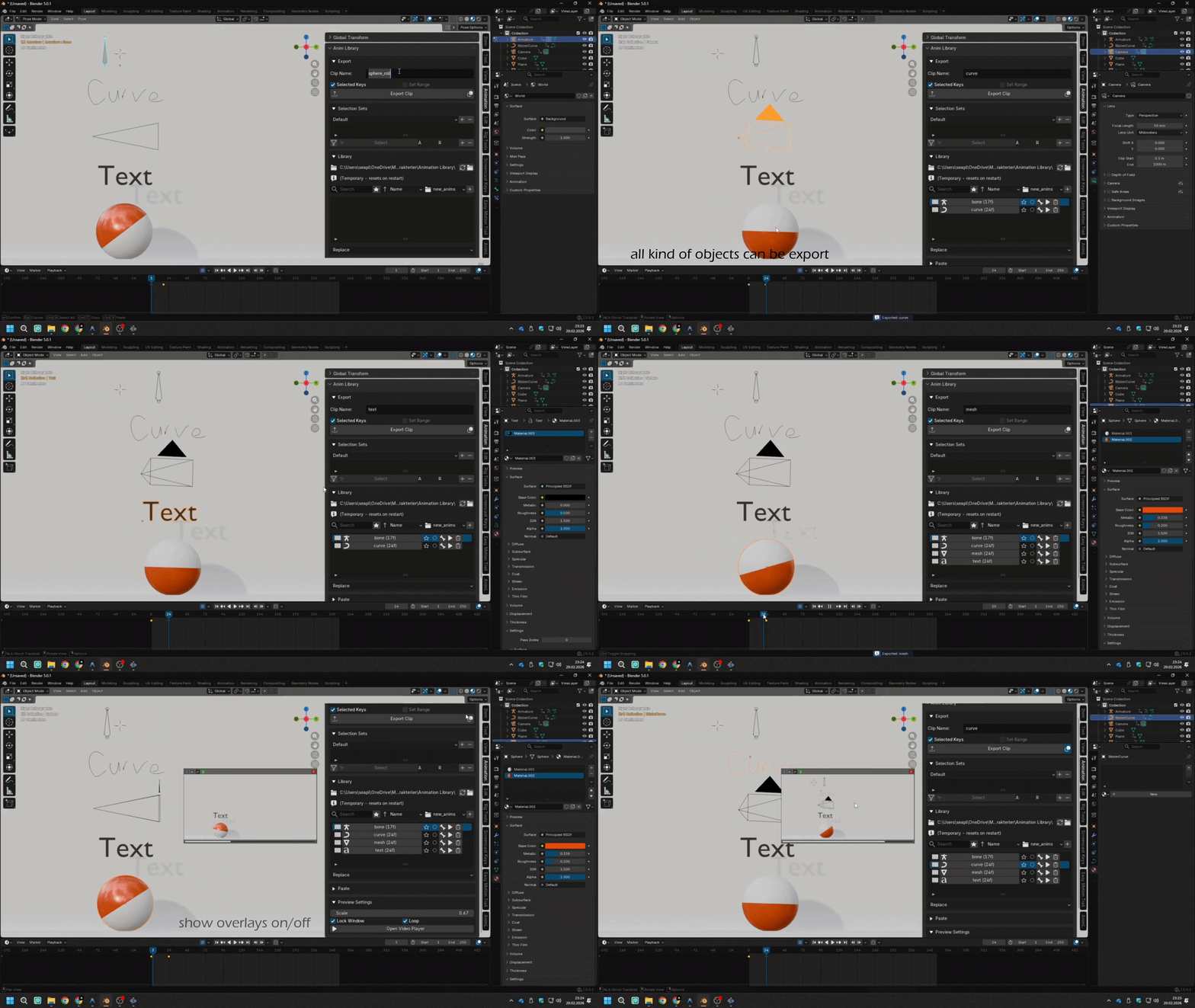
Watch the core workflow
Export an action, browse the archive, preview the clip and bring it directly into your current scene.
CLIP CATEGORIES
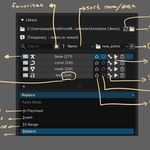
Find the right animation instantly.
Every category can carry its own icon, making your animation archive easier to scan at a glance.
INPLACE TIMELINE CONTROL
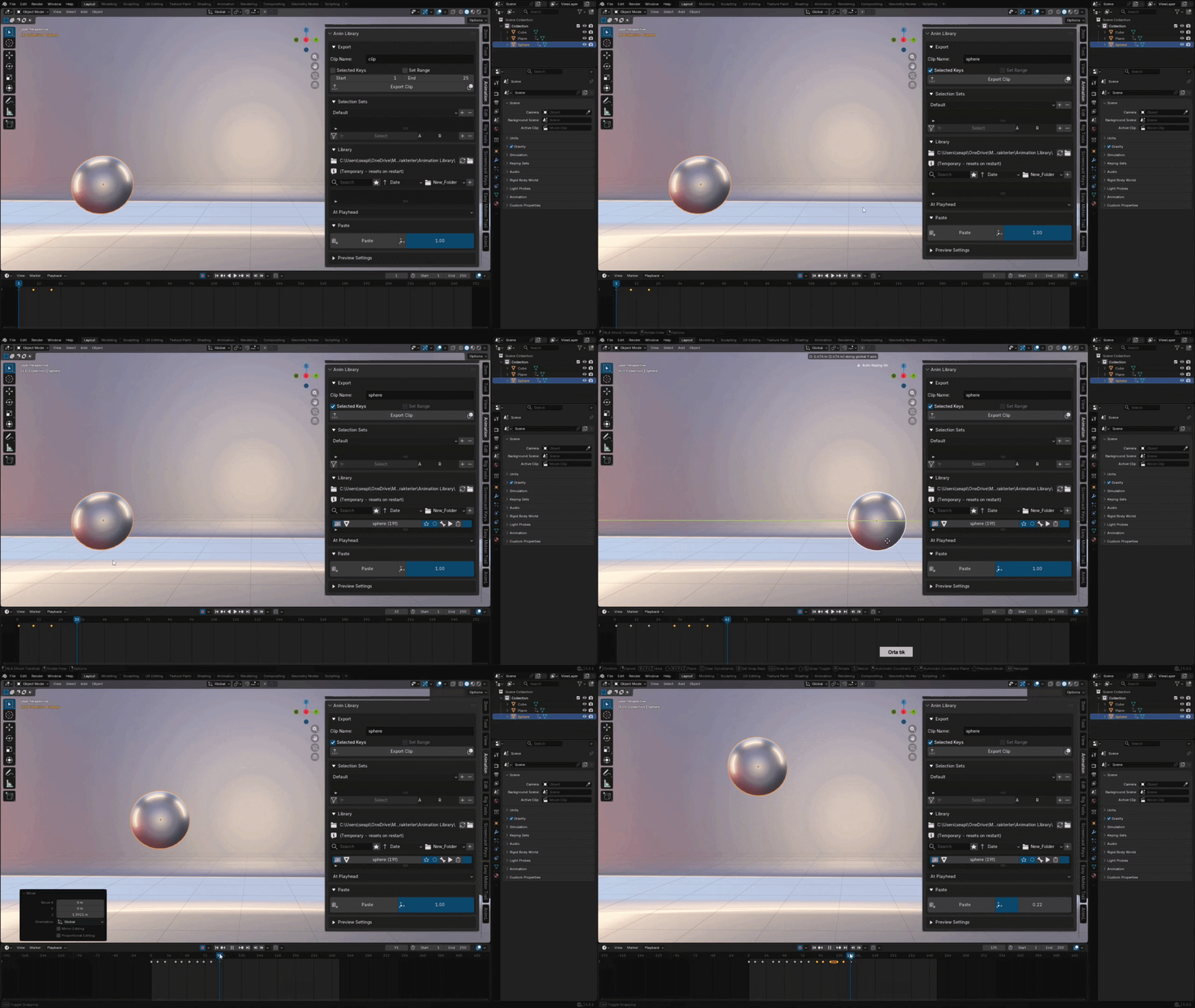
Paste clips where the shot needs them.
Use the Location property to place a saved animation anywhere on the timeline as an InPlace action.
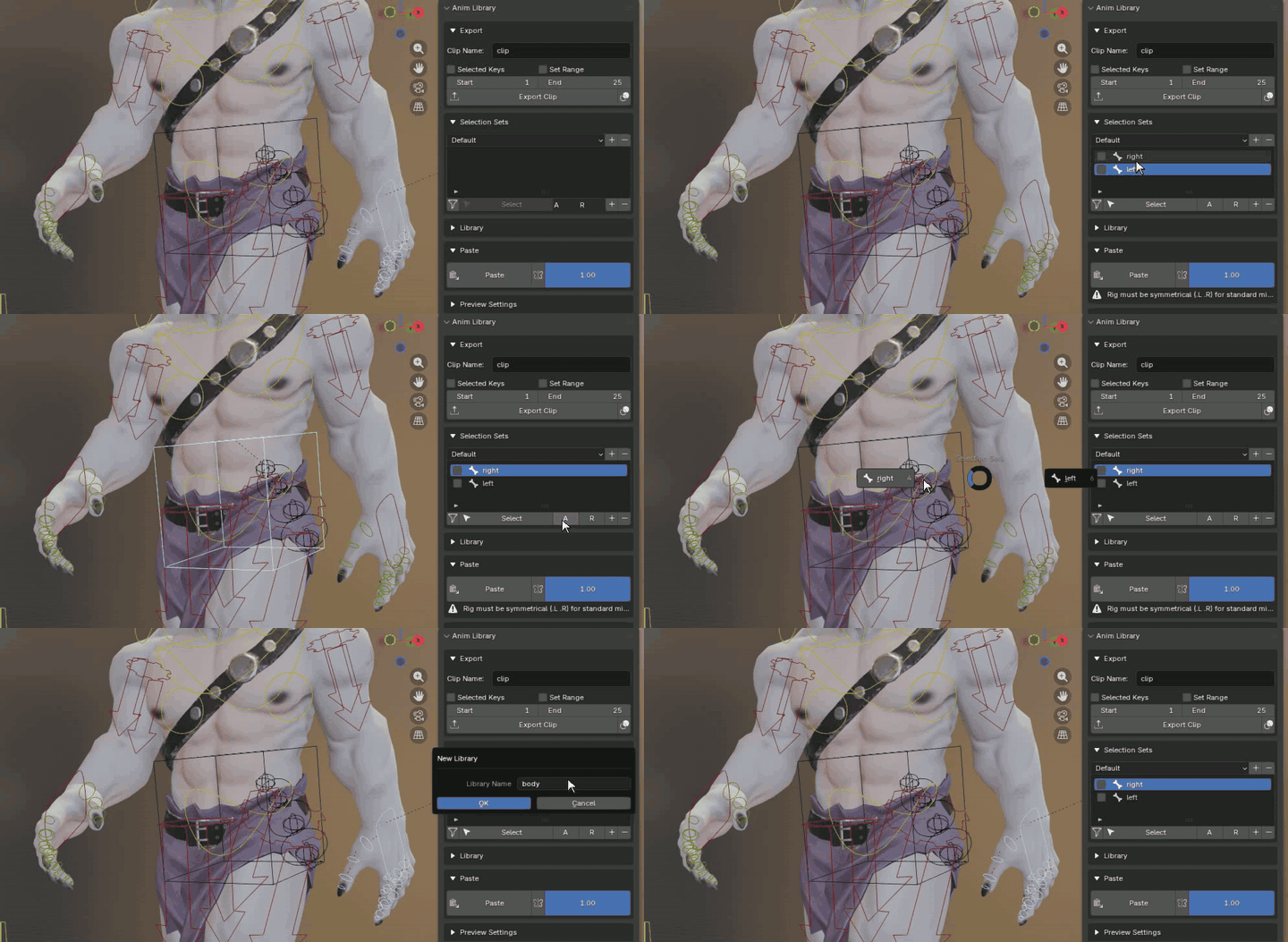
BONE SELECTION SETS
Target only the bones you need.
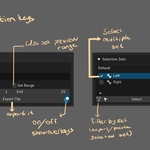
Create and save bone sets, then quickly select them from the pie menu with Alt+1. Useful for hands, faces, limbs and specialized animation controls.
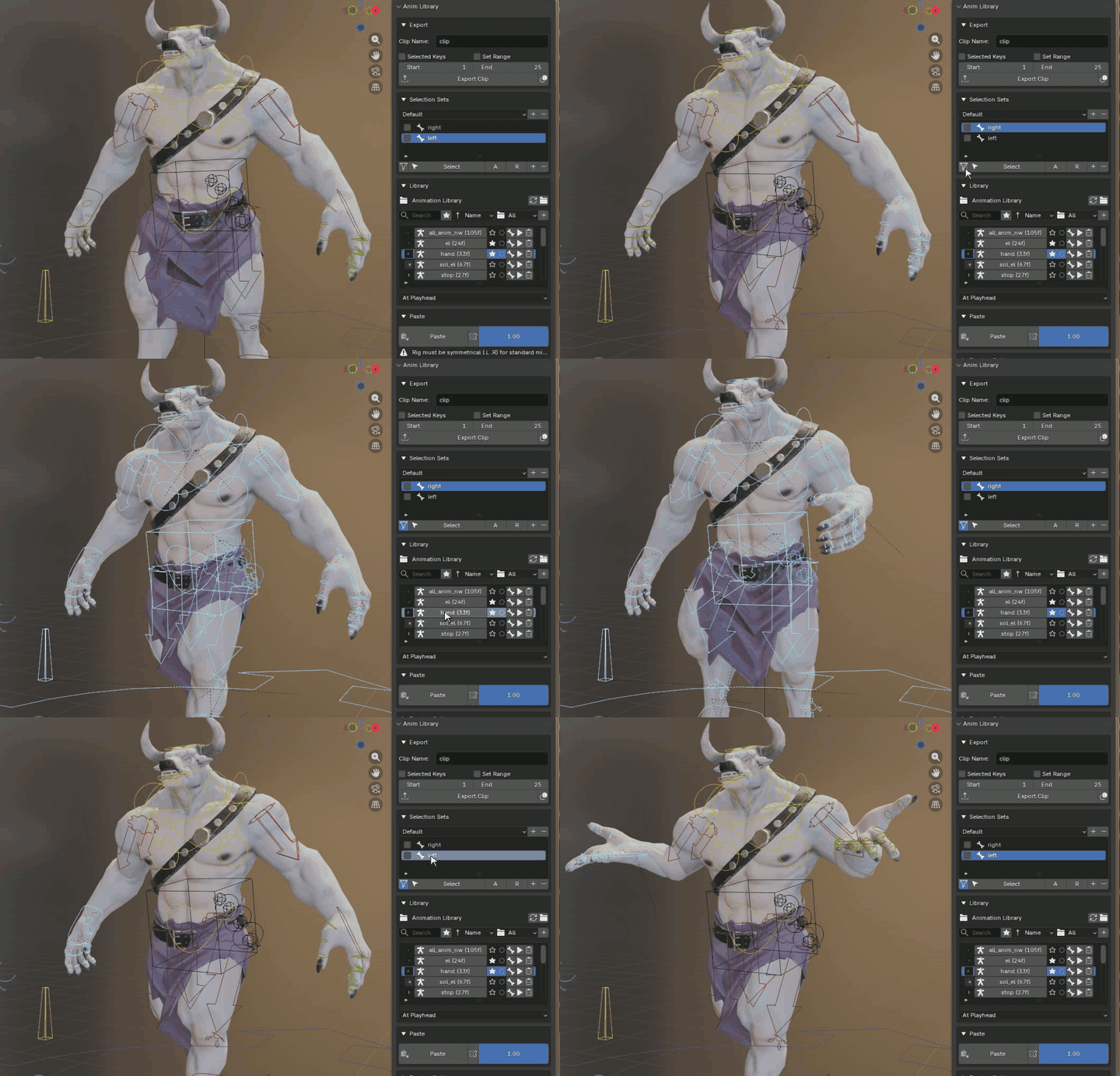
FILTER BY SET
Paste an action into the correct bone group.
Choose exactly which saved bone set receives the imported animation. This makes partial clips such as blinking, smiling or hand gestures easy to reuse safely.
PRODUCTION-READY LIBRARY SYSTEM
Everything a reusable animation archive needs.
|
One-Click Export
Save selected object or rig actions into a dedicated library folder.
|
Video Previews
Preview clips before import and identify the right motion quickly.
|
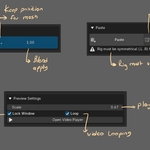
Mirror Paste
Mirror compatible bone names and flip actions across symmetrical rigs.
|
USE IT WITH YOUR RIGS
Import, blend and mirror with confidence.
The add-on validates animation data before import, targets active Pose Mode rigs and supports common bone naming conventions such as .L/.R, _L/_R and Left/Right for mirrored animation.
Simple workflow. Reliable results.
| 1. EXPORT Save a clip |
2. BROWSE Preview the archive |
3. FILTER Choose a bone set |
4. PASTE Apply the motion |
INSTALLATION & COMPATIBILITY
Ready for Blender animation production.
Install the provided ZIP from Blender Preferences, enable Animation Library Export & Import Clips, then open the Anim Lib panel in the 3D Viewport sidebar. Compatible with Blender 3.6 through Blender 5.0+, optimized for Blender 5.0 and newer.
Save the work once.
Reuse it whenever the shot needs it.
Reuse it whenever the shot needs it.
Animation Library Export & Import Clips · Created by ZA Studio