 KING ZEN STUDIOS
ANIMATOR KING V 1.0
ONE-CLICK ANIMATION PRESET GENERATOR FOR BLENDER
Stop manually creating every animation keyframe. Start animating instantly.
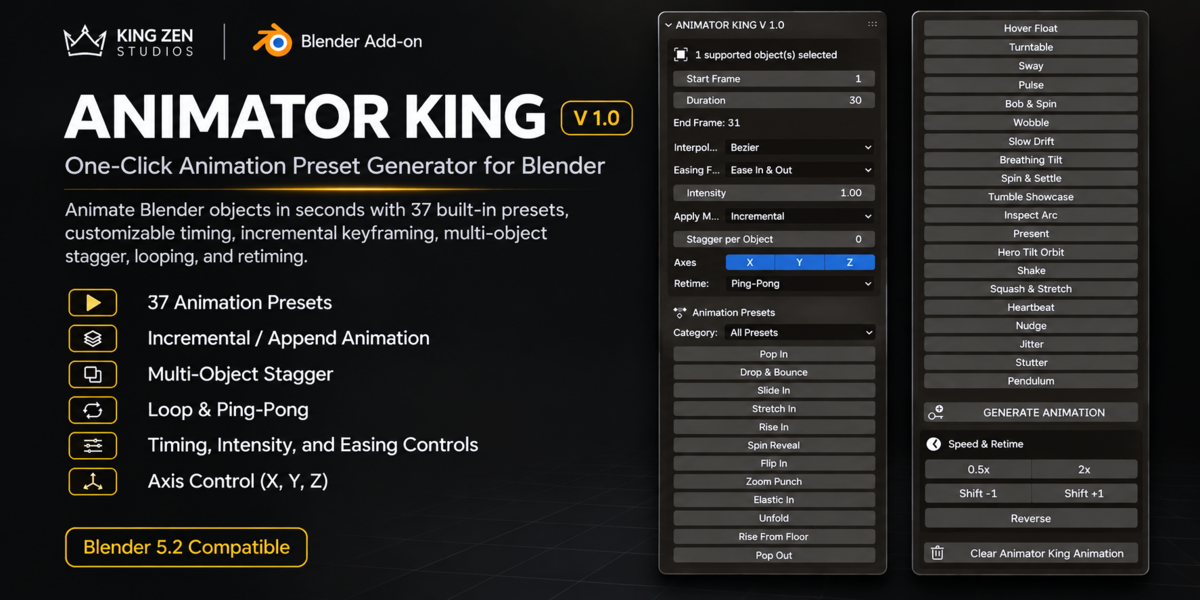
ANIMATOR KING V 1.0 is a Blender animation productivity add-on designed to make object animation faster, easier, and more accessible.
With 37 built-in animation presets, customizable timing, adjustable intensity, incremental animation, and multi-object sequencing, you can generate animations with just a few clicks.
Whether you're creating product animations, motion graphics, cinematic scenes, game assets, or visual presentations, ANIMATOR KING helps simplify your animation workflow.
WHAT CAN YOU DO WITH ANIMATOR KING?
Select an object, choose your animation, configure your timing, and generate keyframes automatically.
No need to manually create every individual transform keyframe.
YOUR WORKFLOW:
Select an object in the 3D Viewport.
Choose your animation category.
Set your Start Frame and Duration.
Adjust intensity and animation settings.
Click your desired animation preset.
Generate and preview your animation!
37 BUILT-IN ANIMATION PRESETS
Explore five animation categories designed for different creative needs.
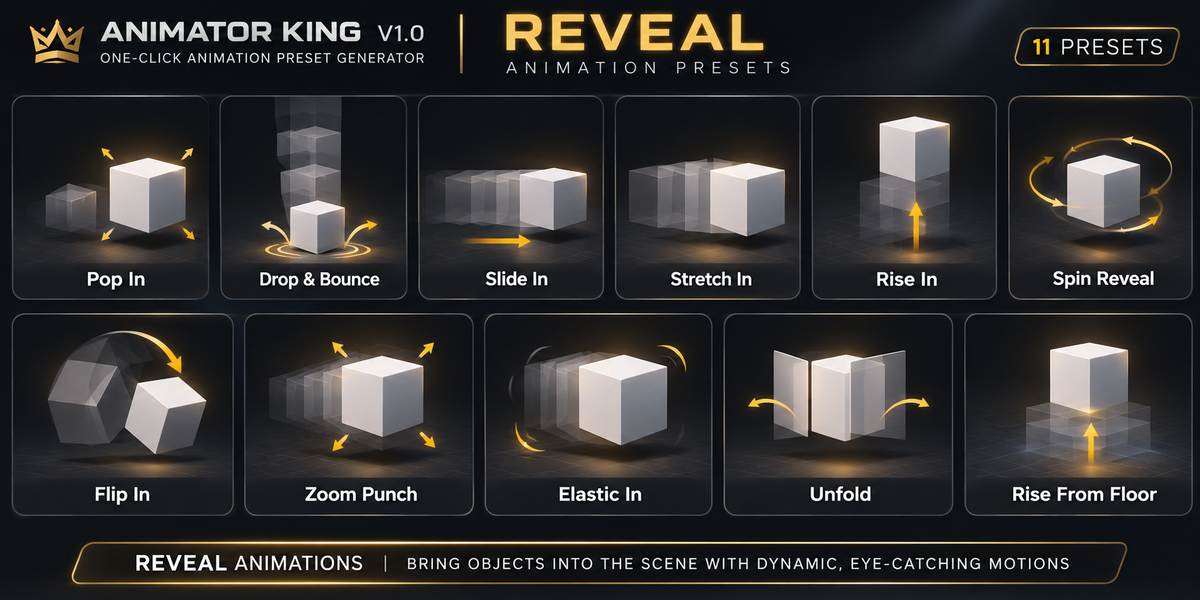
01. REVEAL ANIMATIONS
Create engaging entrances and object reveals.
Pop In
Drop & Bounce
Slide In
Stretch In
Rise In
Spin Reveal
Flip In
Zoom Punch
Elastic In
Unfold
Rise From Floor
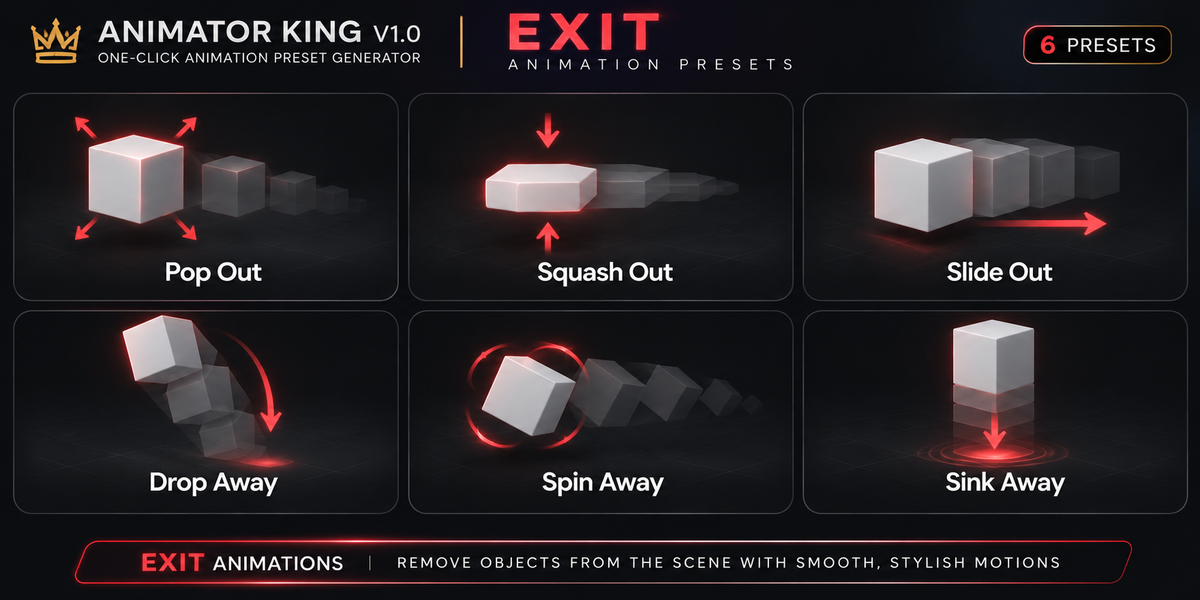
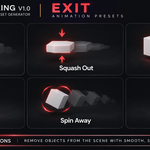
02. EXIT ANIMATIONS
Create dynamic object exits.
Pop Out
Squash Out
Slide Out
Drop Away
Spin Away
Sink Away
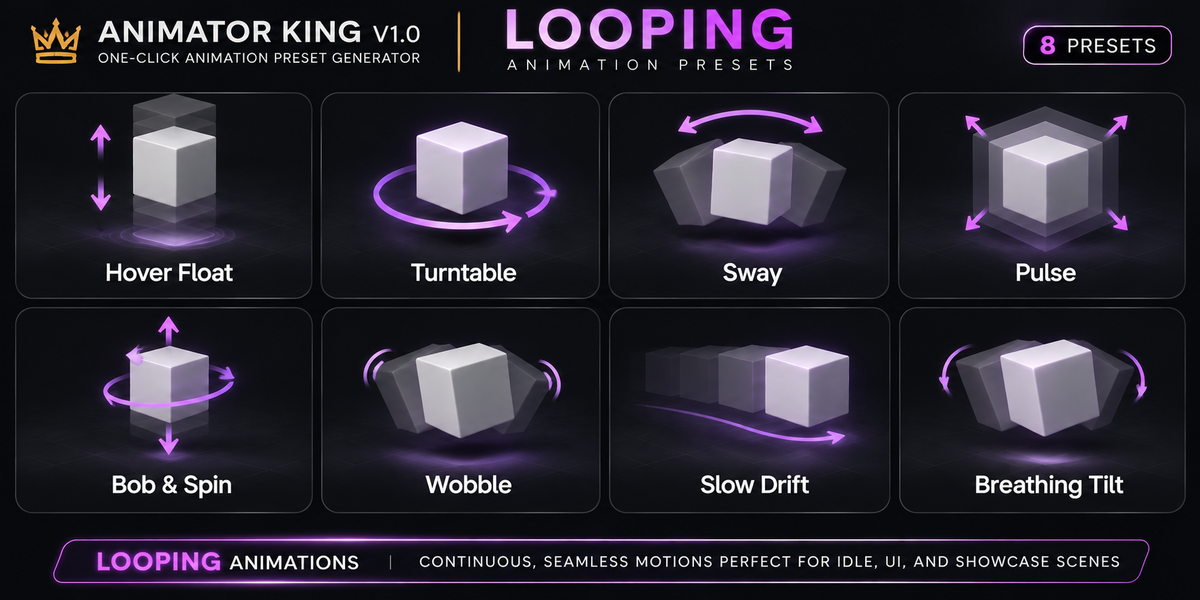
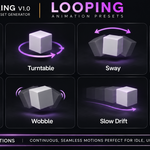
03. LOOPING ANIMATIONS
Generate continuous motion for animated objects.
Hover Float
Turntable
Sway
Pulse
Bob & Spin
Wobble
Slow Drift
Breathing Tilt
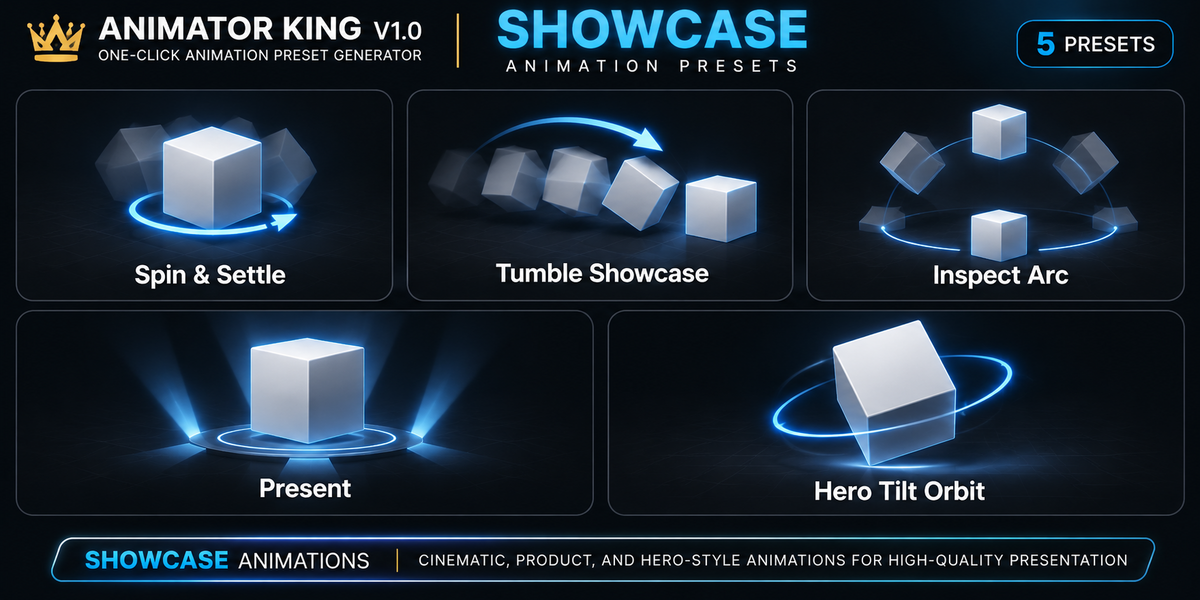
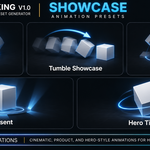
04. SHOWCASE ANIMATIONS
Give your objects professional presentation movements.
Spin & Settle
Tumble Showcase
Inspect Arc
Present
Hero Tilt Orbit
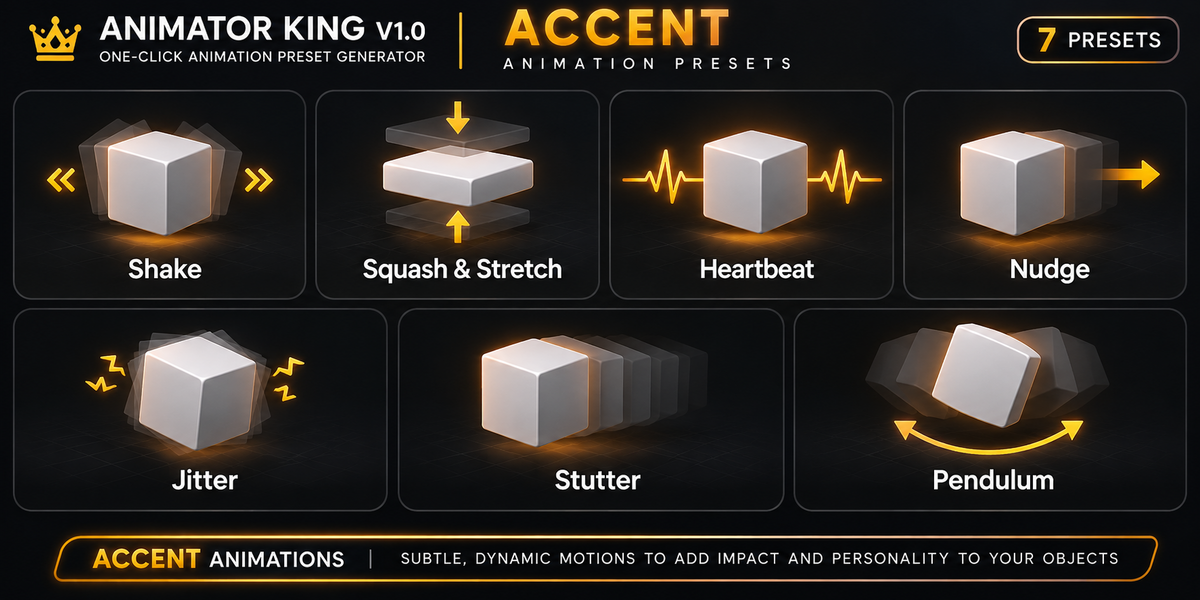
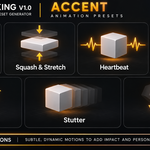
05. ACCENT ANIMATIONS
Add emphasis, impact, and personality to your objects.
Shake
Squash & Stretch
Heartbeat
Nudge
Jitter
Stutter
Pendulum
POWERFUL ANIMATION CONTROLS
Customize your animations without manually adjusting every keyframe.
TIMING CONTROL
Start Frame
Animation Duration
Automatic End Frame Calculation
ANIMATION FEEL
Bezier
Linear
Constant Interpolation
Easing Controls
Adjustable Intensity
AXIS CONTROL
X Axis
Y Axis
Z Axis
Control which axes are affected by your animation.
INCREMENTAL ANIMATION WORKFLOW
Build animation sequences using different application modes.
REPLACE ACTION
Create a new animation action while keeping the previous action datablock in the project.
INCREMENTAL
Add generated keyframes to the current action without intentionally clearing its existing keyframes.
APPEND AFTER EXISTING
Automatically place a new animation after the last existing keyframe.
Combine different animation presets to create more complex animation sequences.
MULTI-OBJECT ANIMATION
Animate multiple selected objects with adjustable stagger timing.
Instead of having every object animate simultaneously, introduce sequential animation offsets.
Perfect for:
Product presentations
Object reveals
Motion graphics
Scene transitions
Repeated object animations
SPEED & RETIME CONTROLS
Quickly adjust your animation timing.
0.5x Speed
2x Speed
Reverse
Shift Left
Shift Right
Loop
Ping-Pong
Create repeating animation cycles using Blender's animation modifiers.
WHO IS THIS ADD-ON FOR?
ANIMATOR KING is designed for:
3D Artists
Blender Beginners
Motion Graphics Artists
Product Visualization Artists
Game Developers
Freelance Animators
Animation Studios
Content Creators
Whether you're a beginner or an experienced Blender artist, ANIMATOR KING provides a faster way to generate object-level animations.
TECHNICAL INFORMATION
Product: ANIMATOR KING V 1.0
Application: Blender
Compatibility: Blender 5.2
Technology: Python-based Blender Add-on
Installation: Single Python Add-on File (.py)
External Dependencies: None
Animation System: Object Transform Animation (Location, Rotation, Scale)
WHY ANIMATOR KING?
Your time should be spent creating, not repeatedly setting up the same animation keyframes.
ANIMATOR KING brings commonly used object animation movements into one convenient interface.
SELECT. ANIMATE. CREATE.
ANIMATOR KING V 1.0
Make Animation Faster. Make Creativity Unlimited.
Developed by KING ZEN STUDIOS.
