Animator King
 KING ZEN STUDIOS
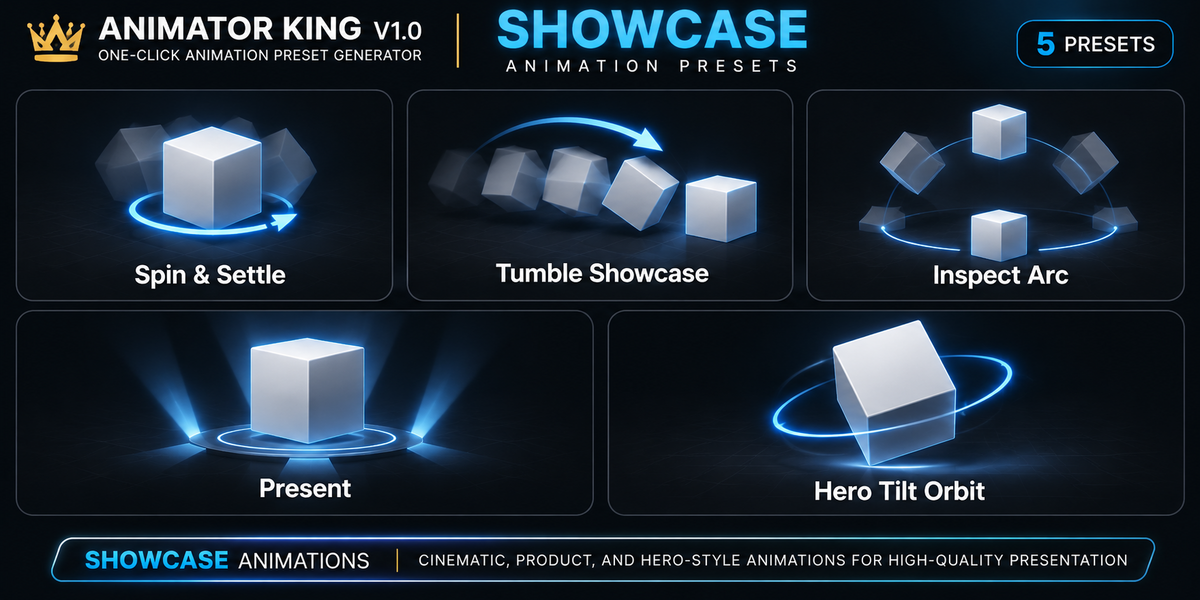
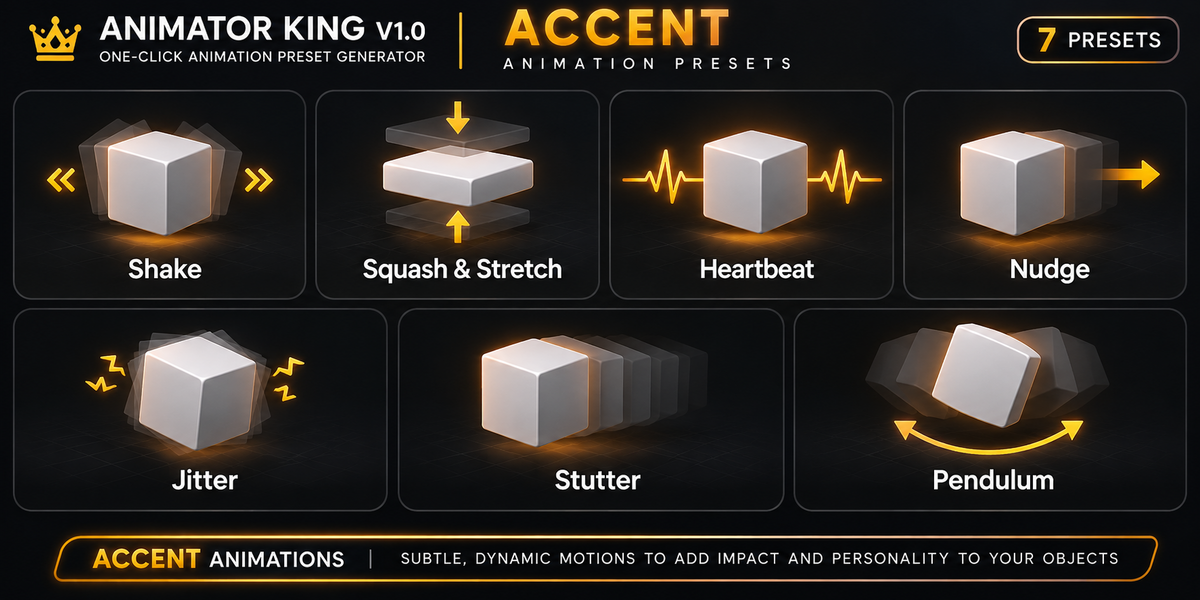
Q1. How do I remove an animation?
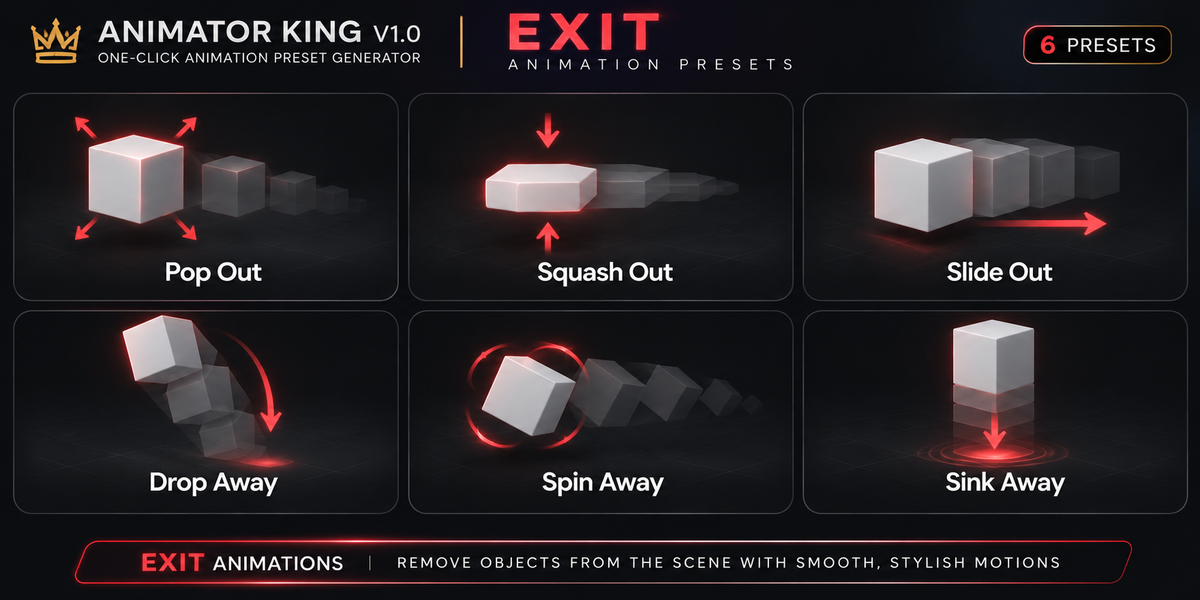
Select an object tagged by ANIMATOR KING and use Clear Animator King Animation. Be aware that this clears the object's animation data, including other actions or keyframes attached to it.
Q2. Can I animate objects without manually creating keyframes?
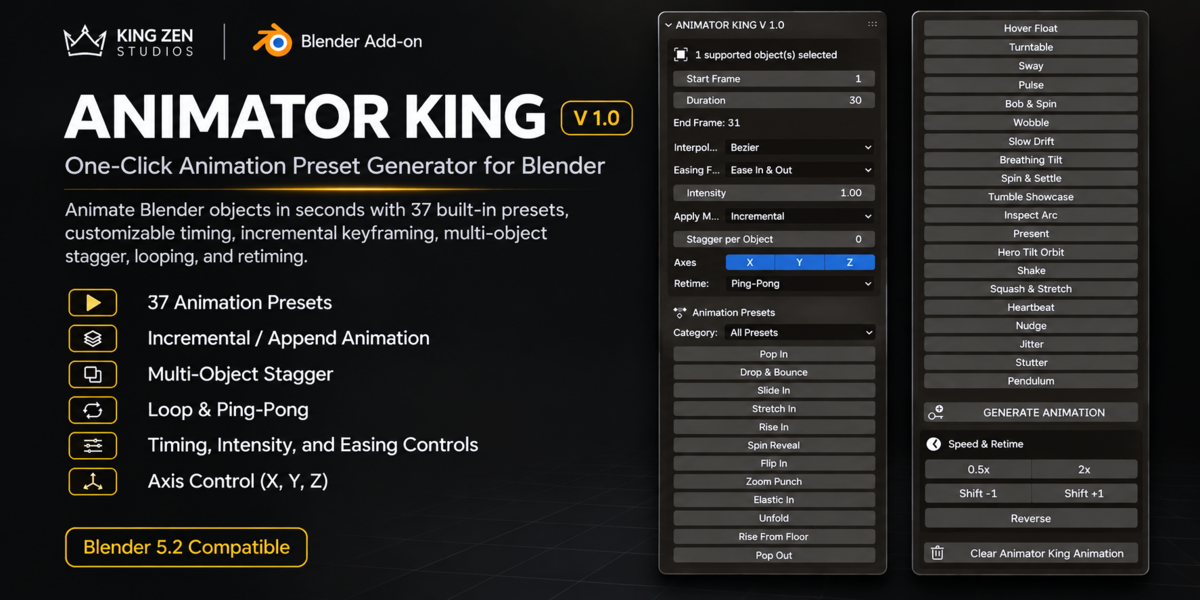
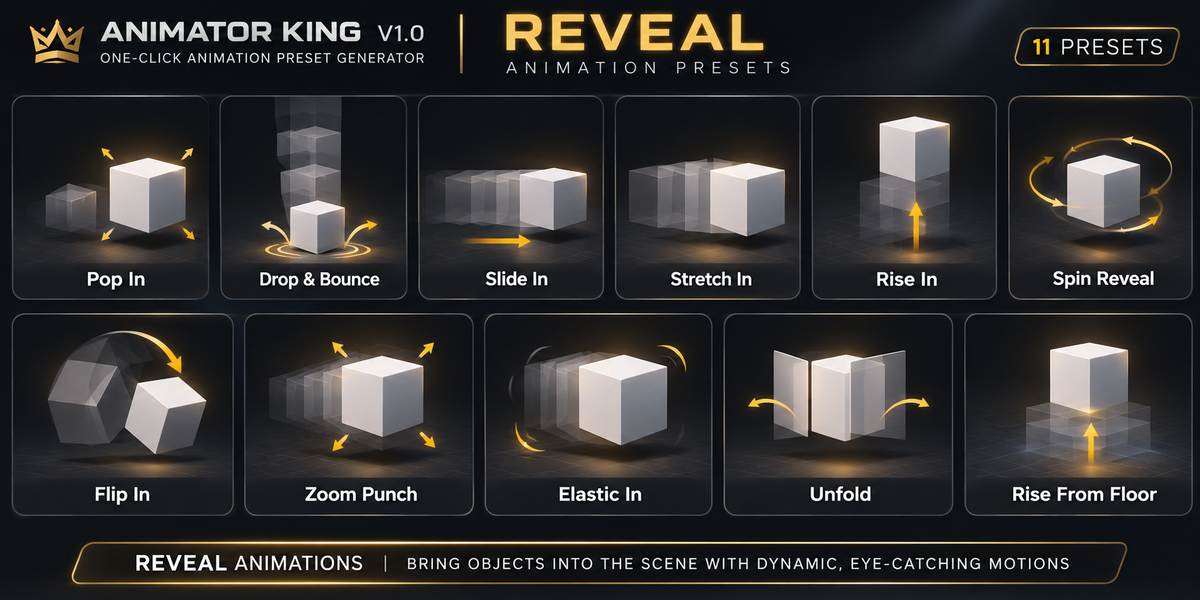
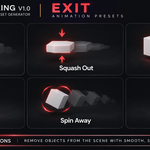
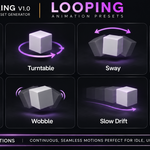
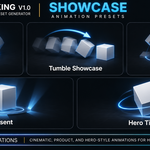
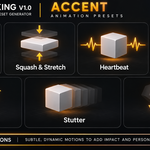
Yes. Select an object, choose an animation preset, and ANIMATOR KING automatically generates the necessary transform keyframes.
Q3. Does ANIMATOR KING require additional plugins or dependencies?
No. ANIMATOR KING is a standalone Python-based Blender add-on and does not require external Python libraries.
Q4. Can I adjust the animation speed?
Yes. Use the 0.5x and 2x controls to adjust keyframe timing. You can also shift or reverse animation timing.
Q5. Can I create looping animations?
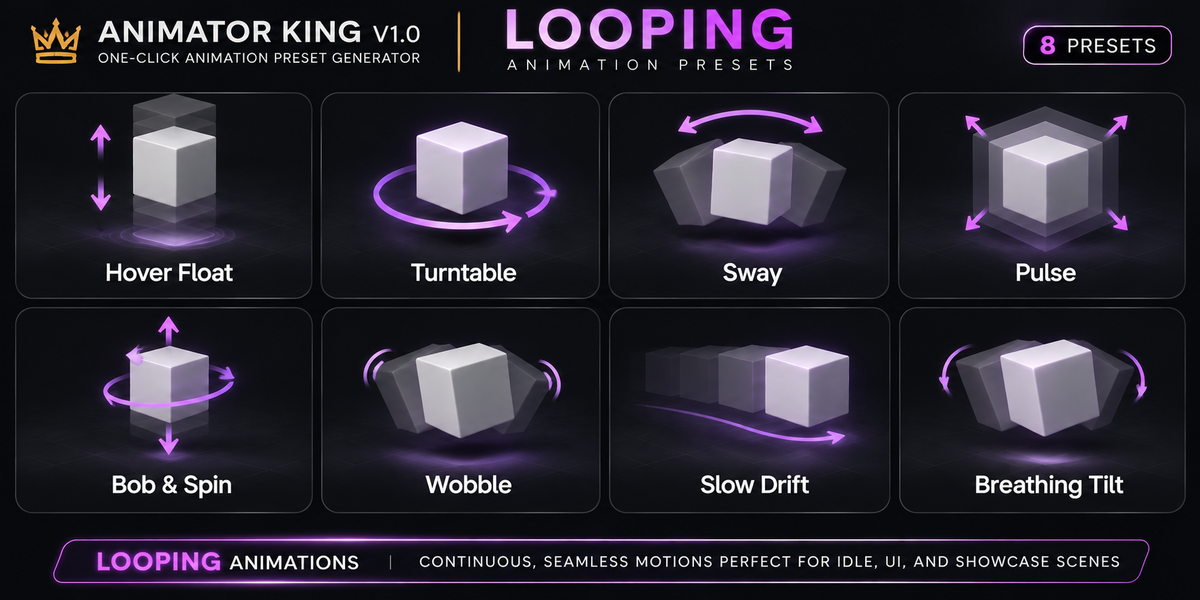
Yes. You can select Once, Loop, or Ping-Pong from the Retime settings.
Q6. Can I use ANIMATOR KING on cameras and lights?
Yes. The add-on supports Meshes, Empties, Curves, Text Objects, Cameras, and Lights for object-level transform animation.
Q7. Will Incremental Mode delete my existing keyframes?
Incremental Mode does not intentionally clear existing keyframes. It adds generated keyframes to the current action. However, overlapping animation channels and frames may produce different results.
Q8. Can I animate multiple objects simultaneously?
Yes. You can select multiple supported objects and generate animations for them. The Stagger per Object setting allows you to introduce timing offsets between objects.
Q9. Do I need Python programming knowledge to use this add-on?
No. ANIMATOR KING provides a graphical interface with one-click animation presets. No programming knowledge is required.
Q10. Which Blender version is supported?
ANIMATOR KING V 1.0 is designed for Blender 5.2. onwards. Not yet tested on lower version
Have questions about this product?
Login to message
| Published | 1 day ago |
| Blender Version | 5.2 - 5.3 |
| Extension Type | N/A |
| License | GPL |

Discover more products like this
easyanimation motiongraphics 3DMotionGraphics animation quickanimate motion