Animator King
 KING ZEN STUDIOS
ANIMATOR KING V 1.0
User Documentation & Quick Start Guide
Welcome to ANIMATOR KING V 1.0, a one-click animation preset generator for Blender.
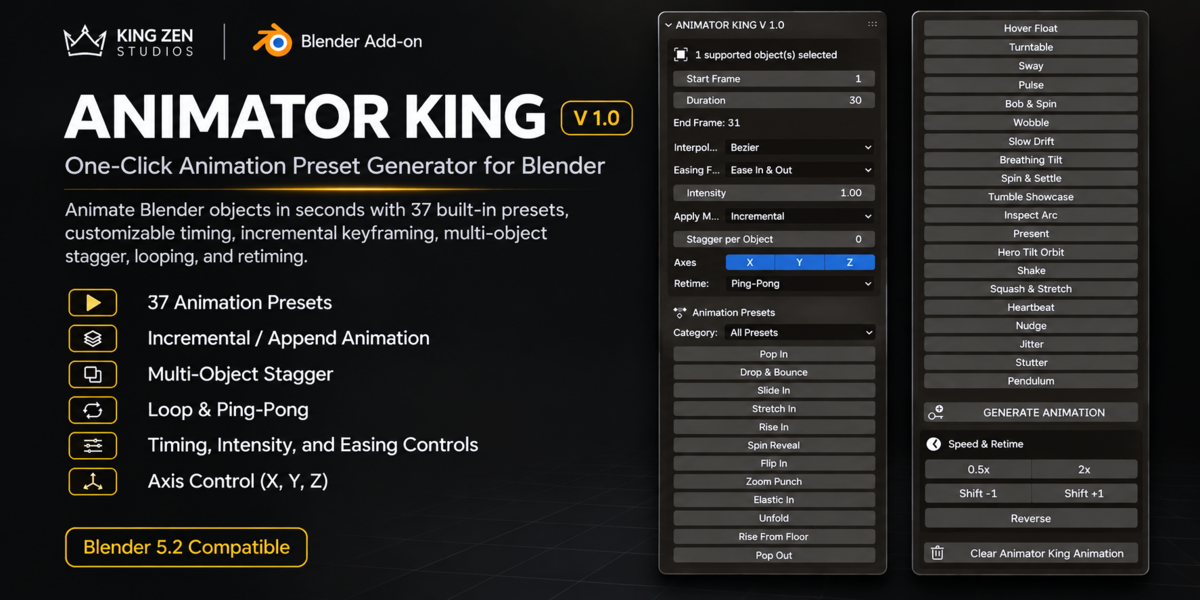
ANIMATOR KING simplifies object animation by automatically generating keyframes using built-in animation presets. Instead of manually creating every transform keyframe, you can select an object, choose an animation preset, configure its timing, and generate your animation directly inside Blender.
1. INSTALLATION
Requirements
Blender 5.2
ANIMATOR KING V 1.0 add-on file
No external dependencies required.
Installation Steps
Open Blender.
Navigate to Edit > Preferences.
Open the Add-ons section.
Click Install from Disk.
Locate and select the ANIMATOR KING Python file.
Enable the add-on.
Accessing the Add-on
Open the 3D Viewport.
Press N to open the Sidebar.
Locate the Animator King tab.
The animation interface will appear.
2. GETTING STARTED
Basic Animation Workflow
Select an object in the 3D Viewport.
Open the Animator King panel.
Set your Start Frame.
Set your Animation Duration.
Adjust the animation settings.
Choose an animation preset.
Preview your generated animation in the timeline.
ANIMATOR KING automatically generates Location, Rotation, and Scale keyframes based on the selected preset.
3. TIMING & ANIMATION SETTINGS
Start Frame
Determines the frame where your animation begins.
Duration
Controls how many frames the animation takes.
End Frame
Automatically calculated using Start Frame and Duration.
Interpolation
Controls how animation transitions between keyframes.
Available options:
Bezier
Linear
Constant
Easing Feel
Available easing options:
Ease In
Ease Out
Ease In & Out
Intensity
Adjusts the strength of the generated animation.
Apply Mode
ANIMATOR KING provides three application modes:
REPLACE ACTION
Creates a new animation action and detaches the object's previous active action. The previous action datablock is not deleted.
INCREMENTAL
Adds generated keyframes to the current action without intentionally clearing existing keyframes.
APPEND AFTER EXISTING
Automatically schedules the new animation after the last existing keyframe.
Stagger per Object
Adds a frame offset between selected objects.
This allows multiple objects to animate sequentially instead of starting simultaneously.
Axis Controls
Choose which transformation axes are affected:
X
Y
Z
4. ANIMATION PRESET LIBRARY
ANIMATOR KING includes 37 built-in animation presets organized into five categories.
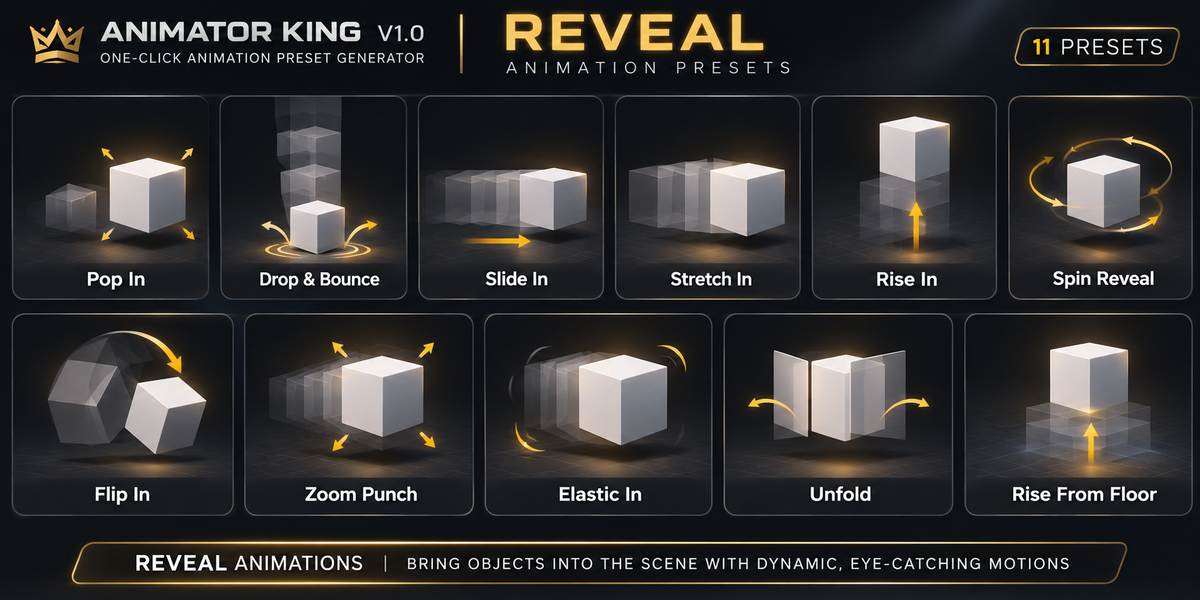
REVEAL
Pop In
Drop & Bounce
Slide In
Stretch In
Rise In
Spin Reveal
Flip In
Zoom Punch
Elastic In
Unfold
Rise From Floor
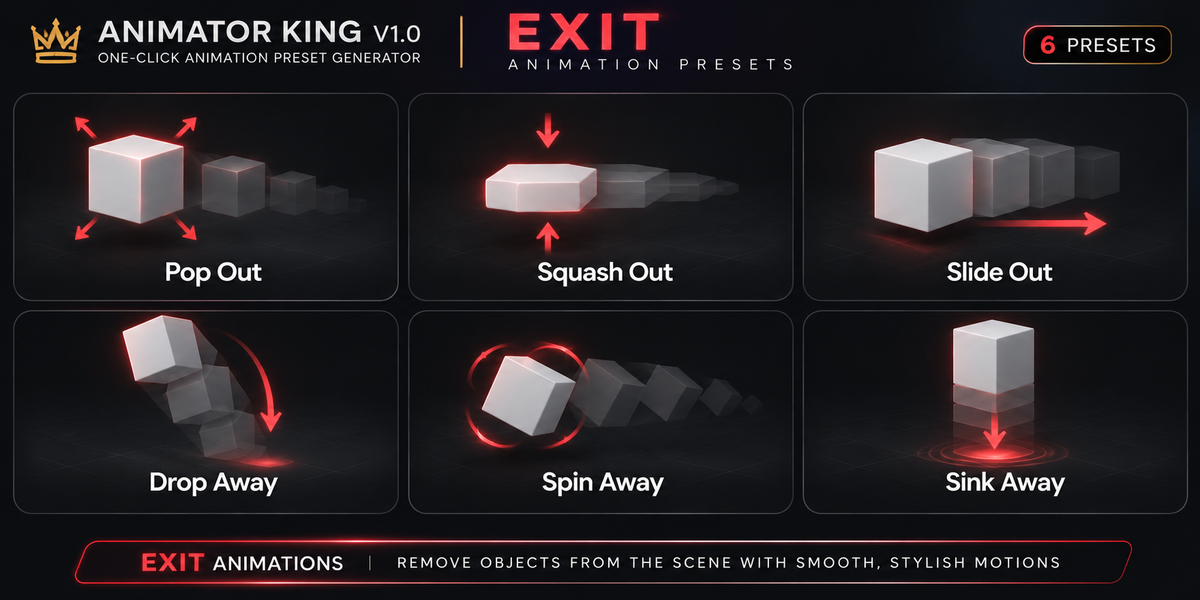
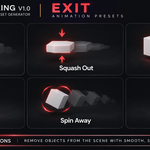
EXIT
Pop Out
Squash Out
Slide Out
Drop Away
Spin Away
Sink Away
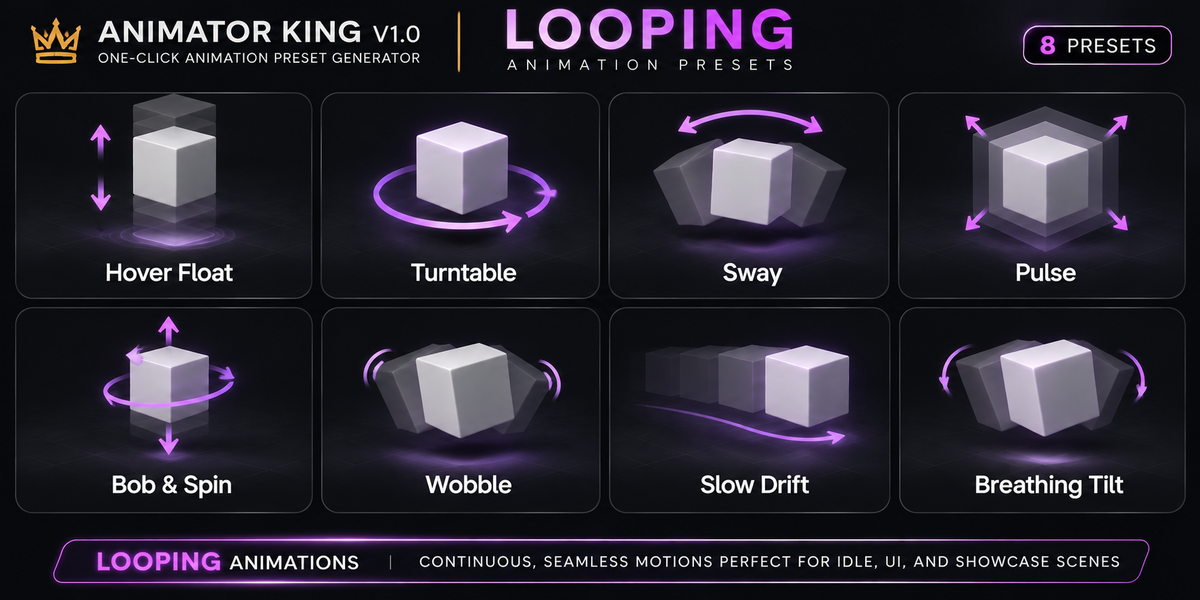
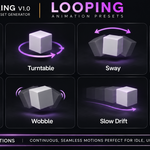
LOOPING
Hover Float
Turntable
Sway
Pulse
Bob & Spin
Wobble
Slow Drift
Breathing Tilt
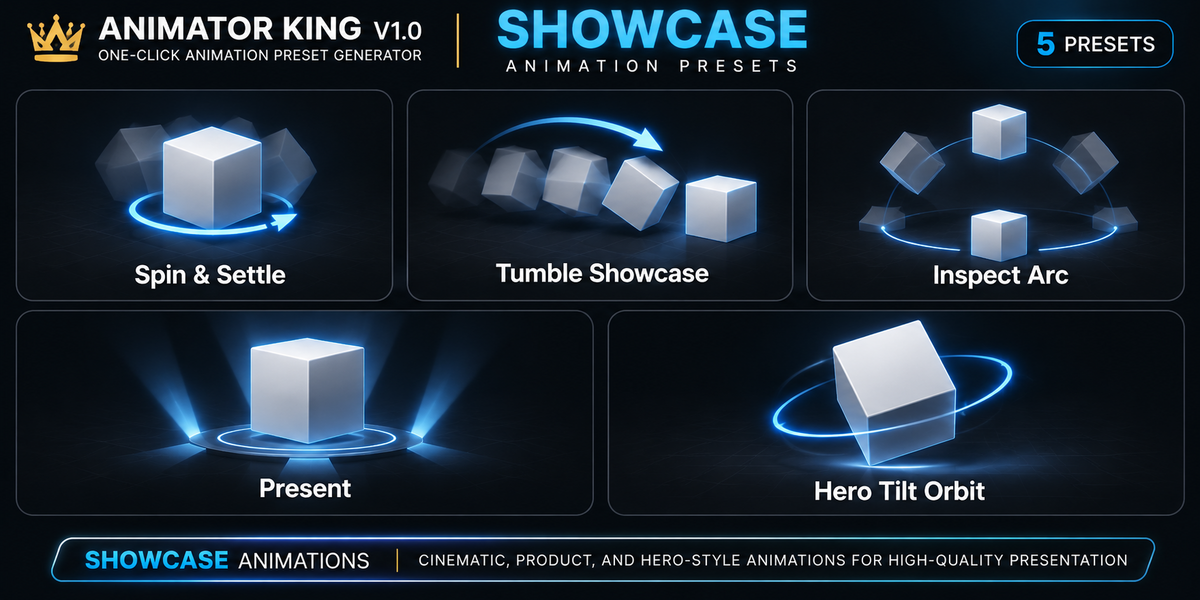
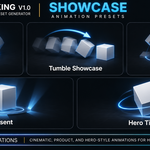
SHOWCASE
Spin & Settle
Tumble Showcase
Inspect Arc
Present
Hero Tilt Orbit
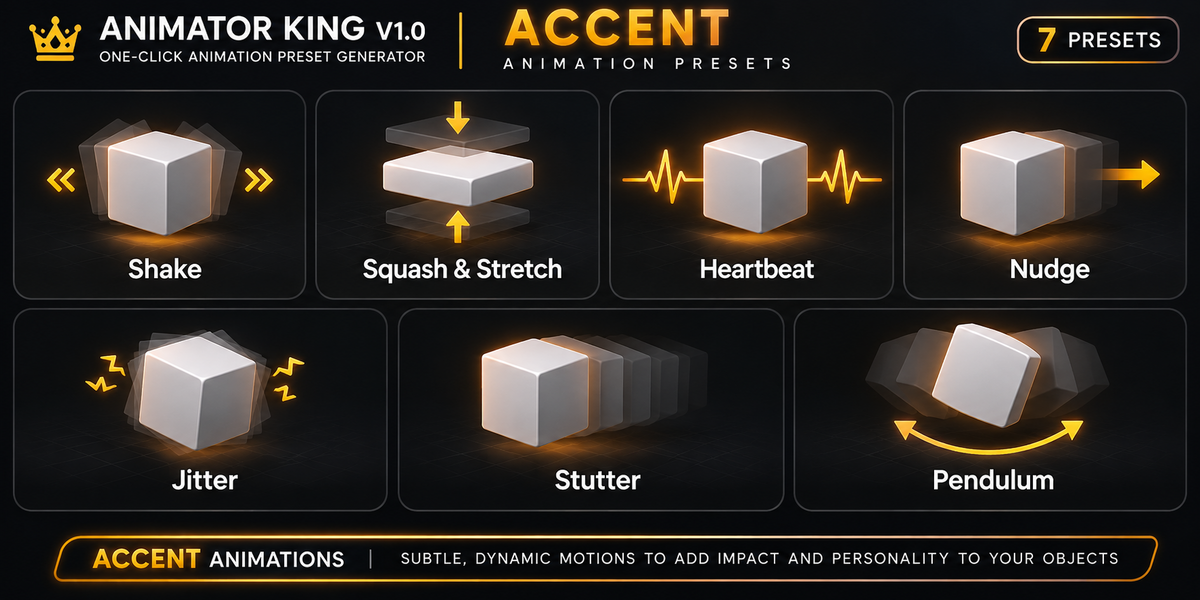
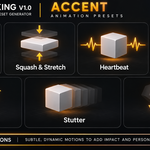
ACCENT
Shake
Squash & Stretch
Heartbeat
Nudge
Jitter
Stutter
Pendulum
5. SPEED & RETIME
Use the Speed & Retime section to modify generated animation timing.
Available controls:
0.5x
Slows down the animation by expanding its keyframe timing.
2x
Speeds up the animation by compressing its keyframe timing.
Shift -1
Moves animation keyframes one frame earlier.
Shift +1
Moves animation keyframes one frame later.
Reverse
Reverses the timing of animation keyframes within the generated animation range.
Loop Modes
Once
Loop
Ping-Pong
Loop and Ping-Pong use Blender's Cycles F-Curve modifiers.
6. CLEAR GENERATED ANIMATION
The Clear Animator King Animation button removes animation data from selected objects tagged by ANIMATOR KING.
IMPORTANT: This operation clears the selected object's animation data, not just individual Animator King keyframes. Use it carefully if the object contains other animation.
7. SUPPORTED OBJECTS
ANIMATOR KING supports object-level transform animation for:
Meshes
Empty Objects
Curves
Text Objects
Cameras
Lights
Animation channels:
Location
Rotation
Scale
The add-on generates object-level keyframes. It does not directly generate mesh deformation, material animation, or character rig animation.
8. SUPPORT
Thank you for choosing ANIMATOR KING V 1.0.
For technical support, bug reports, and product-related questions, please contact the developer through the support channel provided on the product page.
Developed by KING ZEN STUDIOS.
ANIMATOR KING V 1.0
Make Animation Faster. Make Creativity Unlimited.
Have questions about this product?
Login to message
| Published | 1 day ago |
| Blender Version | 5.2 - 5.3 |
| Extension Type | N/A |
| License | GPL |

Discover more products like this
easyanimation motion 3DMotionGraphics animation quickanimate motiongraphics