 Rasheed's Edit


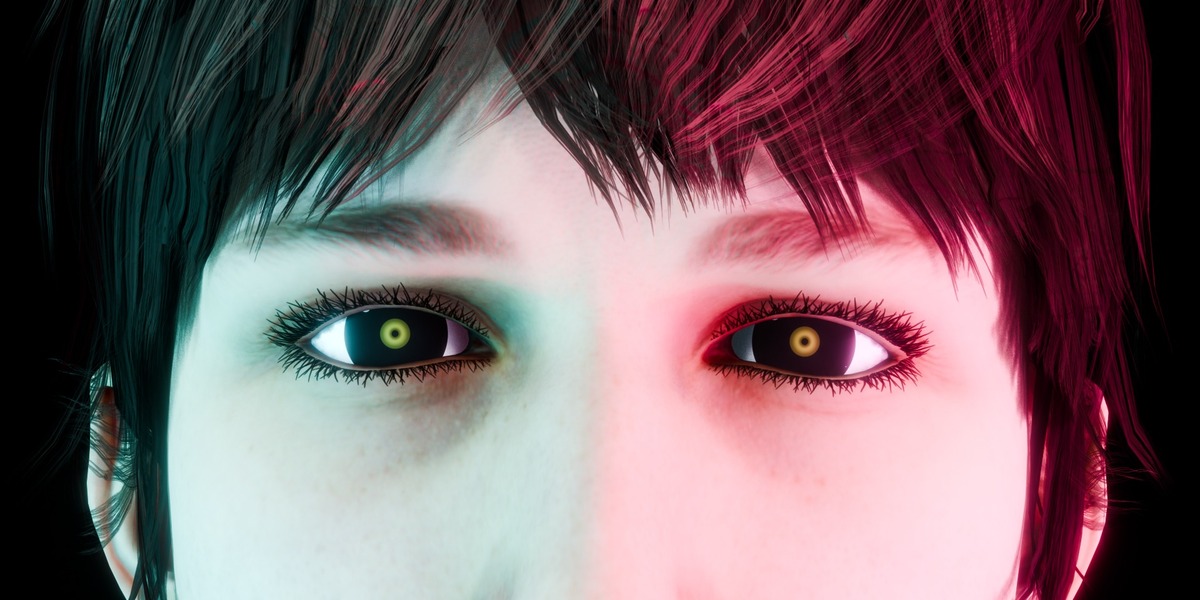




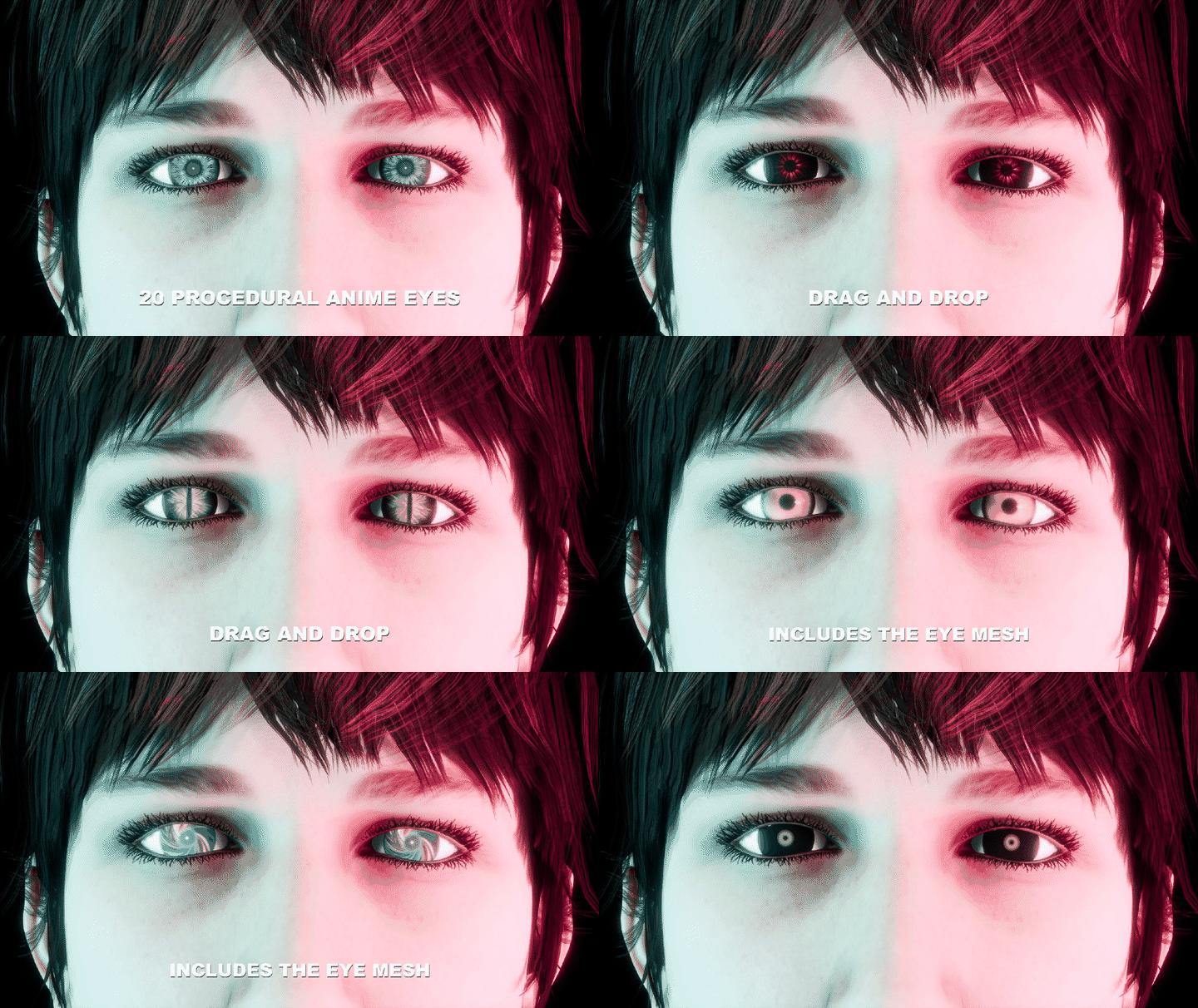
Stop painting eye textures.
Anime eyes are the fiddliest texture on a stylized character: a UV map, an image file, and a repaint every time the colour is wrong. This pack replaces that with 20 procedural materials. There is not a single image texture in the file - every eye is built from nodes, so it stays sharp at any resolution and recolours on a slider.
Now delivered into Blender’s Asset Browser
Add Superhive as a Remote Asset Repository and your purchase appears in Blender itself: 20 eye materials and the eye mesh, each with a rendered preview, filed and tagged. Drag one onto your character. No unzipping, no File > Append, no hunting through a .blend for the right material name.
What's in the anime eye shader pack
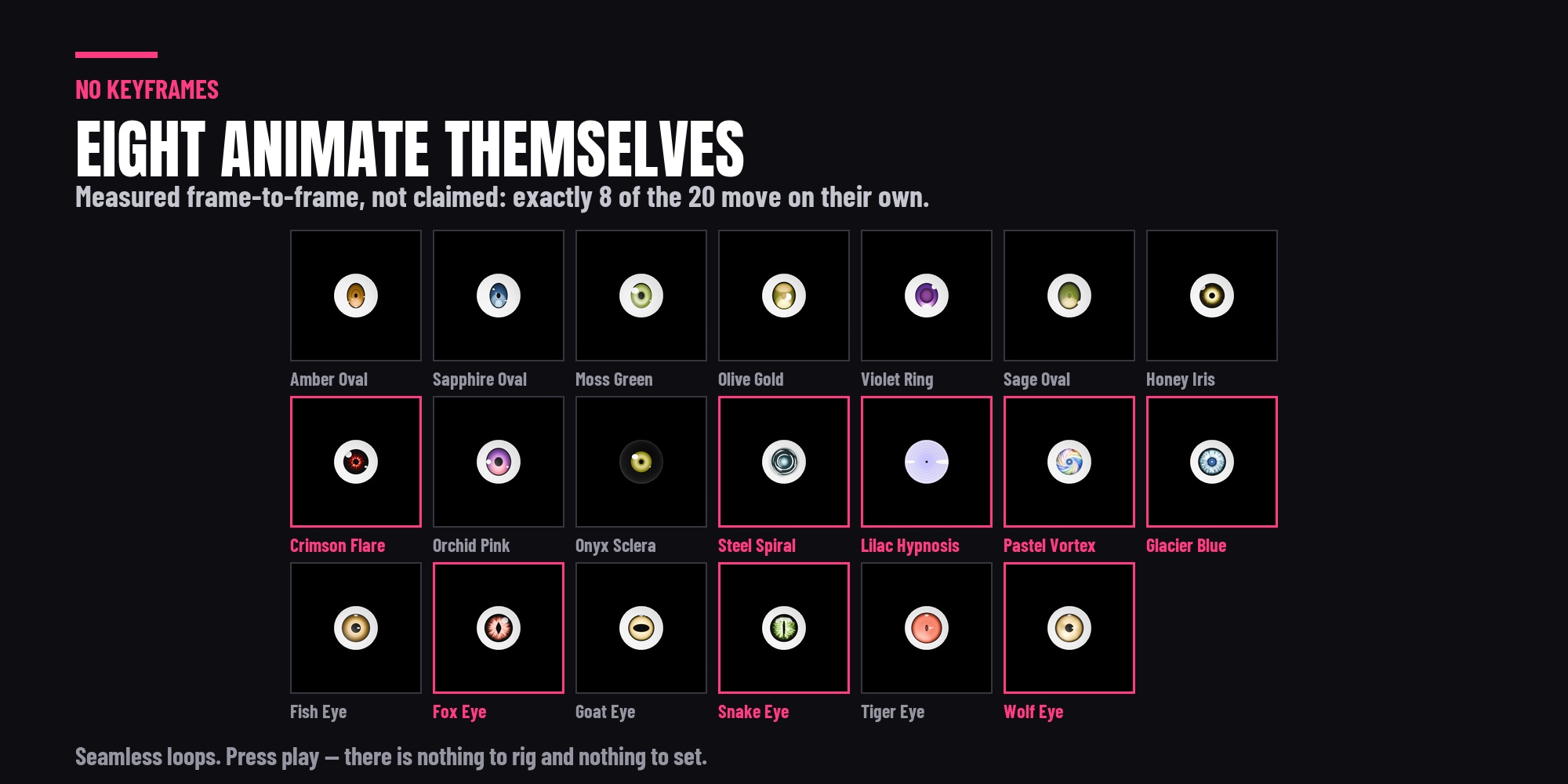
- 8 of them animate on their own. No keyframes to set and nothing to rig - press play and the iris moves. Seamless loops
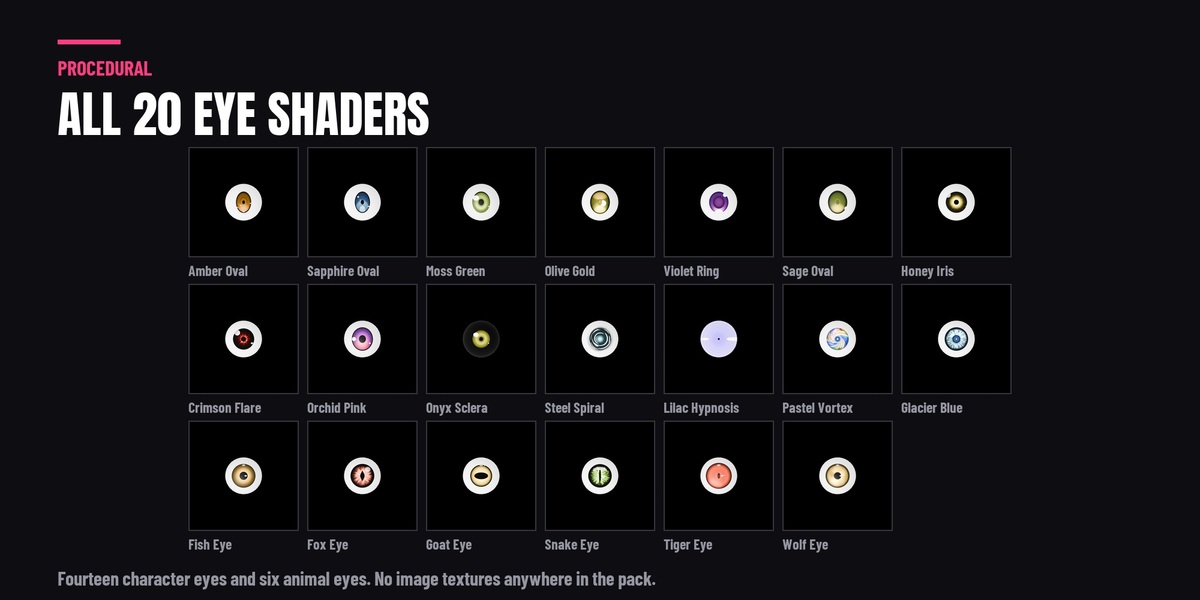
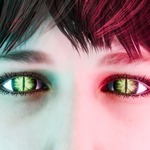
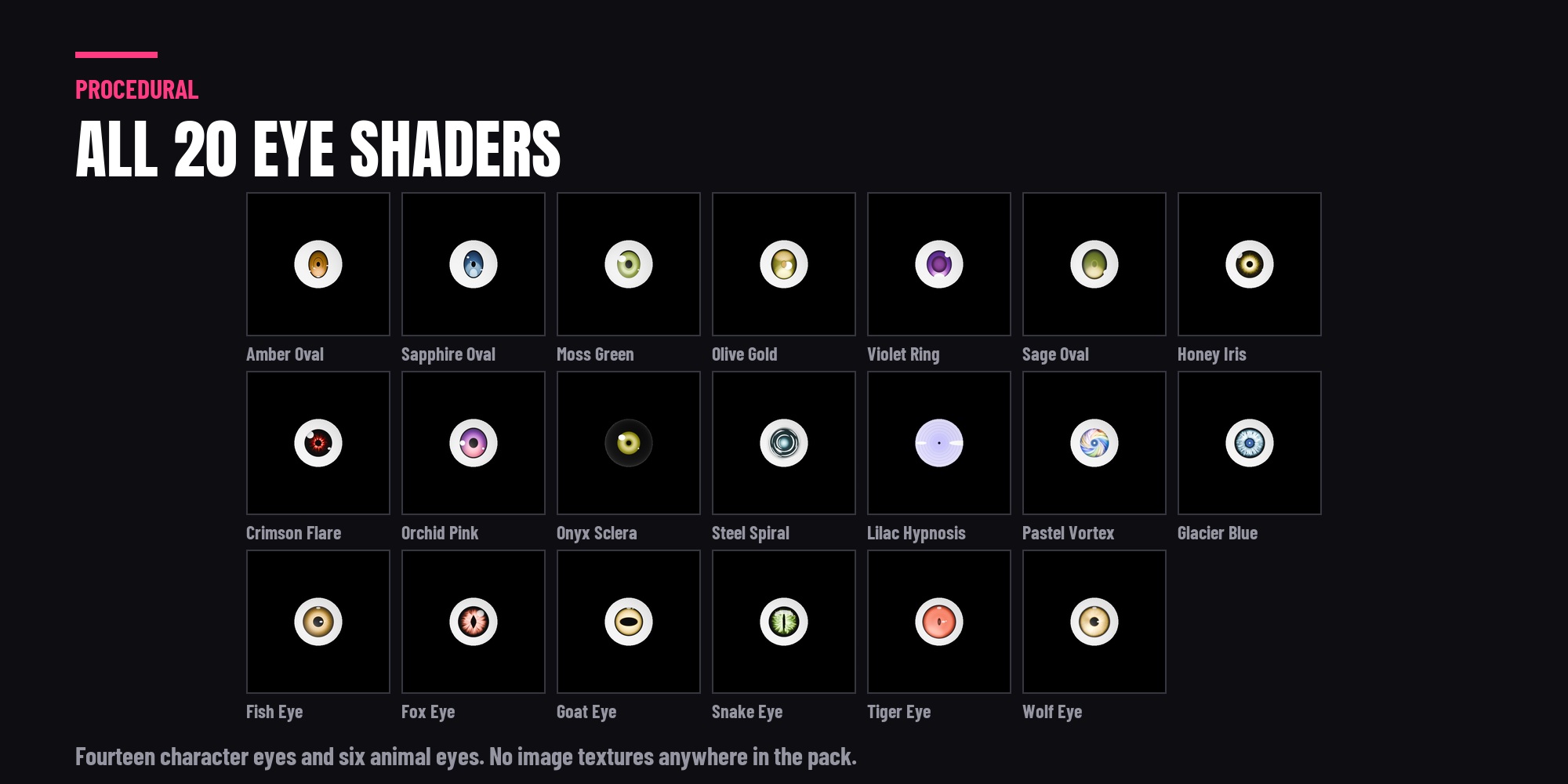
20 eye shaders. Fourteen character eyes from natural to dramatic, plus six animal eyes: snake, fox, wolf, tiger, goat and fish
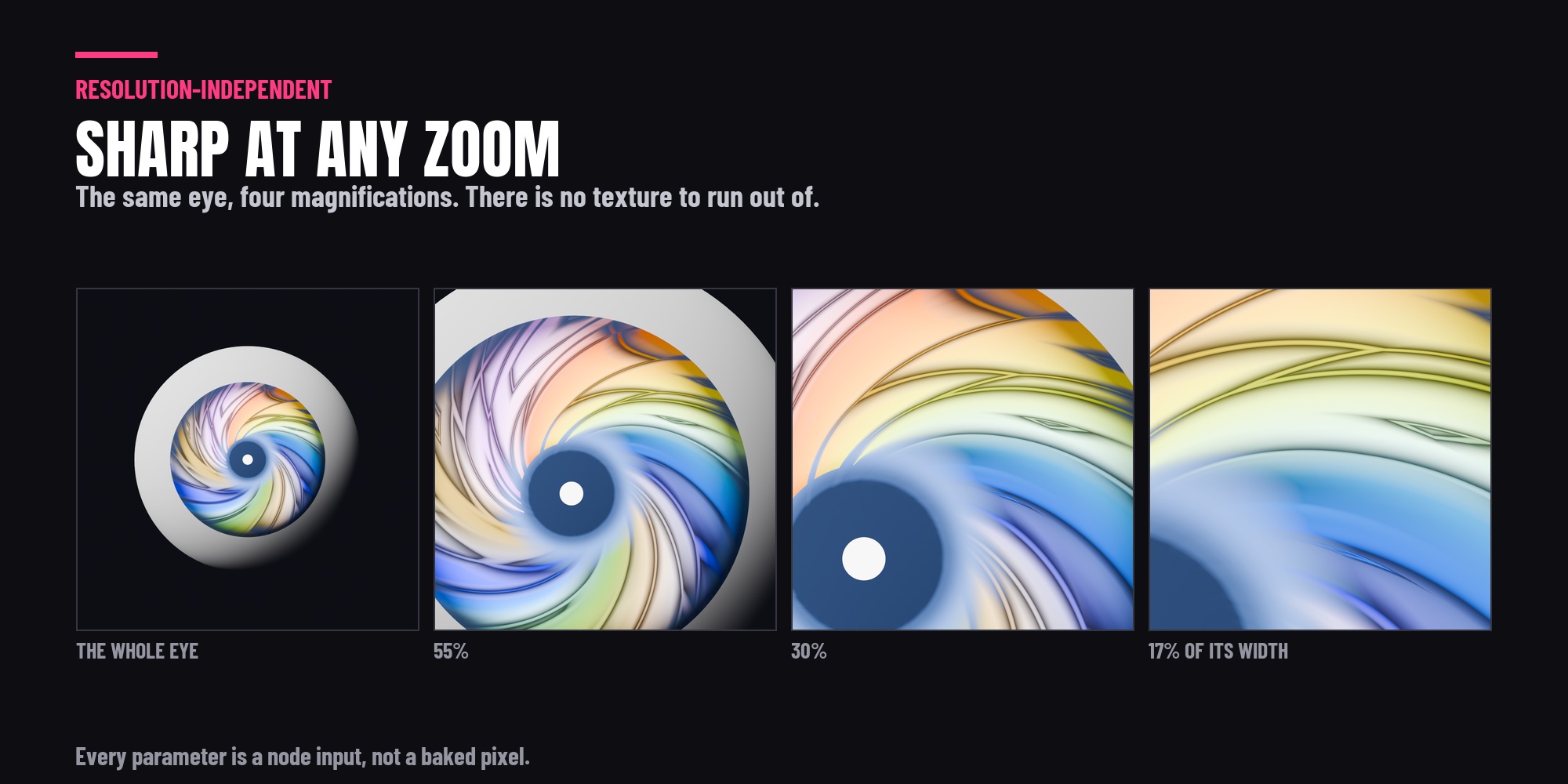
- No image textures anywhere. Every eye is built from nodes, so it stays sharp at any resolution and recolours on a slider.
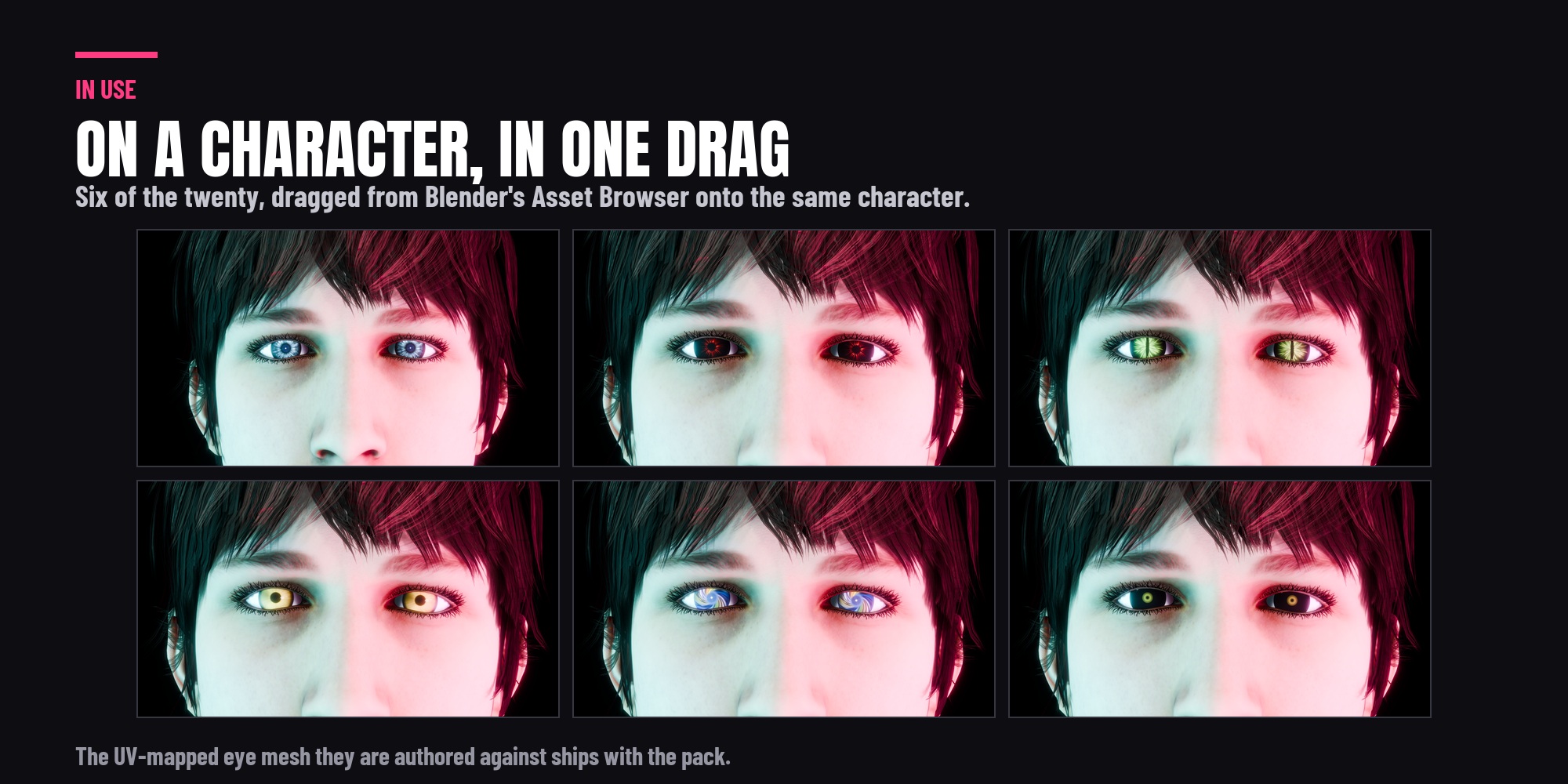
-
-
Every setting exposed. Iris size, pupil shape and colour, emission strength, reflections and highlight placement are node inputs, not baked in.
- A UV-mapped eye mesh, the one the shaders are authored against, so you have geometry that fits them on day one.
Read this before you buy
These shaders are procedural but they are driven by UV coordinates - the eye is drawn into a specific place in UV space. On the included eye mesh they land correctly. On a mesh with no UV map they will not appear at all, and on a differently unwrapped eye the iris will sit off-centre. So either use the mesh in the pack, or unwrap your own eye the same way. That is the one thing worth knowing up front, and it is why the mesh is included.
Blender versions, Cycles and EEVEE
- Blender 4.5 to 5.2. Tested in 4.5 LTS, 5.1 and 5.2.
- Cycles and EEVEE, both rendered and checked.
- No image textures, no external files, nothing to install.
- The remote asset library needs Blender 5.2; on 4.5 and above you can point Blender at the downloaded folder instead.