 Armin
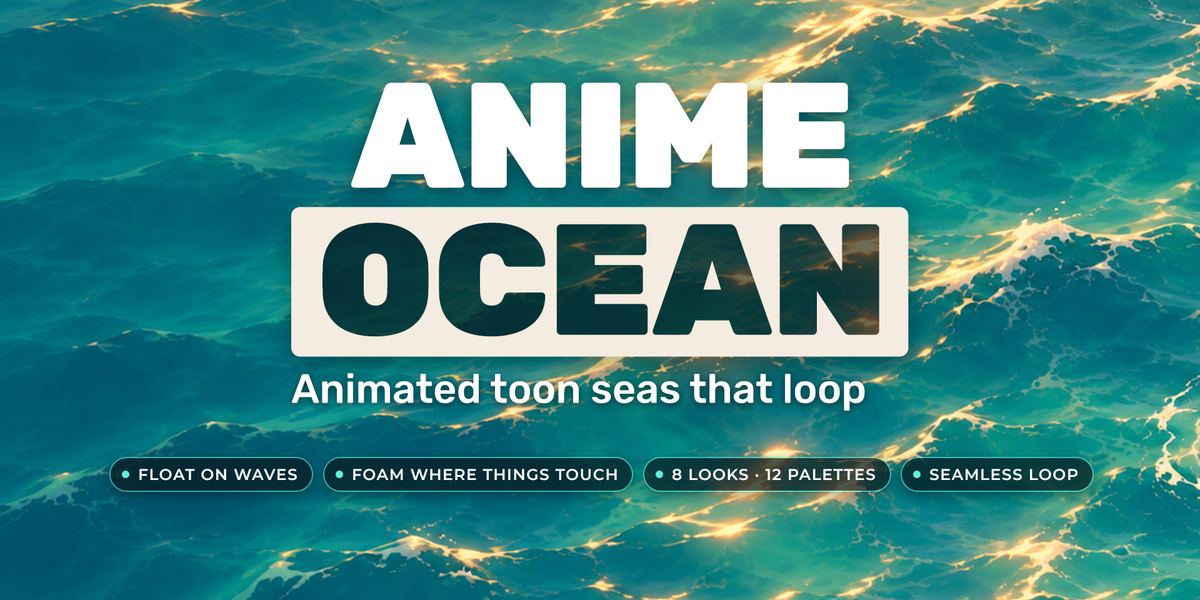
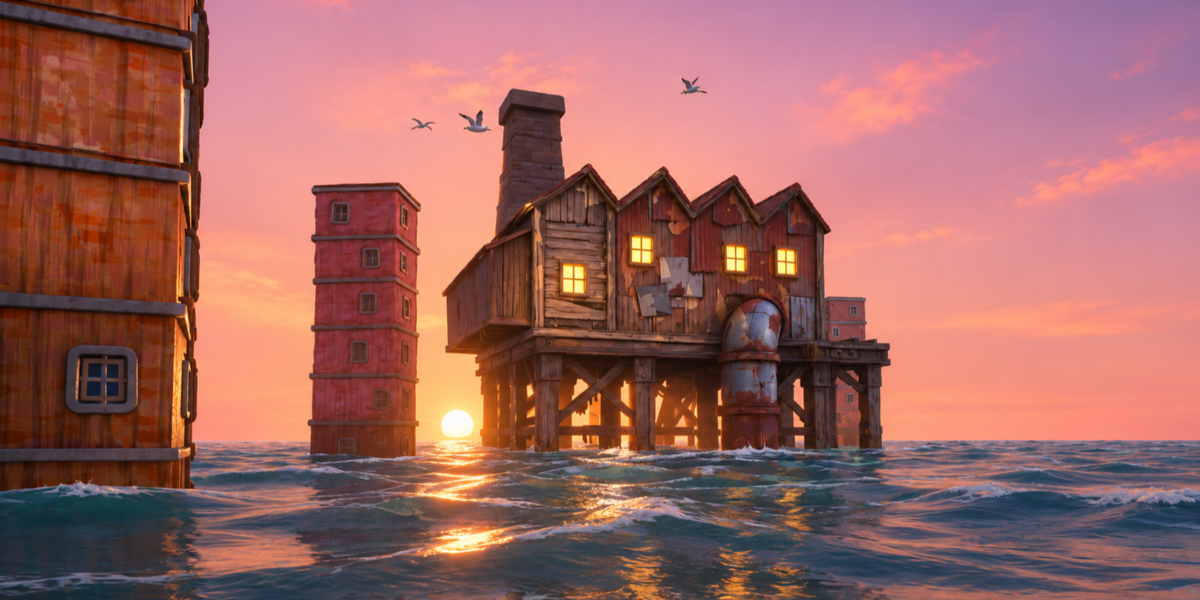

It is built to stay light, so it runs well on ordinary computers.
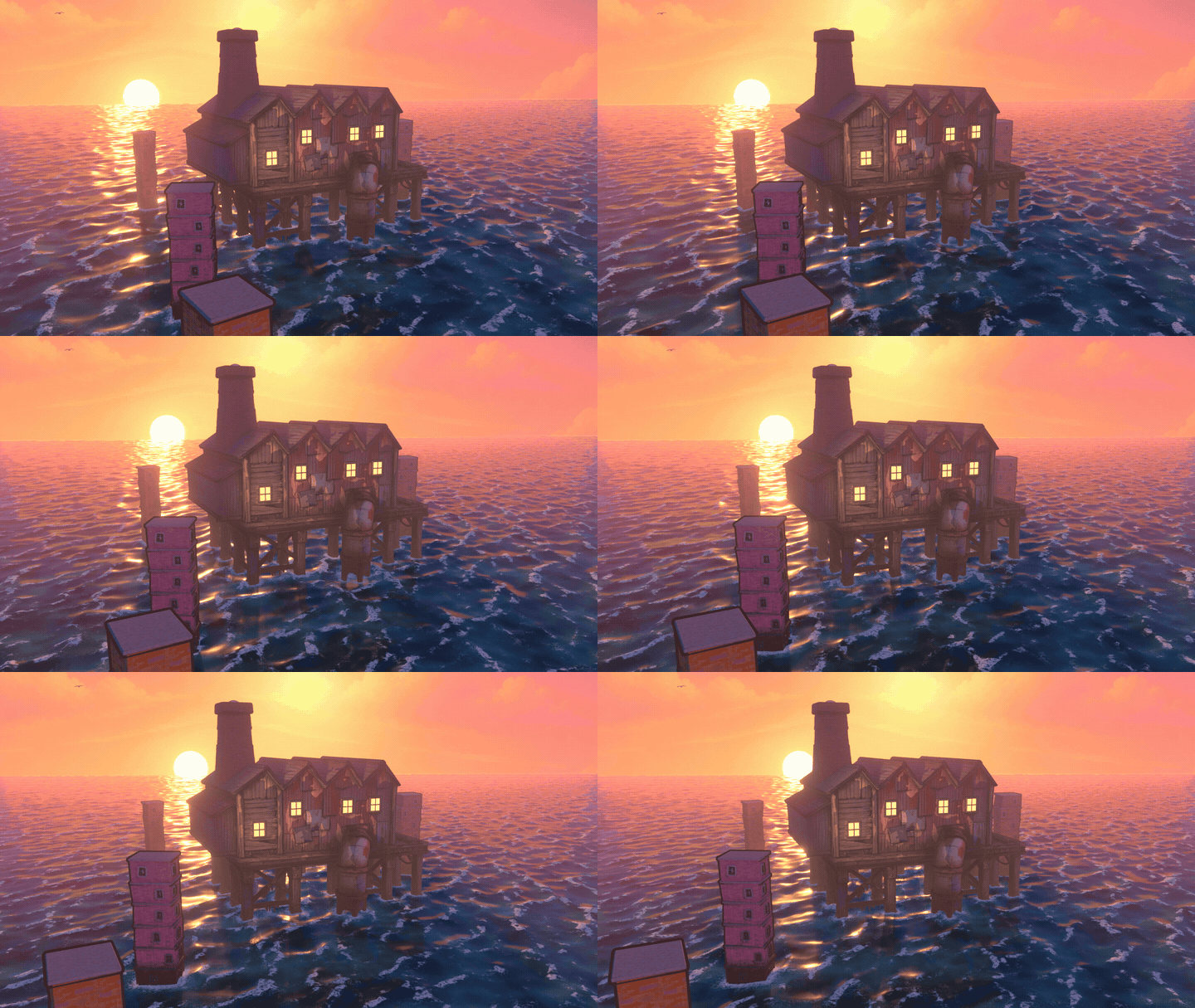
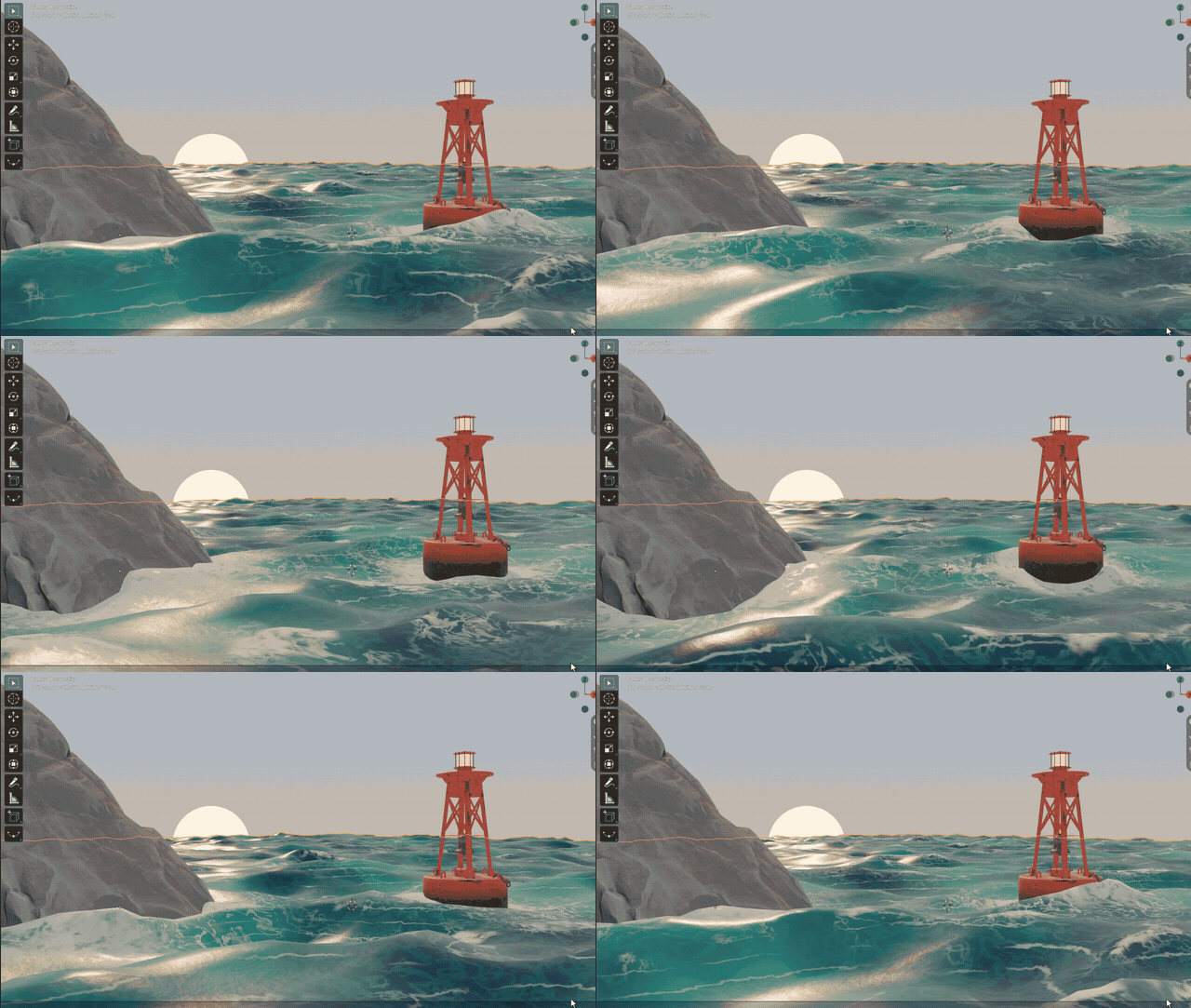
Float on Waves: objects ride the sea by themselves
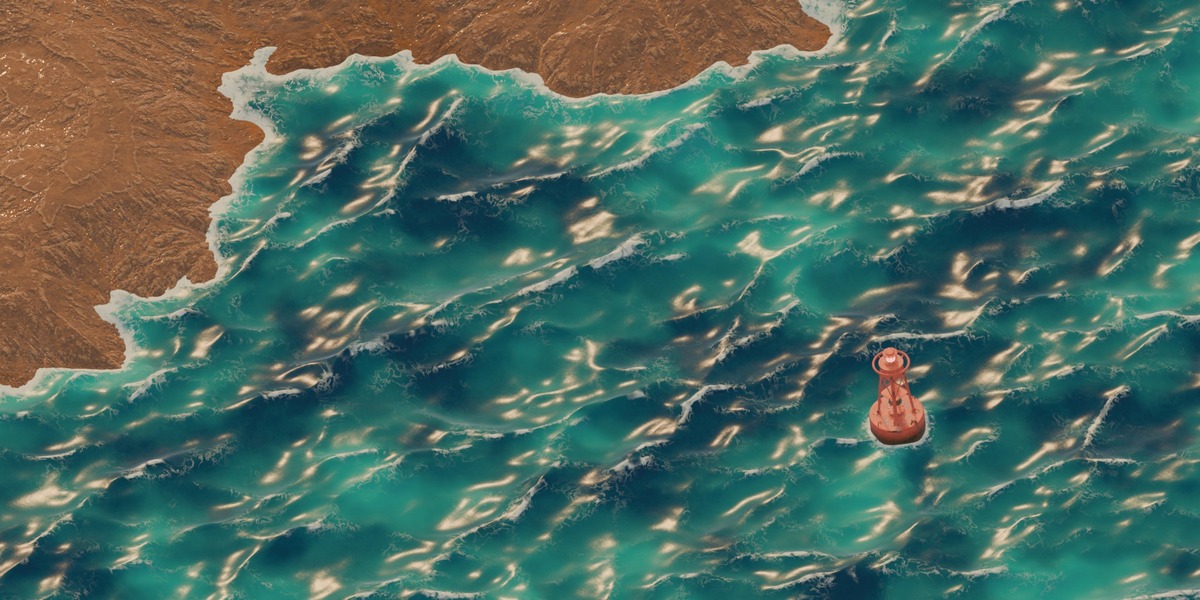
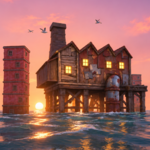
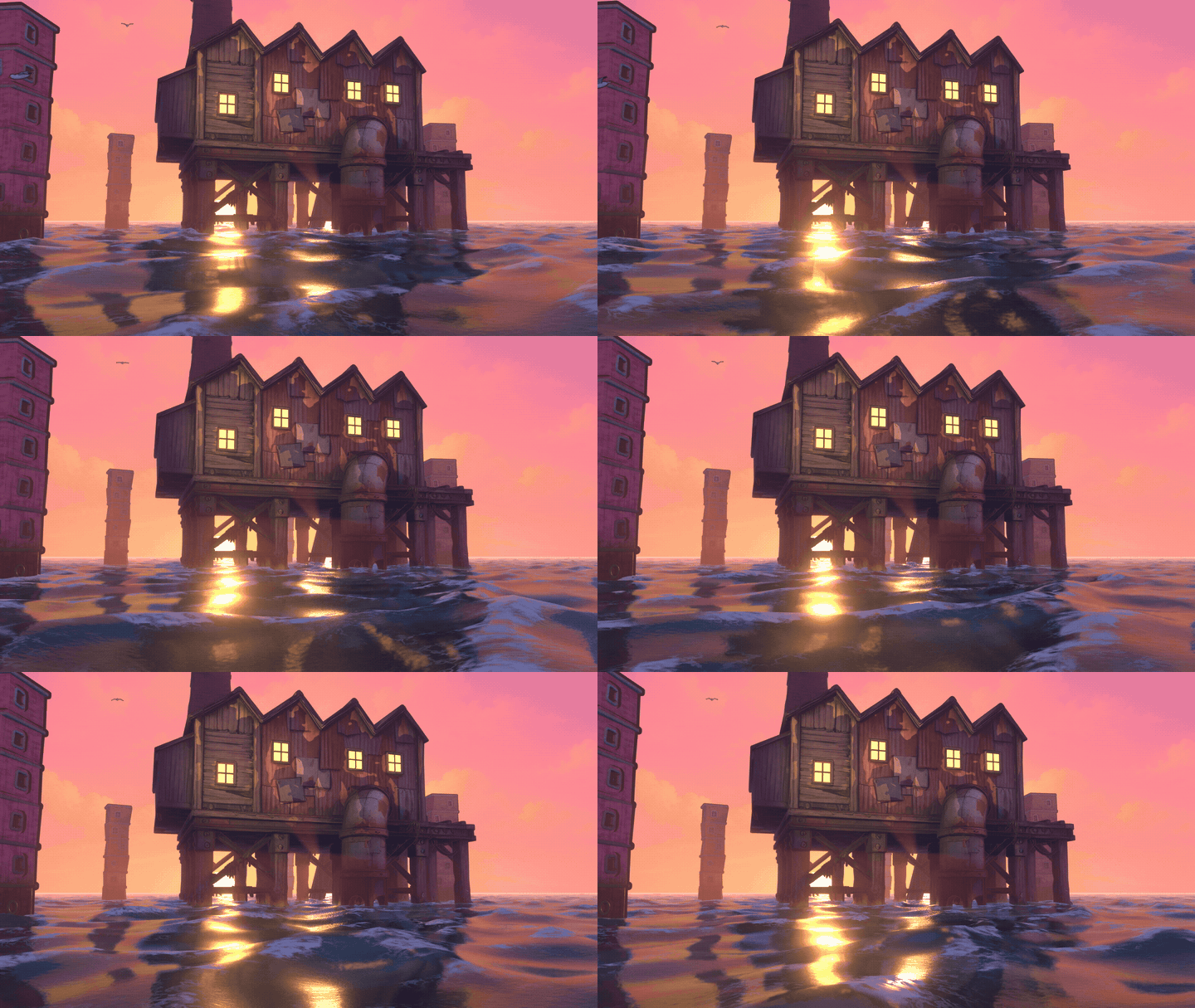
No keyframes, no physics bake. Select a buoy, a boat or a crate, make the ocean active and click Float Selected. From that moment the object is animated by the sea itself: it bobs with the water under it and rocks with its slope, on every frame, automatically.
- Objects bob with the water under them and rock with its slope
- They keep their foam ring while they float
- With Seamless Loop on, the floating loops with the water
- Move them in X and Y with G: they float at the new spot
- Float Tilt sets how much they rock, Float Smoothness how many small waves they ignore
- Stop Floating gives back their original height, rotation and scale
- Floating uses plain Blender constraints, so saved files float and render without the add-on
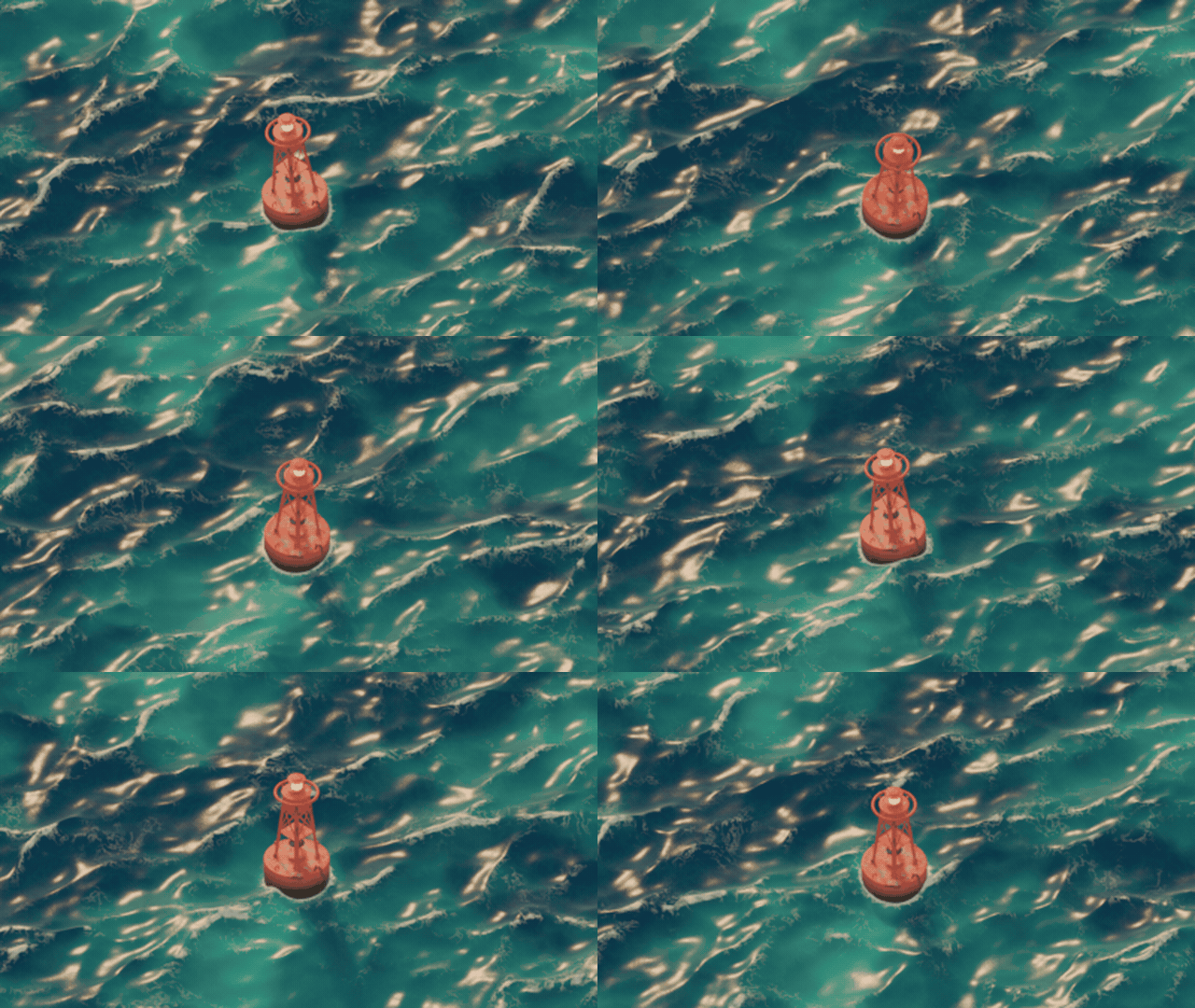
Tips: the defaults (Float Tilt 0.6, Float Smoothness 0.5) suit a buoy that stays in place. For a boat you animate across the water, or anything bigger than about a third of the Wave Length, use Float Smoothness 0.7 to 0.75. Picking a part of a parented object floats its top parent, so the whole buoy moves together.
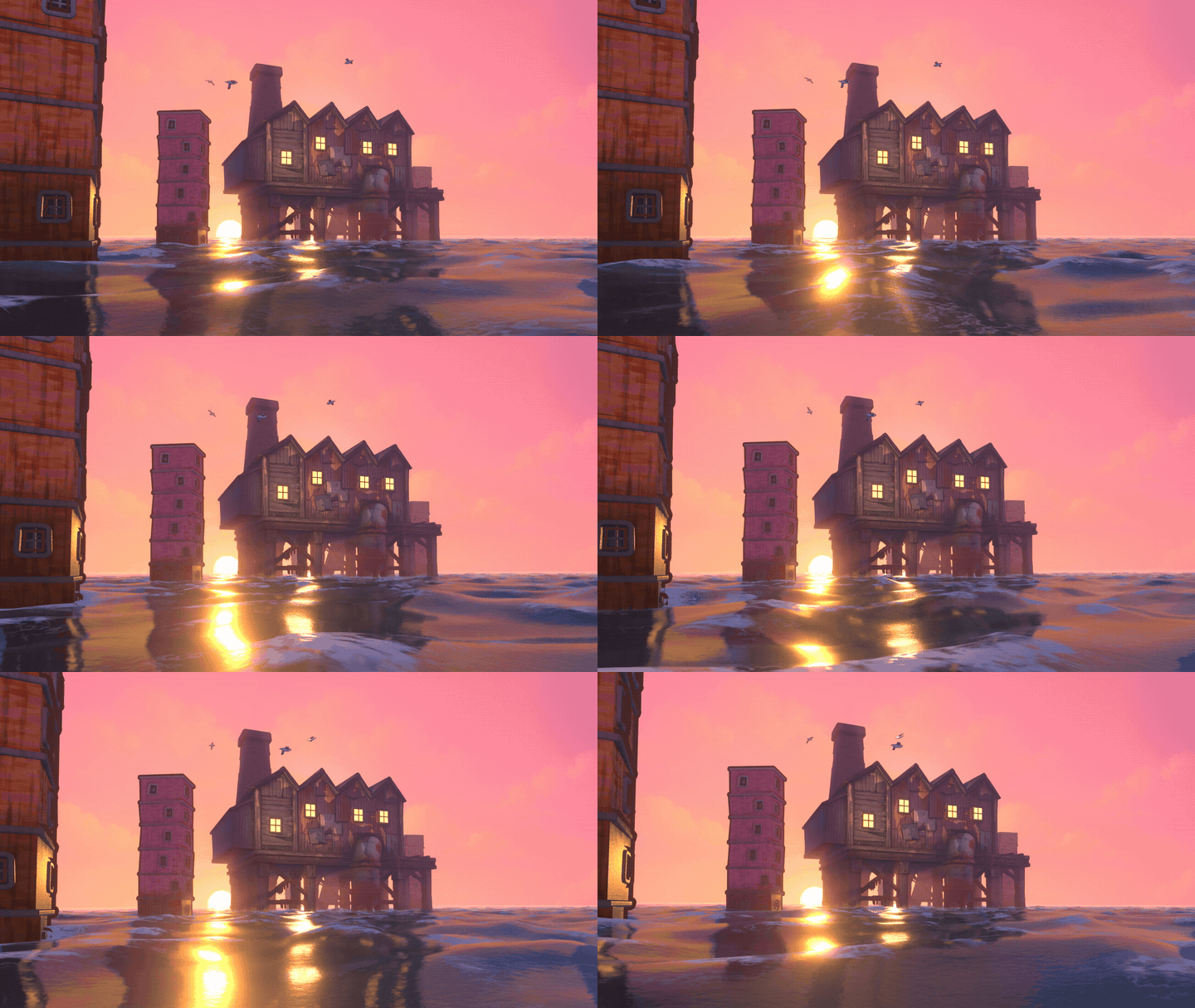
Foam where things meet the water
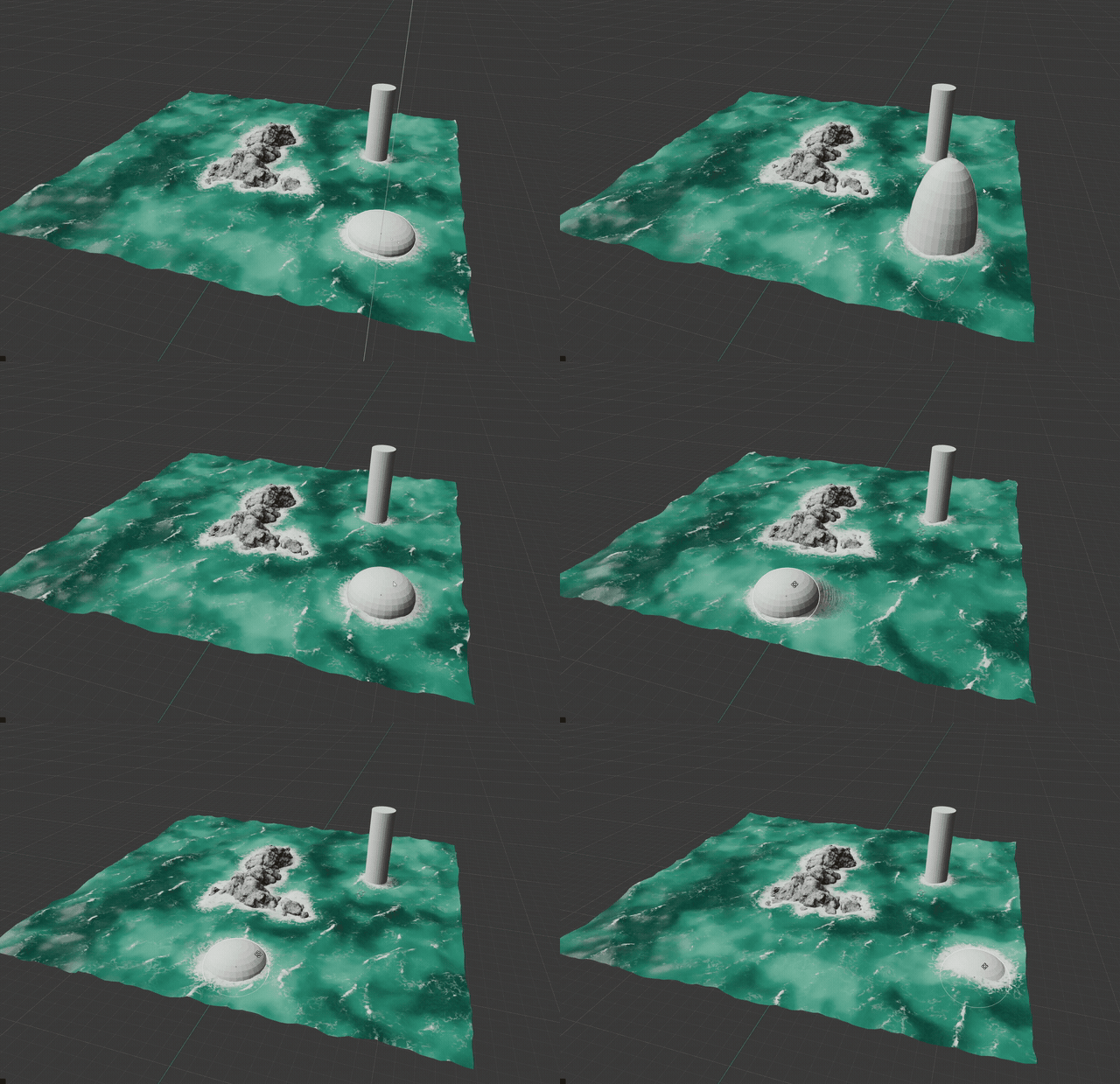
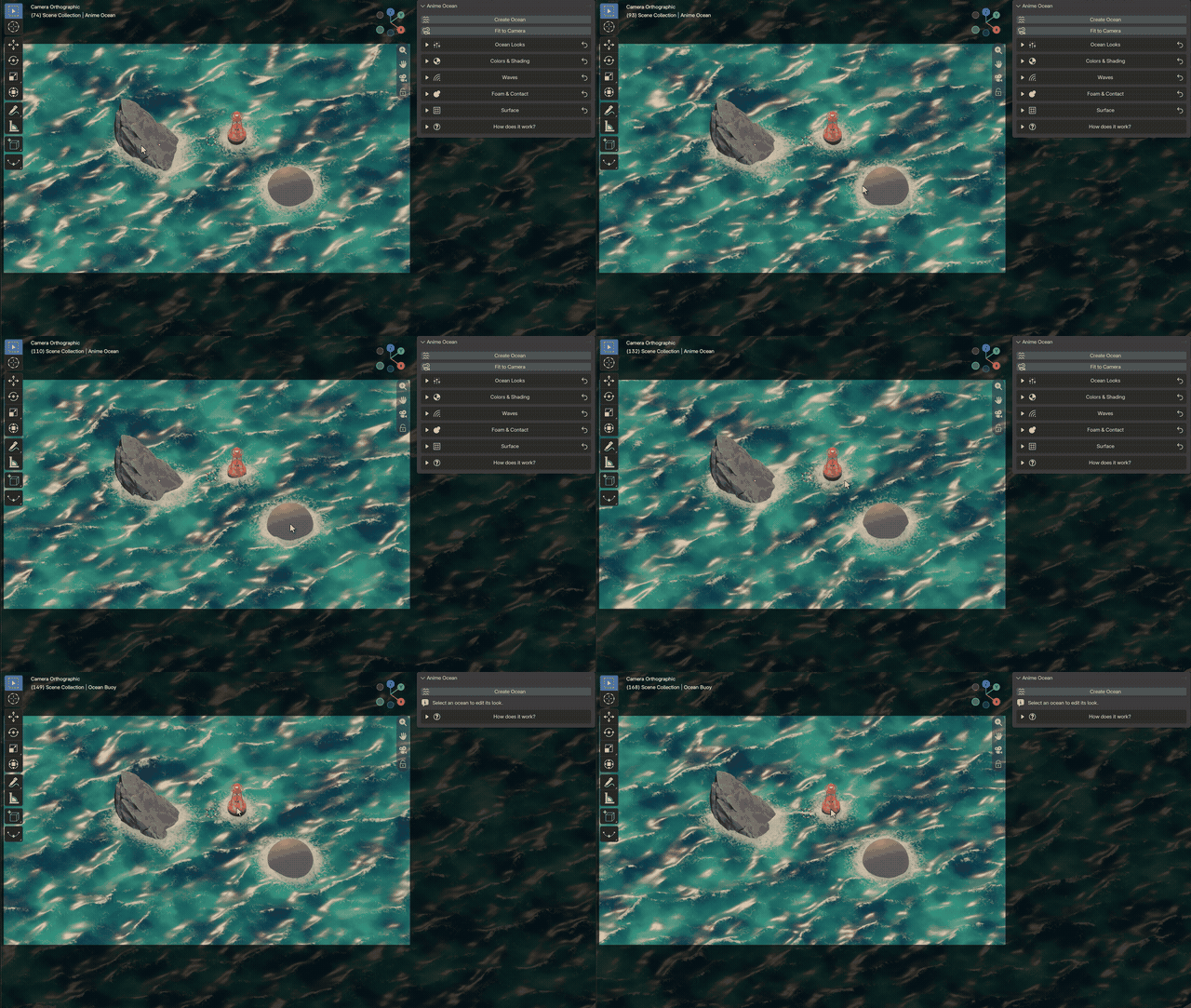
- Every rendered object near the water gets foam where it touches the surface: meshes, curves, text, metaballs and collection instances
- Animated objects are checked along their whole path, so a bird that never comes near the water costs nothing
- Ignore Selected / Include Selected, or Use Selected Rocks to pick exactly which objects make foam
- A rock that waves wash over gets foam in the troughs; a rock under the water stays clean
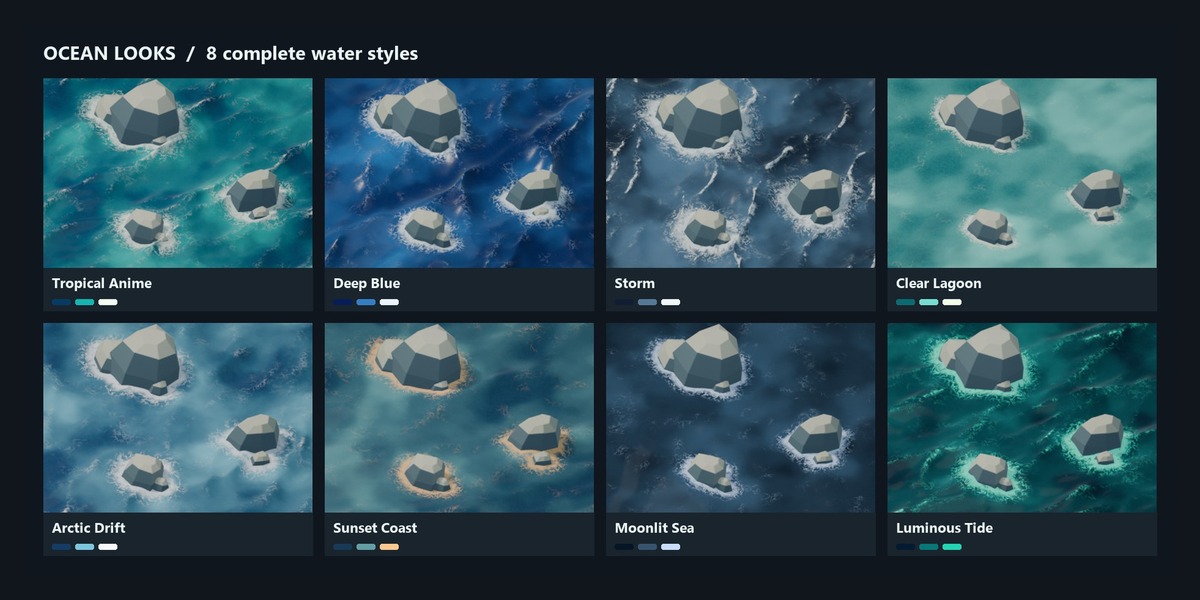
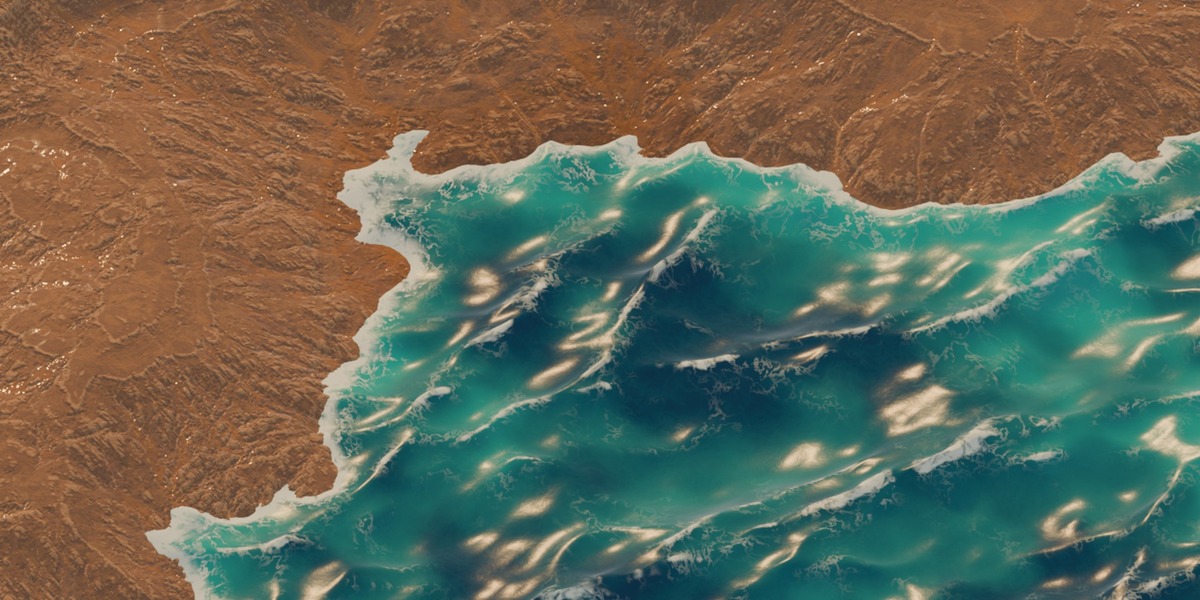
8 Ocean Looks and 12 palettes
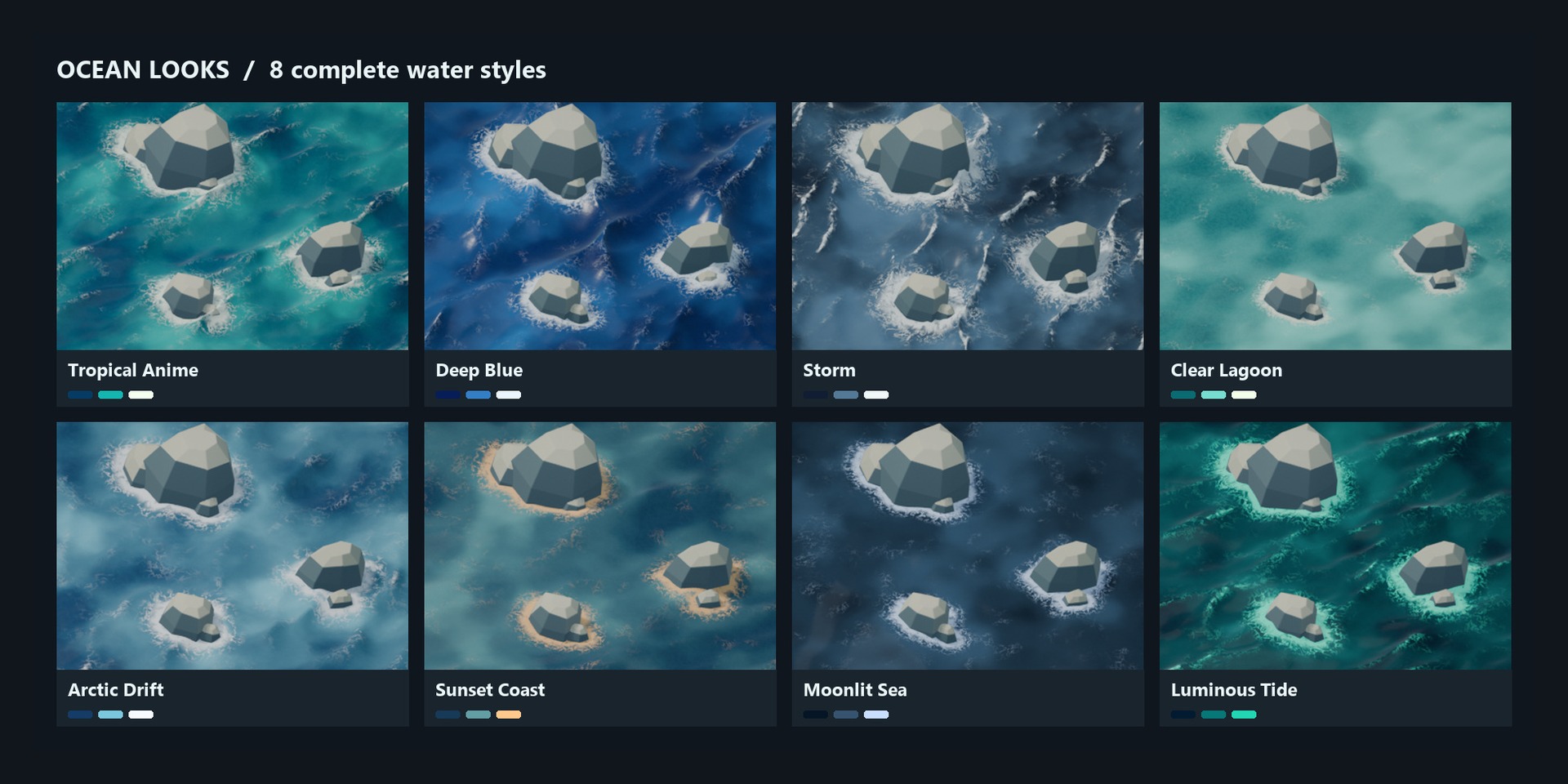
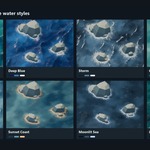
- Eight complete looks: Tropical Anime, Deep Blue, Storm, Clear Lagoon, Arctic Drift, Sunset Coast, Moonlit Sea, Luminous Tide
- A look sets colours, waves, foam and finish together, and keeps your size, detail, loop and contact objects
- Twelve palettes change only the colours, so any palette works with any look
- Painted Ripple Lines: hand-painted strokes that follow the shape of the waves
- Painted Light Patterns: stylized light streaks on the water
- Every section has its own reset arrow
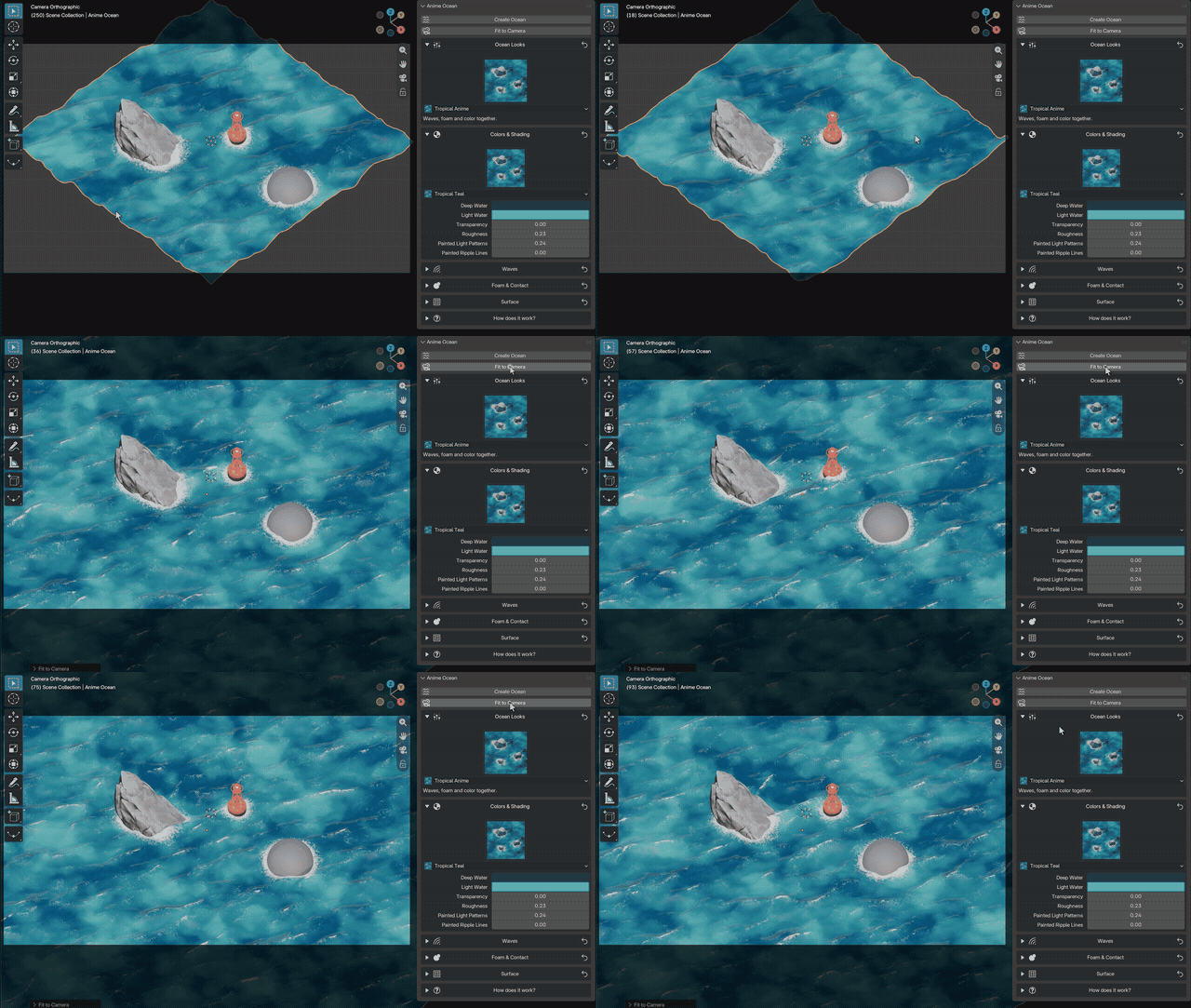
Fit to Camera
One click sizes and moves the ocean so the scene camera sees water all the way to the horizon. A moving camera is fitted over the whole frame range, and the camera's Clip End is raised when the water needs it.
Seamless Loop
Set Loop Length (for example 96 frames) and the water repeats exactly, with no jump where it wraps: waves, foam, painted patterns and floating objects. One button sets the scene's frame range to the loop.
Performance levels
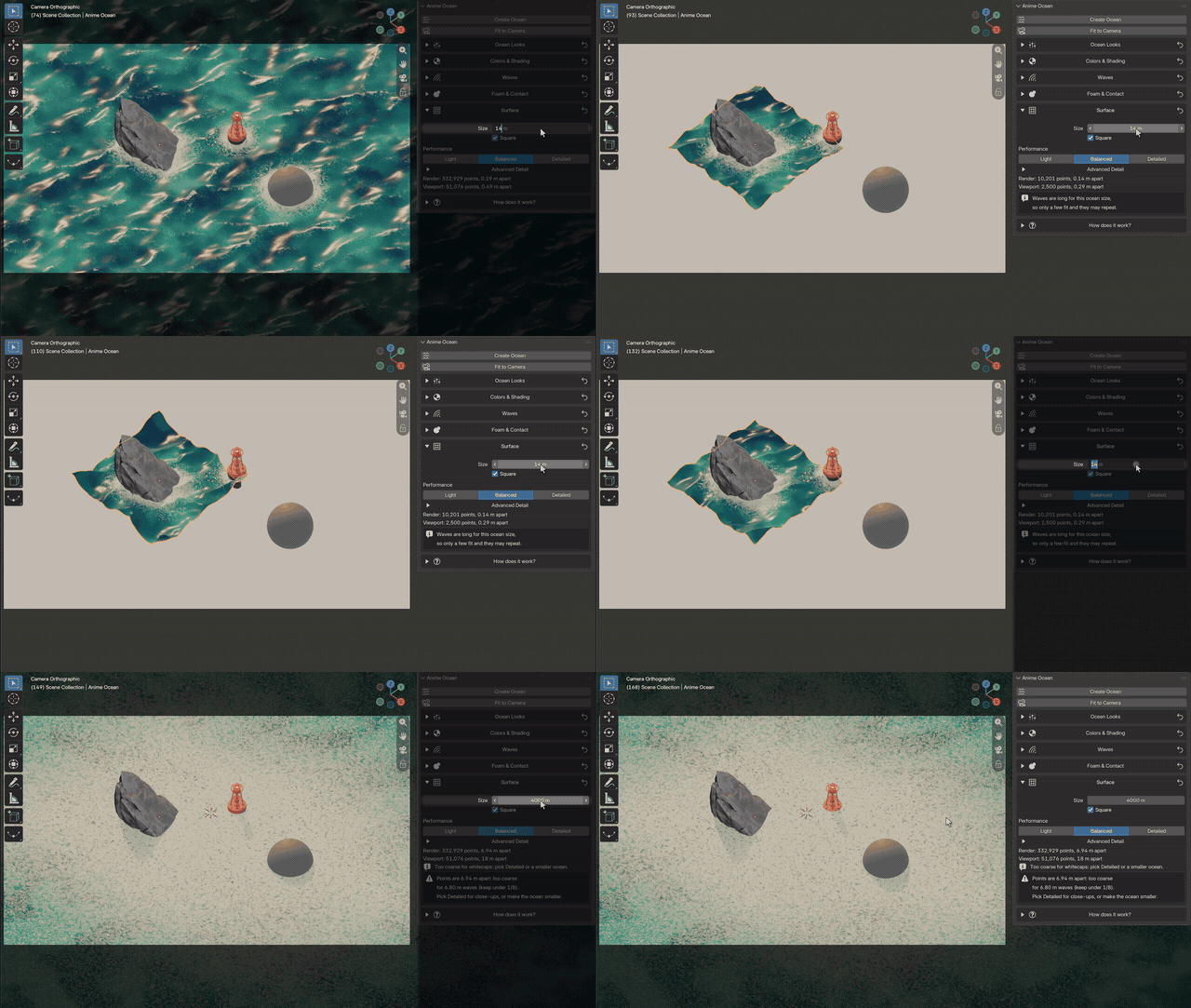
- Light, Balanced, Detailed: one click picks the detail for the ocean's size
- Size up to 4000 m, square or long and narrow, with calibrated foam so big seas don't turn white
- The panel shows the point counts and warns, with a one-click fix where possible, when something will look wrong
Renders without the add-on
Saved files animate and render without Anime Ocean installed: the clocks, the loop and the floating are plain drivers and constraints. Good for render farms and for sharing files. (Keyframed ocean controls are the exception: see Known limits.)
Waves you control
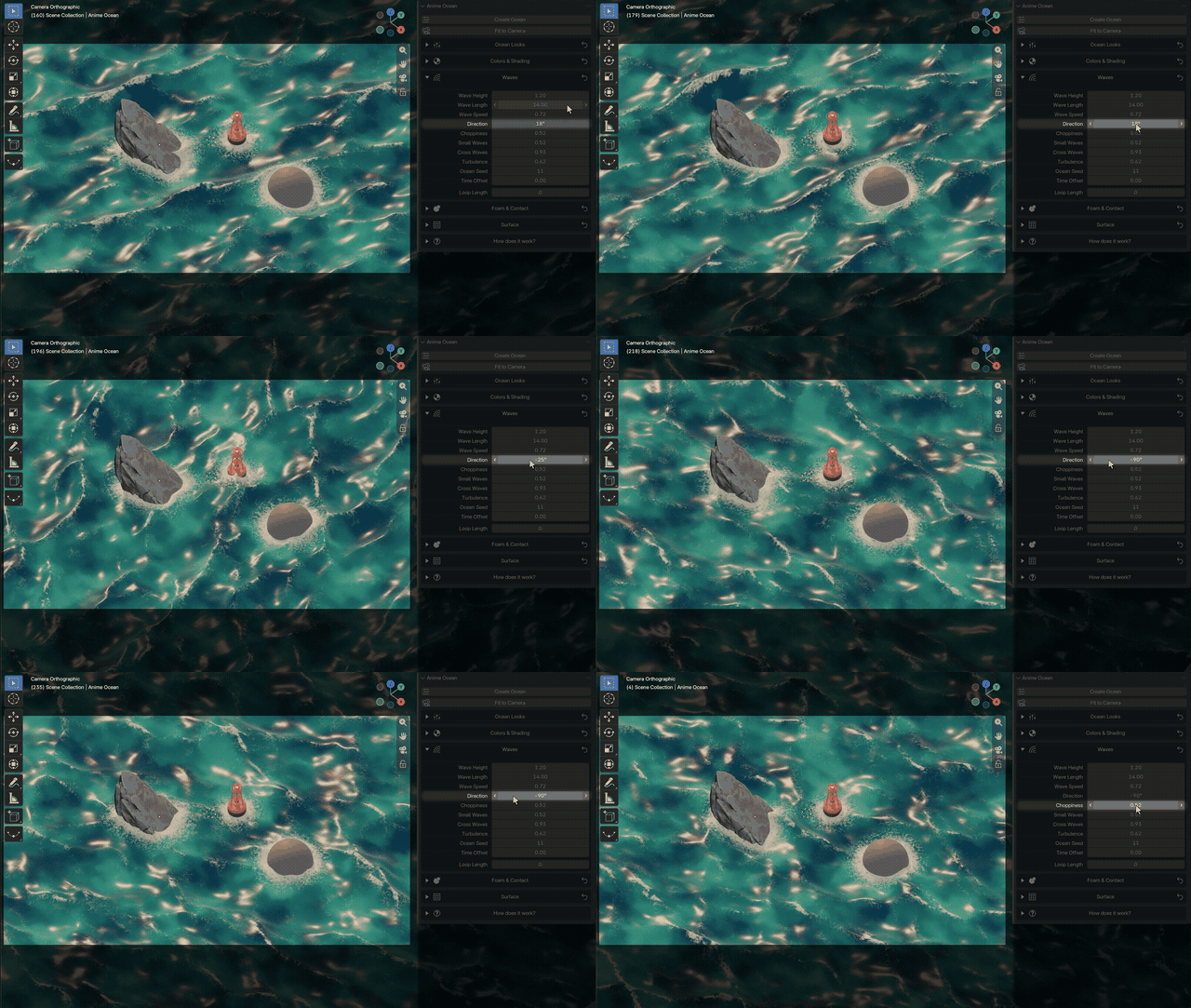
Wave Height, Wave Length, Wave Speed, Direction, Choppiness, Small Waves, Cross Waves, Turbulence, Ocean Seed and Time Offset. You can keyframe the controls.
Two licences
Both get the full add-on and all future updates.
- Individual License ($29): for one artist. Use Anime Ocean in your own personal and commercial projects, on your own computers.
- Studio Unlimited ($99): for a whole studio or team. Every artist and every machine of one company may use Anime Ocean in personal and commercial projects.
Requirements
- Blender 5.2 or newer (tested on 5.2.2 LTS and 5.3)
- Made for EEVEE. Use Material Preview or Rendered shading to see the water
Installation
- Keep the downloaded anime_ocean-0.5.0.zip zipped
- In Blender, open Edit > Preferences > Get Extensions
- Open the menu in the upper-right corner, choose Install from Disk and pick the ZIP
- In the 3D Viewport press N and open the Anime Ocean tab
Quick start
- Click Create Ocean (it appears at the 3D cursor)
- Click Fit to Camera
- Click the picture under Ocean Looks and choose a look
- Press Space: the waves move without baking
- Put a rock through the water: foam appears where it meets the water
- Select a buoy, make the ocean active, click Float Selected
The very first preview on a computer compiles the water's shaders, which can take up to a minute. After that it is instant.
Known limits
- Not a fluid simulation: no splashes, wakes or waves bouncing off rocks
- Floating objects bob and rock but don't sway sideways or drift with the waves, and don't bump into each other (it isn't physics)
- A floater animated across the water hops over sharp crests at the default Float Smoothness 0.5: use 0.7 to 0.75
- Keyframed ocean controls need Anime Ocean installed on the render machine (oceans without keyframes need nothing)
- A low camera sees very far, so the water grid gets coarser in the distance. Use Detailed for close-ups; haze hides the far edge
- Transparency above 0 makes EEVEE renders several times slower and grainy below about 200 samples
- The first preview compiles shaders, up to a minute
- Appending a floating object into a file while the add-on is not installed shows a hidden helper object in the viewport (not in renders) until that file is opened once with the add-on
Made by Armin5D. Licensed under GPL-3.0-or-later.