 Armin
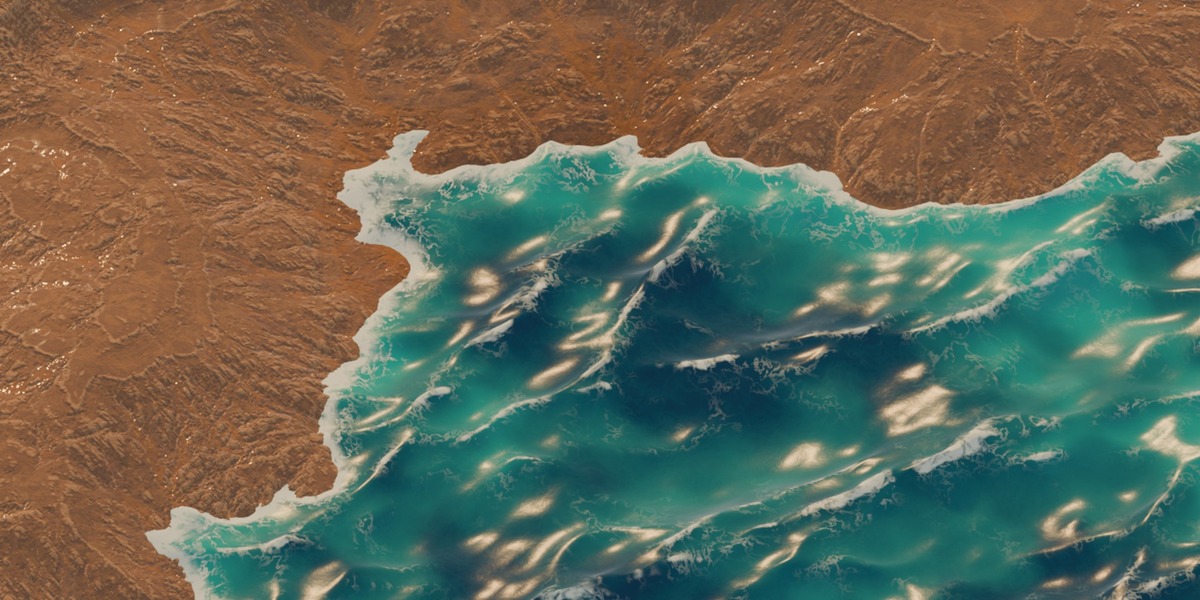

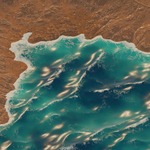
No. Press Space and the waves move.
It is built to stay light. A slow viewport? Pick Performance > Light; renders still use the full detail.
Yes. Set Loop Length and the water, foam and floating objects repeat exactly. While a loop is on, the waves cost about twice as much to compute.
Yes. Saved files animate, float and render without it. Two exceptions: keyframed ocean controls need the add-on on the render machine, and objects added to the file later only get foam after the file is opened once with the add-on.
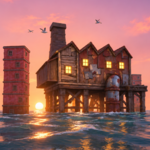
Yes, on any rendered mesh, curve, text, metaball or collection instance near the water.
Yes. Animate it in X and Y and use Float Smoothness 0.7 to 0.75 so it doesn't hop over sharp crests.
No. It is a stylized ocean surface: no splashes, wakes or waves bouncing off rocks.
Yes, with Transparency. Keep it at 0 for the fastest, grain-free renders; above 0, renders get several times slower in EEVEE.
Only who may use it. Both get the full add-on and all future updates. Individual License is for one artist on their own computers. Studio Unlimited covers every artist and every machine of one studio or team.
Have questions about this product?
Login to message
| Blender Extension Compatible | Yes |
| Published | about 15 hours ago |
| Blender Version | 5.2 |
| Extension Type | Add-on |
| Render Engine Used | Eevee |
| License | GPL |