 Skava
Skava

AnimProof — Documentation (v1.2.0)
Requires Blender 4.2 or newer. Tested on 4.2, 5.1 and 5.2.
Installing
Download the zip and leave it zipped. In Blender open Edit, then Preferences, then Add-ons, click the arrow button in the top right corner of that window, choose Install from Disk and pick the zip. Tick the checkbox next to the add-on name. Press N in the 3D Viewport and the AnimProof tab appears in the sidebar.
The order of work
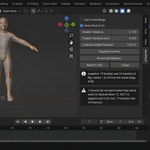
Select the armature. Press Snapshot the Pose before you bake, export or clean the rig. Do your work. Press Prove It Still Matches. That is the whole tool.
Snapshot the Pose
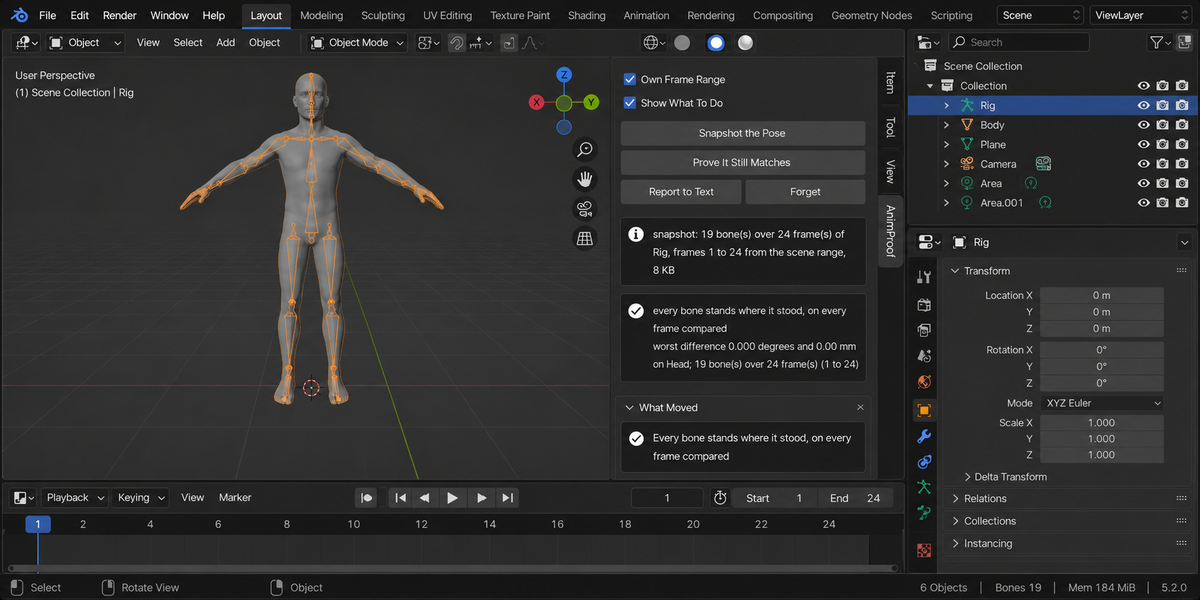
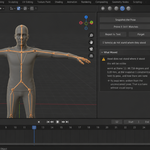
Samples the evaluated pose of every bone across the frame range — the scene's range, or your own if you tick Own Frame Range. For each bone on each frame it stores the position, the rotation and the scale, in world space; the bendy-bone shape as well when the rig uses bendy bones; and the armature object's own transform, which is where root motion lives. Each of those is there because leaving it out let a real failure through: a bake that drops the scale channel, one that drops the bendy-bone channel, and one that leaves the object's animation behind all move a character while every bone reports zero degrees.
It also records what was holding each bone at that moment: how many live constraints it had, whether it had keys. That second half is what lets the comparison explain a difference later instead of only reporting it.
The snapshot is kept in a text block called AnimProof Snapshot inside your file, so it survives saving and reopening. Three hundred bones over two hundred and fifty frames come to about 765 KB.
Prove It Still Matches
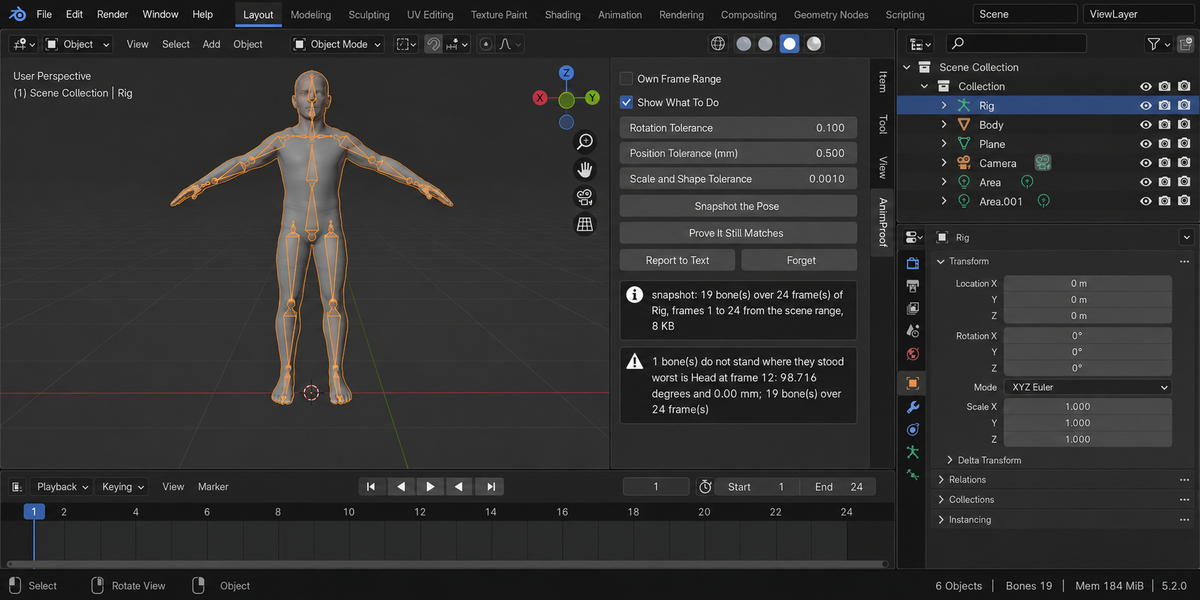
Samples the pose again and compares it against the snapshot, bone by bone and frame by frame. You get the worst difference in degrees and millimetres, the bone it happened to and the frame it happened on, and a list of every bone that moved beyond the tolerances.
Rotation Tolerance, Position Tolerance and Scale and Shape Tolerance decide what counts as moved. The defaults — a tenth of a degree, half a millimetre and a thousandth — sit well above numerical noise and well below anything a correct bake produces: a correct bake measures 0.000°. Position Tolerance is in millimetres and does not depend on your scene's unit scale.
Reading the list
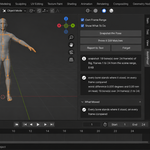
- This will be visible — more than a degree, or more than five millimetres. Nobody will need a tool to see it in the engine.
- Small, but it moved — past the tolerance and below that. Usually a bake step, or an interpolation shortcut.
- Worth knowing — a bone that exists now and was not in the snapshot, and similar bookkeeping.
Why a bone moved
Where the cause can be proven, it is named:
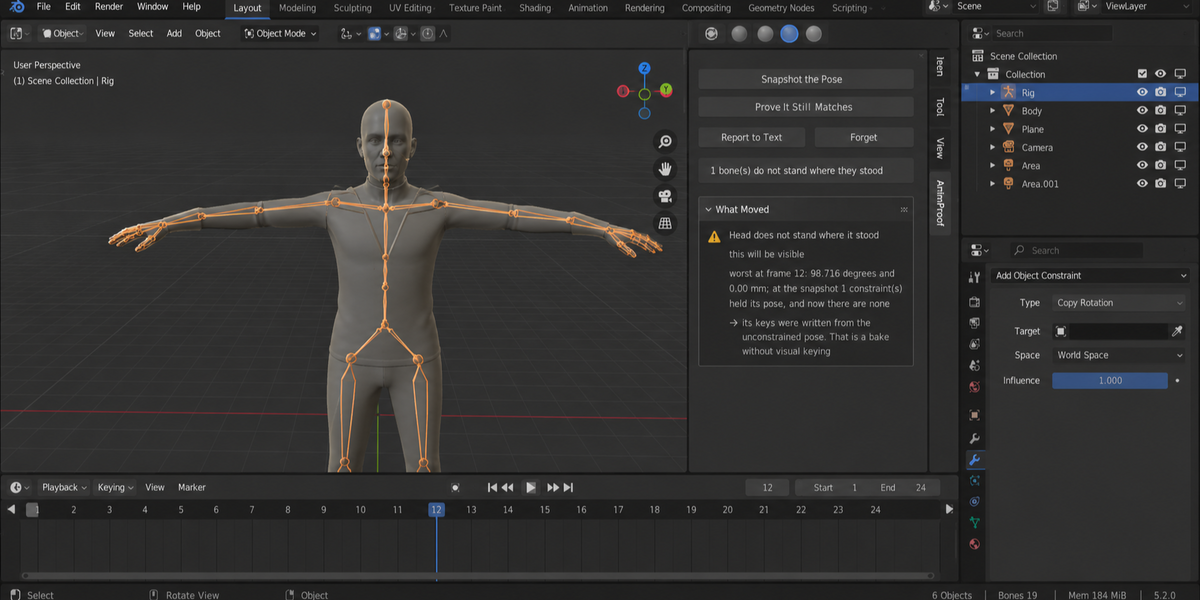
- At the snapshot N constraints held its pose, and now there are none. The keys were written from the unconstrained pose — that is a bake without Visual Keying. Bake again with it on, then clear the constraints.
- It has no keys at all. If you were baking, the bake did not reach this bone — most often it was not selected. The add-on says "if", because it cannot know whether you were baking.
- At the snapshot N constraints held its pose, and now there are none. Whatever they were holding is gone unless something was keyed in their place. This is what a bake without Visual Keying leaves behind, and it is also what cleaning constraints off a rig does.
- The rig itself does not stand where it stood. That is the armature object's own transform — root motion lives there, and baking the pose does not carry it.
- Scale off by N and bendy-bone shape off by N — a channel the bake did not carry. Neither shows up as degrees or millimetres, which is exactly why they are measured separately.
- Constraints are still live on it. Keys and constraints are both moving it.
- Its keys sit every N frames. Baked with a step: between the keys the motion is cut straight. On a curved motion a step of four measured 2.199° of error.
Where no cause can be proven, none is offered. Drivers and additive NLA strips were measured and survive a bake with visual keying, so the add-on does not warn about them.
When it refuses
Three states make the pose unmeasurable, and in each of them you get a sentence rather than a number: the rig is switched off with the monitor icon or its collection is excluded, so Blender does not evaluate it at all; the armature is in Rest Position, so what is evaluated is the rest pose; or you are in Edit Mode. Hiding the rig with the eye is not one of them — the pose is still evaluated, and the comparison works.
Renamed and deleted bones
A bone that was in the snapshot and is not in the rig is reported by name, and so is one that appeared afterwards. A rename cannot be compared through — take a new snapshot if the rename was intended.
What it never does
It does not bake, retarget, fix or change anything. It steps through frames to read the pose and puts the current frame back where it was. Every run fingerprints the frame, the action, the bone selection, the mode and the frame range before and after, and tells you in plain words if they differ. That would be a bug.
Report to Text and Forget
Report to Text writes the whole report into a text block called AnimProof Report inside your file. Forget deletes the snapshot and empties the report; your rig is not touched.
Changelog
v1.0.0 — first release.
Checking a whole folder
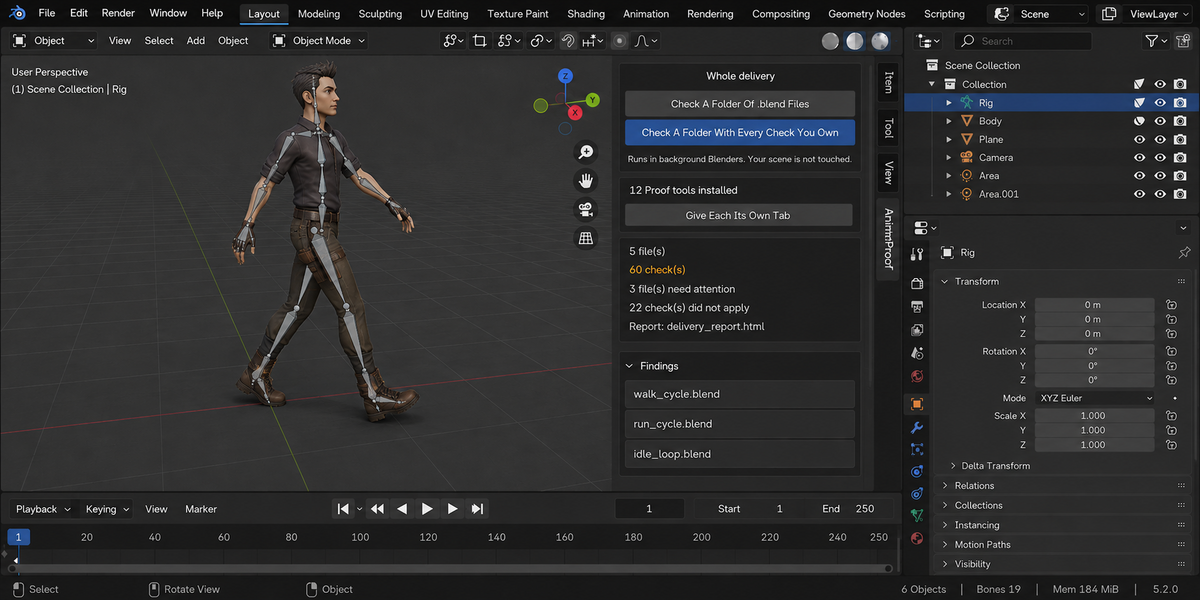
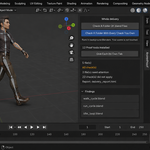
The sidebar has a Whole Delivery panel. It has two buttons.
Check A Folder Of .blend Files runs this product over every.blend in the folder you pick. Check A Folder With Every Check YouOwn runs every tool from this line that you have installed, over thesame files, in one pass — one report, one verdict.
Each file is opened in its own background Blender. Your open scene is nevertouched: not opened over, not saved, not modified in any way. This is also why afile that will not open costs you only that file — the rest of the delivery isstill checked. Press Escape to stop; nothing partial is written, because areport covering half a delivery is a report nobody should trust.
When it finishes you get an HTML report next to the folder. It is one filewith nothing loaded from the internet, so it can be attached to an email, put inthe delivery folder, or opened years later on a machine that has never seen thisadd-on.
Running it from a pipeline
The same check runs headless, with no interface and no person, and finisheswith a code your build system can read: one code for clean, another whensomething blocking was found, and a third when a file could not be checked atall. Those last two are deliberately different. A check that did not run has notpassed, and a gate that treats silence as success will one day wave through thedelivery it existed to stop. The exact command line is in the add-onpreferences.
Comparing against last week
Any run can be saved as a baseline. A later run then reports what changed:which numbers moved and in which direction, which findings are new, and whichones you have fixed since. Direction matters and is not guessed — eachmeasurement carries its own sense of which way is worse, so rising coveragereads as better and rising drift reads as worse.
Signing a file off
When a file is clean you can sign it off. The record lives inside the .blenditself, not in a folder next to it, so it travels with the file: open it nextmonth and it tells you when it was checked, by which version, and how it cameout. If the file is saved after that, the record says plainly that it is out ofdate — a sign-off that survives an edit it never saw would be worse than nosign-off at all.
One tab instead of twelve
Every tool in this line can put its panel under a single shared sidebar tabinstead of its own. One button does it for all of them at once, and each panelarrives collapsed, so twelve tools cost you one tab and no scrolling. Yourchoice is remembered, and a tool that you later use on its own can be given itsown tab back the same way.
What is deliberately not claimed
A check that could not run is reported as exactly that, never as a pass. If atool from this line is not installed, or is an older version that predates thecombined run, the report names it in a list of checks that did not take part,so the gap is visible rather than quietly absent.
Have questions about this product?
Login to message
| Published | 14 days ago |
| Blender Version | 4.2 - 5.2 |
| Extension Type | N/A |
| Render Engine Used | Cycles, Eevee |
| License | GPL |