 Skava
Skava
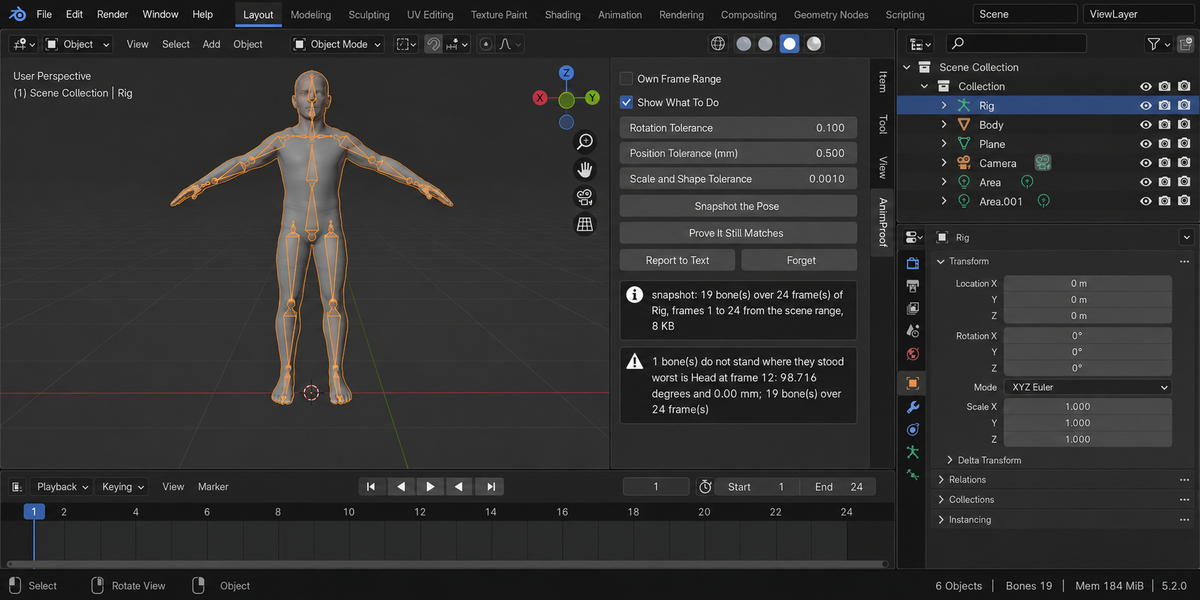
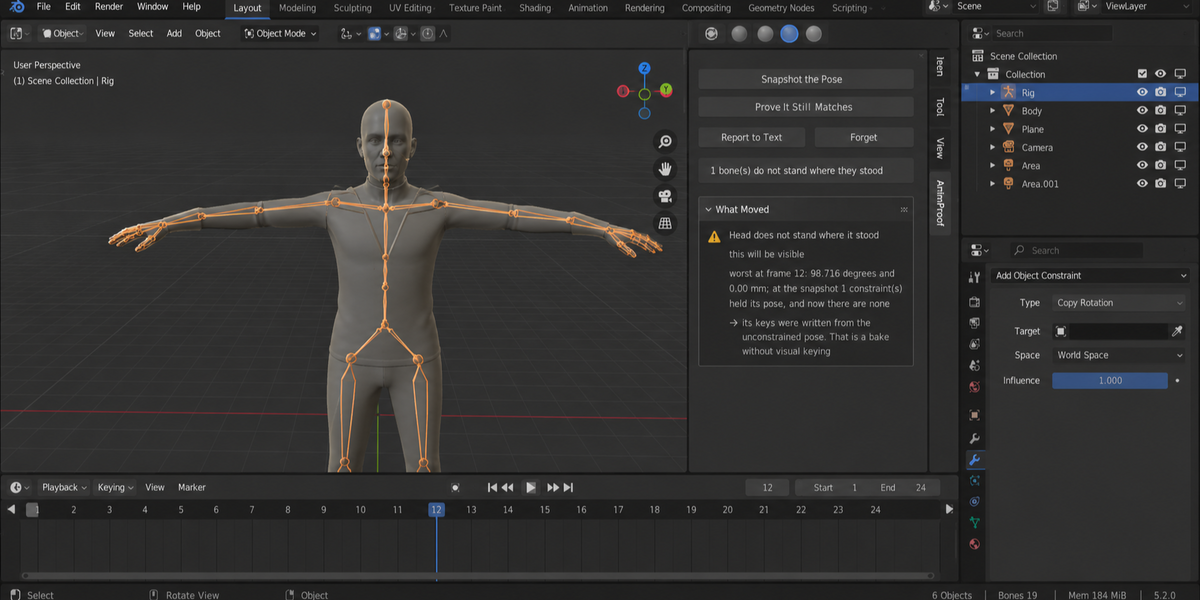
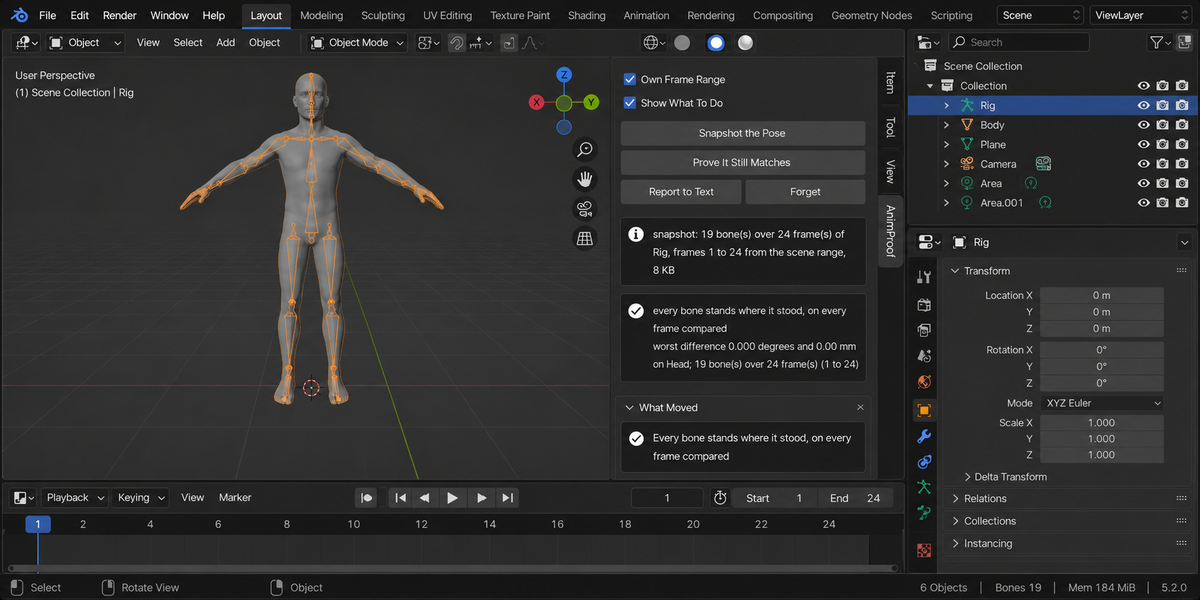
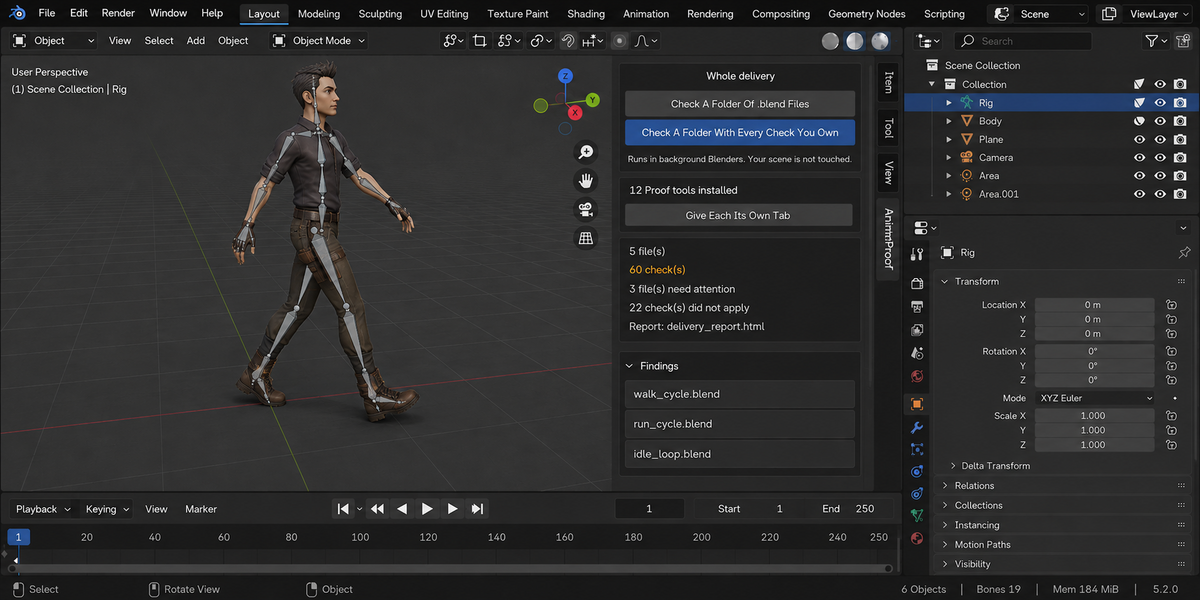
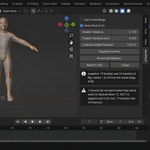
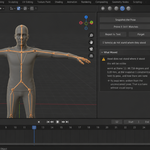
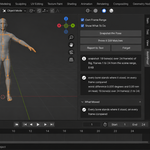
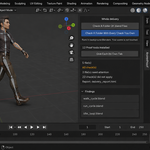
Download the zip and do not unpack it. In Blender open Edit > Preferences > Add-ons, click the drop-down arrow in the top-right corner and choose Install from Disk, then pick the zip. Tick the checkbox next to AnimProof. Press N in the 3D Viewport and open the AnimProof tab in the sidebar.
Blender 4.2 or newer. Tested on 4.2, 5.1 and 5.2.
No. You bake however you already bake: Blender's Bake Action, your rig add-on, your export script. Select the armature, press Snapshot the Pose before the bake, do your work, then press Prove It Still Matches. AnimProof does not bake, retarget or fix anything; it measures whether the result still matches.
The evaluated pose of every bone on every frame of the range (the scene range, or your own with Own Frame Range): position, rotation and scale in world space after constraints, drivers and NLA, the bendy-bone shape where the rig uses one, and the armature object's own transform, where root motion lives. Comparing keyframe values would miss the problem: a bone with perfect keys can stand somewhere else entirely. You get the worst difference in degrees and millimetres, the bone and the frame.
Rotation Tolerance (default 0.1 degrees), Position Tolerance (mm) (default 0.5 mm, independent of your scene's unit scale) and Scale and Shape Tolerance (default 0.001). A correct bake measures 0.000 degrees.
When it can prove why. It records what held each bone at snapshot time, so it can say that constraints held the pose and are now gone (a bake without Visual Keying), that the bone has no keys at all (the bake did not reach it), or that its keys sit every N frames (a stepped bake). Where no cause can be proven, none is offered.
It steps through frames to read the pose and puts the current frame back where it was; every run fingerprints the frame, the action, the bone selection, the mode and the frame range before and after. The snapshot is a text block called AnimProof Snapshot inside your .blend, so you can snapshot, save, close and compare later. Three hundred bones over 250 frames come to about 765 KB. Forget deletes it; Report to Text writes AnimProof Report.
No internet is needed: the add-on makes no network connections and everything runs on your computer. The only file it can write to disk is the optional HTML report from Check A Folder Of .blend Files in the Whole Delivery panel, saved into the folder you pick. AnimProof is licensed GPL-3.0-or-later (full text in LICENSE.txt in the zip); the license covers the add-on code, and what you create with it is yours. Full documentation is on the Documentation & FAQ tab of this page; README.txt in the zip covers install and uninstall.
Have questions about this product?
Login to message
| Published | about 2 months ago |
| Blender Version | 4.2 - 5.2 |
| Extension Type | N/A |
| Render Engine Used | Cycles, Eevee |
| License | GPL |