 Skava
Skava

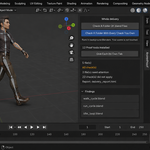
Everybody bakes. Nobody checks.
Baking is the step before every export, every handover, every rig cleanup. You press it, you scrub the timeline, you look at one pose, and you move on. Two degrees on frame thirty-six is invisible on your screen and perfectly visible in the engine — and by then the file has left your machine.
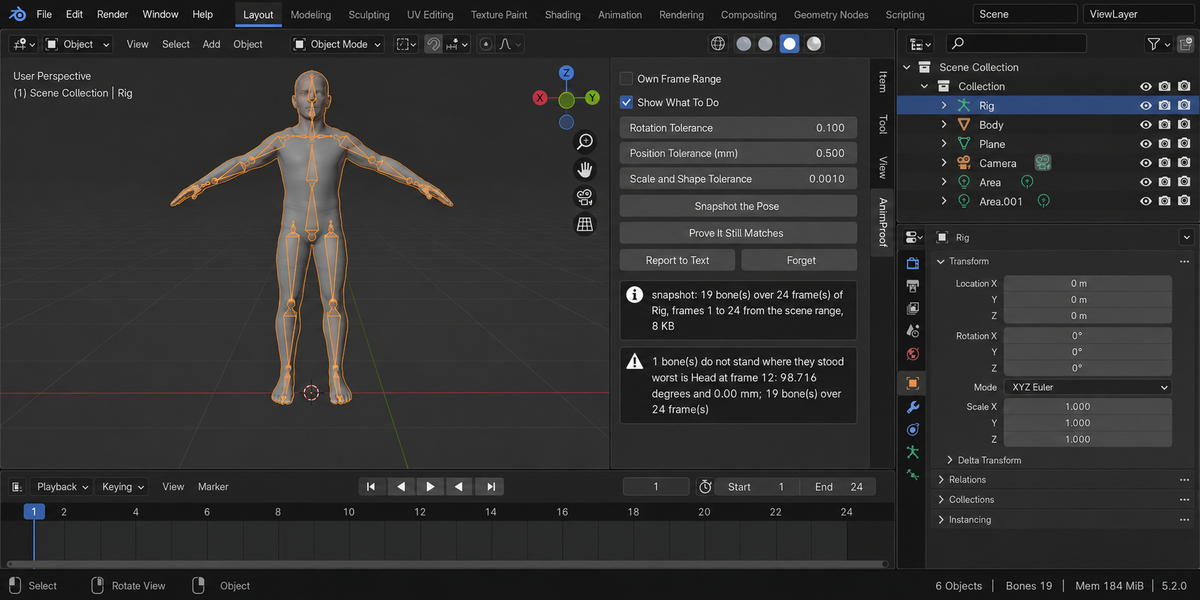
AnimProof remembers where every bone stands on every frame. You bake however you already bake. Then one press tells you whether anything moved: which bone, which frame, how many degrees and millimetres, and why.
Five tools bake. This one measures.
Search this marketplace for baking and you find five good add-ons, and all five do the same thing: they bake. Bake the final composition, bake a control rig onto a shadow rig, bake after retargeting, bake mocap to keys, bake for export. Not one of them measures whether the result still matches what you had. That is not a gap in their feature lists — it is a different job, and nobody was doing it.
It measures the pose, not the keyframes
A bone with a perfect set of keyframes can stand somewhere else entirely, because constraints, drivers and NLA are evaluated after the curves. So AnimProof does not read your curves. It reads the evaluated pose in world space — position, rotation and scale, the bendy-bone shape where a rig uses one, and the armature object's own transform, which is where root motion lives.
Each of those was added because leaving it out let a real failure through. A bake that drops the scale channel moves a skinned character by ten centimetres while every bone reports zero degrees. A bake without the bendy-bone channel moves a Rigify spine by a quarter of a metre the same way. And baking the pose does not carry the object's animation at all: the character walks three metres in the world and the pose comparison sees nothing.
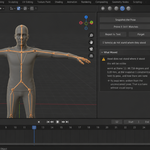
The test rig makes that concrete: a bone with its own 25° pose plus a Copy Rotation onto an animated target, so its final position lives in the constraint, not in any key. Bake it the usual way and its curves look flawless.
What it caught, with numbers
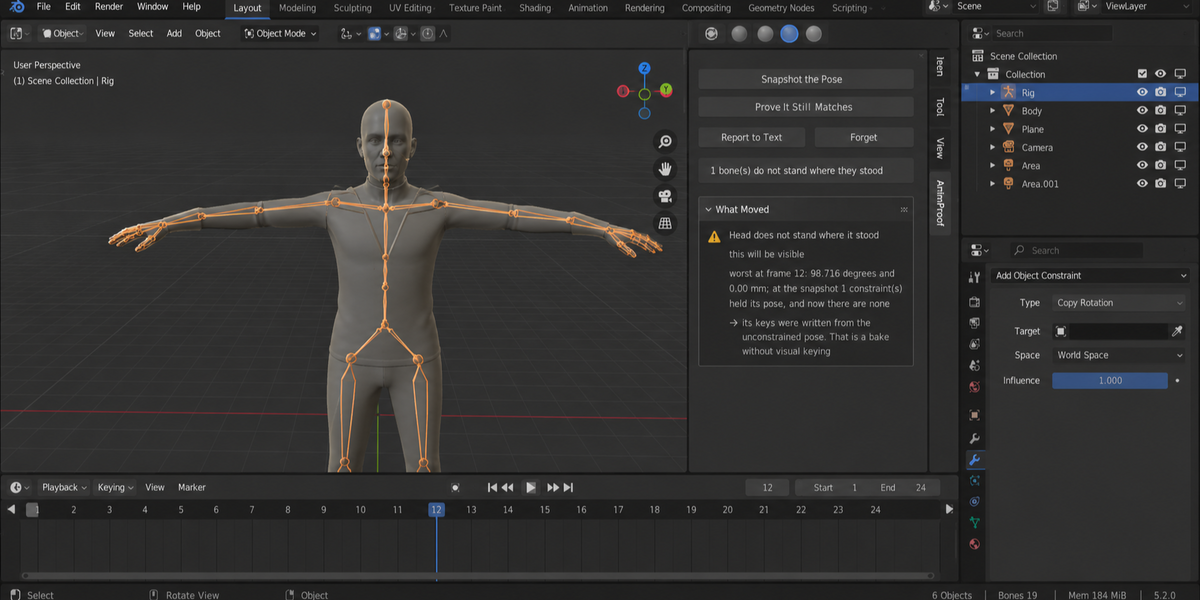
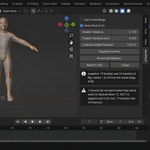
- baked without Visual Keying, then the constraints cleared — 54.061° out, on bone arm, at frame 36
- baked with part of the rig unselected — 54.061°, same bone, same frame
- baked with a step of four across a curved motion — 2.199°, frame 35
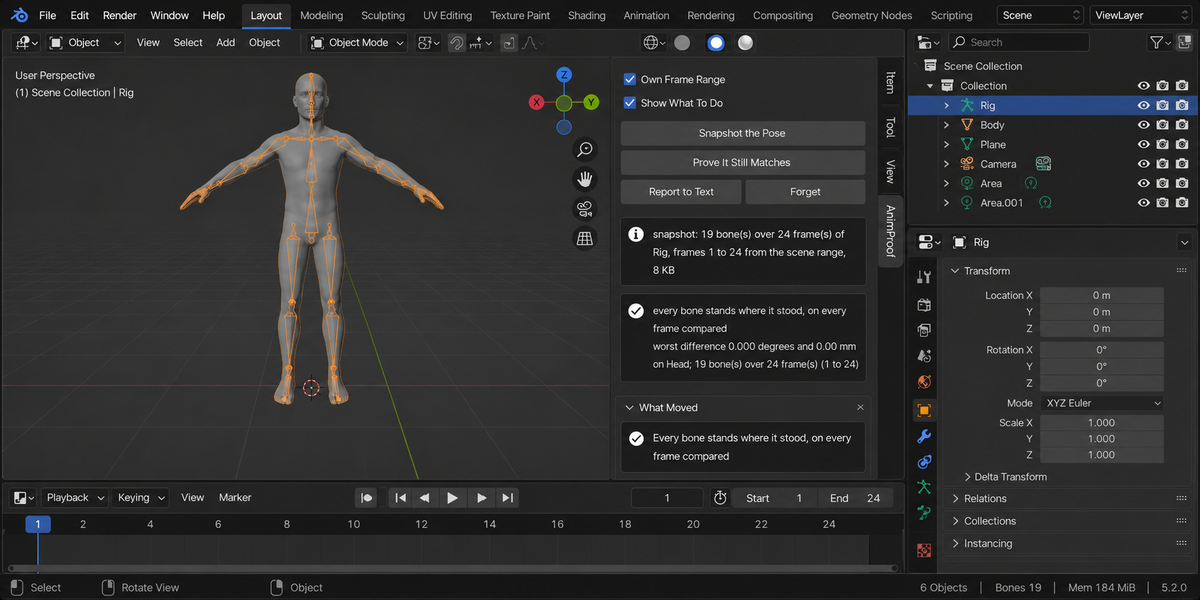
- baked correctly: visual keying, whole rig, every frame — 0.000°
- nothing touched at all — 0.000°
The three zeros matter as much as the three failures. A checker that finds something every time is exactly as useless as one that never does, so both halves are tested and both are shipped.
And it says why
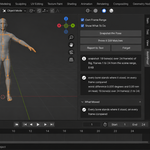
In the first case the bone has keys, no constraints are left on it, and its keys sit on every frame. Nothing about its present state distinguishes it from a healthy bone. AnimProof can tell you anyway, because the snapshot remembered what held that bone's pose at the time: at the snapshot two constraints held its pose, and now there are none — its keys were written from the unconstrained pose.
The other explanations are just as specific, and they are careful about the difference between a fact and a guess. "It has no keys at all" is a fact; whether that means a bake missed it is offered as a possibility, not asserted, because you may not have been baking. "Its keys sit every four frames" is a fact; that it was a bake step is a question the add-on cannot answer for you. Where no cause can be proven, none is offered. Drivers and additive NLA strips were measured too — a bake with visual keying survives both — so you will never be warned about them.
On a real character
It also takes the frame range from the same place Blender's own Bake Action does. If you have a preview range set on the timeline, that is what Bake Action uses — and that is what the snapshot uses, and the panel says which range it took. A tool that measures a different span than the one you baked would report a clean result on an animation that moved.
A skinned character with animation, nineteen bones over twenty-four frames: untouched, it reports nothing at all. Rotate one bone by three degrees on frame twelve and it reports exactly 3.000°, with that bone in the list. A rig of three hundred bones over two hundred and fifty frames is snapshotted in 765 KB and a tenth of a second, and compared in a quarter of a second.
It does not touch your rig
There is no button in this add-on that changes an animation. It steps through frames to read the pose and puts your current frame back. Testing takes a fingerprint of the frame, the action, the bone selection, the mode and the frame range before and after, and requires them to be identical — and the add-on runs that same check on itself every time and tells you if it ever fails.
The snapshot lives in one text block inside your .blend, so you can snapshot today, save, close, bake tomorrow and still compare. One button deletes it.
Measured, not assumed
A hundred and twelve checks on Blender 4.2, 5.1 and 5.2, all three green. Then the same hundred and twelve were run against a deliberately broken build — one that leaves the scale out of the snapshot, one that forgets the object's own animation, one that only looks at the active action, one that reports both the rotation and the position at the same frame, one that multiplies by a thousand regardless of your scene units — and eleven of them went red. A test that cannot fail proves nothing, so each of them was made to.
Those particular breakages are not hypothetical: they are the ones an adversarial review found in this add-on, each measured against an independent yardstick, each fixed, and each now guarded by a check that goes red if it ever comes back.
Whole deliveries, not one file at a time
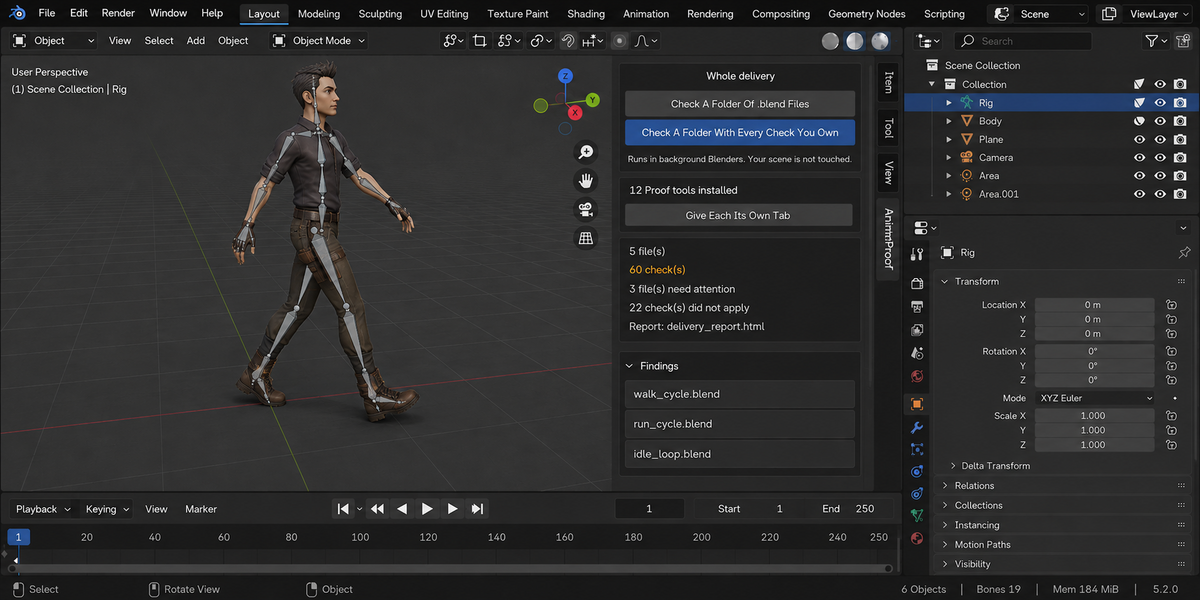
- Check a folder. Point it at a delivery and every .blend inside is checked, each in its own background Blender. The scene you have open is not touched — not opened over, not saved, not changed. A file that hangs or crashes takes only its own process down; the other thirty-nine still get checked.
- A report you can send. One self-contained page: verdict first, one sentence a lead can read, then the numbers, then every finding with its address. No internet, no fonts to load, no dependencies — it opens in six months on a machine with no network, which is exactly when someone asks what you delivered.
- Runs without a person. A single command from your pipeline writes the report and returns a code: clean, something blocking, or could not be checked. Those are three different codes on purpose — a check that did not run has not passed, and a gate that treats them the same is worse than no gate at all.
- Remembers last time. Save today's numbers as a baseline and a later run tells you what moved, in which direction, and which findings are new. A measurement that went up is not automatically bad: each product says which way is worse for its own numbers.
- One verdict for the whole delivery. If you own more than one of these tools, one run puts every check you have over every file and answers the only question that matters before you send it: can this go out? Each file is opened once and all the checks see the same state of it.