 BlendPix


Installation Guide
The add-on is installed in the usual way.
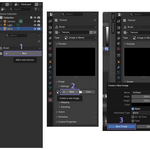
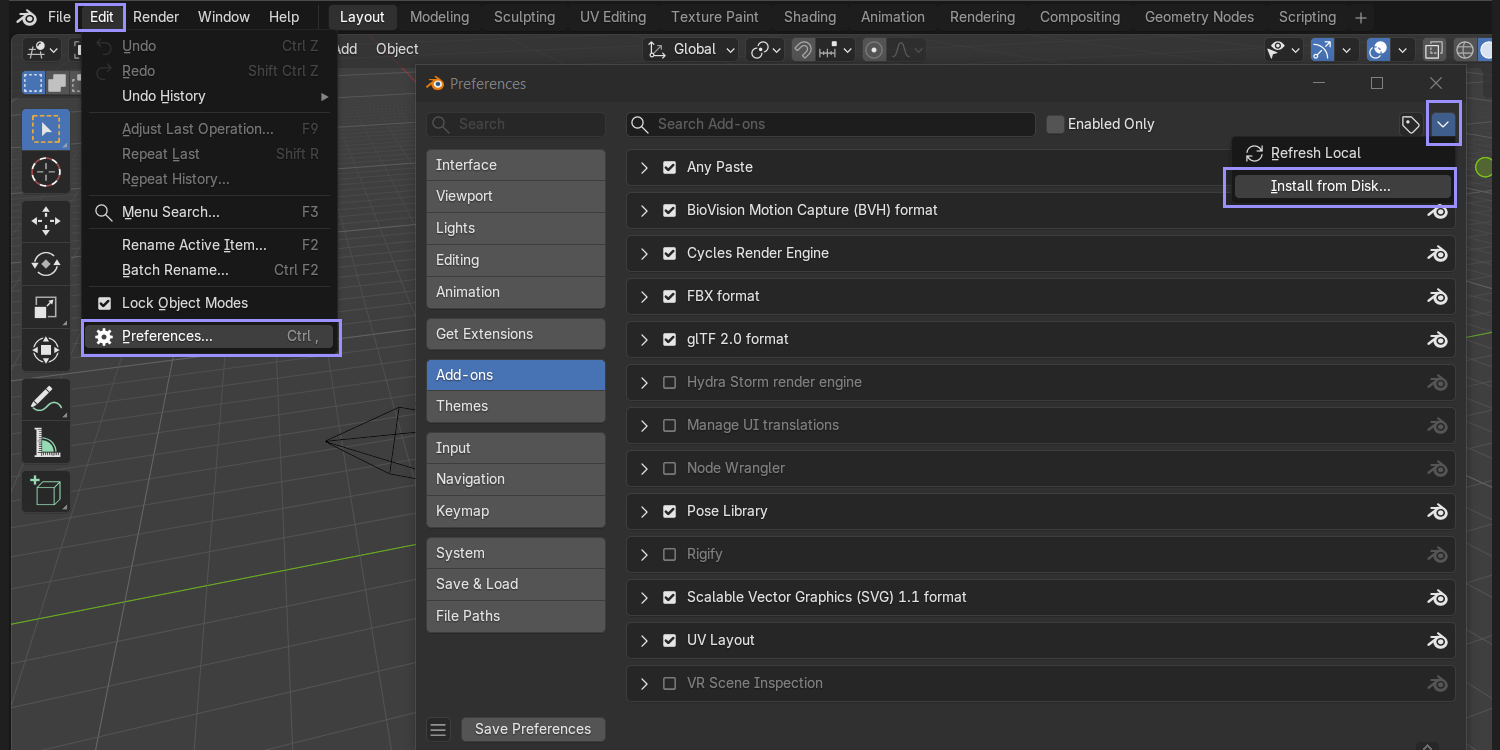
- Load the provided .zip file for your Blender version. (Do not unzip it.)
- In Blender navigate to Edit > Preferences > Add-ons.
- Click the Install from Disk button in the top right corner.
- Locate and select the downloaded .zip file, then click Install Add-on.
How to use
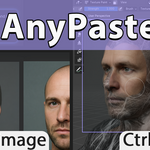
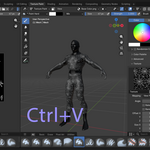
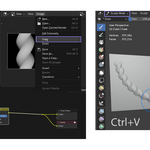
Hotkey Ctrl+V to paste an image from the clipboard into the current brush texture (in Texture Paint and Sculpt modes).
$3
Have questions about this product?
Login to message
| Dev Fund Contributor | |
| Published | 6 months ago |
| Blender Version | 2.9 - 5.1 |
| Extension Type | N/A |
| Render Engine Used | Cycles, Eevee |
| License | GPL |
