 Arvo Andre Radik


Compositor-based extension
Aperturia FX is your answer to digital photorealism
Built from real-world optical and digital data, Aperturia FX reproduces how digital cameras perceive light, noise, and imperfection directly inside Blender’s native compositor.
Designed for Blender 4.5+ Legacy available for 4.0 - 4.4
NB!
You could use a lot of nodes…

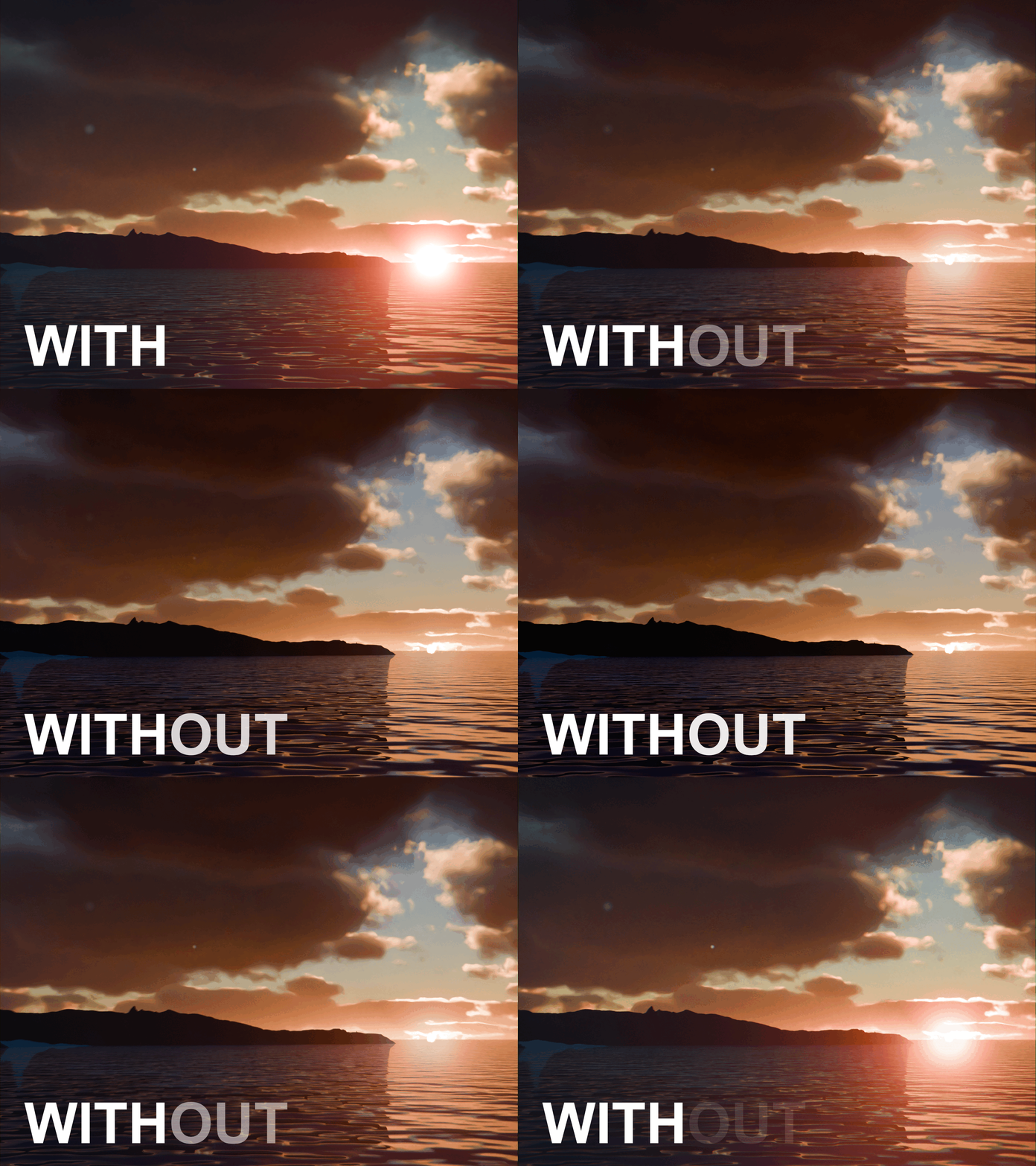
…or you could use one calibrated node that understands digital cameras, noise, and shadow behavior. In this GIF you can see a big bundle of nodes and Aperturia FX node, once the Switch was switched over to Aperturia's logic, the visuals stayed roughly the same if not better thanks to its careful design.
Camera logic
Digital camera behavior, not just “effects”
Aperturia FX is built to mimic how real sensors and lenses respond to light, contrast, and exposure not just to “look cool”.
Workflow
One node, or a whole stack
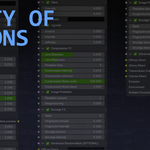
Drop it in and use about 60 different settings inside to achieve the exact look you are after. Effects are specifically ordered to appear as natural as possible.
Looks
From clean digital to vintage grit
From simple digital camera effects, to cinematic, retro, stylized and even vintage. You make your own camera.
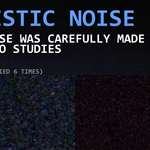
Real digital noise, captured from reality
Noise profiles based on real sensors, not guesswork.
Each profile is crafted from studies of photographs taken with different digital cameras across eras, sensor technologies, and price ranges — all under the same environmental conditions.
- Subtle in highlights, pronounced in shadows.
- Different types of noise — clean, gritty, harsh, soft.
- Optionally overlay real photo noise for maximum authenticity.

Physically accurate shadow mask
Shadows that behave like light, not like a Photoshop overlay.
Aperturia FX rethinks how shadows are treated in compositing, respecting luminance, falloff, and exposure instead of flattening everything into a crude multiply pass. This ensures truest noise logic in lights and shadows.
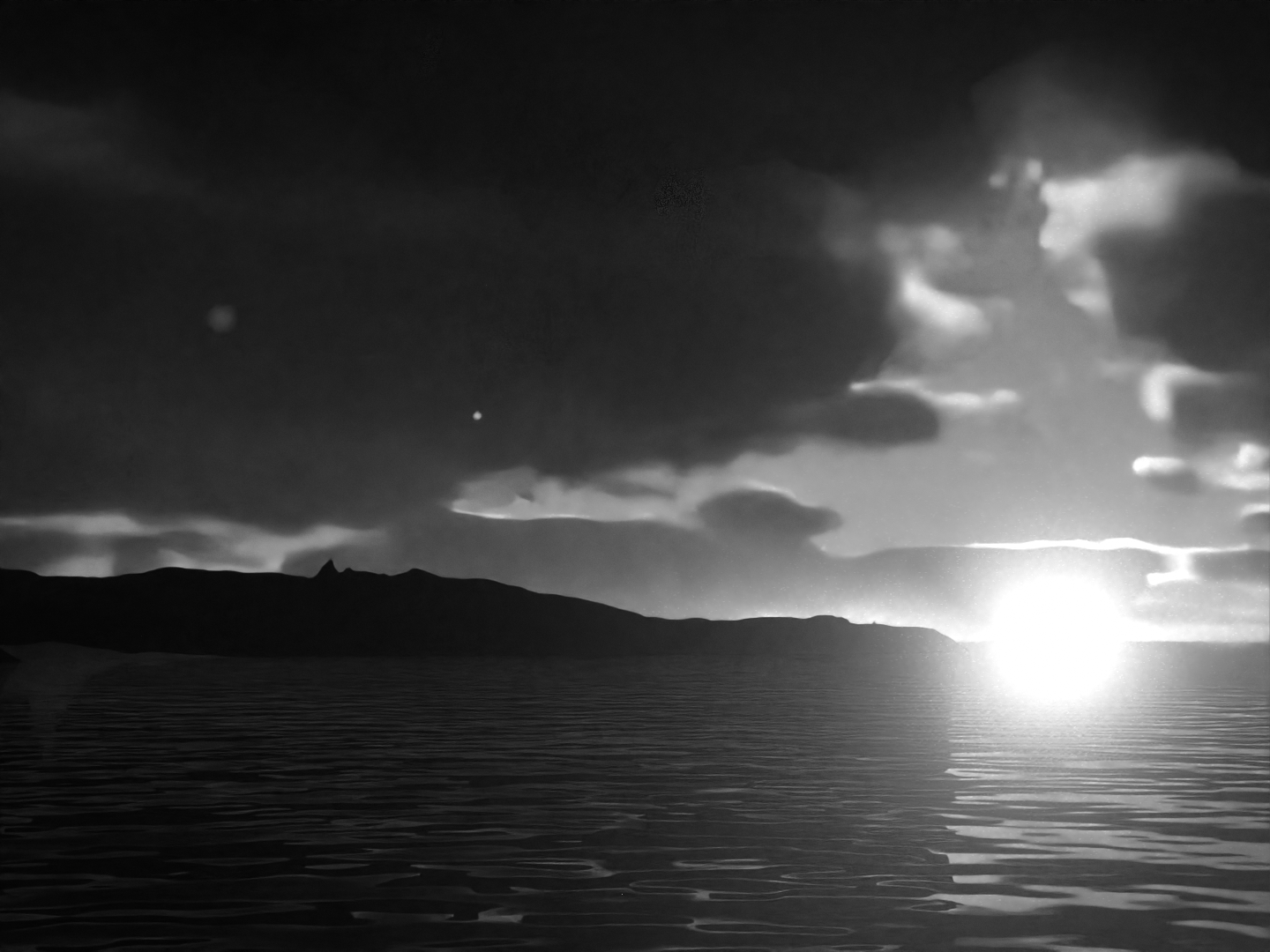
For rapid workflows, it includes a fast, lightweight mask that converts your render into a clean black-and-white luminance map — perfect for quick grading and stylization.
All-in-one solution
A toolbox of ready visual effects, how convenient!
In order to create believable renders, Aperturia bundles most of the vital compositor nodes into the master node. All that is needed to be done is to enable them and tweak their values. However there are some extras worth noting:
Integrated color grading
Fast and easy color adjustment
Easily tweak the colors of the render including tinting and shadow tinting. TIP: Raise the shadow tint a little bit to give the render a filmic look.
Low resolution simulation
Blur and Pixelate
Create older digital footage style renders by simply enabling and tweaking the Image Pixelation and Blurring.
Fast glare
Highlight your renders
Integrated glare tools that add convenient highlights to the render. Tweak intensity and spread to tailor the shine.
Optical imperfections
Smudges & Smears
Overlay real dirt masks onto your render with customizable amount and intensity and optionally make it interact with glare.
Quality of Life features
Additional N-Panel tab which packs multiple features on its own.
In order to create believable renders, Aperturia bundles most of the vital compositor nodes into the master node. All that is needed to be done is to enable them and tweak their values. However there are some extras worth noting:
Update checker
Update notification and downloader
N-Panel will let know if there are any updates available. Update is only downloadable, installation must be done manually.
Preset management
Built-in and custom premades
Choose between a selection of presets or create your own. Import & Export feature allows preset transferring, backupping and sharing.
Build / Restore
Node in demand
Aperturia FX node group is built into your scene using the "Build" button. In case the node is damaged use "Restore" to rebuild the node. All of the configurations will be re-applied.
Automatic node generation
Zero appending
Enabling Automatic Node Generation will build the node into your scene every time you make a new file. Forget the need to use 'Append'.
Optimize
Faster compositing
Optimizing switches the scene's compositing device from CPU to GPU to rapidly boost node calculation speed.
Undo history
Memorized changes
Built-in undo history allows for faster step-backs and redo-s by ignoring Blender's default undo logic. Default memory limit is 10 changes, but it can be changed.
Advanced Shadow Pass toggle
Level-up noise handling in seconds
Enables and auto-connects all required render passes for the Advanced Shadow Mask in one click.
All you have to do is drop the node in your Compositor and you're set!
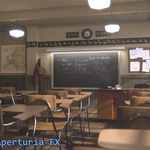
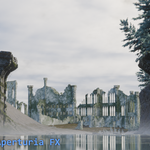
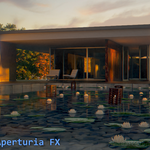
Some Blender files seen on the images can be found and downloaded at: https://www.blender.org/download/demo-files/