AquaForge Pro - GPU Liquid Simulation
 ASHISH KUMAR MAURYA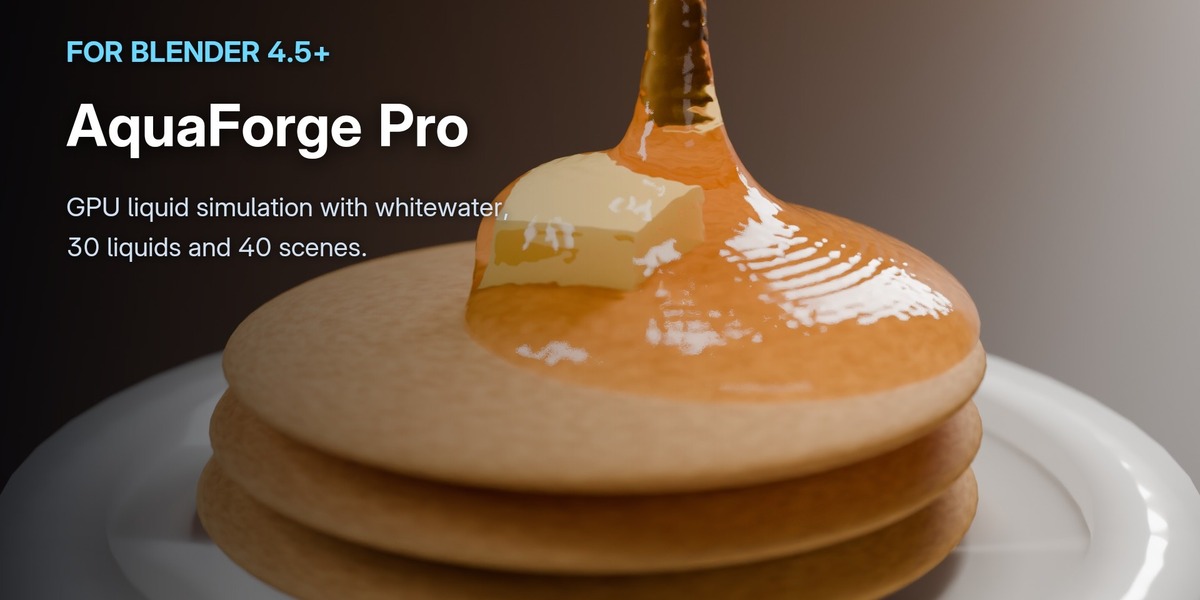





Install
- In Blender 4.5 or newer: Edit › Preferences › Get Extensions.
- From the ⌄ menu at the top right, choose Install from Disk… and pick aquaforge-1.0.0.zip.
- In the 3D Viewport press N and open the AquaForge tab. A tick next to Engine means it's ready.
If AquaForge Lite is installed, disable it first, so there is one AquaForge tab.
Your first bake
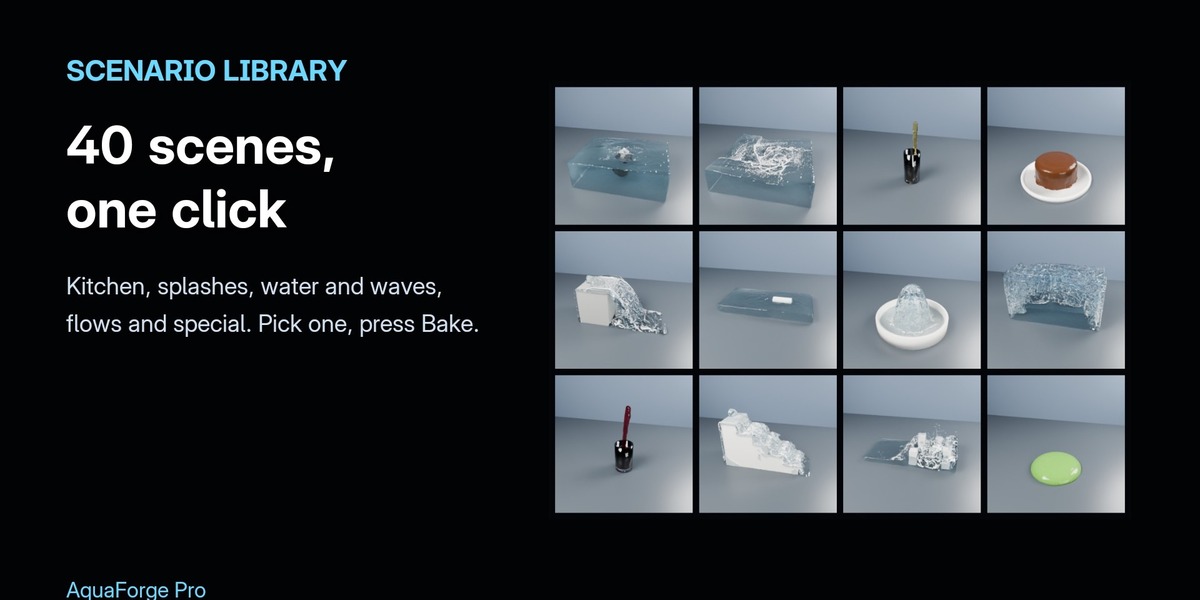
- Quick Start › Scenario Library: pick a category, click a preview, then Add This Scenario. Domain, liquid, obstacles, liquid preset and (where it helps) whitewater are set up for you.
- Press Bake. The bake runs in the background: Blender stays usable and frames appear as they finish. Pause and Resume carry on from the last finished frame, even after a crash.
- Scenarios are set up to bake in minutes. Raise Resolution for the final bake (up to 400).
Your own scene
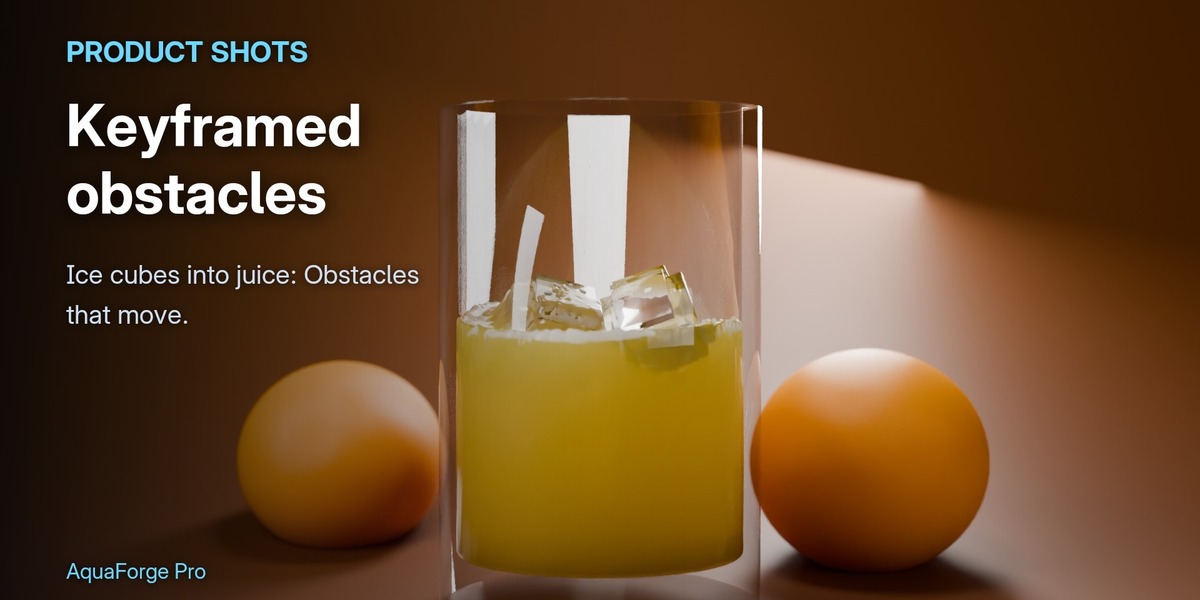
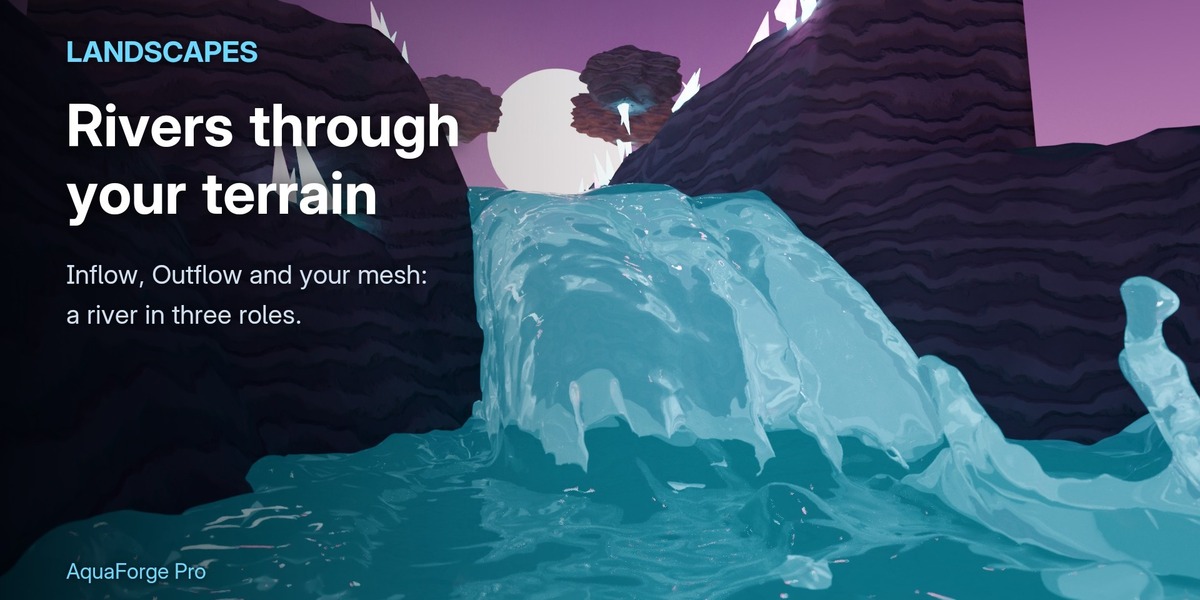
- Select an object and give it a role: Domain (the box the liquid lives in), Fluid (liquid at the start), Obstacle, Inflow or Outflow. Meshes must be closed, with no holes.
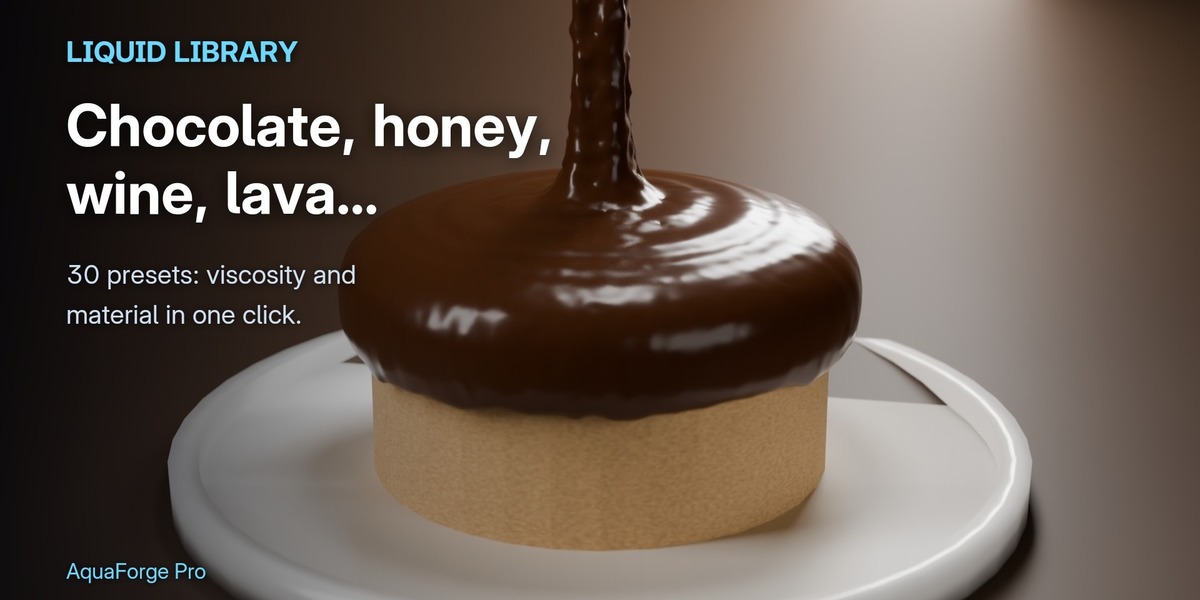
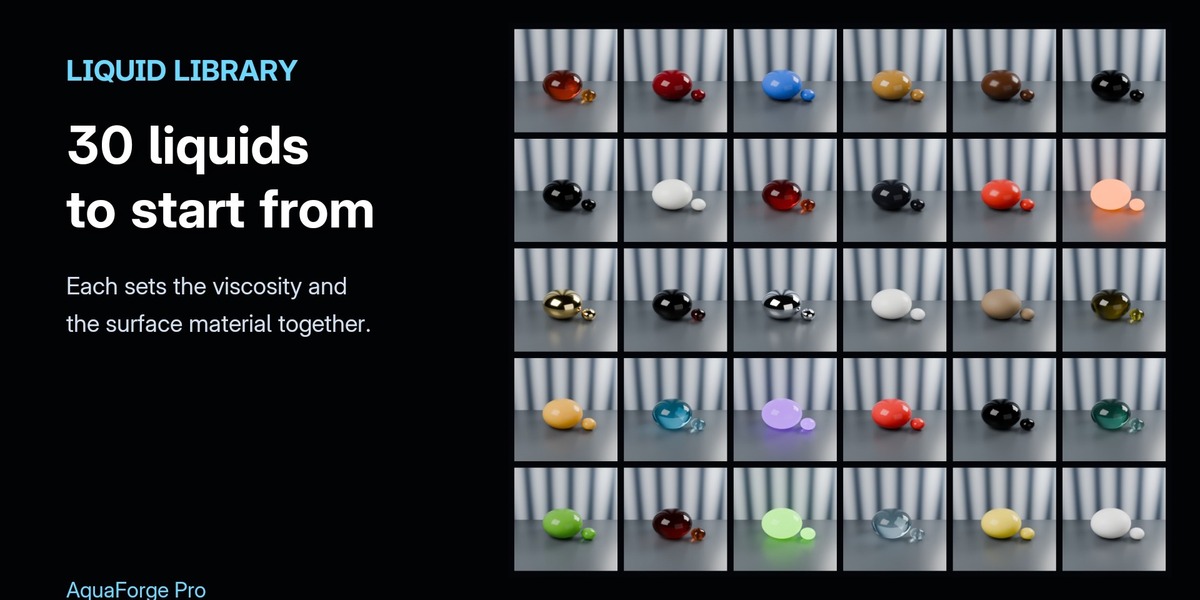
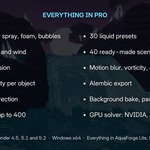
- Pick a liquid from the liquid library (30 presets) in the Bake panel: it sets the viscosity and the surface material.
- The estimate under Resolution shows particles, memory, disk space and bake time before you bake.
GPU and Live Preview
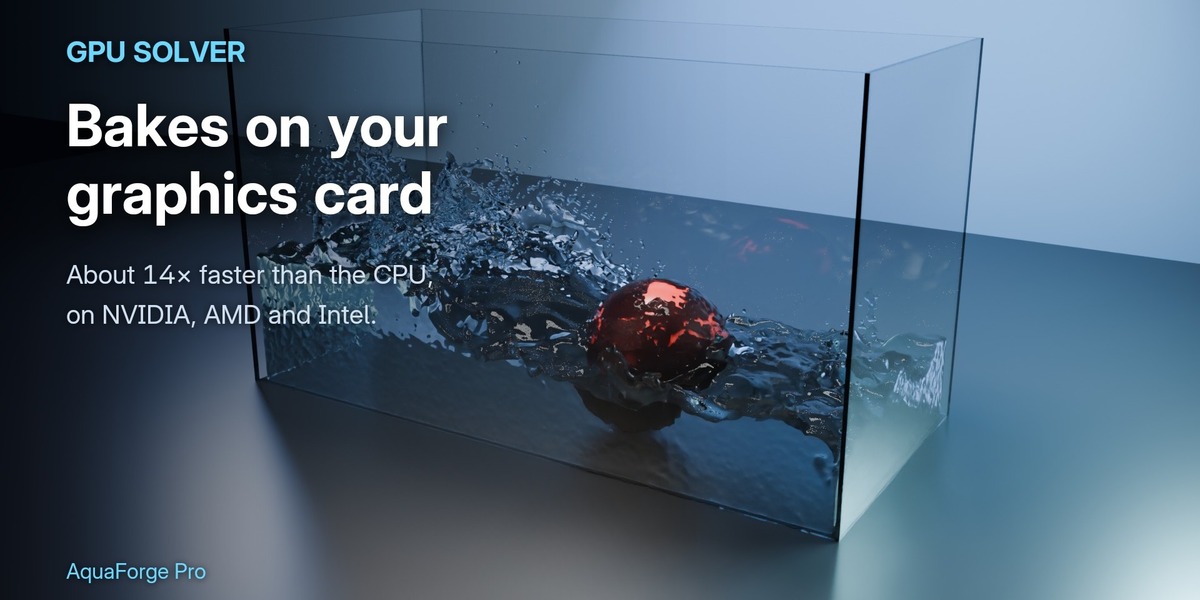
- Solve on GPU (Bake panel, on by default) bakes on any OpenCL graphics card: NVIDIA, AMD or Intel, with its normal driver. Without a usable GPU, or if the card runs out of memory, the bake carries on on the CPU by itself.
- Live Preview runs the simulation at low resolution in the viewport as it goes, to check a setup before the real bake. Esc stops it.
Whitewater, physics and output
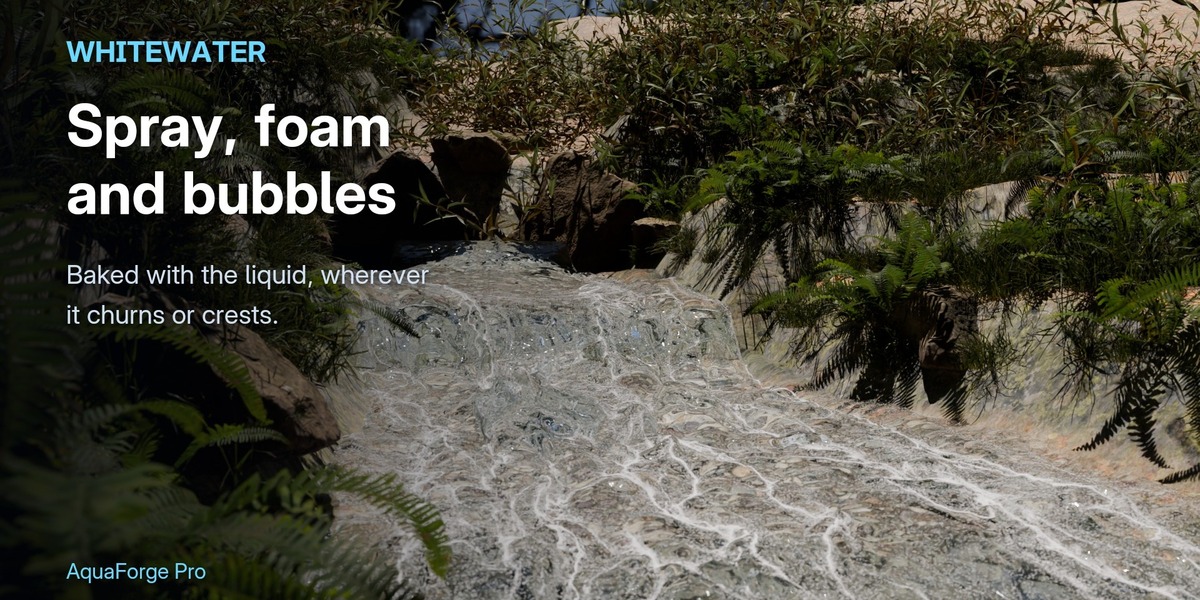
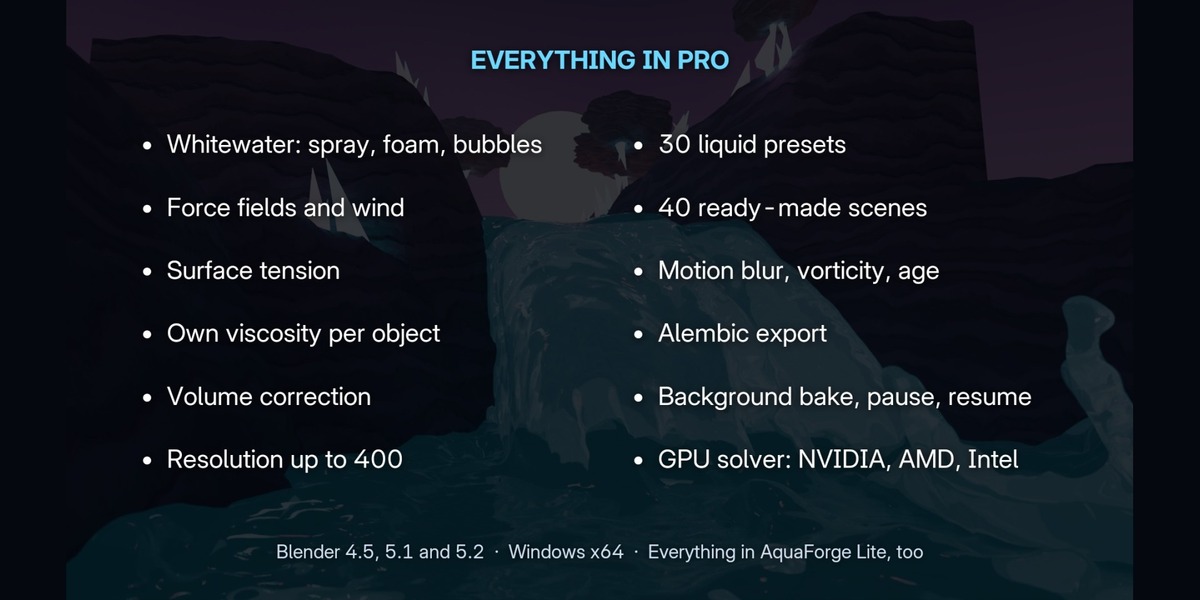
- Whitewater: spray, foam and bubbles are baked with the liquid. Their sizes and materials change the look without baking again.
- Physics: Blender's force fields (Force, Vortex, Turbulence, Wind) push the liquid; small strengths go a long way. Surface tension shows at small scale (drops, a few centimetres).
- Output: motion blur from the liquid's velocity, vorticity and age attributes, and Alembic export of the surface and the whitewater.
The download includes the full Pro guide and user guide. Video tutorial: https://www.youtube.com/watch?v=YFXHhM9p8Rs
Have questions about this product?
Login to message
| Blender Extension Compatible | Yes |
| Published | about 9 hours ago |
| Blender Version | 4.5 - 5.2 |
| Extension Type | Add-on |
| Render Engine Used | Cycles, Eevee |
| License | GPL |

Discover more products like this
viscosity GPU liquid simulation foam whitewater liquid river Water physics Fluid-simulation splash simulation