AquaForge Pro - GPU Liquid Simulation
 ASHISH KUMAR MAURYA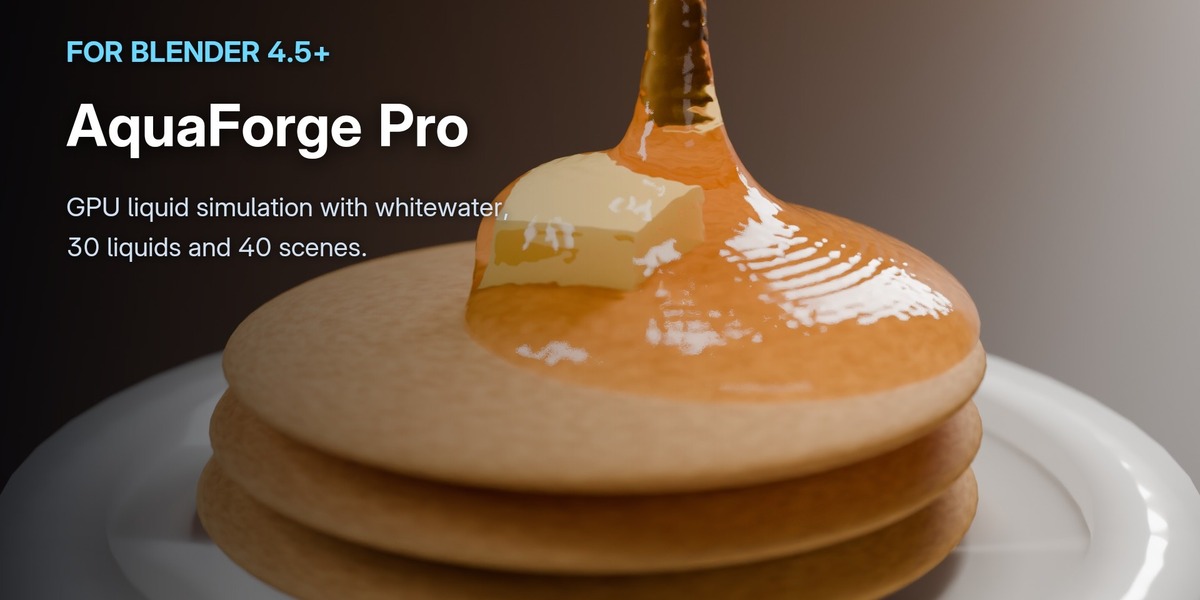
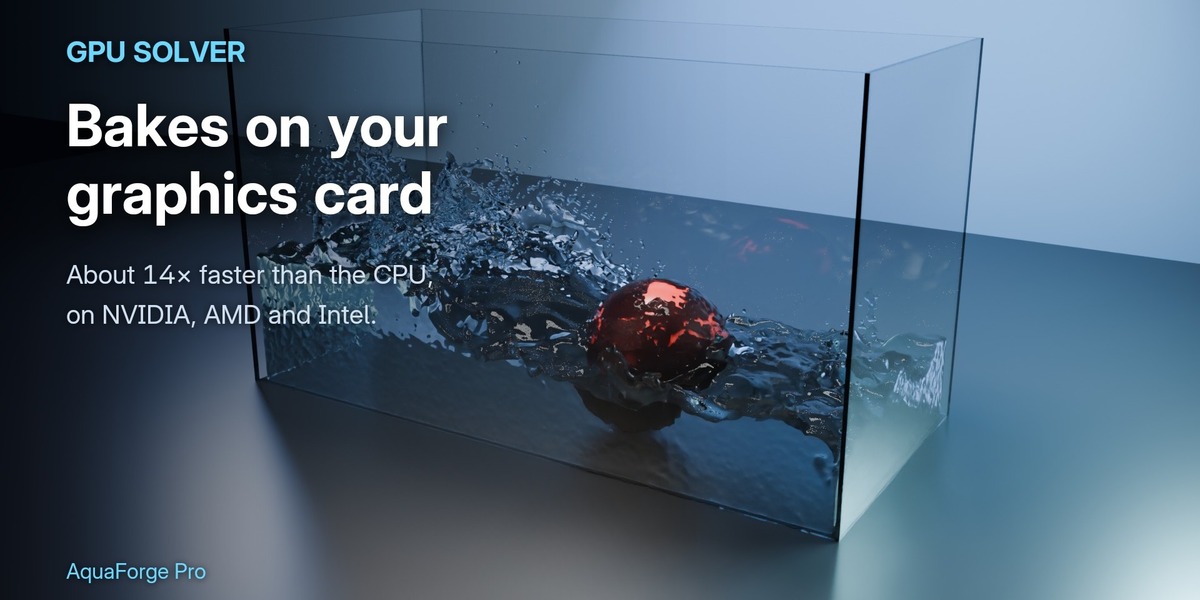










No. The GPU solver runs on any OpenCL graphics card: NVIDIA, AMD or Intel, with its normal graphics driver and nothing else to install. On a laptop with two GPUs it picks the dedicated one. Without a usable GPU, or if a bake is too big for the card's memory, it bakes on the CPU by itself.
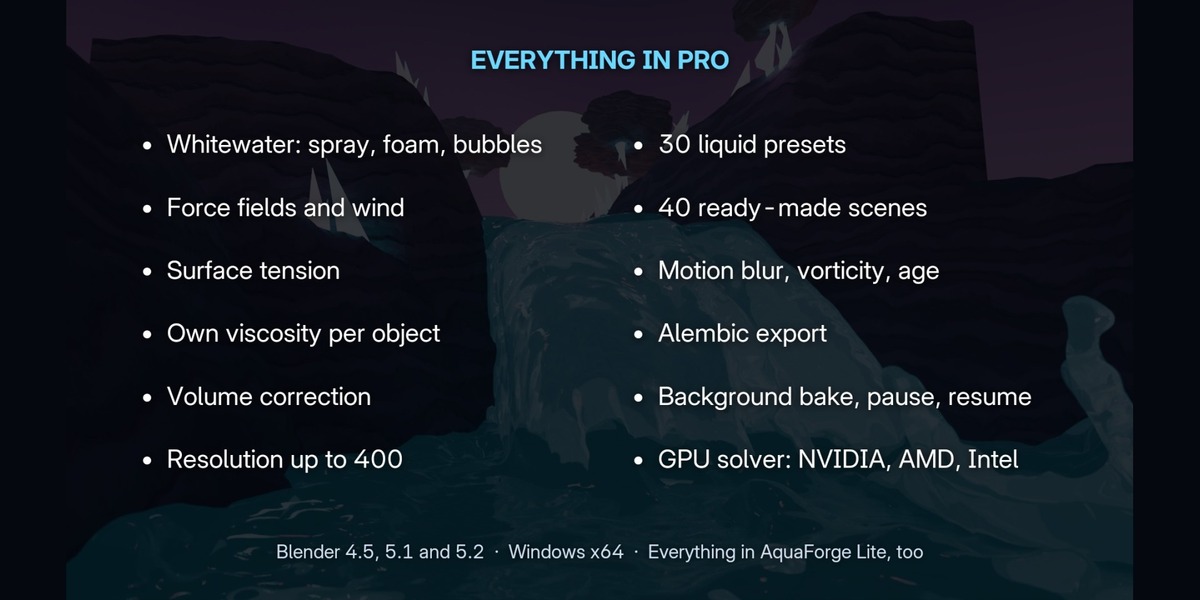
Blender 4.5, 5.1 and 5.2, on Windows 64-bit. macOS and Linux builds are planned.
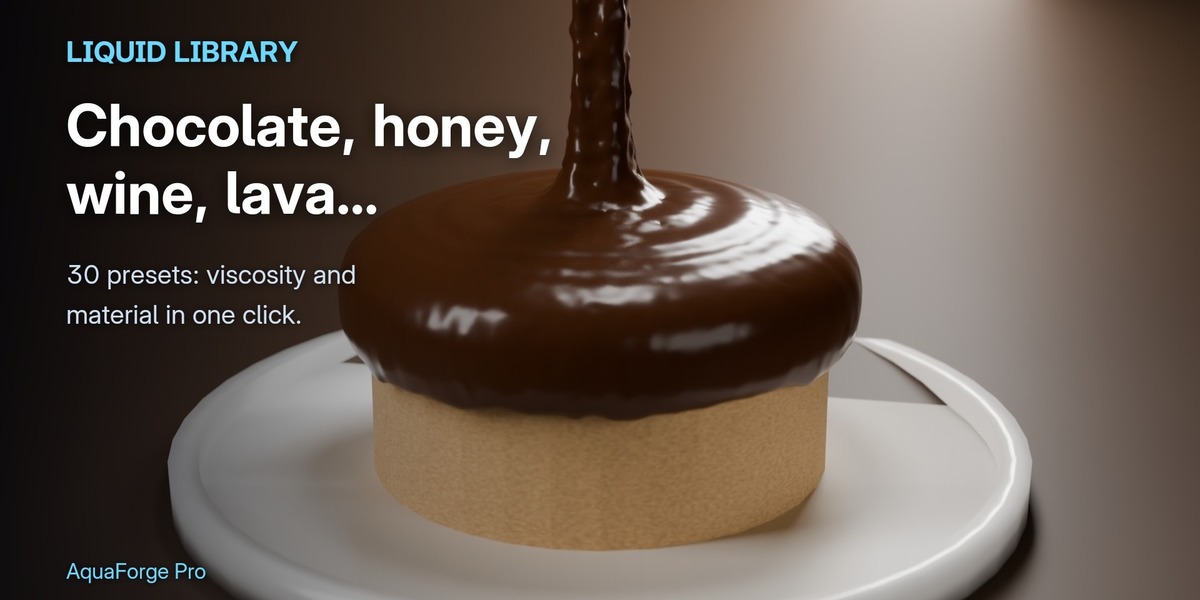
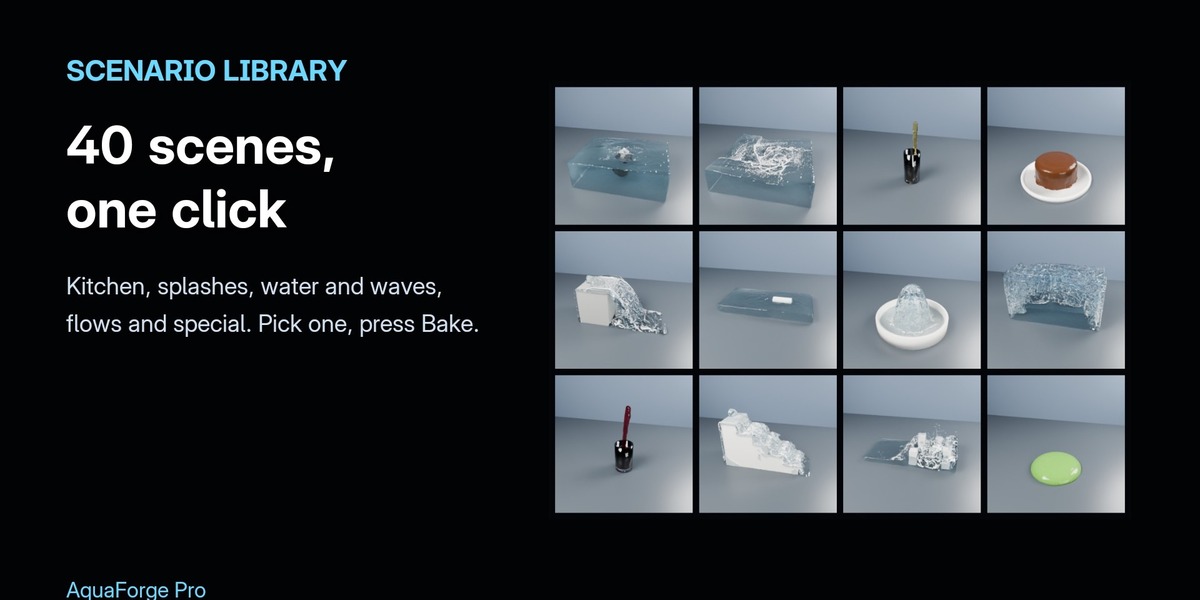
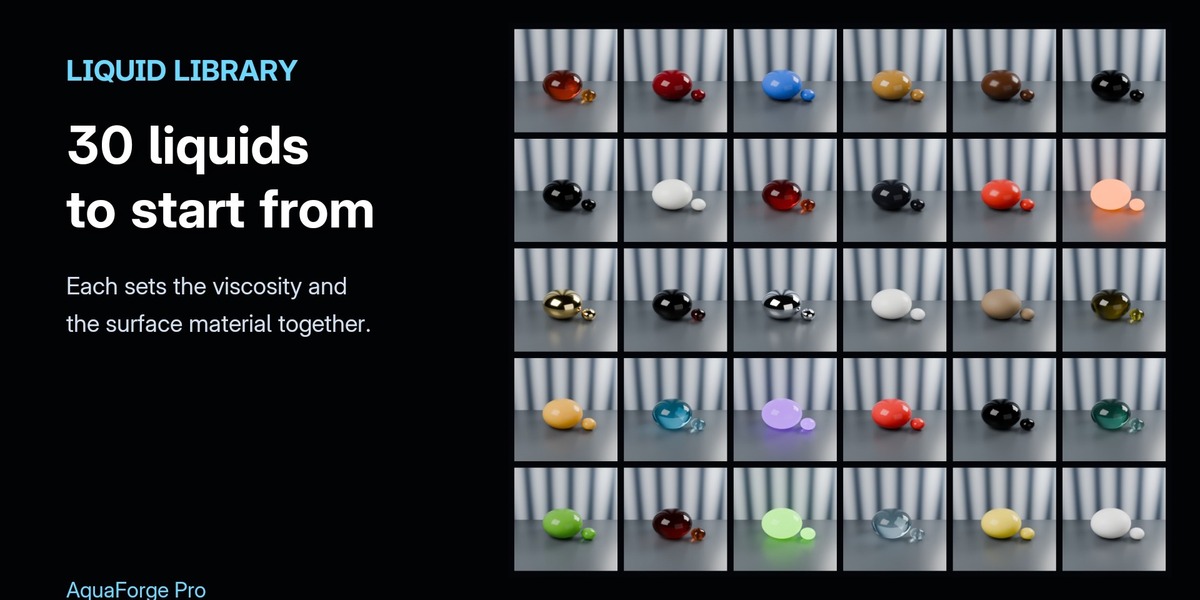
Everything in Lite is in Pro too. Pro adds the GPU solver and Live Preview, whitewater (spray, foam, bubbles), force fields, wind and surface tension, a viscosity of its own per object, 30 liquid presets, 40 ready-made scenes, motion blur and attributes, Alembic export, and resolution up to 400 (Lite: 150). If Lite is installed, disable it when you install Pro.
The Bake panel estimates particles, memory, disk space and bake time before you bake. The ready-made scenes are set up to bake in minutes; raise the resolution for the final bake. On a gaming laptop (RTX 4050) the GPU bakes about 14x faster than the 20-thread CPU: a 4-million-particle dam break takes about a quarter of a second a frame.
Every finished frame stays in the cache. Press Resume and the bake carries on from the last finished frame. You can also pause a bake at any time, and Blender stays usable while it bakes in the background.
Have questions about this product?
Login to message
| Blender Extension Compatible | Yes |
| Published | about 9 hours ago |
| Blender Version | 4.5 - 5.2 |
| Extension Type | Add-on |
| Render Engine Used | Cycles, Eevee |
| License | GPL |

Discover more products like this
simulation river liquid splash liquid simulation Water foam physics GPU whitewater Fluid-simulation viscosity