AquaForge Pro & Studio - GPU Liquid Simulation
 3D Nation











Fixes
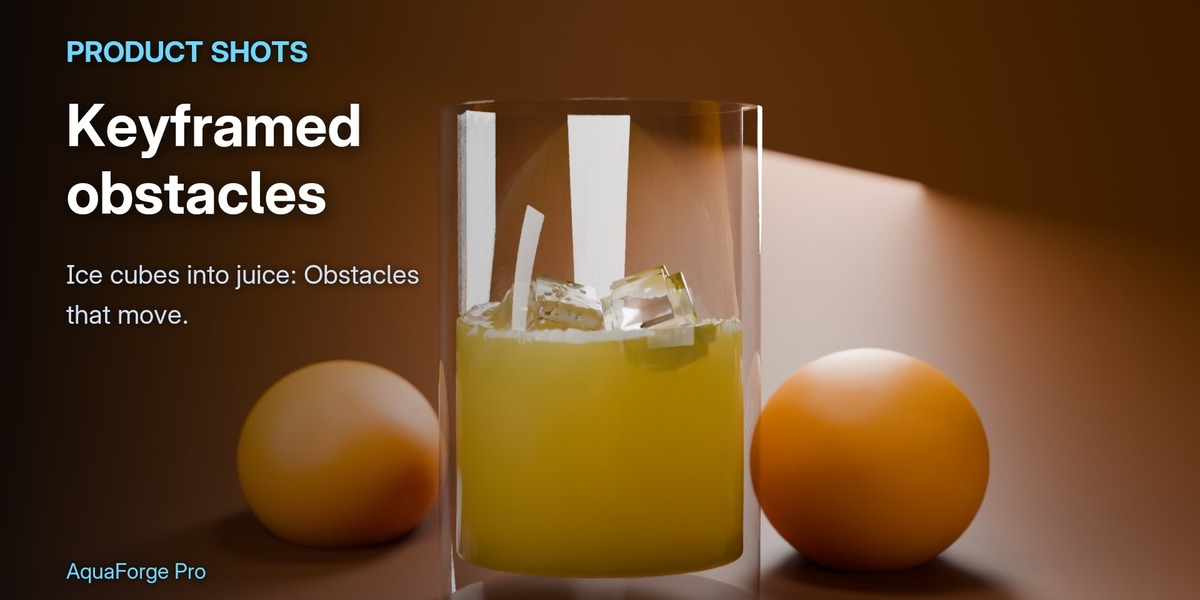
- Liquid in a glass keeps its level as it settles. Particles packed along the glass's walls, and volume correction then drew the liquid beside them toward the walls: water poured into a glass sank by about a quarter over a few seconds. Now settled water holds its level within a few percent, on the CPU and the GPU, in a glass or any other obstacle.
Install: install over 1.0.1 (Edit > Preferences > Get Extensions > Install from Disk). Your scenes and caches keep working; rebake scenes with liquid in a glass or another obstacle to get the fix.
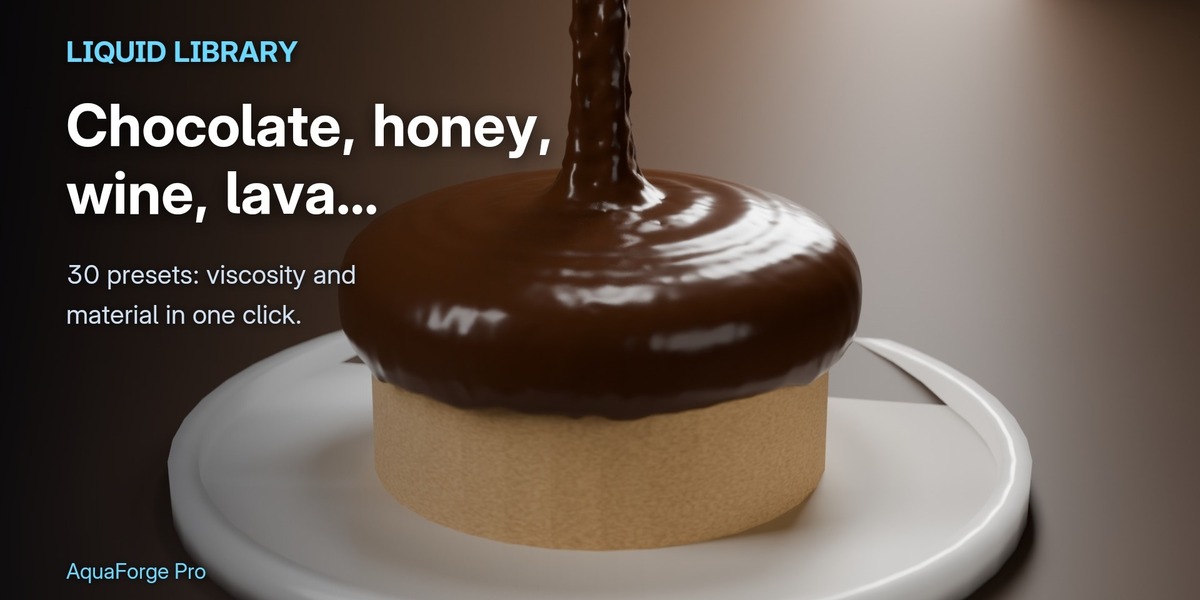
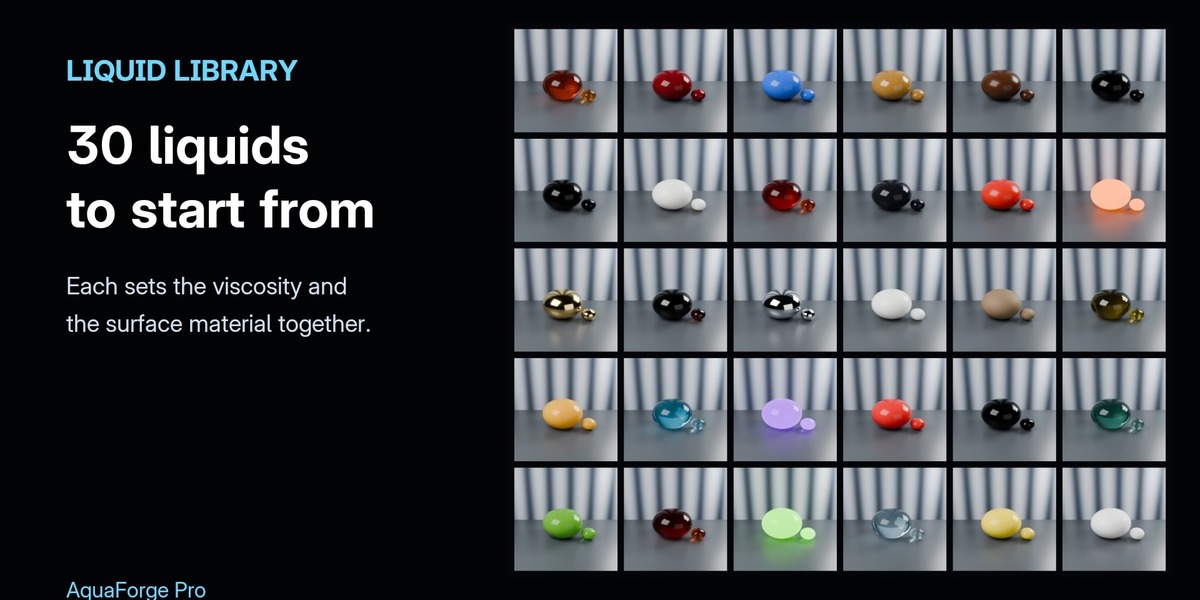
- Honey and other thick liquids at rest no longer stir themselves: viscosity now acts before gravity in each step.
- A liquid with its own viscosity keeps its level over long bakes: volume correction no longer packs thick liquid tighter.
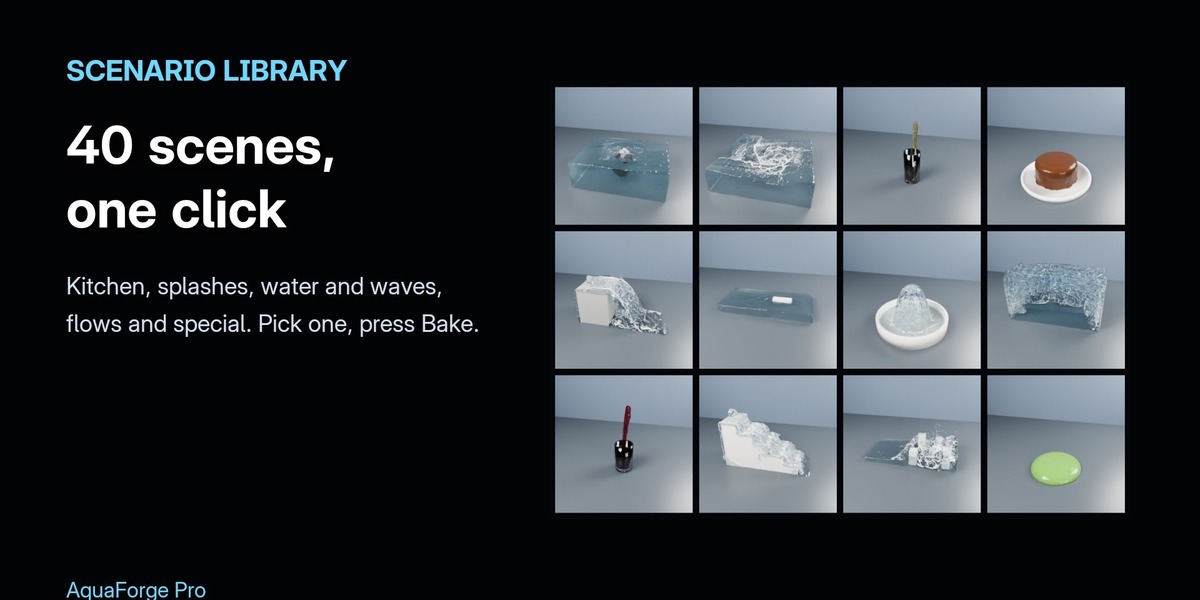
- Scenario Library: picking a category always selects one of its scenes (the picker could come up empty after switching category).
- New sidebar look: icons on every panel header, and tiles for the roles and Quick Start actions.
Install aquaforge-1.0.1.zip over 1.0.0 (Edit › Preferences › Get Extensions › Install from Disk). Your scenes and bakes keep working.
First release of AquaForge Pro.
Fixes
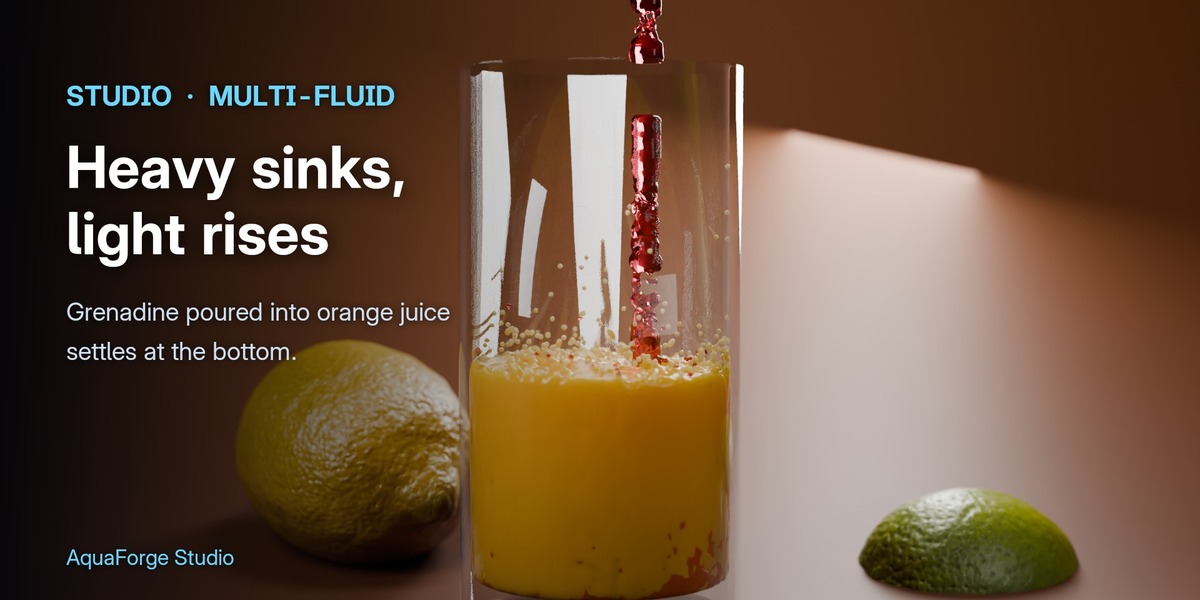
- Liquid in a glass keeps its level as it settles. Particles packed along the glass's walls, and volume correction then drew the liquid beside them toward the walls: water poured into a glass sank by about a quarter over a few seconds, and layered liquids (juice over grenadine, honey under water) by more. Now settled water holds its level within a few percent, on the CPU and the GPU, in a glass or any other obstacle, and layered liquids stay layered.
Install: install over 1.0.1 (Edit > Preferences > Get Extensions > Install from Disk). Your scenes and caches keep working; rebake scenes with liquid in a glass or another obstacle to get the fix.
Fixes
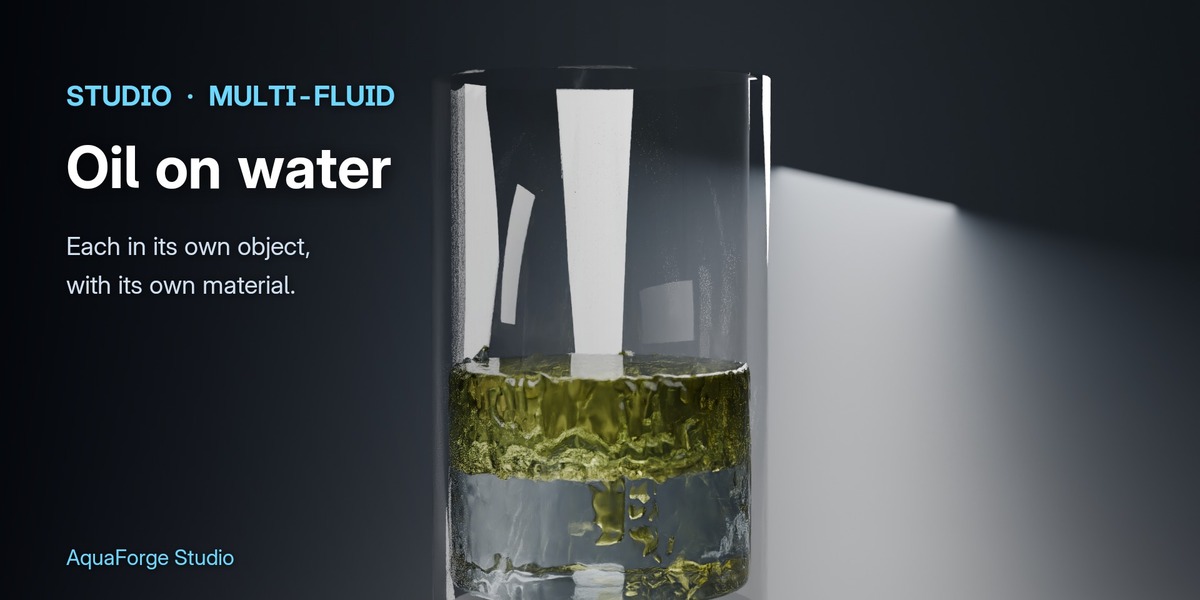
- Liquids of their own keep their volume: in Oil on Water the oil no longer packs the water tighter as it rises, so the water level and the oil layer stay where they should (CPU and GPU).
- Background bakes no longer run out of memory when the liquid object already existed before the first bake: the surface is meshed at the bake's cell size.
Install: install over 1.0.0 (Edit > Preferences > Get Extensions > Install from Disk). Your scenes and caches keep working; rebake multi-liquid scenes to get the fix.
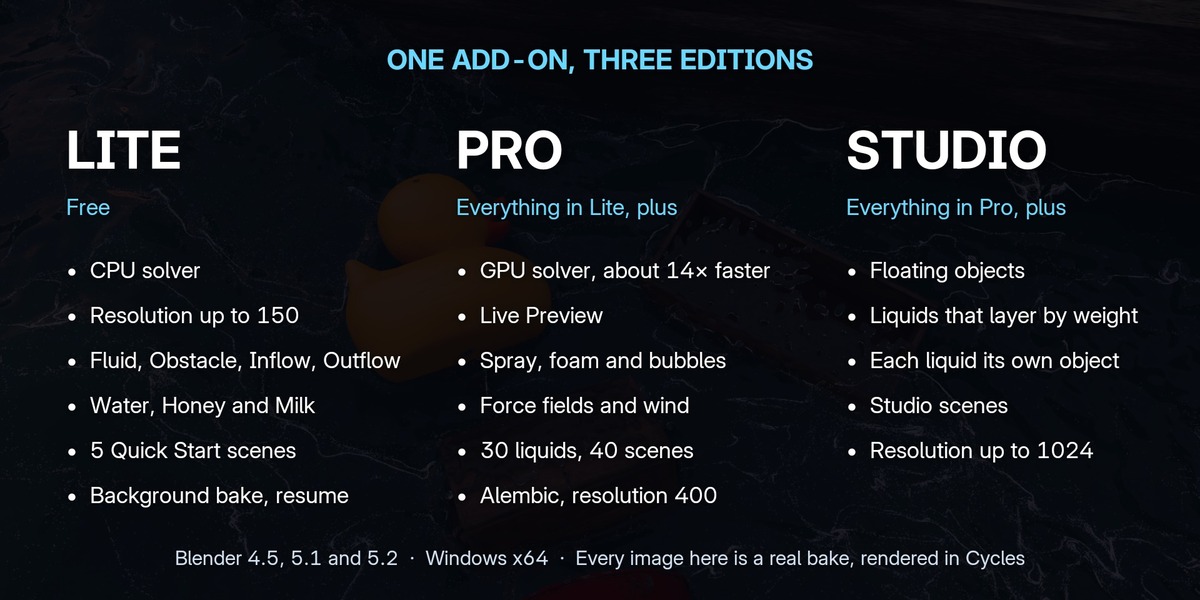
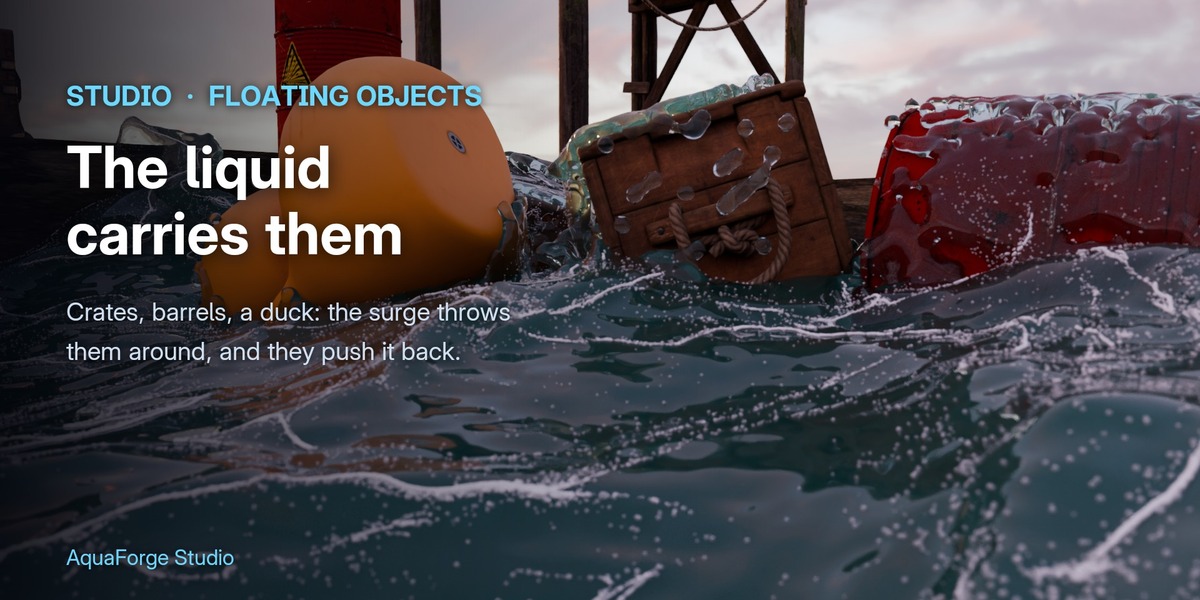
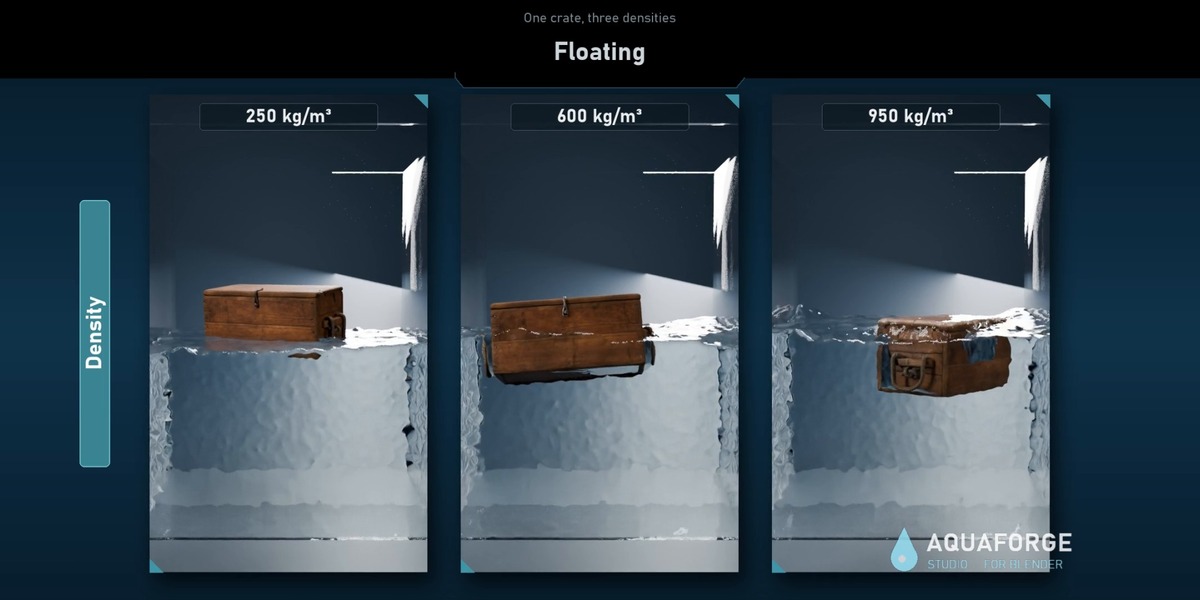
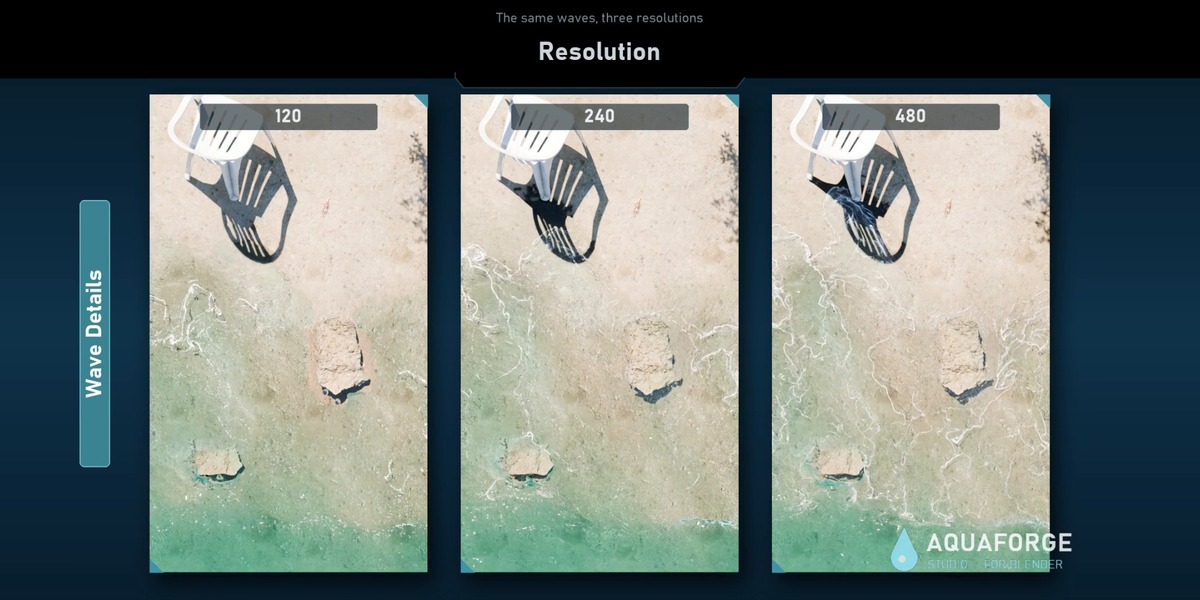
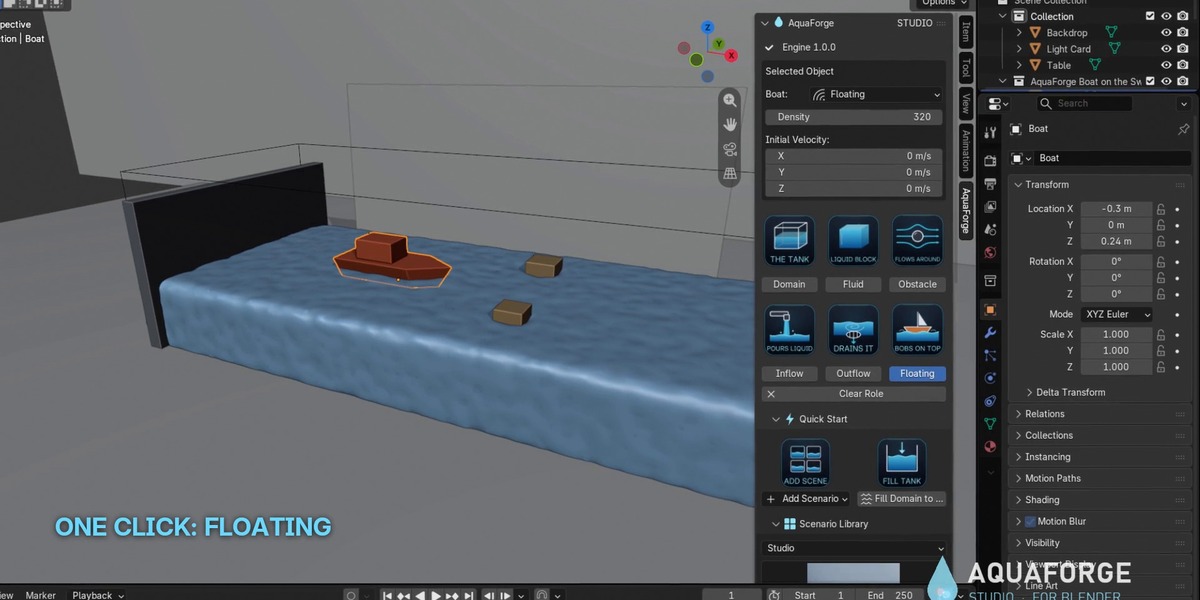
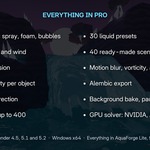
First release of AquaForge Studio: everything in Pro 1.0.1, plus floating objects, liquids of their own (multi-fluid), the Studio scenarios and resolution up to 1024.
Have questions about this product?
Login to message
| Blender Extension Compatible | Yes |
| Published | 11 days ago |
| Blender Version | 4.5 - 5.2 |
| Extension Type | Add-on |
| Render Engine Used | Cycles, Eevee |
| License | GPL |
Discover more products like this
simulation foam liquid simulation buoyancy GPU Water liquid Fluid-simulation physics splash whitewater multi-fluid