






AquaForge Pro & Studio - GPU Liquid Simulation

3D Nation in Simulations & Effects


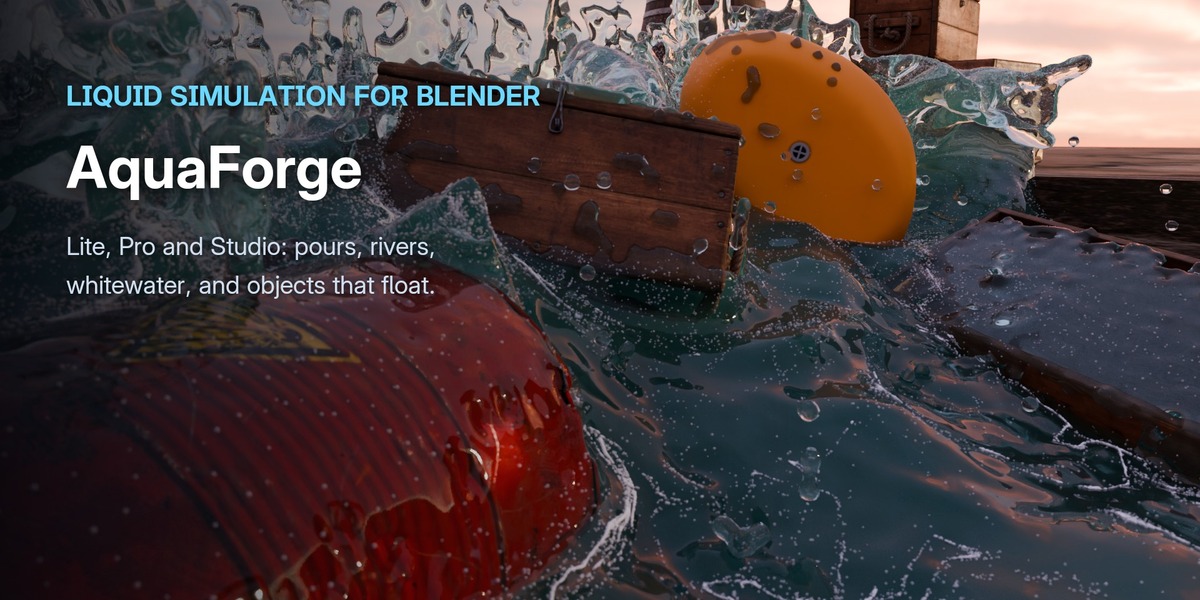
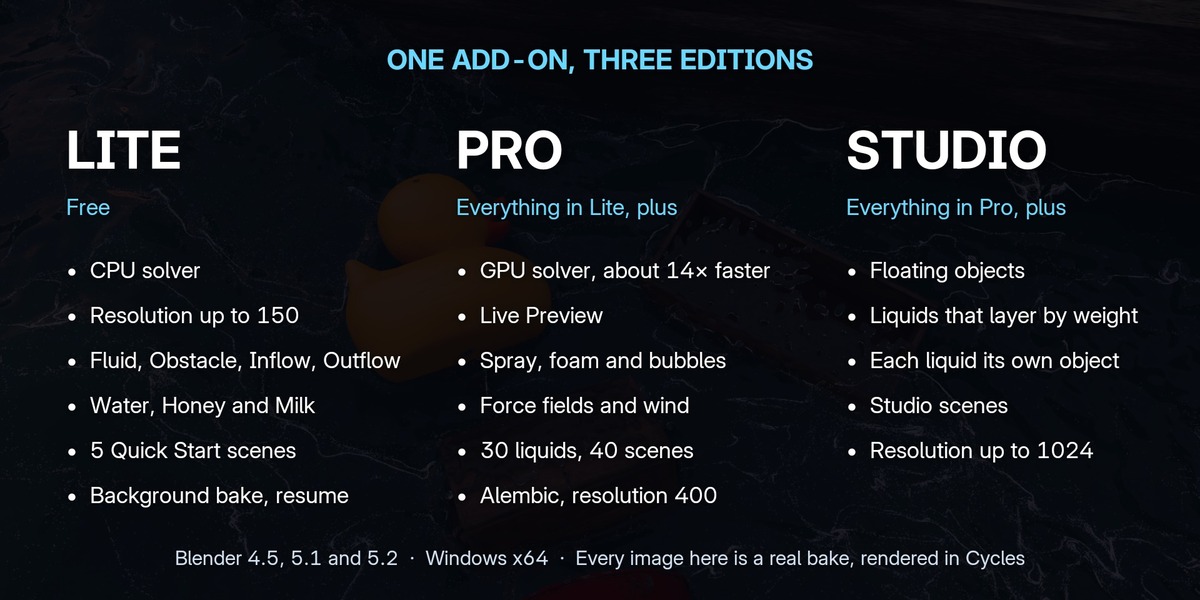
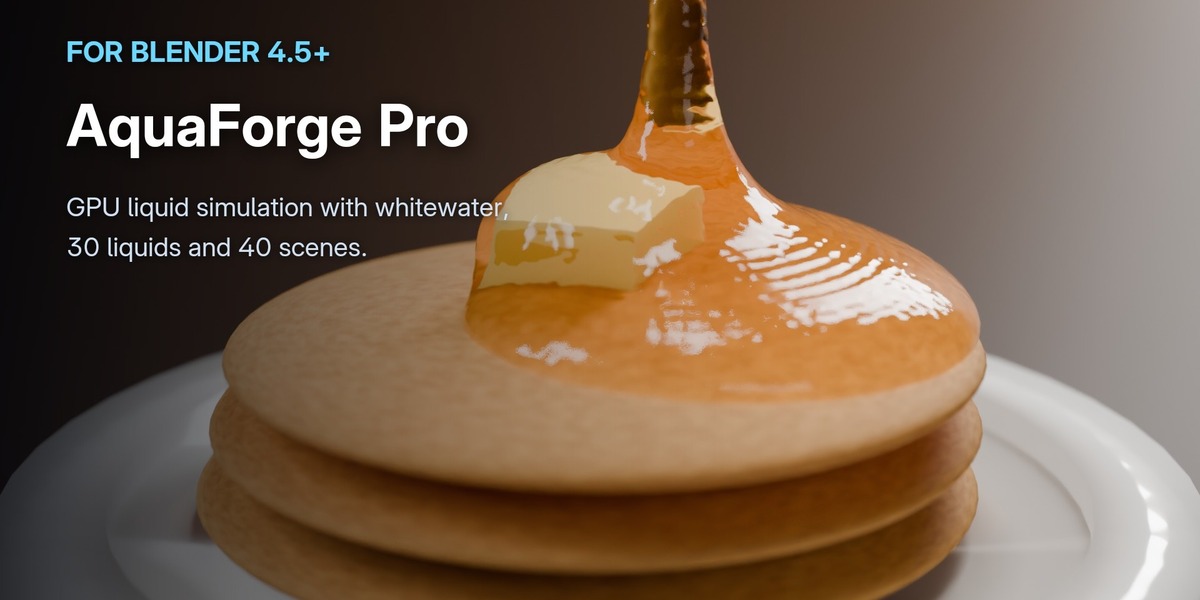
AquaForge is a liquid simulator for Blender, in two editions here: Pro bakes on the GPU, with whitewater and the libraries, and Studio adds objects that float and liquids that layer by weight. Want to try it first? AquaForge Lite is free on BlenderKit.

KEY FEATURES
Liquid Simulation for Blender

Liquid Simulation for Blender

Liquid Simulation for Blender

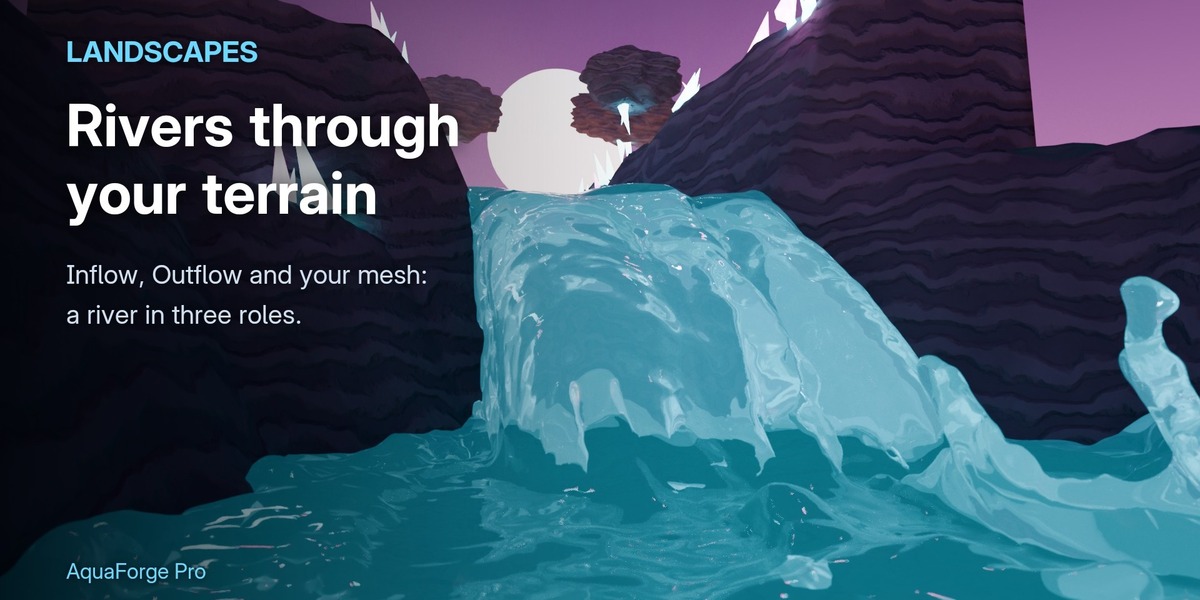
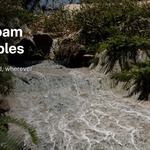
Pour juice into a glass, run a river through a landscape, throw a surge at floating crates.

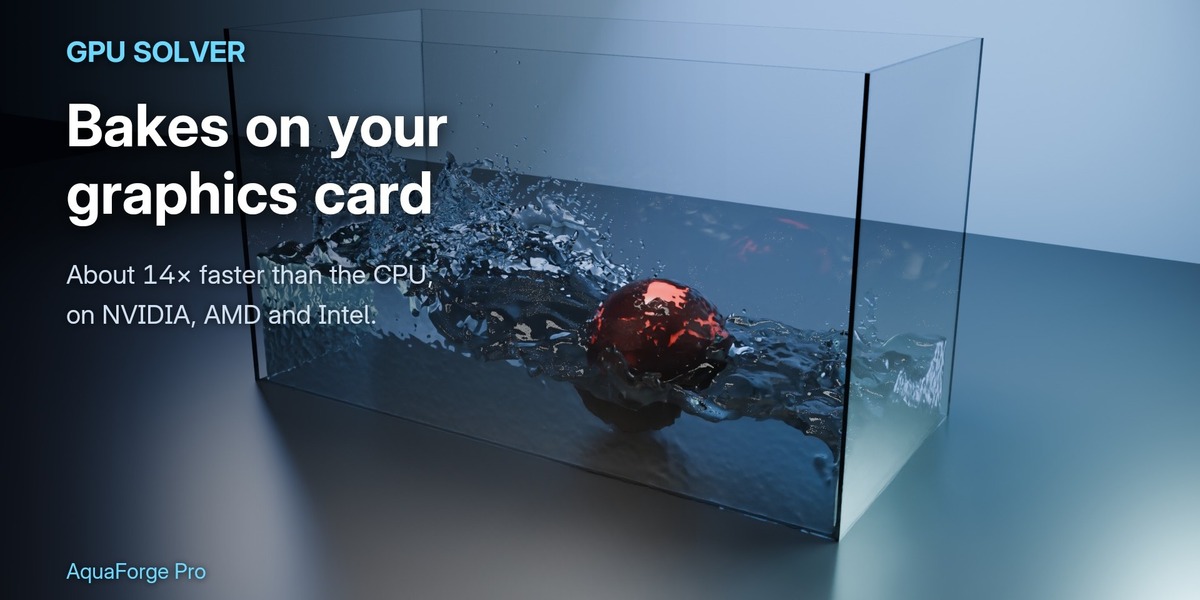
Bakes on your graphics card, about 14× faster than on the CPU, and renders in Cycles or EEVEE.

Every clip on this page is a real AquaForge bake.

PRO · STUDIO

Objects That Float

Objects That Float

Objects That Float

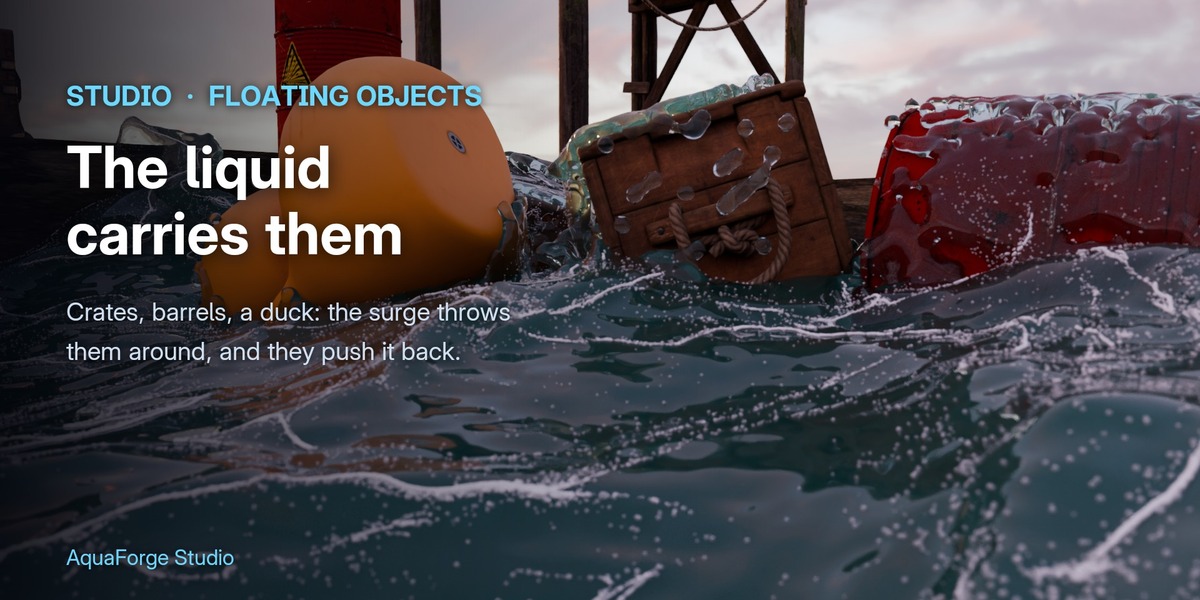
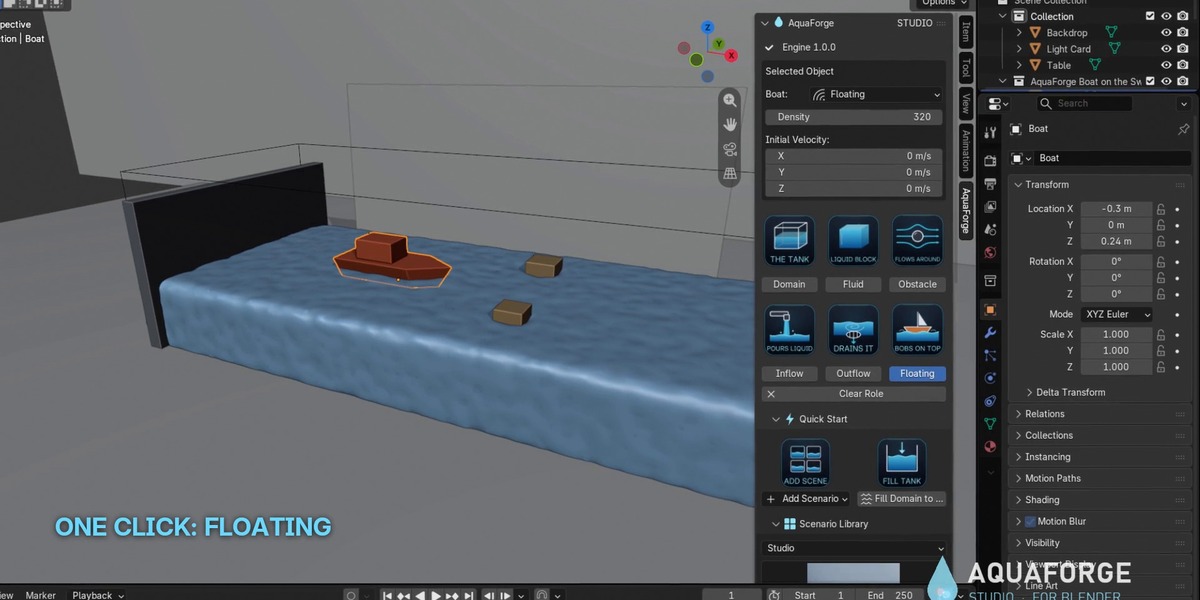
Give a mesh the Floating role and press Bake.

The liquid lifts, rocks and carries it, and it pushes the liquid back. Crates thrown together by a wave bump and turn instead of passing through.

No keyframes: the bake moves the object, and Free Bake puts it back.

STUDIO

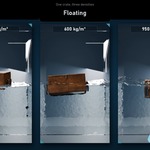
Density Sets How It Floats

Density Sets How It Floats

Density Sets How It Floats

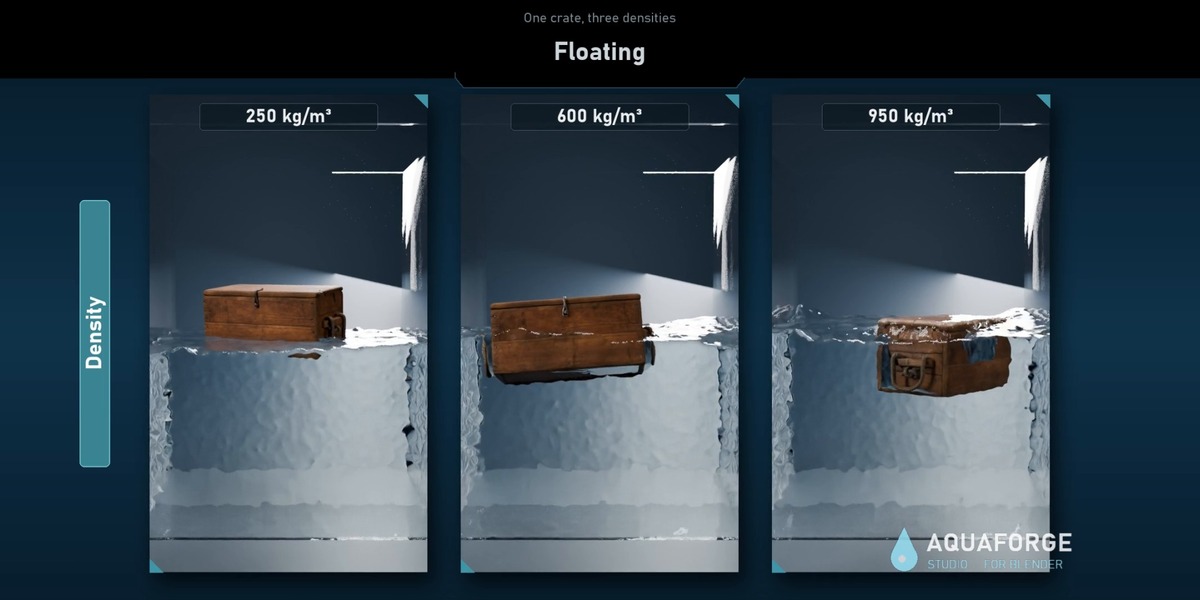
Light objects ride high, heavy ones hang low.

Water is 1000 kg/m³, wood about 500–700, a boat or a rubber duck about 200–400.

Floating objects collide with obstacles and with each other.

STUDIO

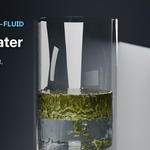
Liquids That Layer by Weight

Liquids That Layer by Weight

Liquids That Layer by Weight

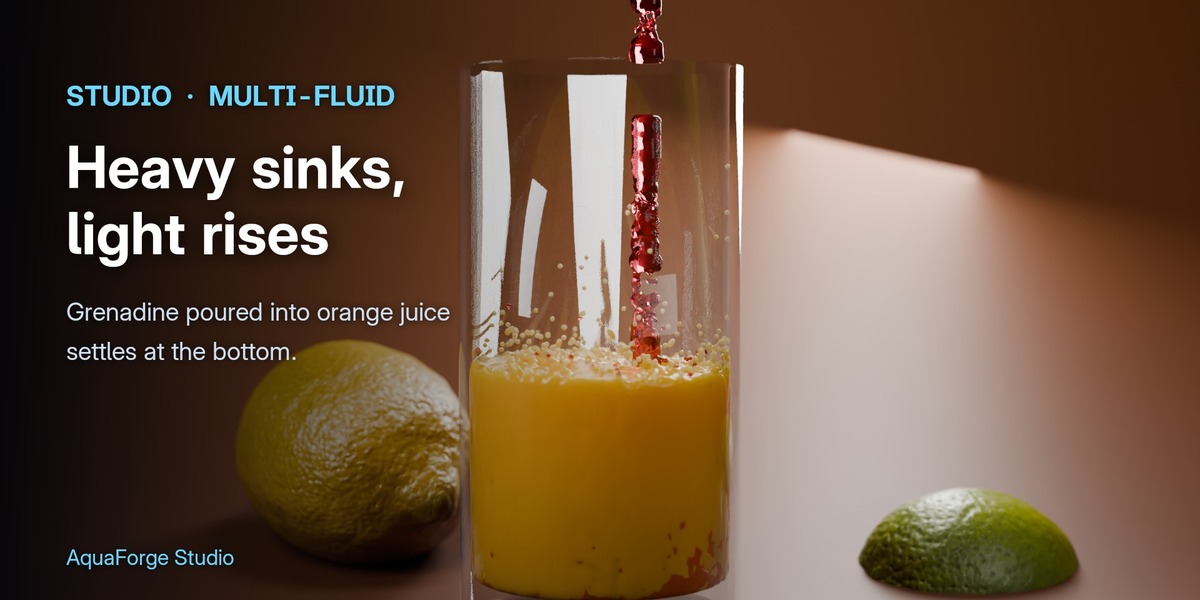
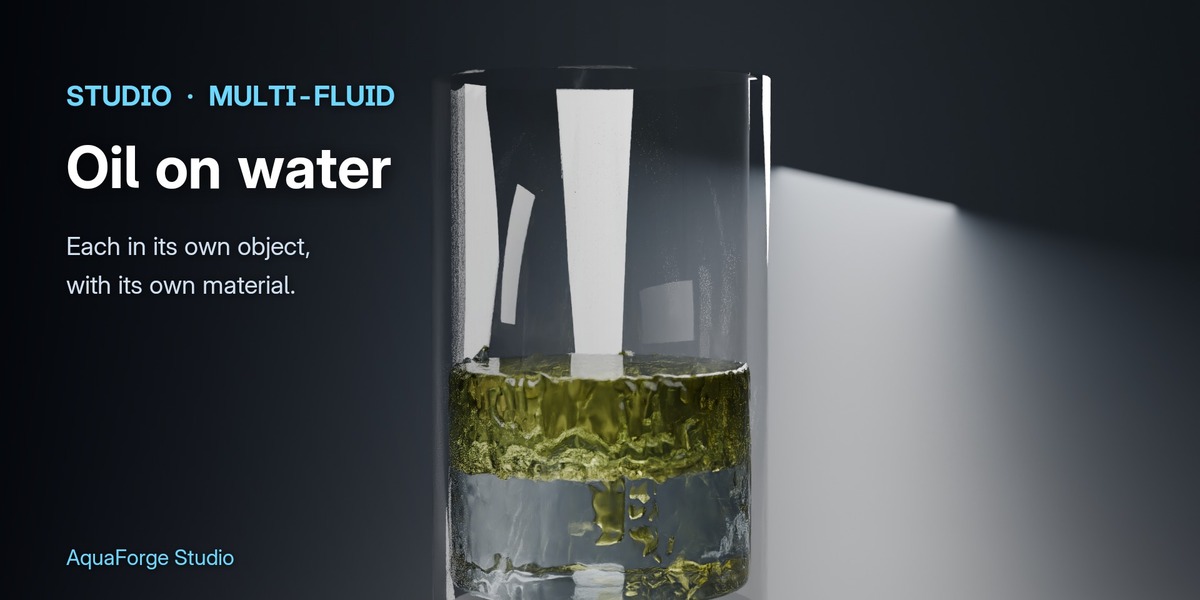
Every Fluid and Inflow can hold its own liquid.

Lighter liquids rise and heavier ones sink: grenadine and honey go to the bottom of the glass, oil settles on water.

Each liquid gets its own object and material, ready to shade.

STUDIO

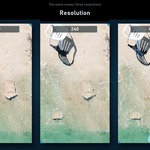
Resolution up to 1024

Resolution up to 1024

Resolution up to 1024

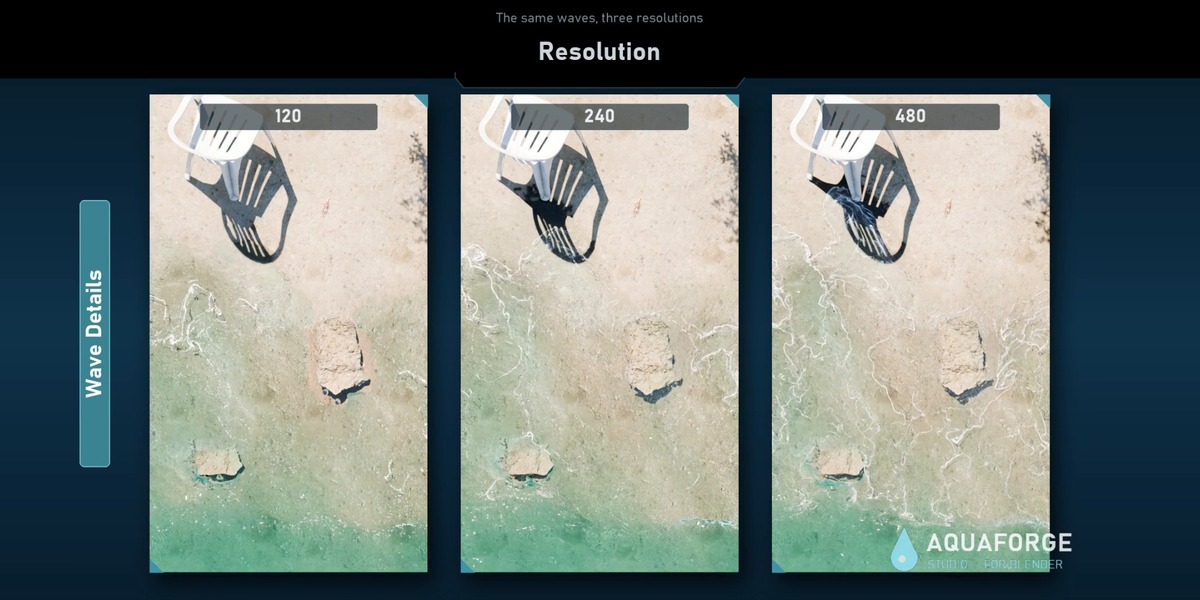
Bigger water, finer waves: Pro goes up to 400, Studio to 1024.

The bake estimate shows particles, memory, disk and time before you bake.

STUDIO

Bakes on the GPU

Bakes on the GPU

Bakes on the GPU

The same bake: 0:28 on the GPU, about 6½ minutes on the CPU.

NVIDIA, AMD and Intel through OpenCL, with nothing extra to install. Every feature runs on it.

No usable GPU? It bakes on the CPU by itself.

PRO · STUDIO

Live Preview

Live Preview

Live Preview

See the simulation before you bake it.

It runs at low resolution in the viewport as you watch: move an obstacle, change a setting, look again.

Happy with it? Bake the real thing.

PRO · STUDIO

Whitewater

Whitewater

Whitewater

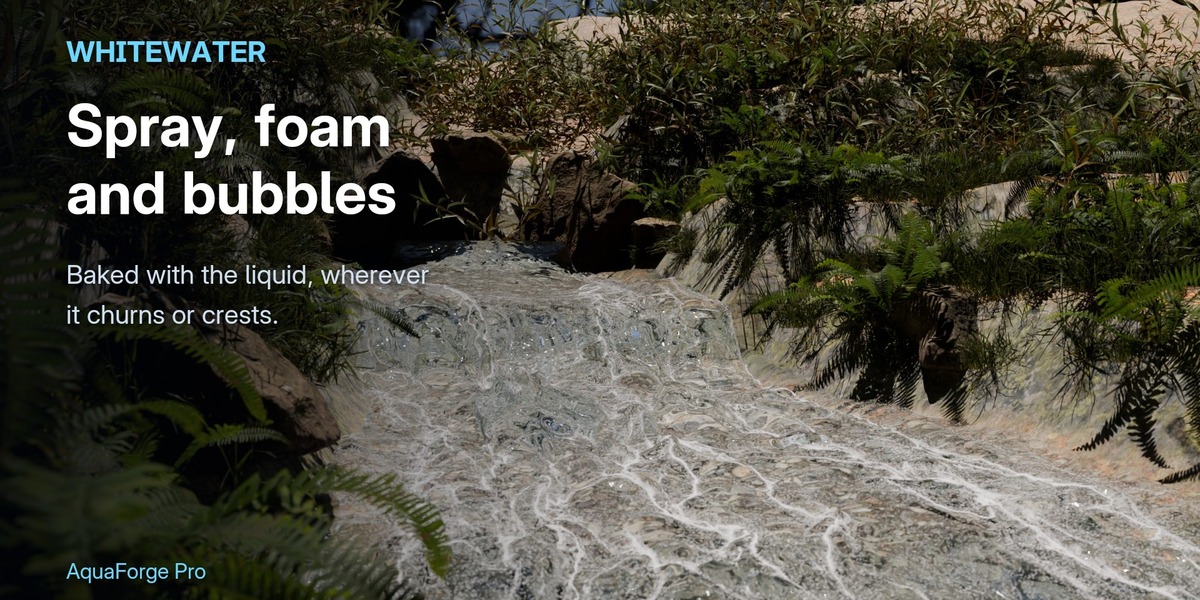
Spray, foam and bubbles, baked with the liquid.

Born where the liquid is fast, churning or cresting: foam rides the surface, spray flies, bubbles rise.

Separate sizes and materials for each kind: change the look without baking again.

PRO · STUDIO

Force Fields and Viscosity

Force Fields and Viscosity

Force Fields and Viscosity

Shape the liquid with Blender's own force fields: Force, Vortex, Turbulence and Wind.

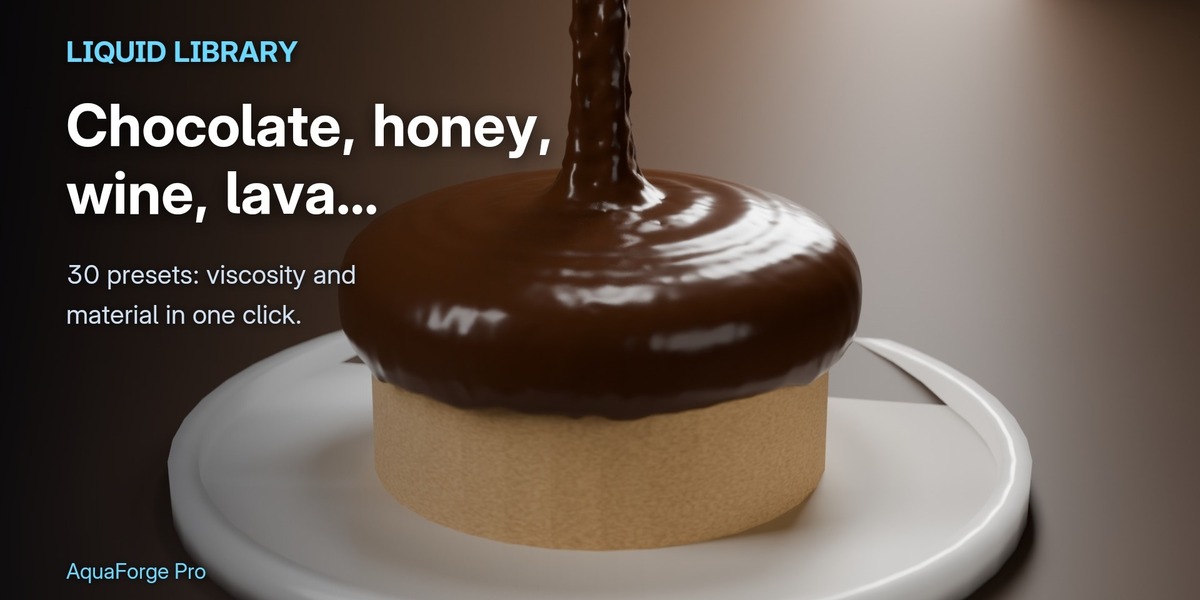
Viscosity from water to thick chocolate, stable at any thickness.

Surface tension for drops and small-scale liquid.

PRO · STUDIO

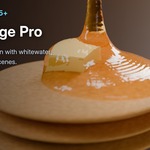
Water and Honey, One Bake

Water and Honey, One Bake

Water and Honey, One Bake

Give any Fluid or Inflow its own viscosity.

Water runs and honey slumps, side by side in the same bake.

Coloured here by the surface's viscosity attribute.

PRO · STUDIO

Shade It by Speed

Shade It by Speed

Shade It by Speed

The surface carries the liquid's speed and velocity, and in Pro its vorticity and age.

Read them with an Attribute node in any material, or in Geometry Nodes.

Here: slow water deep blue, the fastest splash orange.

PRO · STUDIO

Survives a Crash

Survives a Crash

Survives a Crash

Blender stays usable while it bakes: the panel shows the frame, the speed and the time left.

Blender crashed, or the power went out? Open the file and press Resume.

The bake carries on from the last finished frame.

LITE · PRO · STUDIO

30 Liquids, 40 Scenes

30 Liquids, 40 Scenes

30 Liquids, 40 Scenes

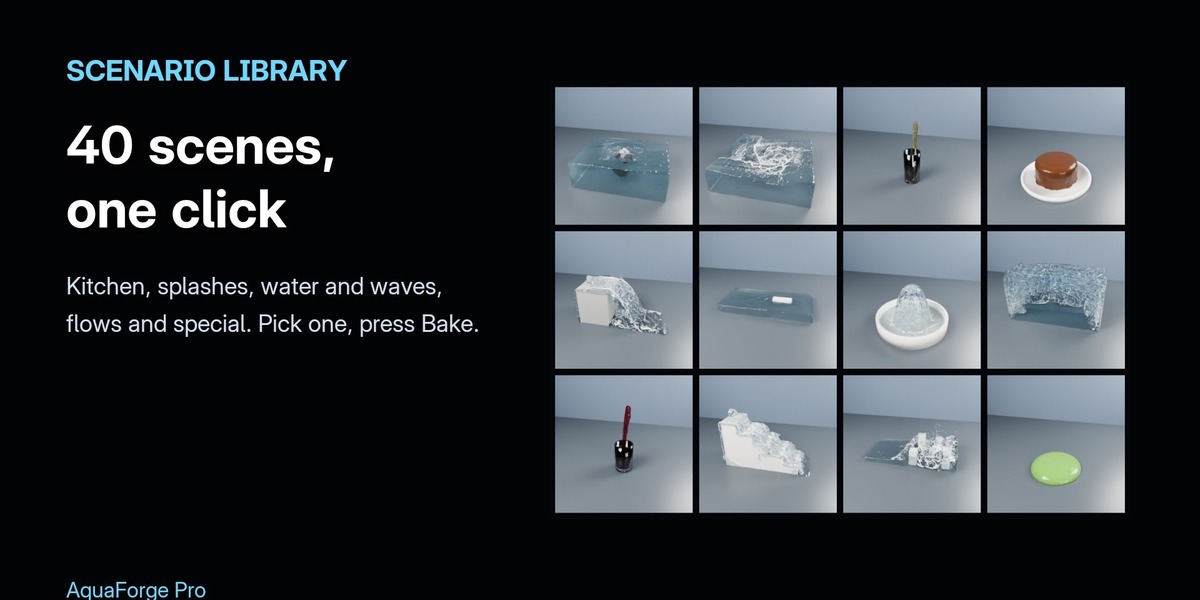
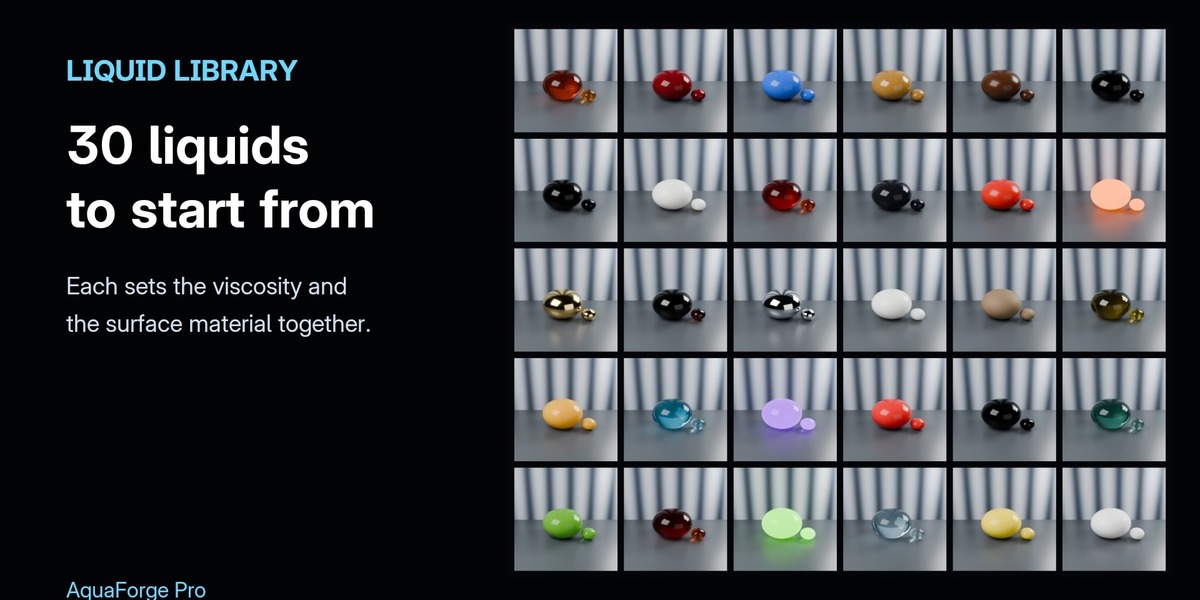
Start from a look and a setup that already work.

Liquid presets: water, coffee, wine, beer, honey, chocolate, lava, liquid gold and more.

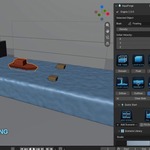
Ready-made scenes: beer pour, crown splash, boat wake, whirlpool, waterfall, river over rocks.

PRO · STUDIO

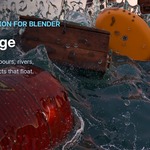
COMPARE THE EDITIONS

Lite Pro Studio
Price Free (BlenderKit) $27 $49
Solver CPU GPU, 14× faster GPU, 14× faster
Resolution up to 150 400 1024
Fluid, Obstacle, Inflow, Outflow ✔ ✔ ✔
Background baking, pause and resume ✔ ✔ ✔
Bake estimate, volume correction, motion blur ✔ ✔ ✔
Liquid presets 3 30 30
Ready-made scenes 5 40 40 + Studio scenes
Live Preview in the viewport — ✔ ✔
Whitewater: spray, foam, bubbles — ✔ ✔
Force fields and wind — ✔ ✔
Surface tension — ✔ ✔
Own viscosity for each Fluid or Inflow — ✔ ✔
Vorticity and age attributes — ✔ ✔
Alembic export — ✔ ✔
Floating objects (buoyancy, two-way) — — ✔
Multi-fluid: liquids that layer by weight — — ✔
Each liquid in its own object and material — — ✔

Bought Pro here? Choose Studio and pay only the difference. Pro and Studio are the same add-on: Studio installs over Pro, and your scenes and bakes keep working.

…AND IN EVERY EDITION

Pause / Resume Stop a bake any time and carry on from the last finished frame, even after Blender crashed or the power went out.
Background Baking Blender stays usable while it bakes. The panel shows the frame, the speed and the time left, and frames appear as they're done.
Bake Estimate Particles, memory, disk space and bake time, before you bake.
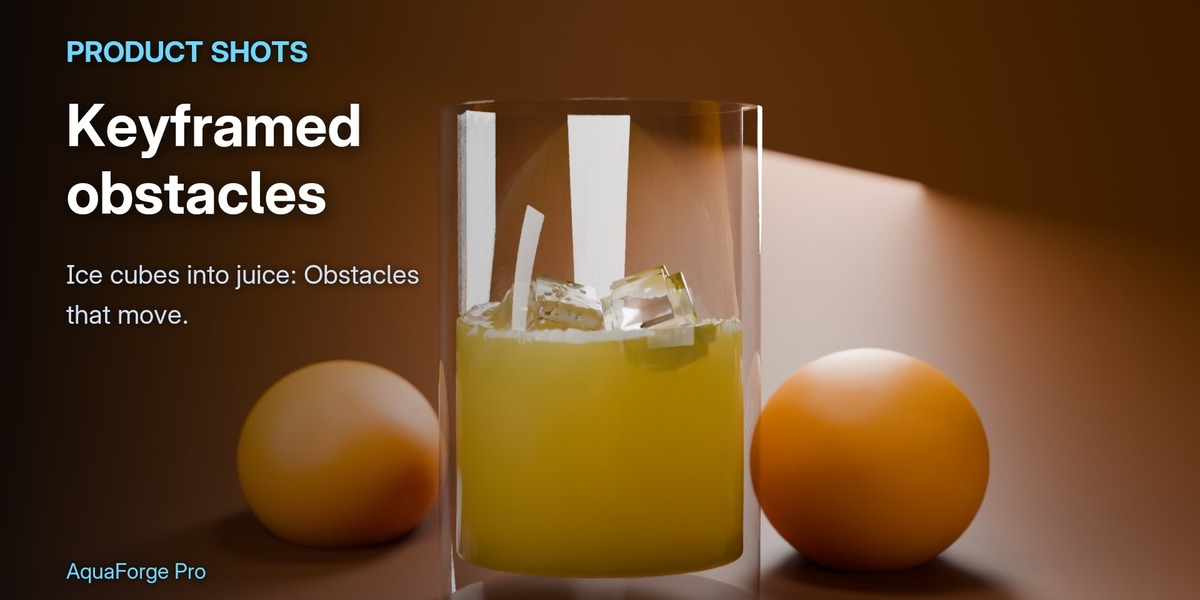
Moving Obstacles Keyframed, parented or deforming obstacles push the liquid as they move.
Inflows and Outflows Taps, pours and drains, switched on and off and aimed with keyframes.
Any Shape Any closed mesh fills with liquid, with a starting velocity if you want to throw it.
Volume Correction The liquid keeps its volume over long bakes.
Motion Blur The surface carries the liquid's velocity, so Cycles blurs splashes the way they move.
Attributes Velocity, speed, vorticity and age on the particles and the surface, for shaders and Geometry Nodes.
Alembic Export The surface (with velocity) and the whitewater, every frame.
Clear Messages A mesh with holes is named and refused instead of baking wrong; the panel says when settings changed since the last bake.
Fault Tolerance If the GPU fails part way through a frame, the bake carries on on the CPU.

LEARN IT IN MINUTES


REQUIREMENTS

  • Blender 4.5, 5.1 or 5.2
  • Windows 64-bit (macOS and Linux builds are planned)
  • A multi-core CPU; for GPU baking, a graphics card with OpenCL 1.2 (any recent NVIDIA, AMD or Intel GPU) and enough video memory for the bake. High resolutions need a lot of memory: check the bake estimate first.

GOOD TO KNOW

  • Fluids, obstacles, inflows, outflows and floating objects must be closed meshes; walls thinner than about two grid cells can let liquid (or a fast floating object) through.
  • Force fields accelerate the liquid for as long as they act: small strengths go a long way.
  • Surface tension shows at small scale; in a bathtub-sized scene it does almost nothing.
  • Install one edition at a time: Studio replaces Pro, and Lite should be disabled when Pro or Studio is installed, so there's one AquaForge tab.

INCLUDED

  • Your edition's zip: aquaforge-1.0.2.zip (Pro) or aquaforge_studio-1.0.2.zip (Studio). Install with Edit › Preferences › Get Extensions › Install from Disk.
  • Video tutorials for each edition (above)
  • 12 months of updates and support

LICENSE

GPL-3.0-or-later.


  • Everything in the free Lite, plus the GPU solver (about 14x faster), Live Preview, spray, foam and bubbles, force fields and wind, surface tension, 30 liquids, 40 ready-made scenes, Alembic export and resolution up to 400.

    $27
  • Everything in Pro, plus floating objects, liquids that layer by weight (each in its own object), Studio's scenes and resolution up to 1024. Installs over Pro: your scenes keep working.

    $49
$27

Have questions about this product?
Login to message

Details
Blender Extension Compatible Yes
Published 11 days ago
Blender Version 4.5 - 5.2
Extension Type Add-on
Render Engine Used Cycles, Eevee
License GPL