ARABIC TEXT PRO
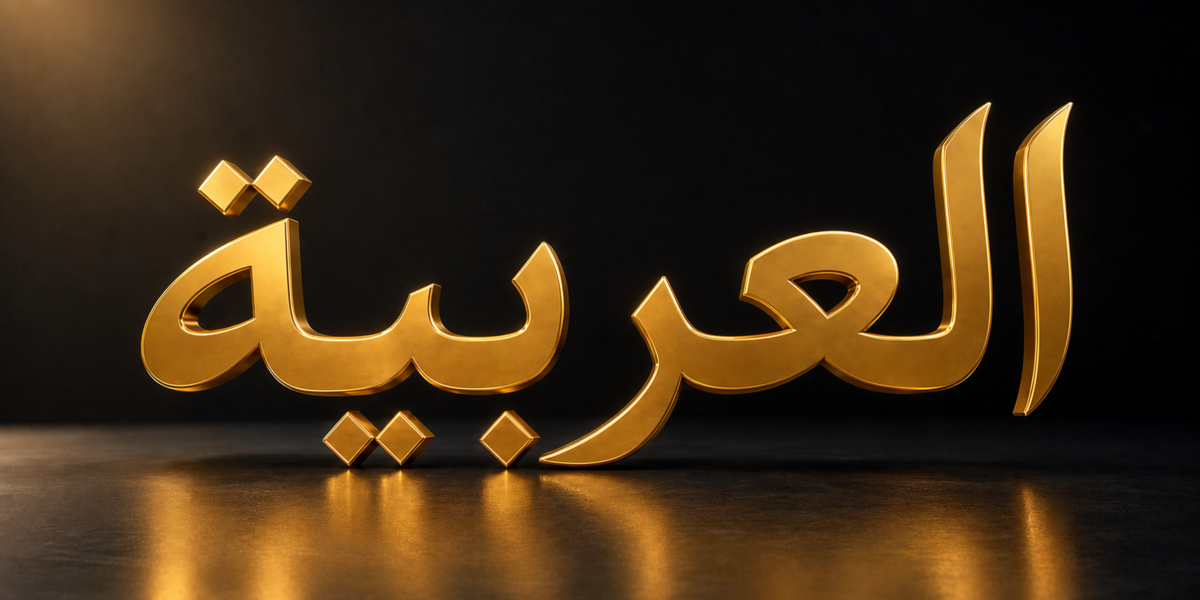
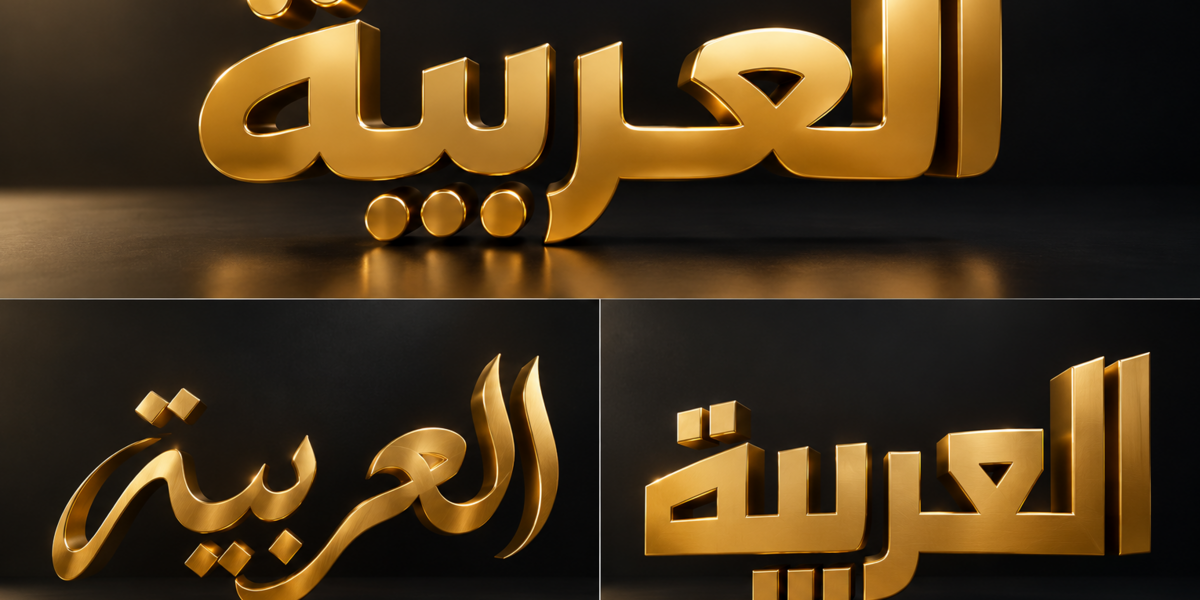
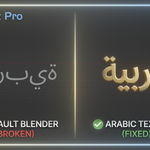
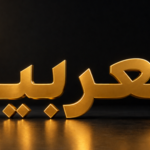
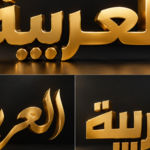
Create Arabic and right-to-left text directly in Blender. Arabic Text Pro processes natural Arabic input, handles mixed RTL/LTR phrases, and generates either native Blender text objects or editable vector curves.
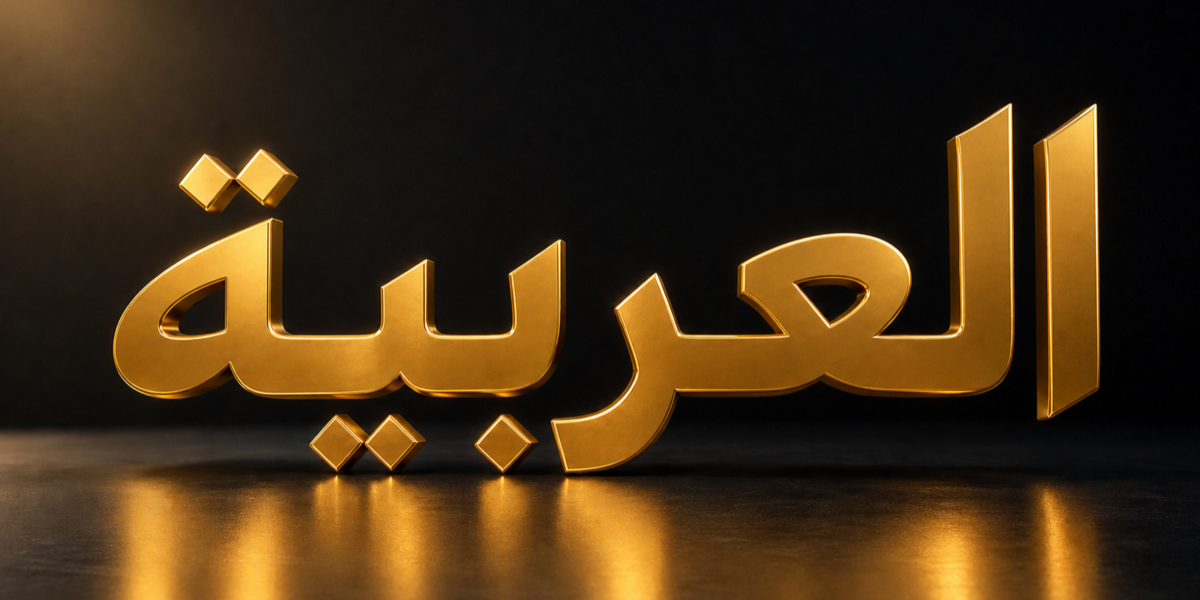
Type naturally. Shape accurately. Create production-ready 3D text without external reshaping tools.
FEATURES
• Arabic shaping for connected letterforms, ligatures, tashkeel, and Arabic/English/number phrases.
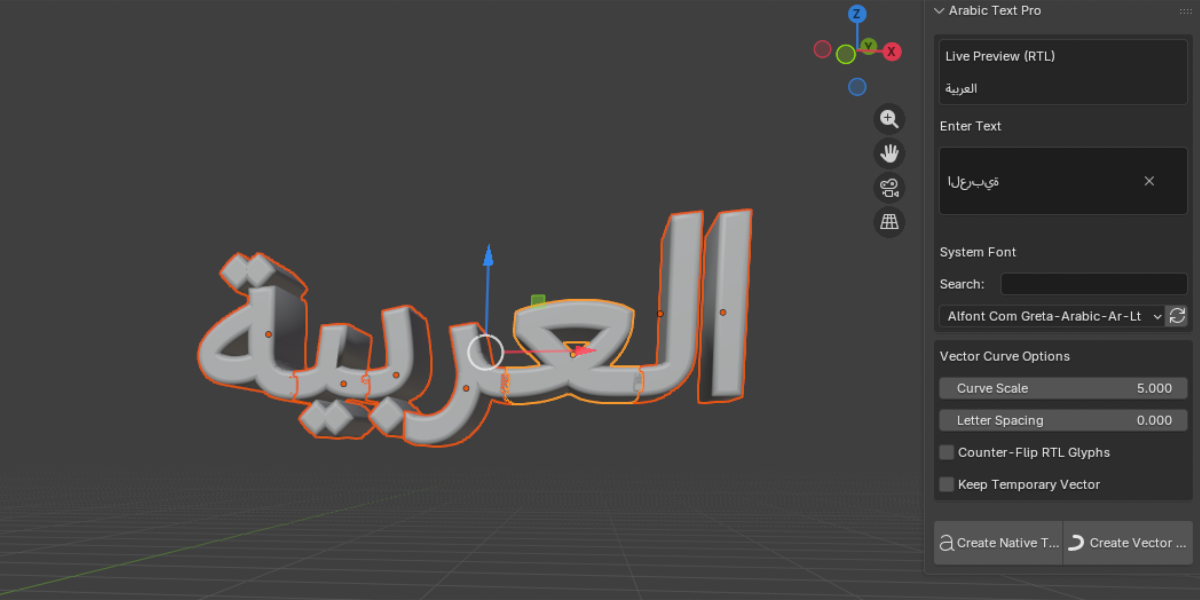
• Native Text creates a Blender FONT object ready for extrude, bevel, materials, and animation.
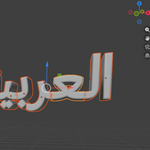
• Vector Curves creates editable outlines for booleans, mesh conversion, motion graphics, and custom modeling.
• Search installed .ttf and .otf fonts directly from the add-on panel.
• Use Live RTL Preview to inspect processed text before generating geometry.
• Control curve output with per-character origin centering, letter spacing, Curve Scale, and optional Counter-Flip RTL Glyphs.
• Keep your scene clean: generated curves are placed in Arabic Text Curves, named after their source character, and share one Arabic Text Material.
REQUIREMENTS
• Blender 3.4 to 5.2.
• An installed .ttf or .otf font with the Arabic glyphs required by your text.
INSTALLATION
Blender 3.4 to 4.1
1. Install Arabic_Text_Pro_Legacy-1.0.0.zip from Edit > Preferences > Add-ons > Install.
2. Enable Arabic Text Pro.
3. In a 3D Viewport, press N and open the Arabic Text tab.
4. Click Install Dependencies once, then restart Blender.
Blender 4.2 to 5.2
1. Install arabic_text_pro-1.0.0.zip from Edit > Preferences > Get Extensions > Install from Disk.
2. Enable Arabic Text Pro if Blender does not enable it automatically.
3. In a 3D Viewport, press N and open the Arabic Text tab.
WORKFLOW
1. Enter Arabic, English, or mixed-direction text in the input field.
2. Search for and select a system font with Arabic support.
3. Check the Live Preview (RTL).
4. Choose Create Native Text for a FONT object, or Create Vector Curves for editable curve outlines.
5. For curve output, adjust Letter Spacing or Counter-Flip RTL Glyphs when needed.
VECTOR CURVE OUTPUT
• Default Curve Scale: 5.0.
• Counter-Flip RTL Glyphs is disabled by default. Enable it only if imported curves appear mirrored.
• Collection: Arabic Text Curves.
• Curve names: each curve uses its source character as its name. Blender adds .001 only when a character repeats.
• Material: all generated curves use one shared Arabic Text Material with Blender's untouched default Principled BSDF.
TROUBLESHOOTING
• Some Arabic characters are missing: choose a font with Arabic and diacritic coverage.
• A font does not appear: use the refresh button in the font selector, then confirm the font is installed on your operating system.
• Vector curves are mirrored: enable Counter-Flip RTL Glyphs and create the curves again.
• SVG importer is unavailable: enable SVG Import-Export / Import SVG, then retry the Vector Curves workflow.
• Legacy dependencies do not load: run Install Dependencies again and restart Blender.
See the Documentation and FAQ tabs for the full installation guide and additional help.
 Motion Tech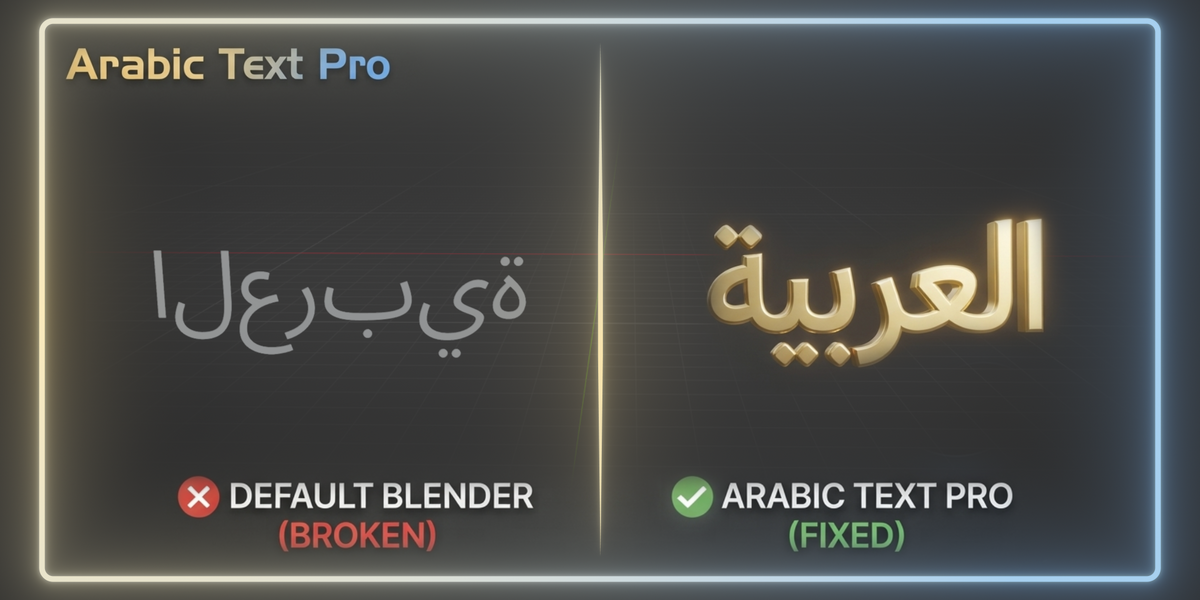
 Included