Arabic Text Pro – Native RTL & Clean Vector 3D Typography
 Motion Tech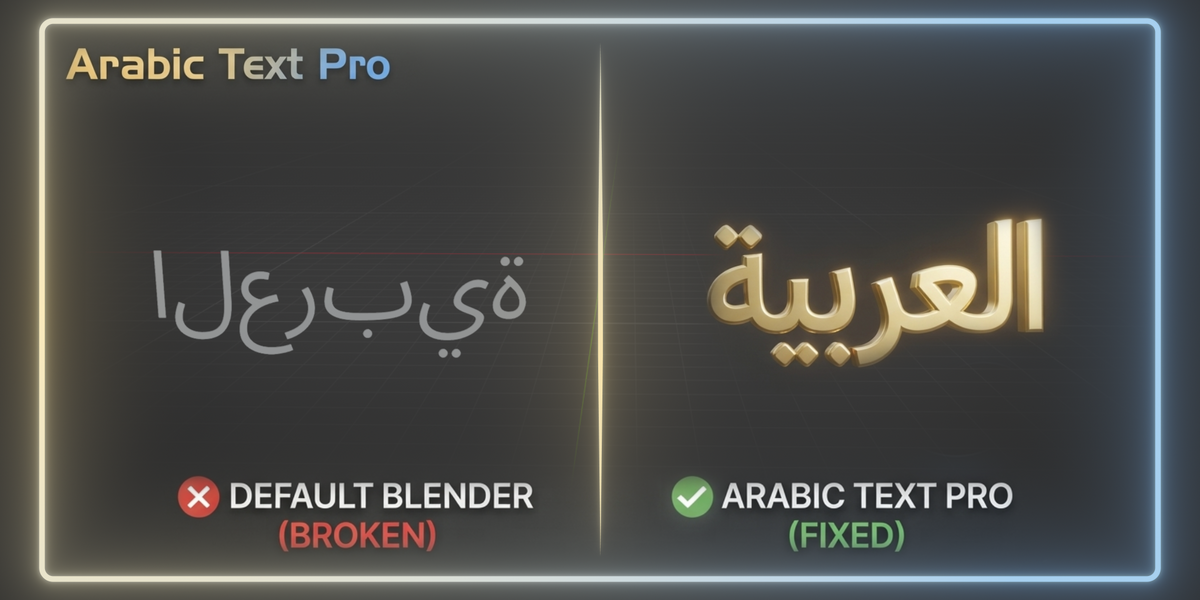

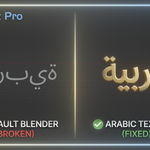
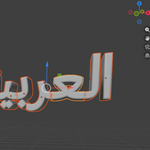


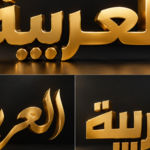
OVERVIEW
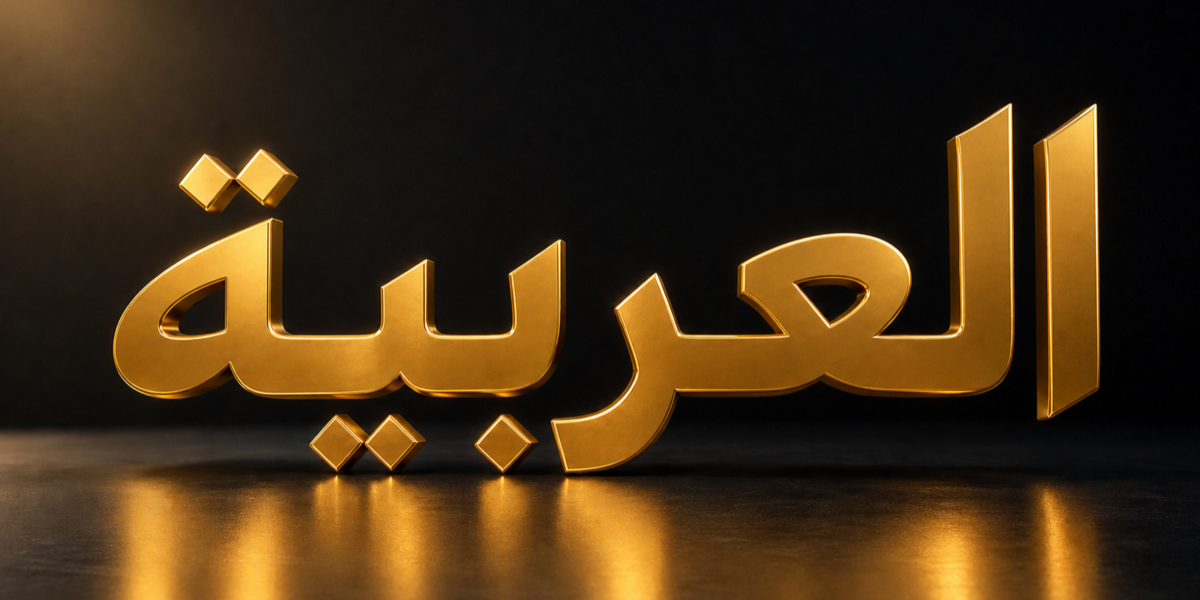
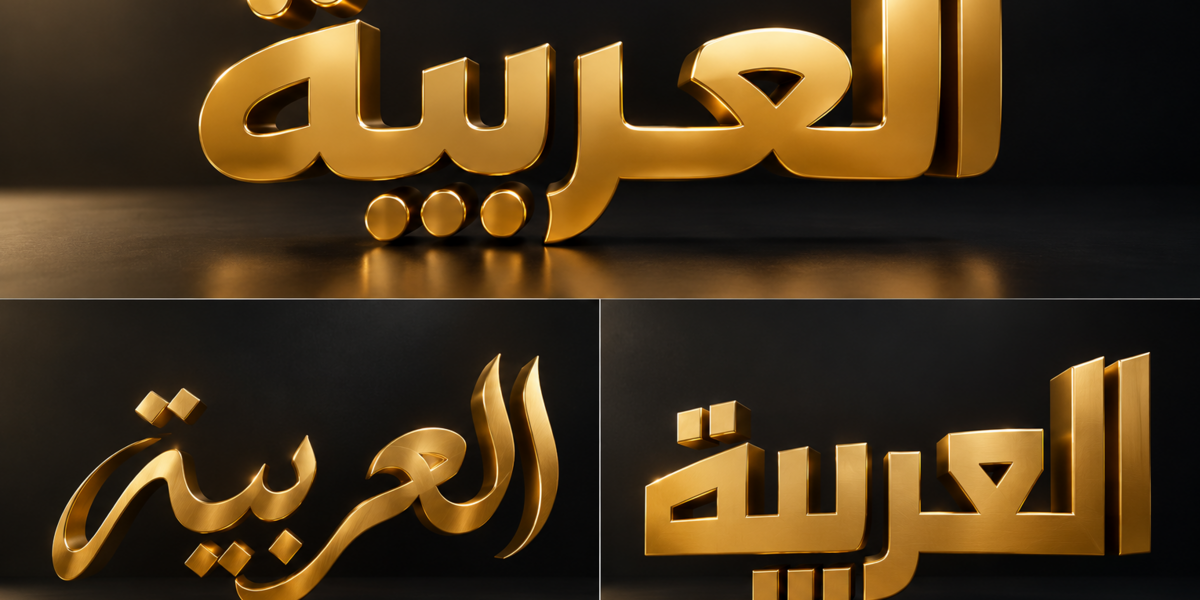
Arabic Text Pro helps you create Arabic and right-to-left typography directly in Blender. Enter Arabic, English, numbers, or mixed-direction phrases naturally, preview the processed result, then create Native Text or Vector Curves.
The add-on handles connected Arabic letterforms, common ligatures, and RTL/LTR text order without external reshaping websites or manual letter reversal.
CHOOSE THE CORRECT DOWNLOAD
Blender 3.4 to 4.1
Use: Arabic_Text_Pro_Legacy-1.0.0.zip
Blender 4.2 to 5.2
Use: arabic_text_pro-1.0.0.zip
Install only the package that matches your Blender version. Do not enable the Legacy Add-on and the Extension together.
INSTALLATION — BLENDER 3.4 TO 4.1
1. Open Edit > Preferences > Add-ons.
2. Click Install.
3. Select Arabic_Text_Pro_Legacy-1.0.0.zip without extracting it.
4. Enable Arabic Text Pro.
5. In a 3D Viewport, press N and open the Arabic Text tab.
6. Click Install Dependencies once.
7. Restart Blender after the installation finishes.
The Legacy Add-on installs the included dependency wheels into its own private folder. No internet download is required.
INSTALLATION — BLENDER 4.2 TO 5.2
1. Open Edit > Preferences > Get Extensions.
2. Open the menu in the upper-right corner and choose Install from Disk.
3. Select arabic_text_pro-1.0.0.zip.
4. Enable Arabic Text Pro if Blender does not enable it automatically.
5. In a 3D Viewport, press N and open the Arabic Text tab.
The Extension package prepares its included dependencies automatically during installation.
BASIC WORKFLOW
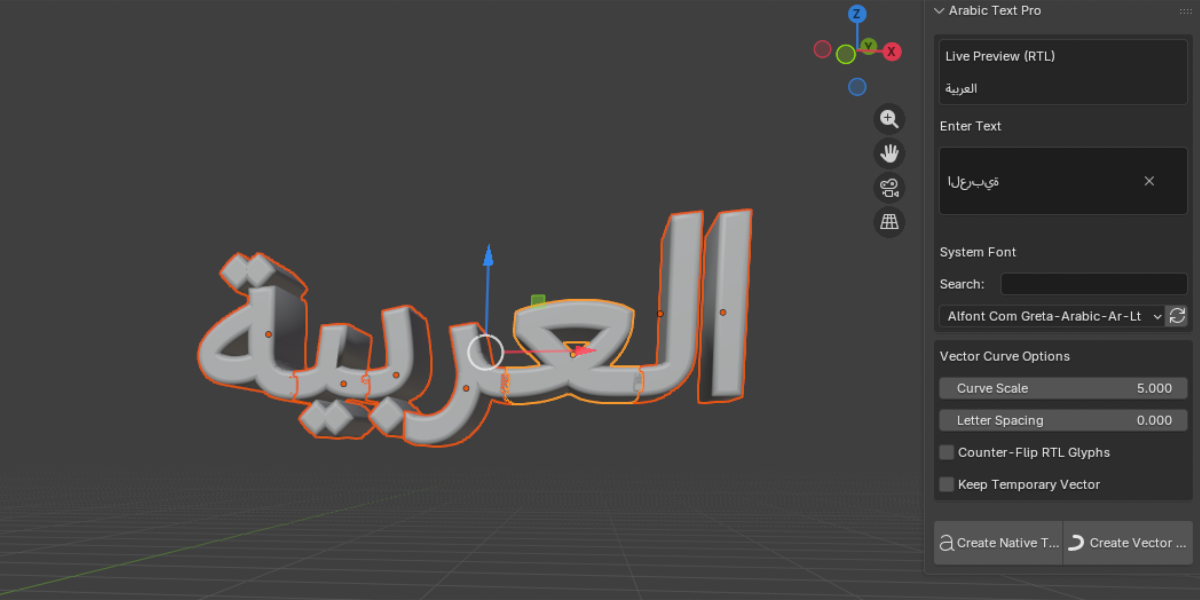
1. Open the Arabic Text tab in the 3D Viewport sidebar.
2. Enter Arabic, English, numbers, or mixed-direction text in the Input field.
3. Search for a system font and select a font with Arabic glyph support.
4. Review the Live Preview (RTL).
5. Choose Create Native Text or Create Vector Curves.
CREATE NATIVE TEXT
Create Native Text generates a Blender FONT object with processed Arabic display text.
Use Native Text when you want Blender’s regular text-object workflow:
• Font selection
• Extrude
• Bevel
• Resolution
• Materials
• Animation
Important: Edit new Arabic wording in Arabic Text Pro’s Input field, then create the text again. The generated FONT object contains processed display text rather than the original logical Arabic input.
CREATE VECTOR CURVES
Create Vector Curves generates editable curve outlines from shaped text.
Use Vector Curves for:
• Booleans
• Custom modeling
• Mesh conversion
• Motion graphics
• Rigging and per-character animation
• Geometry Nodes workflows
Vector Curve Output
• Default Curve Scale: 5.0
• Counter-Flip RTL Glyphs: disabled by default
• Letter Spacing: adjust spacing between generated curve glyphs
• Collection name: Arabic Text Curves
• Curve names: each curve is named after its source character
• Repeated letters: Blender adds .001, .002, and similar suffixes when duplicate names are required
• Shared material: all generated curves use one Arabic Text Material
• Shader: a new Arabic Text Material uses Blender’s untouched default Principled BSDF setup
If imported vector glyphs appear mirrored, enable Counter-Flip RTL Glyphs and create the curves again.
SYSTEM FONTS AND LIVE PREVIEW
Arabic Text Pro scans installed .ttf and .otf fonts. Use Search to filter the list, and use the refresh button if you installed a new font while Blender was open.
A font must include the Arabic letters, numerals, and forms needed by your phrase. Missing characters are usually caused by limited font coverage, not the add-on.
TROUBLESHOOTING
Some Arabic characters are missing
Choose a font with Arabic and diacritic coverage.
A font does not appear in the list
Click the refresh button, then confirm that the font is installed on your operating system as a .ttf or .otf file.
Vector curves are mirrored
Enable Counter-Flip RTL Glyphs, then create the curves again.
Vector Curves reports that the SVG importer is unavailable
Enable Blender’s SVG Import-Export or Import SVG feature for your Blender version, then retry. Native Text does not require the SVG importer.
Legacy dependencies do not load
Click Install Dependencies again, wait for it to finish, then restart Blender. If needed, uninstall the Legacy Add-on, restart Blender, reinstall the ZIP, and repeat the setup.
SUPPORT
For support, contact the creator through the Superhive product page. Include your Blender version, operating system, package type (Legacy Add-on or Extension), selected font name, entered text, and a screenshot of the issue.
LICENSE
Arabic Text Pro is licensed under GPLv2 or later. Included third-party libraries remain under their respective licenses.
 Included
Includes 12 months of
- Support from Motion Tech
- Product updates
Extend this product’s Support Period +12 months: 25% of product price
Have questions before purchasing?
Login to message
| Blender Extension Compatible | Yes |
| Published | about 2 months ago |
| Blender Version | 3.4 - 5.2 |
| Extension Type | Add-on |
| Render Engine Used | Cycles, Eevee |
| License | GPL |
Discover more products like this
Arabic 2d shapes 2D environment assets best addon 3DMotionGraphics addon blender language Arabic Blender plugin text Language support animated-text vector