 NOQTA
NOQTA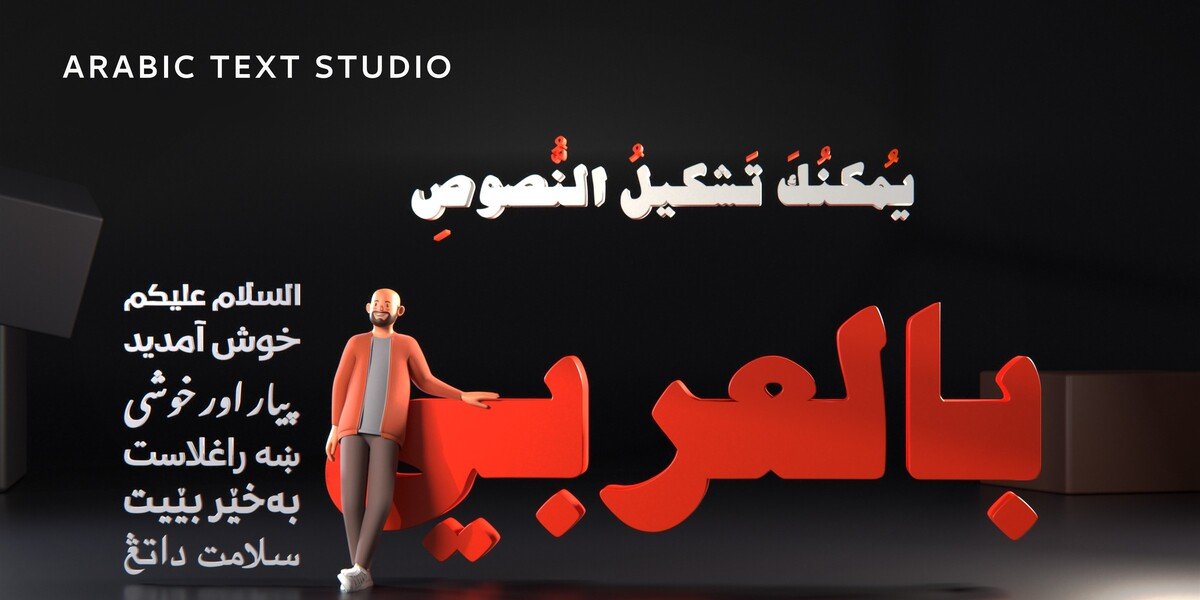
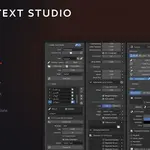
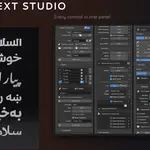
Blender cannot shape Arabic. This add-on can.
Type Arabic into Blender's text object and you get disconnected, reversed letters. Blender draws every character in its isolated form, left to right - it applies no joining rules and no right-to-left ordering. Arabic Text Studio runs the same HarfBuzz shaping engine that browsers and operating systems use, so you get the correct initial, medial and final form of every letter, real ligatures, harakat sitting where they belong, and correct direction for mixed Arabic / Latin / numbers.

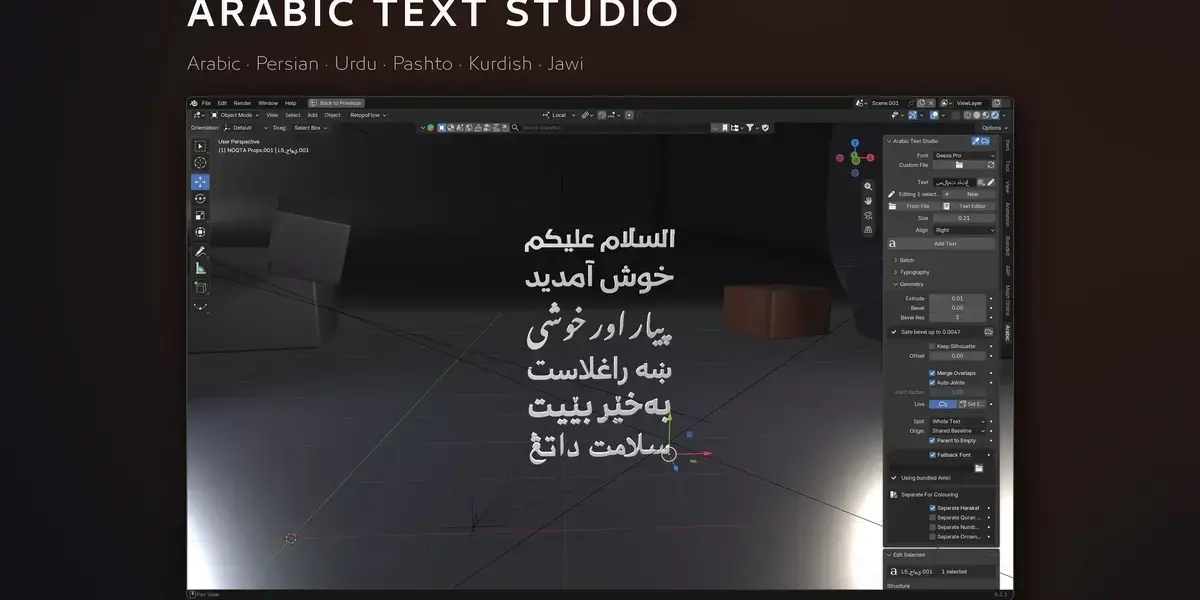
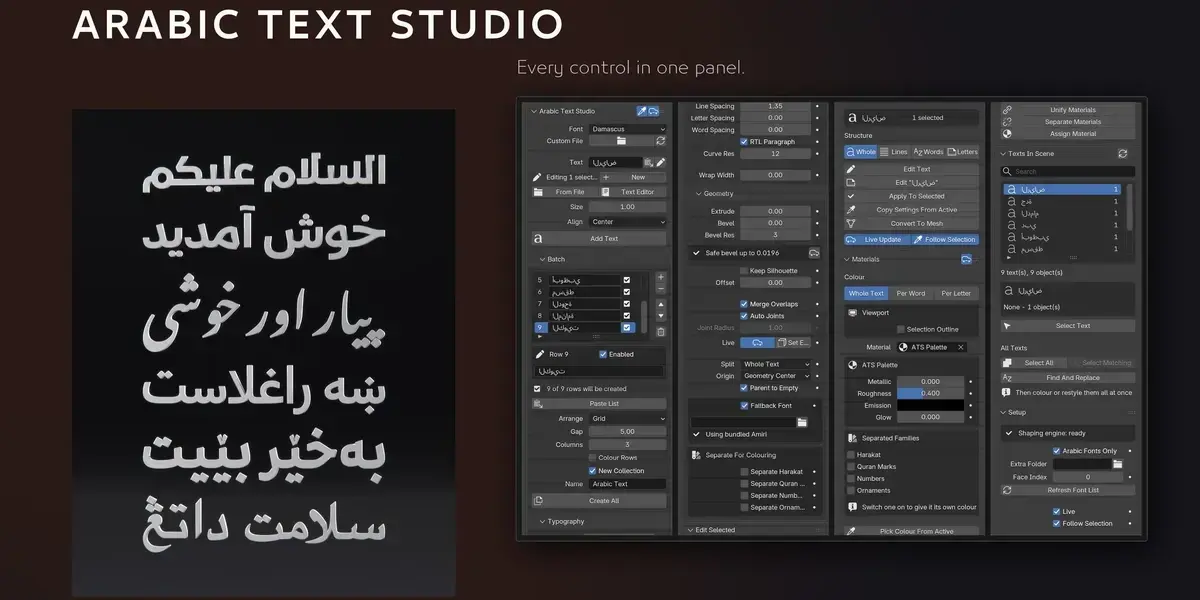
The difference inside Blender - joined letters in the correct direction.
The result is an ordinary Blender curve
Not an image, not an imported mesh. Extrude it, bevel it, animate it, split it into letters, or enter Edit Mode and move its control points by hand. The source text and every setting live on the object, so the text stays editable at any time. The shaping engine and a fallback font ship inside the add-on - installing is one click, with no internet connection and no pip.
Not only Arabic
Any language written in Arabic script works: Arabic, Persian, Urdu, Pashto, Kurdish (Sorani), Sindhi, Uyghur, Malay (Jawi) and Balochi. The shaping is read from the font's own OpenType tables, not from a hard-coded language list, so whatever the font supports, you get.
Any font on your machine
The font list filters itself down to fonts that actually contain Arabic glyphs, so you are not scrolling past hundreds of Latin ones - or load a font file from anywhere on disk for licensed fonts you have not installed.

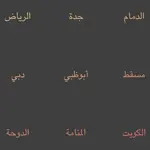
The same sentence as you move through the font list - any Arabic font on your machine works.
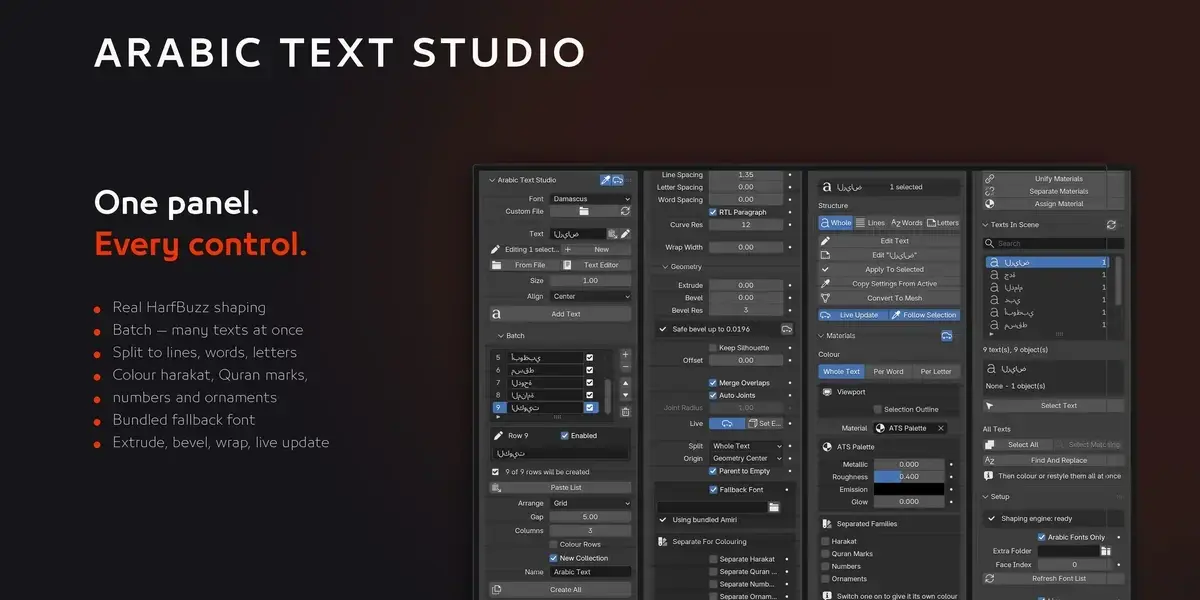
Batch - dozens of texts in one click
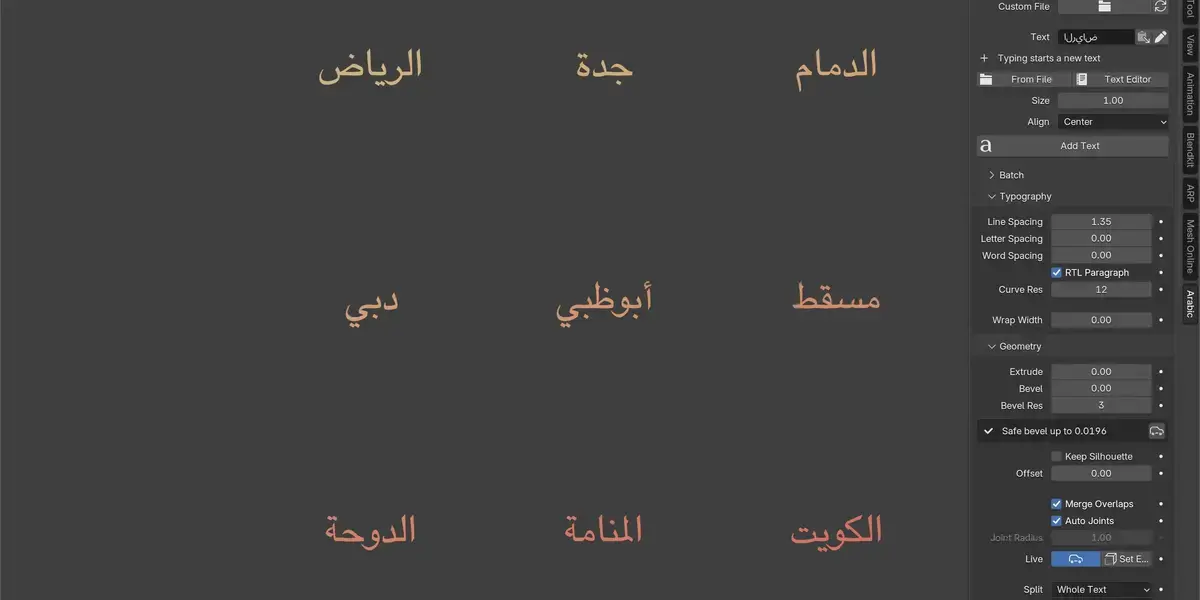
Paste a list of strings and build them all at once, arranged in columns, rows or a grid, into their own collection, each row optionally taking its own colour. Names, menus, credits, anything repetitive.

A list of texts created in one click and arranged automatically.
Typography - letters, lines and wrapping
Line, letter and word spacing controlled separately, right-to-left paragraph direction, curve resolution, and automatic word wrap at a width you set - keeping ayah numbers and ornaments attached to their word instead of orphaning them on a line of their own.

A long paragraph re-wrapping itself as you change Wrap Width.
Geometry - depth, bevel and splitting
Extrude and bevel from the panel, with a computed safe maximum bevel for that particular text, silhouette compensation, and outline offset. Split into whole text, lines, words or letters - before or after creation - each piece with its own origin and parented to a single empty.

From flat to solid - Extrude then Bevel straight from the panel.
Colour the harakat separately
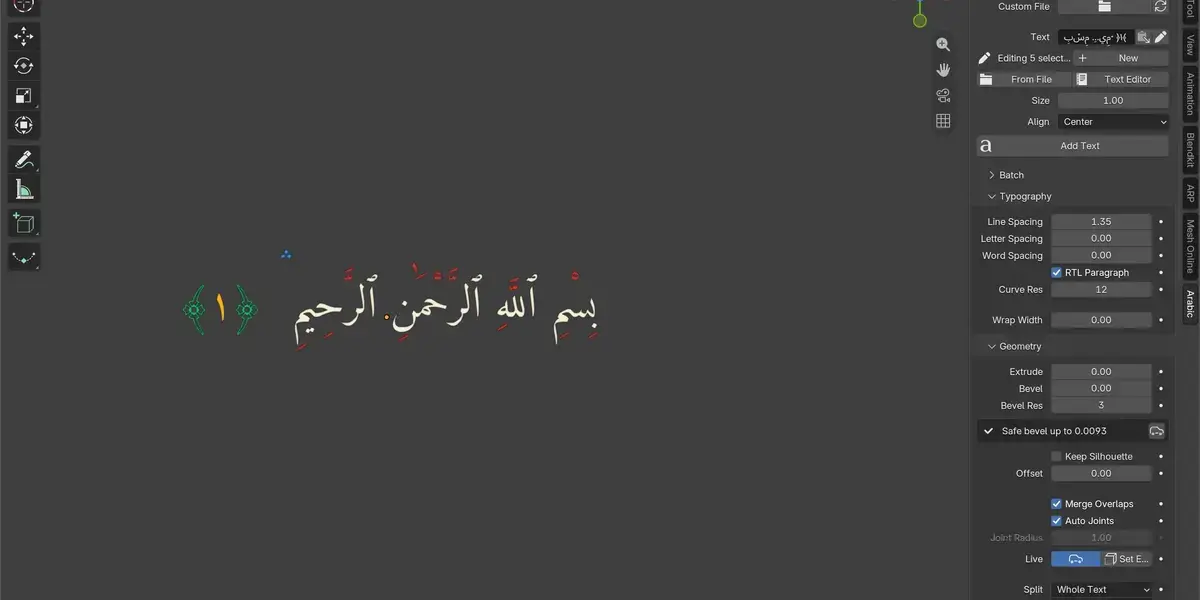
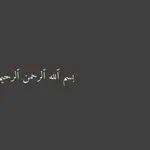
Lift the harakat, the Quranic pause marks, the numbers or the ornate parentheses out as their own objects and give each family its own colour - the way a printed mushaf does it.

The harakat taking a colour of their own, apart from the letters.
Materials - whole text, per word, per letter
Colour with a solid colour, a gradient across the text, or a controlled random range. The material is an ordinary Principled BSDF, with metallic, roughness, emission and glow driven from the panel.

Per-letter gradient and random colouring - straight from the panel.
Every text in the scene, in one list
A searchable list of every text the add-on made, with select-all, select-matching, and a scene-wide find and replace that re-shapes automatically. That one saves hours on credits and menus.

Browsing and selecting the scene texts from the panel.
A fallback font, so nothing comes out as an empty box
Most Arabic fonts do not contain every glyph: Quranic pause marks, the dagger alef, ornate parentheses, and the extra letters of Persian, Urdu and Pashto. The fallback fills any missing glyph and substitutes only that glyph, so the joining of the surrounding letters stays intact. Amiri is bundled under the OFL, so this works from the first install.
Installation
- Download the .zip - do not unzip it.
- Blender: Edit > Preferences > Add-ons.
- Click Install and pick the .zip (Blender 4.2+: use the arrow at the top, then Install from Disk).
- Tick the checkbox next to the add-on name.
- In the viewport press N and open the Arabic tab.
Compatibility
Blender 4.2 and up, tested on 5.2. Windows, macOS (Apple Silicon included) and Linux.
Known limits
Fonts without OpenType tables are flagged in the panel, because their shaping is incomplete. After Convert To Mesh the text is no longer re-editable - keep the curve version. And if you move control points by hand in Edit Mode, re-shaping discards those edits; the panel warns you before it happens.
What you get
An installable .zip with the shaping engine and the fallback font inside, Updates are free for every 1.x release. Current version: 1.3.2.