 Ikari Ltd


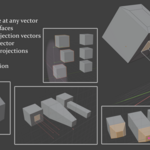
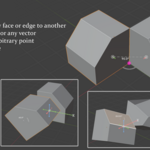
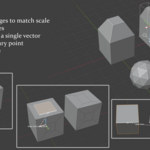
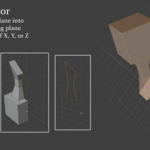
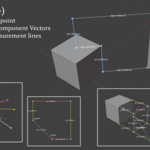
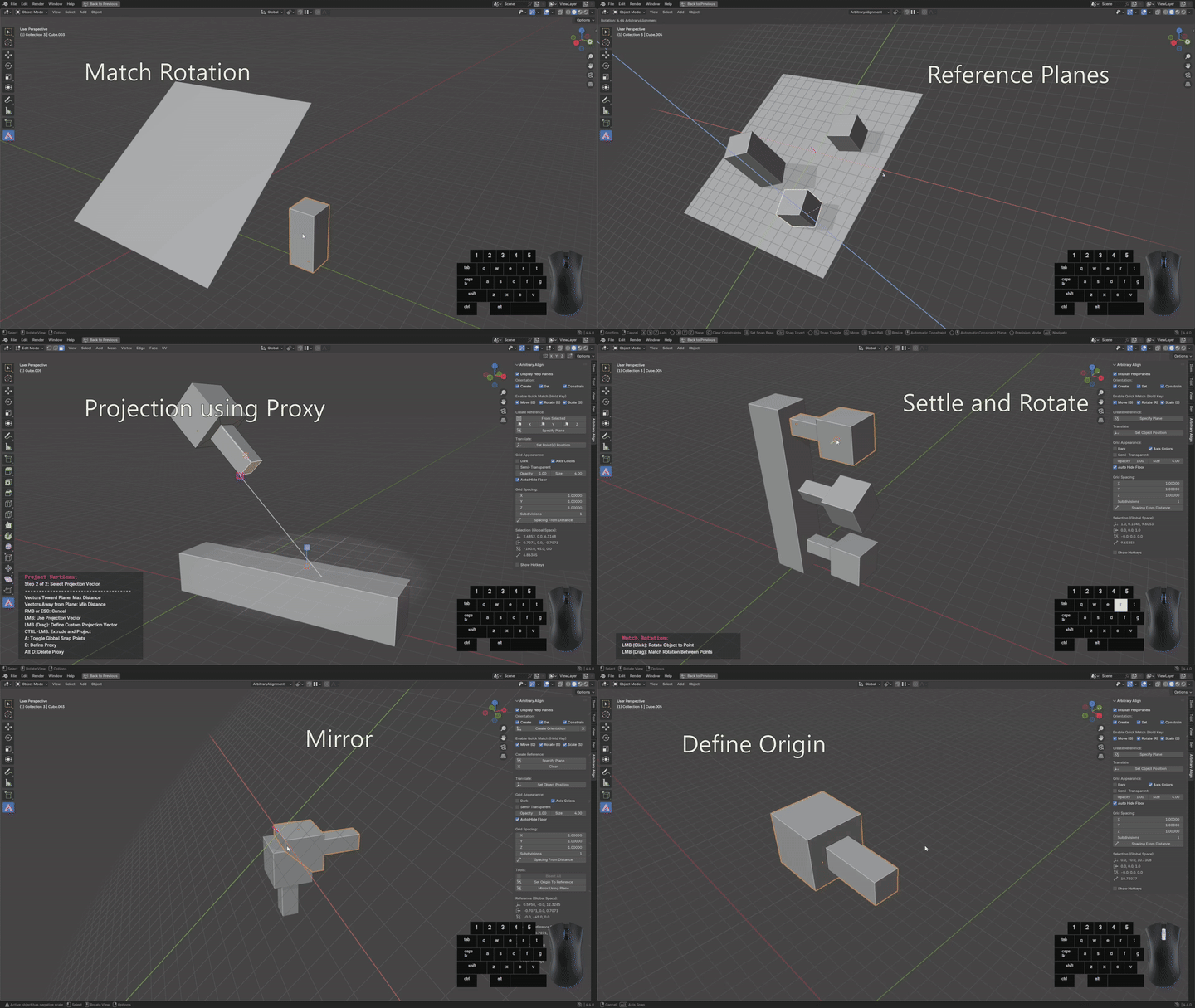
Arbitrary Align is a powerful toolset for Blender that turns precise modeling tasks into quick, fluid actions. It introduces a Snap Point system and reference planes that let you align, match, and project geometry with a speed and ease that feels second nature.
If you do a lot of precise modeling, Arbitrary Align becomes one of those tools you don't want to work without. It makes common actions—moving, rotating, scaling—exact, with intuitive control that goes way beyond Blender’s default behavior. Instead of dragging your mouse and hoping you're moving along the right line in space, you can anchor actions to real geometry: snap between points, align to edges, project along any vector. It feels deliberate. You place things where you mean to, not where Blender happens to drop them.
It’s especially useful for low-poly and hard-surface modeling, where clean geometry matters. You can shore up non-coplanar faces by projecting vertices onto a shared plane—without introducing distortion—thanks to custom projection vectors.
Whether you're blocking out forms or making final tweaks, Arbitrary Align removes the friction from spatial operations and replaces it with precision and speed. It’s not just an add-on—it becomes part of your day-to-day modeling workflow. After using it for a while, it's hard to go back.
Quick Match
https://www.youtube.com/watch?v=MJZ52JdRogE
Reference Planes
https://www.youtube.com/watch?v=LgKGb364lZE
Projection (and other tricks)
https://www.youtube.com/watch?v=Nsqz0I3yBbg
Core Features:
Quick Match (G, R, S Hold-to-Snap):
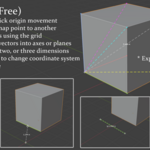
Instantly match position, rotation, or scale using drag-based snapping between vertices, edges, faces, or lines. No menus. Just hold and go.Reference Planes:
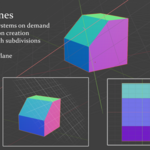
Define temporary planes as custom coordinate systems. Orient them however you want. Grid spacing and subdivisions are fully adjustable. Automatically integrates with Blender’s orientations and constraints.Projection Tools:
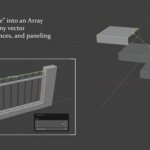
Project mesh geometry or whole objects onto reference planes using any vector—defined by edges, normals, or even a line you draw.Proxy Point:
Define a point once, and use it as the origin for scaling, rotation, and projection across selected objects. Great for grouped operations.-
More Utility Features:
Use planes to mirror or bisect geometry in any direction.
Snap object origins with a single click.
Move geometry to exact coordinates in reference, global, or local space.
