Arboris — Procedural Trees & Wind
 JuanBautista
Arboris 0.7.3 — installation and workflow
Install the Extension
Requires Blender 5.0 or newer within the 5.x series. Tested in Blender 5.0.1 and 5.2.1 LTS. Keep arboris-0.7.3.zip intact. Use Edit > Preferences > Get Extensions > menu > Install from Disk, then enable Arboris. Open the 3D Viewport sidebar with N and select Arboris. The examples ZIP is a separate download, not an installer.
When upgrading from the classic arboles addon, save a separate copy of the scene, disable the old Arboris entry and restart Blender before installing the Extension. Enable only one Arboris implementation at a time. Updated morphology can change old silhouettes and polygon counts. Parameters, personal preset names and material edits are retained; reverting code cannot restore an overwritten scene.
Generate and direct a tree
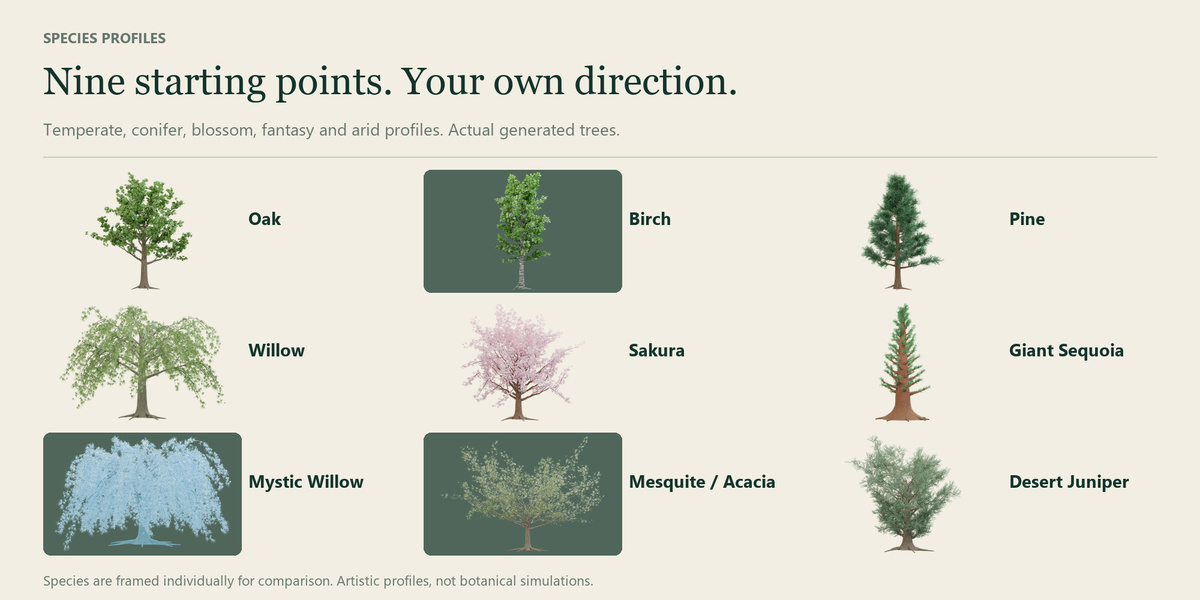
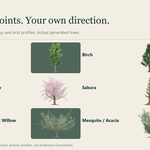
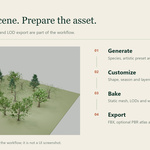
- Without an active procedural tree, Settings for a new tree controls the next tree. Choose one of the nine species.
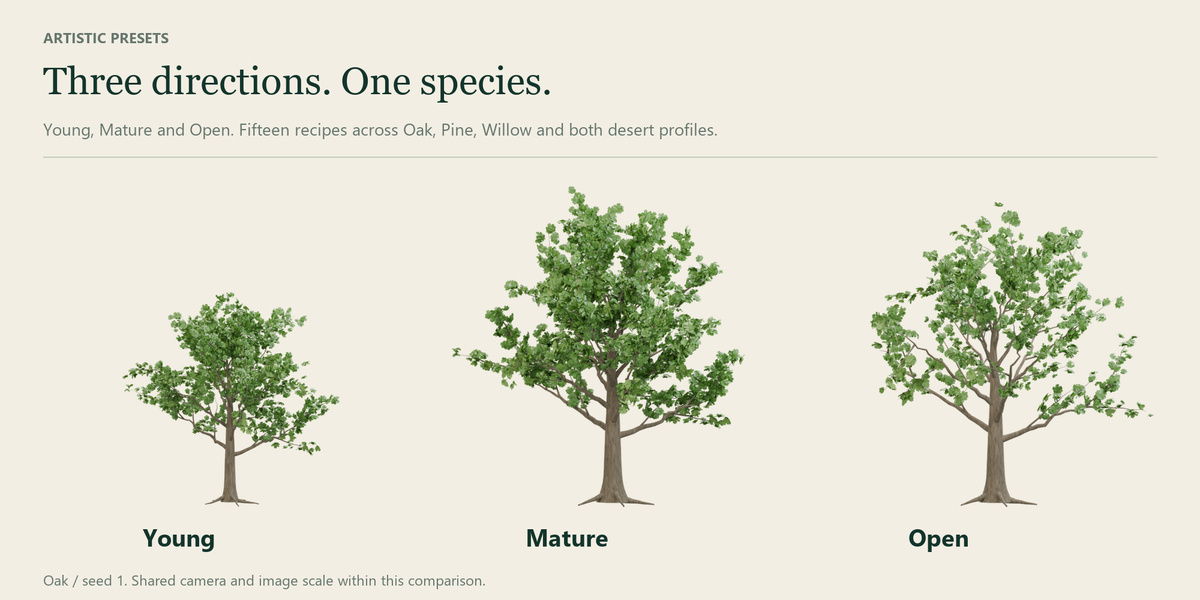
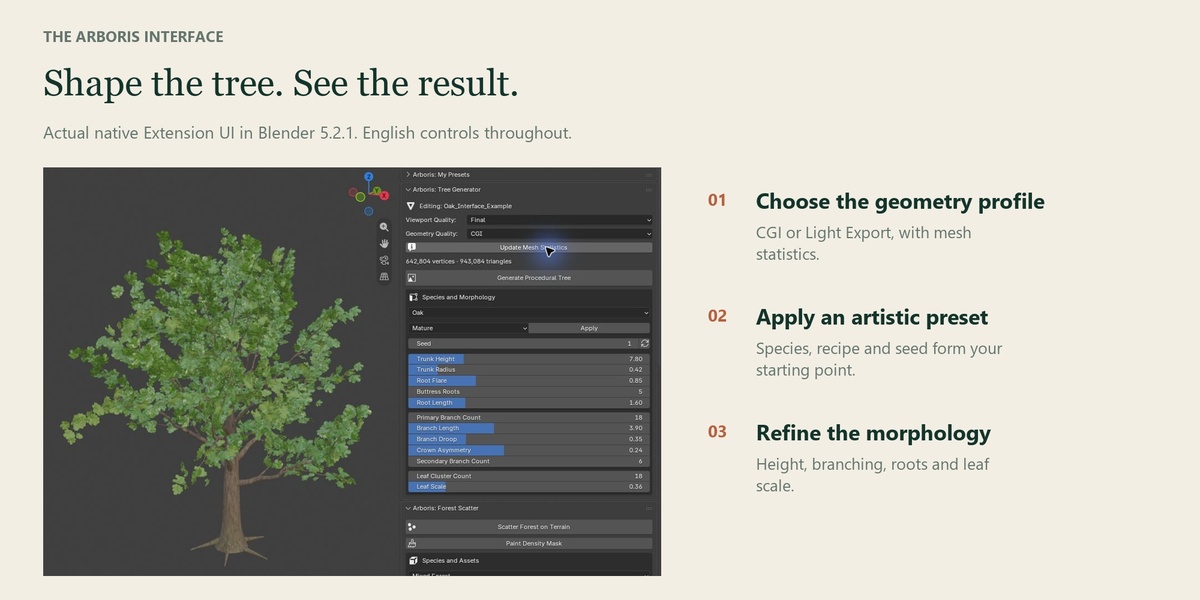
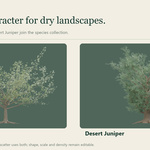
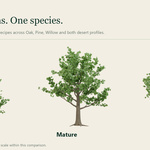
- For Oak, Pine, Willow, Mesquite or Desert Juniper, select Young, Mature or Open and click Apply. Click Generate Procedural Tree.
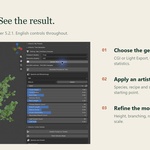
- Select a generated tree to edit its own settings. Refine seed, trunk height/thickness, root flare/count/length, branch density/length/droop, secondary branches, crown asymmetry and leaf density/scale. Trunk Height excludes branches and foliage above the trunk.
- Use Update Mesh Statistics for evaluated counts. Change seed or Randomize Tree for repeatable shape variations.
Geometry quality and personal presets
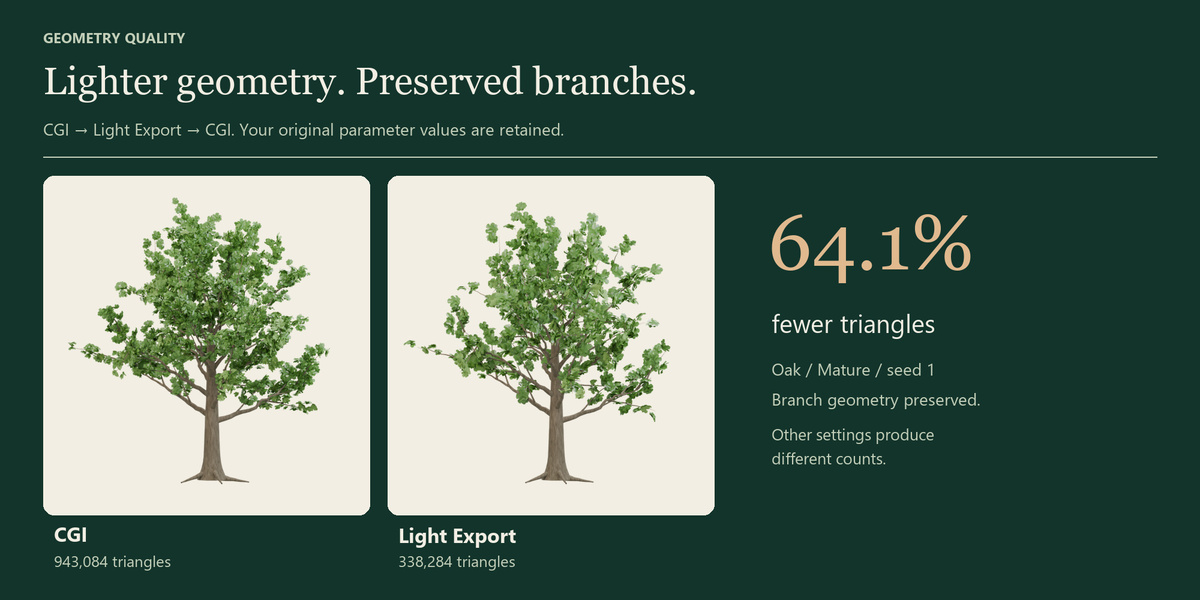
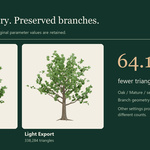
CGI keeps full geometry. Light Export reduces leaf clusters to approximately 35% (minimum four) and increases leaf scale by 40%, preserving wood geometry and original control values. Switching back to CGI restores the full tree. Counts and coverage depend on settings. Oak / Mature / seed 1 measures 943,084 versus 338,284 triangles. Review budgets for your project.
Draft / Final is a separate viewport setting. Rendering and baking use the selected CGI / Light Export quality. Draft + Light Export bakes Light Export.
In My Presets, enter a name and Save New Preset. Select an entry to apply or delete it; duplicate names are rejected. Save the .blend to retain this scene's library. Stored parameters include species, seed, morphology, quality and season. Material graphs, animation actions, global wind and export settings are excluded. Applying the same species preserves edited materials; changing species selects its materials. Duplicated trees acquire independent materials when edited.
Seasons, moss and ivy
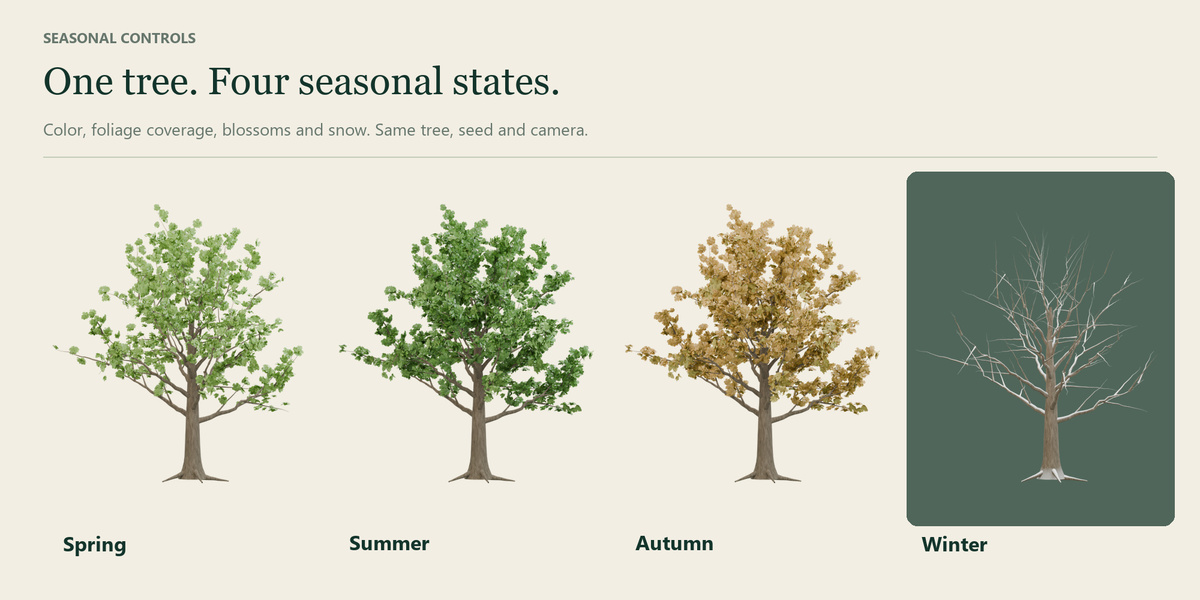
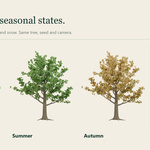
Manual lets you set color, snow, blossoms and falling leaves. Tree Cycle follows an individual 0..4 cycle; Scene Cycle follows the global cycle. Season buttons affect the active tree, or all trees when none is active. Pine, Sequoia and Desert Juniper retain winter foliage; Mesquite is semi-evergreen. Animate Season Cycle creates linear global keys and links existing trees; Clear Animation removes the global season curve. Return a tree to Manual for independent control. Falling leaves follow periodic procedural paths rather than particle physics.
Moss is controlled through the tree materials. Add Ivy attaches climbing stems and foliage to the selected tree. Adjust ivy height, leaf scale and tendril radius; Remove Ivy removes that tree's ivy modifier.
Wind and direction
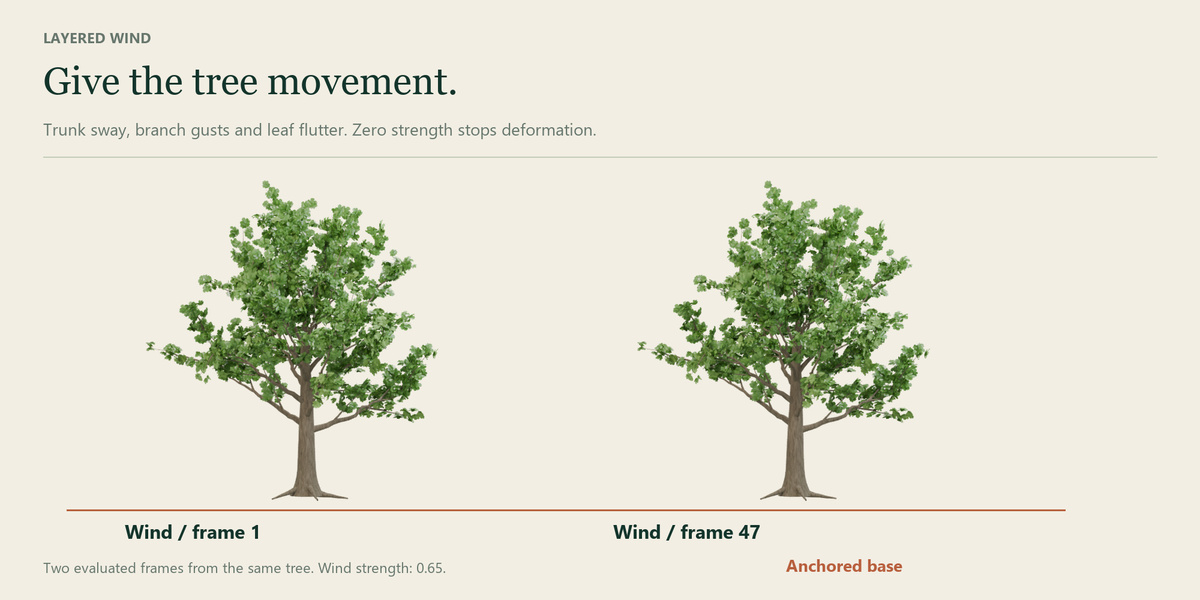
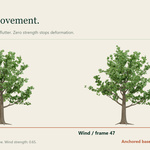
Increase Wind Strength and play the timeline. Choose a wind preset and adjust speed/strength controls. Rotate the direction arrow to orient trunk sway, branch gusts and leaf flutter. Zero strength stops deformation and the base stays anchored. The interactive deflector is procedural displacement, not a physics collision solver. Examples start with strength zero; try 0.35 for a preview.
Forest Scatter
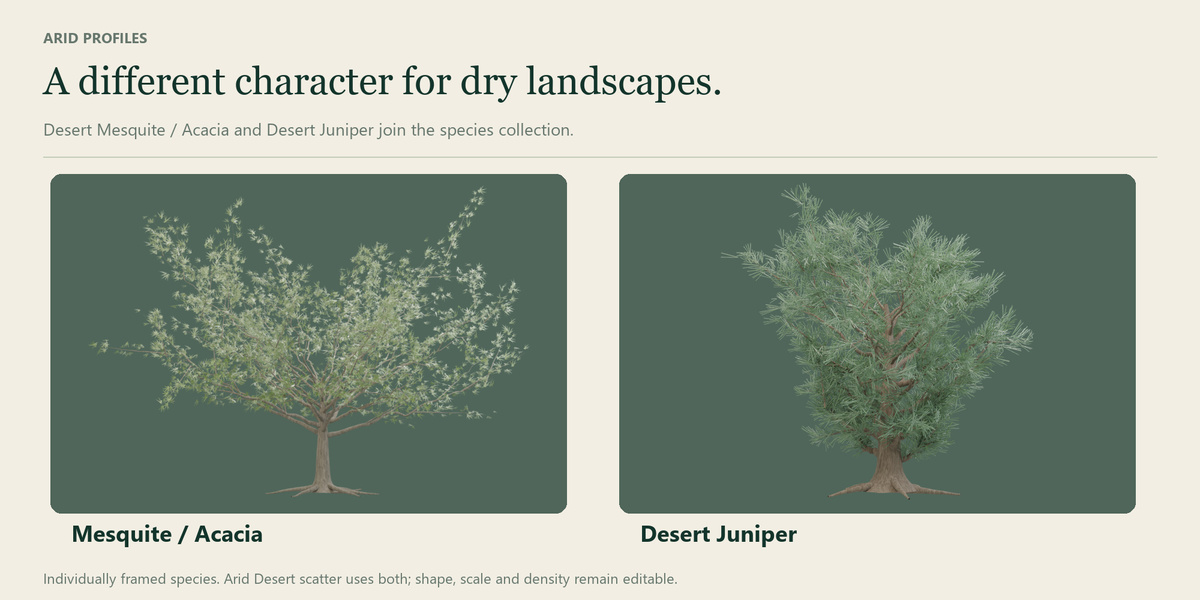
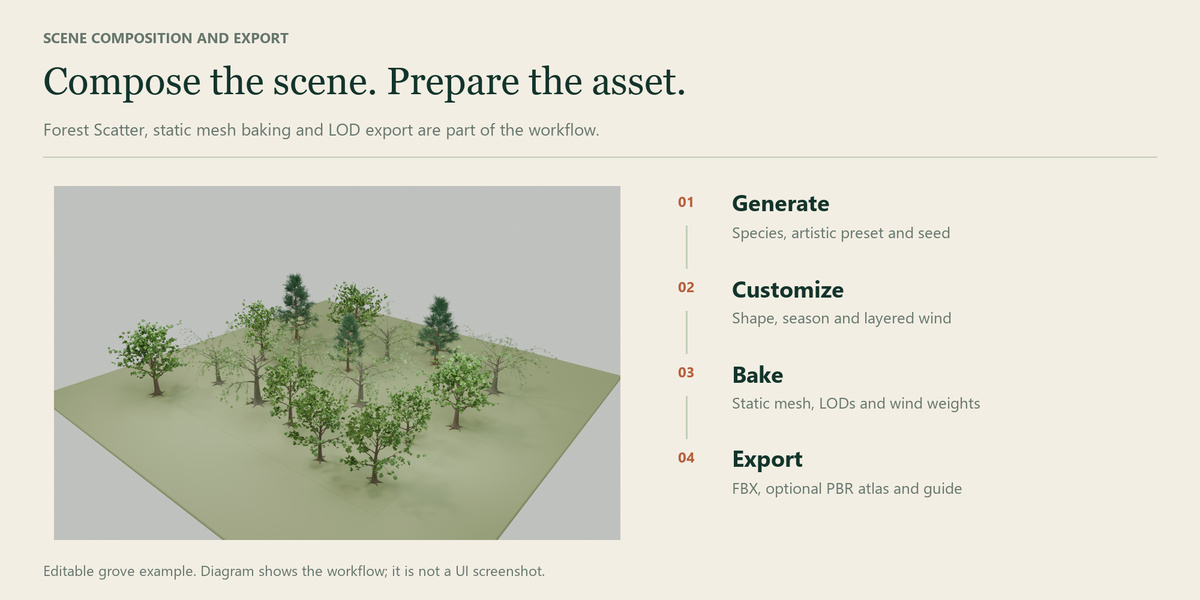
Select a terrain mesh. Choose a forest preset or a custom source collection, then Scatter Forest on Terrain. Adjust density, minimum spacing, scale range, seed, slope, elevation and viewport density. Arid Desert supplies two Mesquite sources and one Desert Juniper. Default sources are placed at Z=-300, below the visible terrain. Paint Forest Density creates/selects the named vertex group and enters Weight Paint; use its weights to define planting areas. Review source detail before increasing density.
Static meshes, LODs and collision
Bake Single Mesh creates a static copy and preserves the procedural source. Generate LOD Asset creates LOD0 and the enabled LOD1/2 decimation levels, optional LOD3 impostor, wind weights and collision. LOD2 must retain less geometry than LOD1. Choose a wood convex hull or a simpler eight-sided collision cylinder. LOD3 uses two RGBA views on crossed planes (eight vertices/four triangles); Cycles CPU bake time varies. Its studio lighting is baked in. Review alpha, two-sided shading, transitions and color in your project.
Arboris_Wind_Weights is LINEAR vertex color data: R=height sway, G=radial flexibility, B=foliage, A=spatial phase. The baked-mesh wind preview is a reference. Its diagnostic view restores original materials and face indices when disabled.
PBR atlas and FBX
Enable Bake PBR Atlas before generating a family. LOD0 receives Smart UV Project and packed islands; LOD1/2 inherit the atlas. Without it, per-face UVs overlap and procedural materials need rebuilding in the engine.
A Principled BSDF must connect directly to Surface; simplify Mix/Add Shader setups first. Supported channels include linked Base Color, Alpha, Roughness, Metallic, tangent Normal and Emission, with optional Ambient Occlusion. Subsurface scattering and transmission are not transferred; appearance and season are frozen. Increase atlas resolution when small leaves lose detail. A failed bake removes temporary data and restores selection.
Five PNG maps are supplied: BaseColor+Alpha, Normal, ORM, Emission and UnityMask. BaseColor/Emission are sRGB; the rest are linear. ORM=R occlusion/G roughness/B metallic. UnityMask=R metallic/G occlusion/A smoothness. Normal uses +Y (OpenGL); invert green for -Y targets. The JSON retains HDR emission's multiplier.
Select a source or generated family member and use Export FBX and Integration Guide. Export is scoped to that family. Keep the FBX, complete textures folder, material/LOD JSON and guide together. Review normals, alpha, collisions, LODs, texture detail and budgets in the destination application.
Unity and other engines
Copy the FBX, textures and *_arboris.json to Assets. Copy Arboris_UnitySupport once per project. The importer lives under Editor and does not modify assets automatically. Select the FBX and run Assets > Arboris > Build Materials and LOD Prefab. Adjust its LODGroup transition thresholds. The prefab includes materials and a convex MeshCollider.
The reference shader supports Unity Built-in. Enable Wind Strength on its material; wind direction uses local XZ. It anchors roots but does not reproduce Geometry Nodes wind exactly. URP/HDRP need a compatible shader. The unchanged Unity support sources were tested in Unity 6000.6.3f1 for the earlier integration; this release verifies packaging and Blender FBX export/reimport rather than claiming a new Unity Editor certification. Unreal and Godot require their own shaders/integration and editor validation.
Examples, license and support
After enabling Arboris, open the garden or grove .blend. Each includes a camera, lighting, original procedural materials, 15 saved presets and an English START_HERE text. Lighting, ground and furniture are included presentation assets; Arboris generates the trees. Code is GPL-3.0-or-later. Generated trees may be used in commercial renders and projects. No external stock models, image textures or fonts are required by the Extension.
For support, contact the creator through Superhive with your Blender version, target render pipeline, relevant settings and reproducible steps. The download also includes a complete written README.
Have questions about this product?
Login to message
| Blender Extension Compatible | Yes |
| Published | about 5 hours ago |
| Blender Version | 5.0 - 5.2 |
| Extension Type | Add-on |
| Render Engine Used | Cycles |
| License | GPL |
Discover more products like this
tree-generator foliage wind forest seasons procedural Trees LOD geometry nodes environment