 Cgi Lab
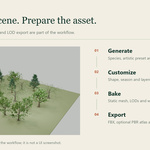
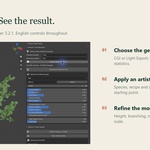
Shape Expressive Procedural Trees, Seasons, Wind & Forests — Fully Editable Inside Blender.
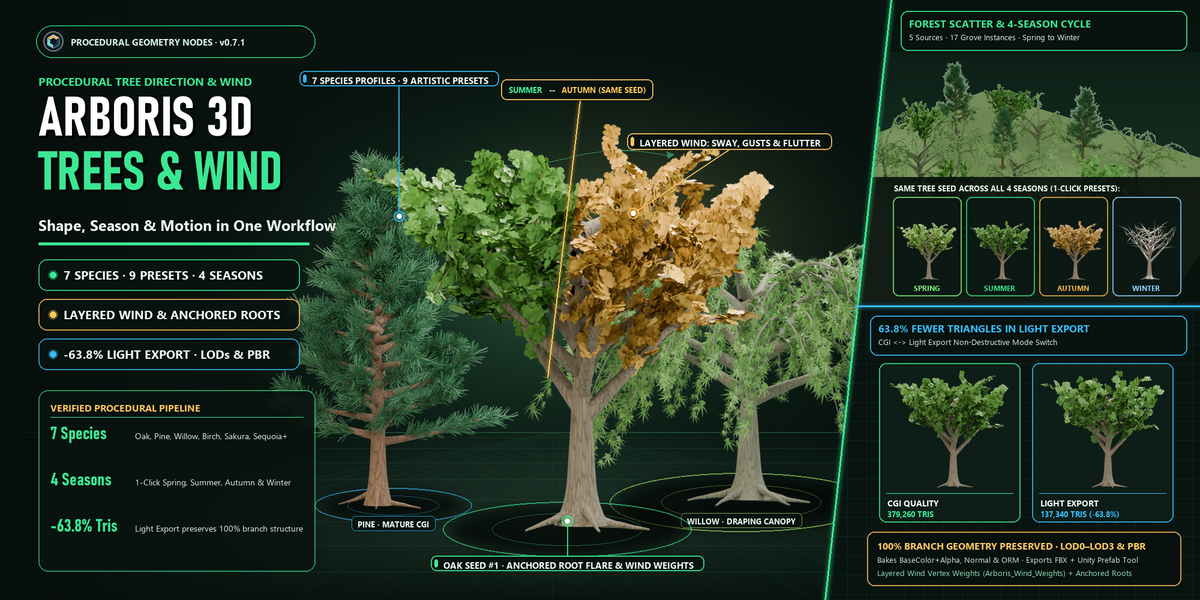
Arboris 0.7.3 brings tree architecture, seasonal mood, multi-layer wind animation, terrain scattering and export optimization into one non-destructive sidebar. Pick a species and seed, sculpt trunks, roots, branches and foliage live, and adapt detail for cinematic CGI, ArchViz, gardens or stylized environments.
9 Species & 15 Artistic Recipes • 3-Layer Wind + Seasons, Snow & Moss • Forest Scatter + LOD0–LOD3 & PBR Atlas Export • Blender 5.x (Tested 5.0.1 & 5.2.1 LTS)
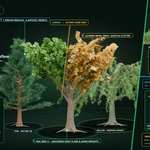
18-second edited overview of real Blender captures: explore Young, Mature and Open artistic recipes, then see Arboris trees in an environment composition. Terrain, bridge, bird and atmosphere are presentation elements; the cover scene is not included.
Why Environment Artists & Studios Build with Arboris
-
Per-Tree Non-Destructive Control: Select any tree to bring back its exact species, seed and silhouette settings—and save your own parameter presets right inside your
.blend. - Full Seasonal Storytelling: Drive foliage color, density, snow, blossoms, moss, climbing ivy and falling-leaf motion manually or via per-tree / global season cycles.
- Instant Detail Scaling (CGI ↔ Light Export): Keep full branching while slashing foliage density when needed (plus a separate Draft viewport toggle for responsive layout work).
- Complete Forest & Export Pipeline: Scatter species across terrain meshes with slope/altitude masks, bake static copies or LOD0–LOD3 + 5-map PBR atlases, and export organized FBX packages.
1. Nine Tree Species & 15 Art-Directed Recipes
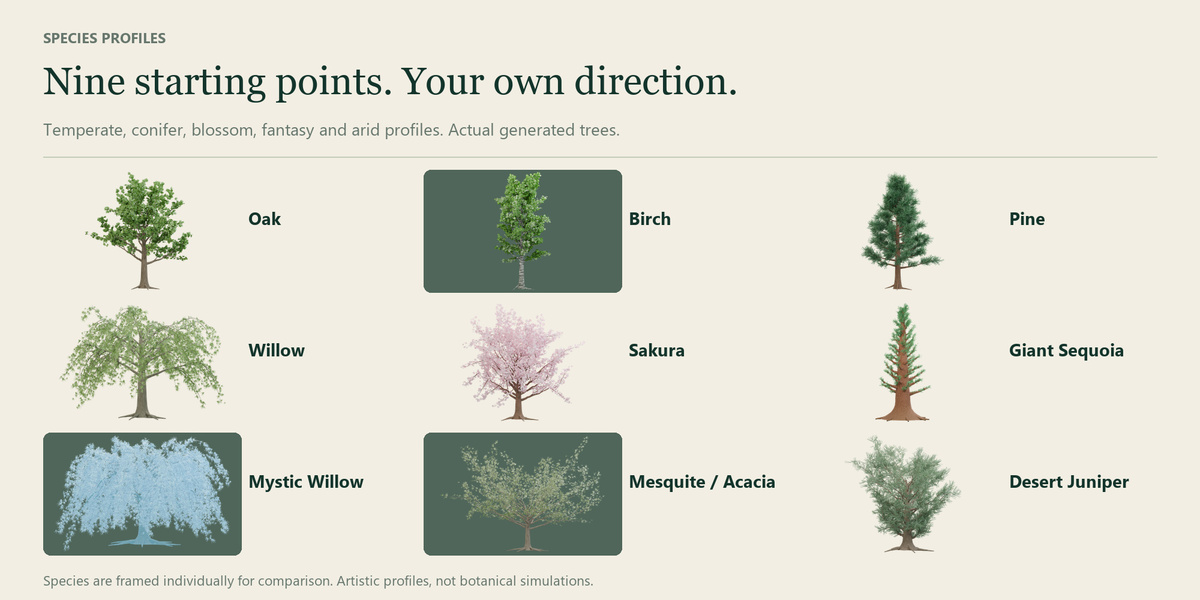
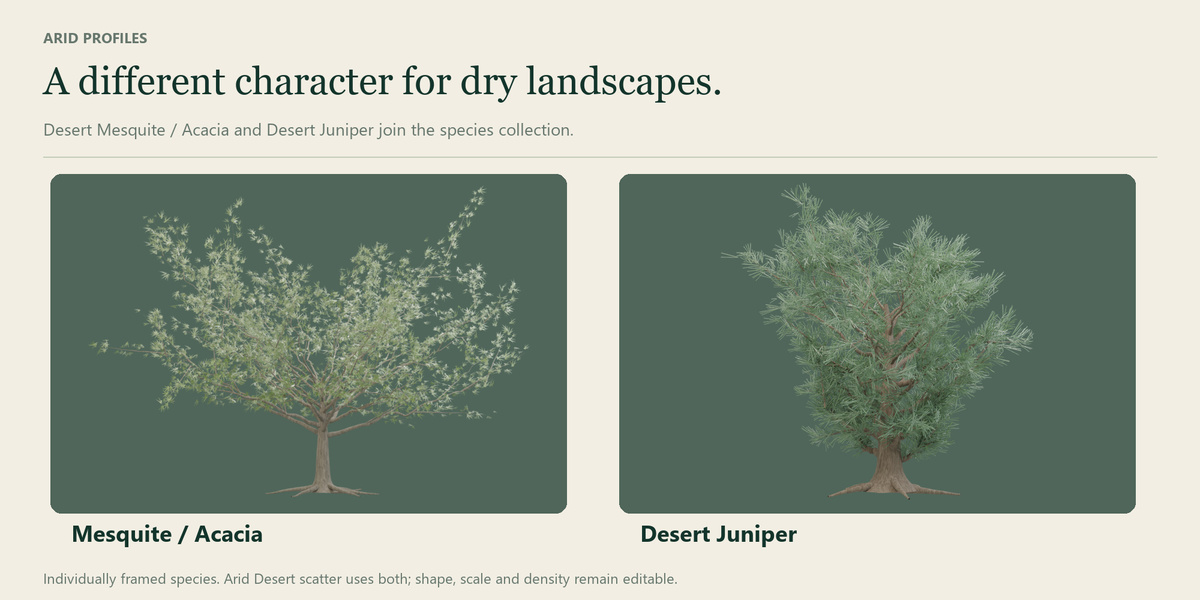
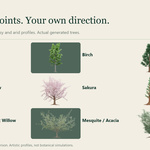
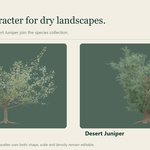
- 9 Distinct Species Profiles: Oak, Birch, Pine, Willow, Sakura, Giant Sequoia, Mystic Willow, Desert Mesquite / Acacia and Desert Juniper.
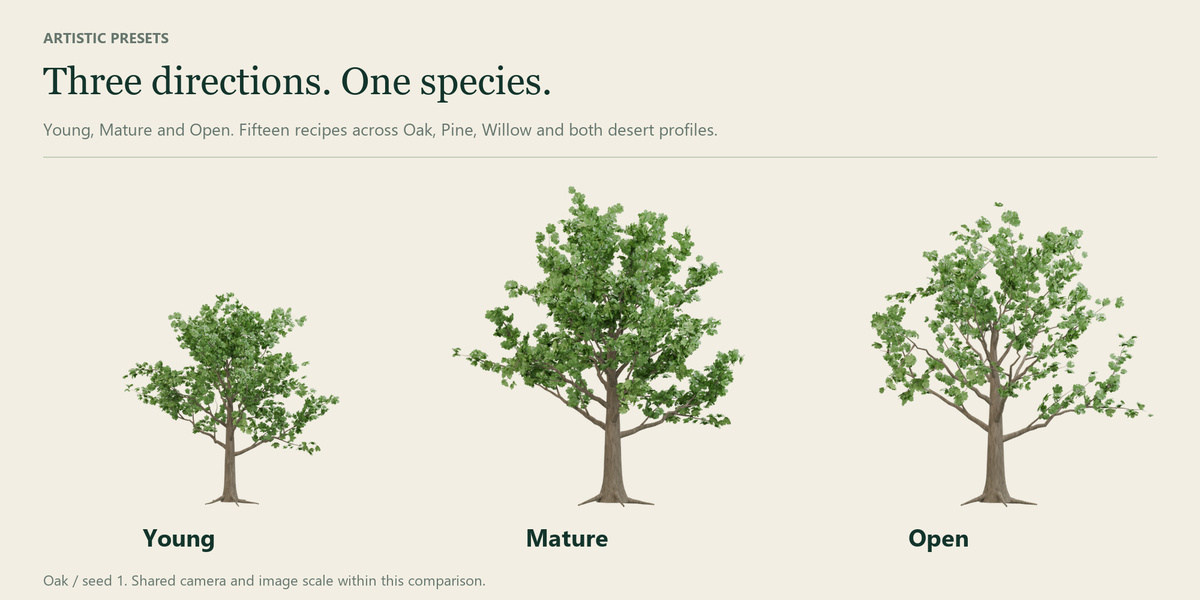
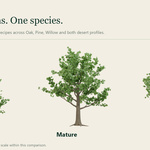
- 15 Artistic Starting Points: Young, Mature and Open recipes are built in for Oak, Pine, Willow and both desert species (art-directed profiles, not a botanical growth simulation).
-
Editable Per-Tree Presets: Every tree stores its own parameters independently, and custom personal presets save directly inside your scene’s
.blendfile.
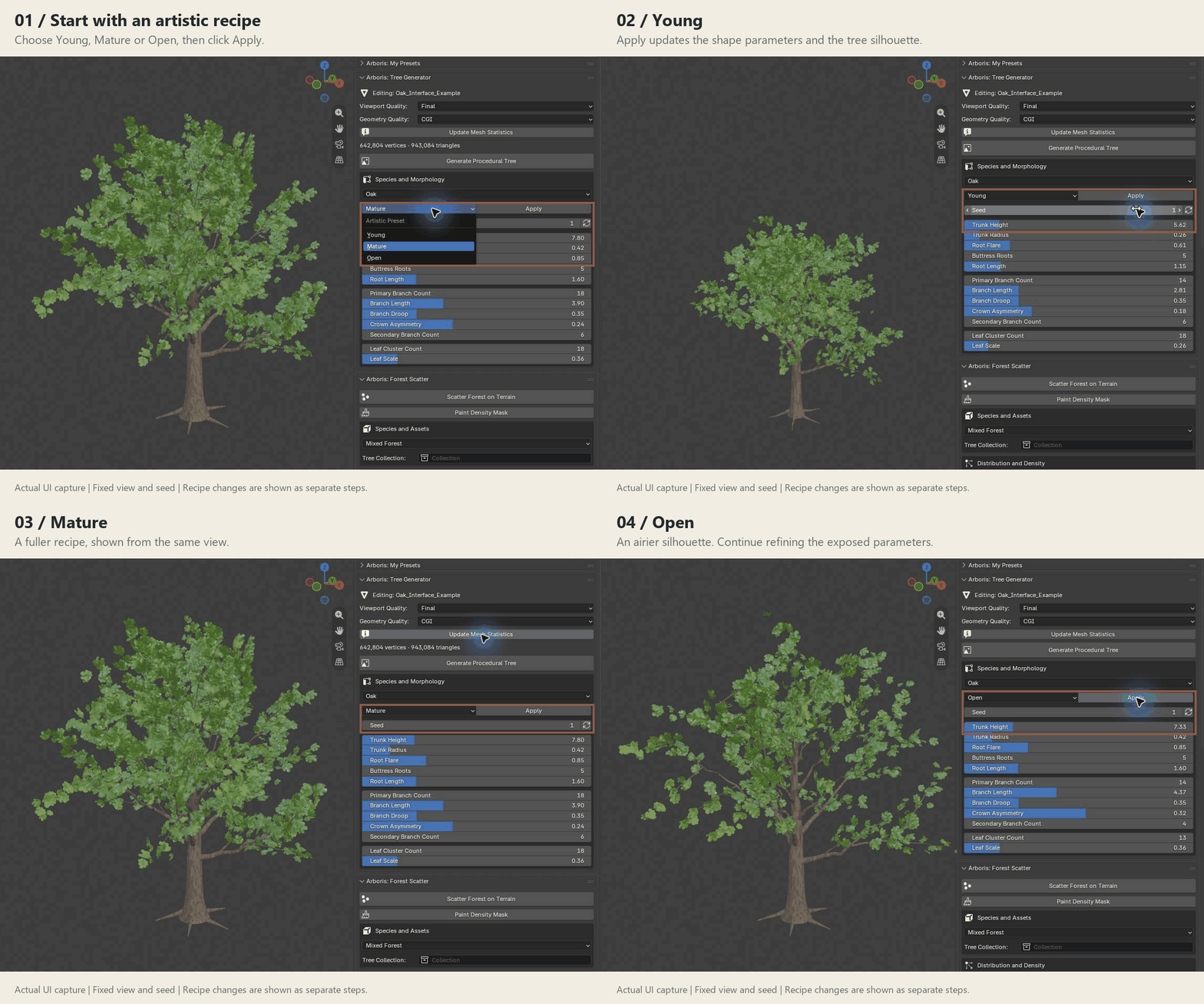
Choose an artistic recipe, apply it, then refine the parameters. Actual interface captures with a fixed view and seed.
2. Seasons, Moss, Ivy & 3-Layer Wind Motion
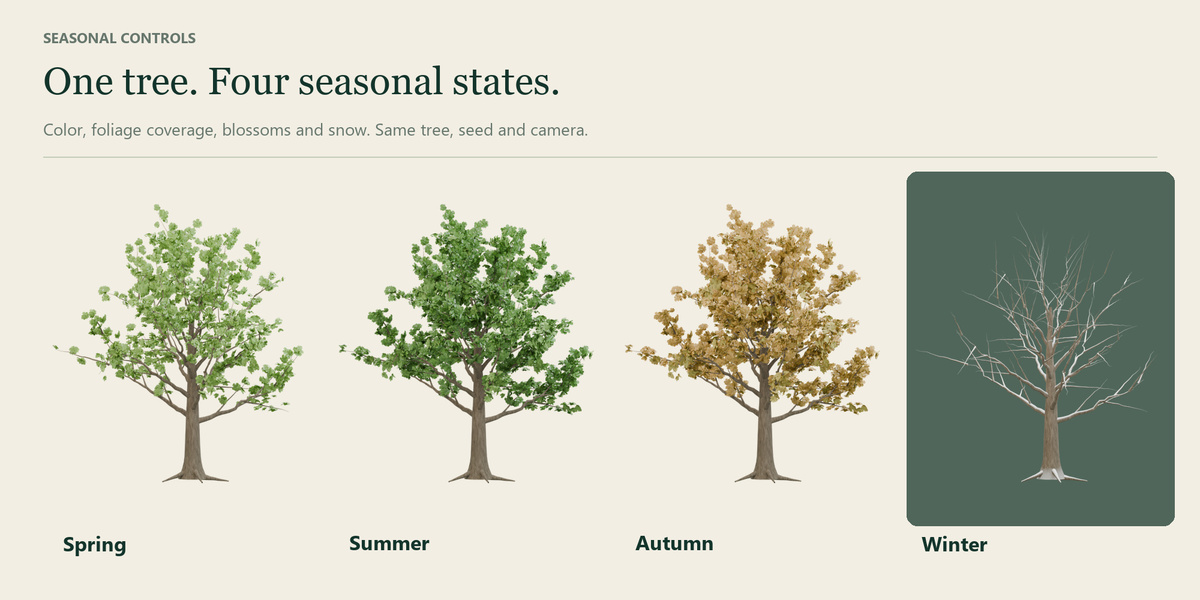
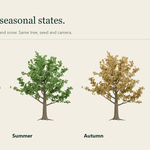
- Dynamic Seasonal Atmosphere: Control seasonal hue, foliage coverage, snow and blossoms manually or with a tree-specific / global season cycle. Pine, Sequoia and Desert Juniper naturally retain winter foliage.
- Botanical Storytelling Details: Layer in trunk moss, climbing ivy and periodic falling-leaf motion.
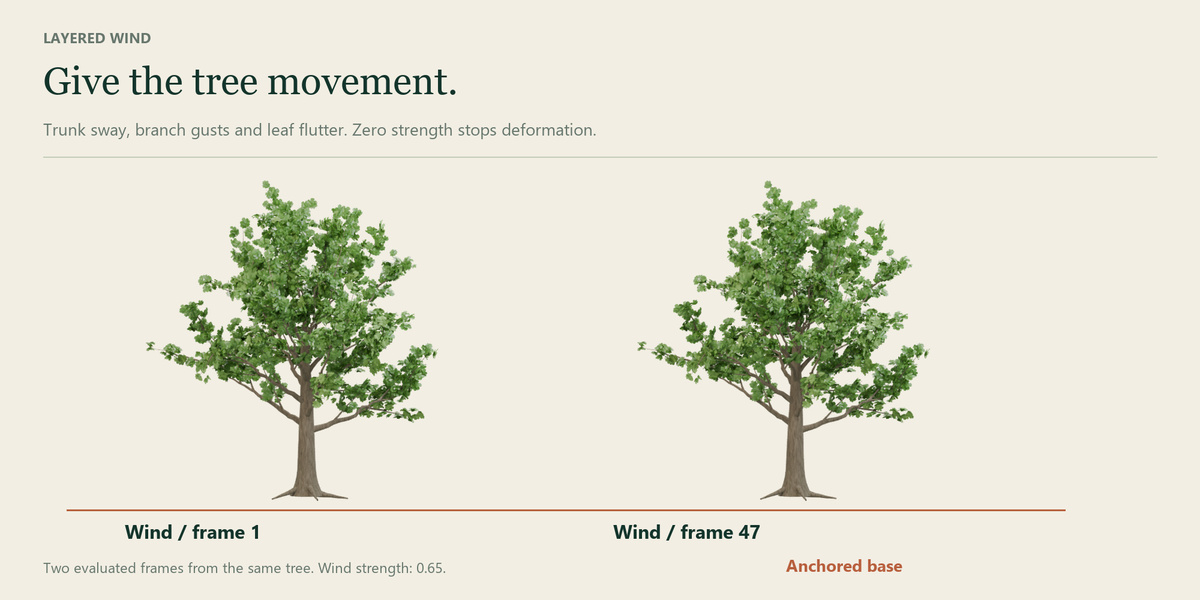
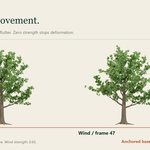
- 3-Layer Wind System: Blend trunk sway, branch gusts and leaf flutter with an orientable wind-direction arrow, anchored trunk base, zero-strength static option, and an interactive procedural deflector (procedural effect, not a physics collision solver).
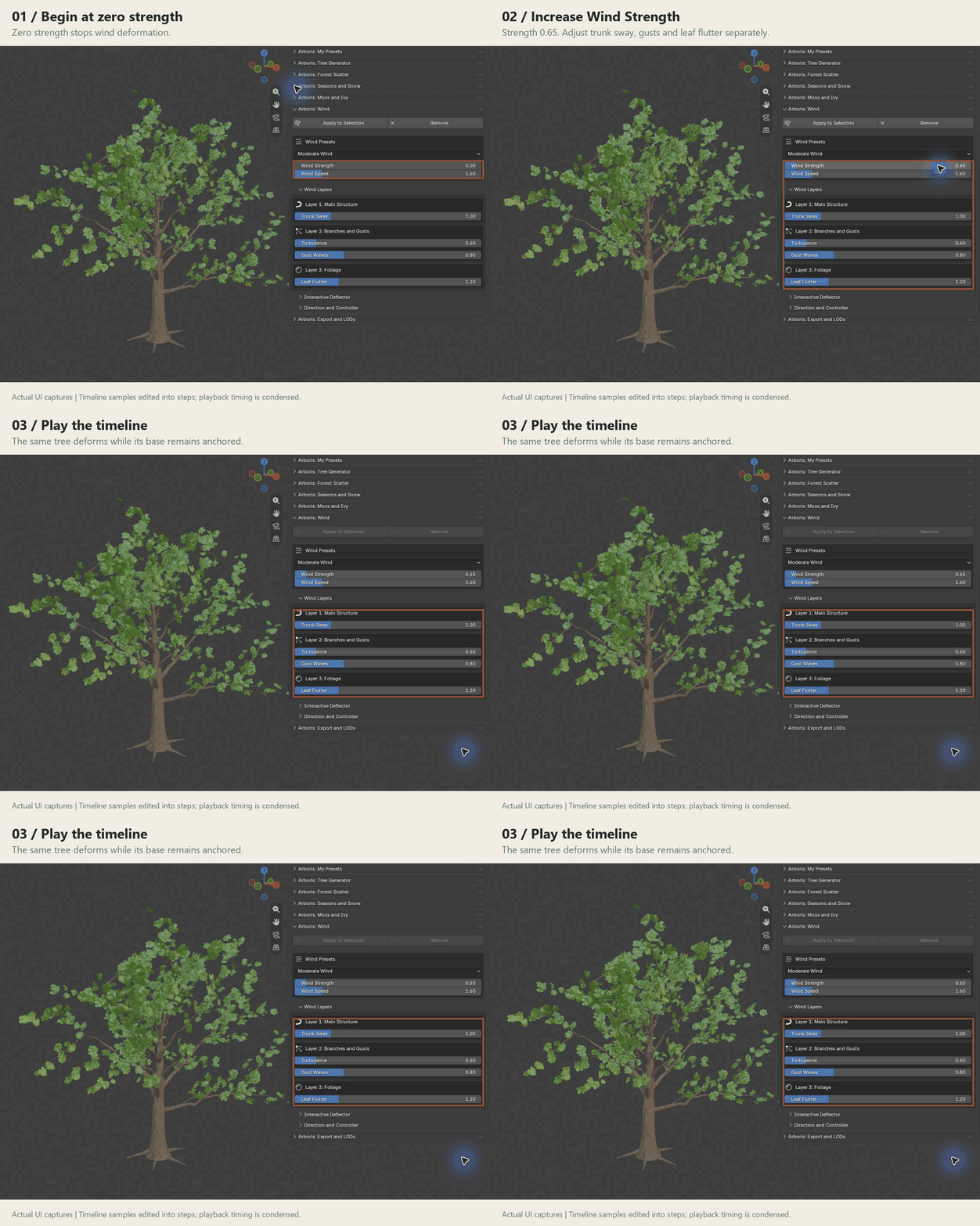
Set Wind Strength, tune the three layers and play the timeline. Sampled viewport captures; playback timing is condensed.
3. Switch Between Full CGI Detail & Light Export
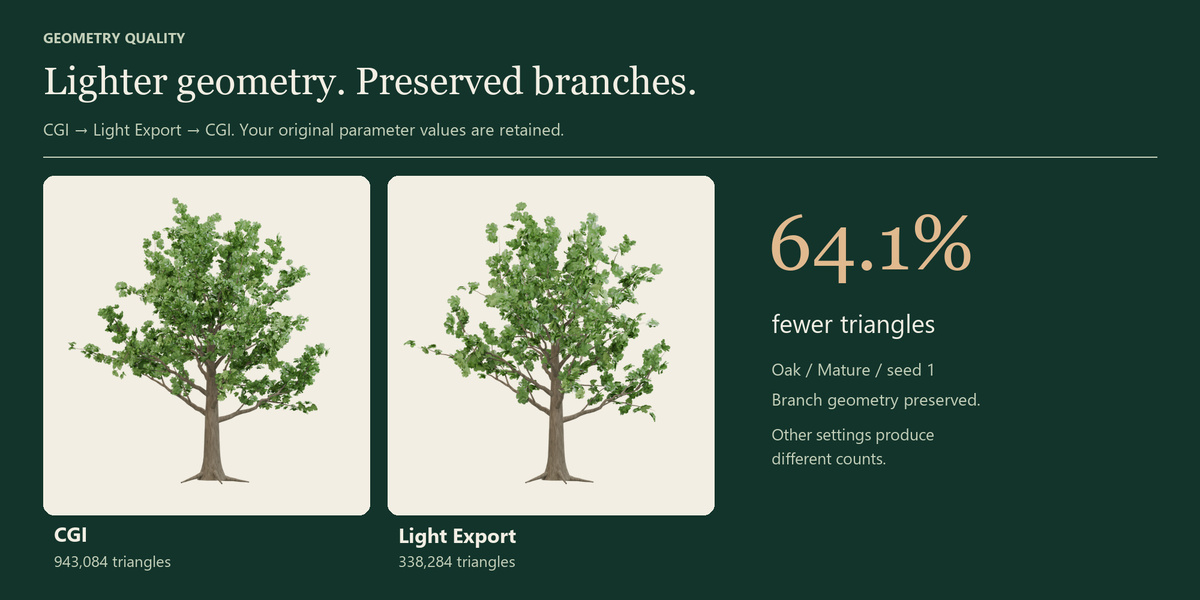
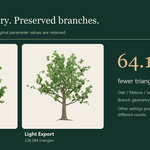
- Non-Destructive Quality Profiles: CGI preserves full foliage detail, while Light Export thins foliage while keeping the complete branch structure and your original slider values intact.
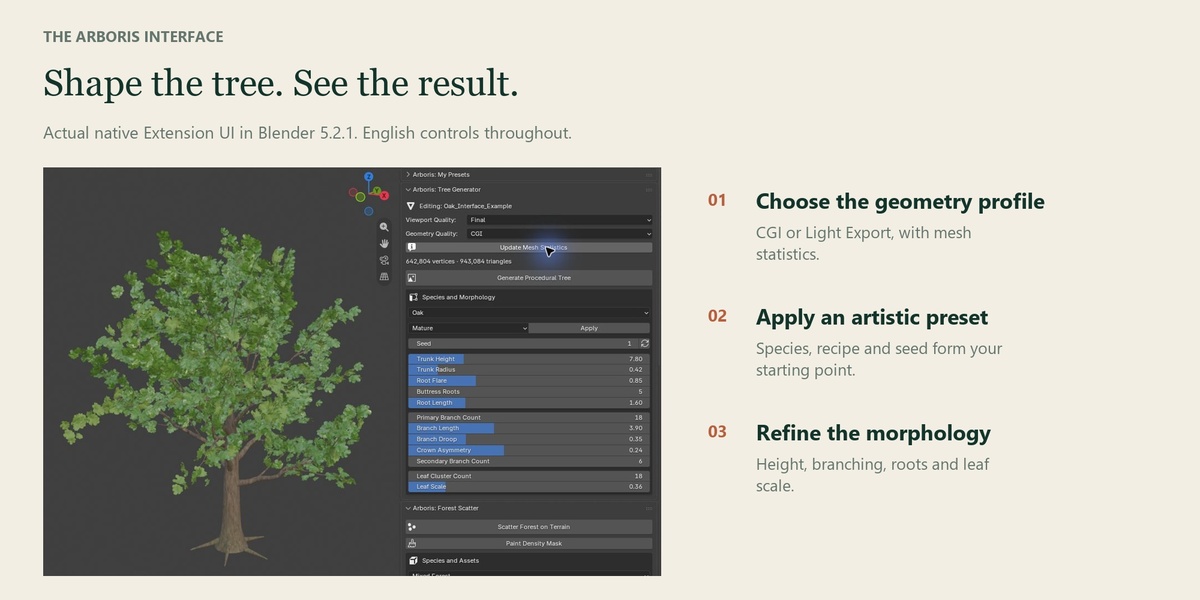
- Measured Example Reduction: In the Oak / Mature / seed 1 reference below, triangles drop from 943,084 to 338,284 (a 64.1% reduction). (Counts and coverage vary with settings; Light Export is not a fixed polygon budget or real-time performance guarantee.)
- Dedicated Viewport Draft Mode: Keep scene navigation light with the separate Draft viewport setting while rendering and baking at your chosen CGI or Light Export quality.
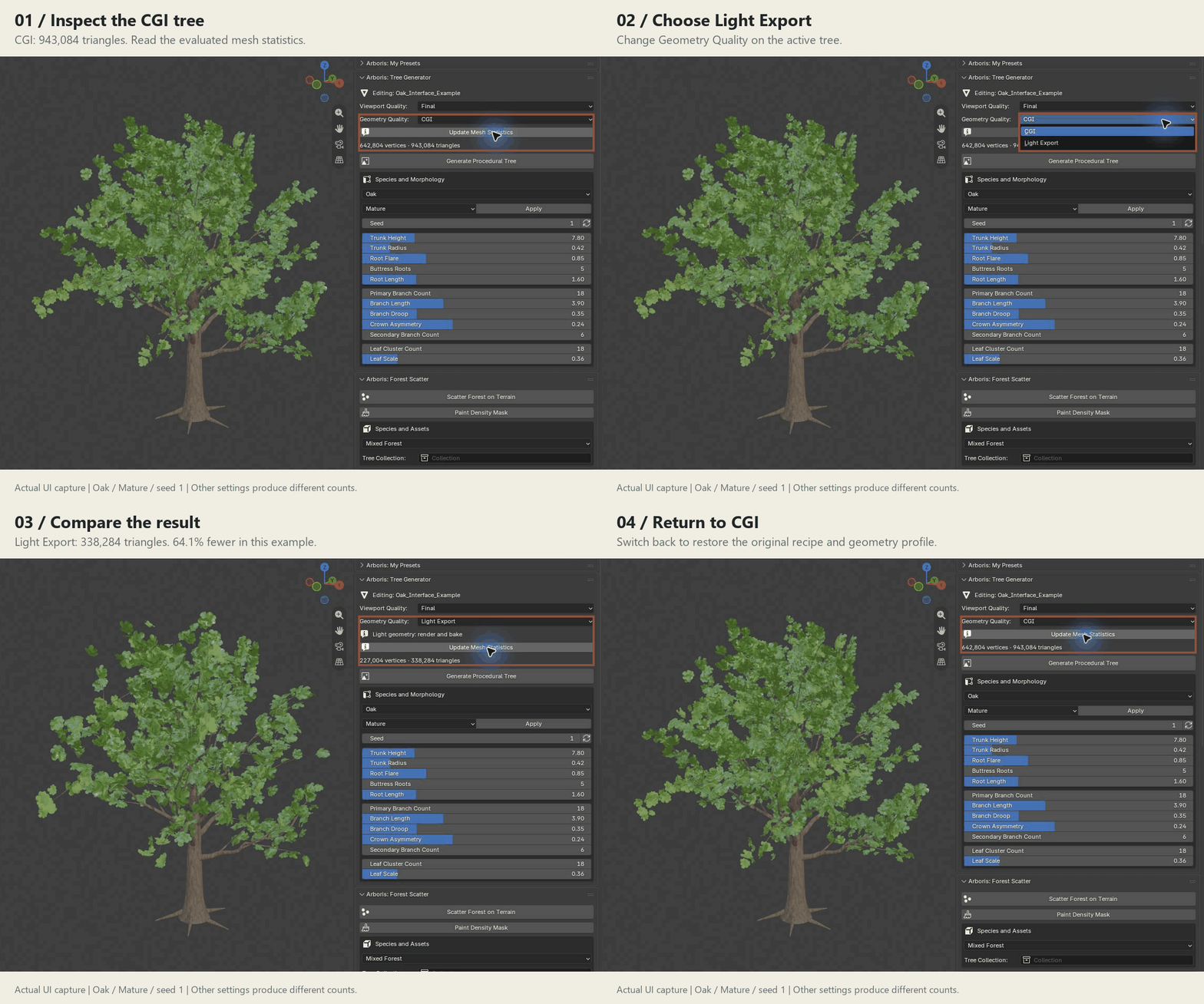
Switch geometry profiles and inspect actual mesh statistics. The 64.1% reduction applies to this Oak / Mature / seed 1 example.
4. Scatter Forests, Bake PBR Atlases & Export FBX
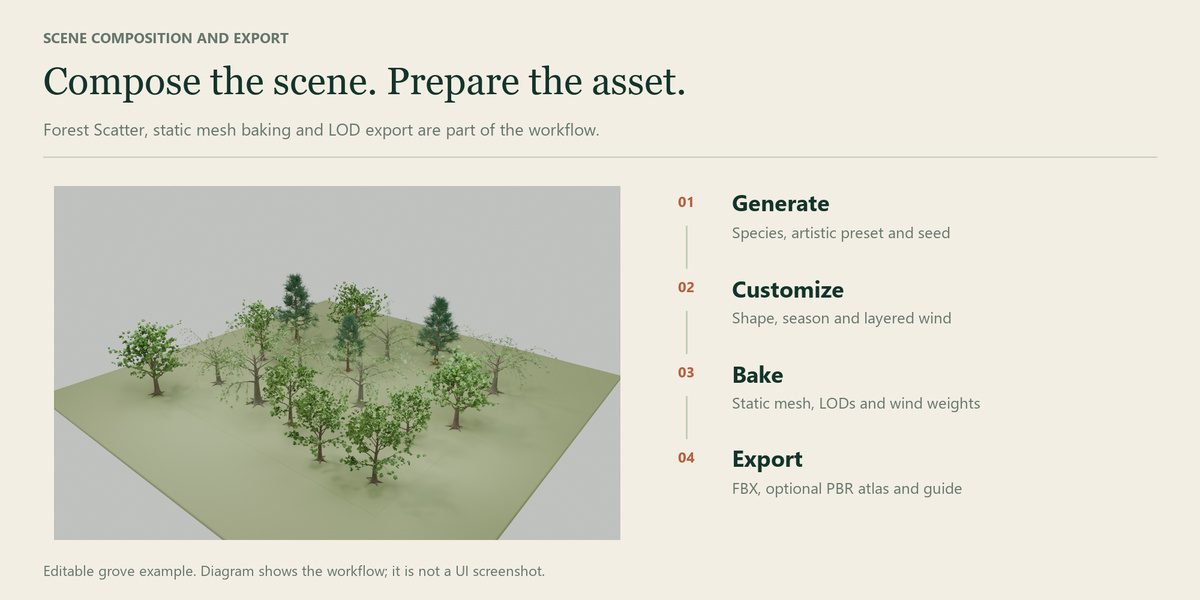
- Terrain Forest Scatter: Distribute any species collection across terrain meshes using seed, density, spacing, scale, slope, elevation and density-mask controls (includes the Arid Desert multi-species starter collection).
- Static Bakes, LOD0–LOD3 & Wind Weights: Bake standalone static meshes or generate LOD0–LOD3 chains, wind vertex weights and collision geometry.
- 5-Map PBR Atlas & FBX Package Export: Optionally transfer supported Principled BSDF channels into five PNG maps and export an organized FBX family with textures, material metadata and an integration guide.
- Engine Integration Scope: The included Unity reference importer and shader target the Built-in Render Pipeline (URP/HDRP require a compatible shader). Unreal and Godot require project-specific integration and their editors have not been validated for this release.
Included With Arboris 0.7.3
- Native Blender Extension ZIP with English interface and complete written documentation.
- 9 Species Profiles, 15 Artistic Recipes and a personal scene preset library.
- 2 Editable, Render-Ready Example Scenes: A six-tree garden and a scattered grove.
- Unity Built-in Support Sources supplied with Unity exports.
Compatibility, Technical Scope & Licensing
- Blender Requirements: Requires Blender 5.0 or newer within the 5.x series (tested in 5.0.1 and 5.2.1 LTS; render examples use Cycles CPU). Detailed tree morphology can produce hundreds of thousands of triangles per tree—review polygon budgets for your target scene.
- Atlas Baking & Wind Notes: Atlas baking requires a Principled BSDF connected directly to Surface (subsurface scattering and transmission are not transferred, and appearance is frozen at bake time). Geometry Nodes wind and engine shader wind are separate implementations.
- Showcase & Example Assets: Cover terrain, bridge, bird and lighting, as well as example ground/furniture/lighting, are presentation elements—Arboris generates the trees.
- License: Code is licensed under GPL-3.0-or-later. Generated trees may be used in commercial renders and projects. See the Documentation and FAQ tabs for installation, workflow and export limits.
Develop the Surrounding Scene
Pair Arboris with ArcSpan for parametric bridge and viaduct geometry, or LumaForge for reusable procedural environment lighting.
Each product is sold separately. These links suggest complementary uses; check each product’s requirements and documented workflow.