ArchiFlow - Fence Generator
 Diyan Nikolov
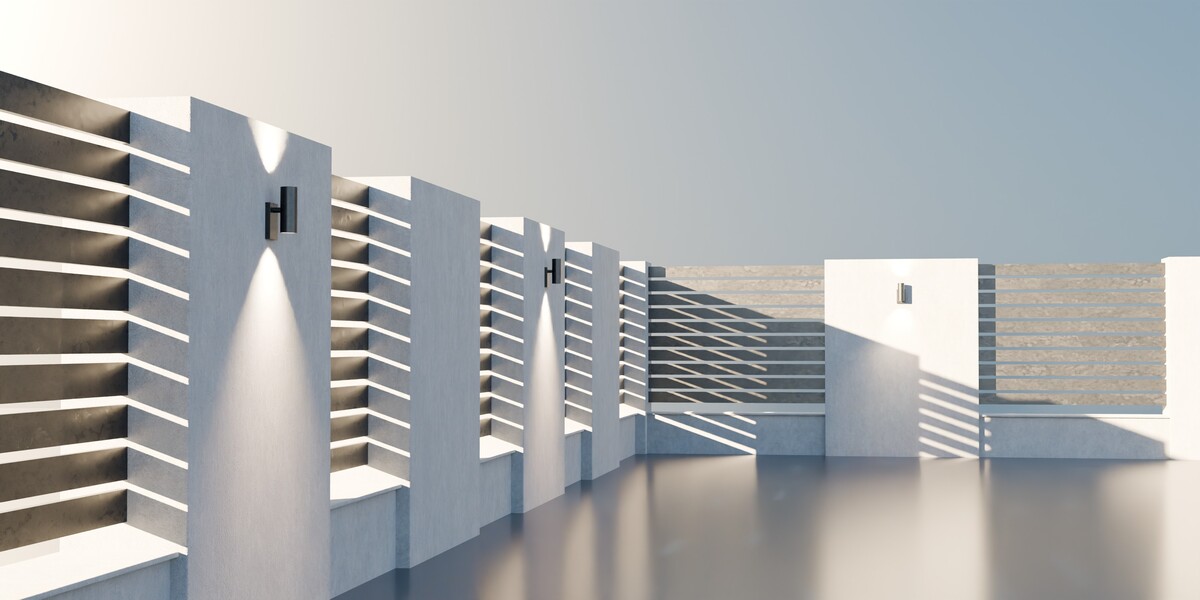
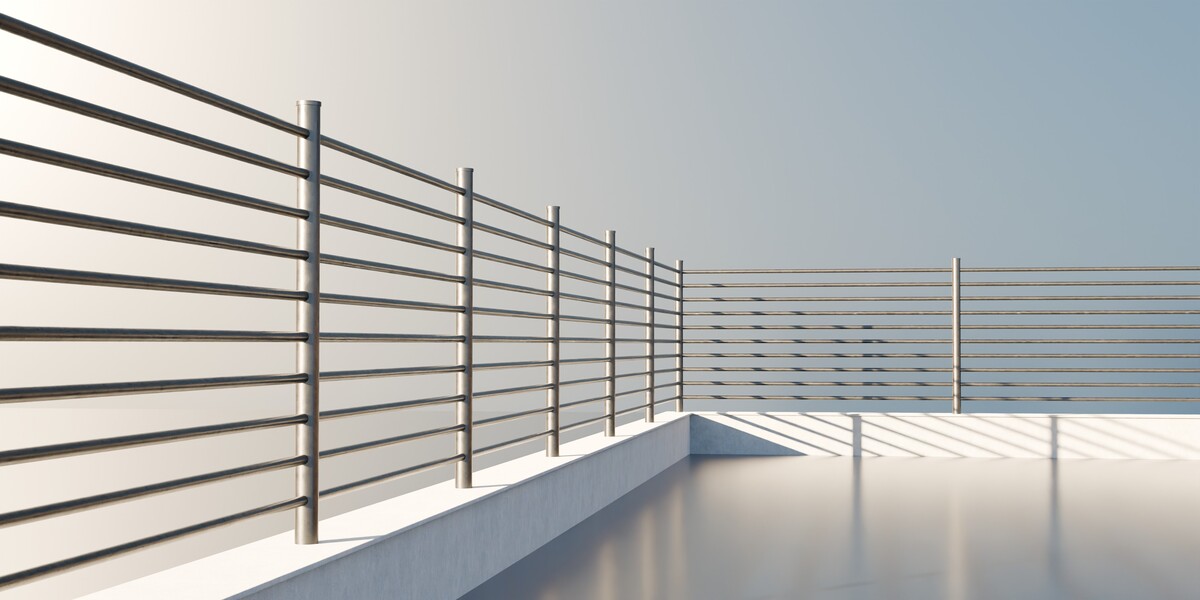
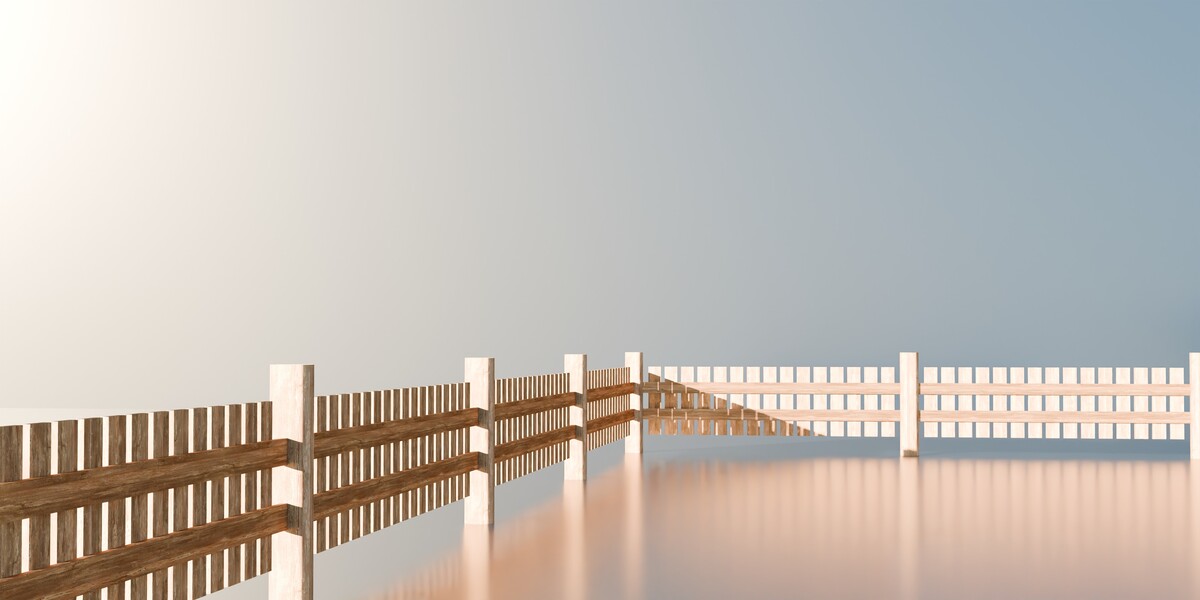
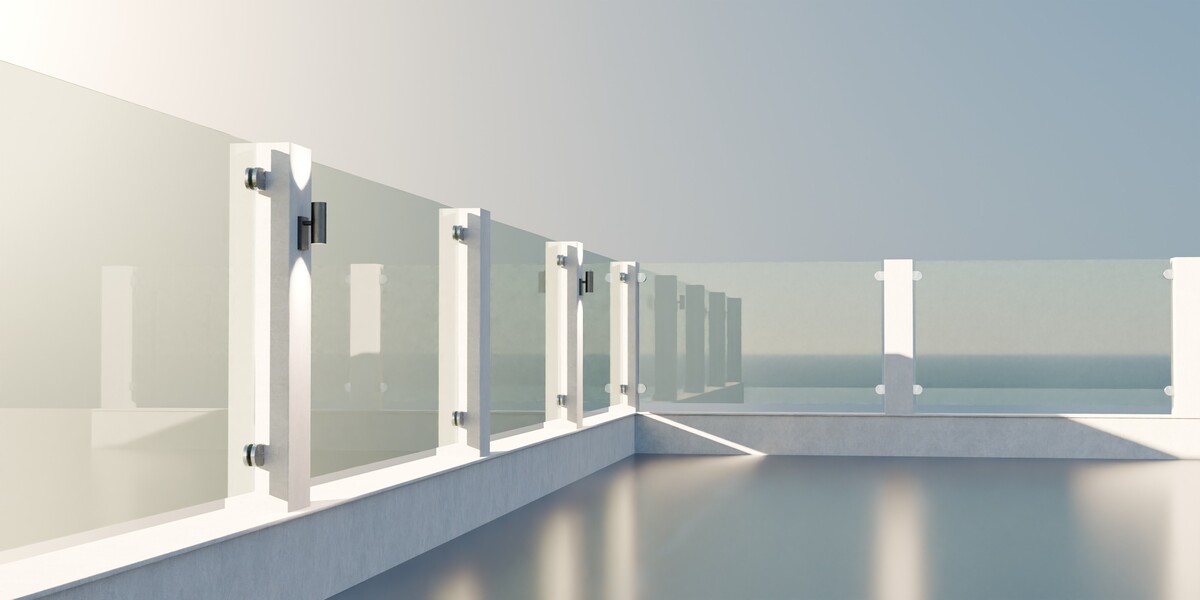
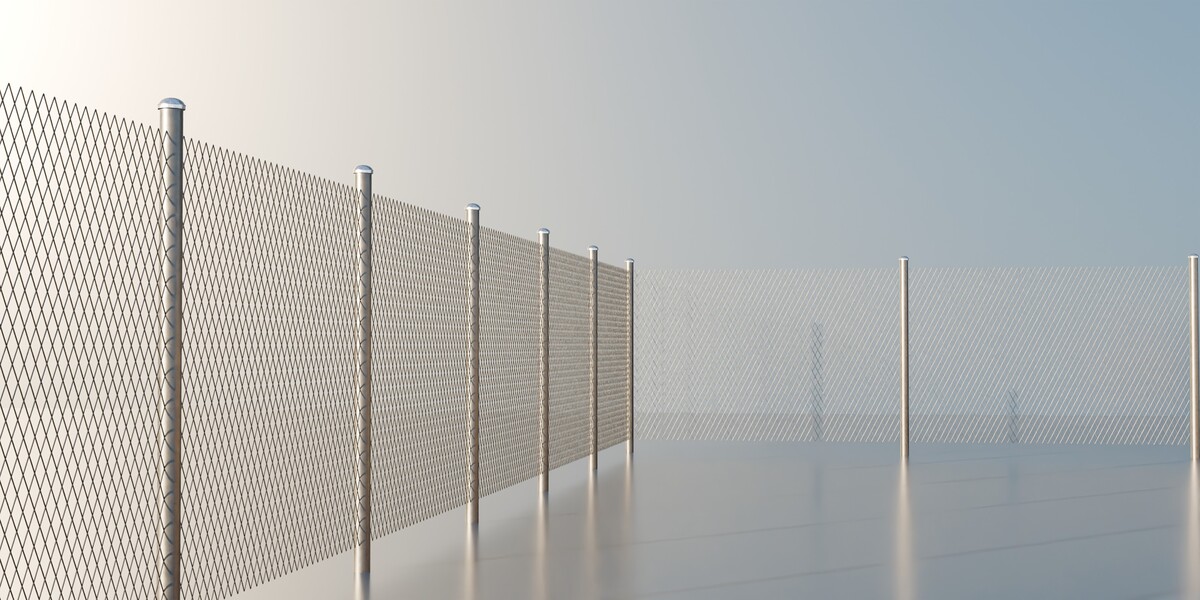
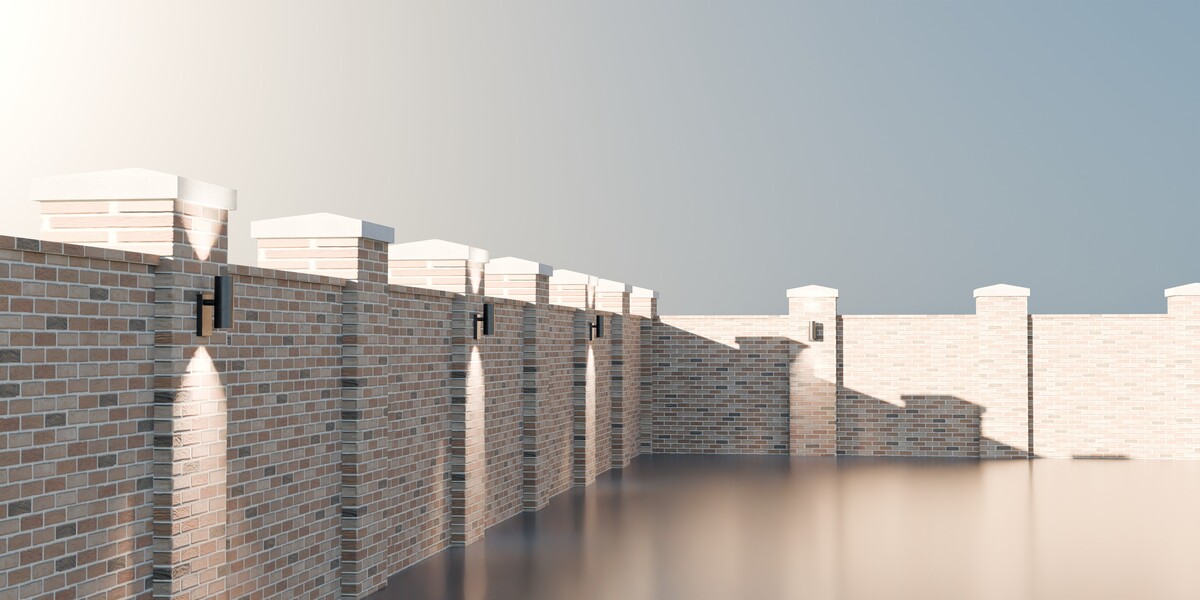
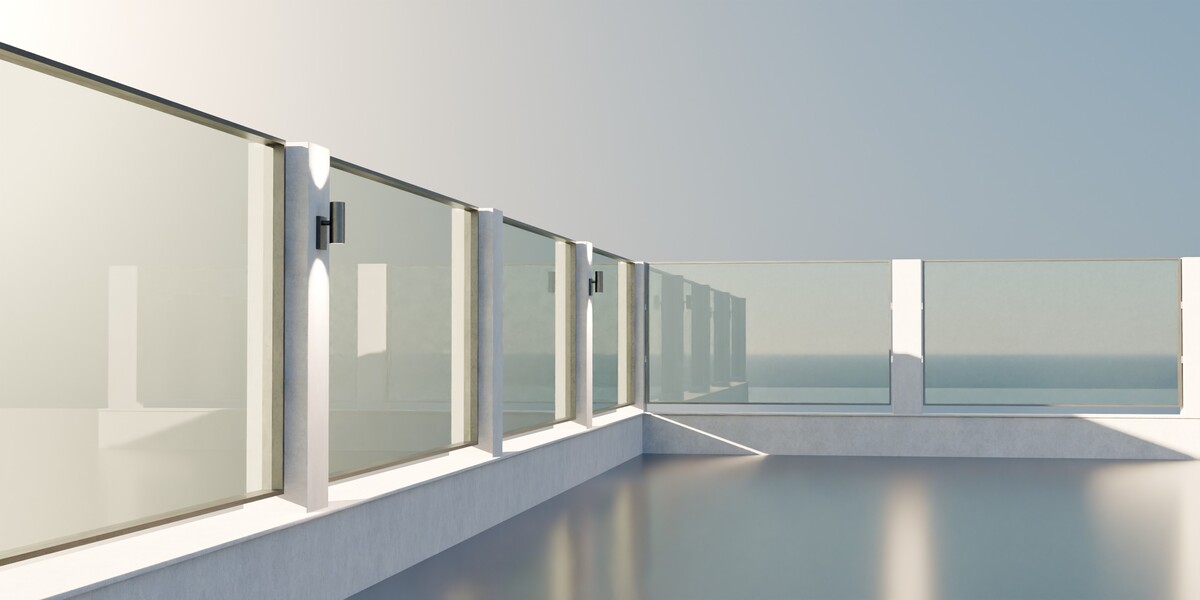
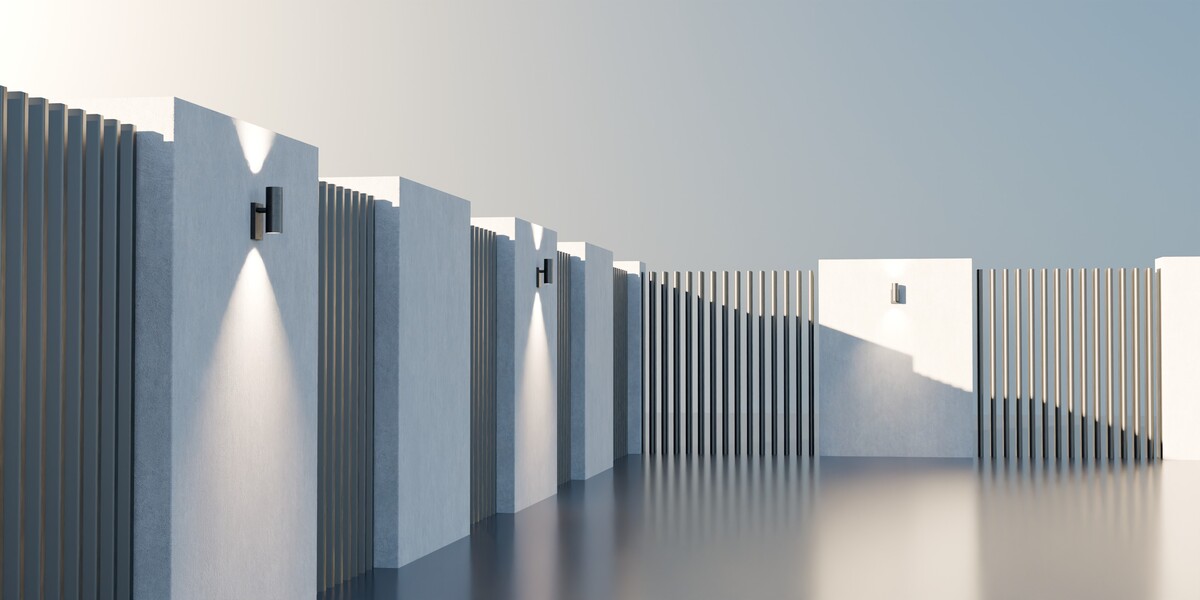
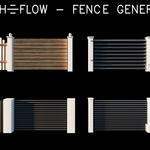
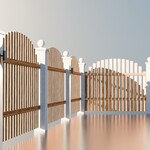
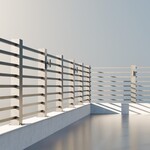
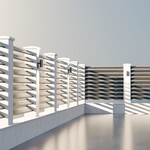
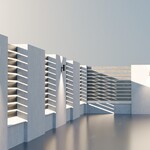
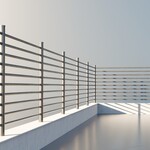

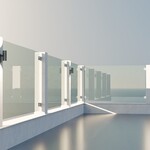
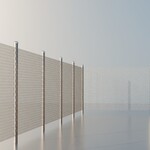
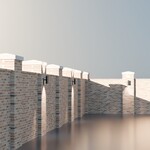
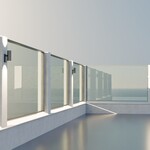
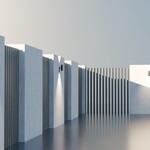
How to setup the gate and door!
To add a gate to your object (edge/curve) there should be at least 3 connected vertexes and two of them should not be connected, so that the gate can be generated between the two unconnected verts (endpoints).
The system was designed that way so you have full control over position/rotation of the gate, also you wouldn't need a gate on an open fence, right?
How to change the settings of the gate spawn!
The gate has two modes (single / double leaf gate) with a trigger threshold of 4 meters, meaning from 0-4 meter distance between endpoints - single gate, and 4+ meters - double gate!
If you need to change the threshold distance:
1.Go to the geometry node editor panel
2.Locate the value node (just above the input node) with a name ((SINGLE / DOUBLE DOOR) TRIGGER THRESHOLD) and change the value (in meters, currently set to 4)
 Included
Includes 12 months of
- Support from Diyan Nikolov
- Product updates
Extend this product’s Support Period +12 months: 50% of product price
Have questions before purchasing?
Login to message
| Published | about 5 hours ago |
| Blender Version | 5.0 - 5.2 |
| Render Engine Used | Cycles, Eevee |
| License | Royalty Free |
Discover more products like this
Generator stairs gate ArchViz model House procedural outdoor garden fence environment architecture