Archisection Pro
 GPolygon Design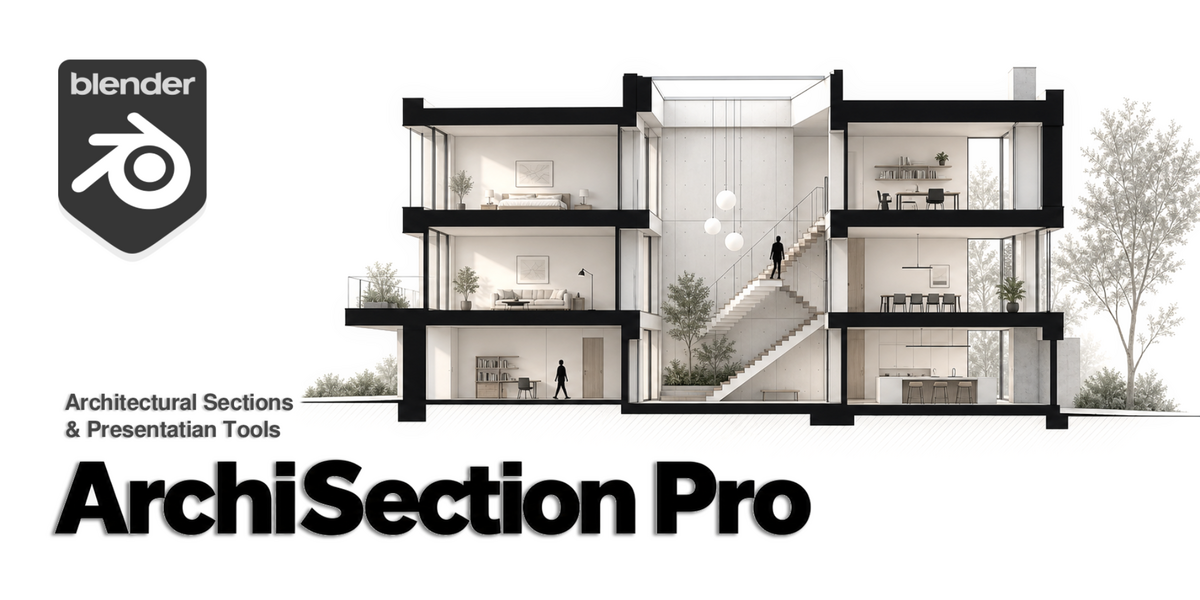
Q: What is ArchiSection Pro?
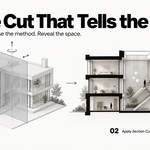
A: Blender add-on for turning architectural models into section drawings, with cutting, annotation, entourage, ground styling and sheet export tools.
Q: Do I need an existing model?
A: Yes. You supply the architectural model in Blender. The add-on provides section and presentation tools, plus a library of silhouettes and backdrops.
Q: What is the difference between Boolean and Clip?
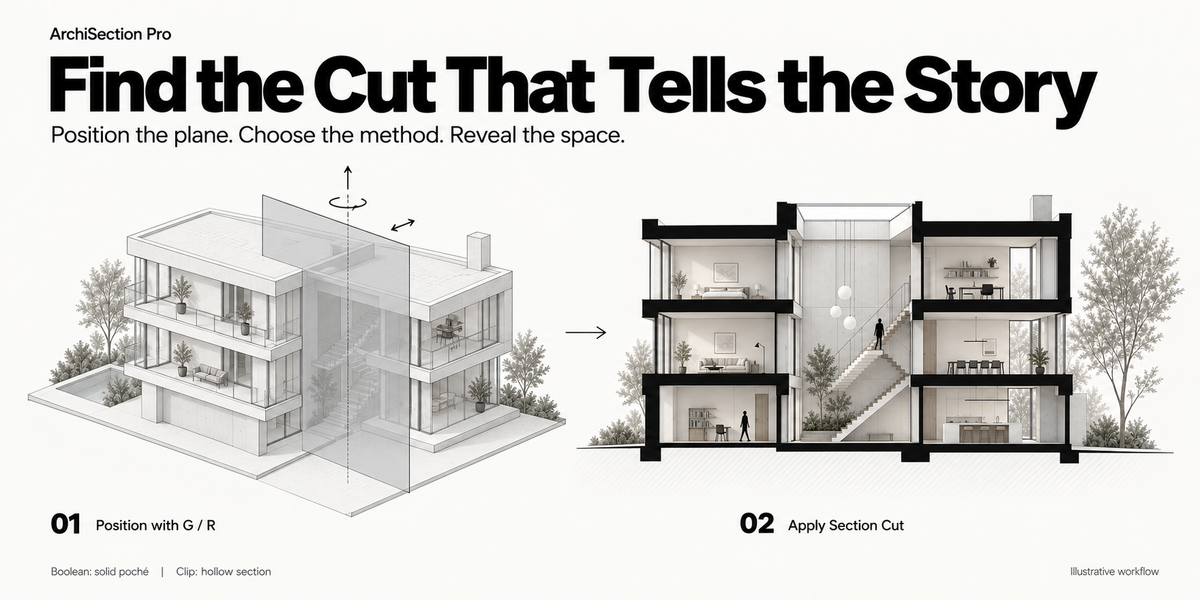
A: Boolean creates geometric cuts with solid poché on suitable closed meshes. Clip creates a hollow camera section without Boolean cutting or automatic cut-face fills.
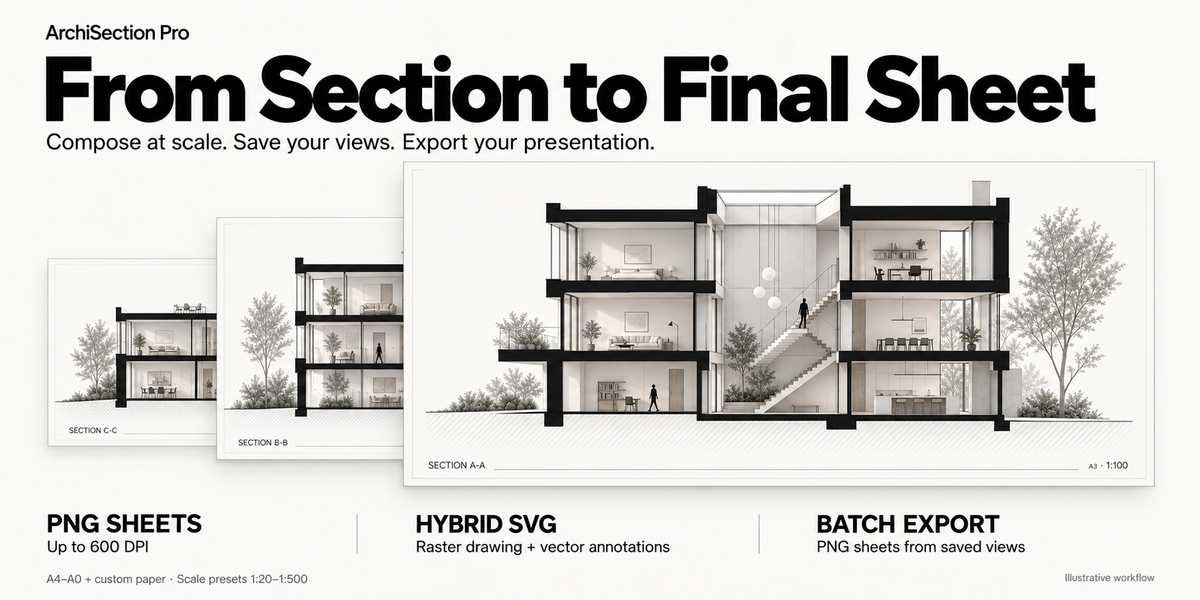
Q: Can I edit a section or save multiple views?
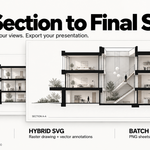
Yes. Use Edit Plane to reposition the cut, save named views such as A-A and B-B, and batch export selected sections as PNG sheets.
Q: Will it work with imported models?
A: Yes, once suitable geometry is imported into Blender. Boolean results depend on mesh quality; Clip offers a hollow-section alternative for open or difficult meshes.
Q: What visual assets are included?
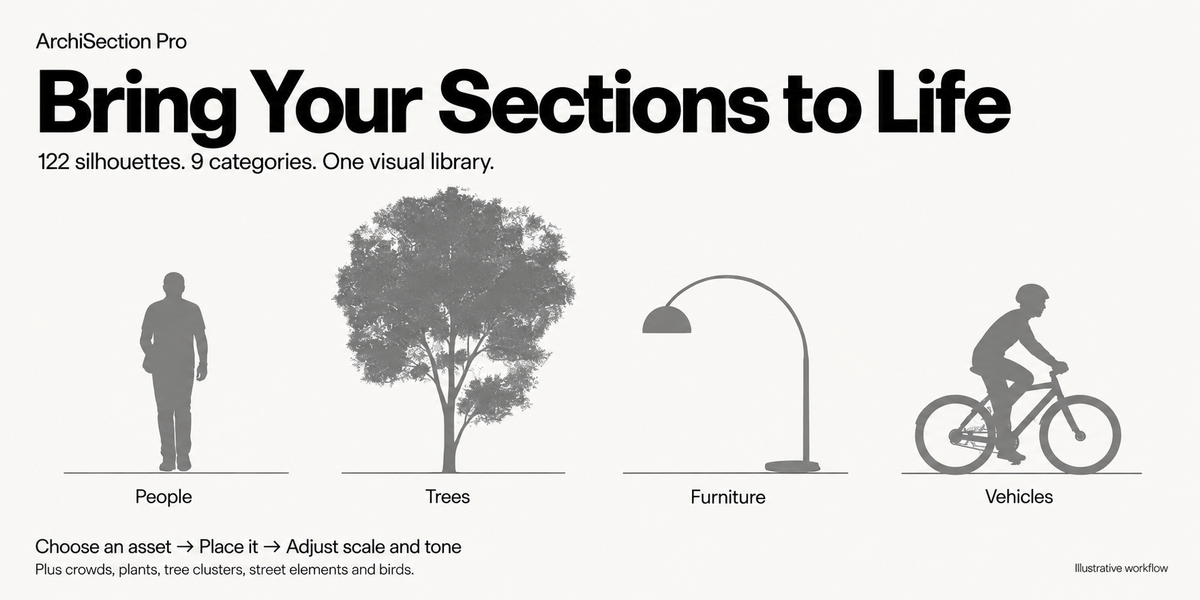
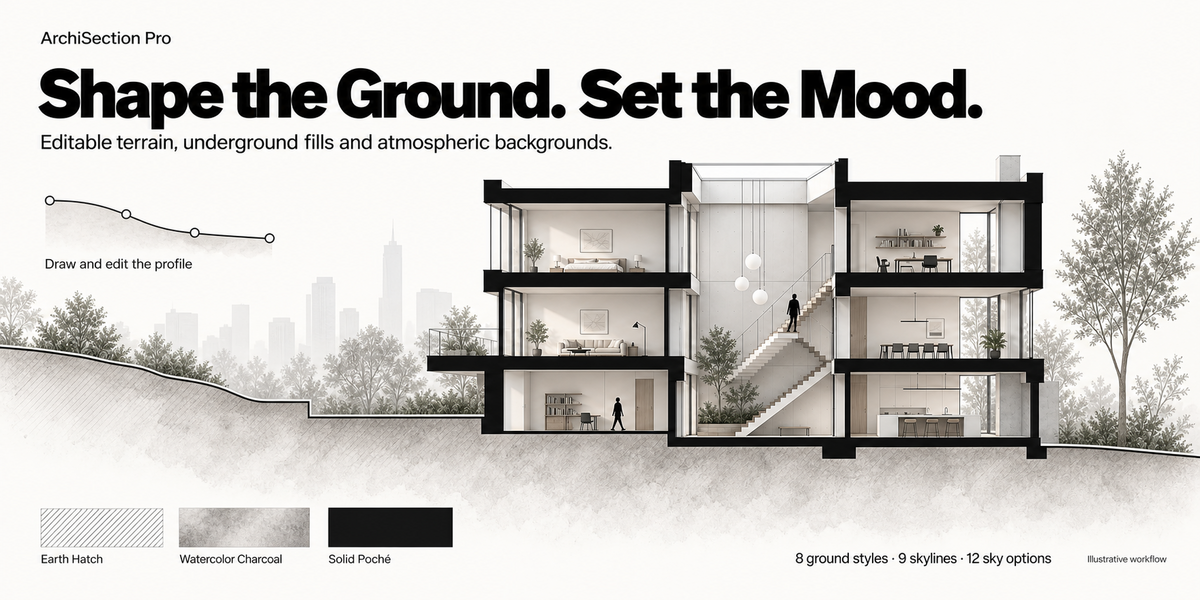
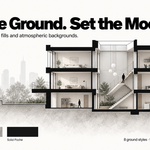
A: You get 122 image-based silhouettes across 9 categories, 8 underground fill styles, 9 skyline presets and 12 sky backdrop options.
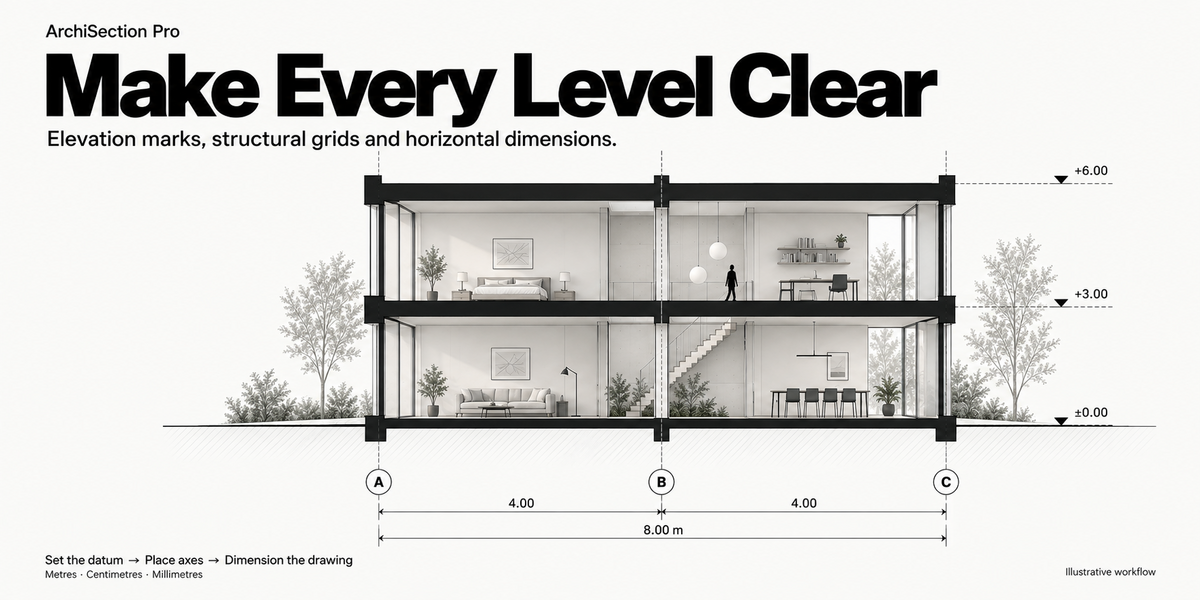
Q: Can I add levels and dimensions?
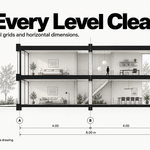
Yes. Add datum-based elevation marks, structural grid axes, dimension chains and two-click measurements in m, cm or mm. Review measurements against your model.
Q: What can I export?
A: PNG sheets at up to 600 DPI and layered SVG artwork, using A4–A0 or custom paper and scale presets from 1:20 to 1:500. Image-based assets remain raster in SVG; rendered effects may differ.
Q: How do I install it?
A: In Blender Preferences, choose Install from Disk, select the downloaded ZIP and enable ArchiSection Pro. Press N in the 3D Viewport and open the ArchiSection tab.
$20
Have questions about this product?
Login to message
| Blender Extension Compatible | Yes |
| Dev Fund Contributor | |
| Published | 1 day ago |
| Blender Version | 4.2 - 5.2 |
| Extension Type | Add-on |
| Render Engine Used | Cycles, Eevee |
| License | GPL |
Discover more products like this
architectural section png export poche elevation marks architectural drawing dimensions entourage sheet layout ArchViz svg export section cut architecture