 XYZ360


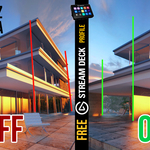
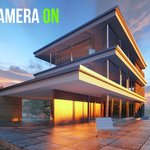
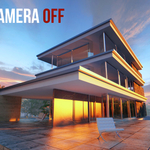
Tired of Skewed Perspectives? Get Perfect Architectural Renders, Instantly.
Stop fighting with tilted cameras and converging lines. Archviz Cam is the essential, focused toolkit for Blender that gives you flawless, professional-looking vertical lines with a single click, but this is just the beginning...
If you're an architectural or interior visualizer, you know that a perfect composition is everything. Archviz Camera streamlines your entire camera workflow, saving you time and letting you focus on what matters: creating beautiful images.
One-Click Perfect Verticals
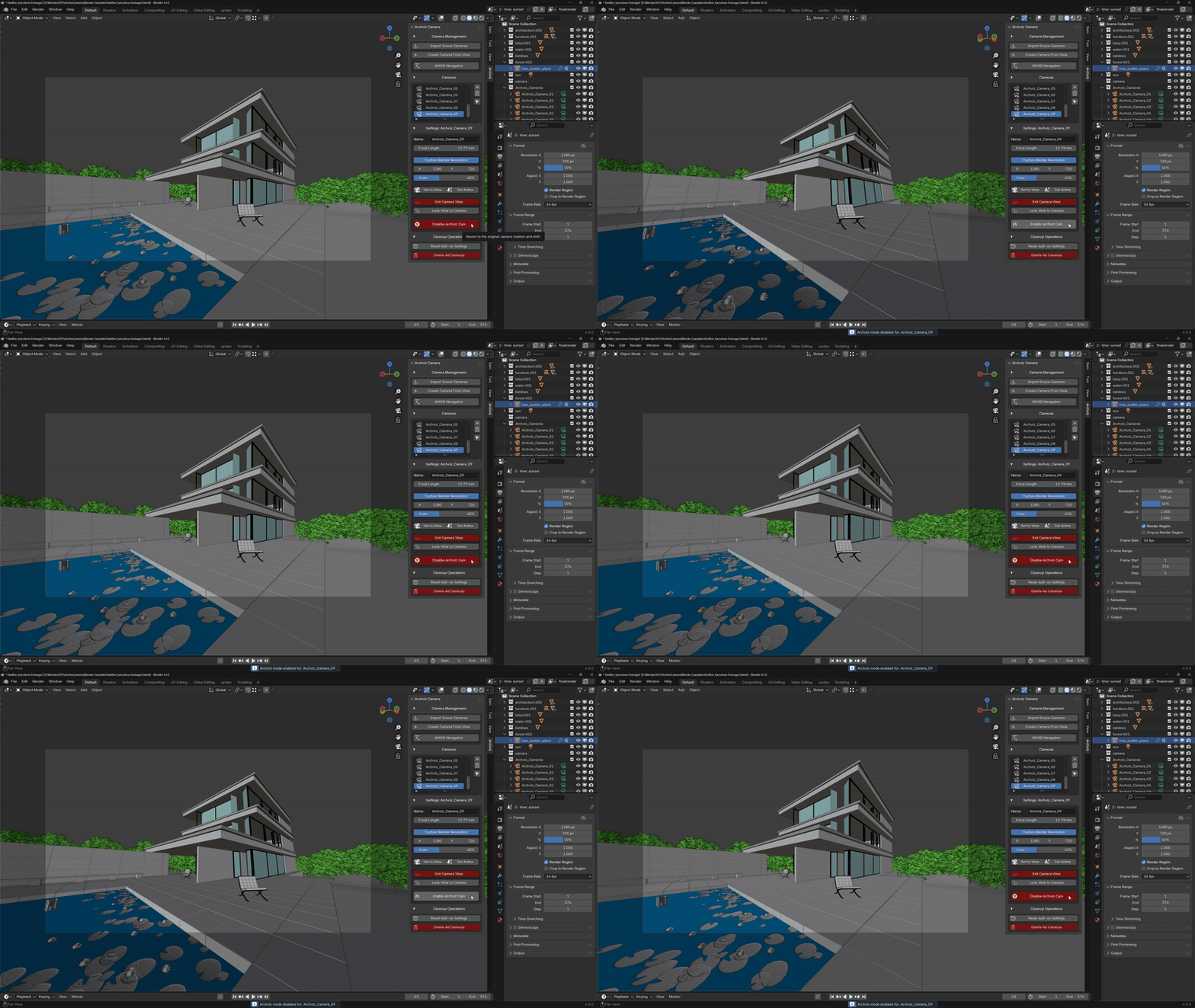
Say goodbye to tedious manual adjustments. Our signature feature eliminates distracting perspective distortion instantly. Whether you're framing an interior shot or a building facade, just one click corrects the camera's rotation and shift to give you those perfectly straight lines demanded by the industry.
Instantly Capture Any Angle
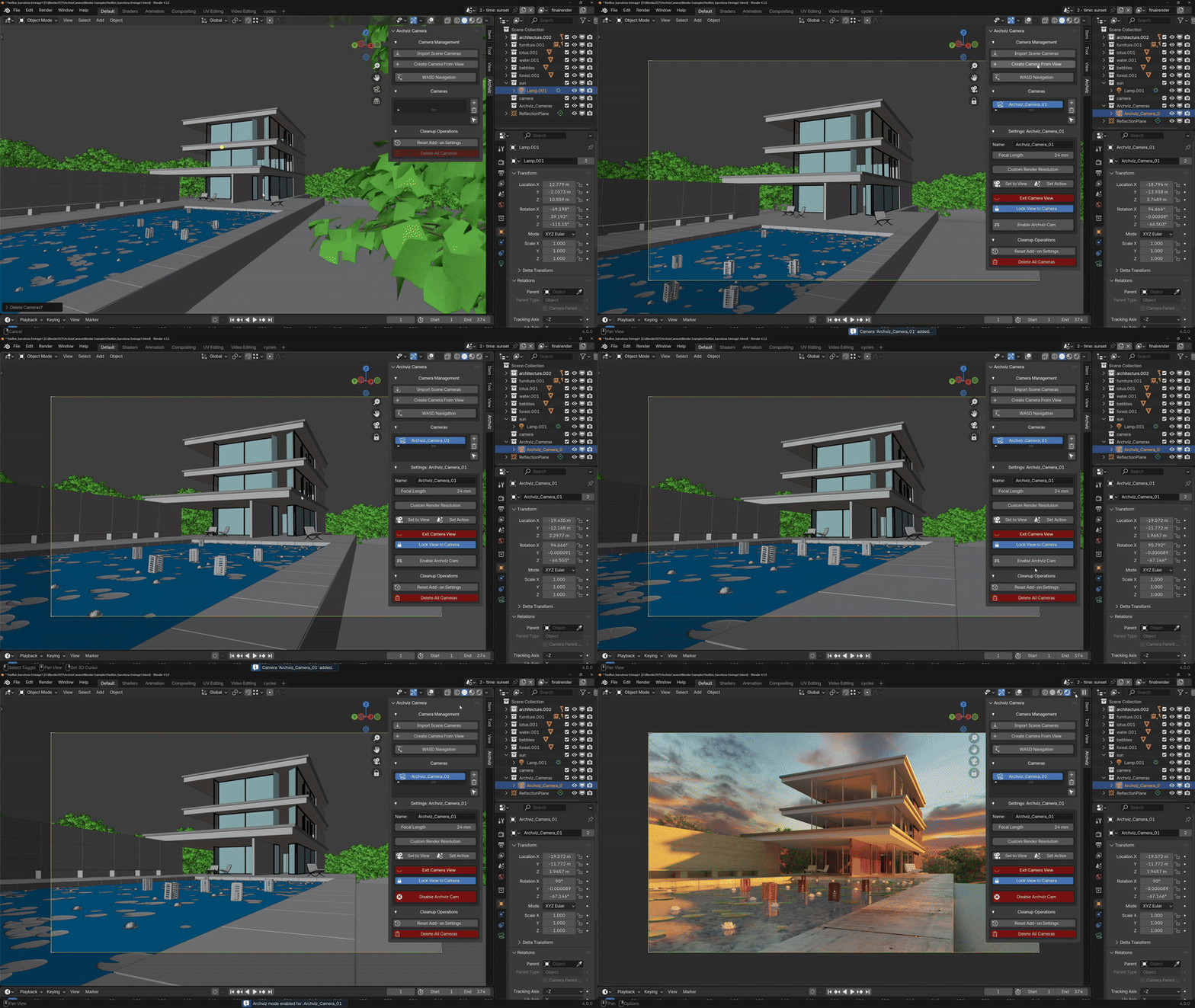
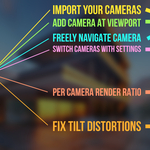
Found the perfect angle while exploring your scene? Don't lose it by trying to place a camera manually. With Archviz Cam, one click on "Create Camera From View" instantly generates a new camera that inherits your exact viewport perspective. It's the fastest way to build your shot list without interrupting your creative flow.
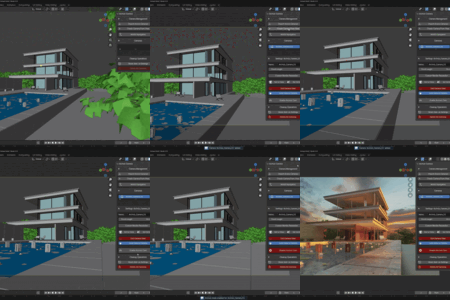
Master Your Shots with an Effortless Camera List
Forget hunting for cameras in the Outliner. Archviz Cam organizes all of your scene cameras into one clean, simple list.
See all your shots at a glance.
Instantly activate any camera view with a single click.
Easily rename and manage cameras without leaving the 3D Viewport.
Automatic Resolution Switching for Every Shot
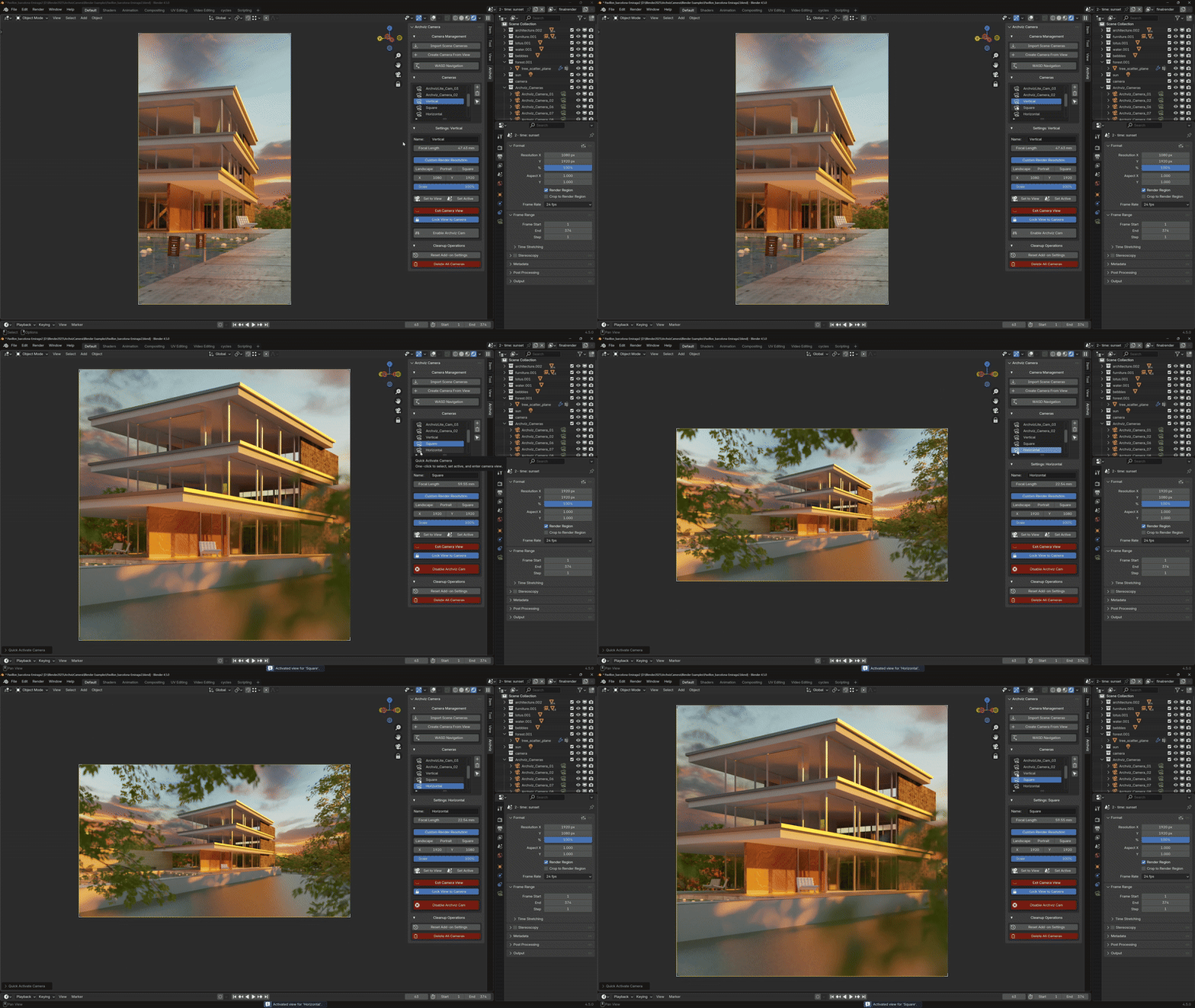
Different shots require different formats. A landscape hero shot, a portrait detail, a square image for social media. Managing these is a chore.
With Archviz Camera, you can:
Set a custom resolution and aspect ratio for each individual camera.
Watch as the render settings update automatically the moment you switch cameras.
Stop wasting time in the Output Properties and maintain a seamless creative flow.
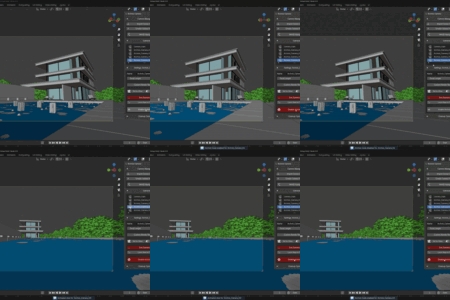
Find the Perfect Angle with WASD Navigation
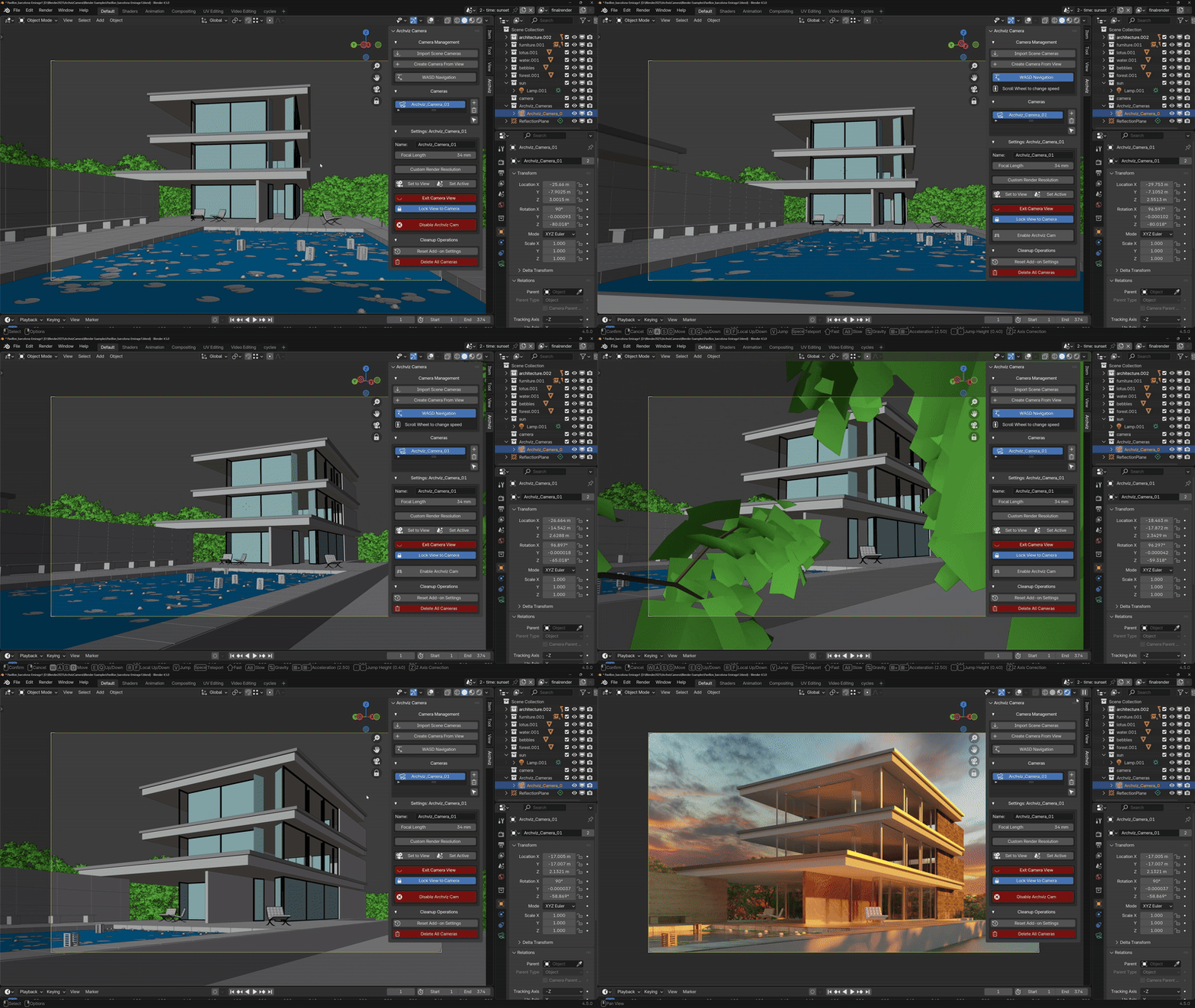
Finding the perfect camera position shouldn't be clumsy. Use intuitive, game-style WASD controls to walk or fly your camera through the scene. It's the most natural and efficient way to explore your environment and discover the perfect angle.
Easily Import Your Current Scene Cameras
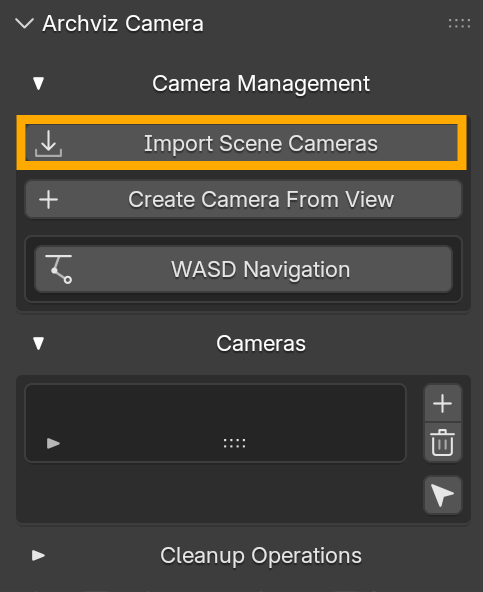 |
If you're afraid you'll need to re-do the camera you already carefully placed in your project, no worries. I got you covered!
Simply press Import Scene Cameras and fix tilt with the press of a button.
BONUS: Ultimate Control with a FREE Stream Deck Profile!
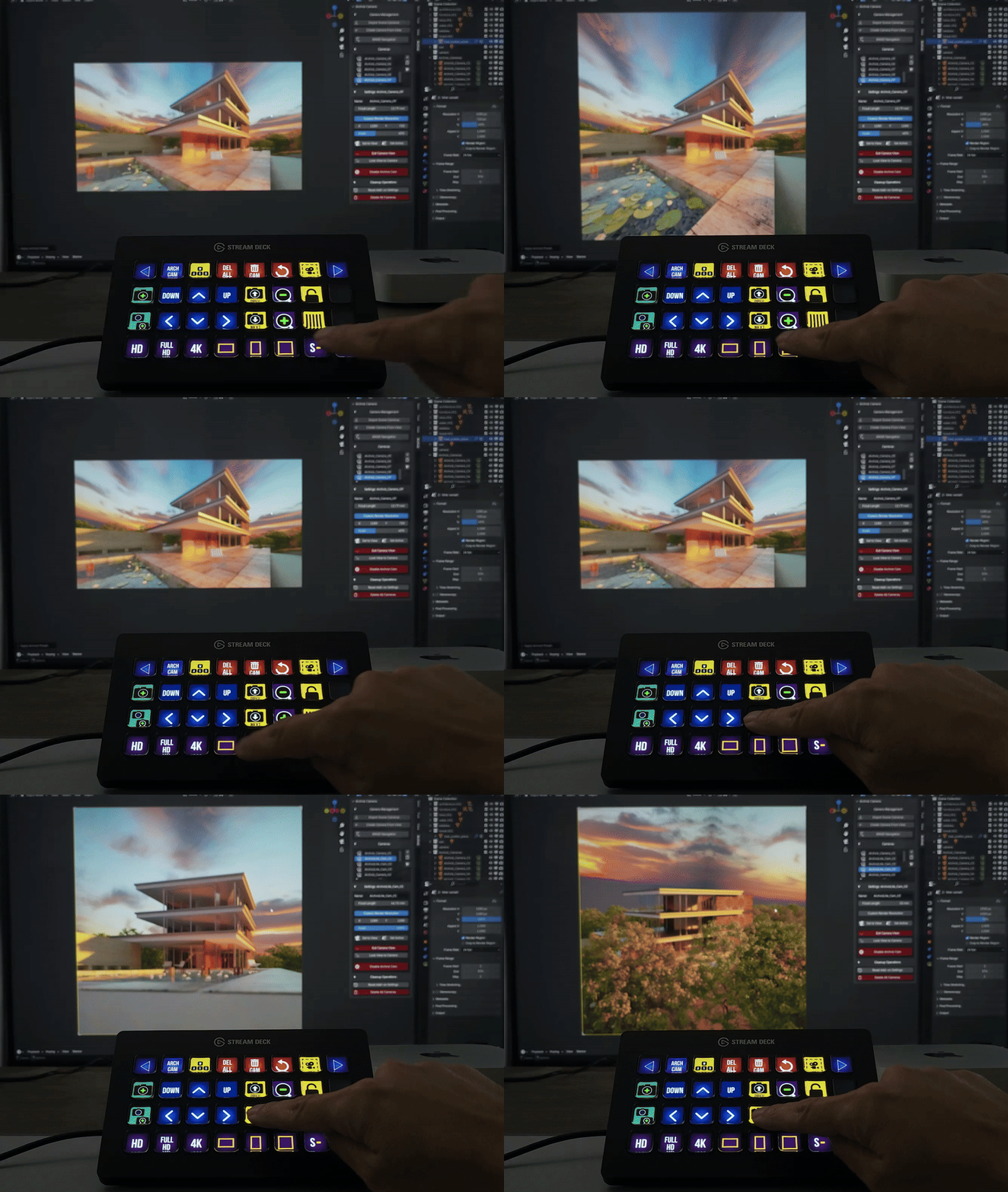
To bring your workflow to the next level, Archviz Camera now includes a free, pre-configured profile for the Elgato Stream Deck.
No setup required. Just load the profile and get instant, tactile control over your Archviz Camera system.
With the press of a button, you can:
Cycle to the next or previous camera;
Toggle perfect vertical correction on and off;
Apply resolution presets (HD, FHD, 4K);
Set aspect ratios (Landscape, Portrait, Square);
Scale Render for fast preview in lower resolutions;
Add Camera at Viewport or Duplicate Camera;
Use WASD Toggle and Control Camera Movement With Arrows;
And More Manager Controls.