ArcSlice
 Artmesh Studios
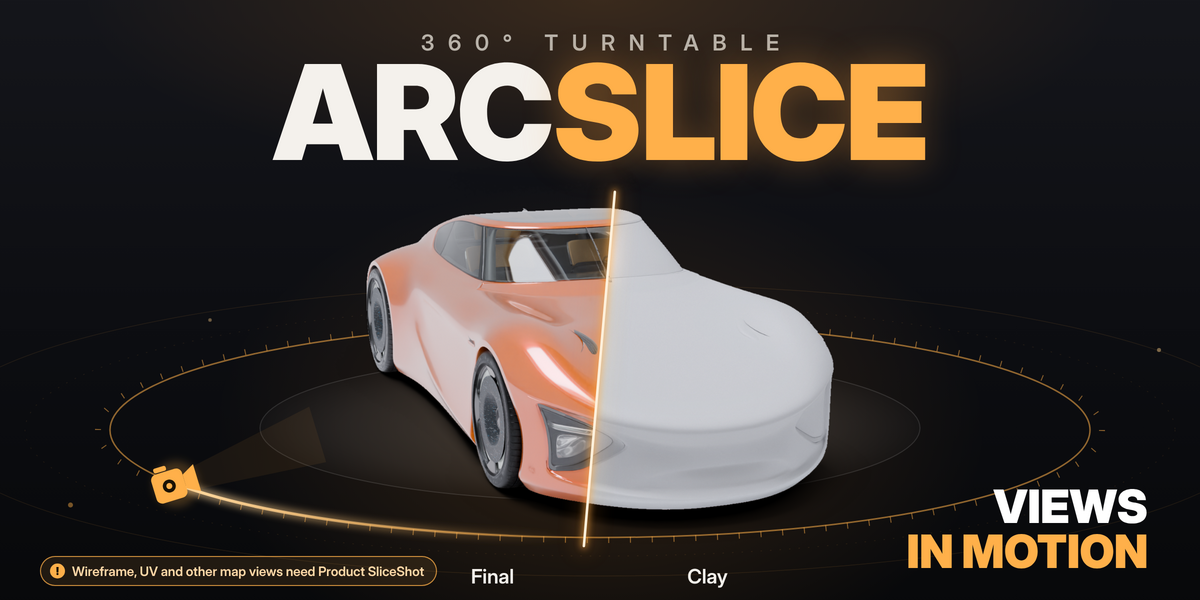
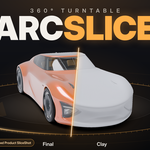
Yes, for the map views. Clay and Final work on their own. Wireframe, UV, Normal, AO, Base Color, Roughness, Metallic and Opacity need Product SliceShot 1.1 or newer, installed and enabled. It is sold separately, or together with ArcSlice in the SliceShot + ArcSlice bundle.
Camera Orbit keeps the lighting fixed to the model, so reflections and shadows look the same all the way round. Object Spin keeps camera and lights still and turns the model, like a real studio turntable, so reflections and highlights move across the surface.
While the turntable is set up, it adds a rig (a pivot and a camera in an "ArcSlice Rig" collection) and sets the frame range and output resolution. Everything changed for a render is put back when it finishes or is cancelled. Reset removes the rig and restores your camera, frame range and resolution.
No. Only the product gets the clay material; floors, props and the background keep their Final look, so only the product changes between parts.
Map views show the product alone. When your scene has other objects or uses Background: Scene, each map frame is laid over the Final frame of the same moment, so the environment stays in place. Those parts take about twice as long to render.
The default background is the Dark Studio gradient. Set Background to Scene to see your own world as it renders.
Yes for Clay and Final frames: they render in the background like F12, so Blender stays responsive. Map frames are rendered by Product SliceShot and pause Blender briefly, one frame at a time. Avoid editing the scene during a render: changes show up in the remaining frames.
The frames already rendered are kept. The Render tab offers Resume to continue where it stopped.
Resume continues only if the settings that change the image (camera, spin, sequence, preset, background, samples, engine) are the same as when the render stopped, and the message names what changed. Put it back and press Resume again, or press Discard and start a new render. Previews never resume; they are quick to render again.
The Render tab lists the reason in red, for example an unsaved .blend file with a // output folder, Transparent with MP4, or a missing background image. The arrow next to it opens the tab where it is fixed.
No. The first and last frames are one step apart, never the same frame, so the video loops seamlessly on Instagram, YouTube or a product page.
TurboSquid and Gallery show the frames as a spin the viewer drags, so every frame must look the same. These presets render the Final view only.
Hiding with H only hides it in the viewport. To keep it out of renders, turn off its camera icon (Disable in Renders) in the Outliner. ArcSlice follows the same rules as F12.
Use Preview for tests, lower the preview Size and Samples, or use EEVEE. For Cycles and the map views, turn on your graphics card in Preferences → System → Cycles Render Devices.
No. Install the new zip and it works right away.
Blender 4.5 LTS and newer. Blender 4.2 and older are not supported.
 Included
Includes 12 months of
- Support from Artmesh Studios
- Product updates
Extend this product’s Support Period +12 months: 50% of product price
Have questions before purchasing?
Login to message
| Blender Extension Compatible | Yes |
| Published | about 8 hours ago |
| Blender Version | 4.5 - 5.2 |
| Extension Type | Add-on |
| Render Engine Used | Cycles, Eevee |
| License | GPL |
Discover more products like this
showcase product render camera orbit 360-turntable turntable presentation product-visualization clay-render object-spin portfolio Turntable animation breakdown