 Nabat
Nabat


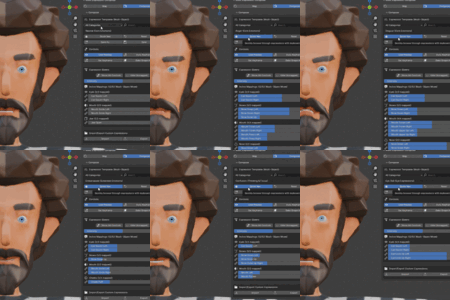
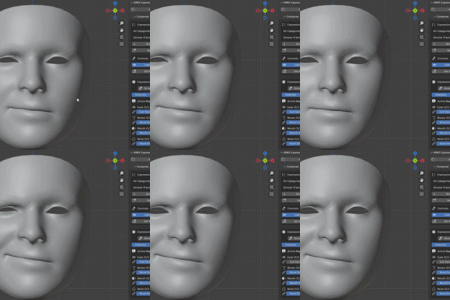
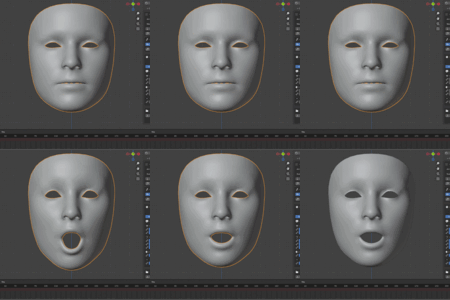
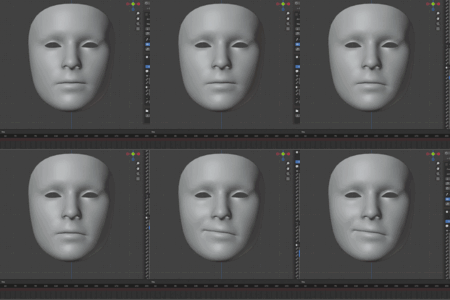
Why intensity is not preserved when saving a custom expression?
When saving custom expressions, the intensity value is deliberately excluded. Intensity acts as a universal multiplier affecting all controls proportionally - saving it would limit expression flexibility. This design allows the same expression to be applied at different intensities (subtle vs dramatic) while preserving the relative balance between facial features. Think of expressions as "recipes" and intensity as "serving size."
Tips
When saving a custom expression, why does my expression change?
When saving custom expressions, the intensity value is deliberately excluded. Intensity acts as a universal multiplier affecting all controls proportionally - saving it would limit expression flexibility. This design allows the same expression to be applied at different intensities (subtle vs dramatic) while preserving the relative balance between facial features. Think of expressions as "recipes" and intensity as "serving size."
Tips
Why I don't see my facial mesh in the mapping section?
Only mesh objects with shape keys will appear when using "Quick Add All" or "Add Object". Ensure your facial meshes have shape keys before setup.
-
$45
Everything in the base ARKomposeIt Composer, plus offline video face capture. Drop in any face video (phone recording, webcam clip, screen capture) and get all 52 ARKit blendshapes automatically keyframed on your rig. Powered by Google's MediaPipe Face Landmarker — the same model behind Snapchat and Instagram face filters — running 100% locally. No cloud, no subscription, no phone app required.
-
$30
Have questions about this product?
Login to message
Discover more products like this
animation tools ARKit character animation facial motion caputre facemocap expression-composer shape keys blend-shapes facial-mocap Facial Rigging Facial Animation