 Orcavia
Blender add-on for curve rigging
Armacurve
Turn Bezier curve objects into controllable armatures, mesh rigs, helper-driven setups, and optional cloth-based motion without rebuilding the rig by hand.
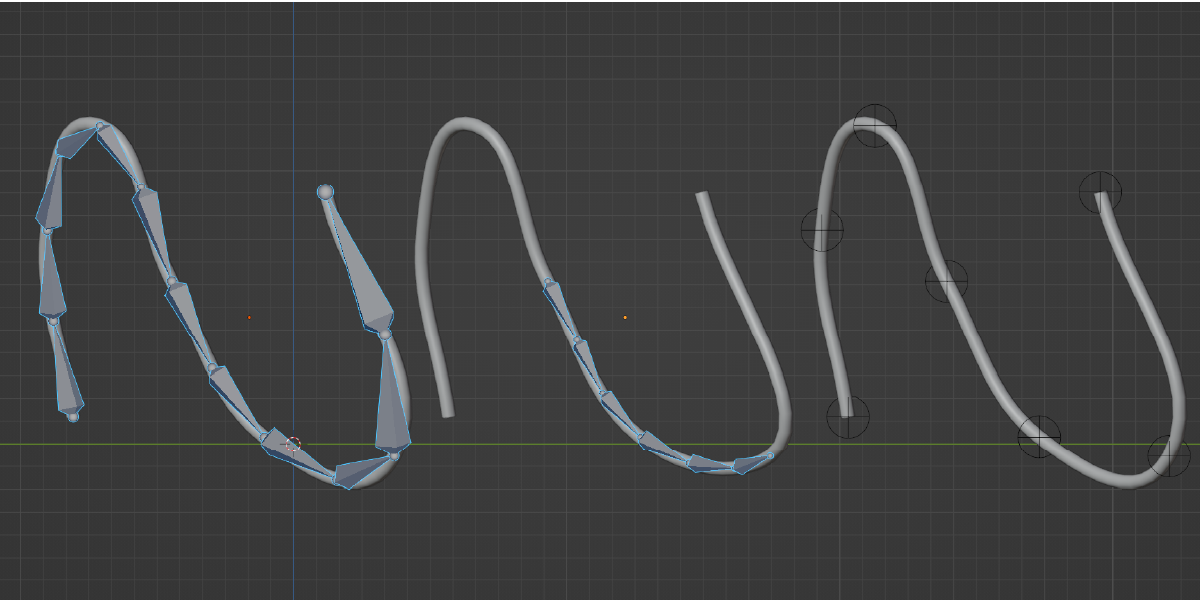
Build curve-based rigs for tentacles, cables, vines, tails, stylized props, and other spline-driven shapes.
Why Armacurve?
Curve objects are fast for blocking shapes, but turning them into practical rig controls can become repetitive. Armacurve handles the setup work: it reads the curve, generates the rig structure, links the result back to the original workflow, and gives you options for pinning, display, B-Bone preview, and physics setup when the project needs motion.
One-click curve to bones
Select a Bezier curve and generate an armature from it. Adjust bone division, B-Bone subdivisions, display type, and visual size directly in the operator options.
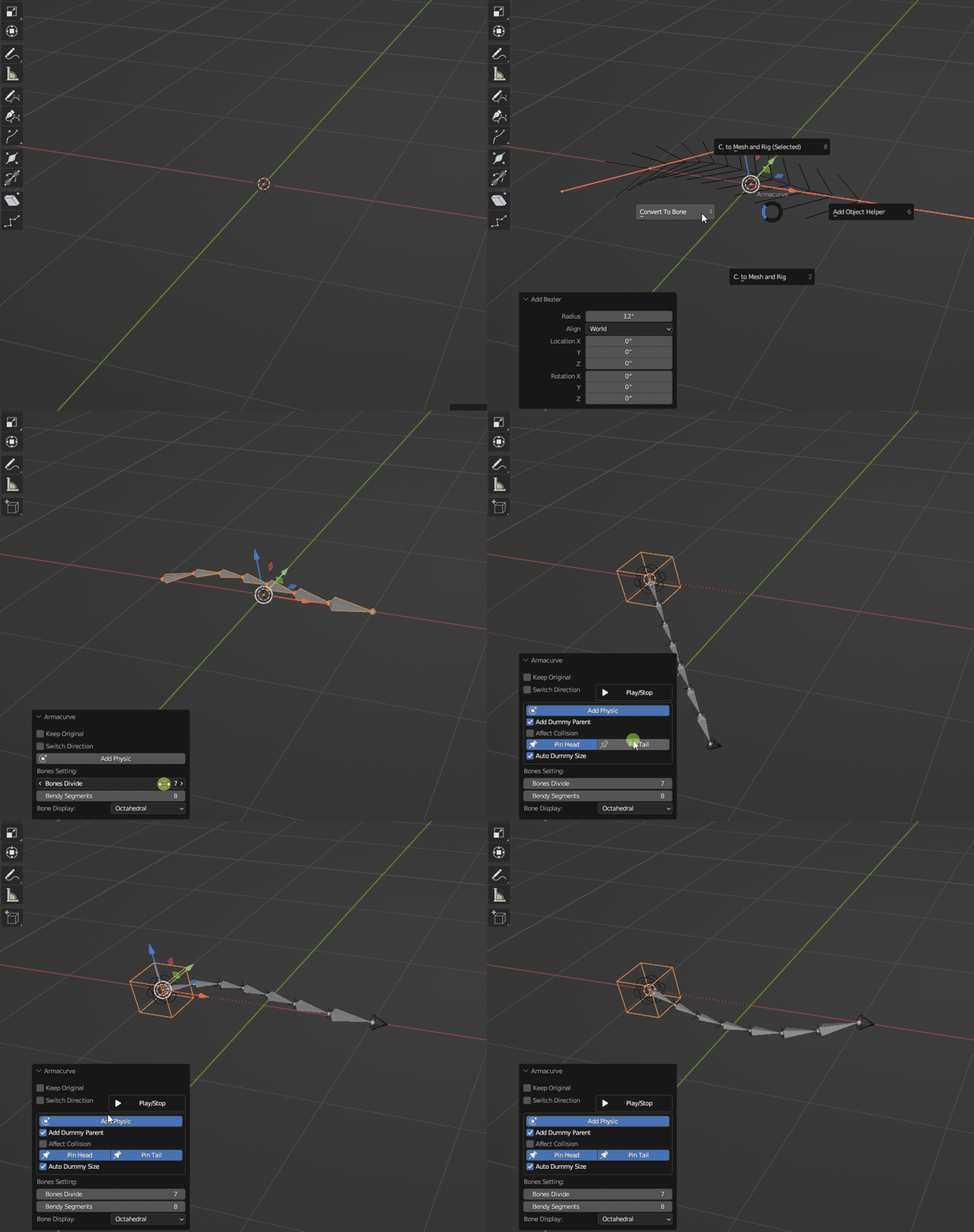
Realtime rig preview
Preview and tune the rig result without losing momentum. B-Bone display options help you see how the generated armature follows the curve depth and shape.
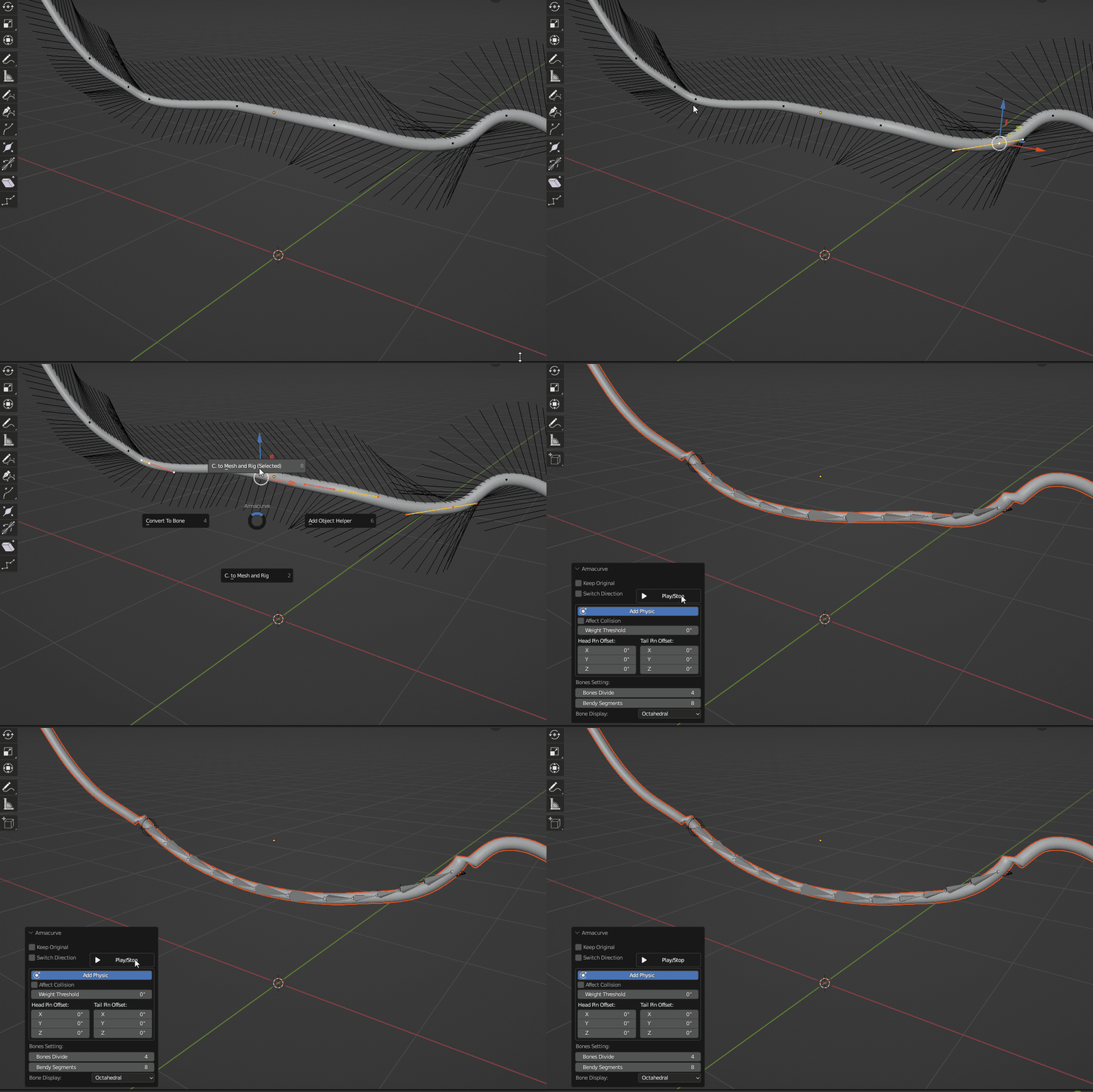
Rig only selected curve points
When working in Curve Edit Mode, use the selected-only operator to process a connected section of a single spline. This is useful when you only need one portion of a curve converted into a mesh rig.
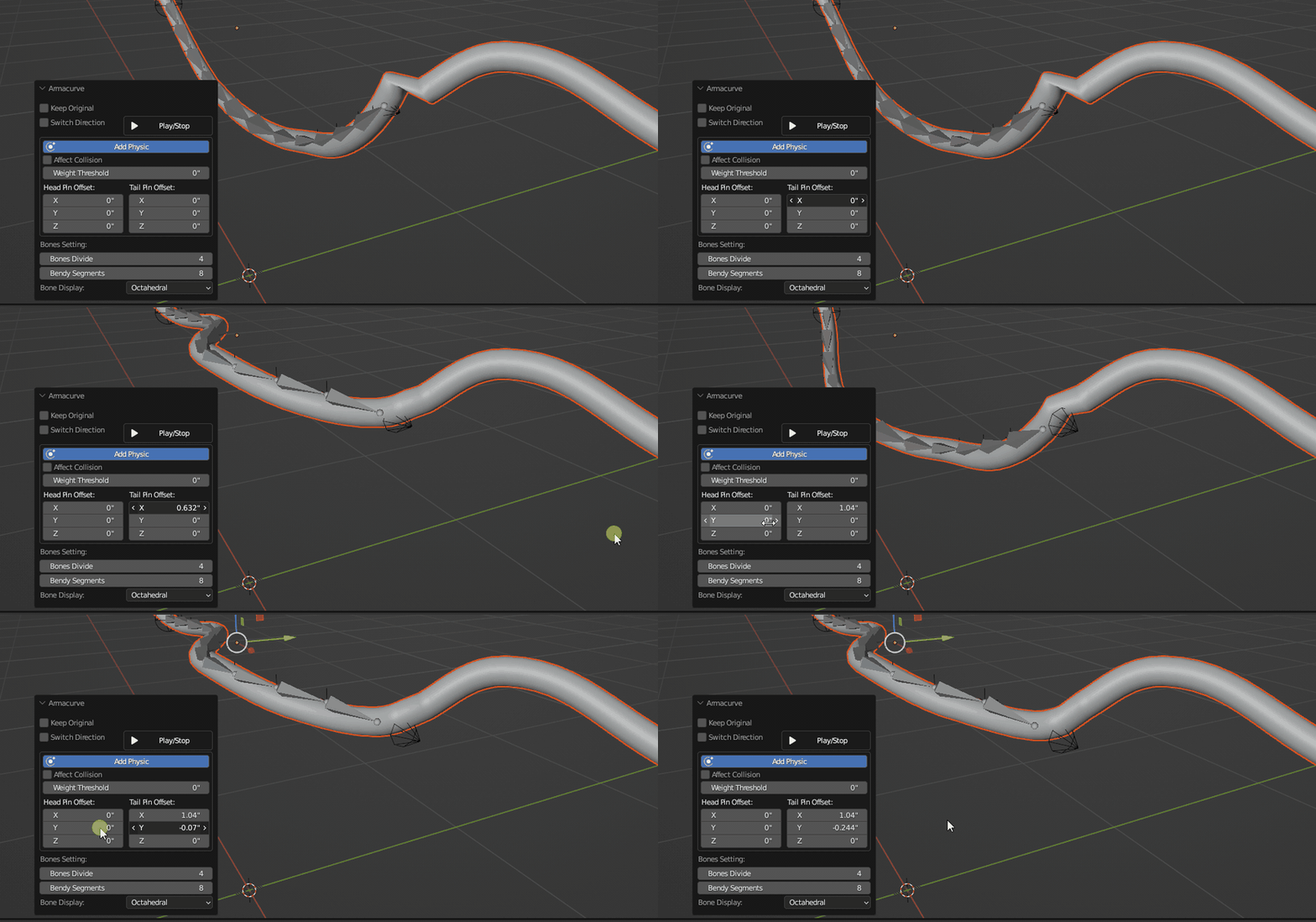
Head and tail pin offset controls
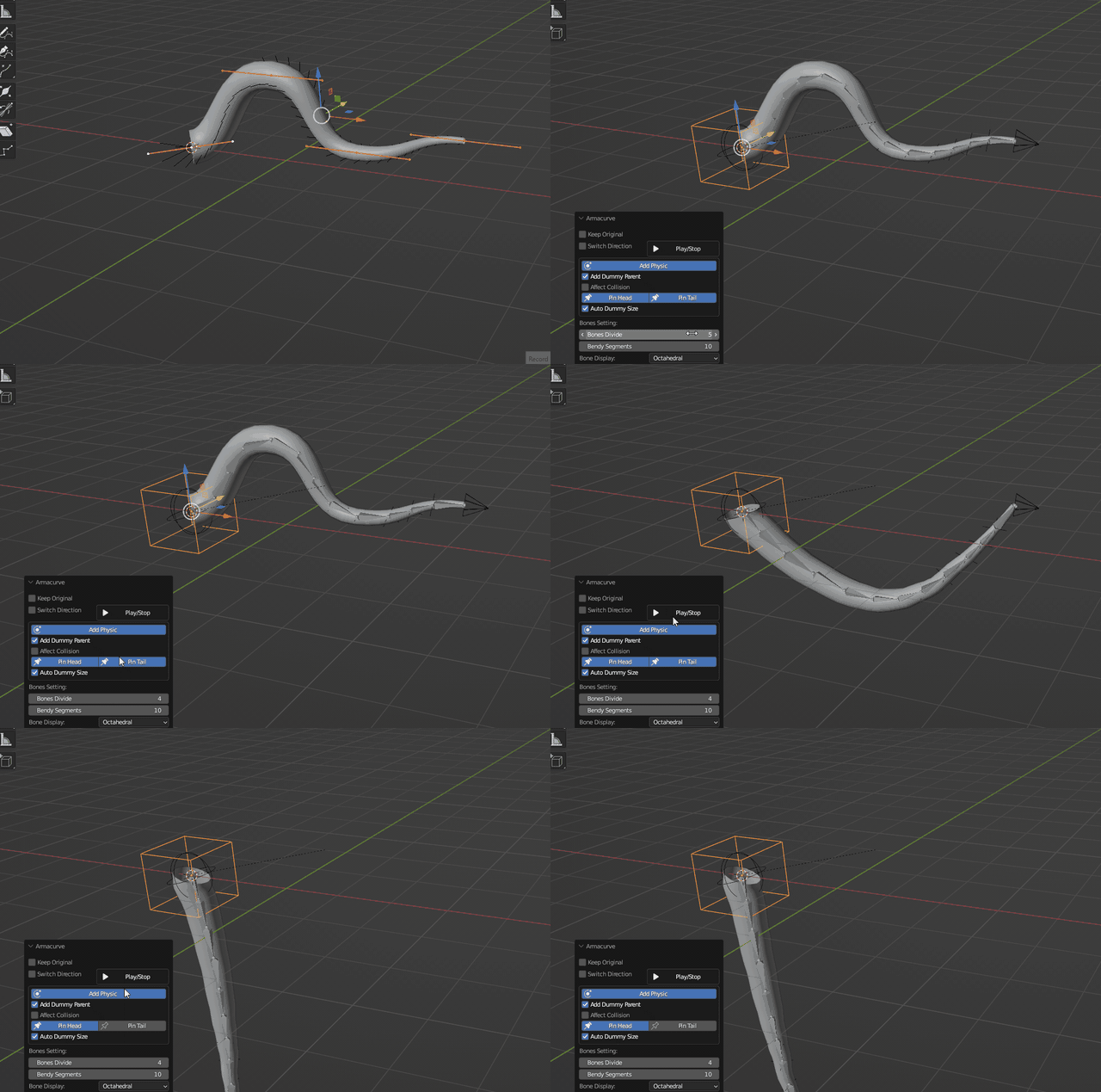
Pin the head or tail and adjust local XYZ offsets to reduce stretching. Weight threshold controls help refine how the generated mesh responds to the rig.
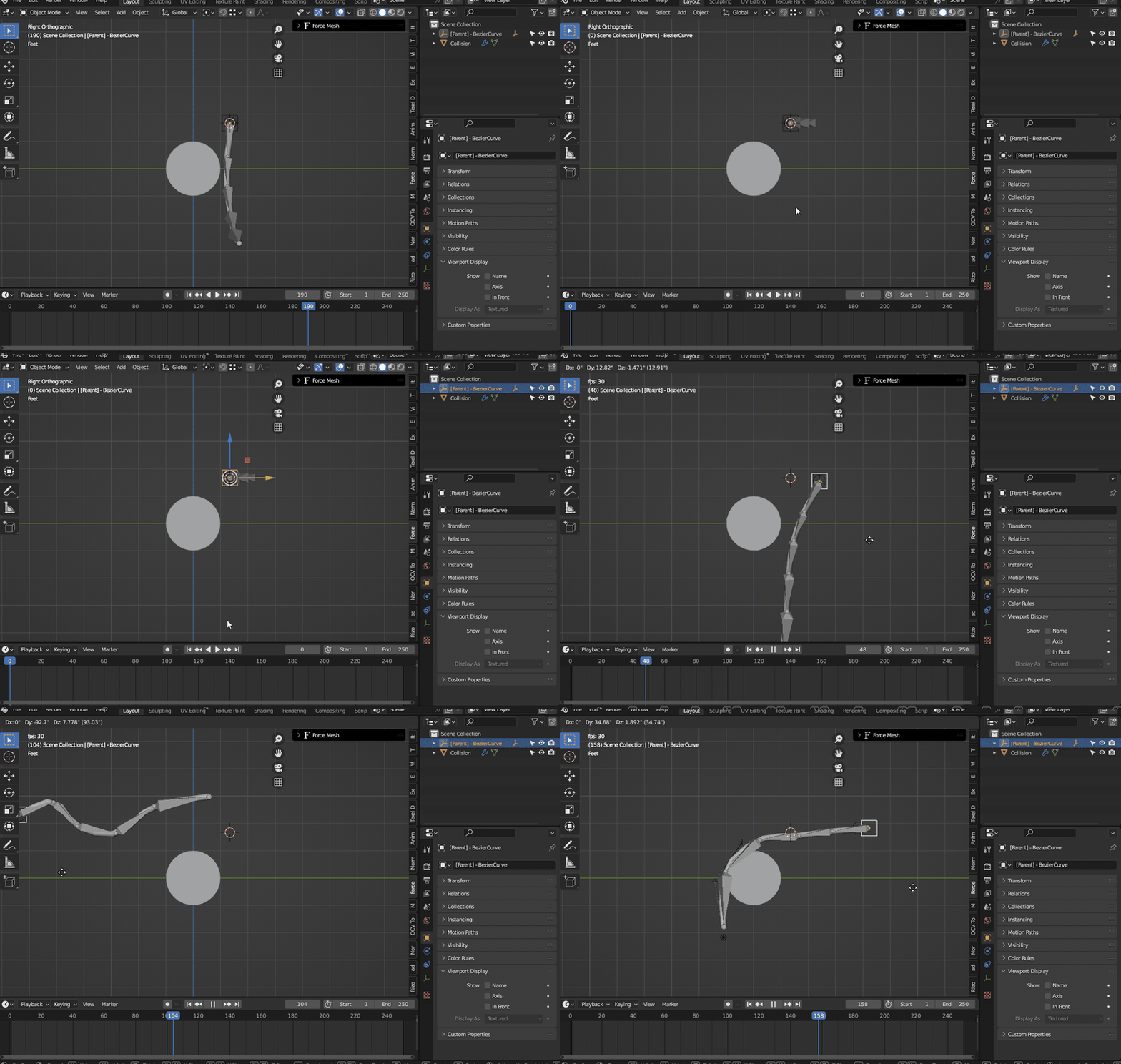
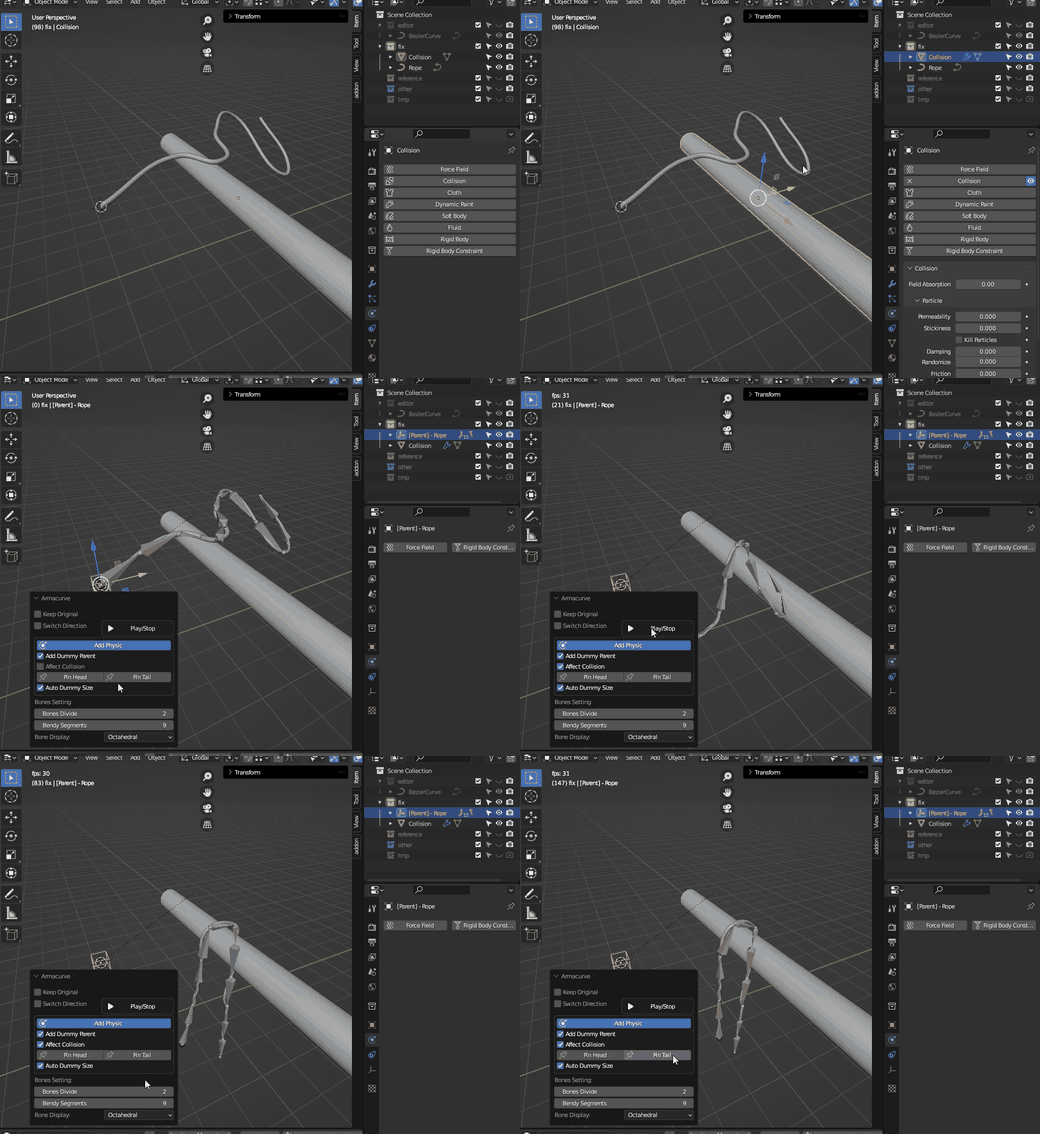
Optional collision-aware physics
Armacurve can add cloth-based physics to generated setups and enable collision influence when your target objects have Collision modifiers. This is best for simple curve rigs where lightweight motion is enough.
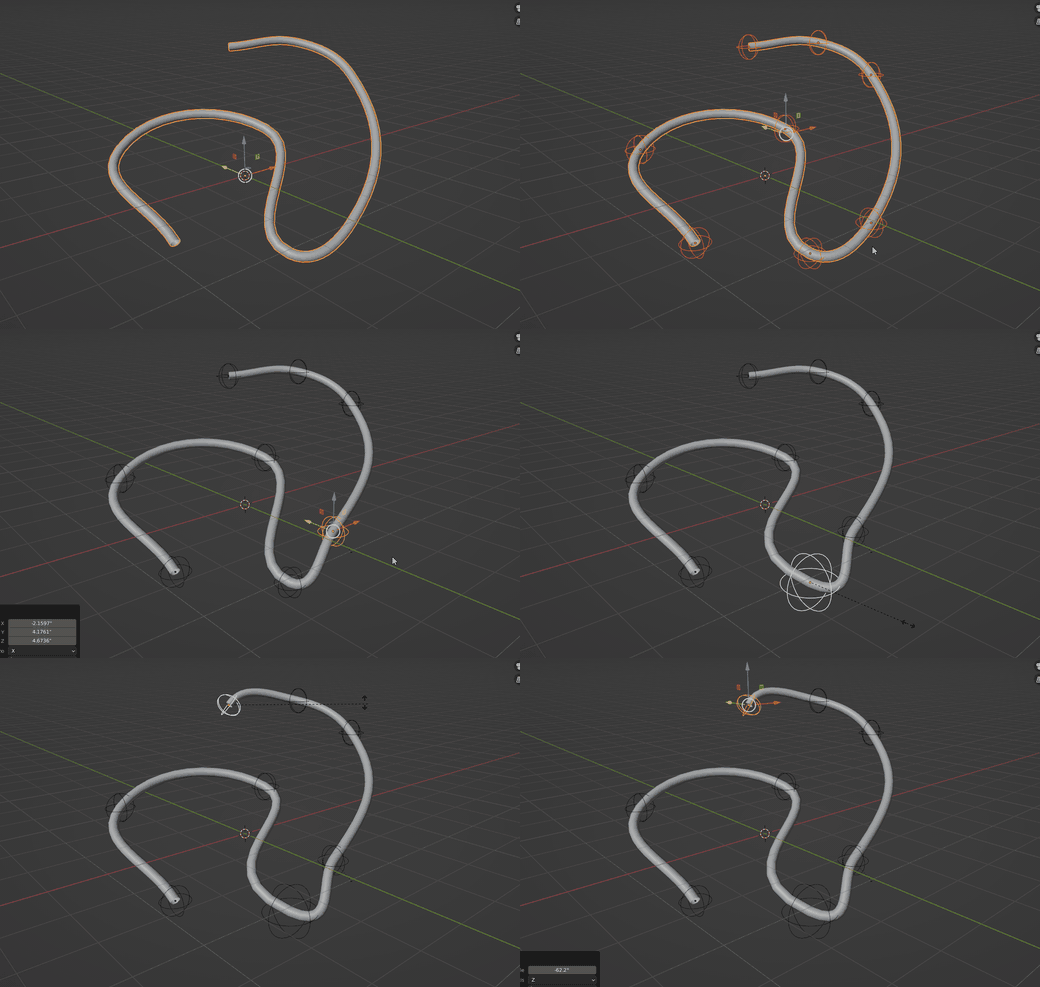
Empty helpers on curve points
Use Add Object Helper to place Empty objects on curve points and hook the curve to those controls. It is a direct way to animate or position a curve through viewport-friendly handles.
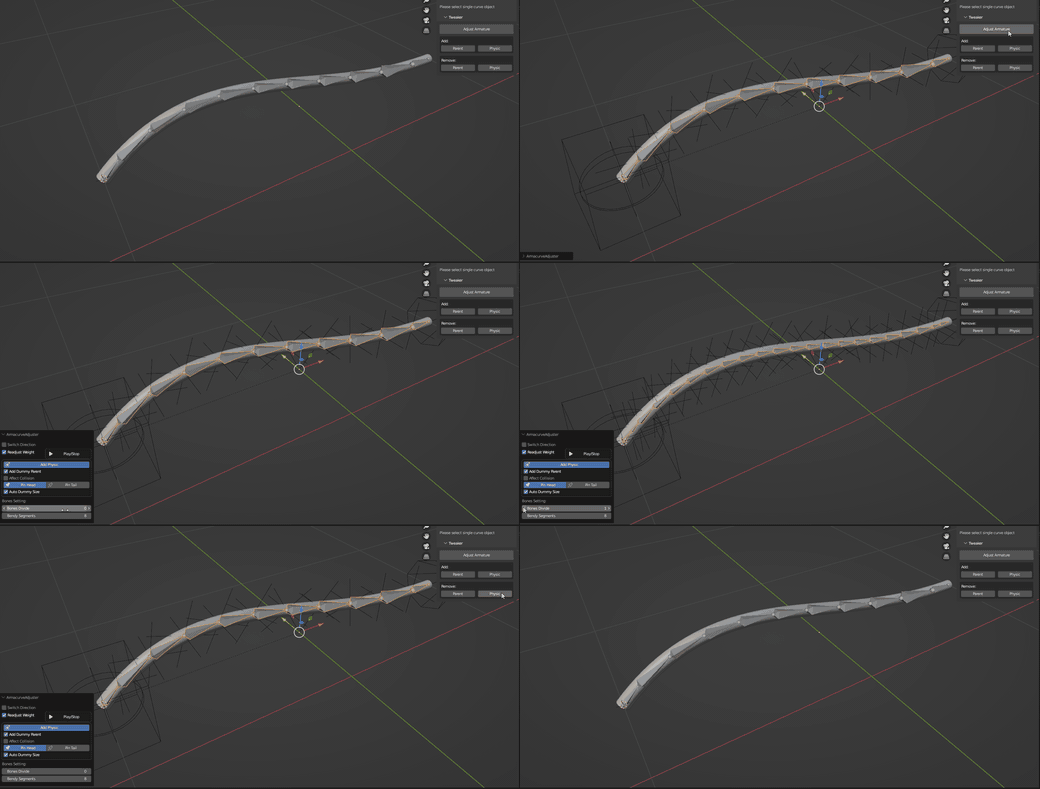
Tweaker panel for generated rigs
After generating an Armacurve setup, select the generated armature and use the Tweaker panel to adjust the armature, add or remove parent controls, and add or remove physics helpers.
Designed for quick access
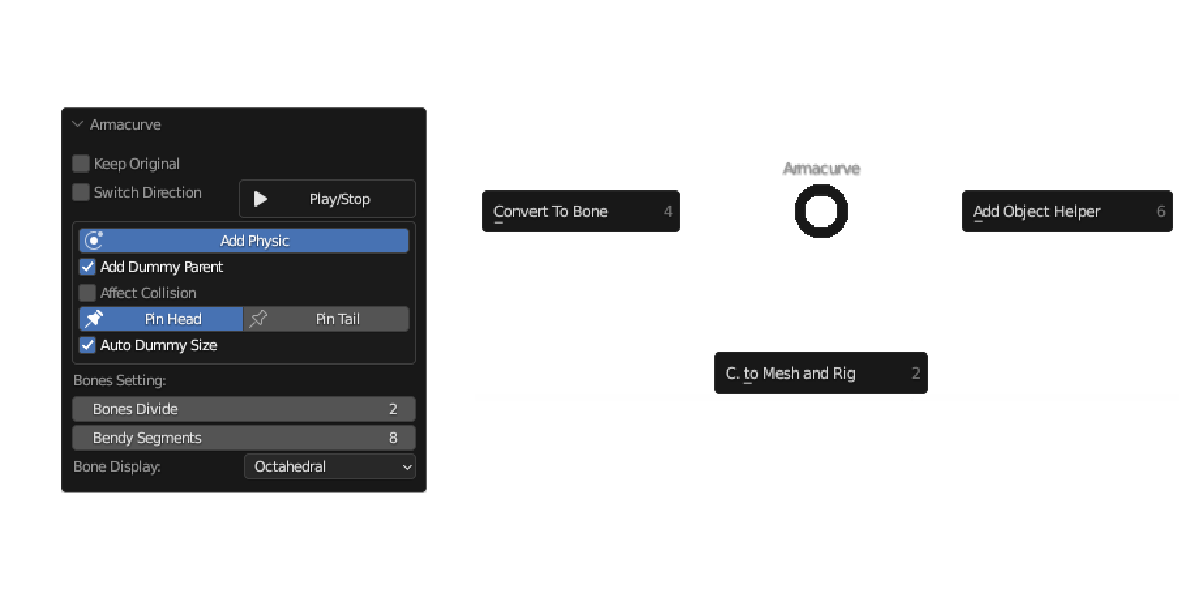
Find Armacurve in the 3D View sidebar under Tool > Armacurve, or use the default pie menu shortcut Shift + Alt + C.
- Convert To Bone
- C. to Mesh and Rig
- C. to Mesh and Rig (Selected)
- Add Object Helper
What is included
Compatibility and limitations
- Works on a single non-cyclic Bezier spline. Multiple splines in one curve object should be separated first.
- Batch operation on multiple curve objects at once is not currently supported.
- Selected-only mode should be used on connected points from one spline.
- The physics feature is a bonus workflow for simple curves. Complex curves or too many generated bones can produce unstable Blender cloth behavior.
Please do not purchase Armacurve only for the physics feature. The core purpose of the add-on is curve-to-bone, curve-to-mesh rigging, helper creation, and rig adjustment.
Questions?
If you have a question before purchasing, feel free to contact me. I am happy to clarify workflow details, limitations, and whether Armacurve fits your specific rigging use case.