 Orcavia
Installation:
Open Blender and go to Edit > Preferences > Add-ons, click on install then browse to Armacurve.zip and click on Install Add-on from File

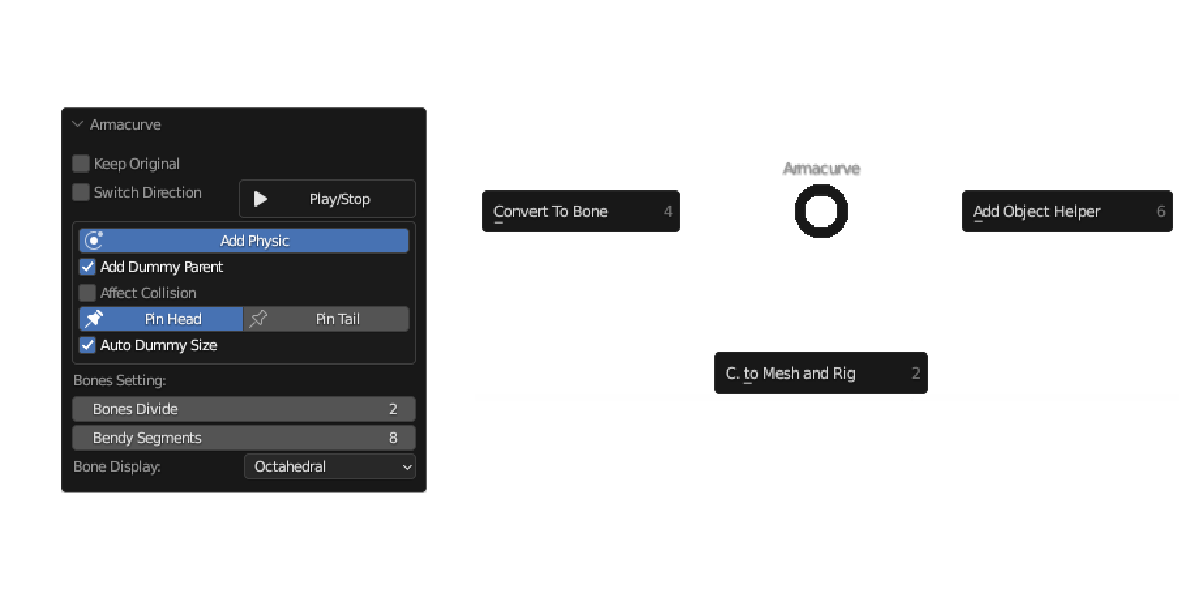
To use the add-on, select the curve object then (by default) press Shift+Alt+C
*When executing the add-on the mouse cursor must be in 3D Viewport
Have questions about this product?
Login to message