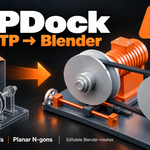
STEPDock — CAD Import for Blender
 AS Formworks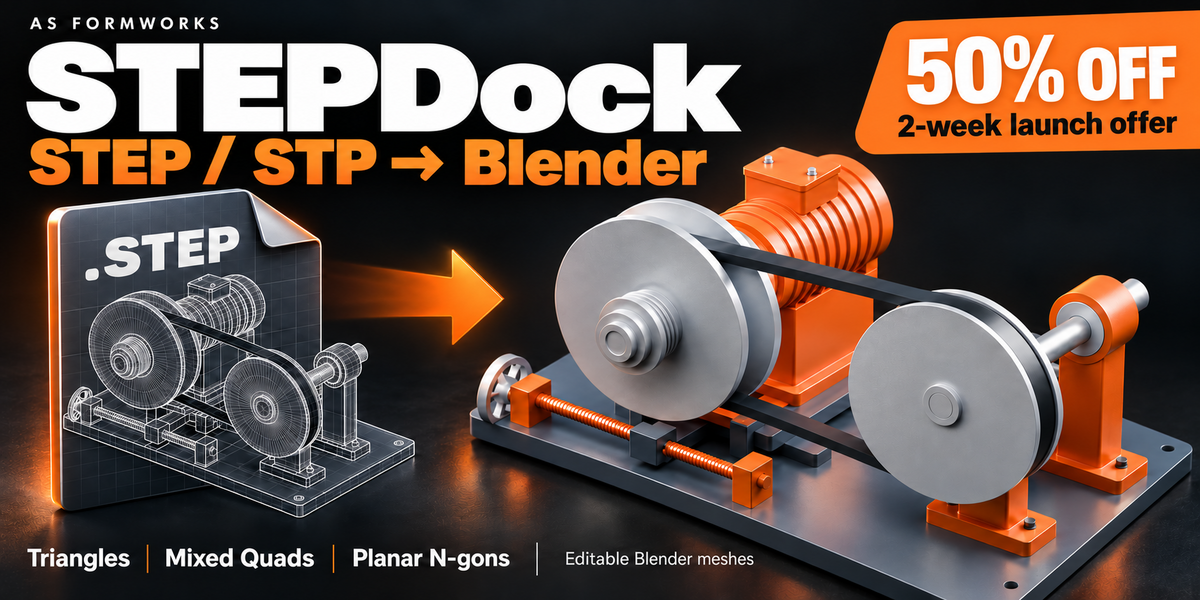



CAD Importer 1.0.0 — Getting started
REQUIREMENTS
Windows x64; tested in Blender 5.0.0 and 5.2.1 LTS. Other operating systems and Python ABIs are not supported. First setup downloads about 47 MB of pinned CAD engine dependencies directly from official PyPI and requires Blender online access. Once prepared, the engine works offline. CAD files are never uploaded.
INSTALL AND IMPORT
Install as_step_importer-1.0.0-windows-x64.zip using Blender Preferences > Install from Disk, then enable CAD Importer. Keep the ZIP intact. Restart Blender when updating an older installation. Use File > Import > STEP, choose a .step/.stp file and click Import STEP. Progress appears in Sidebar > CAD Import, the 3D View header and the status bar. Keep assembly reference files beside their source. The downloadable English guide and the addon User Guide button provide full instructions.
TOPOLOGY AND QUALITY
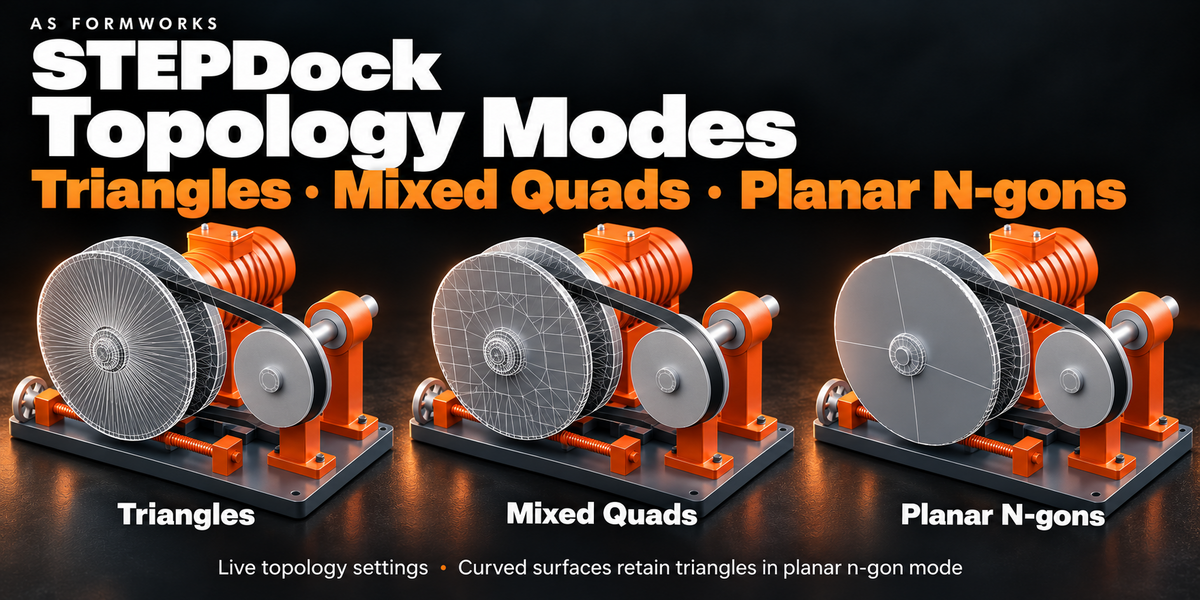
Triangles preserve native tessellation. Quads (Mixed) join compatible triangles within each CAD surface; triangles can remain. N-gons (Planar) dissolve planar triangulation while preserving holes; curved patches retain triangles. This is not all-quad retopology. Draft uses 0.5 mm / 30 degrees, Balanced 0.1 mm / 20 degrees, Fine 0.02 mm / 8 degrees. Smaller errors usually produce more polygons. Triangle Budget is not a hard memory limit. Source units are normalized to millimetres and converted using the scene Unit Scale captured at initial import.
LIVE UPDATE AND PROTECTION
Select a document root or child part and enable Live Update. Changes are debounced by about 0.45 seconds. Topology-only changes can reuse CAD tessellation. Mesh edits, UV/custom attributes, modifiers and shape keys block rebuilding. Duplicate a model for editing or use Make Independent first. Names, hierarchy, placements, shared definitions and basic RGB colors are preserved where available. CAD work runs in a separate process; single-mesh construction and final assignment can pause Blender on large files. Cancel Import retains accepted geometry.
BATCH IMPORT
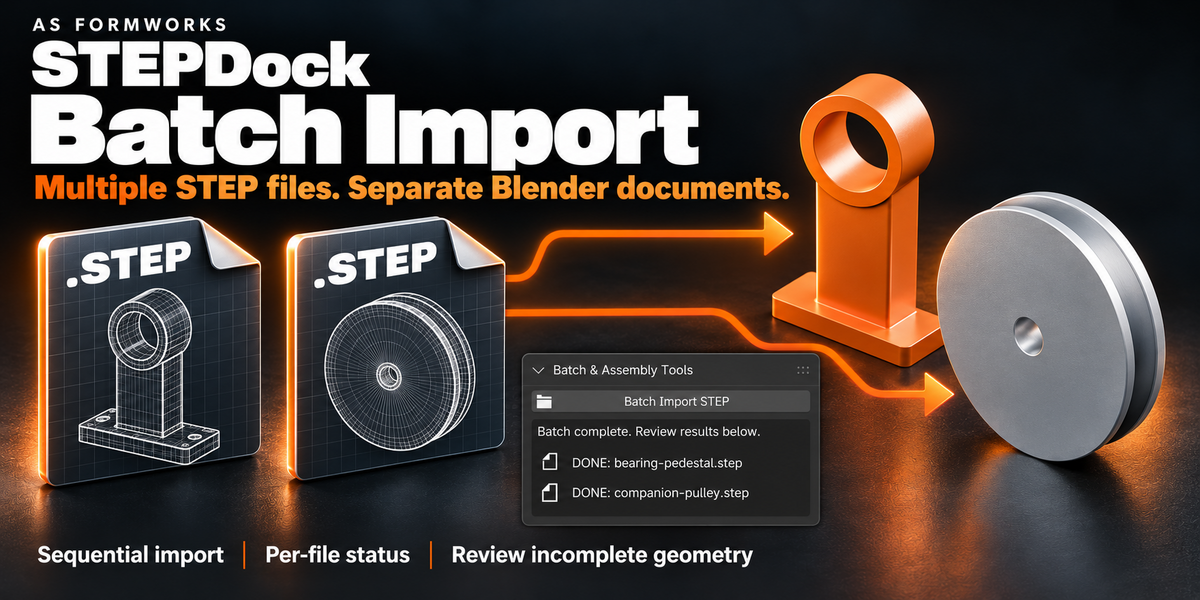
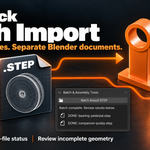
Open Batch & Assembly Tools > Batch Import STEP. Select multiple STEP files in one folder. Up to 256 unique paths are imported sequentially into separate documents using Balanced quality and planar n-gons. Invalid files are reported and the queue continues. Incomplete review previews pause the queue until accepted or discarded. Cancel Batch stops the current task and pending files, retaining finished documents. Switching scenes also cancels a running batch. Queues do not resume after restarting Blender.
ASSEMBLY BROWSER
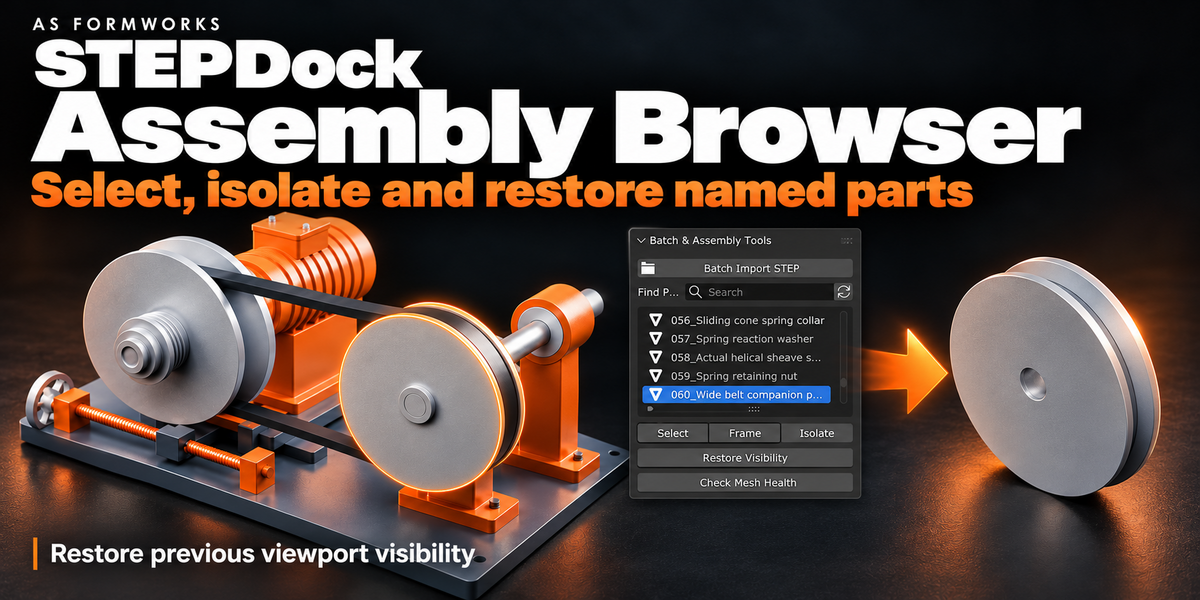
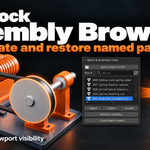
Find Part filters mesh occurrences by name. Select chooses the highlighted part; Frame centers it in the 3D View. Isolate hides other imported mesh parts in the current view layer. Restore Visibility restores the snapshot before the first isolation, including previously hidden parts. Renaming does not break restoration. Isolation affects viewport visibility only. Hidden or excluded ancestor collections must be made visible separately. The refresh icon updates the list for older documents.
MESH HEALTH
Check Mesh Health inspects unique source meshes for boundary edges, wire edges, edges shared by more than two faces and zero-area faces. Shared instances are counted once. Open boundaries can be intentional on surface models, and a clean report does not certify a valid CAD solid. Choose a part, then Inspect Chosen Part to select issue geometry in Edit Mode without changing its topology. Return to Object Mode before rebuilding. Export Mesh Health Report writes the last result as JSON. Re-run after edits; modifiers and world transforms are not evaluated.
PROBLEM SURFACE REVIEW
Review Problem Surfaces is enabled by default. Missing face triangulations receive three bounded isolated retries, including alternative triangulation and finer sampling. No replacement surface is invented. Unresolved faces produce an explicitly labelled INCOMPLETE preview, excluded from rendering. An incomplete rebuild creates a separate review document and preserves the existing model. Live Update pauses. Click a missing-surface row to frame its approximate native bounds; unavailable bounds use an explicitly labelled part-origin locator. Accept Incomplete Geometry enables rendering but retains the missing-face warning. Discard Review Preview removes addon-owned preview geometry. Strict mode is available by disabling both Review Problem Surfaces and Allow Incomplete Import. Repair/re-export unresolved CAD faces in the source application, then import the revision as a new document.
TROUBLESHOOTING
Missing dependency: keep referenced STEP parts beside the assembly. Budget exceeded: choose Draft or raise the budget. Edited mesh: keep your edit and import a separate document or use Make Independent. First engine setup failed: enable Blender online access, reconnect, then rebuild. Corrupt gzip/JSON mesh cache: the addon discards it and retries conversion once automatically. A changed source/dependency fingerprint is rejected to protect assignments; revisions should be imported as new documents. Export Diagnostics provides local part names, face IDs, retry settings and native errors. Review paths and CAD names before sharing.
SCOPE AND LICENSING
STEP solid/surface geometry only. No native SolidWorks, CATIA, Parasolid, IGES, DXF or DWG support. Output is Blender polygon meshes, not editable B-Rep or parametric CAD features. No CAD UVs, textures, transparency, analytic normals, PMI or constraints. Invalid or unsupported CAD surfaces may remain missing. Full Python source is GPL-3.0-or-later. The separately downloaded Open CASCADE/OCP engine retains its upstream licenses; third-party attribution, source/build links and pinned checksums are included.
RELEASE NOTES — 1.0.0
First marketplace release: Batch Import STEP, Assembly Browser and Mesh Health. Improved source/dependency checks, explicit review previews, cache recovery and English documentation.
Have questions about this product?
Login to message
| Blender Extension Compatible | Yes |
| Published | 5 days ago |
| Blender Version | 5.0 - 5.2 |
| Extension Type | Add-on |
| Render Engine Used | Cycles, Eevee |
| License | GPL |
Discover more products like this
assembly cad import stp product-visualization tessellation mesh step Workflow batch