Smart LOD Generator
 AS Formworks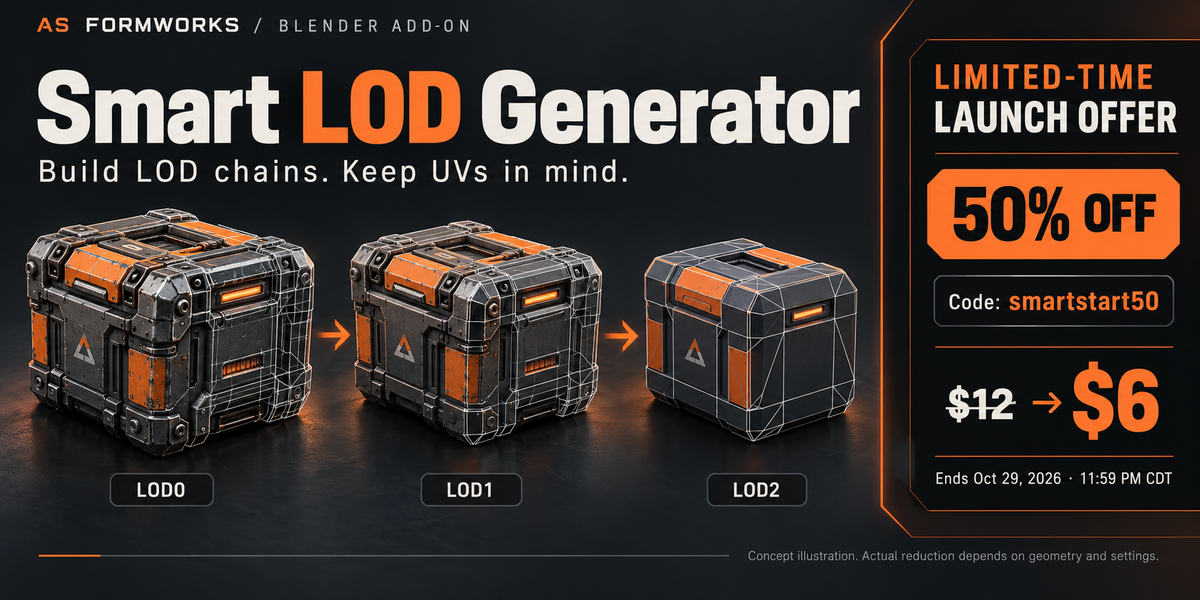

Is version 1.1 always faster?
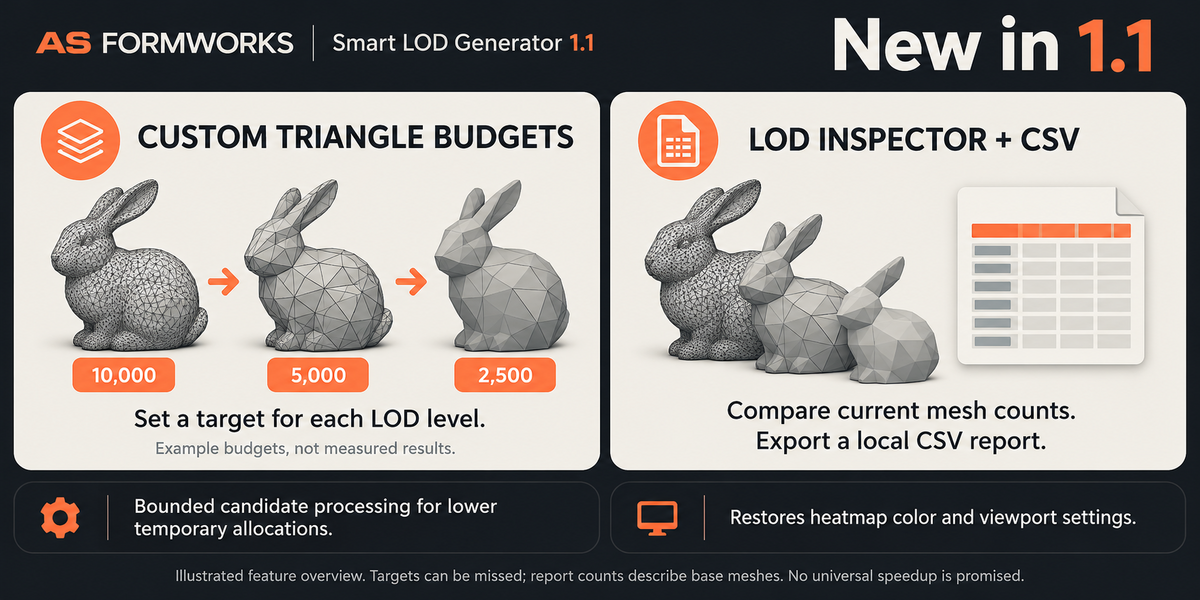
No. 1.1 batches candidate expansion and graph work to lower temporary allocation peaks. A local isolated CPU test reduced traced allocations but took slightly longer. Traced Python/NumPy memory is not full Blender or GPU memory. Your end-to-end time depends on mesh topology, UV layers, stage choices and hardware. No fixed speedup is promised.
Are the before/after savings real?
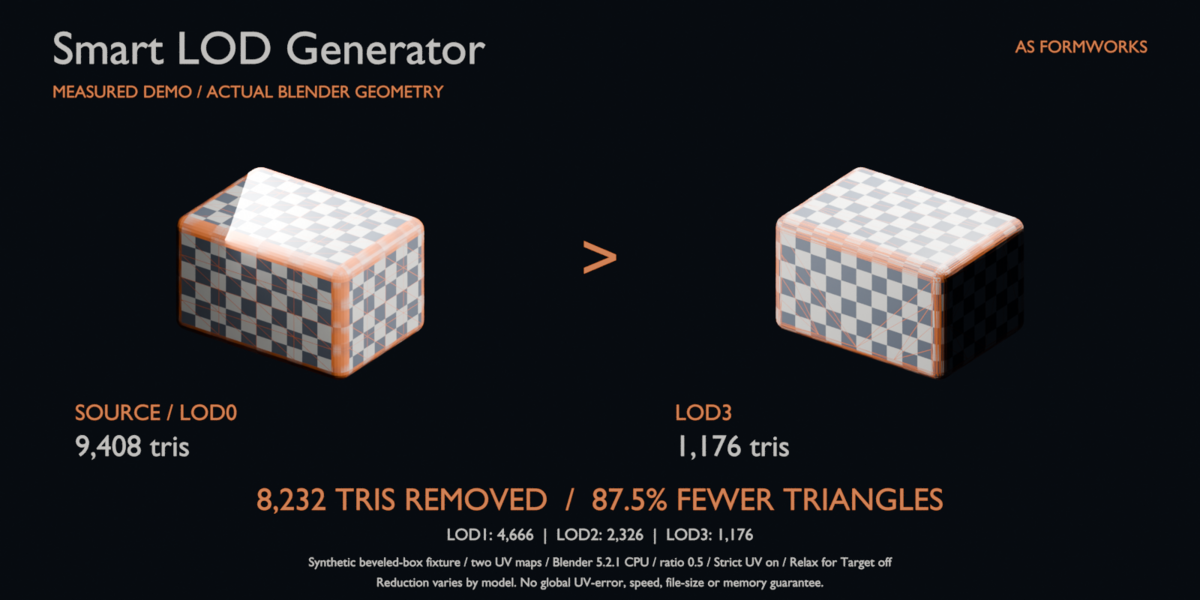
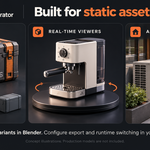
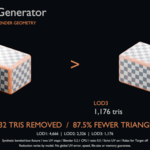
The separate checker-box comparison uses an actual synthetic fixture run in release 1.0: 9,408 source triangles, 4,666 at LOD1, 2,326 at LOD2 and 1,176 at LOD3. LOD3 removed 8,232 triangles (87.5%). Blender 5.2.1 CPU, ratio 0.5, Strict UV on, Relax for Target off. Full settings and per-level tolerance growth are documented. This is one controlled example; reduction and quality vary by model. Main crate illustrations are conceptual.
What does the LOD Inspector and CSV report measure?
It shows current base-mesh triangle, vertex and UV-layer counts with saved generation targets, source counts and per-level timings. Visible modifier geometry is not evaluated. Edits change current counts but do not rewrite historical targets/timings. CSV is saved locally, includes scene/object names and is not automatically uploaded. It does not measure global UV error, FPS, render speed or memory savings.
How do custom triangle budgets work?
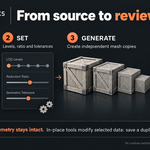
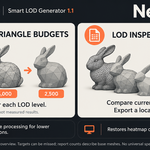
Choose Custom Triangles, enter one comma-separated whole-number budget per LOD level and keep them strictly decreasing below the prepared source count, with a minimum of four. Invalid entries leave the old chain intact. Budgets affect chain generation; in-place tools still use Level Ratio. Targets may be missed or slightly overshot because of protection, UV checks and discrete operations.
Can I use this commercially?
Yes. Python code is GPL-3.0-or-later and may be used, modified and redistributed under those terms. Your own models keep their existing ownership and licenses. Marketing illustrations are not included production model assets.
Will generating LODs make my project file smaller or faster?
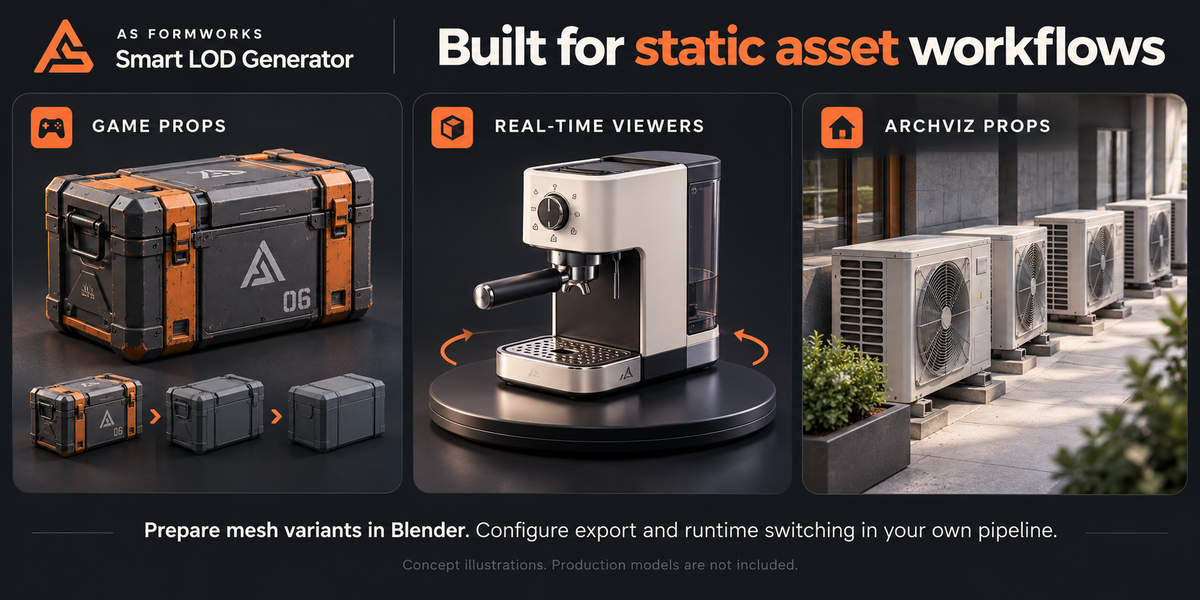
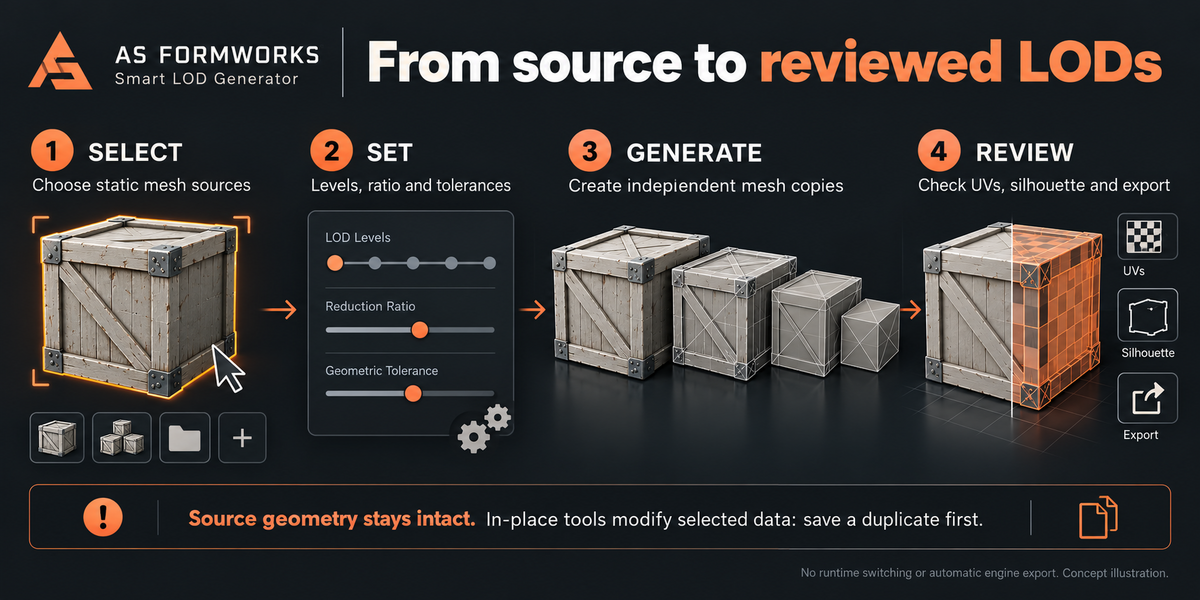
Not automatically. All levels remain in the scene, so generation can increase memory and file size. Export the needed variants and configure visibility/switching in your target application. Reduction, runtime speed and memory benefits depend on the model and pipeline.
Does it require GPU, CuPy or internet?
No. CPU is the tested default and uses NumPy/BMesh supplied by Blender. Optional CuPy/CUDA is not bundled or independently validated. It covers eligible cost calculations only. There are no network calls or telemetry.
Why did it miss my triangle target?
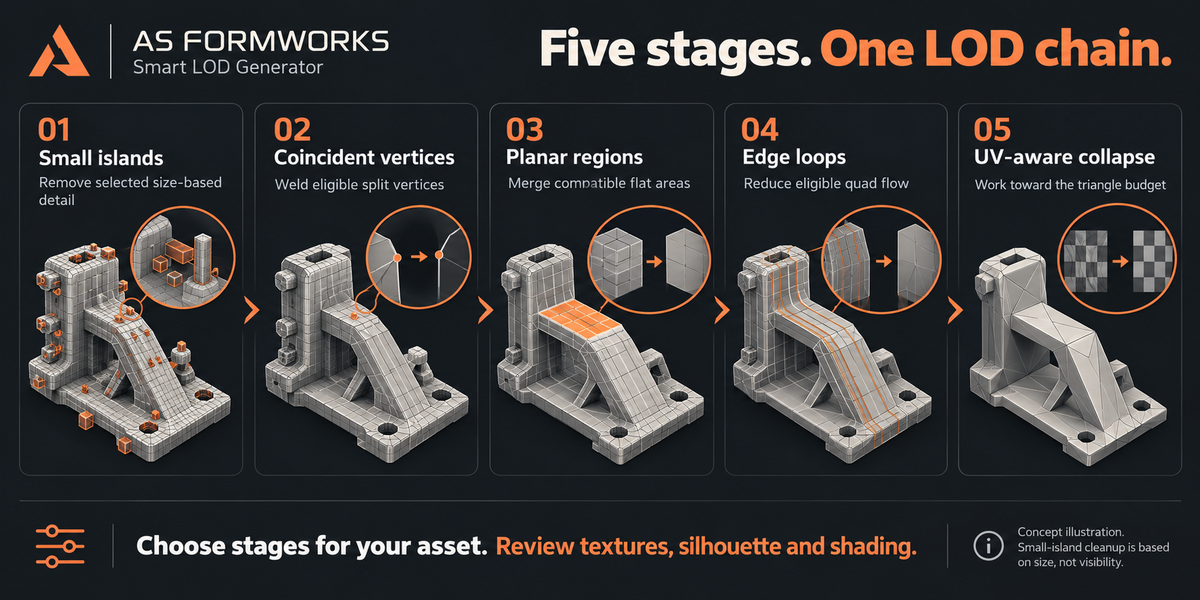
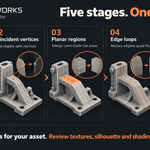
Strict UV, feature boundaries, protection, topology and stage budgets can stop reduction early; indivisible operations may slightly overshoot. Try a less aggressive ratio. Relax for Target allows larger soft errors, while strict UV still constrains local collapse estimates.
What does the Protection Group preserve?
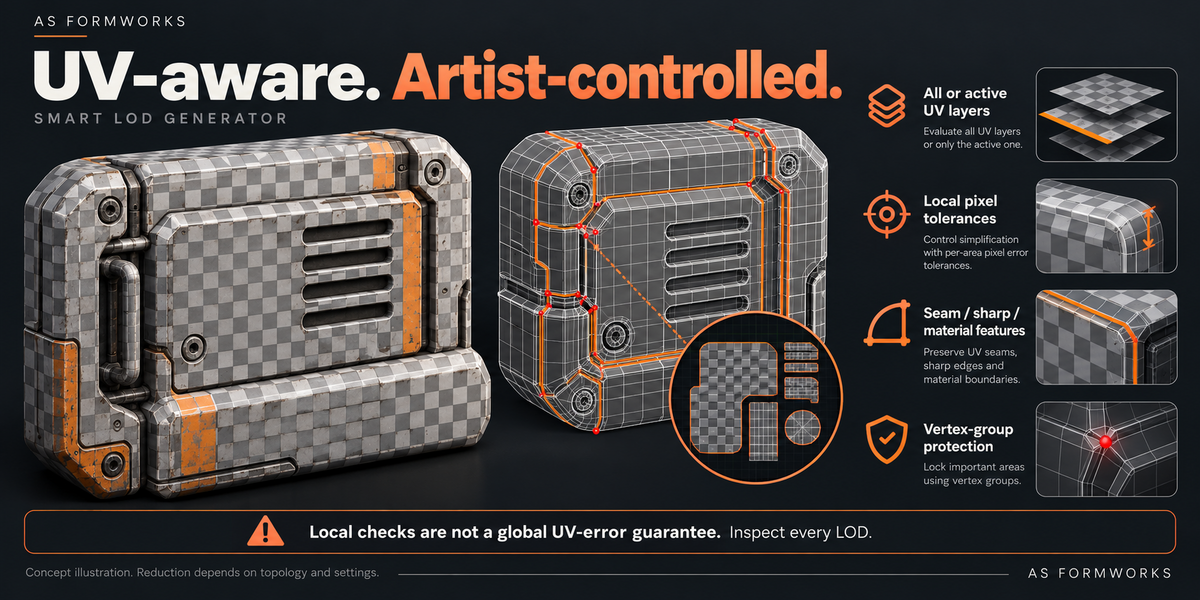
Weight 1 locks a vertex for reduction. Intermediate weights influence collapse cost, while any nonzero weight retains its island and excludes its vertex from coincident welding. Feature constraints are not a promise that every original edge remains; inspect important areas.
What happens when I generate again?
Only tagged LOD outputs owned by that source are replaced after all new levels for that source succeed. Unowned objects with matching names cause a conflict instead of being deleted. A batch commits source by source; earlier successful sources remain changed if a later source fails. Save an original and use Undo when appropriate.
Can I use it on rigged characters or shape keys?
The release targets static mesh assets. Armature modifiers, shape keys, linked or overridden data and sources used in multiple scenes are refused. Use a separate local static duplicate if you need a snapshot.
Will my UVs and textures remain exactly identical?
No exact visual or global UV-error guarantee is made. Collapse uses local pixel estimates; planar merging has its own local check, while welding and island removal work differently. Errors can accumulate across levels. Check every needed UV map, silhouette, checker texture, material and export.
Does this add runtime LOD switching in Unity or Unreal?
No. It creates static mesh variants and organizes them in Blender. Select the intended objects, export with your own tools and configure distances or screen-size switching in your target engine.
Which Blender versions and systems are supported?
The extension requires Blender 5.0 or later and is packaged for Windows x64. CPU fixtures were validated on Windows Blender 5.0.0 and 5.2.1 LTS. Other platforms, versions and GPU configurations have not been independently validated.
Have questions about this product?
Login to message
| Blender Extension Compatible | Yes |
| Published | about 3 hours ago |
| Blender Version | 5.0 - 5.2 |
| Extension Type | Add-on |
| License | GPL |
Discover more products like this
uv ArchViz LOD decimation real-time game assets mesh optimization modeling