 alastorv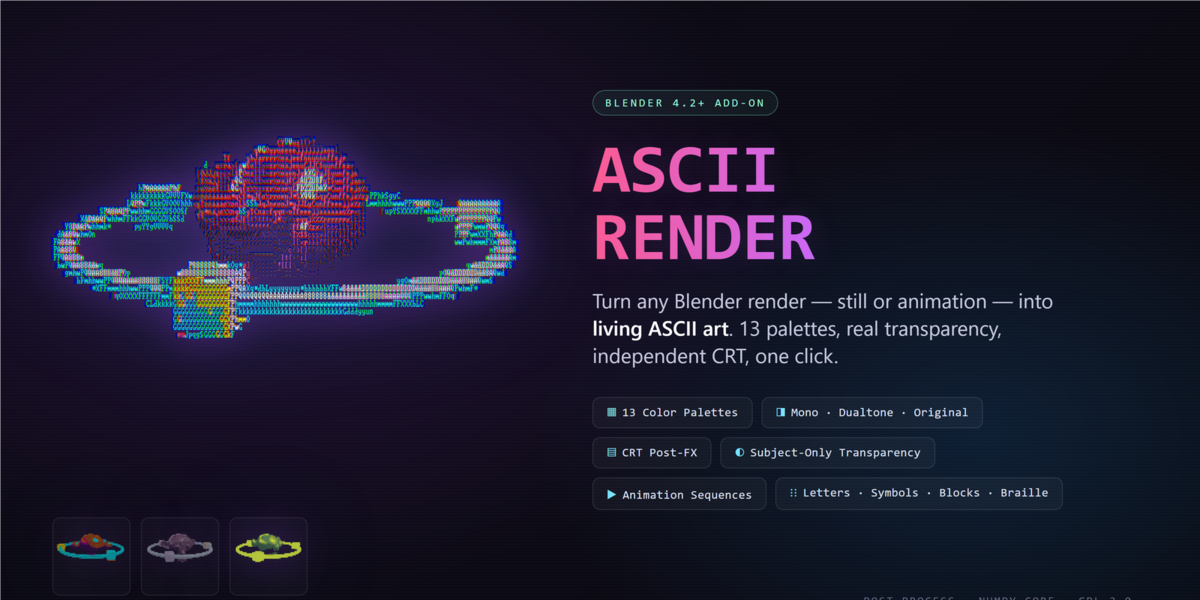


What is ASCII Render?
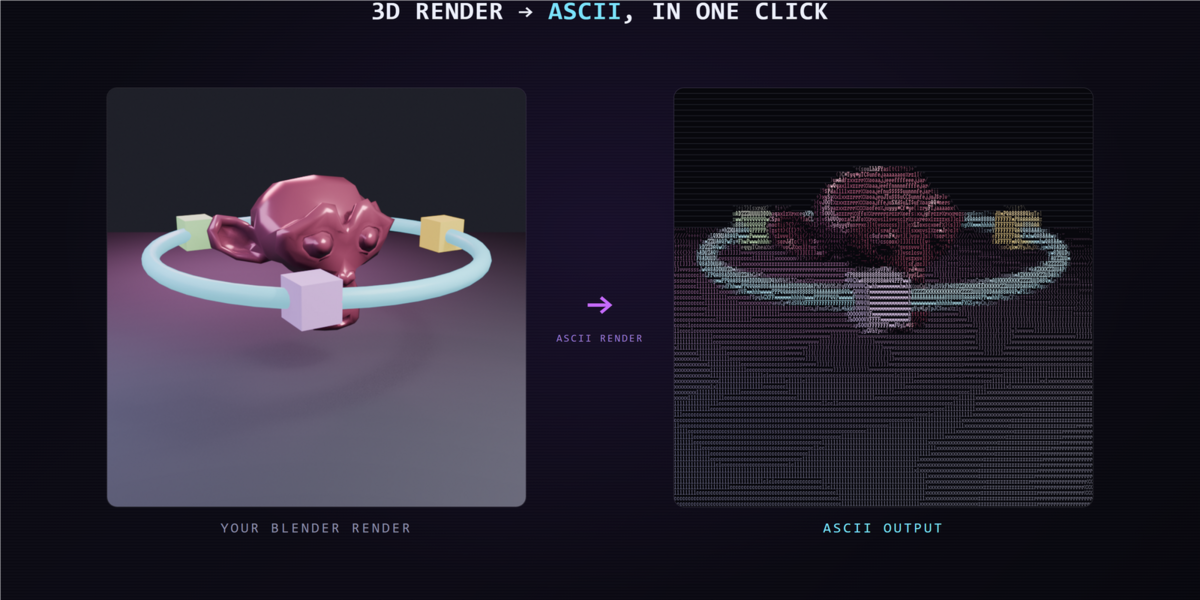
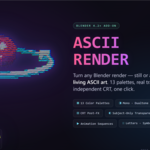
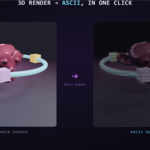
ASCII Render converts Blender render pixels into a grid of drawn characters. Choose the character set, control the grid density and color, then add CRT effects for a terminal, console or printed look. It works with still images and animation frames.
Render your scene. Change its visual language.
ASCII Render 0.2.1 — Blender 4.2+
See it in Blender
Watch the full demo in the gallery above. The demonstrations use real Blender add-on output. See the animated previews below for each feature in motion.
Included in 0.2.1
- Four color modes: Mono, Dualtone, Original and Palette
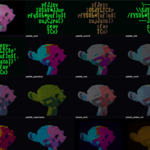
- Six character modes: Letters, Symbols, Letters + Symbols, Blocks, Braille and Custom
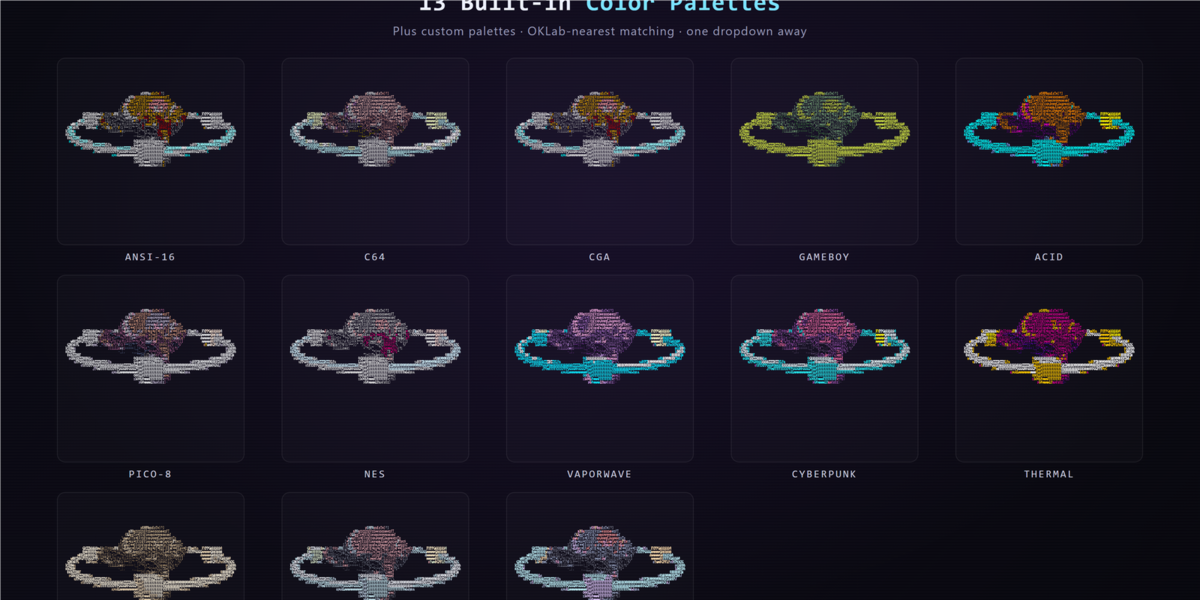
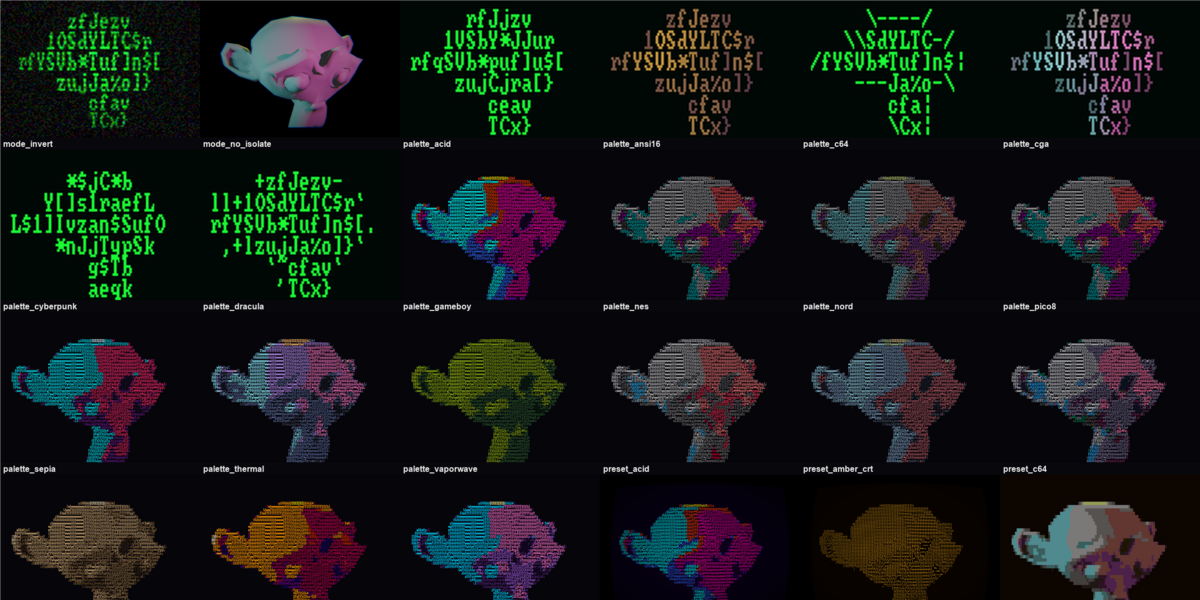
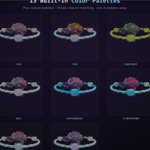
- 13 built-in palettes: ANSI16, C64, CGA, Game Boy, Acid, PICO-8, NES, Vaporwave, Cyberpunk, Thermal, Sepia, Nord and Dracula
- Seven look presets: Terminal Green, Amber CRT, Gameboy, C64, Newspaper, Matrix and Acid
- Custom characters, custom palettes and user-saved presets
- Edge Glyphs, Bayer 4x4/8x8 dithering, Detail, Auto Levels and tone controls
- Independent CRT processing; PNG stills and animation frame sequences
Choose how much detail survives
Control grid columns and glyph size, from a coarse character silhouette to a dense image. Brightness, contrast, gamma, Detail and Auto Levels help keep the subject readable.
Choose the color language
Use Mono, Dualtone, Original or Palette color. Start with 13 built-in palettes, or define your own custom palette.
Give the image its vocabulary
Choose Letters, Symbols, Letters + Symbols, Blocks, Braille or Custom. Type a custom character set for a particular visual style. Edge Glyphs and Bayer 4x4/8x8 dithering offer more ways to shape detail.
Keep attention on the subject
Enable Film Transparent in the source render and use Subject Only to mask the source background to a chosen flat color. The new example is a real Cycles render converted with ASCII Render 0.2.1.
Finish with CRT character
Add scanlines, curvature, chromatic aberration, vignette, glow, noise and flicker. CRT can run independently of ASCII conversion. Seven built-in presets provide starting looks, and you can save your own.
Questions before you start
Which Blender version do I need?
The package requires Blender 4.2 or later. The new Subject Only demonstration was tested with ASCII Render 0.2.1 in Blender 5.2.
Does it work with still images and animation?
Yes. Convert the Render Result, use optional automatic conversion after rendering, or convert an animation to a PNG frame sequence for video editing.
How many modes and presets are included?
Four color modes, six character-set modes, 13 built-in palettes and seven built-in look presets. You can enter custom characters, create a custom palette and save your own presets.
Does Subject Only export a transparent PNG?
In version 0.2.1, Subject Only uses source alpha to isolate the subject against your chosen flat background color. The exported PNG is opaque; transparent output alpha is not retained.
Is the viewport preview identical to the final ASCII image?
The viewport compositor is a visual approximation. Final conversion draws the actual character glyphs into the output image.
Can I use CRT without ASCII conversion?
Yes. CRT has its own enable control and can run independently. It includes scanlines, curvature, chromatic aberration, vignette, glow, noise and flicker.
How do I install it?
Download ascii_render-0.2.1.zip. Open Edit > Preferences > Get Extensions, choose Install from Disk, select the ZIP and enable ASCII Render. Open Render Properties > ASCII Render. Render a frame, choose your settings and convert the Render Result.
Install and start
Download ascii_render-0.2.1.zip. Open Edit > Preferences > Get Extensions, choose Install from Disk, select the ZIP and enable ASCII Render. Open Render Properties > ASCII Render. Render a frame, choose your settings and convert the Render Result.
The purchase delivers the add-on package. Promotional scenes are demonstration material.
License: GPL-3.0-or-later. Use your rendered images and videos commercially.