 alastorv



Installation
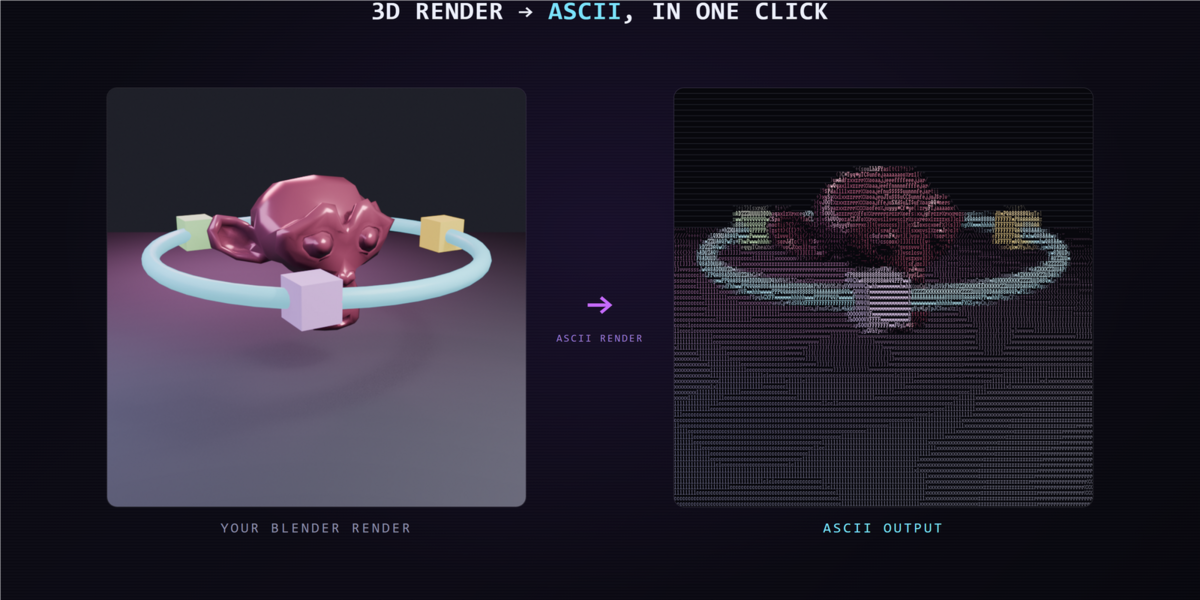
Download ascii_render-0.2.1.zip. Open Edit > Preferences > Get Extensions, choose Install from Disk, select the ZIP and enable ASCII Render. Open Render Properties > ASCII Render. Render a frame, choose your settings and convert the Render Result.
Convert a still
- Render a frame with your chosen Blender render engine.
- Open Render Properties > ASCII Render.
- Choose a character mode, grid columns, glyph size and color mode.
- Convert Render Result and save the PNG output.
Animation
Use PNG frame-sequence conversion, then assemble the frames in your video editor. Match your scene frame rate when importing the sequence.
Subject Only in 0.2.1
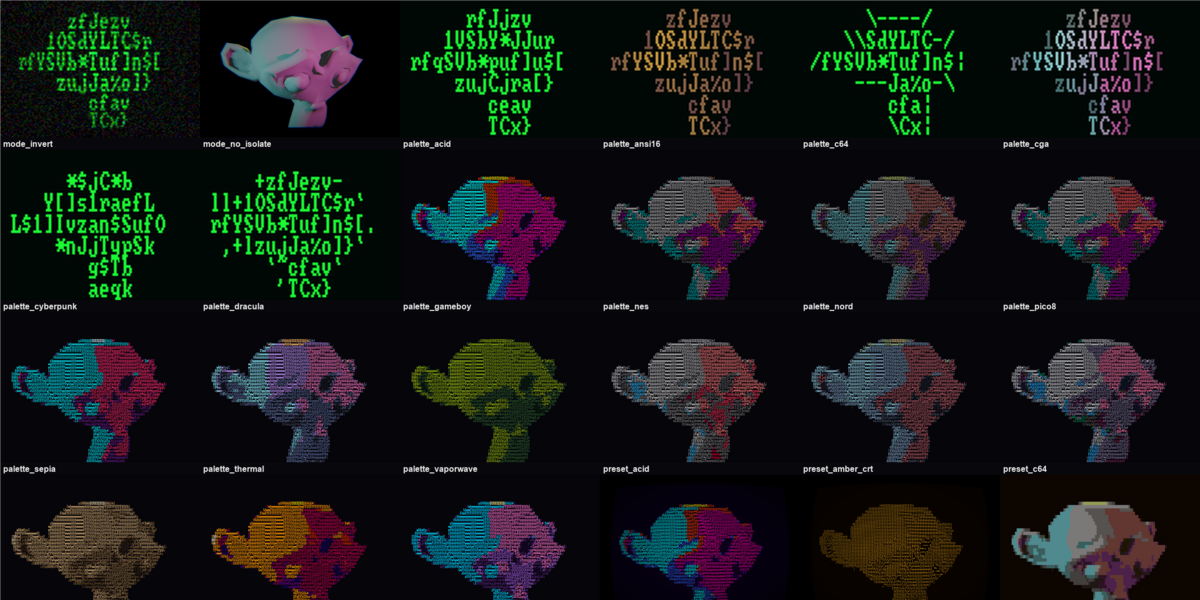
In version 0.2.1, Subject Only uses source alpha to isolate the subject against your chosen flat background color. The exported PNG is opaque; transparent output alpha is not retained.
Viewport preview
The viewport compositor is a visual approximation. Final conversion draws the actual character glyphs into the output image.
CRT
Yes. CRT has its own enable control and can run independently. It includes scanlines, curvature, chromatic aberration, vignette, glow, noise and flicker.
Compatibility
The package requires Blender 4.2 or later. The new Subject Only demonstration was tested with ASCII Render 0.2.1 in Blender 5.2.
Support
Include your Blender version, operating system, render engine, selected settings and reproduction steps when reporting a problem.
Have questions about this product?
Login to message
| Blender Extension Compatible | Yes |
| Published | about 2 months ago |
| Blender Version | 4.2 - 5.1 |
| Extension Type | Add-on |
| Render Engine Used | Cycles, Eevee |
| License | GPL |
Discover more products like this
compositor transparency pixel art text-art stylized rendering ascii art render effect retro glitch animation terminal CRT