 martinworks


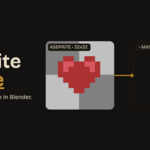
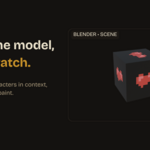
Aseprite Bridge connects your two favorite tools so pixel art you draw in Aseprite appears on your 3D model in Blender the moment you draw it.
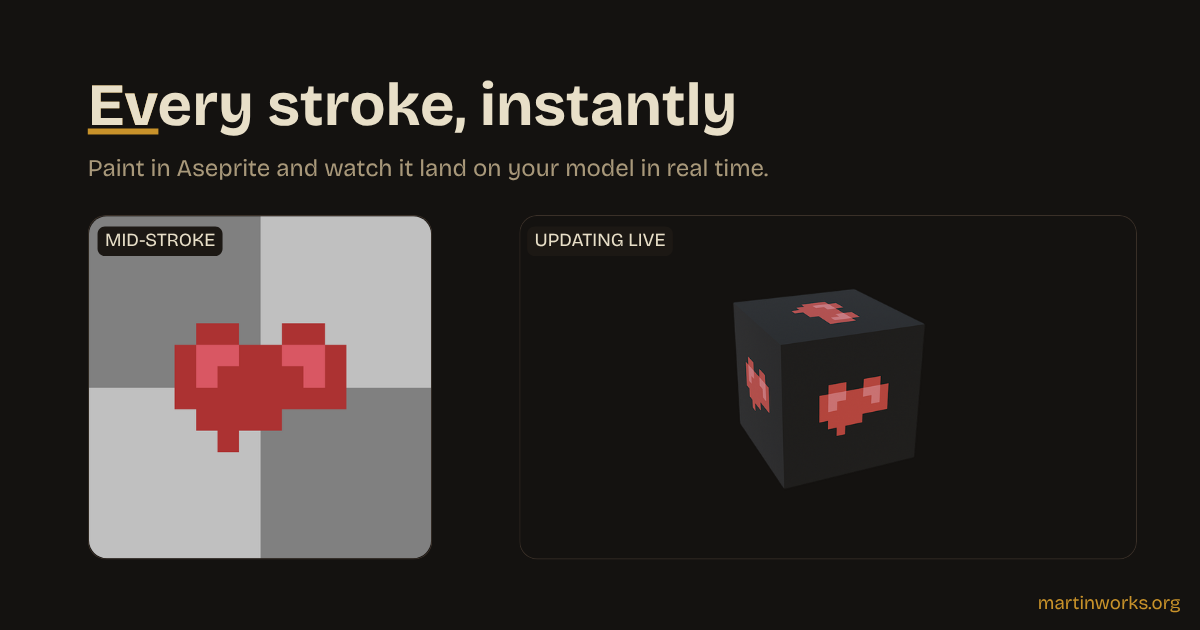
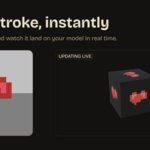
Start the bridge in Blender, flip on "Stream to Blender" in Aseprite, and paint. Every stroke, color change, erase and undo shows up live on the active object.
It is the fastest way to texture pixel-art props and characters: iterate in the tool built for pixels while watching the result in context on your mesh.
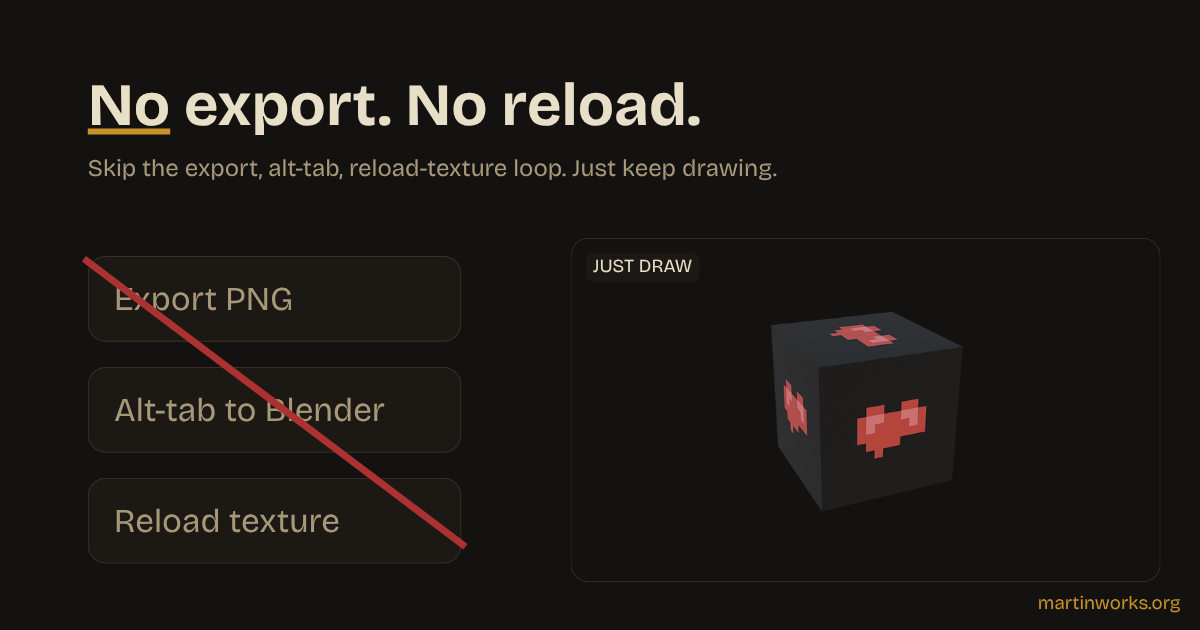
No file juggling. No "export, alt-tab, reload texture" loop. Just draw.
Highlights:
- Real-time streaming over a local connection - low latency, nothing leaves your machine.
- Auto-sets up the material and switches to Material Preview, so it works the moment you press Start.
- Pixel-perfect: Closest filtering keeps your art crisp, no blur.
- Any sprite size, any mesh; resizing the canvas updates Blender automatically.
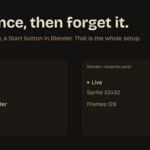
- A guided panel that always tells you what is happening (waiting / connected / live) and how many frames have arrived.
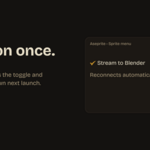
- Set-and-forget: Aseprite remembers the toggle and reconnects on next launch.
Includes both halves: the Blender add-on and the companion Aseprite extension.
