 StellArc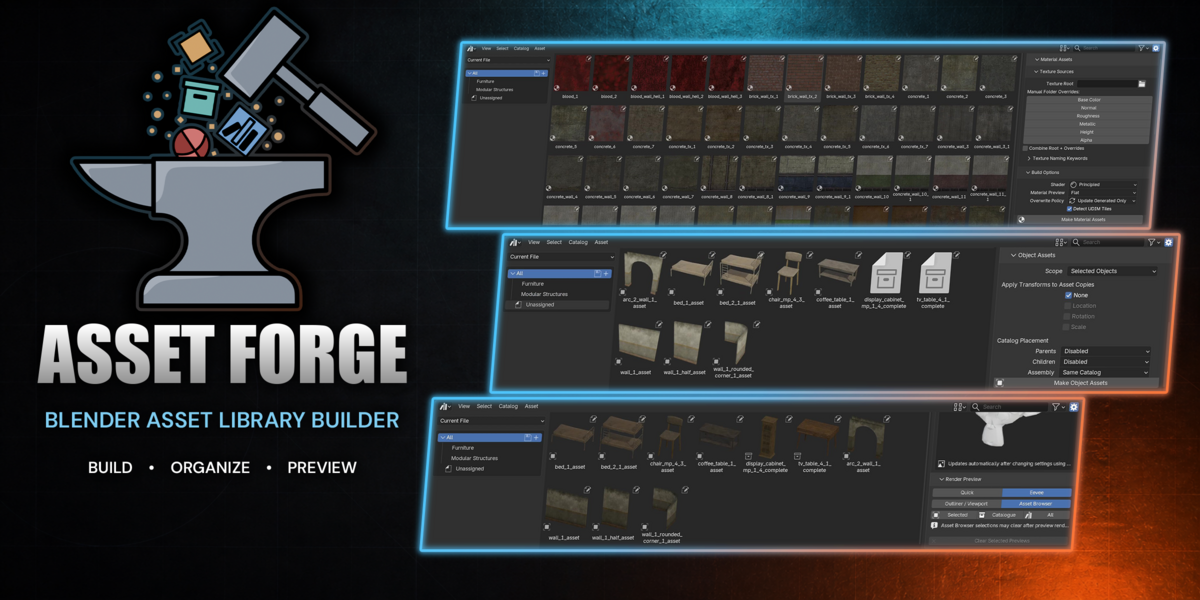


A cleaner workflow and more flexible asset previews.
Redesigned sidebar with dedicated Material Assets, Objects & Assemblies, and Asset Previews workflows. Original controls remain available under Advanced Settings.
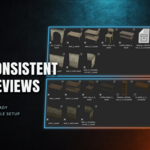
Added a visual backdrop gallery with L, L Soft, L 135°, C, Dual Wall, Plane, and Empty options. Empty removes backdrop geometry and enables transparency.
Backdrops automatically fit each asset’s dimensions and remain aligned with the scene axes rather than rotating with the camera.
Added an independent HDRI picker using Blender’s included images by default. HDRIs provide lighting and reflections in Eevee without appearing in the render background or changing the selected backdrop.
Added Perspective and Orthographic controls, camera angle presets, Match View, and Match Camera while preserving automatic asset framing.
Added Objects and Assemblies quick setups for catalog placement without changing scope, transforms, or preview settings.
Added UV/Object mapping, Normal Strength, and Bump Strength controls for material generation.
Added Current World lighting support for using the active scene’s World in Eevee.
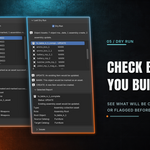
Improved interface spacing, control consistency, report readability, preview cleanup, and Dry Run support for clearing custom previews.
Live Preview remains directly accessible in the Asset Previews workflow and refreshes automatically as settings change.
Initial release of Asset Forge for Blender 5.0+.
Build material assets from texture folders with automatic PBR map detection, customizable naming keywords, manual folder overrides, and UDIM support.
Create object and assembly assets from selected objects, collections, or the complete Blender file.
Organize generated assets into catalogs, with hierarchy controls and optional transform baking that leaves source objects unchanged.
Render custom asset thumbnails using Quick or Eevee mode, with configurable camera, lighting, background, and preview size.
Inspect the preview setup before rendering and use Dry Run to review planned operations without applying asset changes.
Review detailed reports, skipped items, and detected issues.
Have questions about this product?
Login to message
| Blender Extension Compatible | Yes |
| Dev Fund Contributor | |
| Published | about 2 months ago |
| Blender Version | 5.0 - 5.2 |
| Extension Type | Add-on |
| Render Engine Used | Blender-Internal, Cycles, Eevee |
| License | GPL |