 Sonneblom Digitaal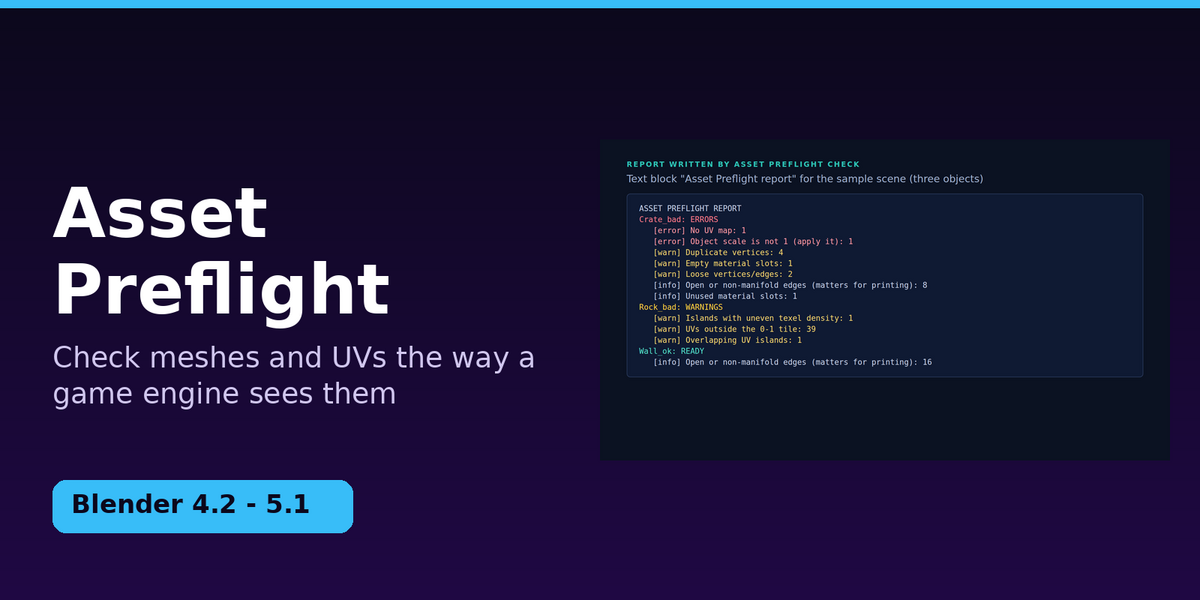

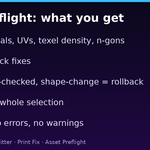
Your asset looks fine in Blender. Then the engine shows it at the wrong size, with a broken UV layout, or with seams that were never there. Asset Preflight checks meshes and UVs the way a game engine sees them, fixes what is safe to fix, and then proves it: every fix is re-checked, and an object is rolled back if a fix ever changes its shape.
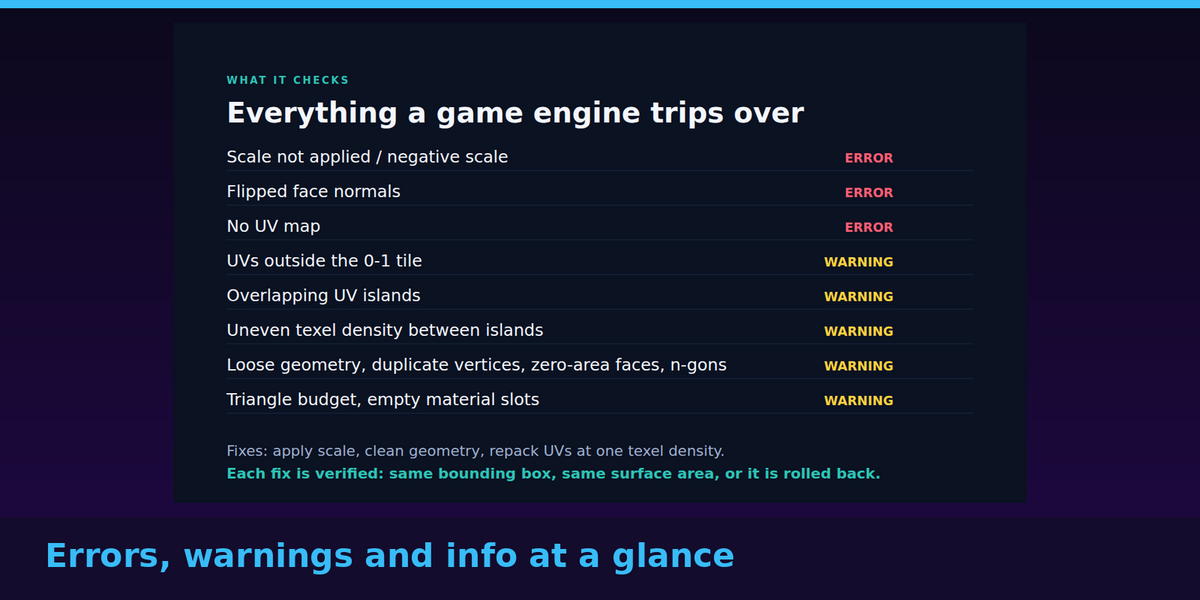
What it checks
- Errors: scale not applied (or negative), flipped or inconsistent face normals, no UV map.
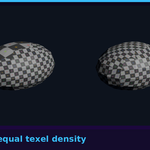
- Warnings: UVs outside the 0–1 tile, overlapping UV islands, islands at different texel densities (measured in pixels per metre using your scene units), loose geometry, duplicate vertices, zero-area faces, n-gons, triangle count over your budget, empty material slots.
- Information: stretched UV faces, unused slots, open edges, several UV maps, unapplied modifiers (the evaluated mesh is what is checked).
- Works on one object or a whole selection, and lists every problem with its count. READY means no errors and no warnings.
What the fixes do
- Fix Transforms + Geometry: applies scale (flipping faces for negative scale, making shared meshes single-user first), removes loose geometry, welds duplicates, makes normals consistent, and removes empty material slots without putting any face on the wrong material.
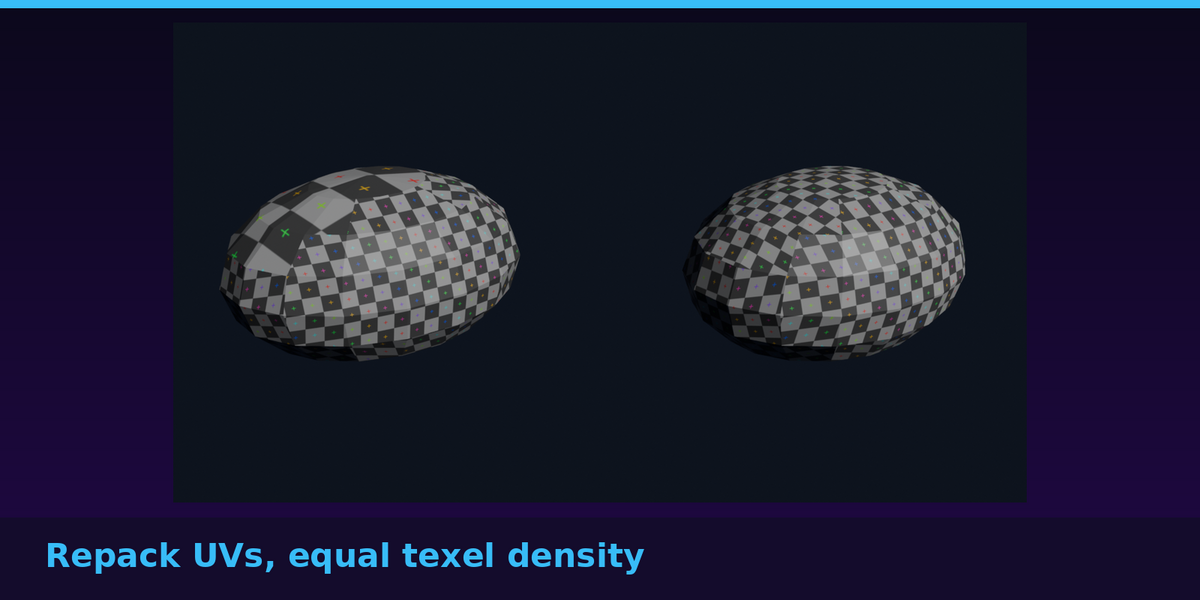
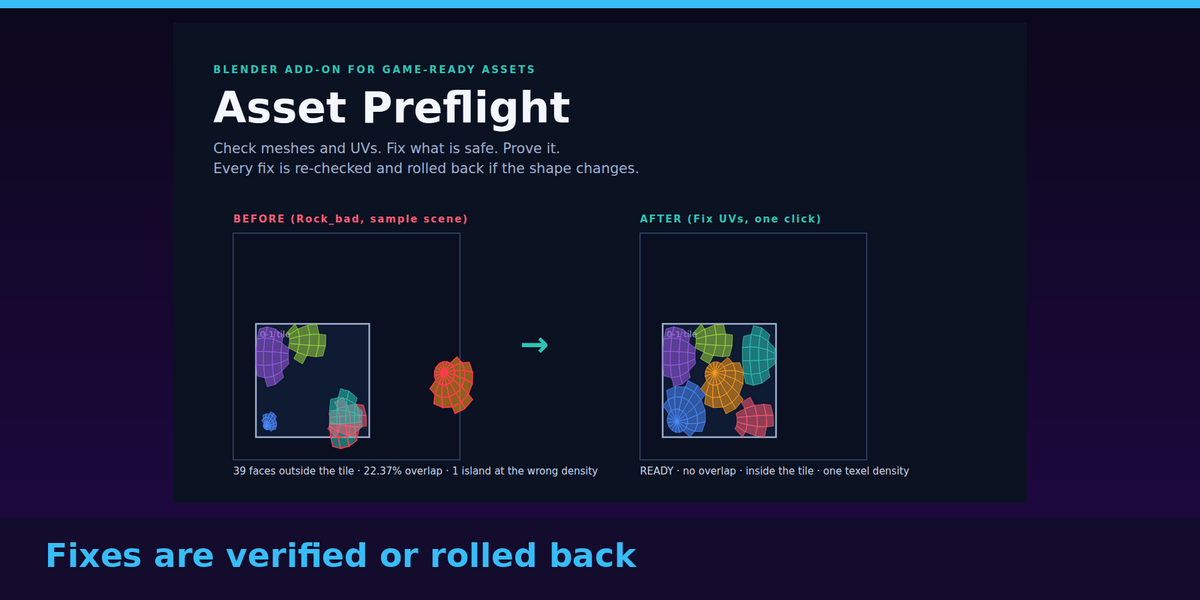
- Fix UVs (repack): creates UVs where missing, equalises texel density between islands, and packs everything into the tile with no overlap.
- Verified, not assumed: after each fix the object's bounding box and surface area are compared with before. If they differ, that object is rolled back and you are told why. Ctrl+Z works as usual.
- Select-problem buttons in Edit Mode (n-gons, zero-area faces, loose geometry, UVs outside the tile) and a report written to a text block.
See it work
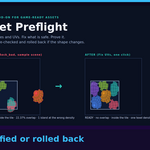
The download includes a sample scene with two flawed assets and one clean one. Crate_bad (no UVs, unapplied scale, loose geometry, duplicate vertices, an empty material slot) and Rock_bad (39 faces outside the tile, 22% of the used UV space overlapping, one island at the wrong density) the whole scene goes to READY in two clicks (Fix Transforms + Geometry, then Fix UVs), with every shape unchanged.
Tested
23 automated tests (each check against geometry whose right answer is known, including exact texel densities, material re-indexing, rollback and dense meshes), plus a full buyer-path test of this exact download: installed from the zip into a clean Blender, sample scene opened, checked, fixed and re-checked. Run on Blender 4.2.9 LTS and 5.1.2.
Who it is for
Anyone making game-ready or real-time assets in Blender: props, environments, modular kits, or assets you sell or hand to a team. Also useful as a checklist before export.
Who it is not for
- You want one-click export presets. Version 1 checks and fixes; it does not export.
- You need texture, normal-map, rig, animation or LOD checks. Those are not covered.
- You use overlapping UVs on purpose everywhere (for example mirrored halves): the UV fixer repacks the layout, so leave those objects out or undo.
Honest limits
- The UV overlap check is a 512 x 512 raster estimate: overlaps thinner than a pixel can be missed, and folded UVs inside a single island are not reported.
- Stretch inside an island is reported, but the equaliser matches islands to each other; it does not un-stretch them.
- Scale is not applied to objects that have child objects (you are told).
- Not tested inside any game engine. Tested on Linux only; it is plain Python on Blender's own libraries, so Windows and macOS should behave the same, but I have not run them yet (untested on Windows and macOS).
Requirements
Blender 4.2 LTS or newer. Nothing else to install. Includes a step-by-step guide (HTML), the sample scene, and the add-on (GPL-3.0-or-later, like most Blender add-ons: use it commercially, modify it as you like).
Free updates to v1.x. Questions or an asset that misbehaves: message us through Superhive or open an issue at https://github.com/RoseCompanion/asset-preflight/issues.
Also by us: Bed Fit Splitter, Print Fix, Asset Preflight.