Asset Preflight
 Sonneblom Digitaal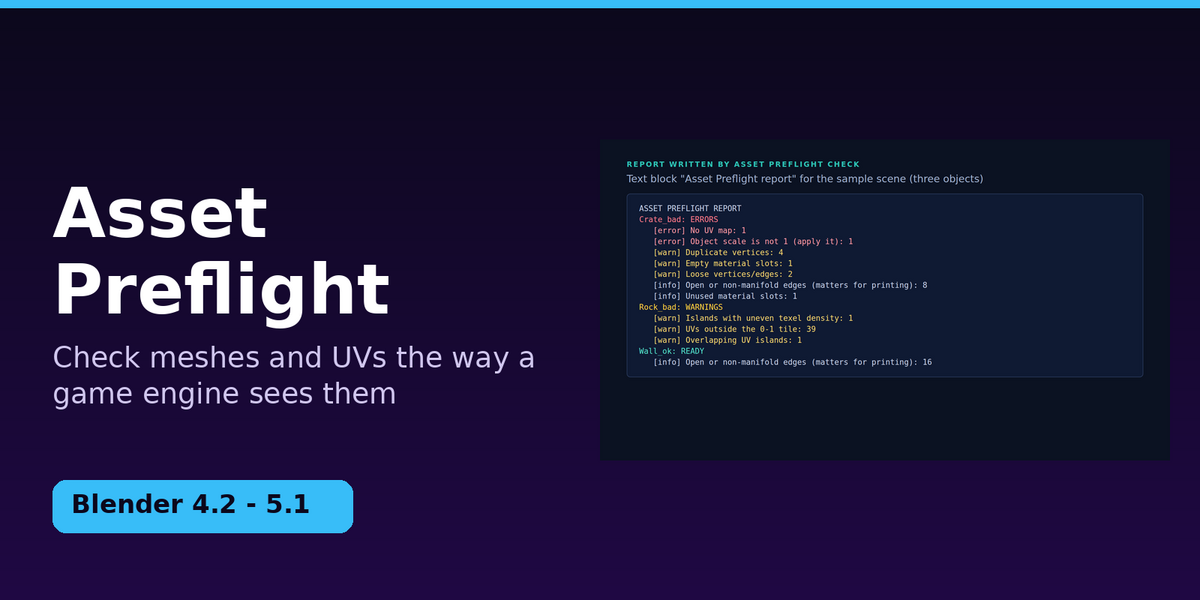

Version 1.0.0 · Blender 4.2 LTS and newer · Guide
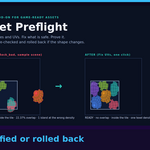
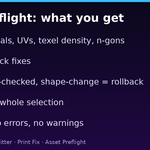
Asset Preflight checks meshes and UVs the way a game engine sees them, fixes what is safe to fix, and then proves it: every fix is re-checked, and an object is rolled back if a fix ever changes its shape.
1. Install
- Unzip the Superhive download (
asset-preflight-v1.0.0.zip). Inside are the add-on, this guide and the sample scene. - Do not unzip
assetpreflight-1.0.0.zip. Blender installs it as a zip. - In Blender: Edit → Preferences → Get Extensions, open the small drop-down arrow at the top right, choose Install from Disk… and pick
assetpreflight-1.0.0.zip. - Make sure the add-on is enabled, then in the 3D viewport press N and open the Preflight tab.
Nothing else to install: it only uses what ships with Blender.
2. Try it in two minutes
The download includes sample_models/preflight_sample.blend: Crate_bad, Rock_bad and Wall_ok.
- File → Open the sample, select all three objects, and open the Preflight tab.
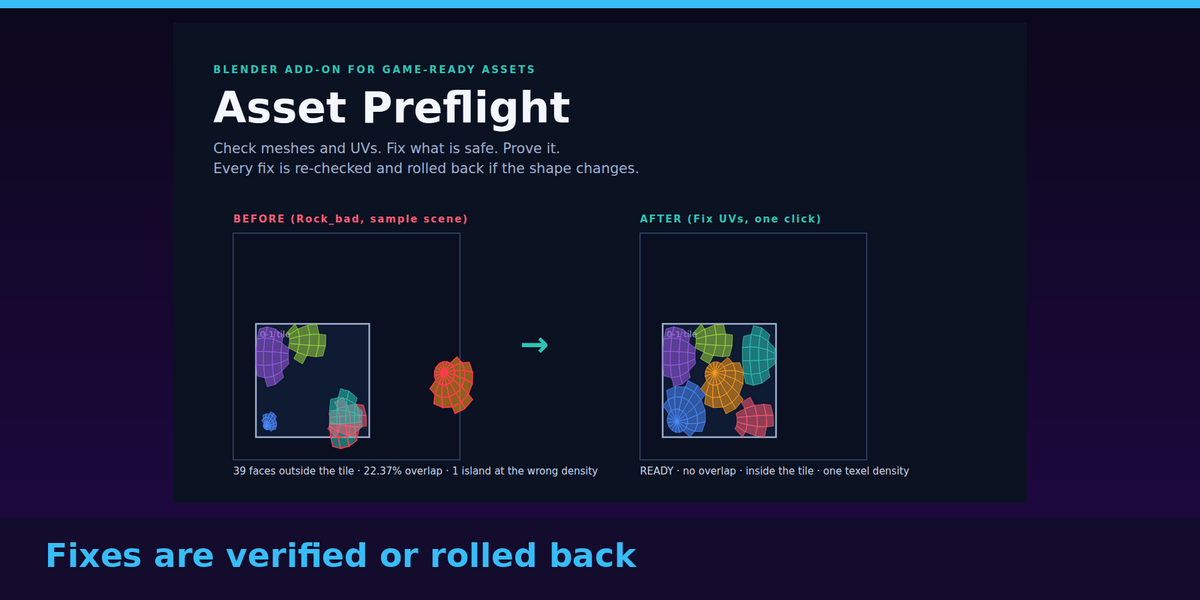
- Click Run Preflight. Crate_bad is ERRORS (no UV map, scale not 1, plus duplicate vertices, loose geometry and an empty material slot). Rock_bad is WARNINGS (UVs outside the 0–1 tile, overlapping UV islands, and an island at a different texel density). Wall_ok is READY.
- Click Fix Transforms + Geometry. Crate_bad's scale is applied and its loose geometry, duplicates and empty slot are gone. It is still ERRORS, because it has no UVs.
- Click Fix UVs (repack). UVs are created where missing, island densities are equalised and everything is packed into the tile. All three objects are now READY, and the panel lists nothing left to fix.
- Every object has exactly the same shape as before (same bounding box and surface area): that is checked, not assumed. Use Ctrl+Z to undo any step.
3. What is checked
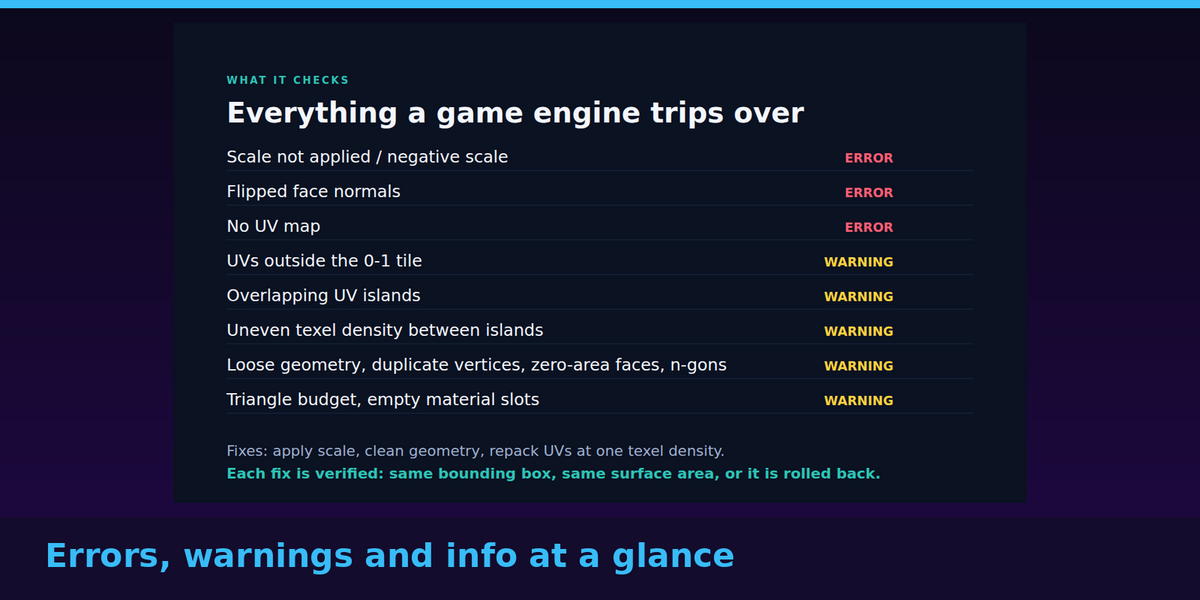
| Check | Level | How it is measured |
|---|---|---|
| Scale is not 1 / negative scale | error | The object's scale values. Unapplied scale breaks physics, collision and export sizes. |
| Flipped / inconsistent face normals | error | Neighbouring faces that disagree about which way is out. |
| No UV map | error | The mesh has no UV layer. |
| UVs outside the 0–1 tile | warning | Faces with any UV outside the tile (switch on Allow UDIM if that is intentional). |
| Overlapping UV islands | warning | Share of covered UV space that more than one island covers, estimated on a 512 x 512 grid (limit 0.5%). Faces inside one island are never counted against each other. |
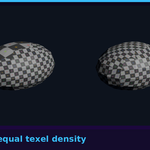
| Islands with uneven texel density | warning | Texel density per island = sqrt(UV area / real 3D area) x texture size, reported in pixels per metre using your scene's unit scale. An island is off when it differs from the median by more than the tolerance (default 15%). |
| Zero-area UV faces, zero-area faces, duplicate vertices, loose geometry, n-gons | warning | Counts, by exact geometry tests. |
| Triangle count over budget, empty material slots | warning | Your budget (0 = off); slots with no material. |
| Stretched UV faces, unused slots, open edges, several UV maps, no material, unapplied modifiers | info | Reported, never block READY. Modifiers are evaluated, so you are checking what will be exported. |
READY means no error and no warning. WARNINGS and ERRORS list every problem with its count.
4. What the fixes do
- Fix Transforms + Geometry applies scale into the mesh (a negative scale also flips the faces so normals stay outward; a shared mesh is made single-user first), removes loose vertices and edges, welds duplicates, drops degenerate faces, makes normals consistent, and removes empty material slots without moving any face to the wrong material. N-gons are only triangulated if you tick the option.
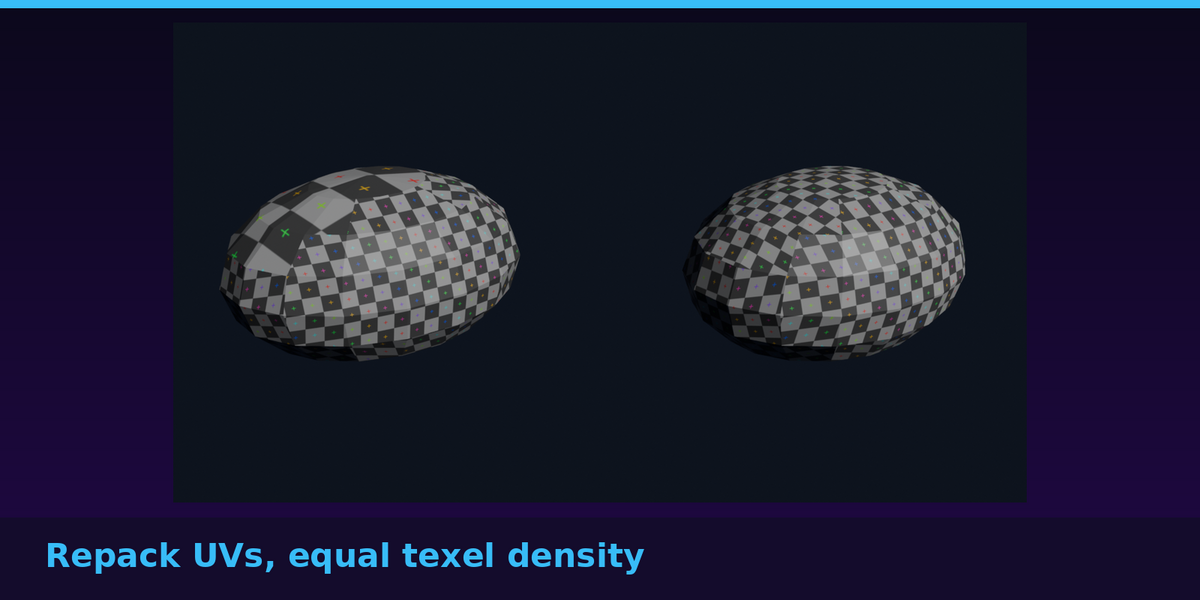
- Fix UVs (repack) creates UVs with Smart UV Project if none exist, scales each island so all islands share the median texel density, and packs them into the 0–1 tile without rotation. Because the layout is repacked, the absolute texel density changes (the report shows the new value) while all islands stay equal.
- Safety net: before each object is changed a copy is kept. If, after a fix, the object's bounding box or surface area differs from before, the fix is rolled back for that object and you are told why.
- Select Problem Geometry (in Edit Mode) selects n-gons, zero-area faces, loose geometry or faces with UVs outside the tile, so you can repair by hand instead.
- Write Report puts the results in a text block called Asset Preflight report.
5. Settings
| Setting | Default | What it does |
|---|---|---|
| Texture size | 1024 px | Used to report texel density. The verdict depends on the spread between islands, not on this number. |
| Texel tolerance | 15% | How far an island may differ from the median before it is flagged. |
| Triangle budget | 0 (off) | Warn above this many triangles. |
| Allow UDIM / tiled UVs | off | Do not warn about UVs outside the 0–1 tile. |
| Triangulate n-gons when fixing | off | Also triangulate n-gons in Fix Transforms + Geometry. |
6. Requirements and limits (please read)
- Fix UVs repacks the layout. UV islands that overlap on purpose (mirrored halves sharing texture space) will be separated. Use Ctrl+Z, or leave that object out.
- The UV overlap check is a 512 x 512 raster estimate: overlaps thinner than a pixel can be missed, and overlap between faces of the same island (folded UVs) is not reported.
- Stretch inside an island (projection distortion) is reported as information; the equaliser matches islands to each other, it does not un-stretch them.
- Scale is not applied to objects that have child objects (that would move the children); you are told, and nothing is changed.
- Fixes edit the base mesh; modifiers stay unapplied. Checks run on the evaluated mesh (what will export).
- It does not check textures, normal maps, rigs, animation, LODs or engine-specific import settings, and it does not export. It was not tested inside any game engine.
- Tested on Blender 4.2.9 LTS and 5.1.2 on Linux. It is plain Python on Blender's own libraries, so Windows and macOS should behave the same, but they have not been tested here.
7. Troubleshooting
| Message | What to do |
|---|---|
| Select one or more mesh objects first. | Select the objects in the viewport (or make one active) and try again. |
| … has child objects: applying its scale would move them. | Unparent the children, or apply the scale by hand, then run the fix. |
| … the shape changed, which a fix must never do. The object was left as it was. | The fix was rolled back for that object. Please send us the model so we can fix the cause. |
| Rock-like objects still WARN after Fix UVs | Check Allow UDIM if your UVs are meant to use several tiles; lower the texel tolerance only if you need stricter matching. |
8. Support and licence
Message us through Superhive or open an issue at https://github.com/RoseCompanion/asset-preflight/issues. If it does not work for your assets, tell us what it reported and send an example if you can.
Asset Preflight is released under the GNU General Public License v3 or later, like other Blender add-ons that use Blender's Python API. See LICENSE.txt. You may use it commercially.
Have questions about this product?
Login to message
| Published | 5 days ago |
| Blender Version | 4.2 - 5.1 |
| Extension Type | N/A |
| Render Engine Used | Cycles |
| License | GPL |