 Mohamed Targam


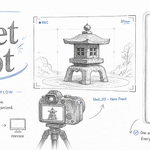
A Cleaner Way to Prepare Asset Thumbnails
Asset Shot brings the most common preview tasks into one focused workflow.
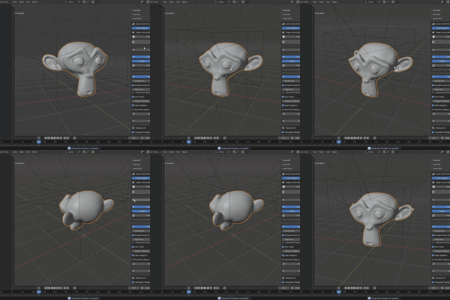
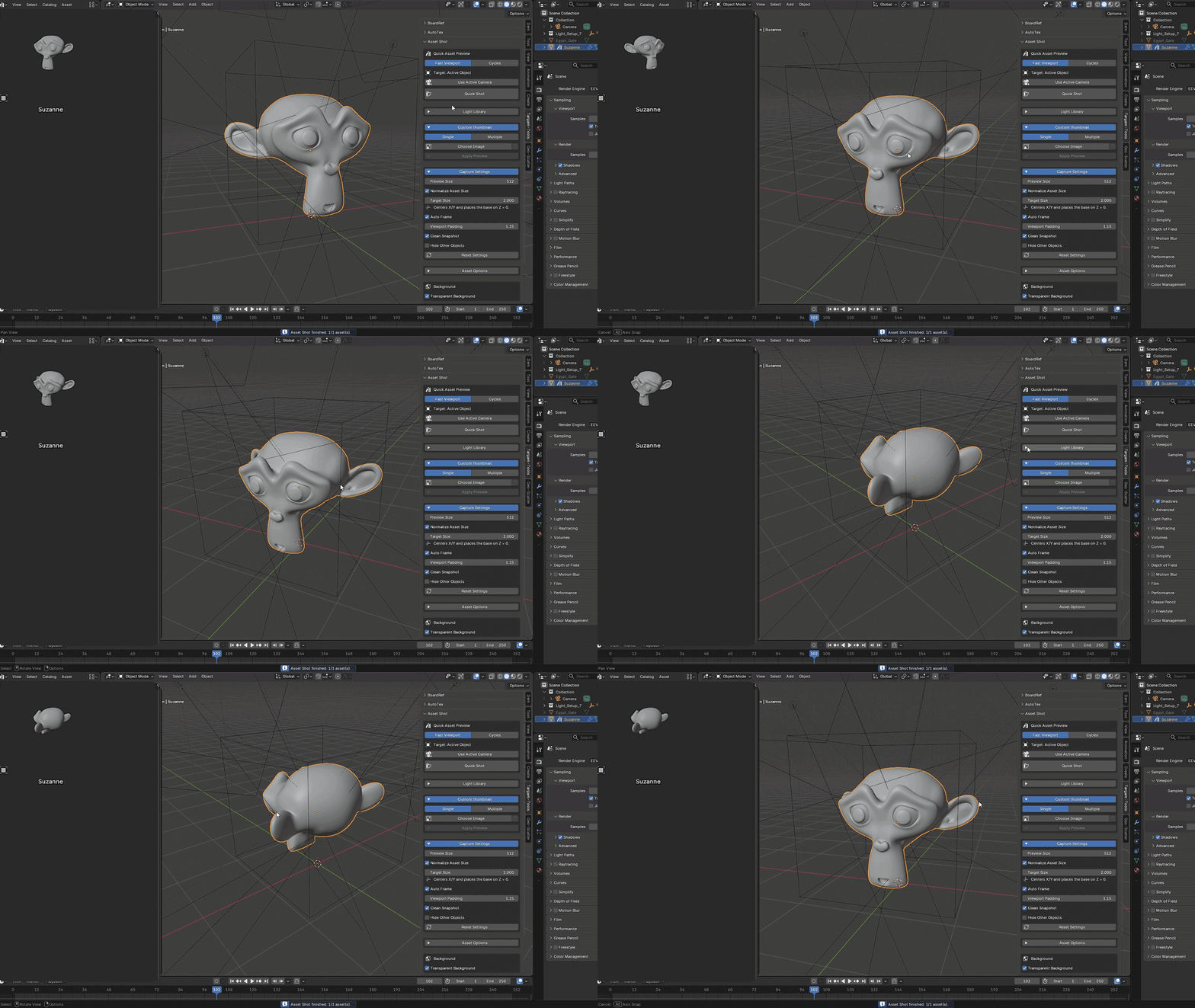
Consistent Framing
Reuse the same camera direction, framing, padding, and background style across multiple assets.
Fewer Repetitive Steps
Capture the image, mark the asset, and load the custom preview from the same panel.
Works With Real Asset Structures
Use a single Object, a Collection, or several selected Objects depending on how the asset is organized.
Select, Adjust, and Capture
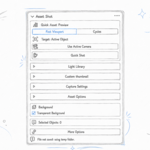
1. Select the Target
Choose one Object, multiple Objects, or a Collection from the Outliner.
2. Choose the Capture Mode
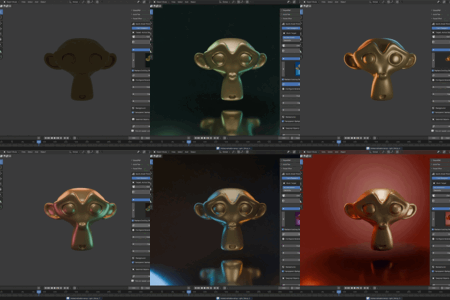
Use Fast Viewport for speed or Cycles when you want a rendered preview.
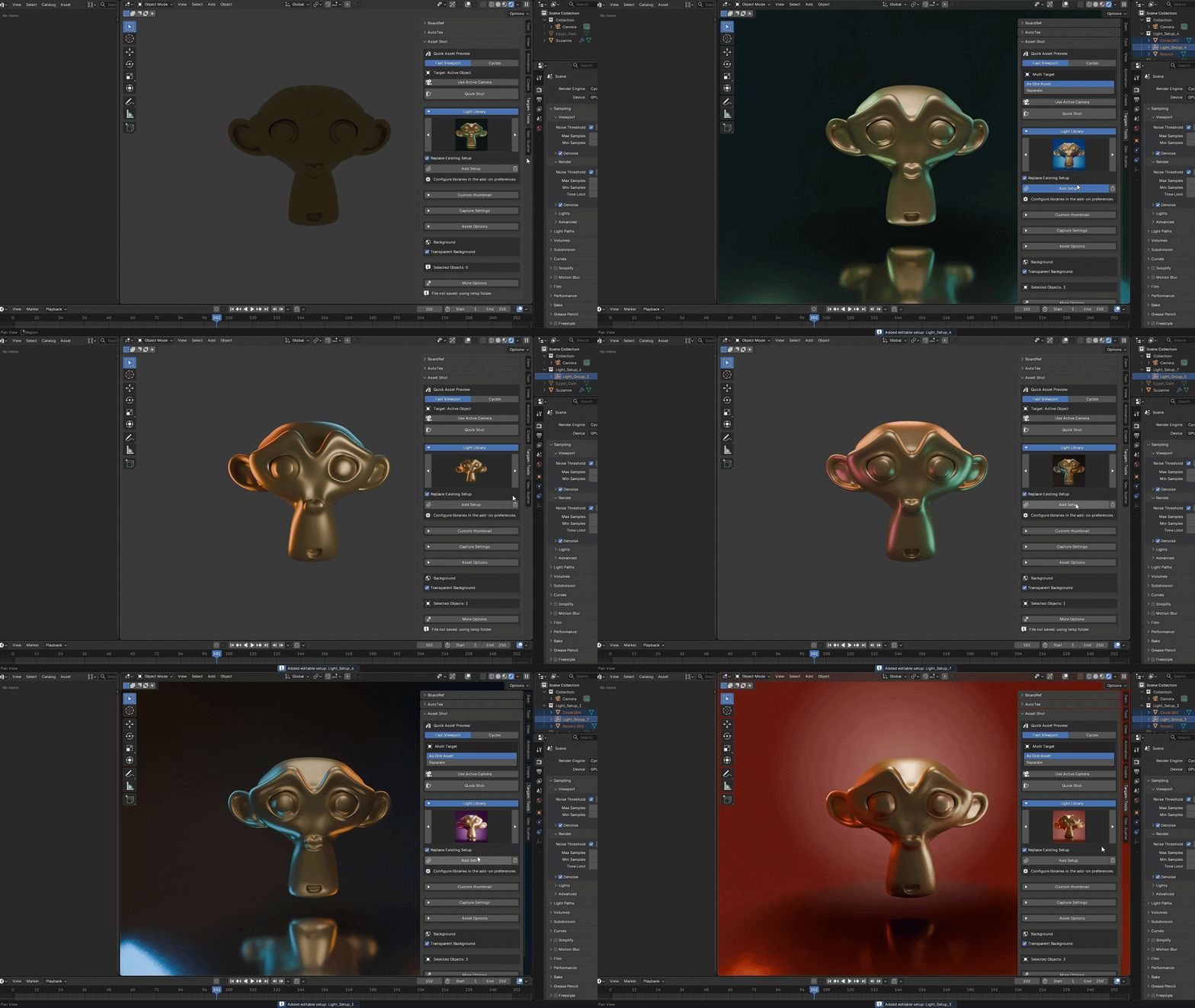
3. Set the Look
Adjust camera, lighting, background, framing, and padding.
4. Run Quick Shot
Generate the preview and apply it according to your asset options.
Use Only the Parts You Need
The main asset actions are separate, so the workflow can be adapted to different situations.
Mark as Asset
Mark or update the selected Object or Collection as a Blender asset.
Load Preview
Assign the generated image as Blender's custom asset preview.
Save Preview Image
Keep a PNG copy in the selected output folder.
Metadata and Output
Add author and description information and control the preview location.