 recp
recp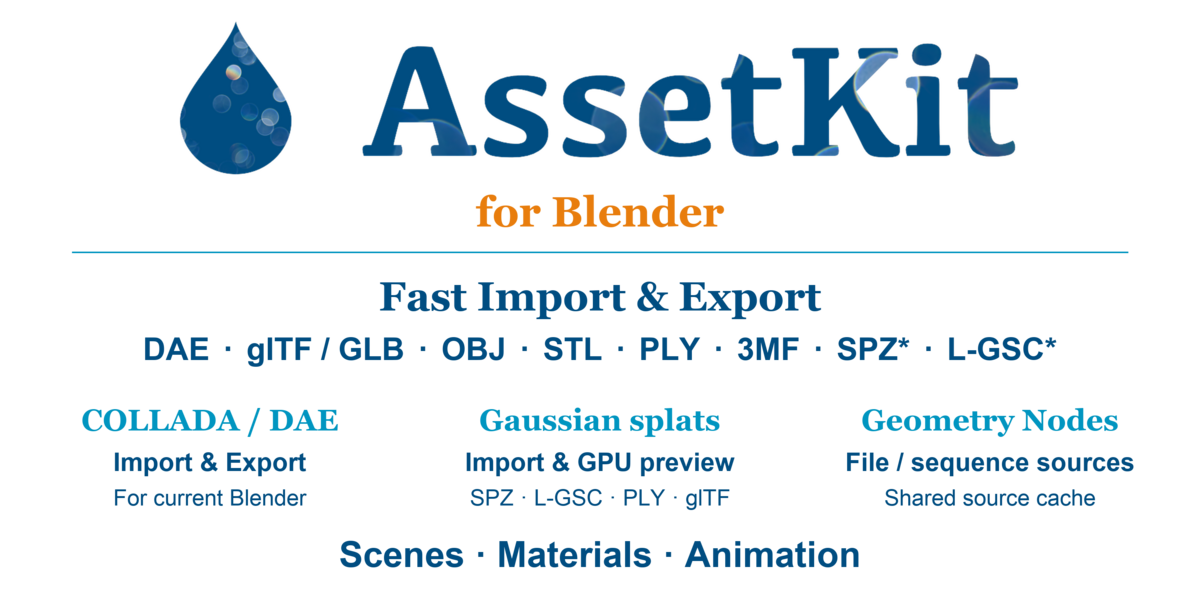


High-Performance Multi-Format Import and Export for Blender
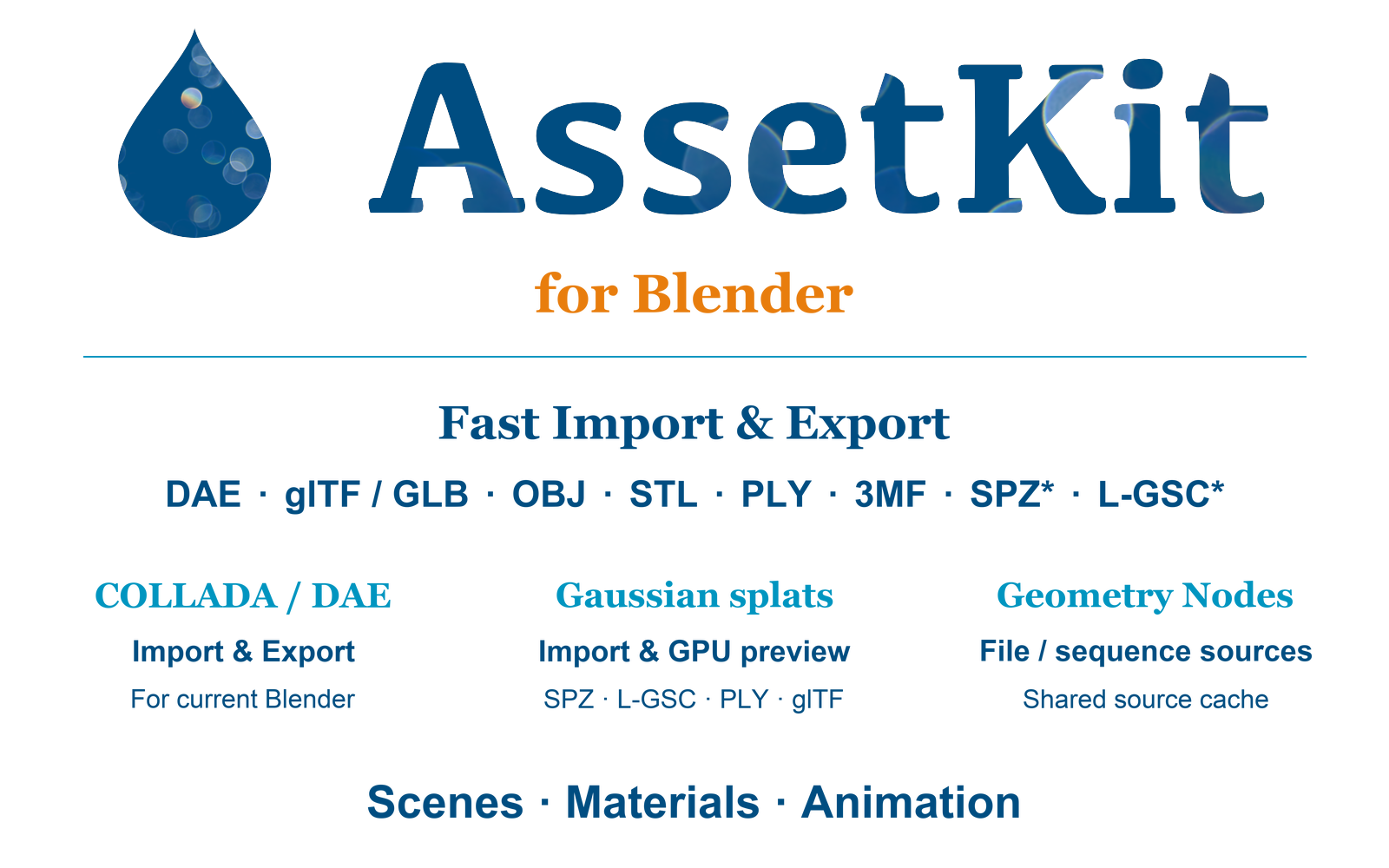
AssetKit for Blender provides fast import and export for glTF/GLB, COLLADA/DAE, 3MF, OBJ, PLY, and STL, powered by AssetKit's C backend. It also brings Gaussian splat captures into Blender through SPZ, L-GSC, PLY, and glTF import, with GPU viewport preview and Geometry Nodes tools.
Work with scenes, materials, animation, CAD exports, asset libraries, and Gaussian captures through one add-on.
Supported Formats
- glTF / GLB 2.0 — import and export
- COLLADA / DAE 1.4 and 1.5 — import and export
- 3MF, OBJ, PLY, and STL — import and export
- SPZ — Gaussian splat import
- L-GSC — standalone
.lgscand compressed Gaussian splats in glTF/GLB - Gaussian PLY and glTF/GLB — import
- ZIP, ZAE, and KMZ asset packages — import
Key Features
- Fast C-based parsing, decompression, and mesh processing with low Python overhead
- Extensive glTF 2.0 extension support for materials, textures, compression, instancing, and animation
- Fast 3MF import and export for component-heavy models
- COLLADA/DAE import and export for Blender 5+
- Gaussian splat import and GPU viewport preview with oriented splats, opacity, and view-dependent color
- Geometry Nodes file and object sources, with scene and subtree selection
- Timeline-driven file sequences with shared source caching
- Point cropping, splat opacity, and Points to Gaussians / Gaussians to Points helpers
- Point selection and separation while preserving Gaussian attributes
COLLADA / DAE for Blender 5+
Blender 5 removed its built-in COLLADA importer and exporter. AssetKit provides DAE 1.4 and 1.5 import and export inside Blender 5+, supporting older asset libraries, CAD exporters, game pipelines, and tools that still depend on COLLADA.Extensive glTF Support
AssetKit supports Khronos and vendor glTF extensions including advanced PBR materials, Draco and Meshopt compression, Basis Universal and KTX2 textures, GPU instancing, material variants, LOD, animation pointer, and visibility. Gaussian splat import also supports SPZ and L-GSC compression in glTF/GLB.
High-Performance 3MF
Import and export packaged, component-heavy 3MF models while preserving model structure and materials. Archive handling and scene processing run through the C backend.
Gaussian Splatting: SPZ, L-GSC, PLY, and glTF
Import existing 3D Gaussian splat captures directly into Blender. AssetKit preserves positions, per-axis scales, rotation, opacity, and spherical harmonics as point-cloud attributes.
The GPU preview displays oriented, transparent splats with view-dependent color, without converting the capture into a mesh. It can also display point clouds produced by Geometry Nodes. Preview is enabled automatically on ordinary import with the default viewport settings, and can be toggled from the AssetKit sidebar.
Select and separate points into their own clouds, crop regions, or adjust splat opacity while keeping the source attributes available.
Gaussian support is import and viewport preview. Gaussian export is not included. The custom preview runs in Solid/Wireframe shading; it is not an EEVEE or Cycles F12 renderer. Point conversion helpers do not train or reconstruct a Gaussian capture from an ordinary scene.
Geometry Nodes and File Sequences
Use Add > AssetKit in the Geometry Nodes editor to add file sources, existing objects, and point-processing helpers. These work in standard Blender; no custom Blender build is required.
- File / Sequence Source: load the geometry from a selected source scene, or choose a node and its descendants. Source transforms and materials are preserved through instances.
- Object Source: reference an object already in Blender without loading the file again.
-
File Sequences: use numbered paths such as
capture_####.spz, with timeline start, file range, frame hold, looping, and missing-file controls. - Placement: adjust translation, rotation, scale, and global scale without reloading the source file.
- Point Helpers: crop points, adjust Gaussian opacity, and switch between point and Gaussian attribute representations.
Sources share a cache so repeated uses of a loaded scene or cached sequence frame can reuse the same data. Loading a new large frame can pause playback. Geometry Nodes helpers are optional; ordinary import does not create source helpers or enable sequence handling.
Performance
AssetKit's C backend handles parsing, decompression, numeric conversion, mesh processing, and package loading while keeping Python overhead low. Geometry sources reuse cached data, and instances of the same Gaussian cloud share GPU attribute buffers.
Local benchmarks on an M1 Max MacBook Pro showed faster imports than Blender's built-in importers across many assets. Actual performance depends on the asset, platform, Blender version, and import options. See the repository benchmarks for timings and settings.
Compatibility and Platform Packages
Blender 4.5 LTS and newer, with platform-specific packages for macOS, Windows, and Linux. Choose the package matching your operating system and CPU:
-
macos-arm64— Apple Silicon Macs -
macos-x64— Intel Macs, using Blender 4.5 LTS -
windows-x64— Windows x64 -
windows-arm64— Windows ARM64 -
linux-x64— Linux x64
Packages include the native bridge and decoder libraries. Gaussian viewport preview also depends on the GPU capabilities and available GPU memory.
Install the matching zip in Blender through Edit > Preferences > Add-ons > Install from Disk, then enable AssetKit.
Free GitHub Builds and Project Support
The same release builds are also available free on GitHub.
AssetKit is independently developed. Purchasing through Superhive is optional and supports continued development, bug fixes, Blender compatibility, new formats and extensions, and cross-platform builds.
❤️ If AssetKit helps your workflow, a Superhive purchase helps keep the project moving.

