AssetKit: High Performance, Full Featured IO - Collada/DAE, glTF, 3MF, Ply, STL, OBJ and More
 recp
recp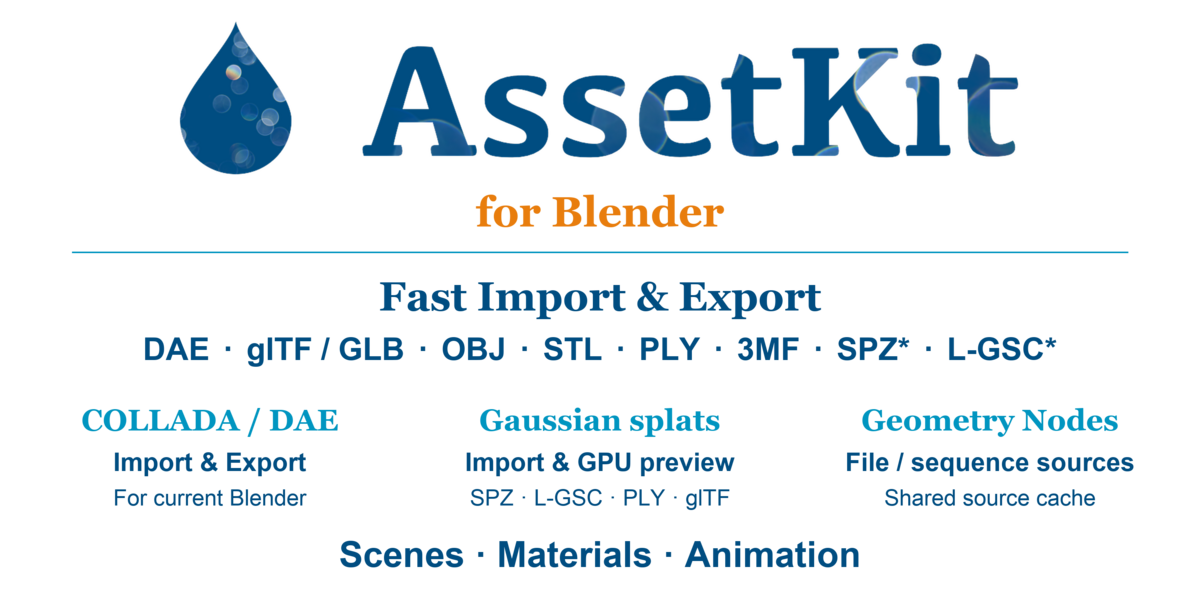


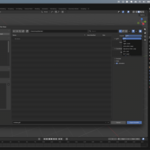
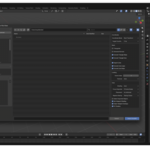
Installation
- Download the zip that matches your operating system and CPU.
- Open Blender.
- Go to
Edit > Preferences > Add-ons. - Click
Install from Disk. - Select the downloaded AssetKit zip file.
- Enable the add-on if Blender does not enable it automatically.
Choose the Correct Package
-
macOS Apple Silicon: use
macos-arm64 -
macOS Intel: use
macos-x64 -
Windows x64: use
windows-x64 -
Windows ARM64: use
windows-arm64 -
Linux x64: use
linux-x64
Do not install a package built for another platform. A macOS Apple Silicon package will not work on Windows, Linux, or Intel Mac.
Importing
After installation, use:
File > Import > AssetKit
Select a supported file such as .glb, .gltf, .dae, .obj, .ply, .stl, or .3mf.
Exporting
Use:
File > Export > AssetKit
Choose the output format from the export file extension or export options.
Supported Formats
- glTF / GLB 2.0+
- COLLADA / DAE 1.4 and 1.5+
- OBJ
- PLY
- STL
- 3MF
COLLADA / DAE in Blender 5+
Blender 5 removed the built-in COLLADA importer/exporter. AssetKit provides DAE import and export support directly inside Blender 5+.
Updates
Download and install the newer package for your platform when a new version is released. If Blender keeps an older version enabled, disable or remove the old add-on first, then install the new package.
Support
If a file does not import or export correctly, please include the Blender version, operating system, AssetKit version, and a small sample file if possible.
GitHub releases and issue tracker: https://github.com/recp/assetkit-blender/releases
 Included
Includes 12 months of
- Support from recp
- Product updates
Extend this product’s Support Period +12 months: 25% of product price
Have questions before purchasing?
Login to message
| Blender Extension Compatible | Yes |
| Dev Fund Contributor | |
| Published | 3 months ago |
| Blender Version | 4.5 - 5.2 |
| Extension Type | Add-on |
| Render Engine Used | Cycles, Eevee |
| License | GPL |

Discover more products like this
3MF converter collada exporter 3d converter gltf geometry nodes 3d gaussian splats Obj spz 3D-printer 3D Gaussian Splatting STL Dae convert Export lgsc collada importer collada import ply blender collada 3dgs 3Dprinter 3d asset