 Baraka Chacha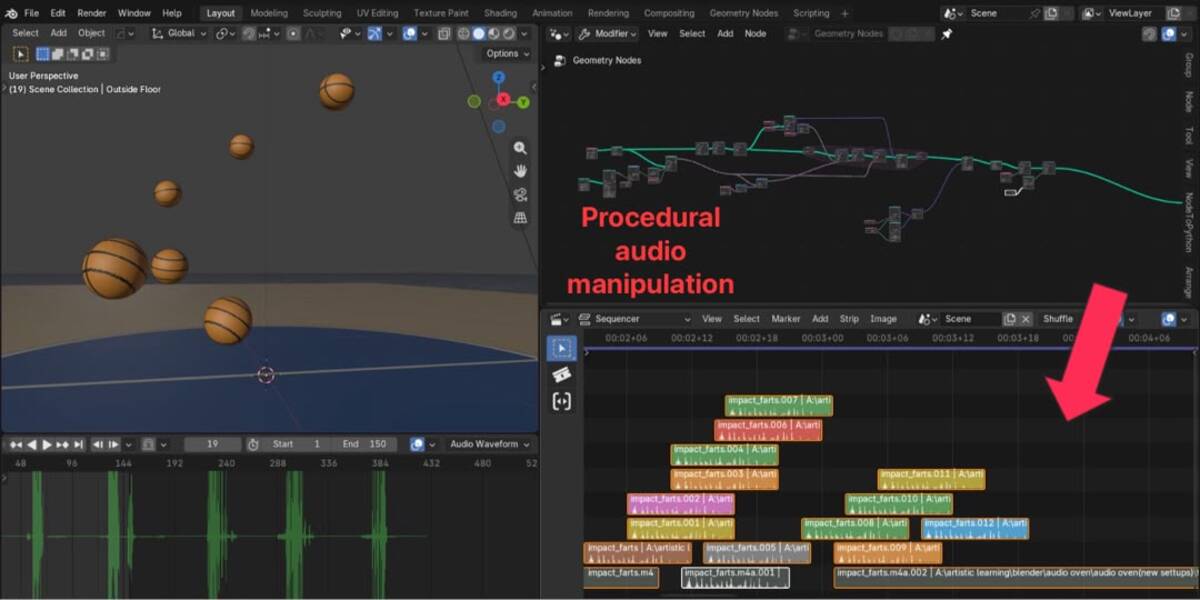
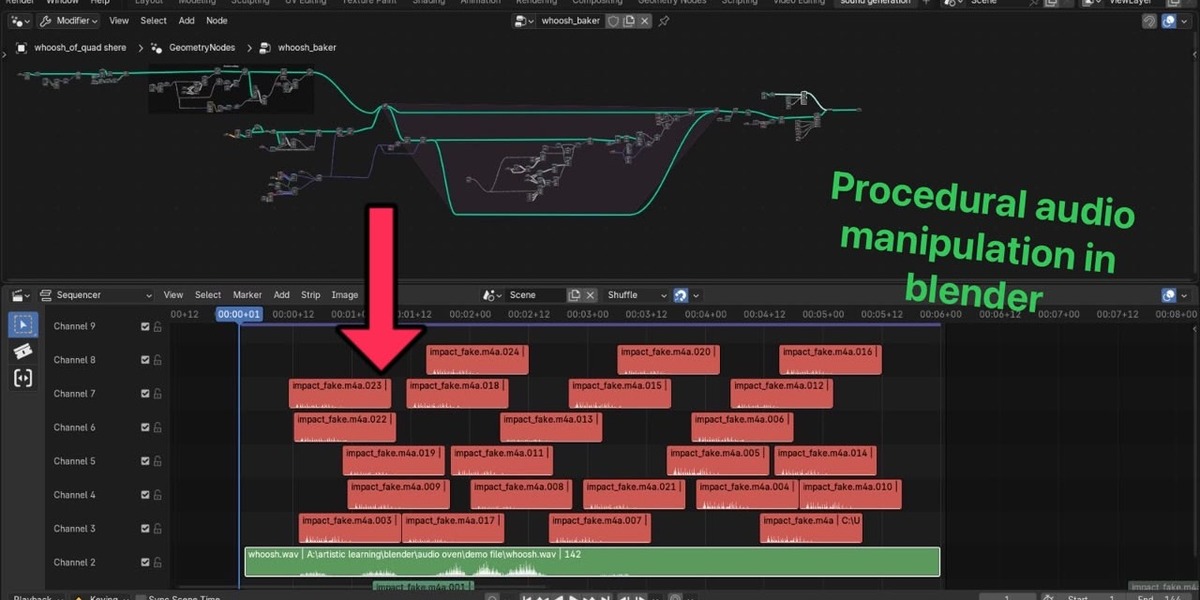
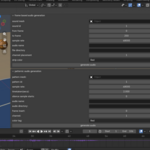
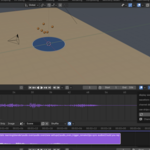
Audio Oven — Procedural audio manipulation
Generate and visualize audio from animated mesh data, right inside Blender.
(Turn animated mesh data into sound: trigger strips, synthesize audio, build wave patterns and see waveforms inside Blender.)
Turn your animation data into sound
Audio Oven is a Blender add-on that reads the data inside your animated meshes and turns it into audio. Animate points with Geometry Nodes, modifiers or anything else that changes a mesh, then let Audio Oven place sound strips for you or generate brand-new audio files, all without leaving Blender.
Four tools in one add-on:
🔔 Trigger
Pick a sound file and a mesh. Every time a point in your animation "fires" a trigger ID, Audio Oven places a copy of the sound on the Video Sequencer at exactly that frame.
- Choose which sequencer channels it may use, so sounds can overlap
- Set the volume and strip color per point, or use defaults
- Trim the start of the sound and limit its length
- Copy settings from any sound strip you already like with one right-click
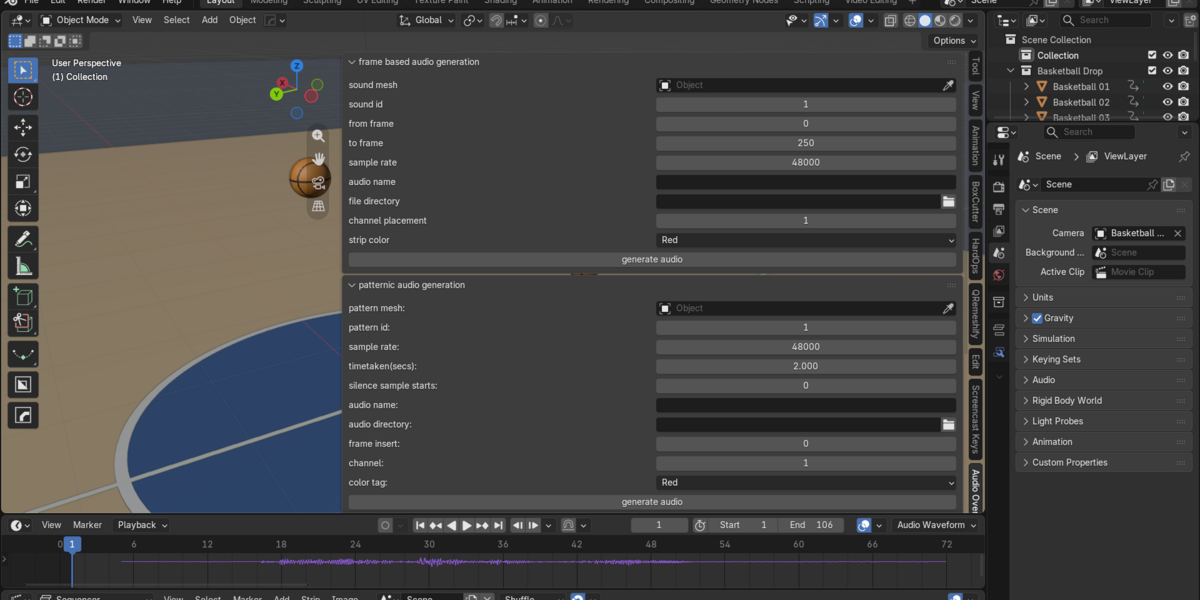
🎛 Frame based audio generation
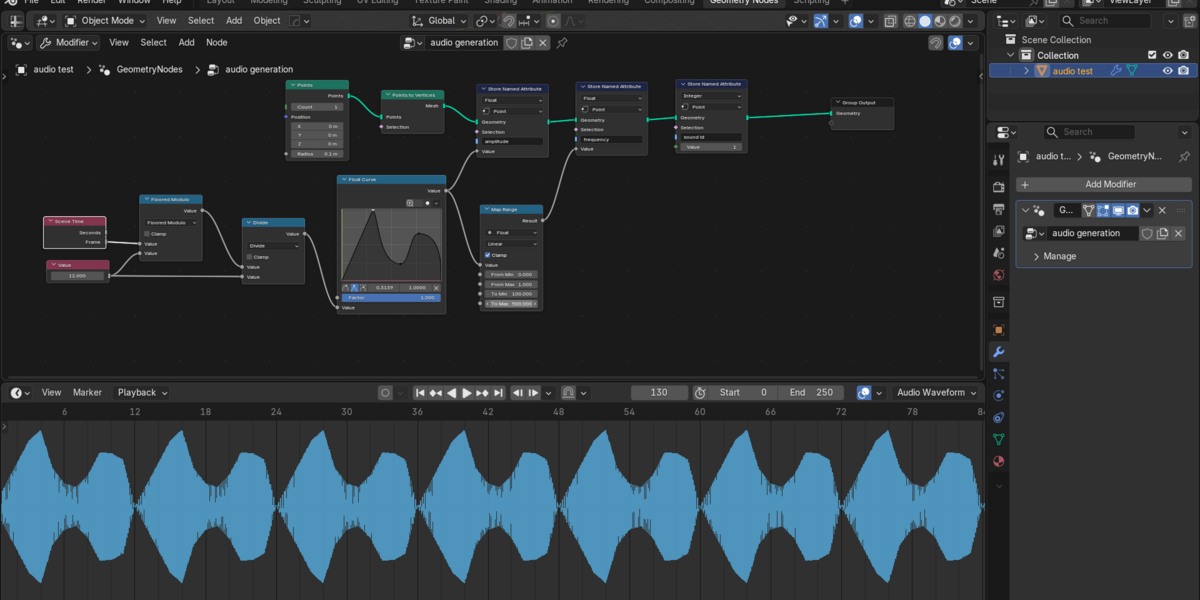
Let your animation be the sound. Each point becomes a sine-wave oscillator whose animated amplitude, frequency and phase shape what you hear. Audio Oven smoothly blends between frames and saves the result as a WAV file on your sequencer.
- Great for drones, sweeps, tonal effects and data sonification
- Pitch range 20 Hz to 20 kHz, sample rates from 32 kHz up
- Checks your frame rate and tells you which sample rates will work
〰 Patternic audio generation
Draw a sound wave with points. Each point is one sample, and Audio Oven repeats your pattern for as long as you need, with optional silence at the start.
- Make sine-like, square, saw or noise-like tones from mesh shapes
- Pitch is simply the sample rate divided by the number of points
- Automatically scaled down if your values go past ±1, so it does not distort
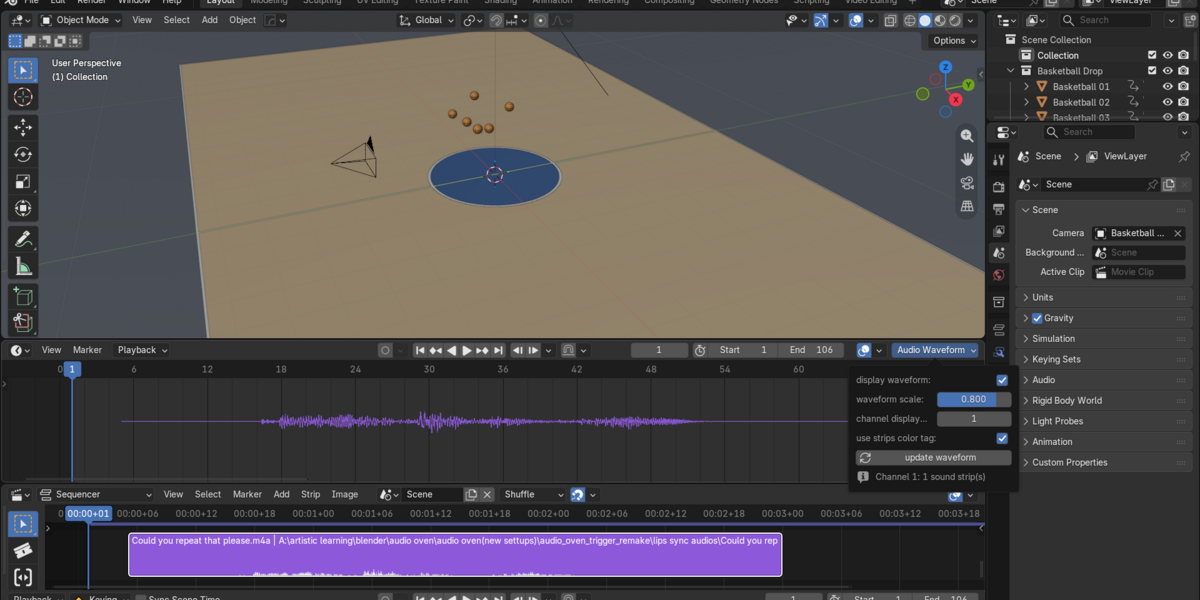
📈 Audio waveform display
See your sound inside the Dope Sheet, Graph Editor and NLA Editor, so you can line up keyframes with hits and beats.
- Shows every sound strip on the channel you choose
- Respects trim, position, mute and animated volume
- Optional strip-color waveforms, adjustable height
- Zoom in far enough to see individual samples
- Display only: it never changes your audio or project data
