 Achat
Achat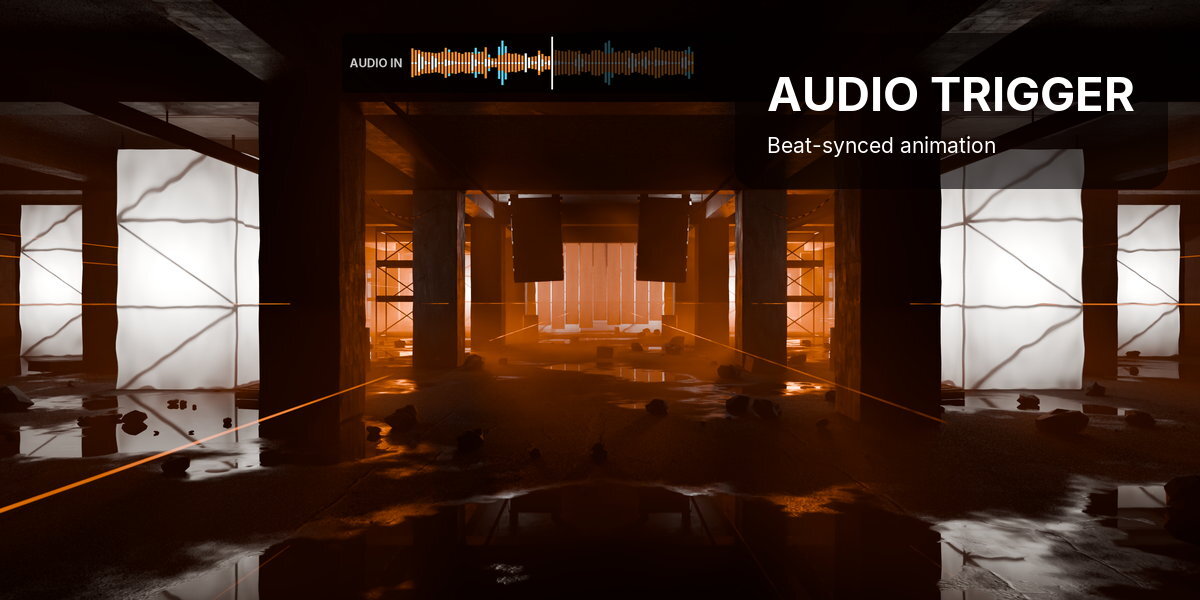



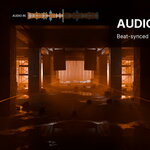




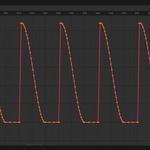
Audio Trigger makes anything in Blender move to the music. Right-click a value (scale, a modifier, a shader, a light) and it pulses on the beat, live, before a single keyframe exists. When it looks right, bake it to plain keyframes.
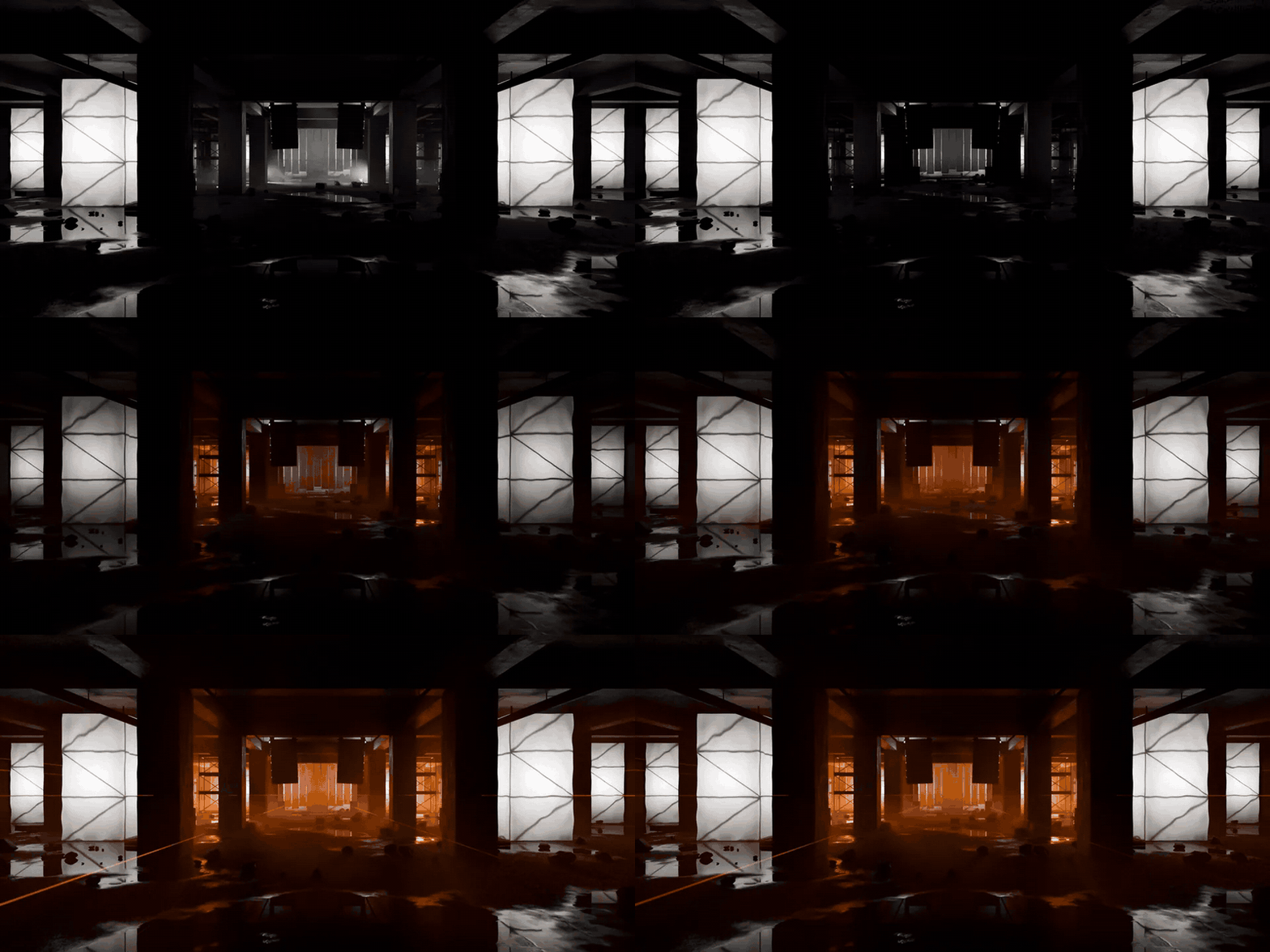
2 beat sources·3 frequency bands·9 kinds of target·7 per-mapping overrides·Bakes to plain keyframes·Blender 4.2 and newer
How it works
Three steps, in the Audio Trigger tab of the 3D Viewport sidebar.
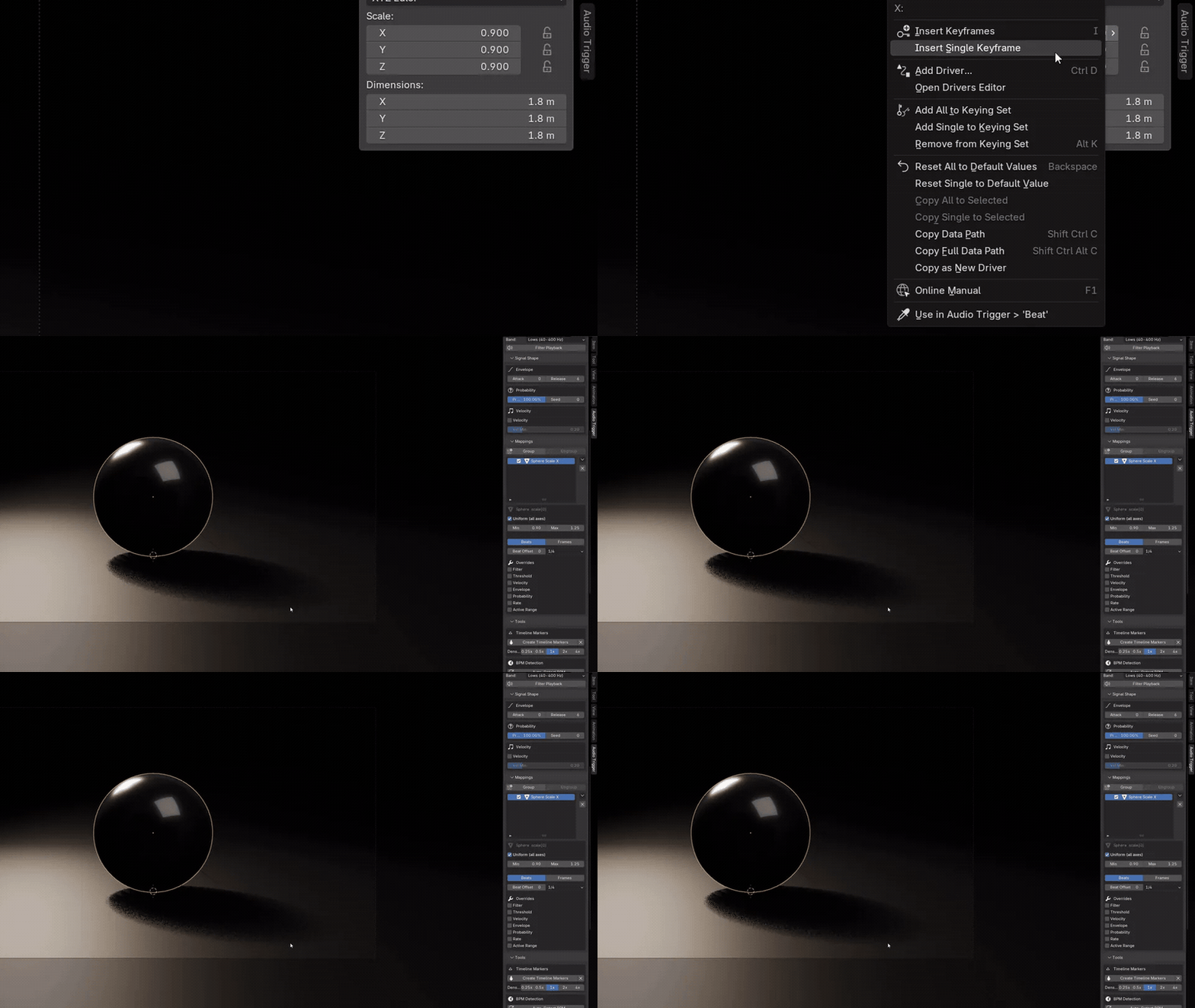 |
Step 1 Right-click any valueRight-click a property and choose Use in Audio Trigger. Press play and it pulses on the beat straight away, live in the viewport. |
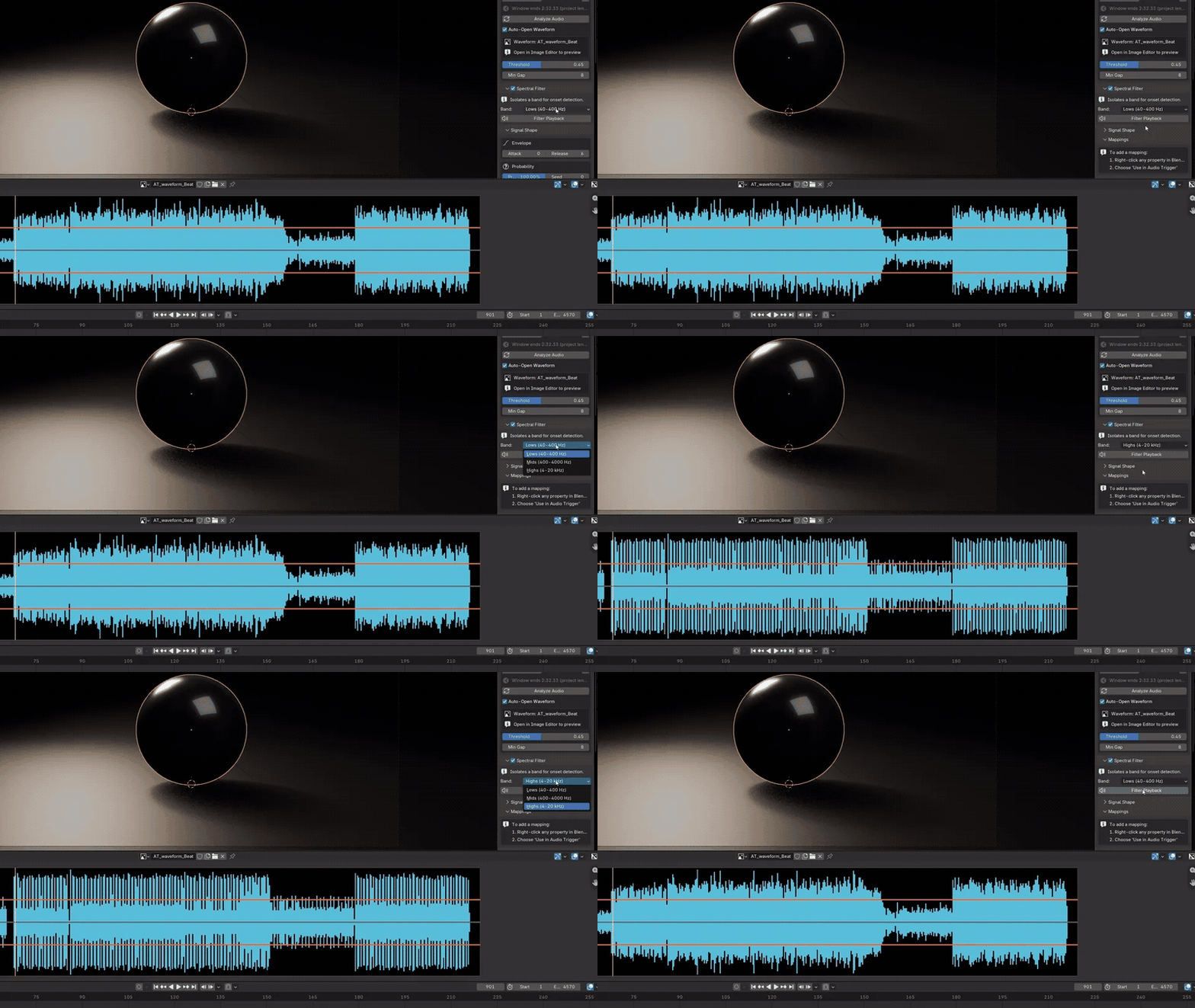 |


Step 2 Hear what it hearsLoad a track and pick the band: lows for the kick, mids for the snare, highs for the hats. Filter Playback plays only that band, and the waveform shows the threshold and every hit. |
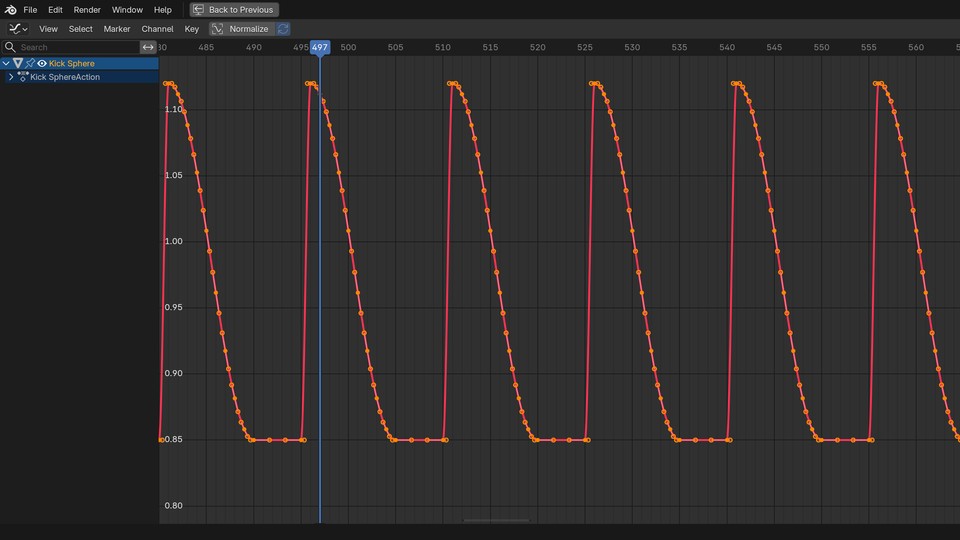 |
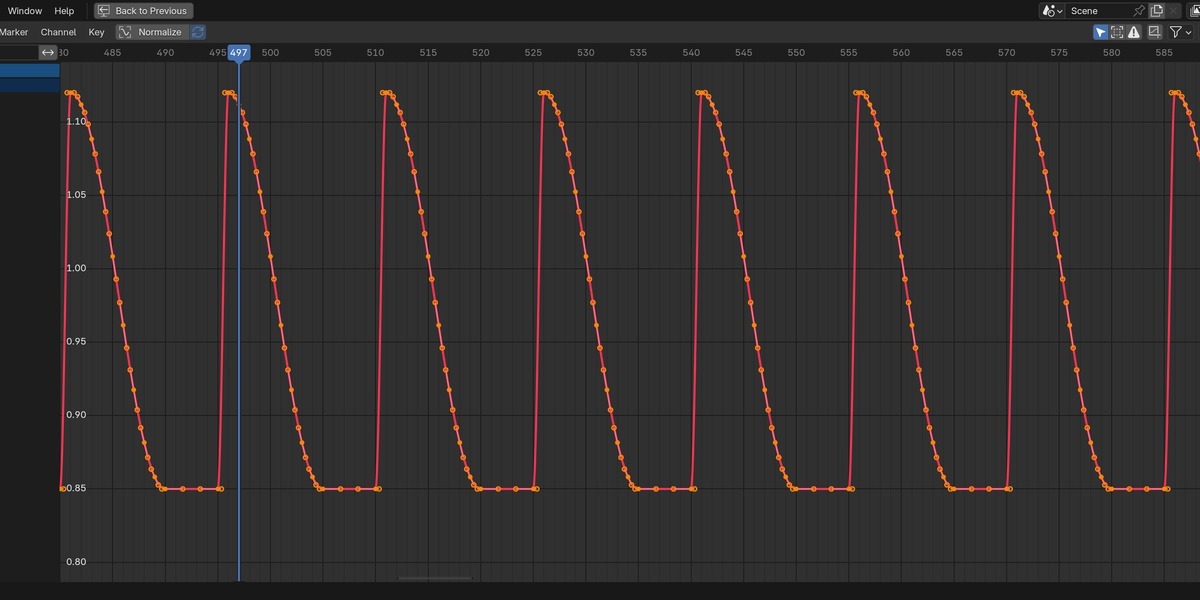
Step 3 Bake to plain keyframesBake All writes ordinary, sparse keyframes, so the file renders anywhere. The X beside Bake removes only what Audio Trigger wrote and puts the original value back. |
Built for a whole scene
One track drives everything, and every mapping keeps its own settings.
 |
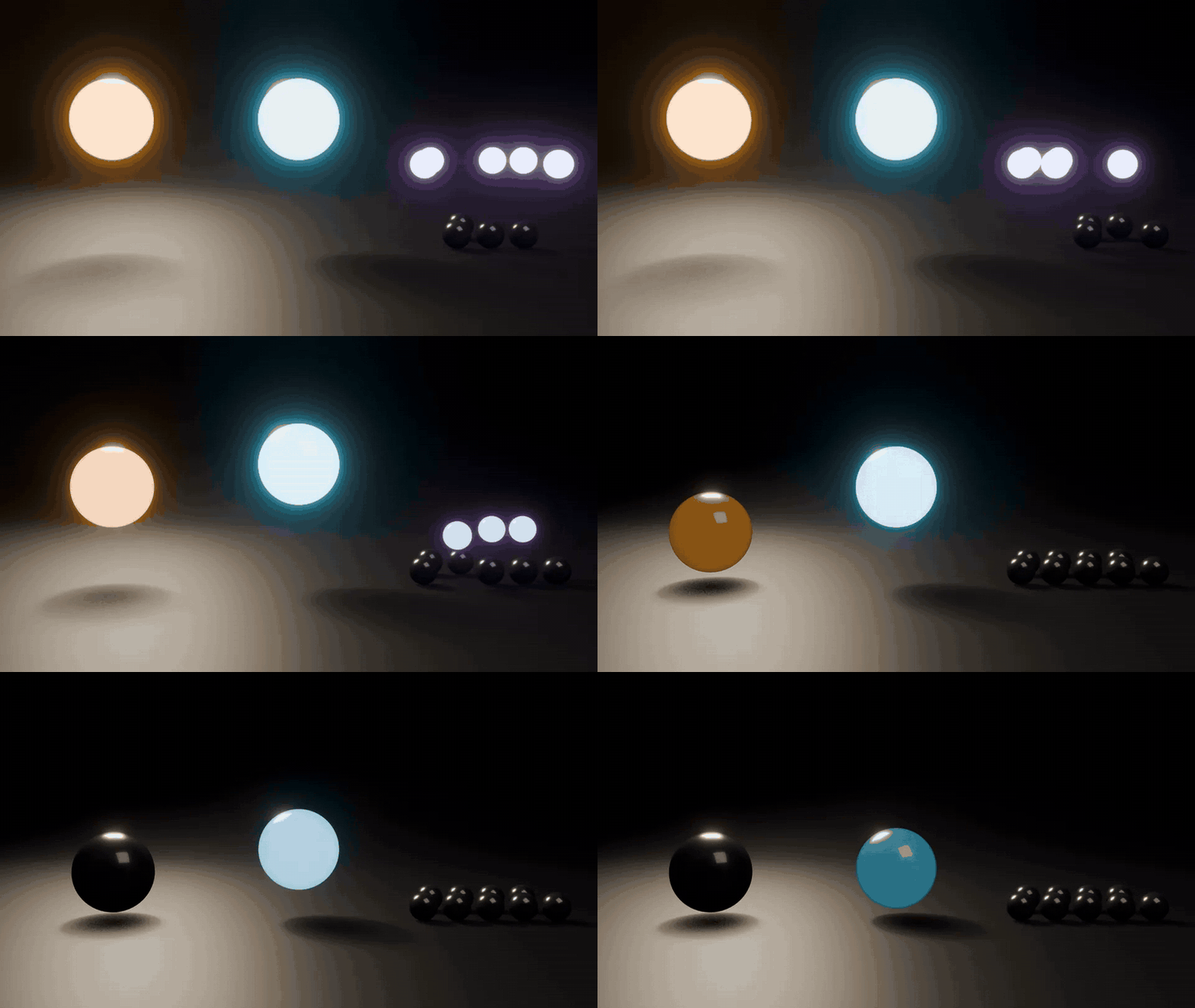
One track. Every object reacts differently.The kick scales one object, the snare flashes a light, the hats flicker a shader, and a fourth element only moves in the chorus. All from one audio file and one input.
|
Waves, timed in beatsStagger a row of objects into a wave with one click, timed in beats rather than frames. Change the step and run it again; nothing to re-key.
|
 |
 |
Shape how each hit feelsSnappy or smooth pulses, hits that randomly skip for a looser feel, and quiet hits that move less than loud ones.
|

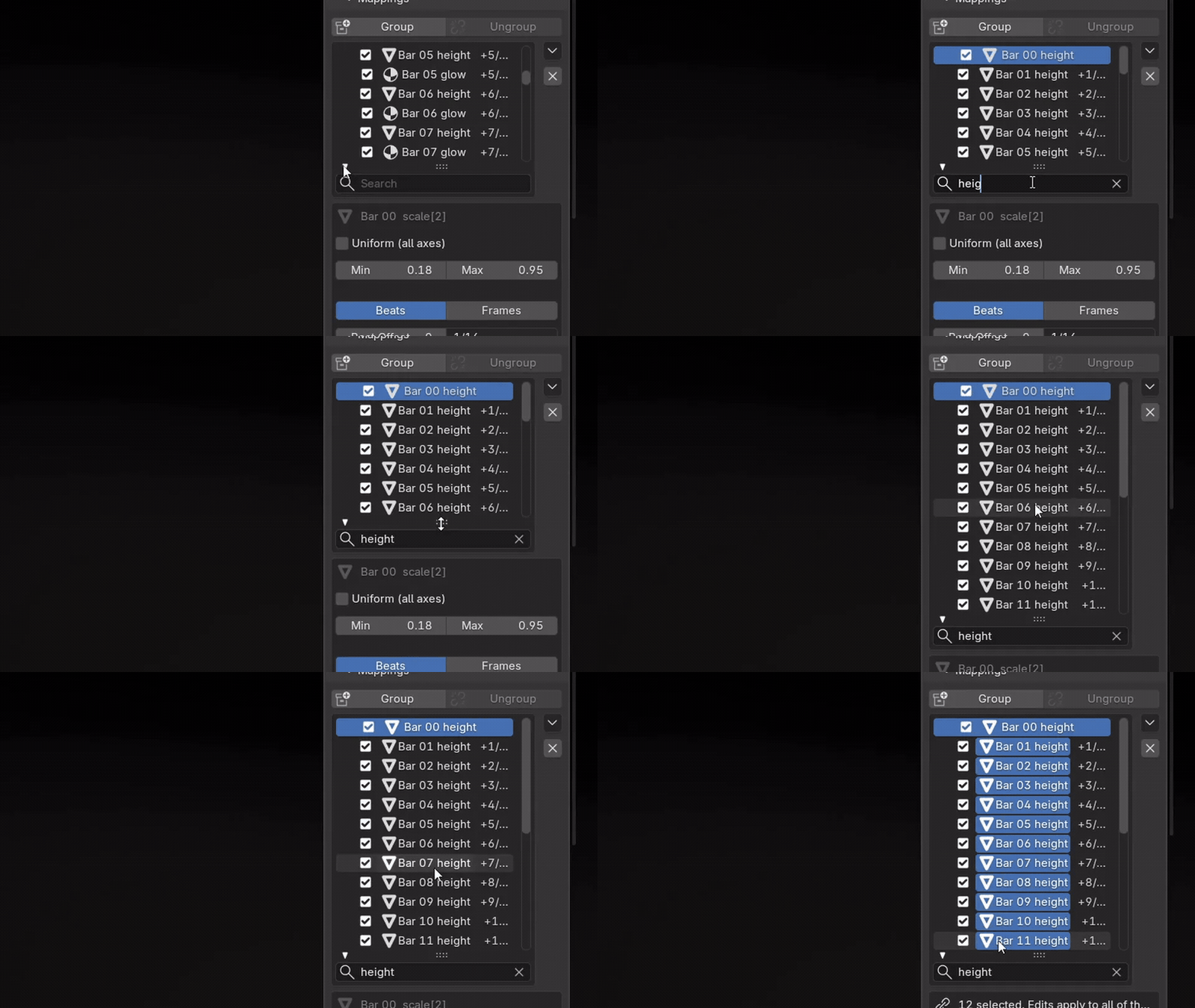
Dozens of mappings, one dragGroup mappings so they share settings, select a range and change them all at once, search and rename like the Outliner.
|
 |
Good to know
No track yet?A BPM grid with a metronome click drives everything before the music exists: 11 divisions from 1/32 to 32 beats. |
Rhythm toolsTimeline markers on every beat, half or quarter beat, and Auto-Detect BPM reads the tempo from the track. |
Audio Trigger LiteThe BPM grid edition, a version on this same page. The full version adds real tracks. |
Audio Trigger or stock Blender
Blender can already turn sound into a curve. Audio Trigger is for everything after that.
| Task | Stock Blender | With Audio Trigger |
|---|---|---|
| Make a value follow the music | Keyframe the channel, Sound to Samples, then Samples to Keys | Right-click, Use in Audio Trigger |
| Decide what counts as a hit | Bake, look, undo, try again | Hear the band, see the threshold while you tune |
| Twenty objects, each different | A separate bake for every channel | One track, settings per mapping |
| A wave across a row | Offset keys by hand in the Dope Sheet | Spread Offsets, timed in beats |
| Animate before the music exists | Beat maths and hand-placed keys | A BPM grid with a metronome click |
| What you end up with | Sampled curves | Plain, sparse keyframes, removed in one click |
| A smooth loudness curve or spectrum bars | Sound to Samples does this | Not this: Audio Trigger animates hits |
Details
| Blender | 4.2 and newer |
| Render engines | Any (the result is ordinary keyframes) |
| Systems | Windows, macOS, Linux |
| Audio | WAV, MP3, FLAC, OGG, OPUS, AAC, M4A, AIFF, WMA |
| Targets | Objects, bones, lights, materials, worlds, node groups, cameras, scenes, meshes |
| Install | Drag the .zip into Blender (extension) |
| Updates | Every update is free |
| Licence | GPL, source included |
| Support | [email protected] |
Changelog
| 1.0.15 (2026-10-05) | Includes the license file. Support contact is now [email protected]. |
| 1.0.14 (2026-09-25) | Outliner-style mapping list with groups and multi-edit. Clear Baked (X) clears exactly the range it baked and restores the original value. Audio and beat grid anchored to frame 1. Fixed a crash when rendering on macOS; bake before rendering. |
