 Baraka Chacha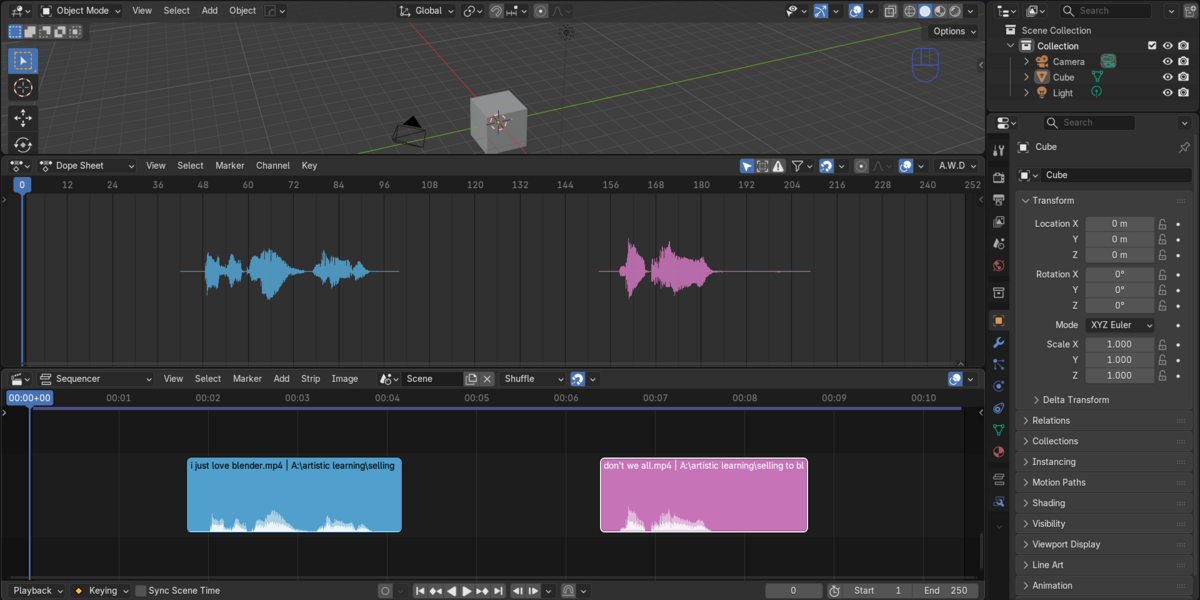
A.W.D: Audio Waveform Display
See your audio right where you animate.
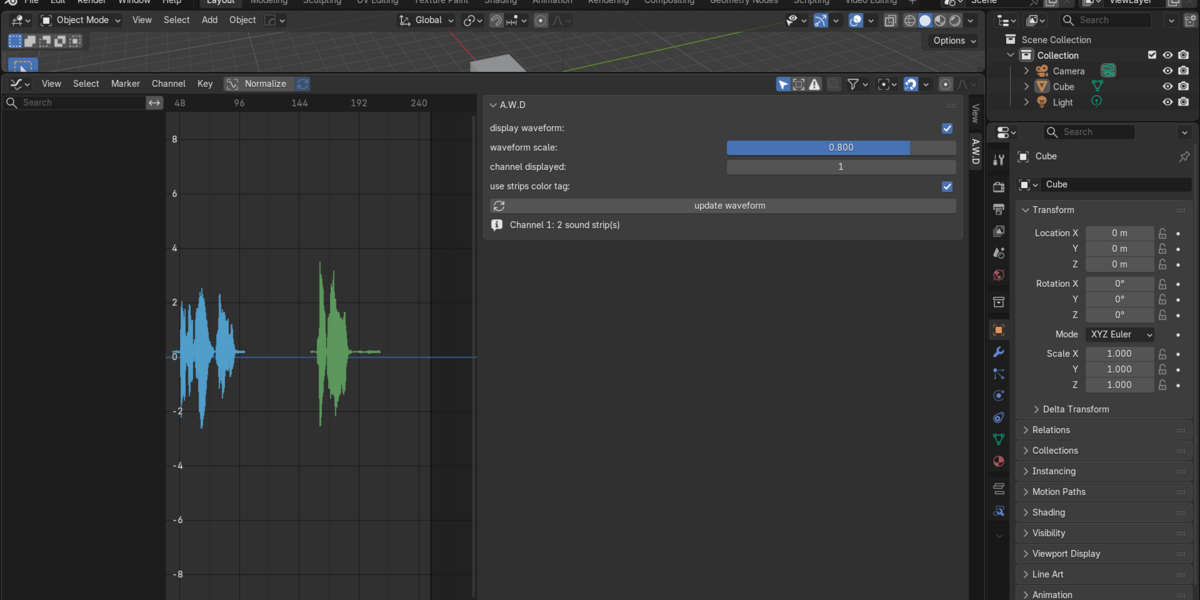
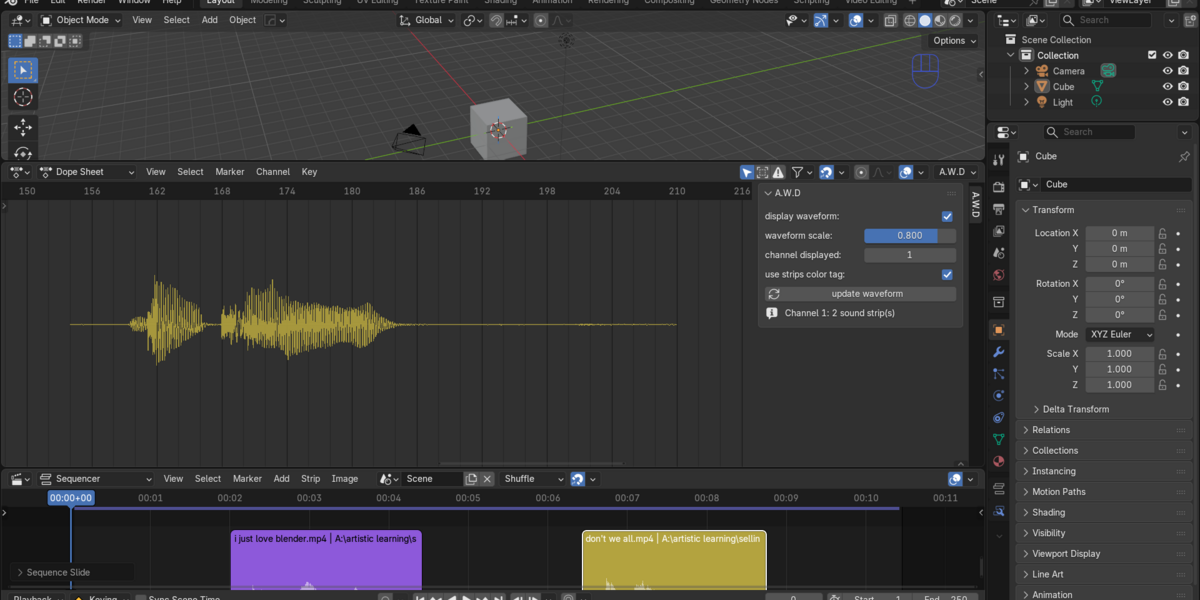
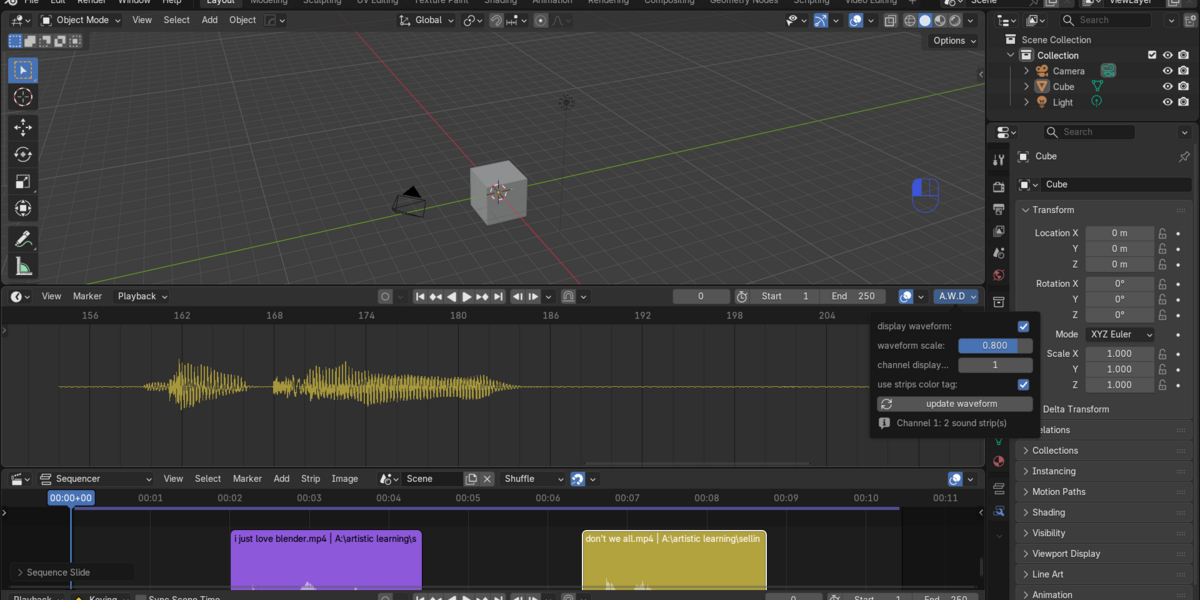
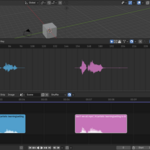
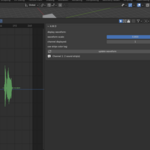
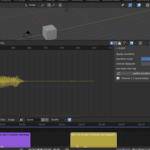
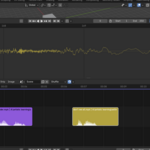
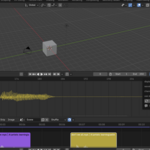
A.W.D draws the real waveform of your sound strips directly on top of the Timeline, Dope Sheet, Graph Editor and NLA Editor. You can see exactly where each word, beat and sound starts and ends without leaving your animation workspace. No more scrubbing back and forth, listening again and guessing.
Why animators love it
Blender's built-in waveform preview is small and hard to read. A.W.D gives you a clear, accurate waveform in the editors you already use all day, lined up with your keyframes and curves. Set your key poses at the exact frame the sound happens.
What it does
- Draws the real waveform of the sound strips in any Video Sequencer channel you choose
- Works in the Timeline, Dope Sheet, Graph Editor and NLA Editor
- Shows both the positive and negative parts of the sound, exactly as recorded
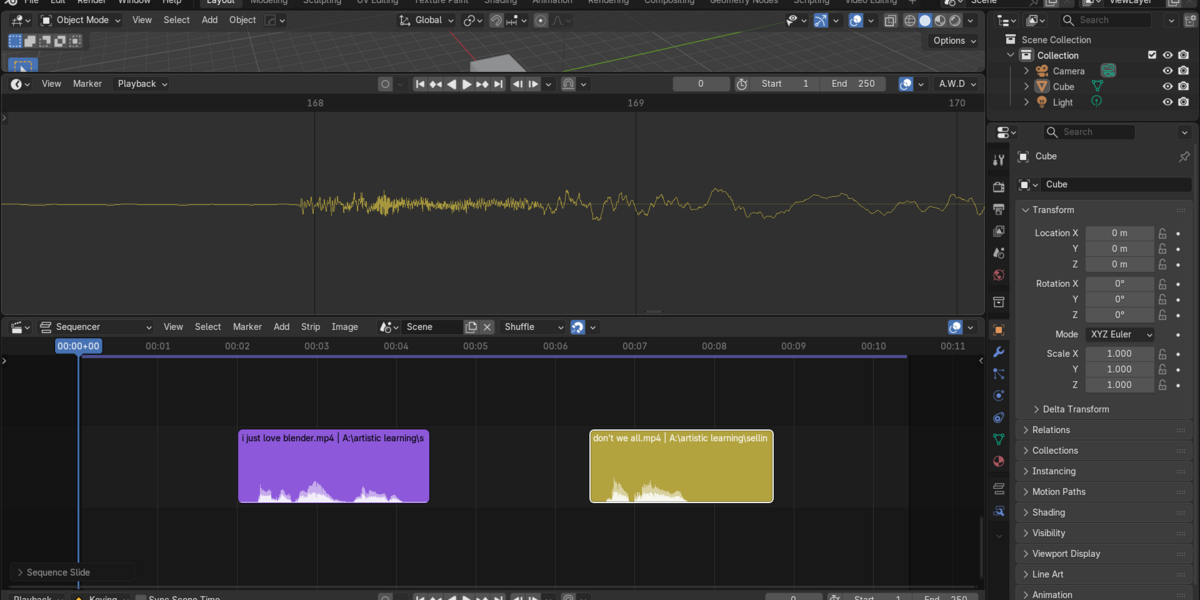
- Stays sharp and fast on very long audio, so peaks are never lost when zoomed out
- Zooms in to the individual audio samples when you need frame-perfect timing
- Follows your strips automatically: moving, trimming, offsets, volume, fades and muting
- Shows muted strips dimmed, so you can see what is silent
- Colors the waveform by strip color tag, so dialogue, music and effects are easy to tell apart (or keeps it in a clean bright green)
- Lets you set the height of the waveform with one simple slider
- Updates by itself when your scene changes, with an update button for when you replace an audio file
- Supports packed sounds and any audio format Blender can read
- Gives you quick access from the A.W.D sidebar tab and the A.W.D menu in the Timeline header
Perfect for
- Lip-sync and dialogue animation
- Music-driven animation and motion graphics
- Timing sound effects and hits
- Animating to a beat
- Anyone who wants to see their audio instead of guessing it
Simple to use
- Put your audio in a Video Sequencer channel.
- Open the sidebar in the Timeline, Dope Sheet, Graph Editor or NLA, and go to the A.W.D tab.
- Turn on display waveform and choose your channel.
The waveform appears behind your animation. Scrub, zoom and animate as usual.
What is included
- The A.W.D addon, ready to install in Blender
- Full documentation explaining every setting
Requirements
- Blender 5.2 or newer
- Sound strips in the Video Sequencer
- NumPy (included with Blender)
Good to know
A.W.D only displays your audio. It does not edit your audio or strips, and it does not detect phonemes or create lip-sync automatically. It is a viewing tool that makes your own timing faster and more accurate.
Stop guessing where the sound is. Start animating to it.
