 LarkLab
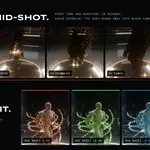
Blender add-on · by LarkLab
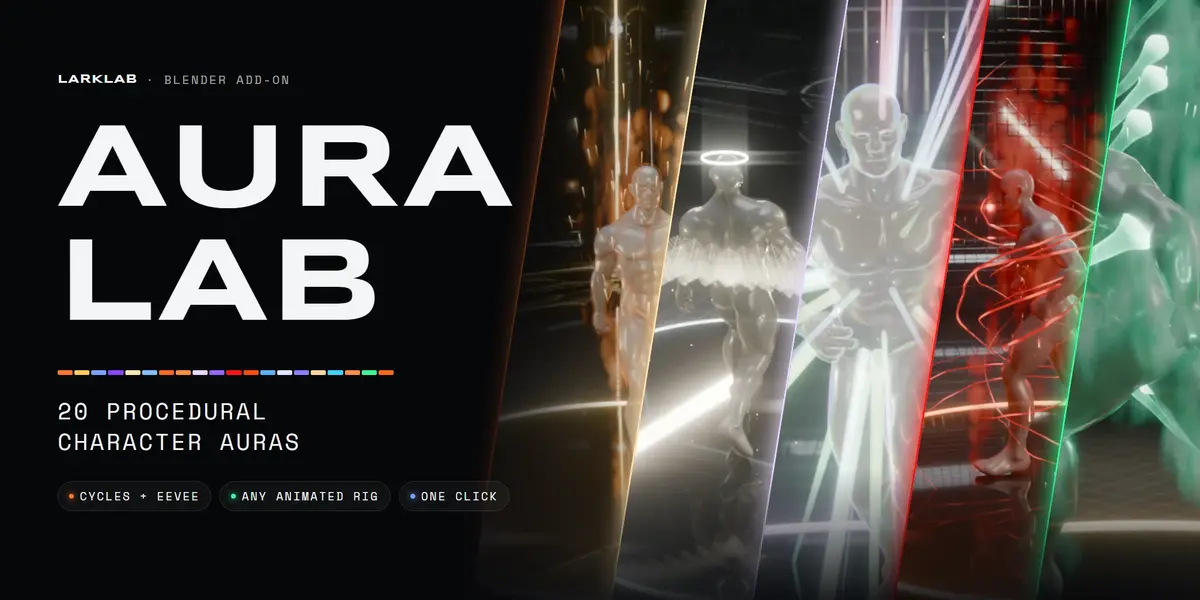
AURA LAB
20 procedural character auras for Blender
Turn any character into a power-up shot. Select a mesh, pick an aura, click Add. Every aura is built around its own geometric idea: fire tongues, lightning arcs, light-feather wings, a black hole, blood streams, soul wisps, a full-body dissolve. It follows animated rigs, renders in Cycles and Eevee, and needs no textures or UVs.
The 2-minute showcase · all 20 auras on an animated character · rendered in Cycles
20 auras16 signature generators1 click to add0 textures or UVs2 engines: Cycles + Eevee
|
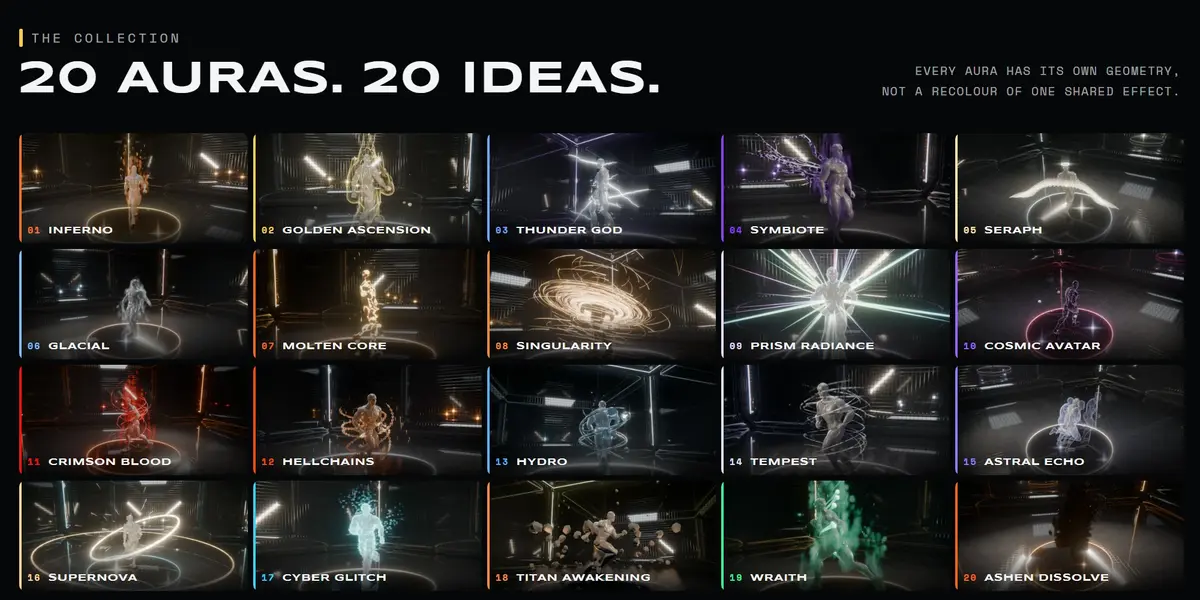
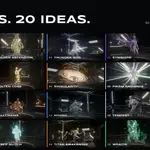
01 / 07 The collection 20 AURAS. 20 DIFFERENT IDEAS. |
Most aura packs recolour the same handful of particles. Here every aura has its own signature geometry, plus support layers (rim light, embers, mist, debris) that make it read in a shot.
|
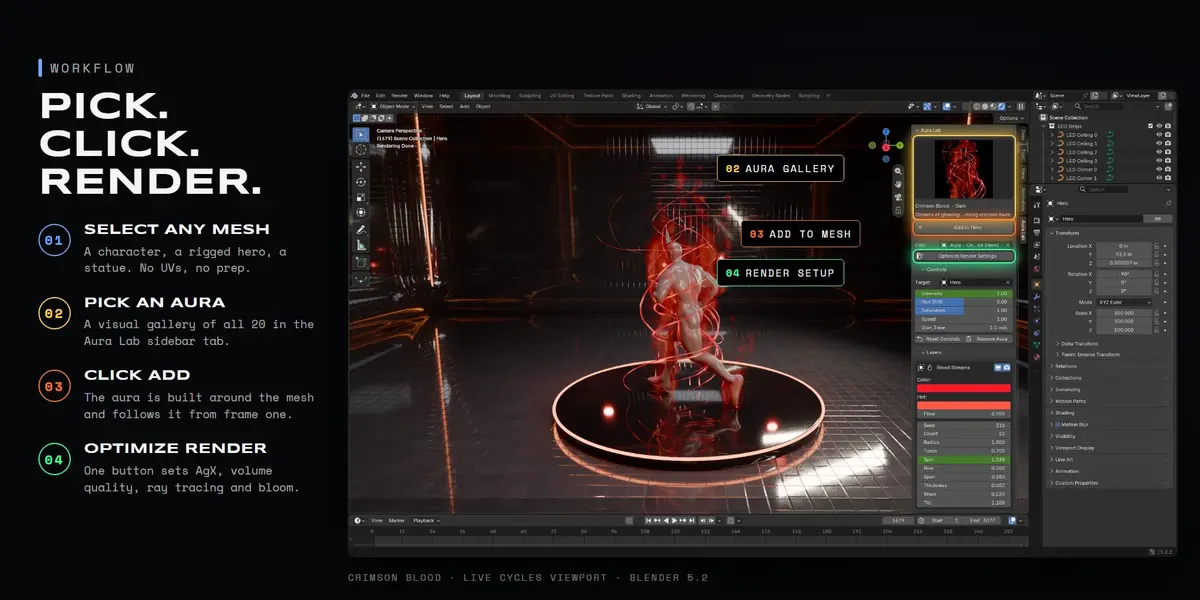
02 / 07 Workflow PICK. CLICK. RENDER. |
| 1 |
Install the zip Edit > Preferences > Get Extensions > Install from Disk. |
| 2 |
Select a mesh Any character or object. Rigged, shape-keyed, sculpted. No UVs needed. |
| 3 |
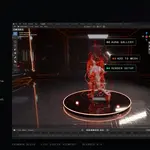
Pick an aura Open the Aura Lab tab in the sidebar (N) and choose from the visual gallery. |
| 4 |
Click Add The aura is built around the mesh. Press Optimize Render Settings once per scene for AgX, volume quality, ray tracing and bloom. |
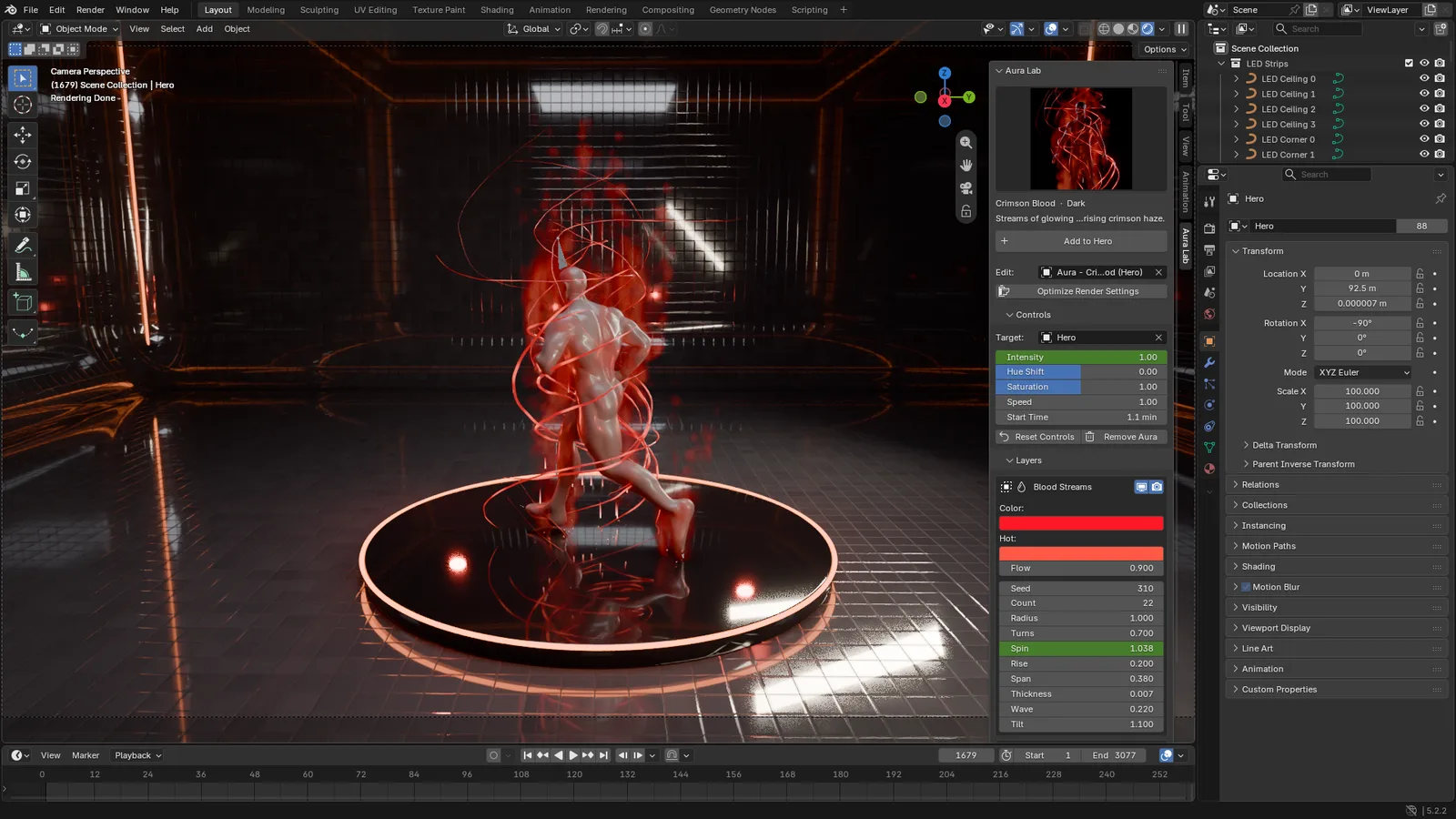
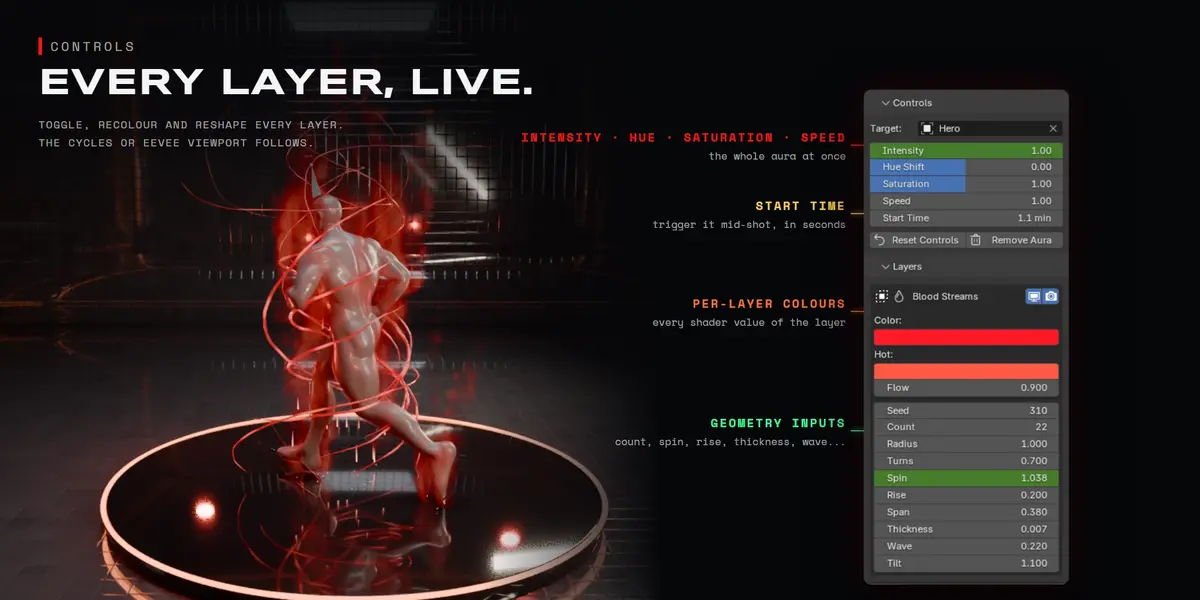
Crimson Blood in the live Cycles viewport · Aura Lab sidebar on the right
|
03 / 07 Controls EVERY LAYER IS YOURS TO TWEAK. |
|
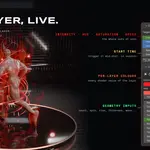
Each aura is a small stack of layers. The top sliders act on the whole aura; open a layer to reshape it. Everything is keyframable.
|
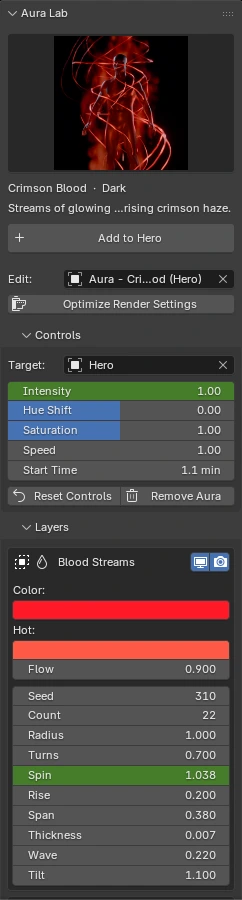
Animate any value. In the showcase one parameter of each aura is keyframed live:
|
Inferno Flame Height 0.65 → 1.10 |
Crimson Blood Blood Spin 1.00 → 2.40 |
Prism Radiance Beam Length 2.40 → 3.40 |
|
Supernova Shock Radius 2.20 → 3.50 |
Cosmic Avatar Orbit Speed 0.70 → 2.50 |
Cyber Glitch Breakup 0.30 → 0.85 |
|
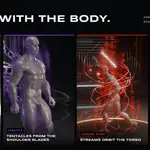
04 / 07 Animation IT MOVES WITH THE BODY. |
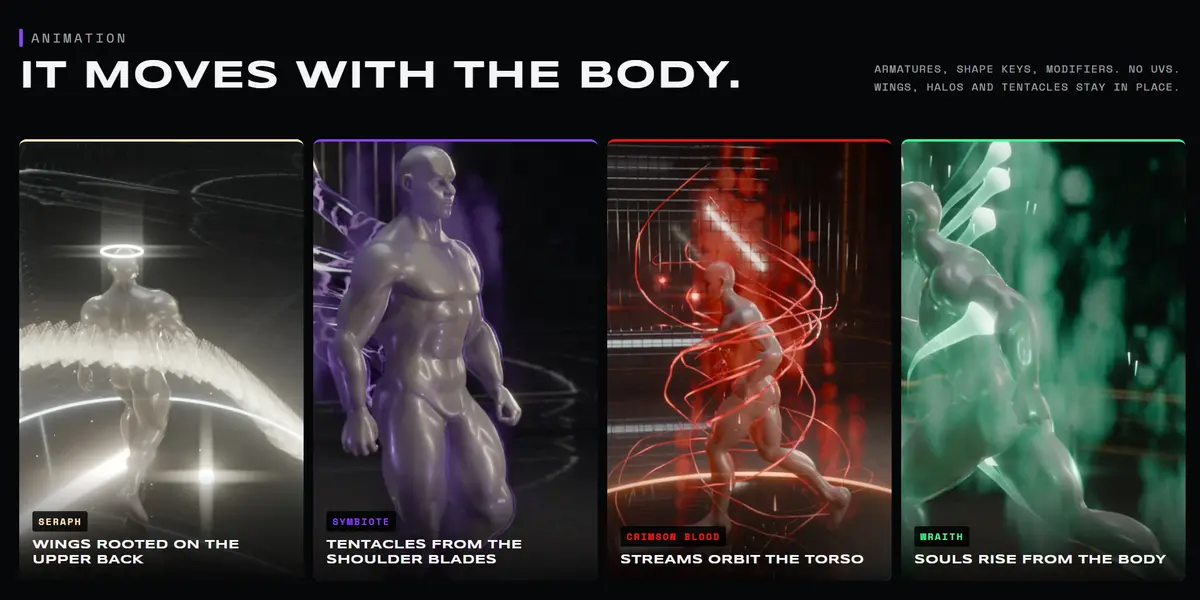
Aura Lab reads the evaluated mesh, so armatures, shape keys and modifiers all just work. Wings, the halo, tentacles, blood streams and soul wisps are anchored to patches of skin picked in the rest pose, so they stay on the back, the head and the torso while the character walks, runs or fights.
Stepping through the timeline in the Cycles viewport · Inferno on a Mixamo run cycle
| Rigs | Armatures, Mixamo, Rigify, Auto-Rig Pro, anything that deforms the mesh |
| Meshes | Any mesh, no UVs and no clean topology needed |
| Remove | Remove Aura deletes everything it added, including the dissolve modifier |
|
05 / 07 Viewport LOOK-DEV IT LIVE. |
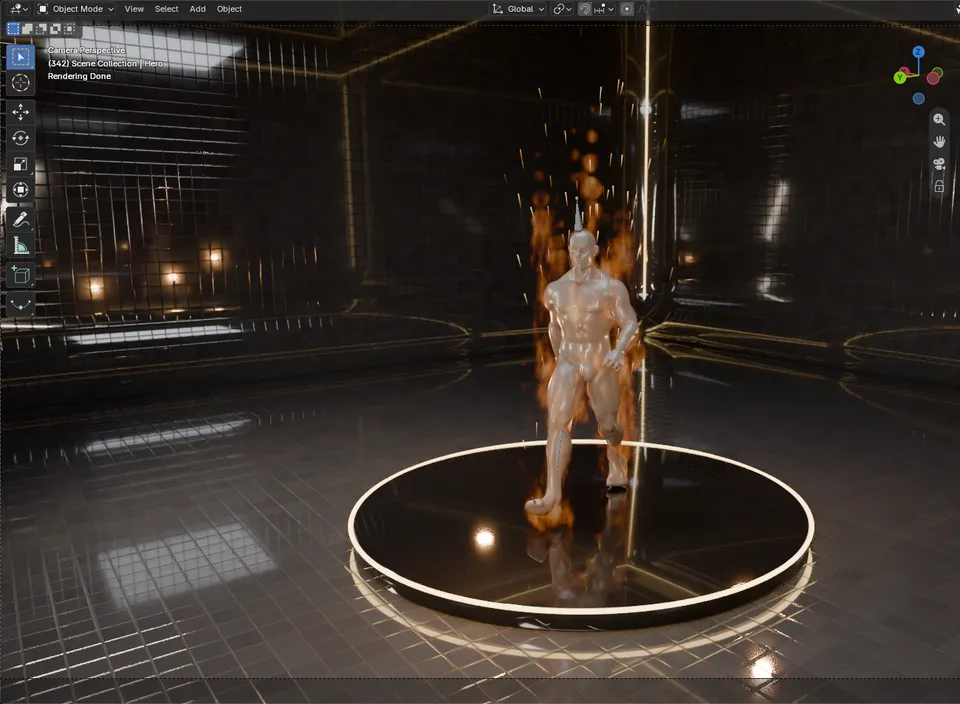
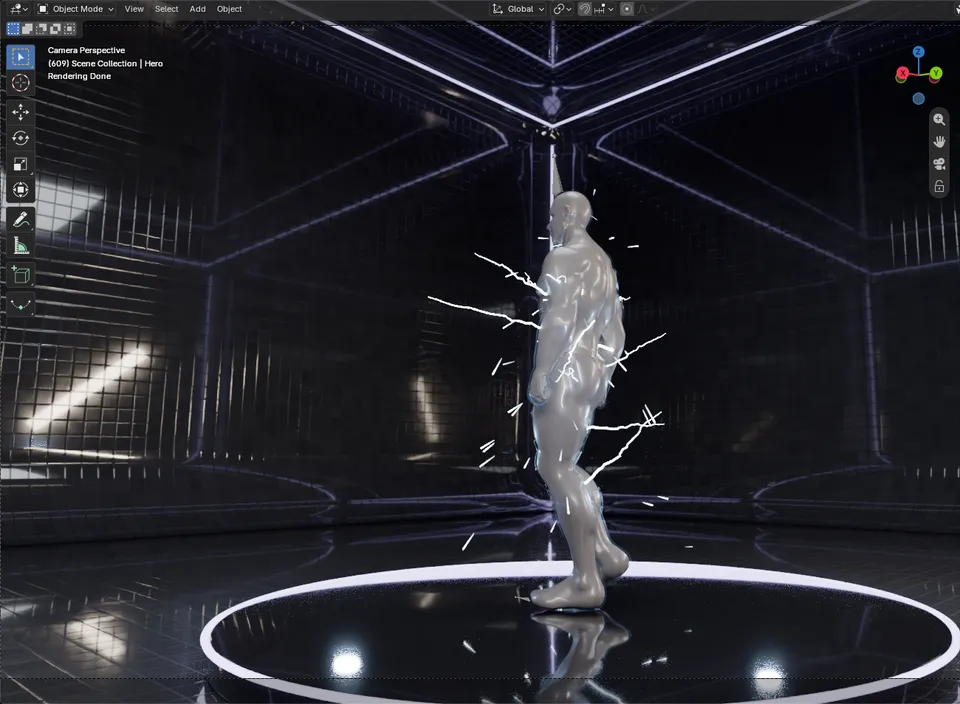
Every aura is procedural Geometry Nodes and shaders, so you see it straight in the viewport and change it while it plays. No baking, no simulation caches, no flipbooks.
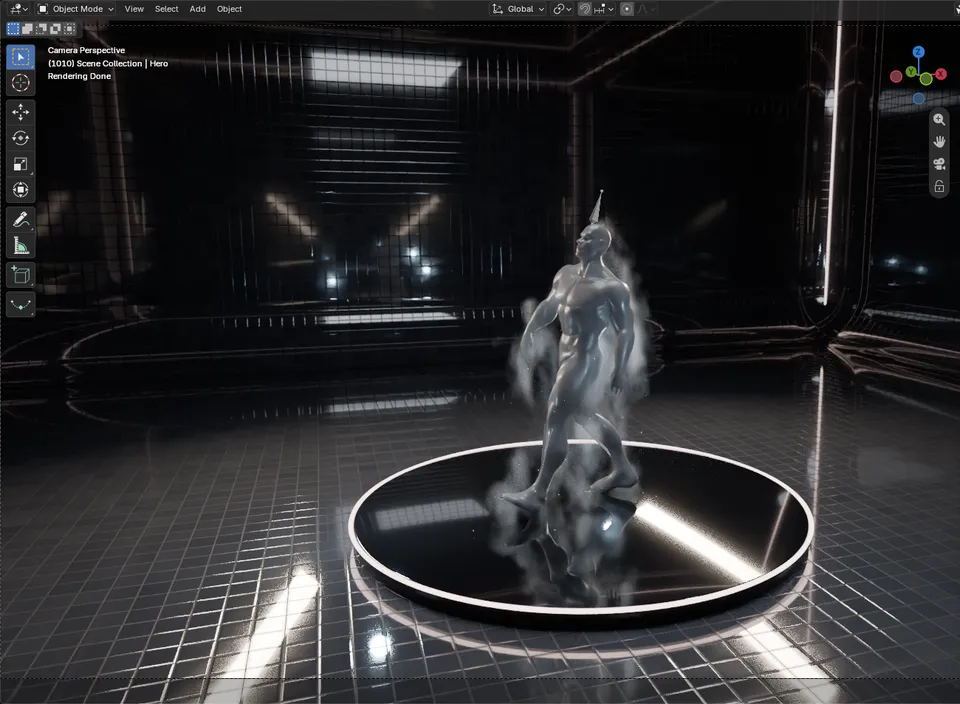
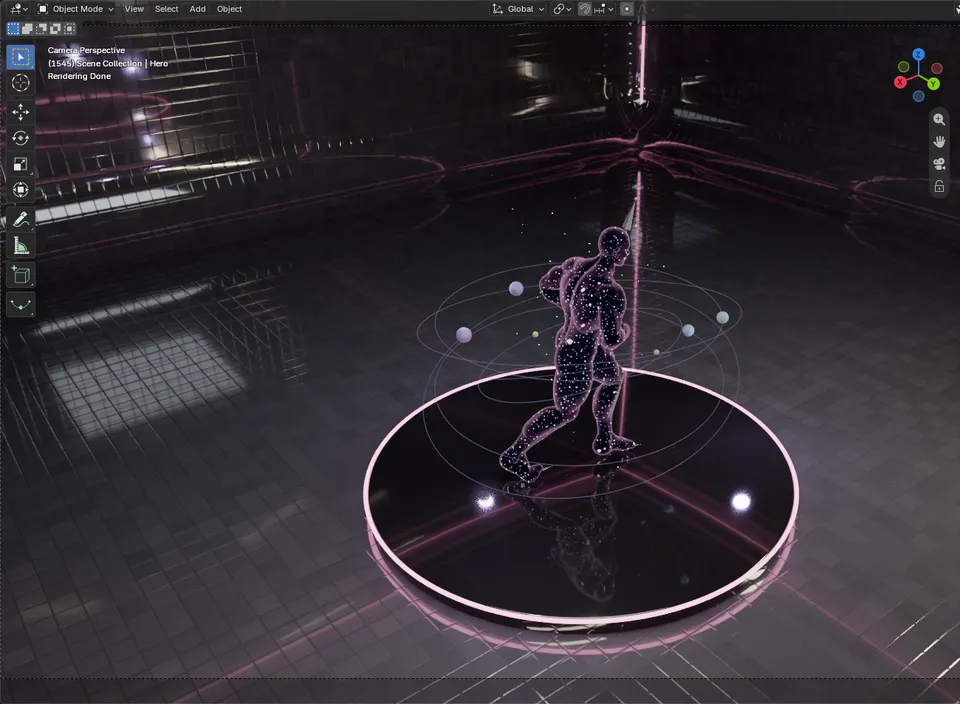
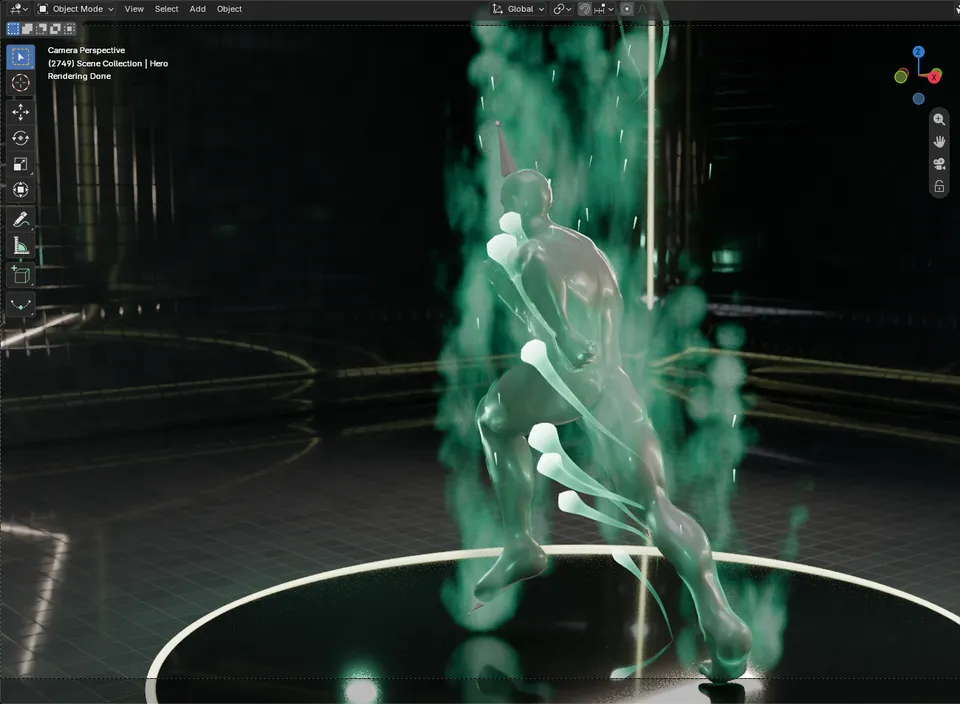
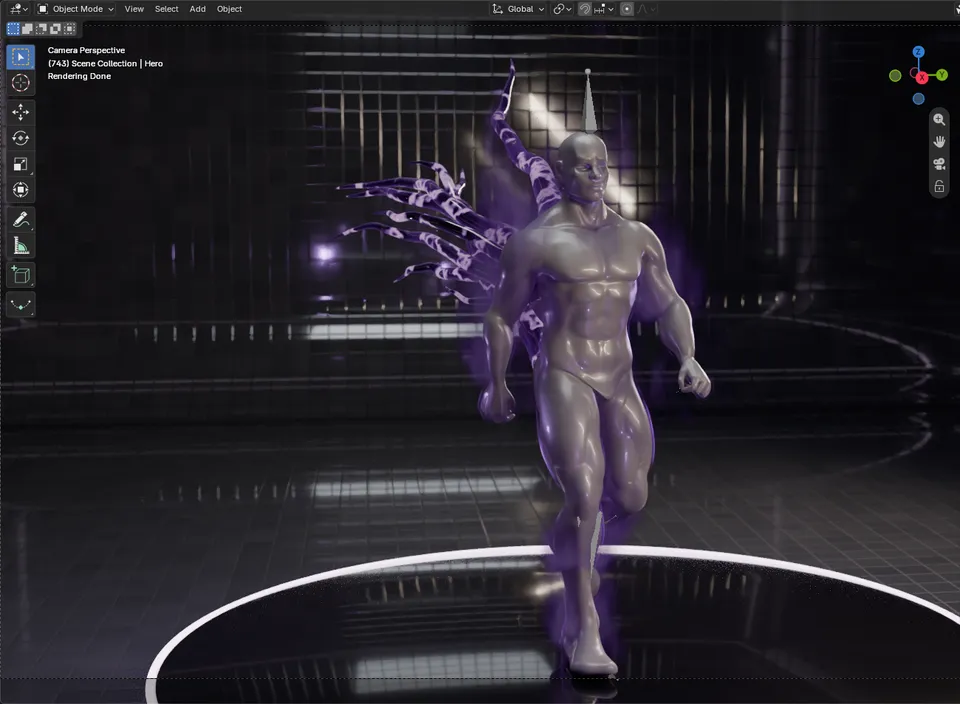
|
06 / 07 Timing and colour TRIGGER IT. TINT IT. |
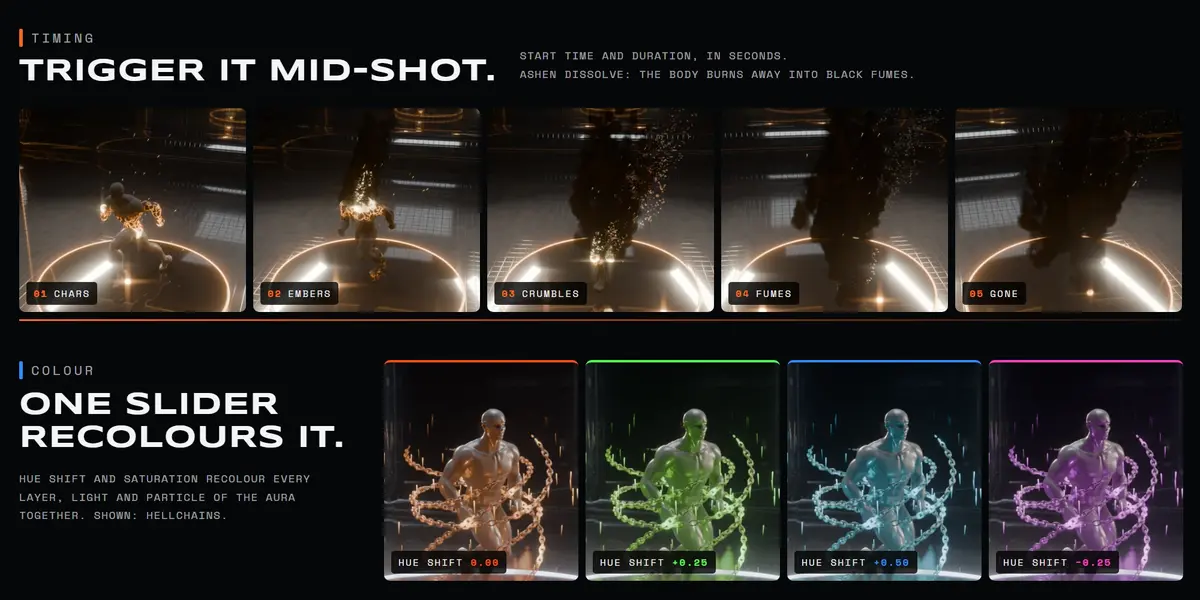
Effects that develop over time start at the aura's Start Time, so you can cut to them on a beat. Ashen Dissolve chars the body, crumbles it away and releases it as black fumes. Glacial grows its ice from the feet up, Titan Awakening splits the ground open.
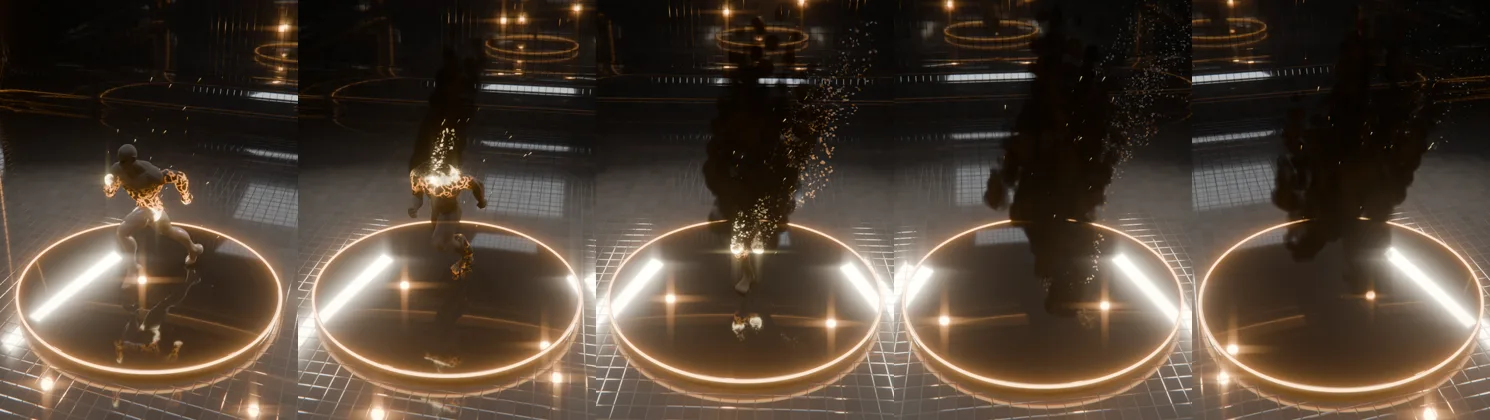
Ashen Dissolve · chars → embers → crumbles → fumes → gone
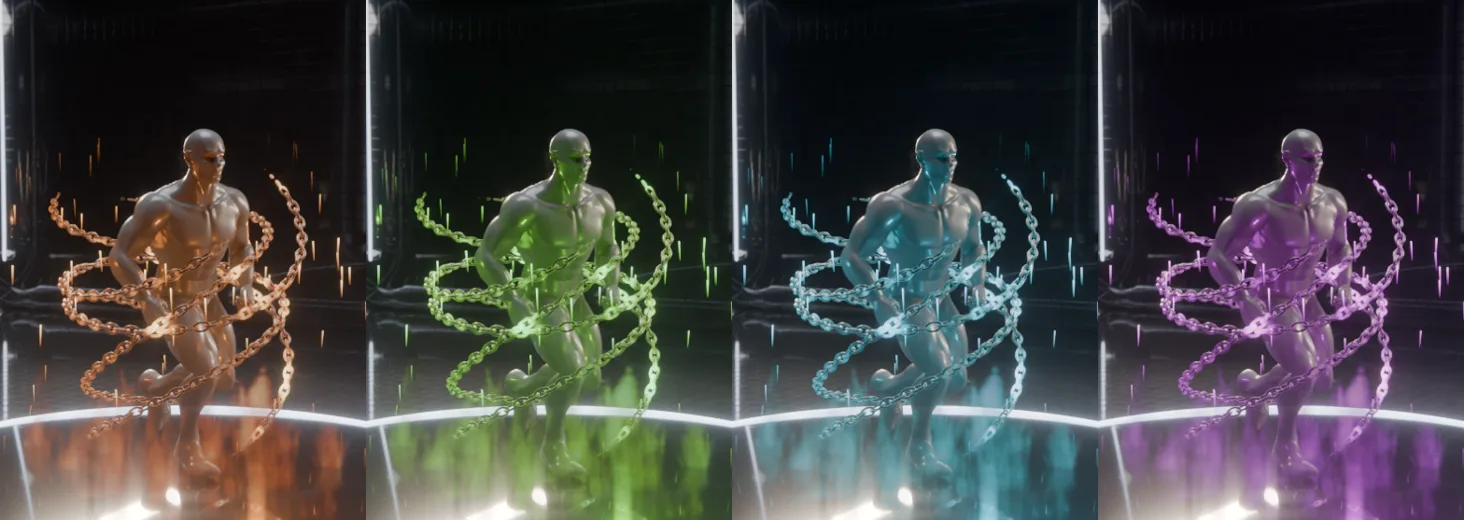
Hellchains · Hue Shift 0.00 · +0.25 · +0.50 · −0.25
|
07 / 07 Details WHAT YOU GET. |
| Blender | 5.0 or newer |
| Render | Cycles and Eevee |
| System | Windows, macOS, Linux |
| Type | Blender extension (add-on), one zip |
| Where | Aura Lab tab in the 3D Viewport sidebar (N) |
| Inside | 20 aura presets, 16 signature generators, procedural shaders, one-click render setup |
| Textures | None. Everything is procedural |
| Dependencies | None |
| Version | 1.0.0 |
| License | GPL-3.0-or-later |
Full guide: Aura Lab documentation
Want more magic? Aether Pillars and Aether Gates add summoning beams and portals, Buffs & Debuffs adds stylized status effects, Post Alchemy FX finishes the shot in the compositor.
Aura Lab by LarkLab. All renders on this page were made in Blender with Aura Lab. Character: Blender Studio Human Base Meshes (CC0).