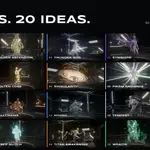
Aura Lab: 20 Procedural Character Auras
 LarkLab
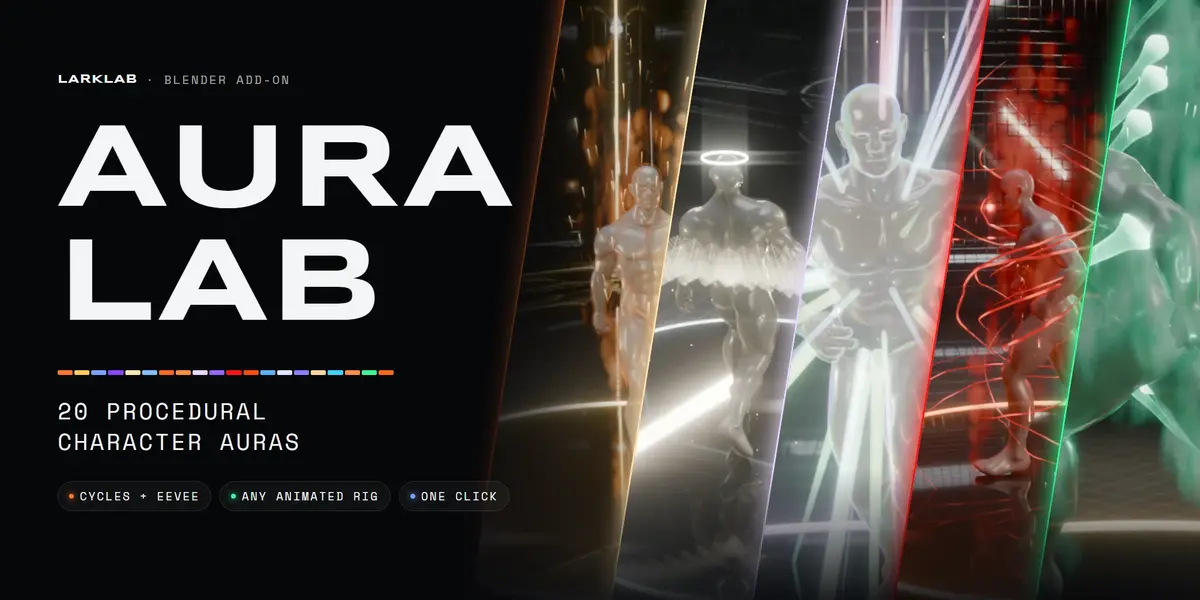
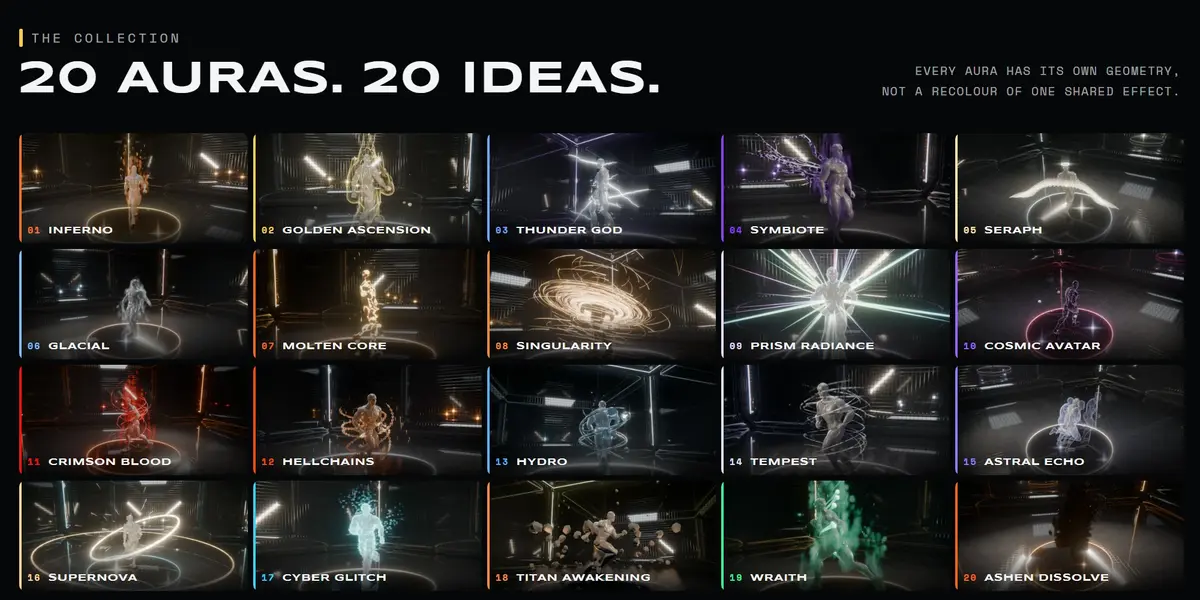
Blender 5.0 and newer, on Windows, macOS and Linux. It installs as a regular extension from the zip.
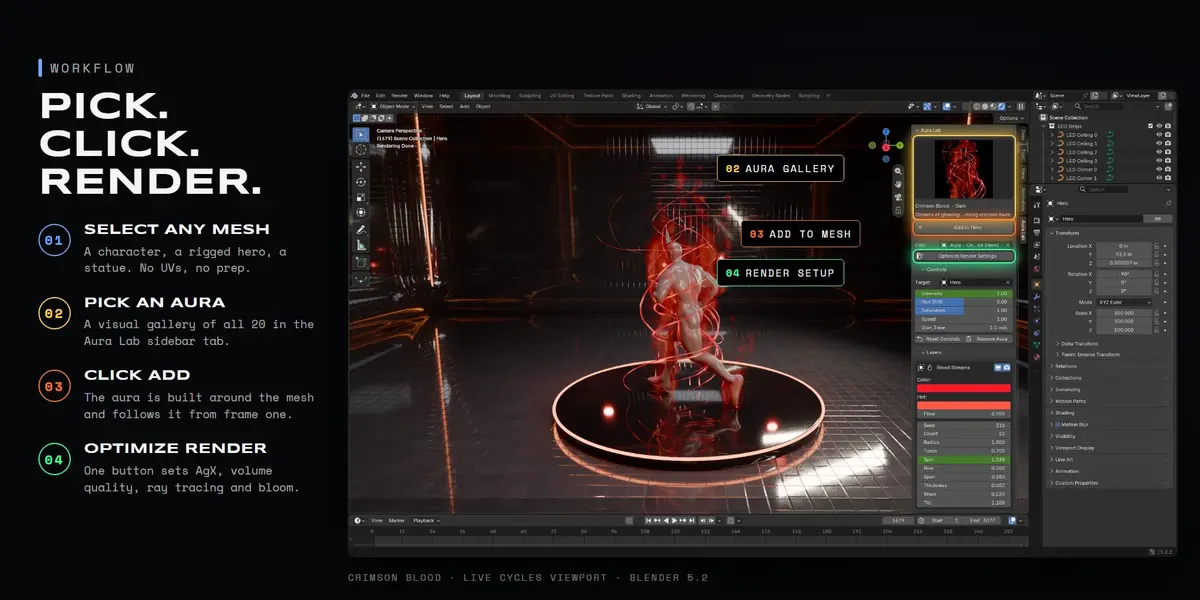
Yes, all 20 auras render in both. Cycles gives the best volumes (fire, smoke, mist) and refraction; Eevee is great for fast previews. Press Optimize Render Settings once per scene for AgX colour, volume quality, ray tracing and bloom.
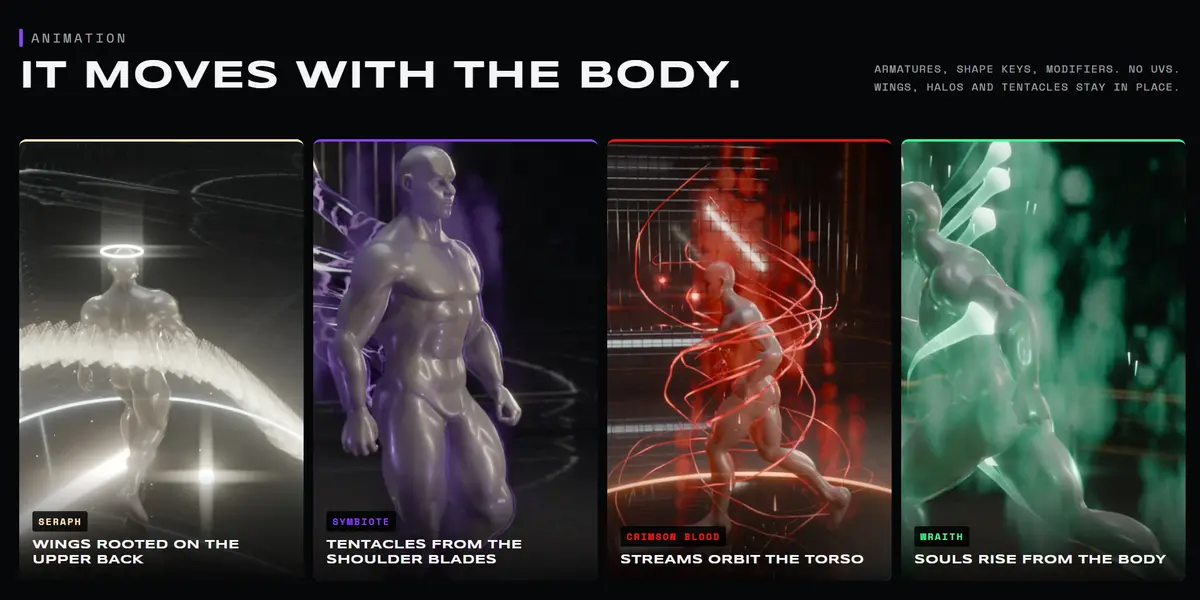
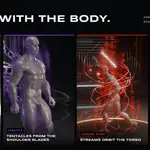
Yes. Auras read the character's evaluated mesh every frame, so armatures (Mixamo, Rigify, Auto-Rig Pro or your own), shape keys and modifiers all work. Wings, halos, tentacles, blood streams and soul wisps stay anchored to the back, head and torso while the character moves.
No. Everything is procedural Geometry Nodes and shaders. No UVs, no image textures, no flipbooks.
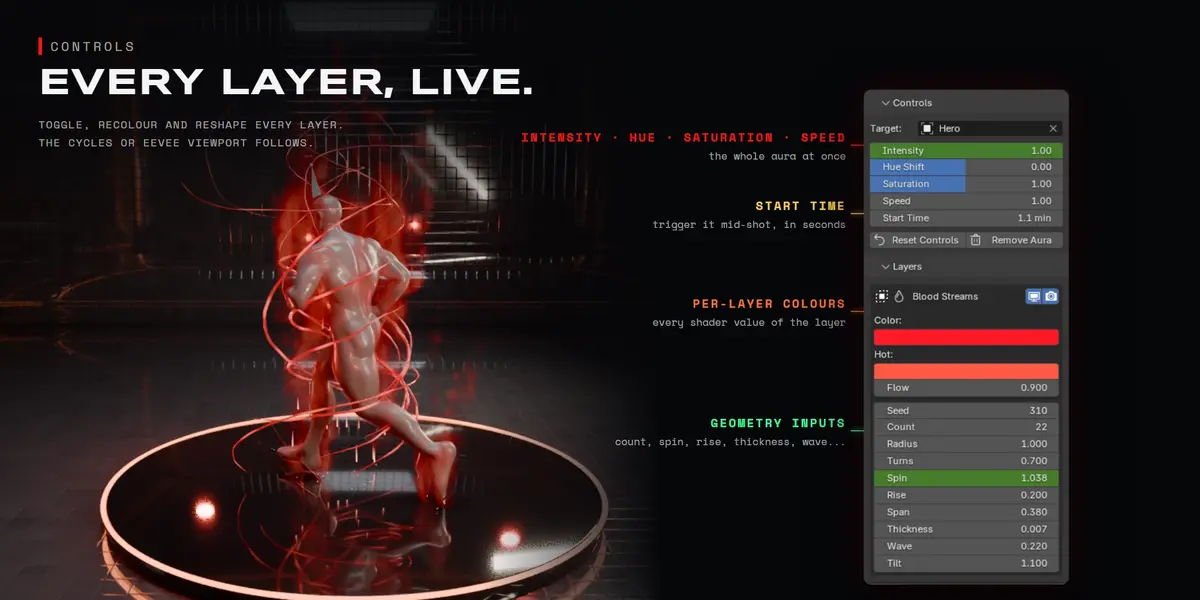
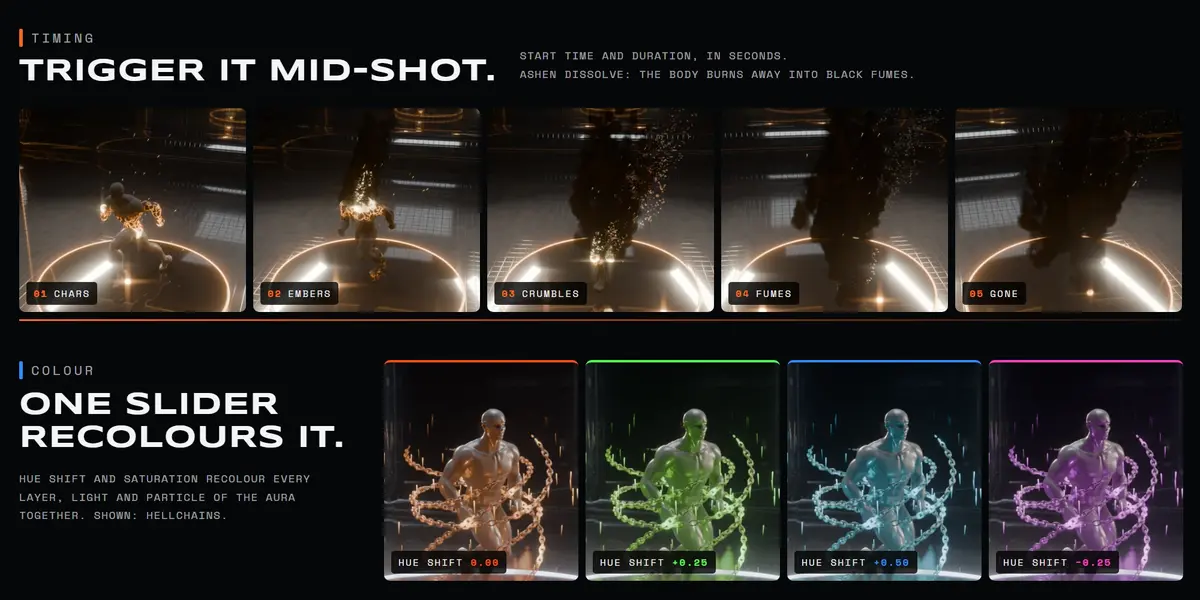
Yes. Hue Shift and Saturation recolour every layer, light and particle of an aura with one slider each. Every layer's own colours can be edited too.
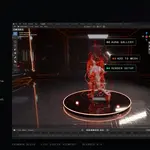
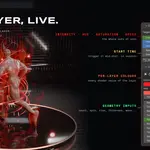
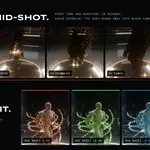
Yes. Every value in Controls and Layers is a normal Blender property you can keyframe or drive. Start Time lets you trigger an aura mid-shot.
Yes, it works on any mesh. Presets are tuned for human-sized characters; for very large or small objects, adjust Radius, Length and Voxel Size in Layers.
Yes. Add as many as you like, to one or several meshes. The Edit field picks which aura the panels control.
Auras with volumes (Inferno, Golden Ascension, Wraith, Crimson Blood mist) are the heaviest, like any volumetric effect. You can hide a volume layer in the viewport while animating and keep it for the render.
Yes. Anything you render with Aura Lab is yours to use, in commercial work too. The add-on code is GPL-3.0-or-later.
Download the new zip from your Superhive library and install it over the old one the same way.
Have questions about this product?
Login to message
| Blender Extension Compatible | Yes |
| Published | about 7 hours ago |
| Blender Version | 5.0 - 5.2 |
| Extension Type | Add-on |
| Render Engine Used | Cycles, Eevee |
| License | GPL |
Discover more products like this
fire magic VFX character effects Lightning power up anime geometry nodes aura energy procedural superhero