 LarkLab
Blender add-on · by LarkLab
AURA LAB V2
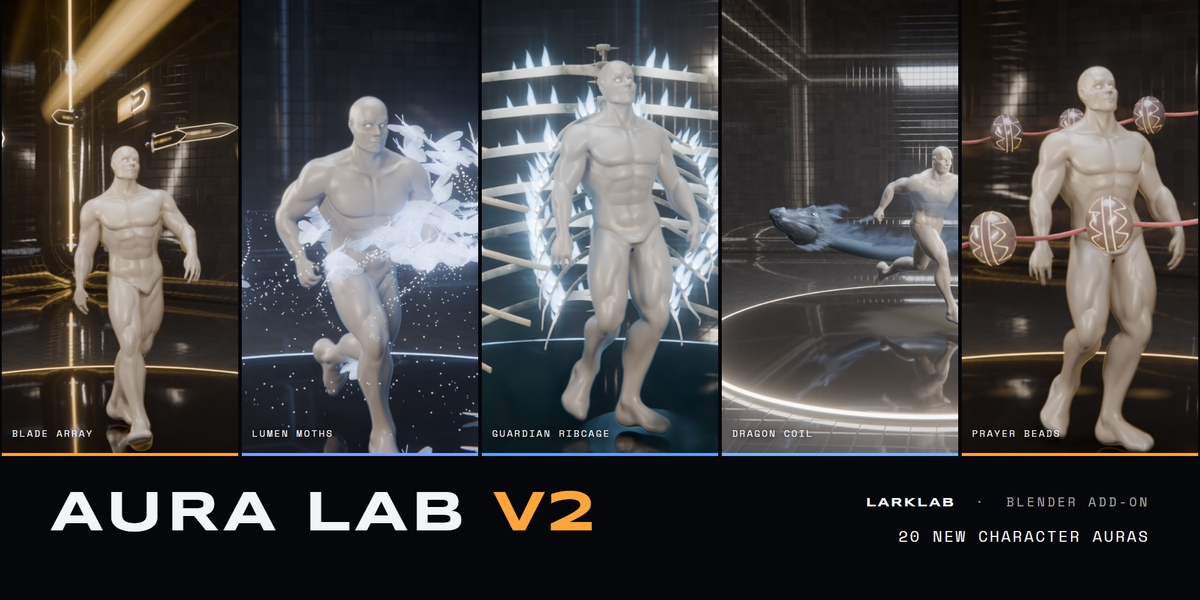
20 animated character auras
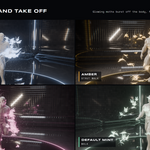
A volley of thrown swords, a smoke dragon circling the body, moths that land on the skin and take off again. Select your character, pick an aura in the sidebar and click Add. It follows the animation, plays live in the viewport and renders in Cycles and EEVEE. Blender 5.0+.
The trailer · all 20 auras on a walking and running character · rendered in Cycles
|
The collection THE WHOLE SET |
Each aura has its own shape, motion and mechanic. Swords are thrown, a dragon flies, beads swing, pages tumble, lightning burns the floor. None of them is a recolour of another, and none is a remake of an aura from the first Aura Lab.
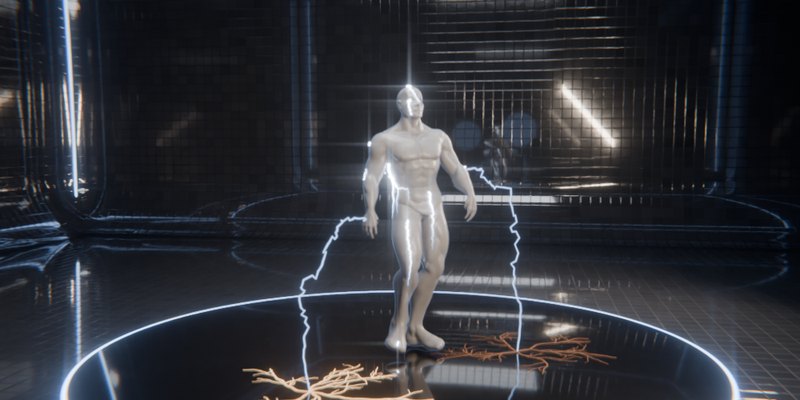
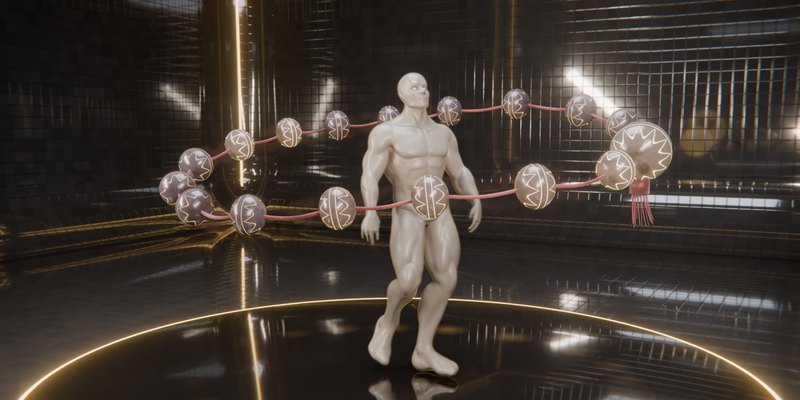
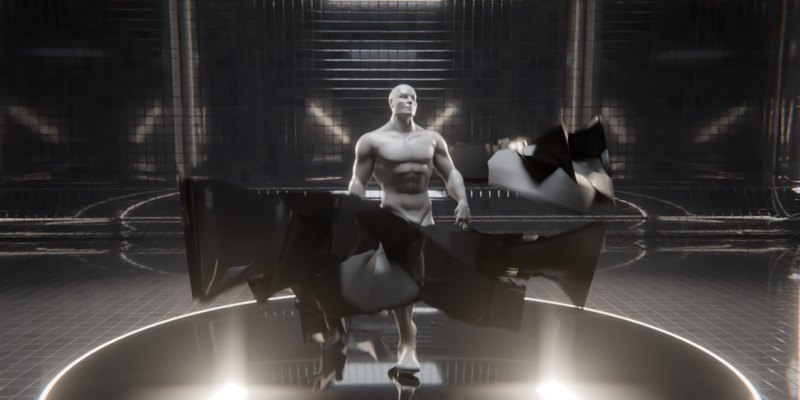
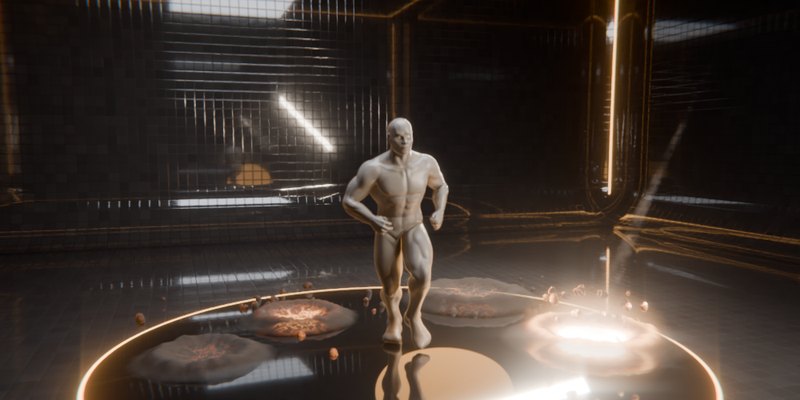
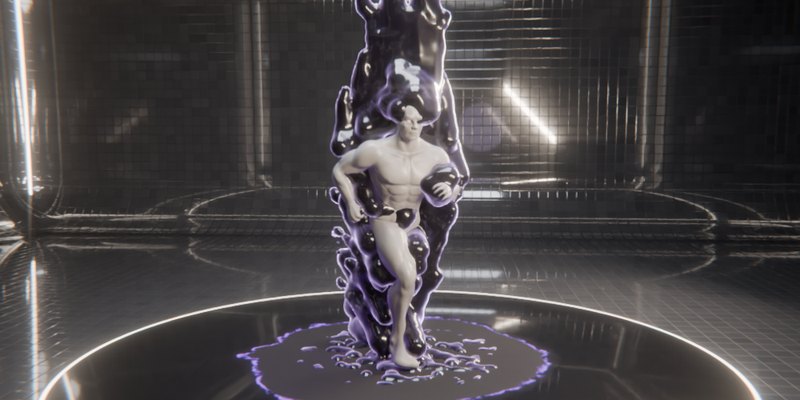
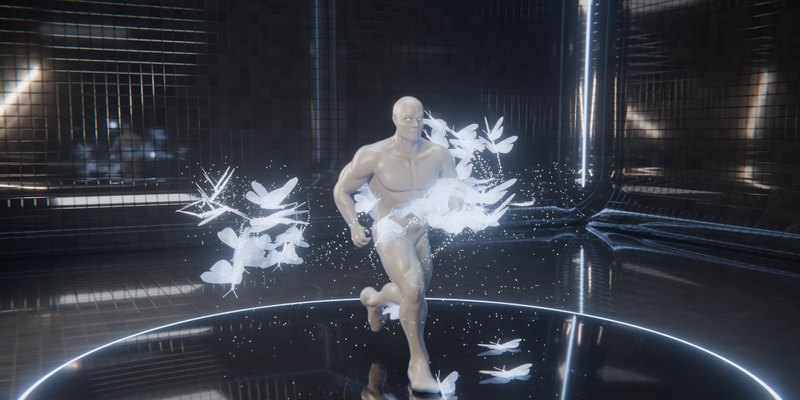
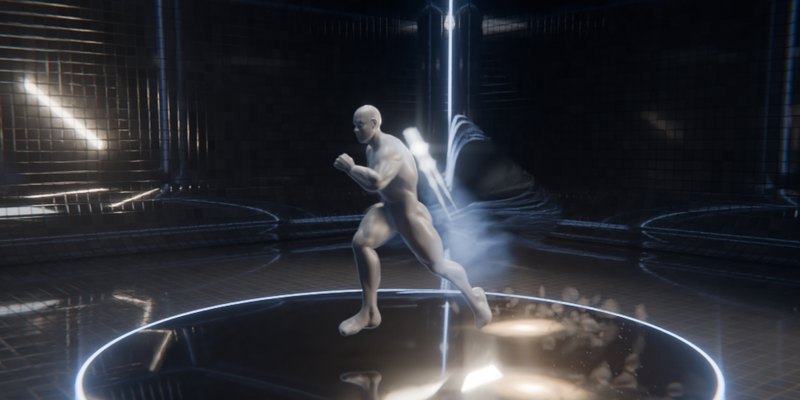
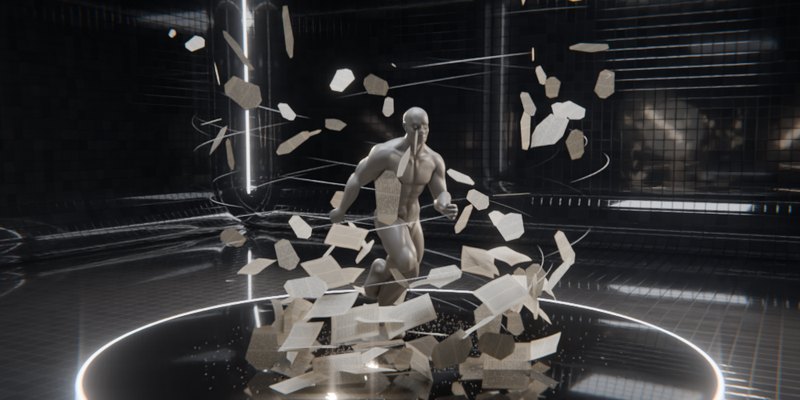
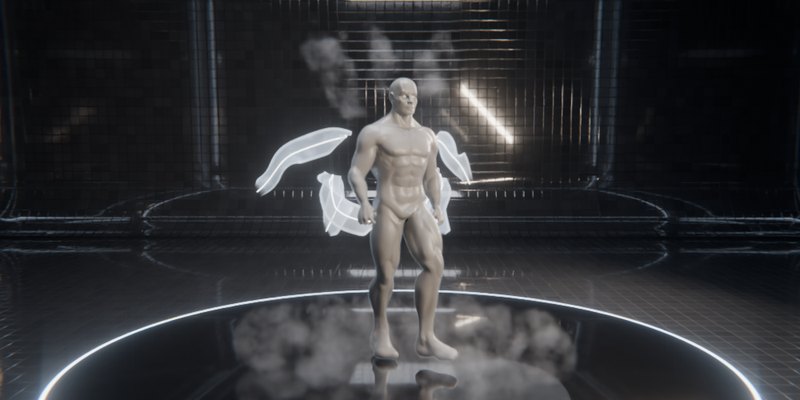
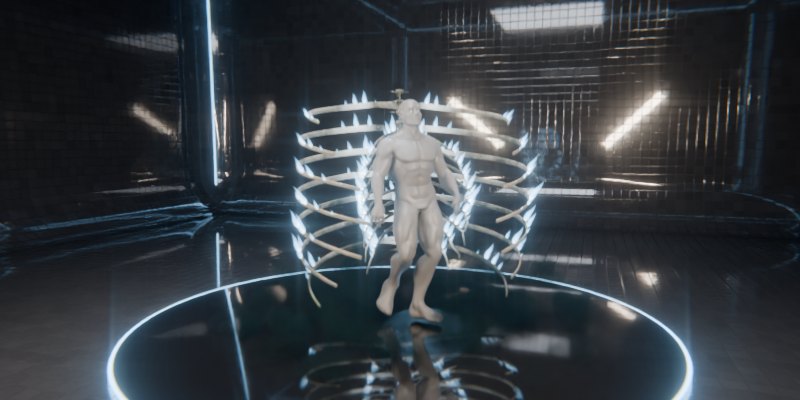
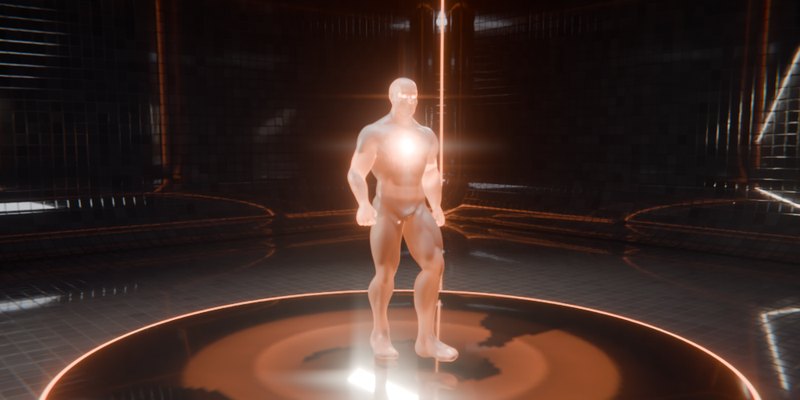
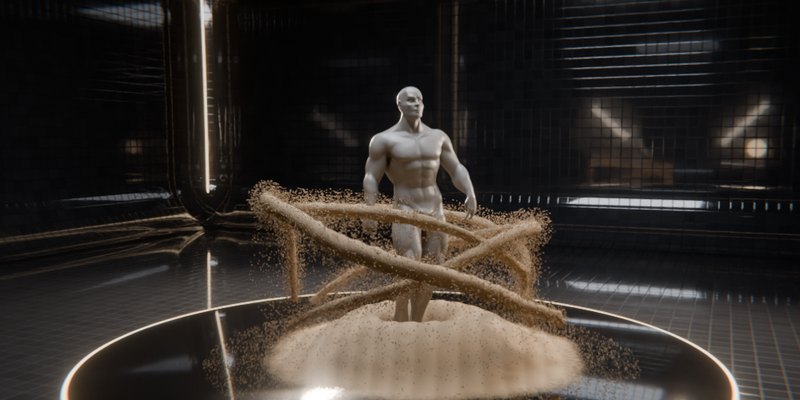
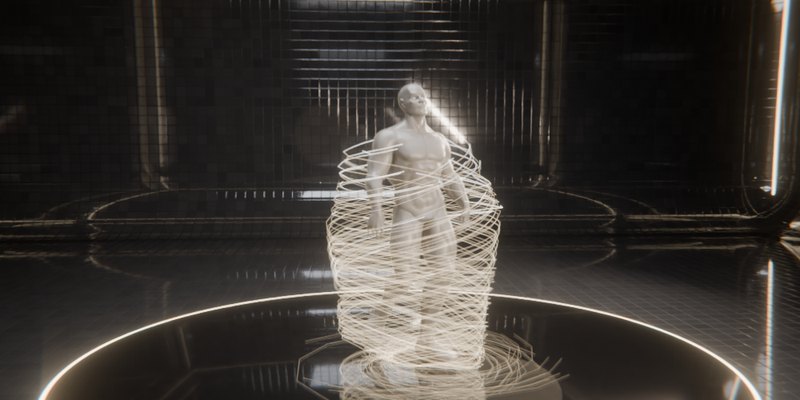
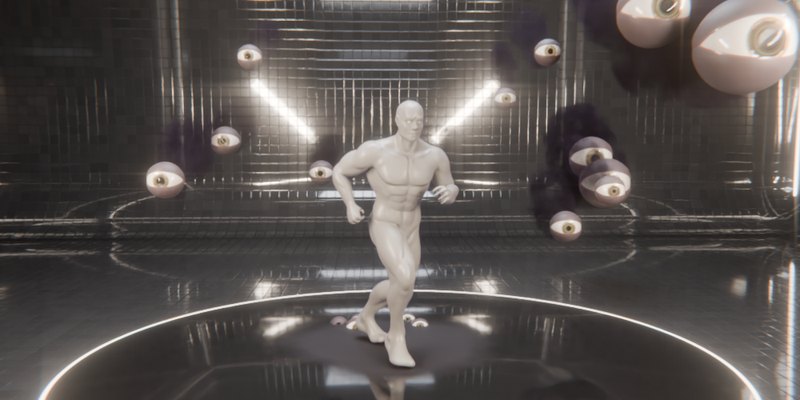
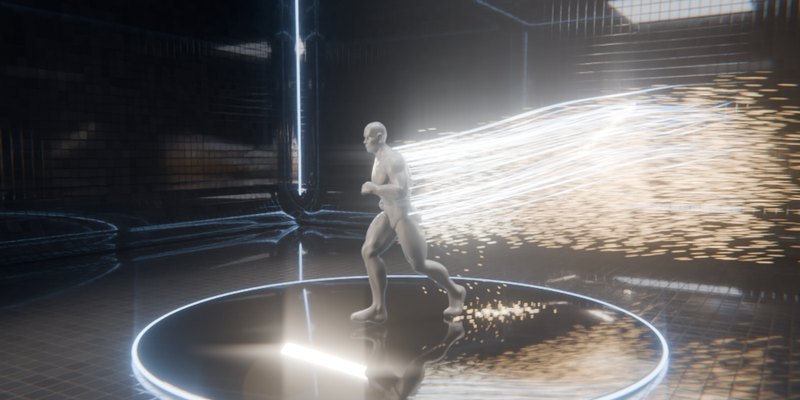
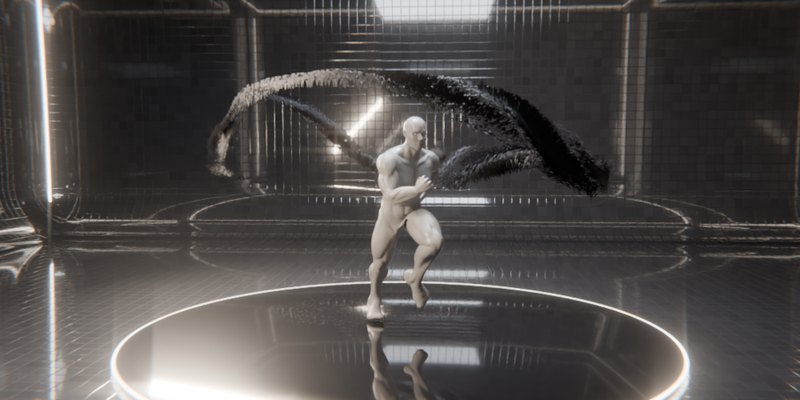
|
Energy BLADE ARRAY |
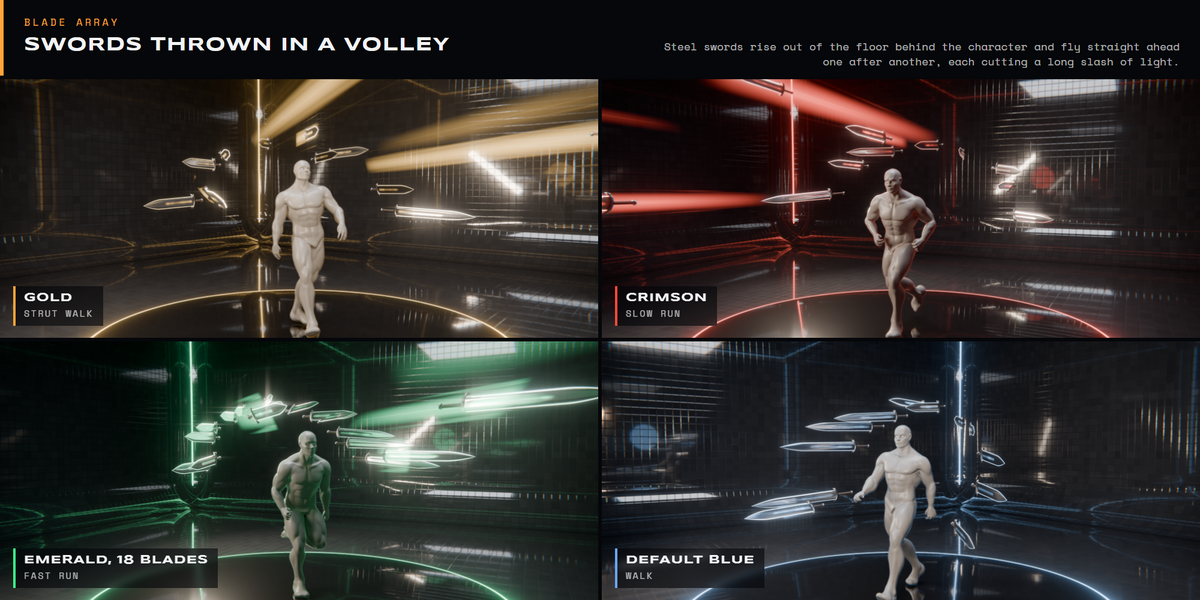
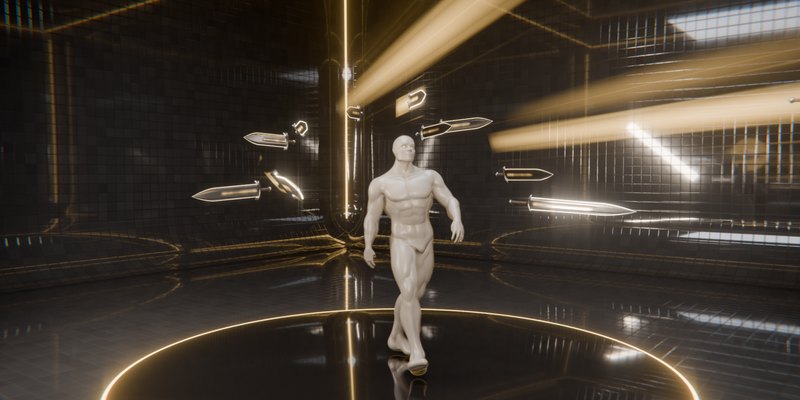
Steel swords push up out of the floor into an arc behind the character, tips forward, then fly straight ahead one after another. Each sword cuts a long slash of light and forms again in the arc. Set how far they fly, how many are thrown each second, and how wide each slash spreads.
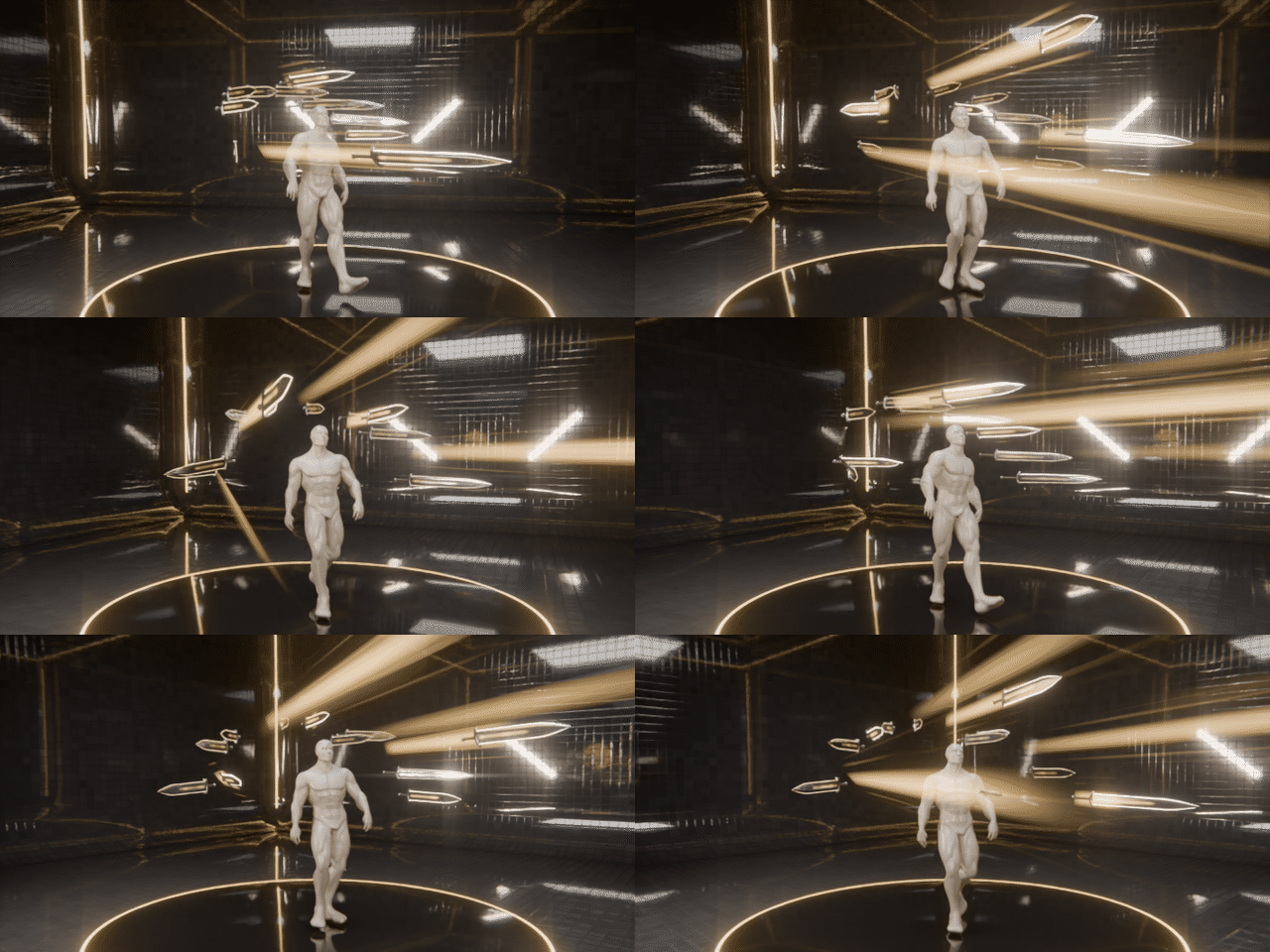
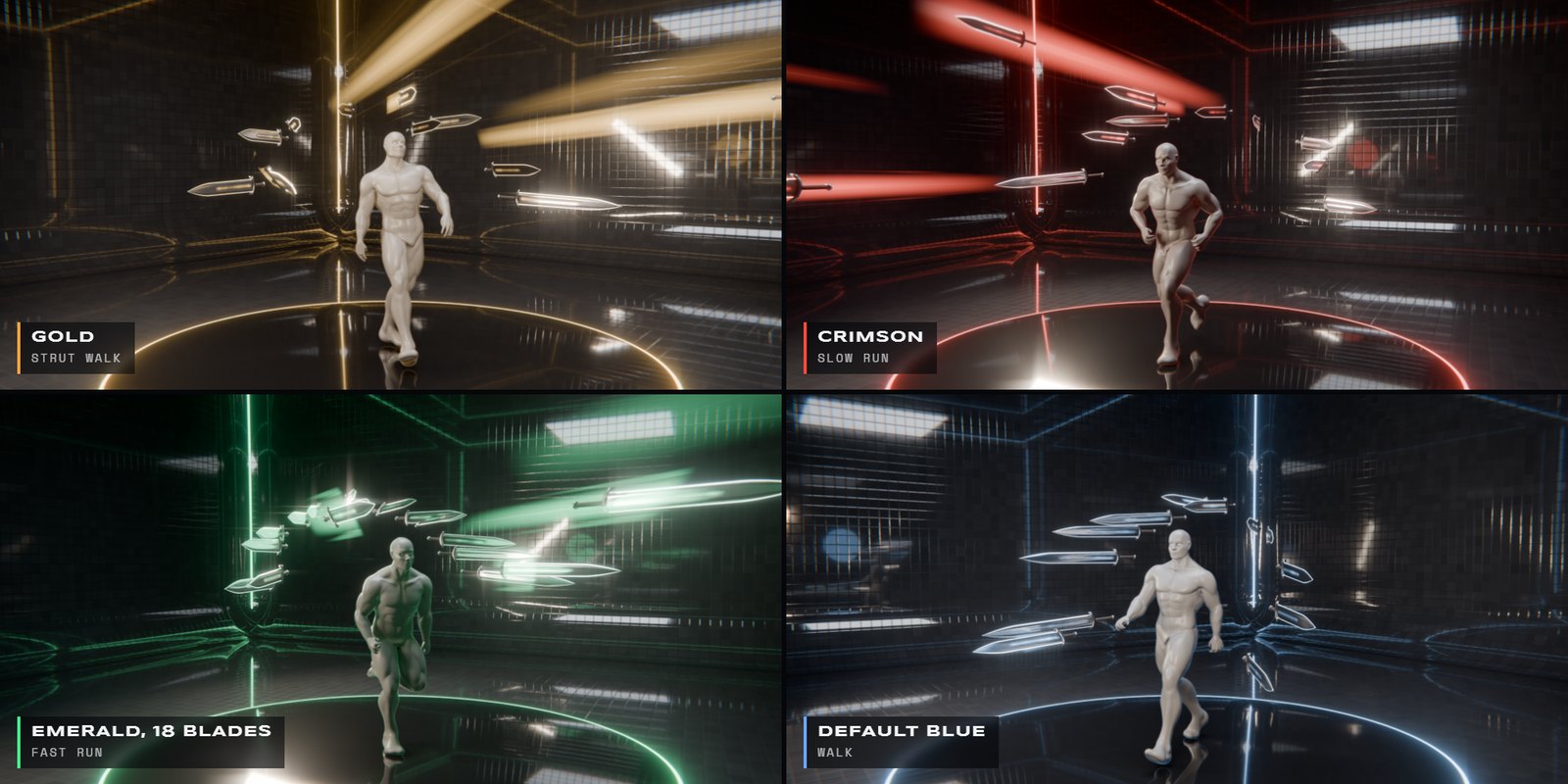
Blade Array · new colour, new walk cycle in every frame
|
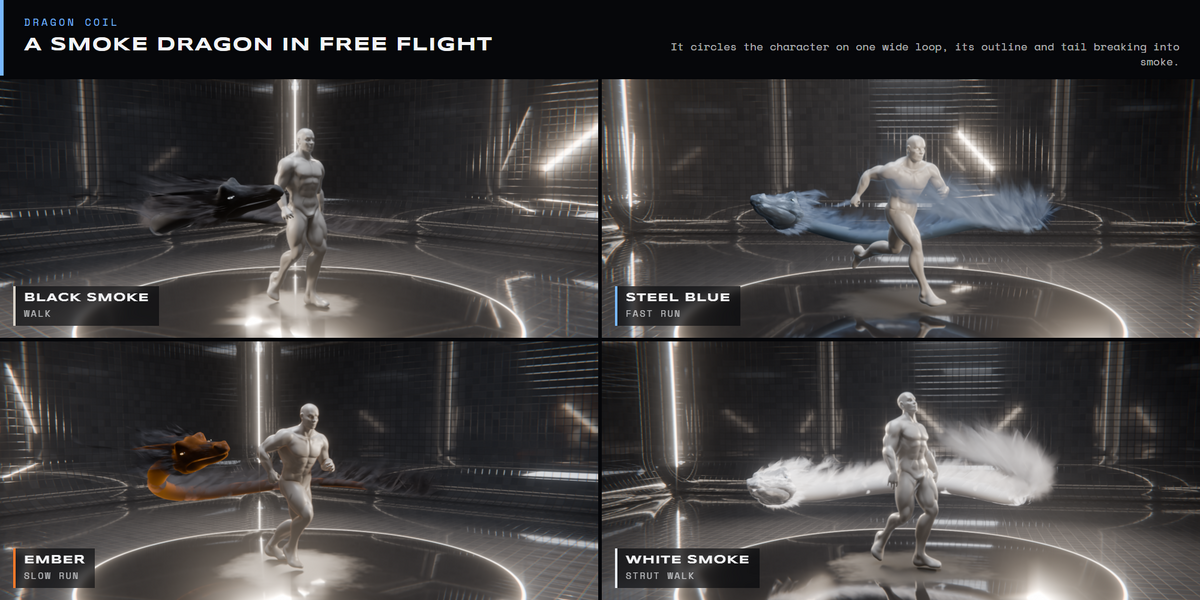
Energy DRAGON COIL |
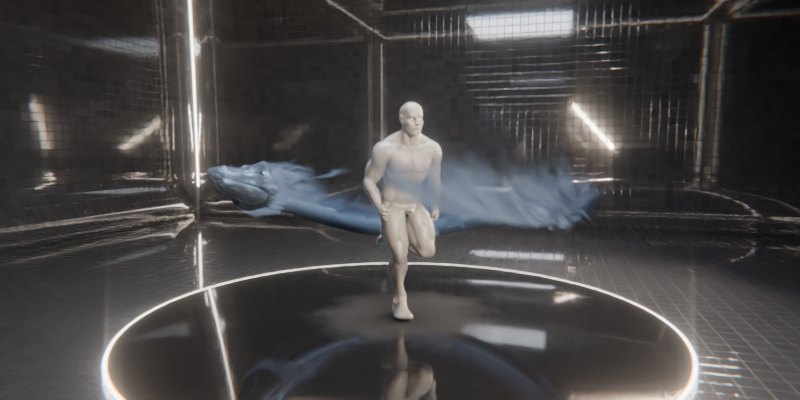
A black smoke dragon flies one wide loop round the character, at chest height and below, so it never crosses the face. Its outline and tail break into smoke, and rolling smoke streams off its whole length. Turn it white, ember or steel blue, and set its length, thickness and head size.
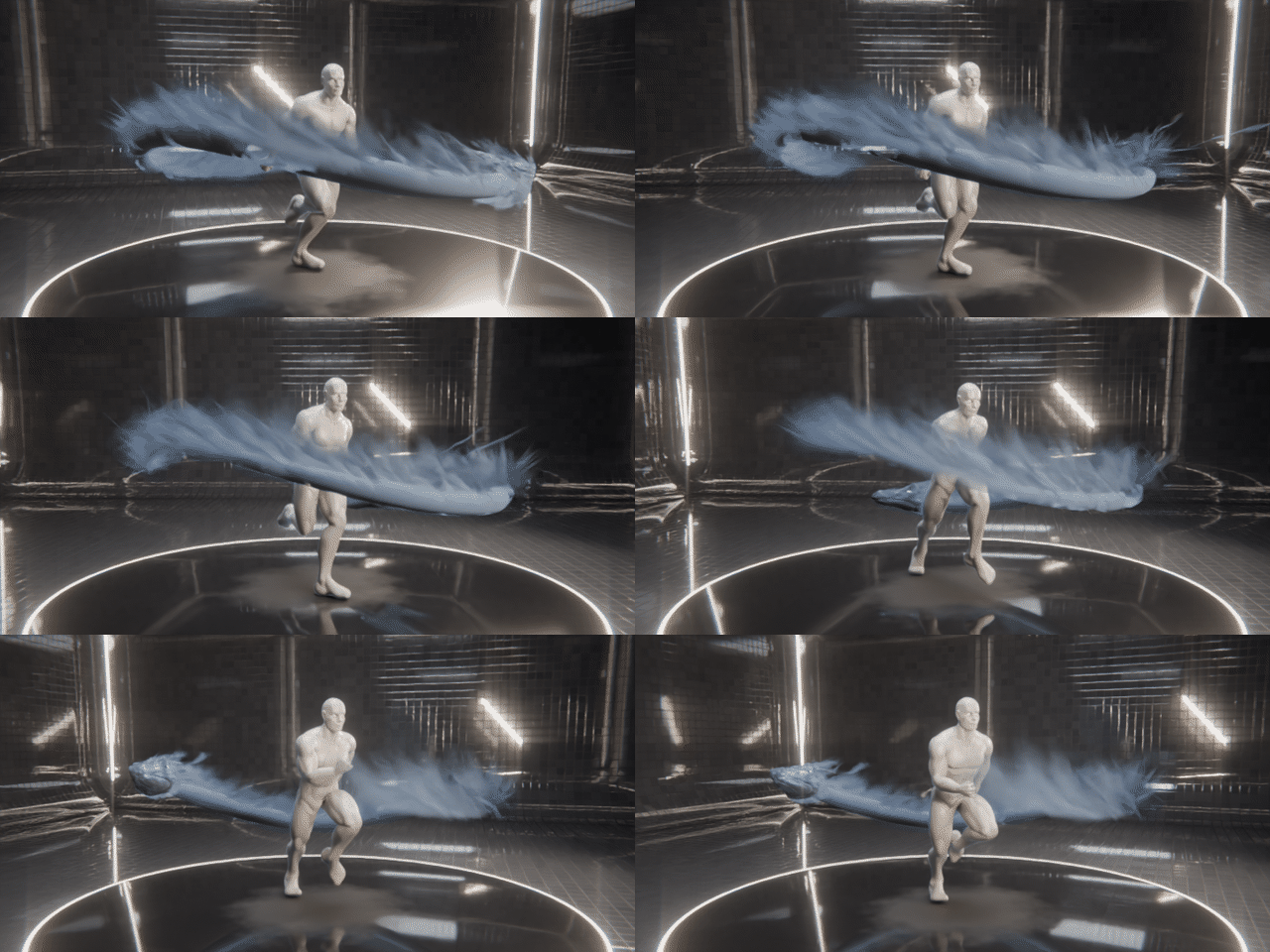
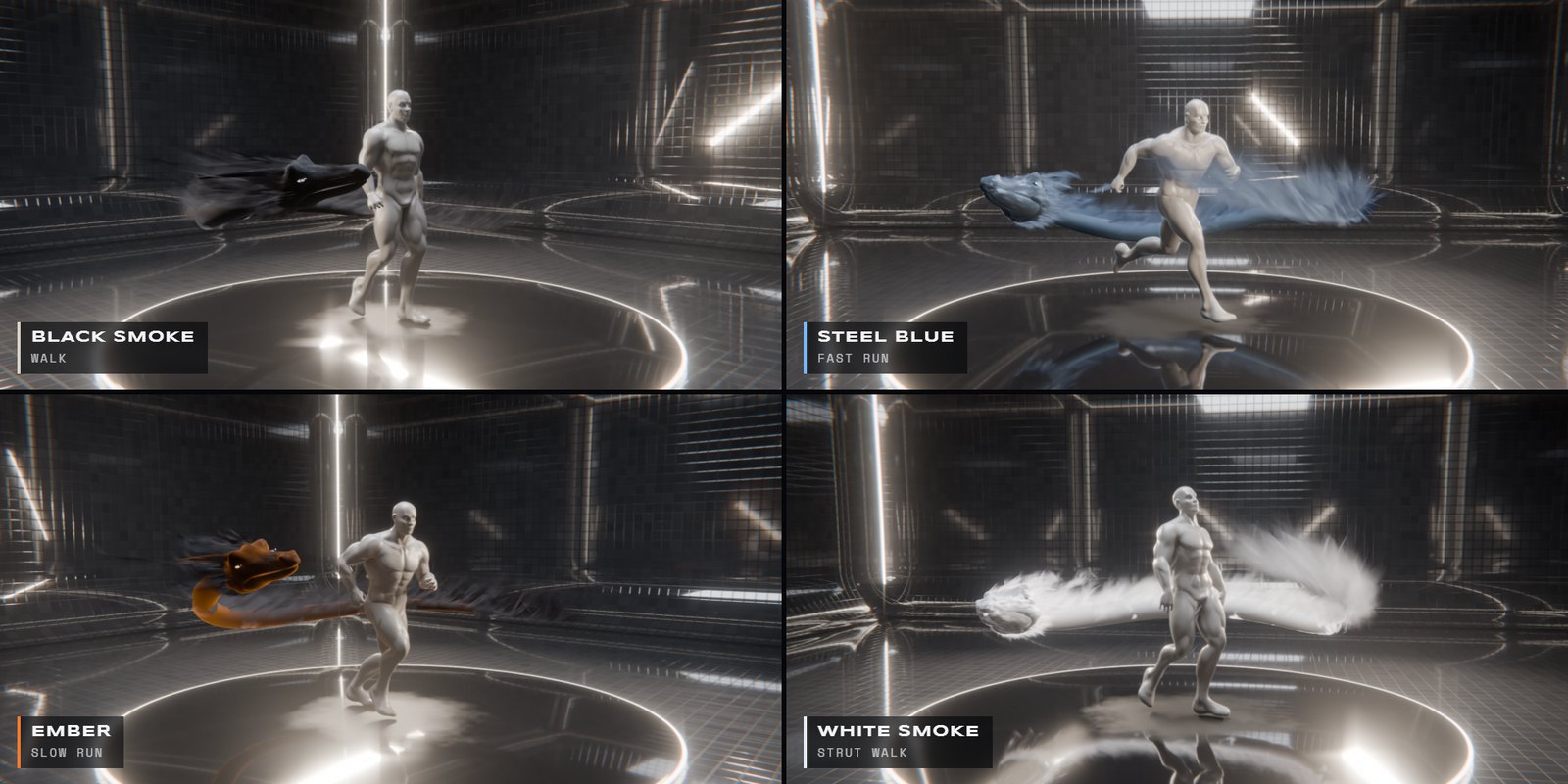
Dragon Coil · new colour, new walk cycle in every frame
|
Energy PRAYER BEADS |
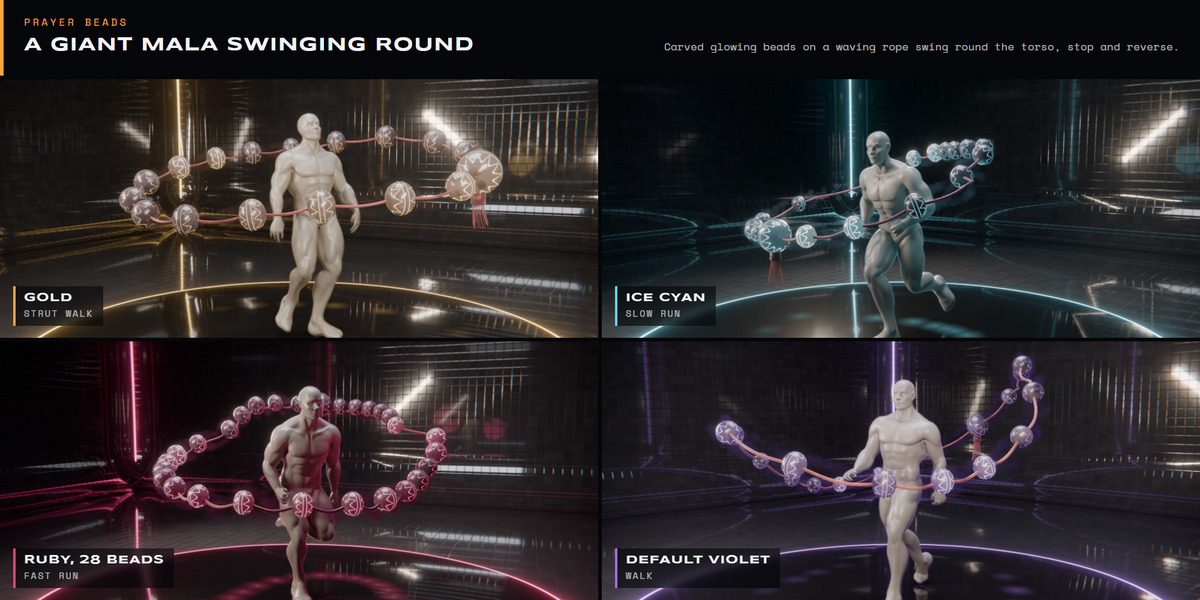
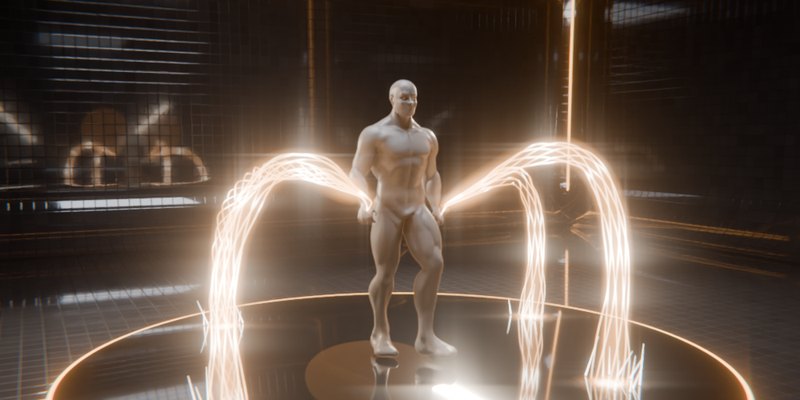
A giant mala of carved, glowing beads on a waving rope swings round the torso, stops and reverses, wrapped in a twisting sleeve of dark energy. Bead size, bunching, reach and rope sag each change its character.
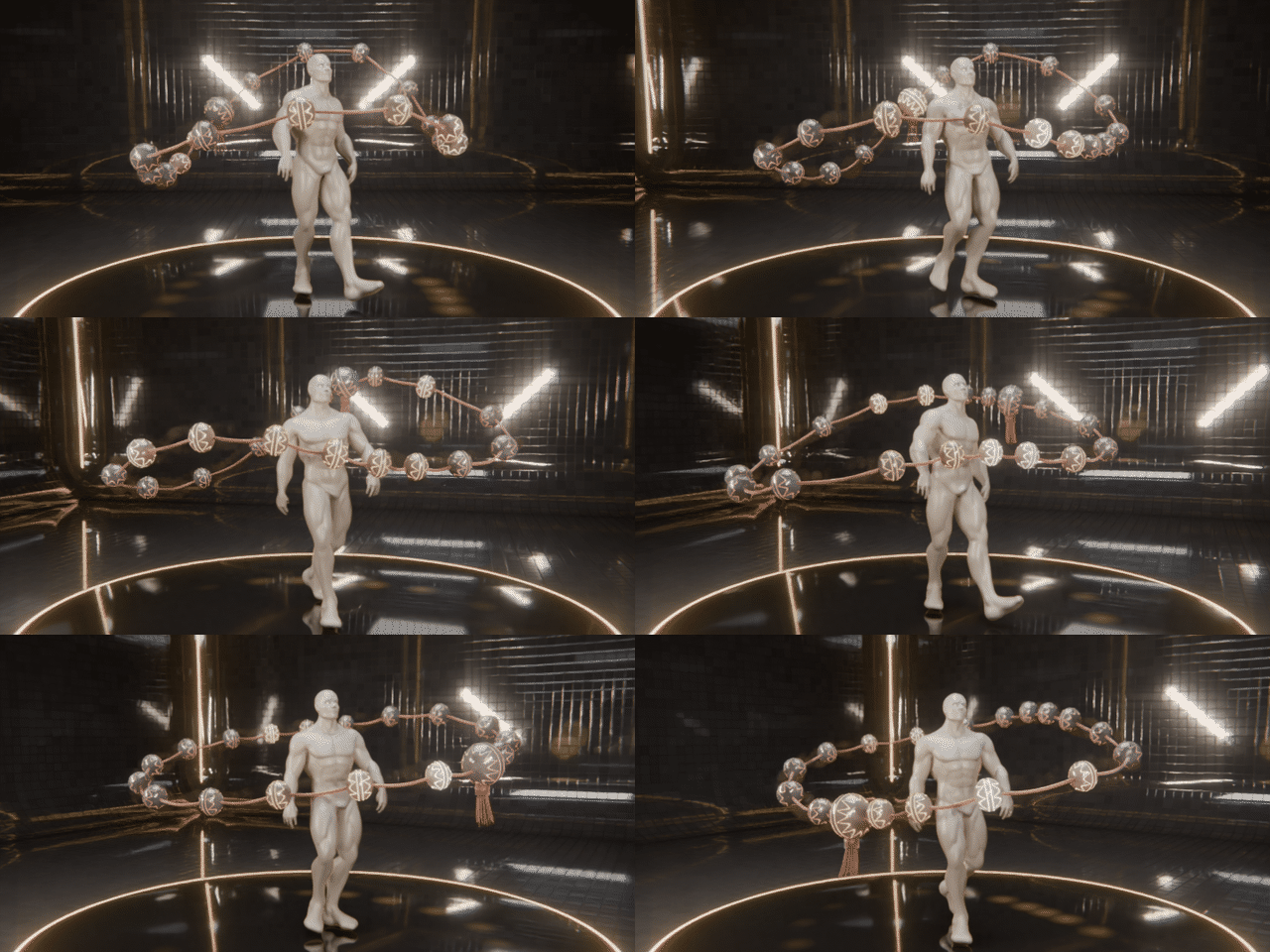
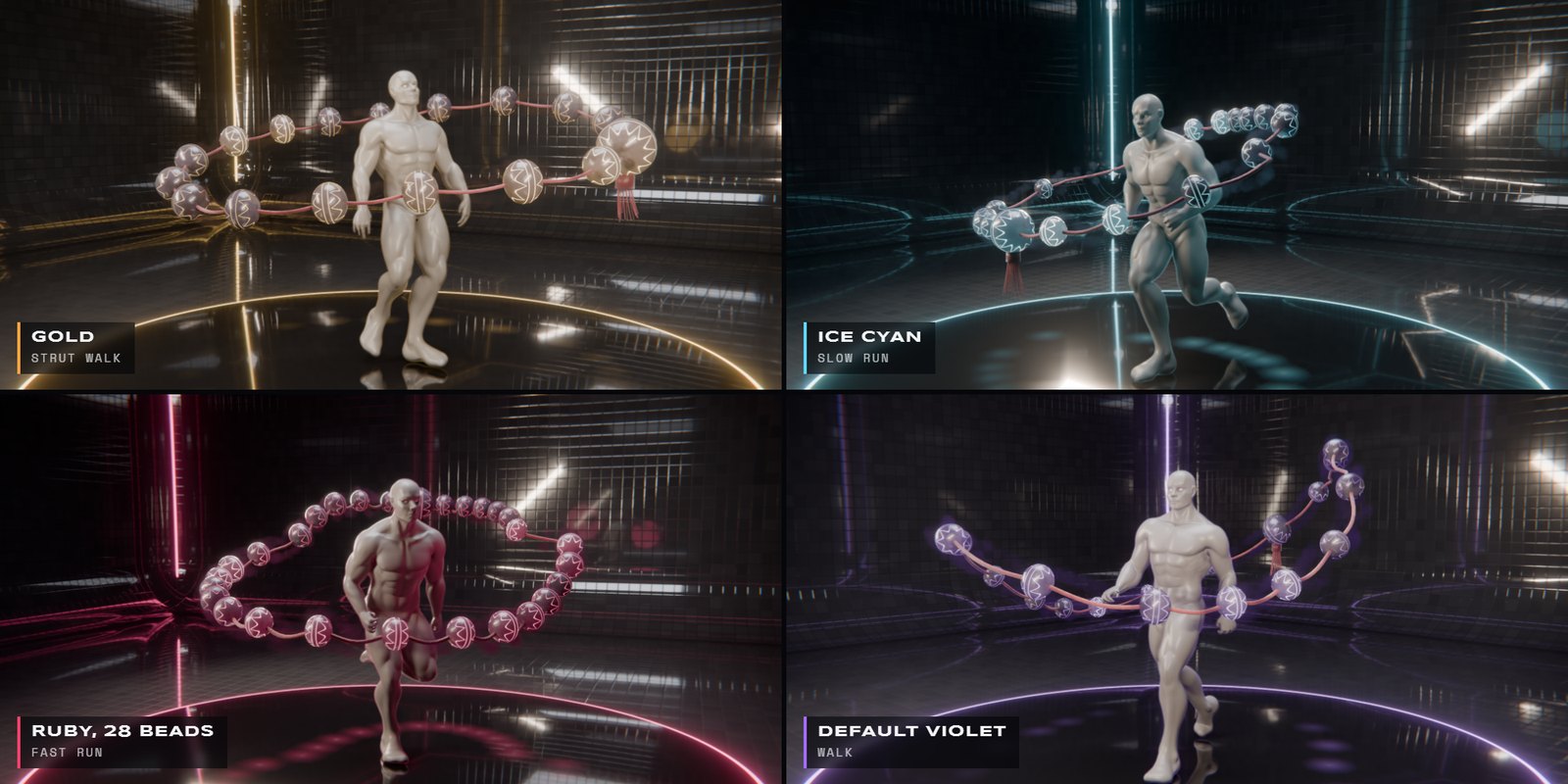
Prayer Beads · new colour, new walk cycle in every frame
|
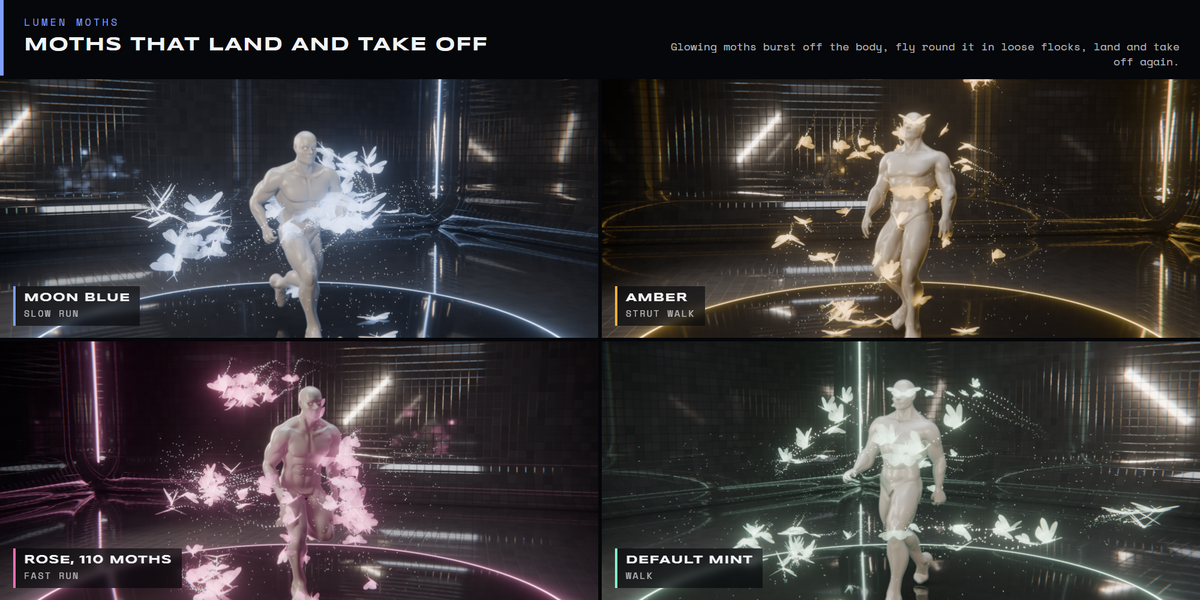
Light LUMEN MOTHS |
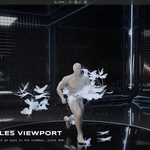
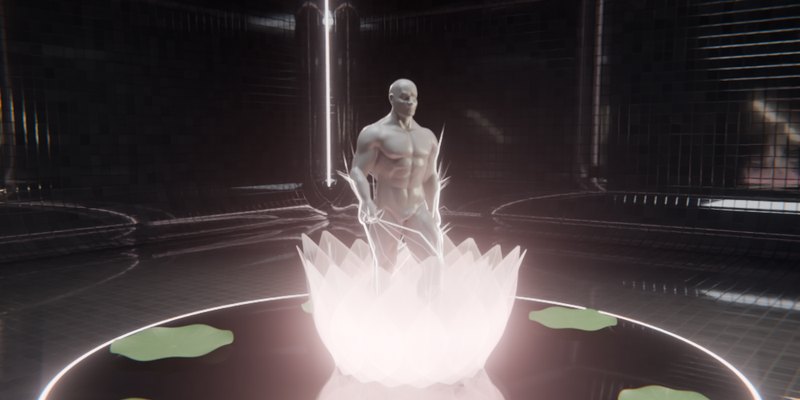
Glowing moths burst off the body, fly round it in loose flocks, land on the skin and take off again, shedding trails of light dust that gather into a slow halo. Set how many land, how big they are and how far they roam.
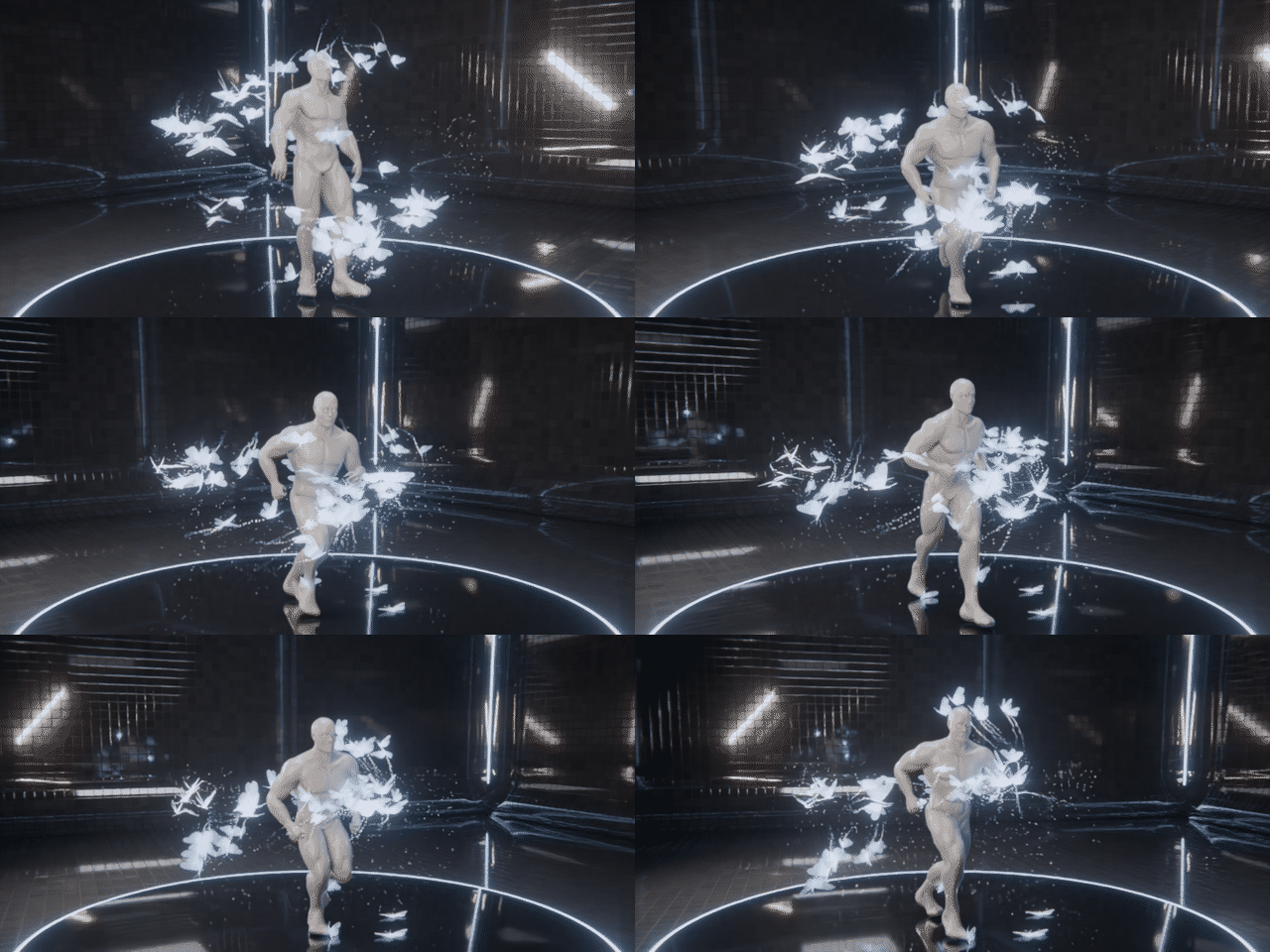
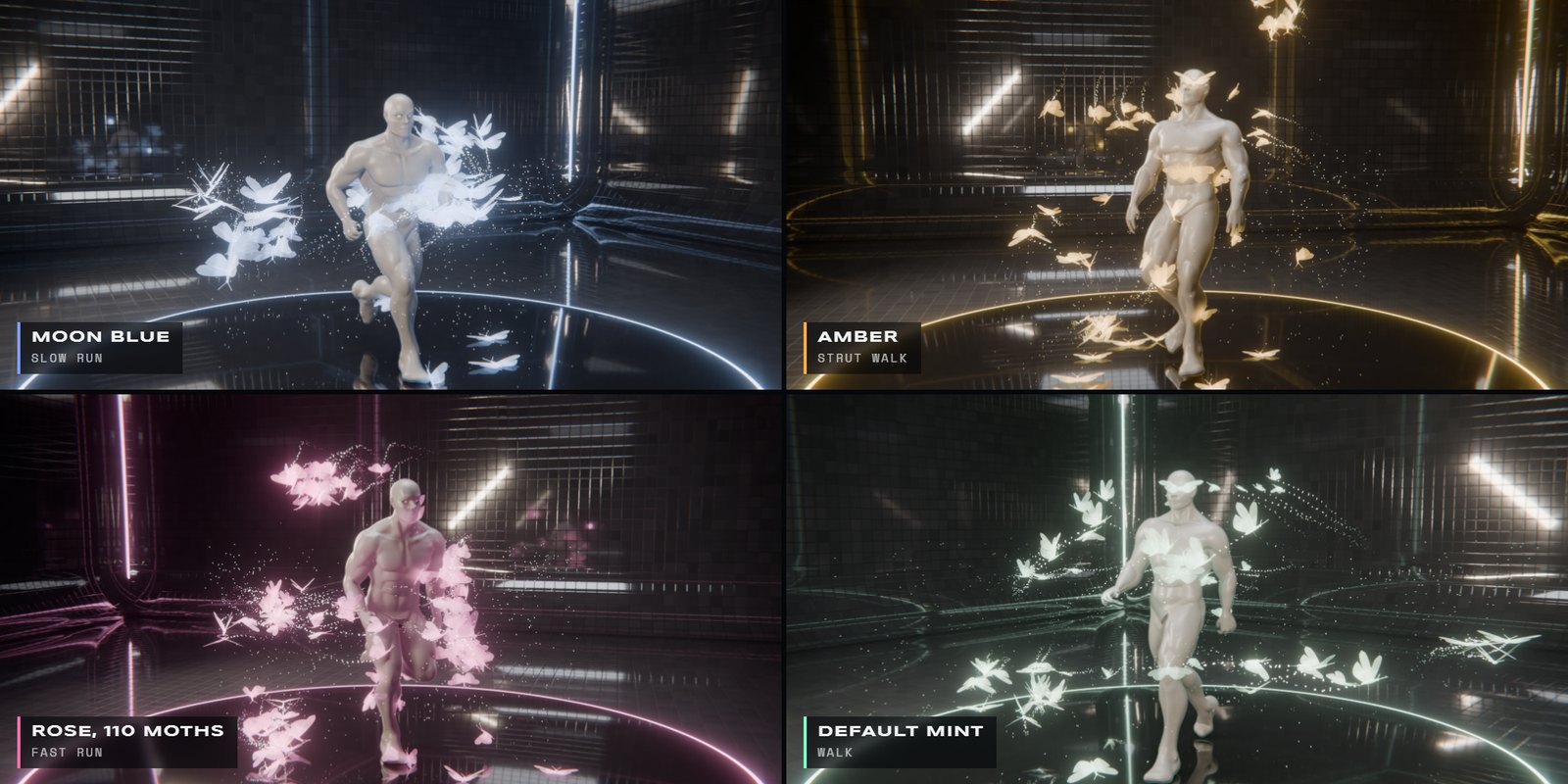
Lumen Moths · new colour, new walk cycle in every frame
|
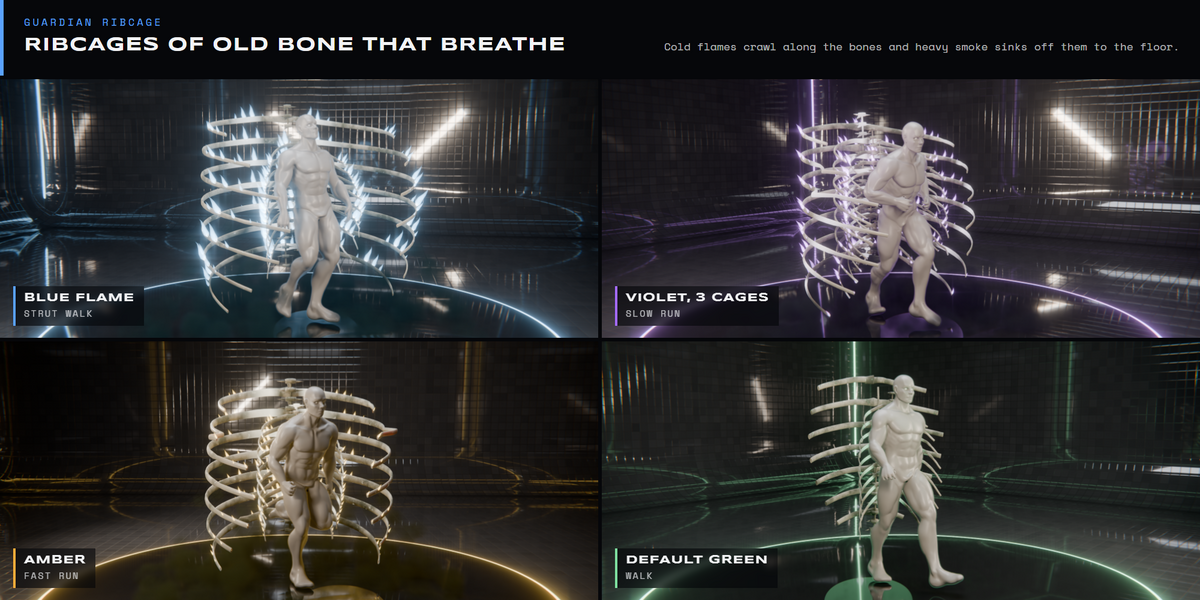
Dark GUARDIAN RIBCAGE |
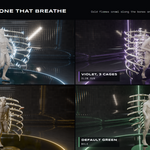
Nested ribcages of old bone wrap the body and breathe. Cold flames crawl along the bones and heavy smoke sinks off them to pool on the floor. Open the cage, add a third ring, or thicken the bones.
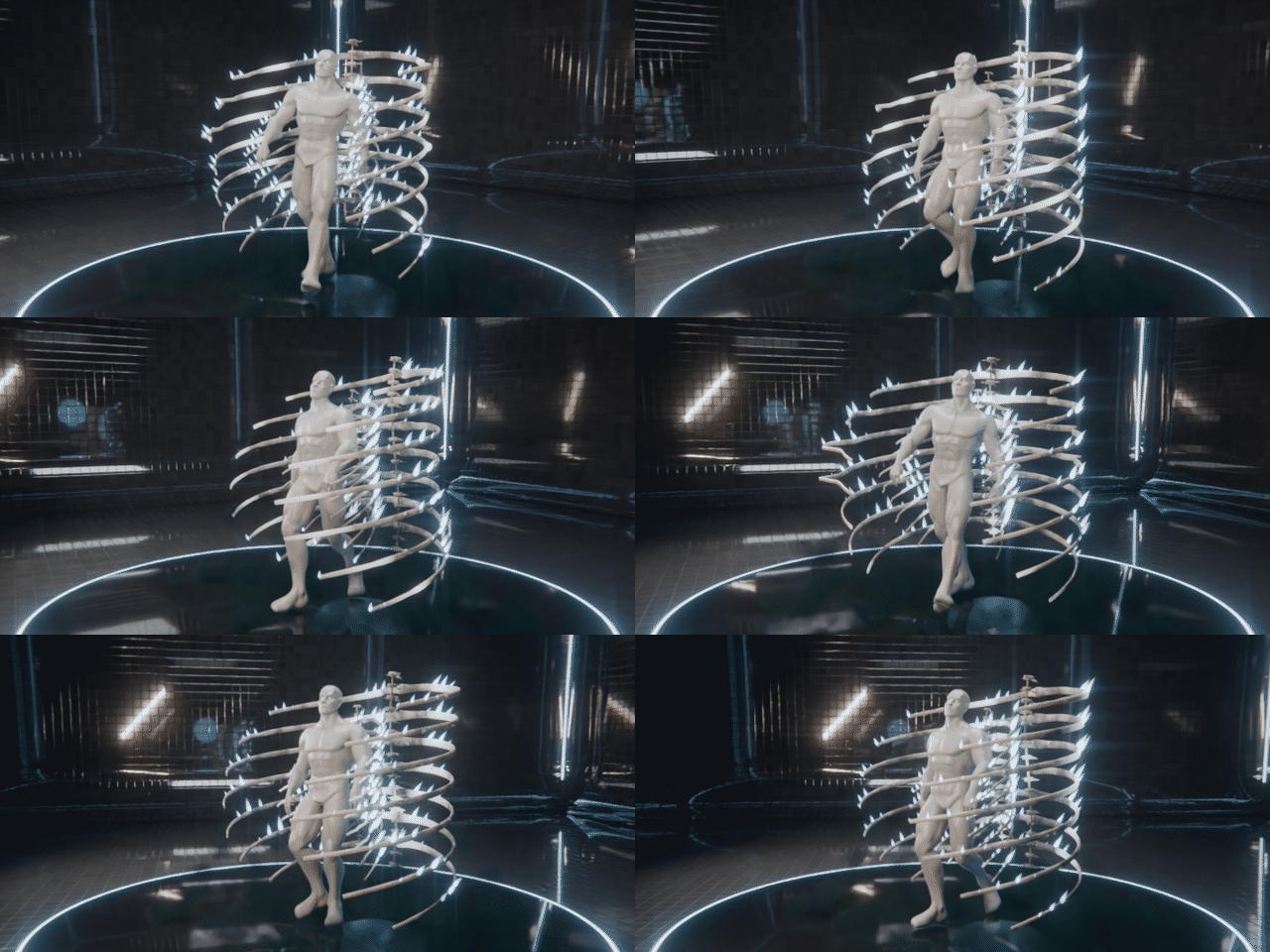
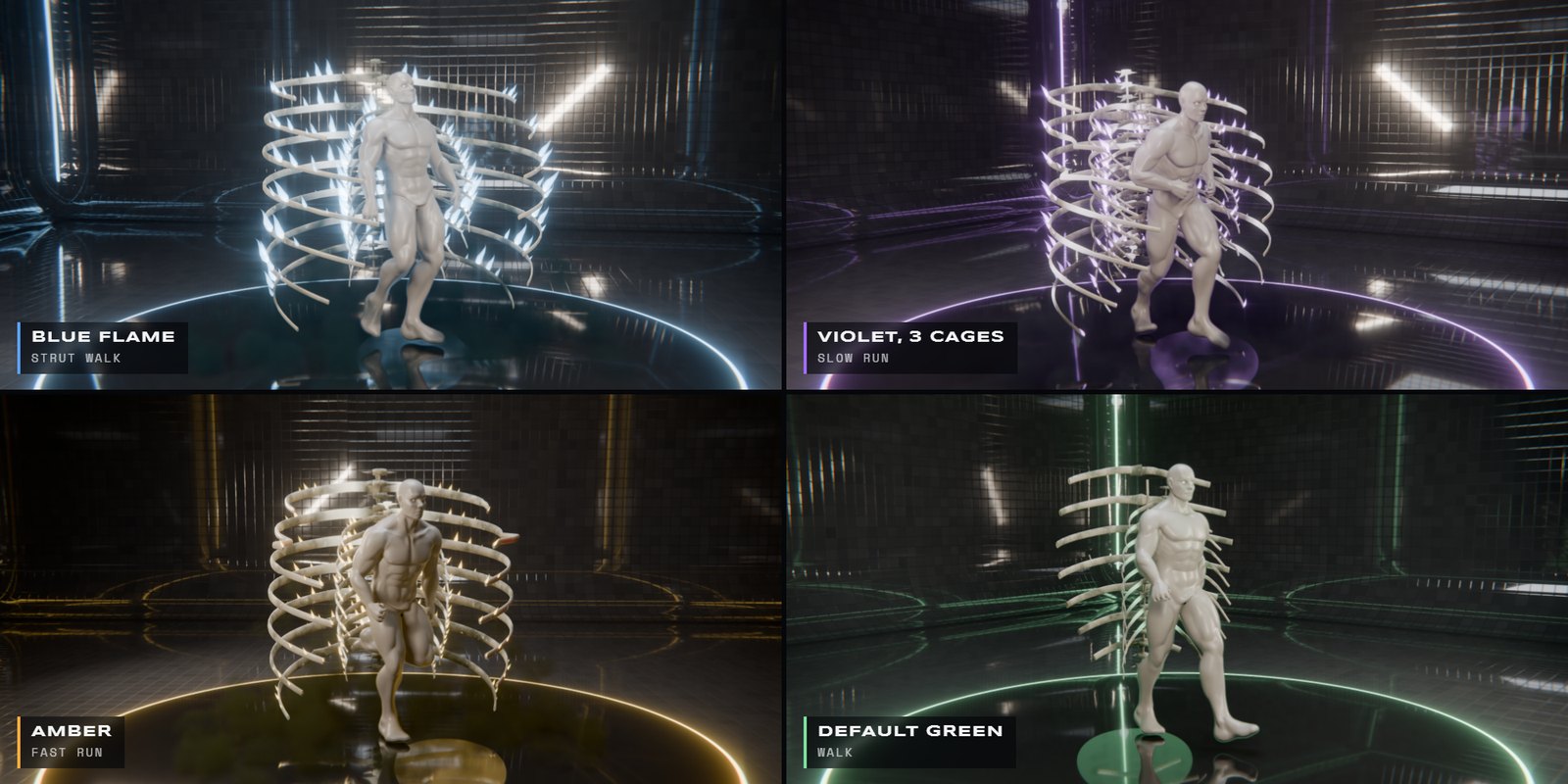
Guardian Ribcage · new colour, new walk cycle in every frame
|
In Blender FROM THE SIDEBAR |
| 1 |
Install the zip Edit › Preferences › Get Extensions › Install from Disk. |
| 2 |
Select your character Any mesh: rigged, shape-keyed or sculpted. No UVs needed. |
| 3 |
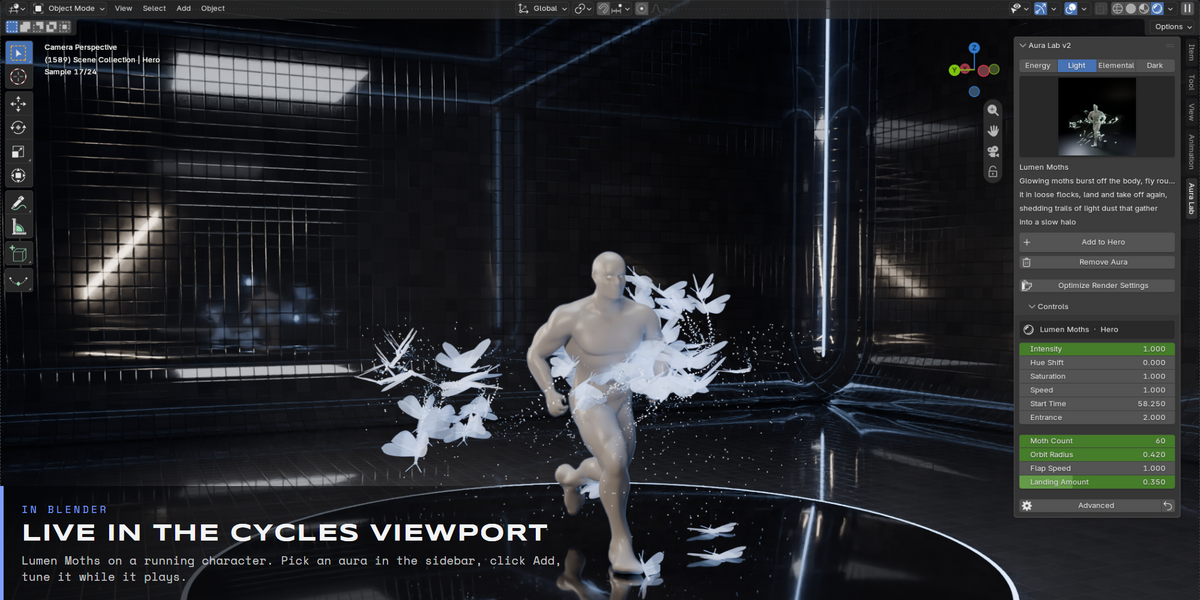
Pick an aura Open the Aura Lab tab in the sidebar (N). Four tabs sort the gallery: Energy, Light, Elemental, Dark. |
| 4 |
Click Add The aura is built round the character. Press Optimize Render Settings once per scene. |
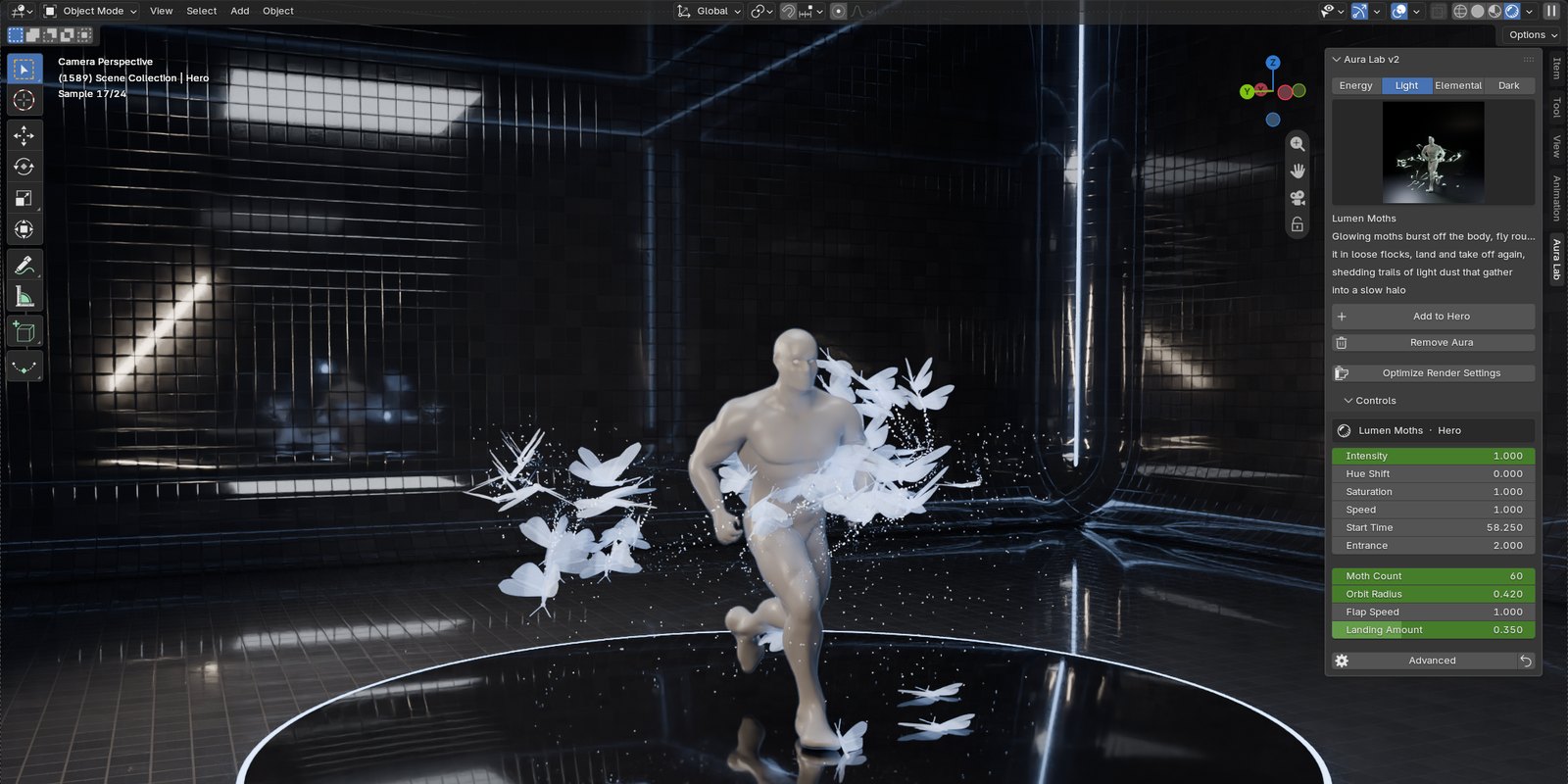
Lumen Moths in the live Cycles viewport · Aura Lab sidebar on the right
|
Controls SHAPE IT PER LAYER |
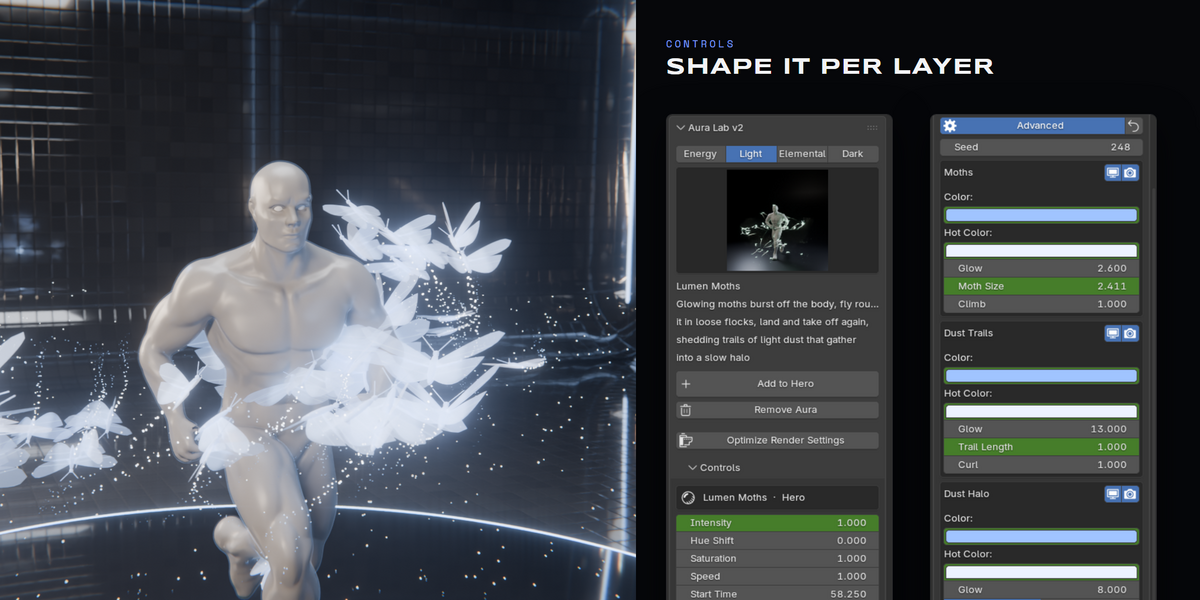
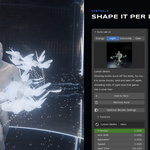
Every aura is built from a few layers. The top sliders act on the whole aura; open Advanced to reshape one layer. Every value is a normal Blender property, so you can keyframe it or drive it.
| Intensity | Brightness of every layer and light at once. |
| Hue Shift · Saturation | Recolour the whole aura with two sliders. |
| Speed · Start Time | Slow it down, speed it up, or let it form on a beat mid-shot. |
| Main | The few inputs that change the aura most: blade count and range, dragon length, bead reach, moth count, cage size. |
| Advanced | Every layer on its own: viewport and render toggles, colours, glow and shape. |
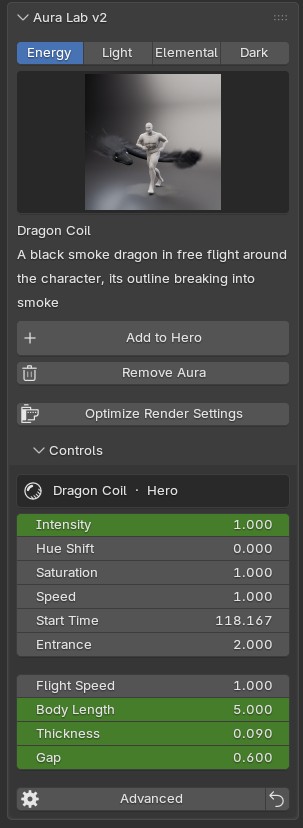
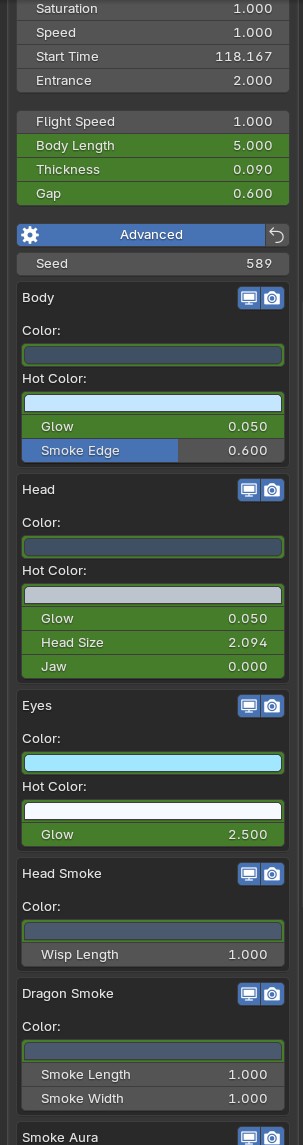
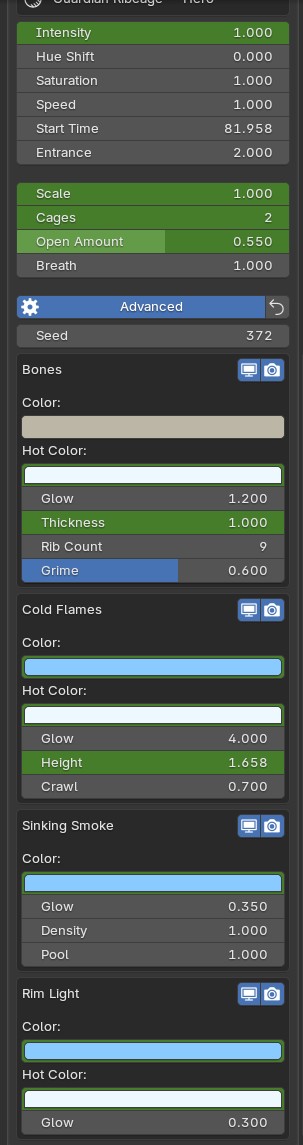
Real panels: Dragon Coil Main and Advanced, Guardian Ribcage layers
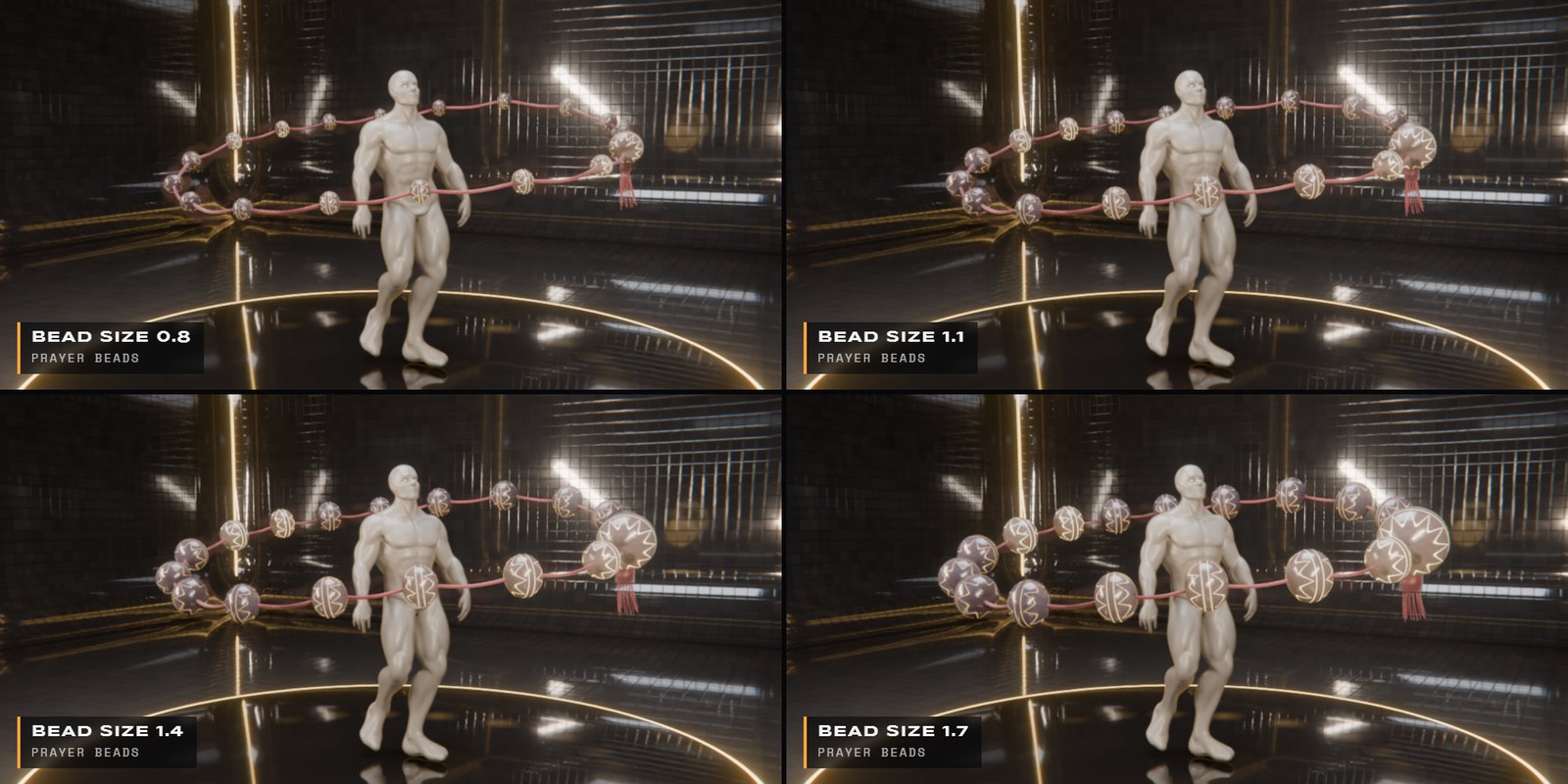
Prayer Beads · Beads › Bead Size 0.8 · 1.1 · 1.4 · 1.7 on the same frame
|
Animation WALKS, RUNS, KEEPS UP |
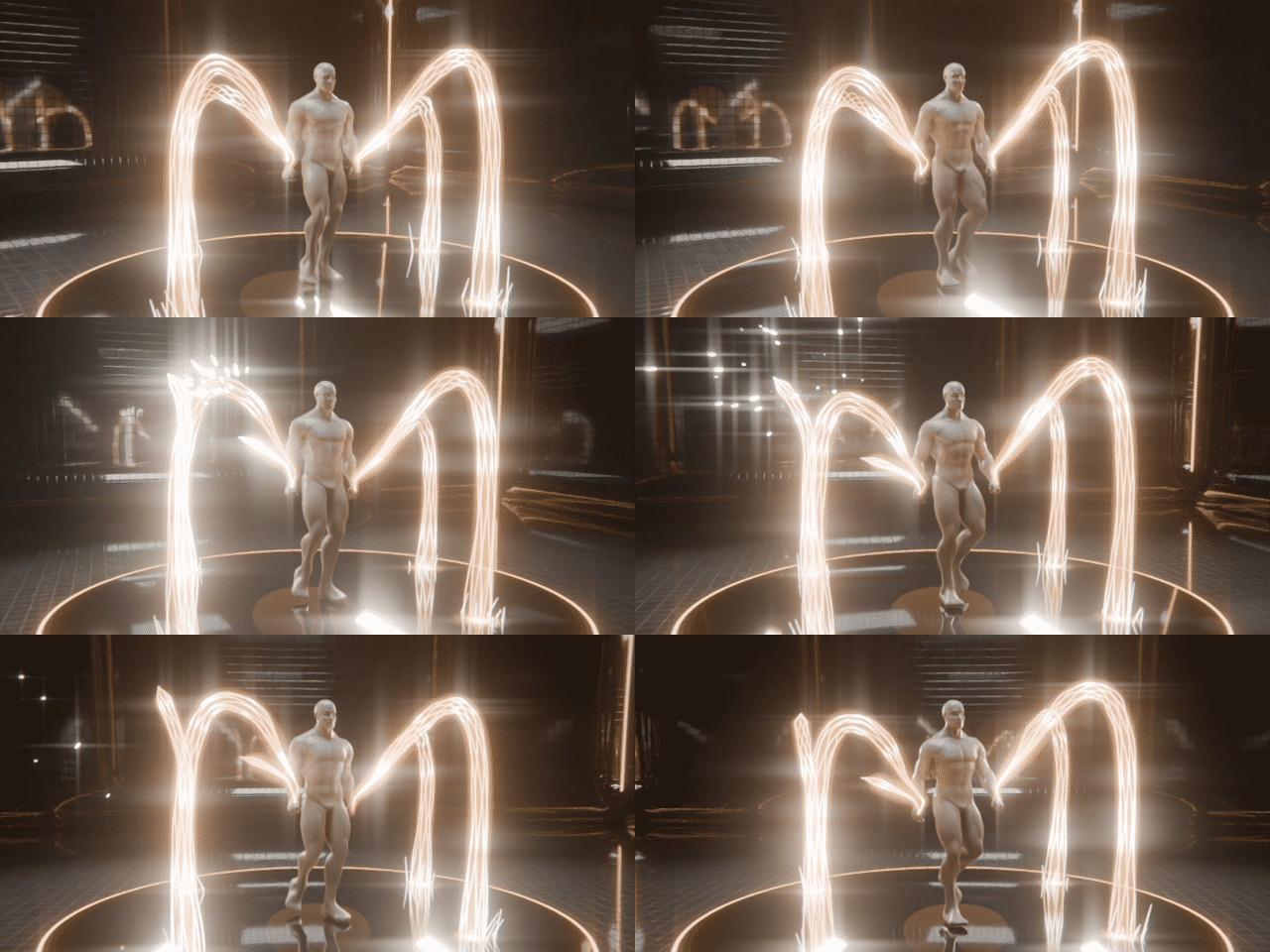
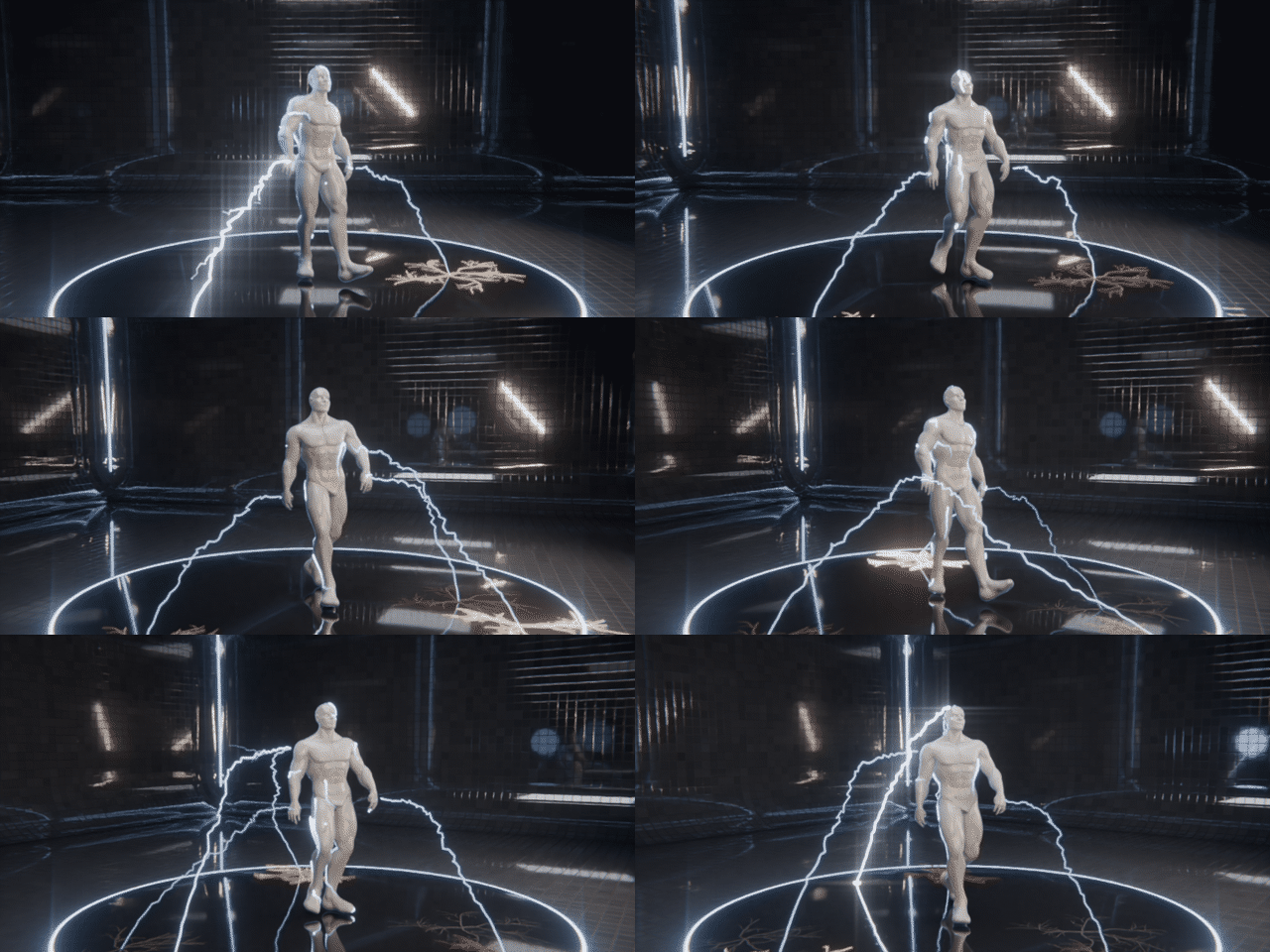
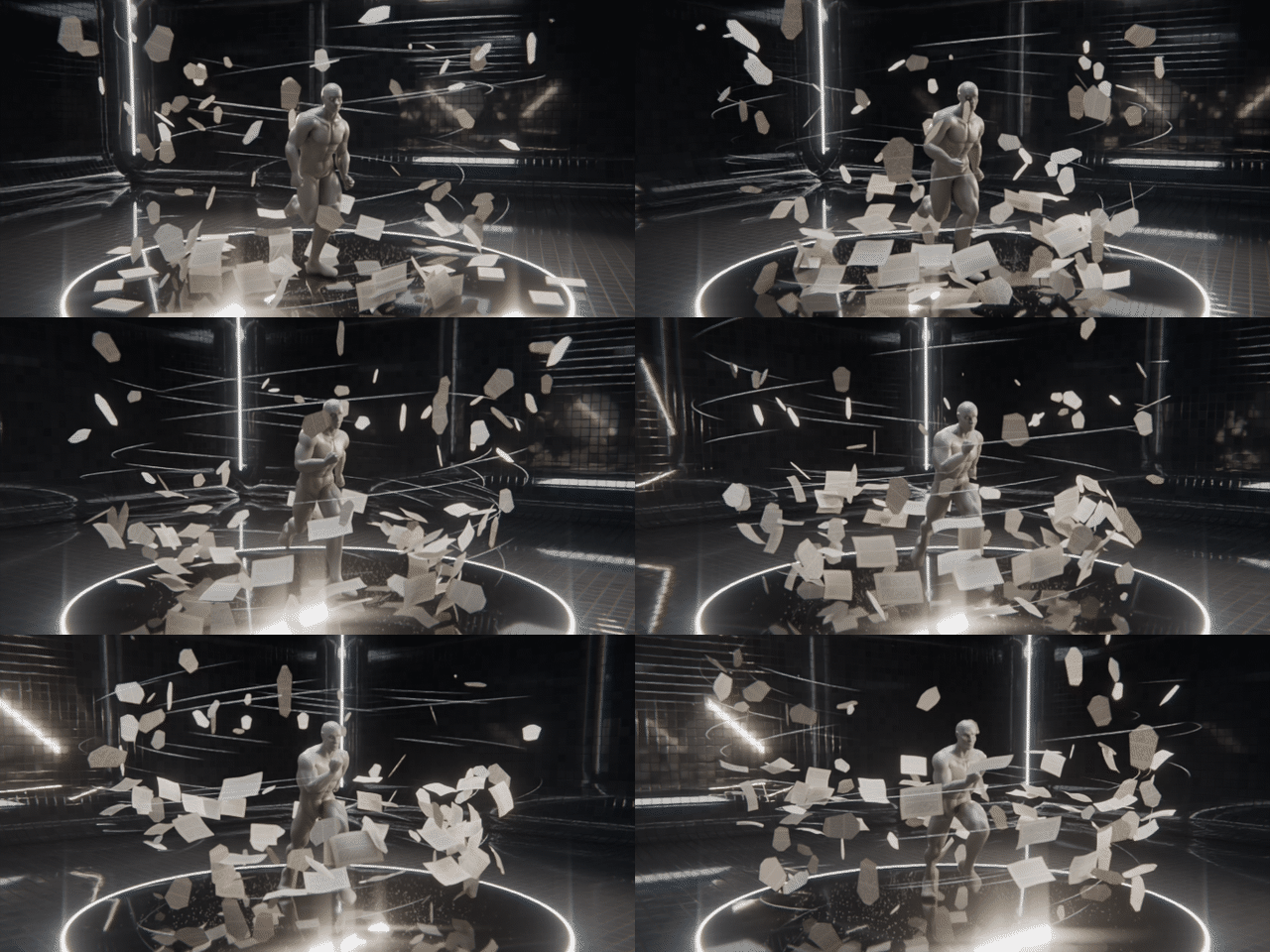
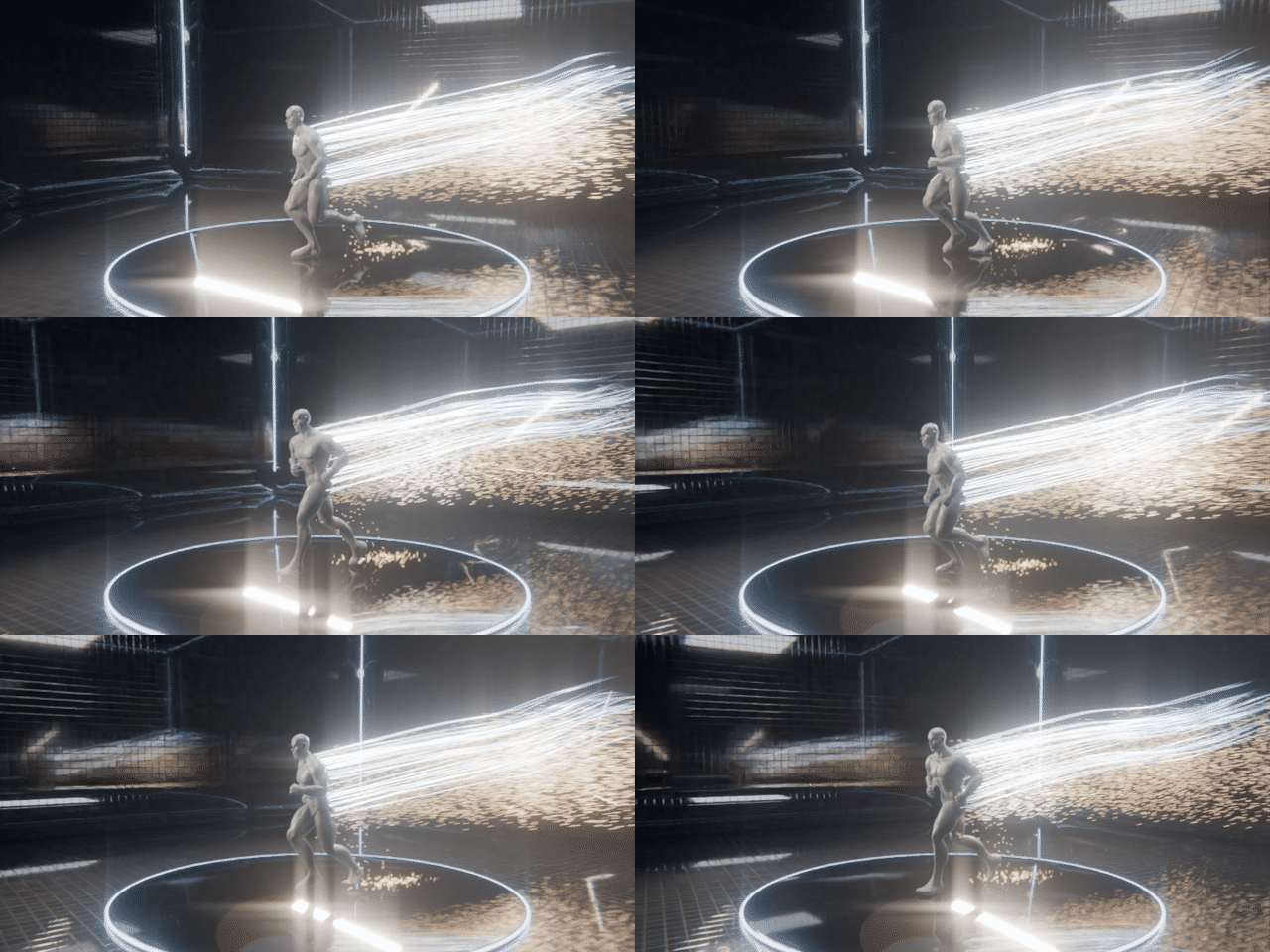
Every aura reads the character's deformed mesh each frame, after the armature, shape keys and modifiers. Dragon Coil and Blade Array keep a steady heading while the hips sway; moths and beads find the body again on every frame. Every render on this page is a Mixamo walk or run cycle with the aura on it.
|
Solar Flare |
Storm Conduit |
Paper Storm |
|
Comet Tail |
Sand Bender |
Black Murmuration |
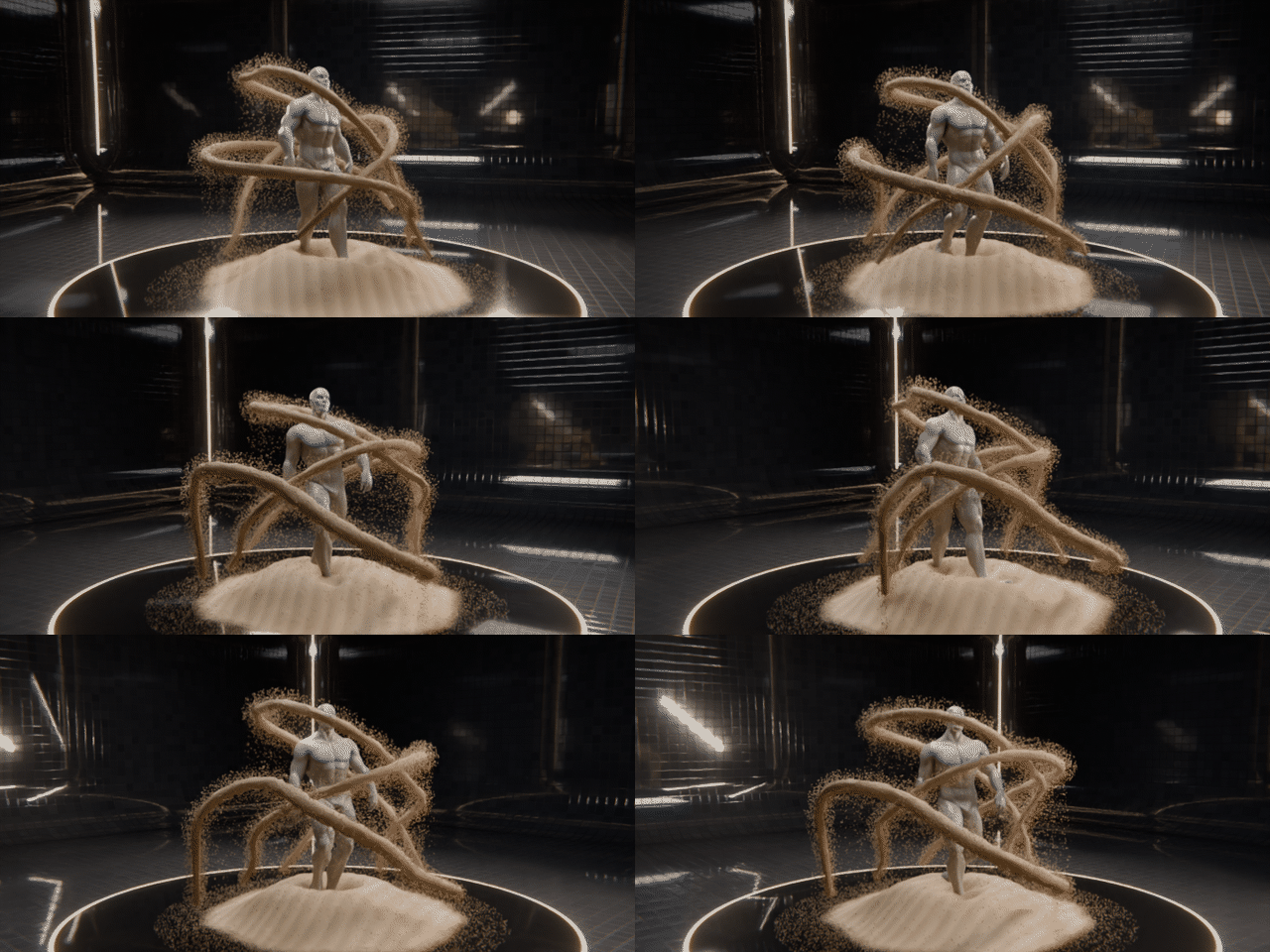
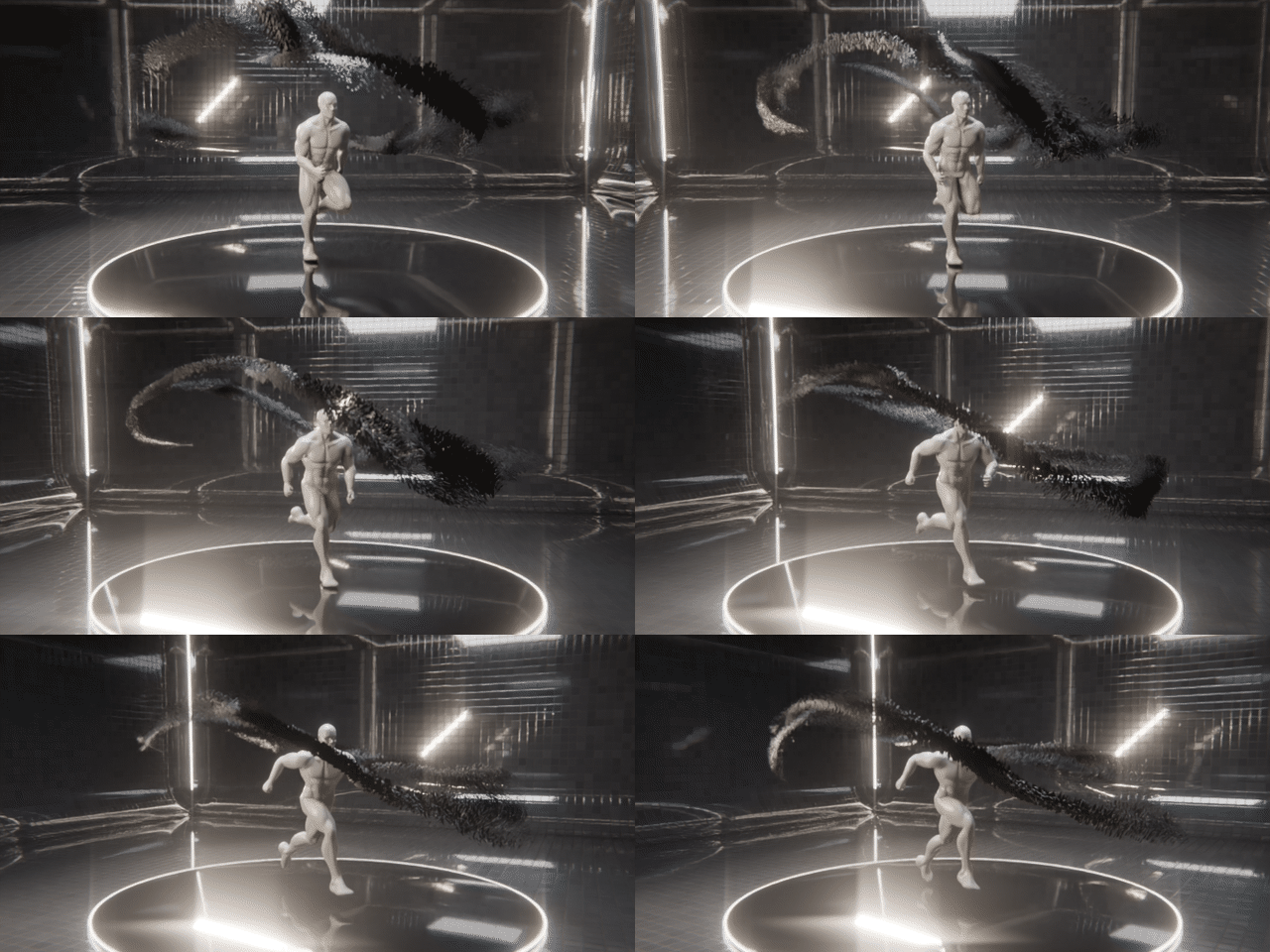
| Rigs | Mixamo, Rigify, Auto-Rig Pro and custom armatures; anything that deforms the mesh |
| Meshes | Any mesh: no UVs and no clean topology needed |
| Remove | Remove Aura deletes the aura with its lights, helpers and materials; your character is left untouched |
|
Details IN THE BOX |
| Requires | Blender 5.0+ |
| Render | Cycles and EEVEE |
| Type | Blender extension (add-on), one zip |
| Where | Aura Lab tab in the 3D Viewport sidebar (N) |
| Inside | 20 auras in four groups: Energy, Light, Elemental and Dark |
| Textures | None; every aura is Geometry Nodes and shaders |
| Dependencies | None |
| Version | 1.0.0 |
| License | GPL-3.0-or-later |
Full guide: Aura Lab V2 documentation
|
More from the studio LATEST FROM LARKLAB |
Aura Lab V2 by LarkLab. All renders on this page were made in Blender with Aura Lab V2.