 Alpha Productions
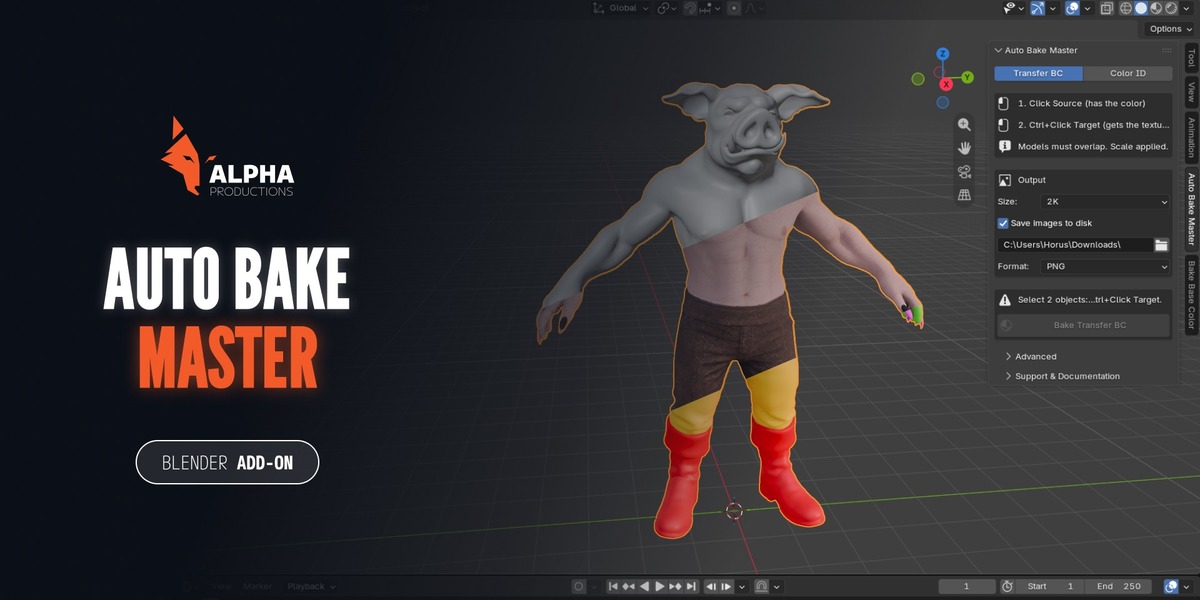
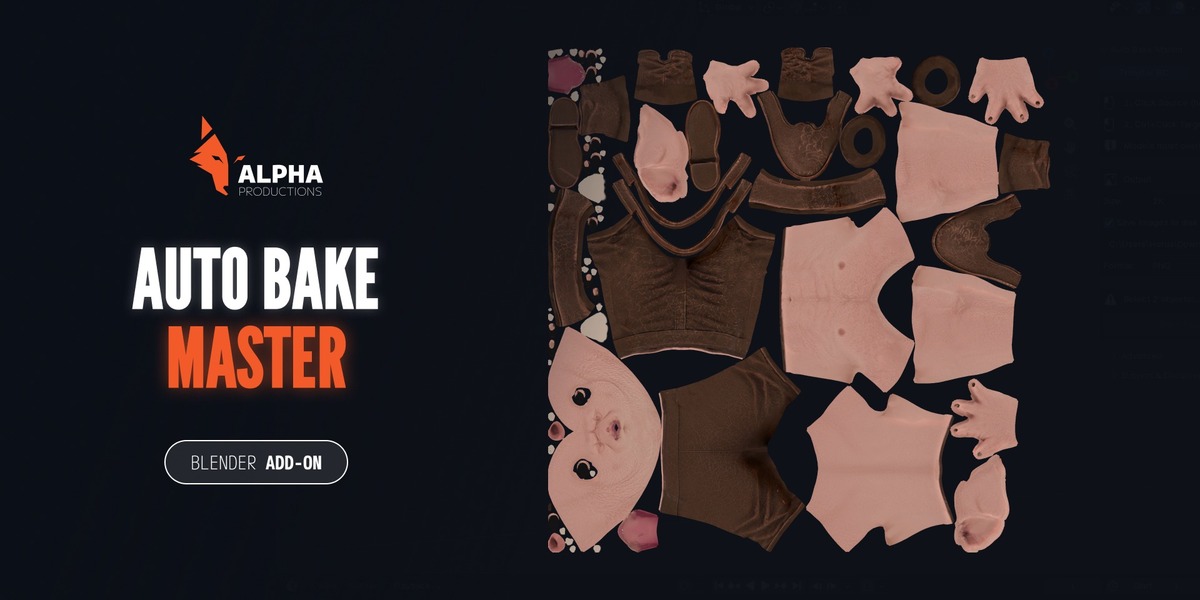
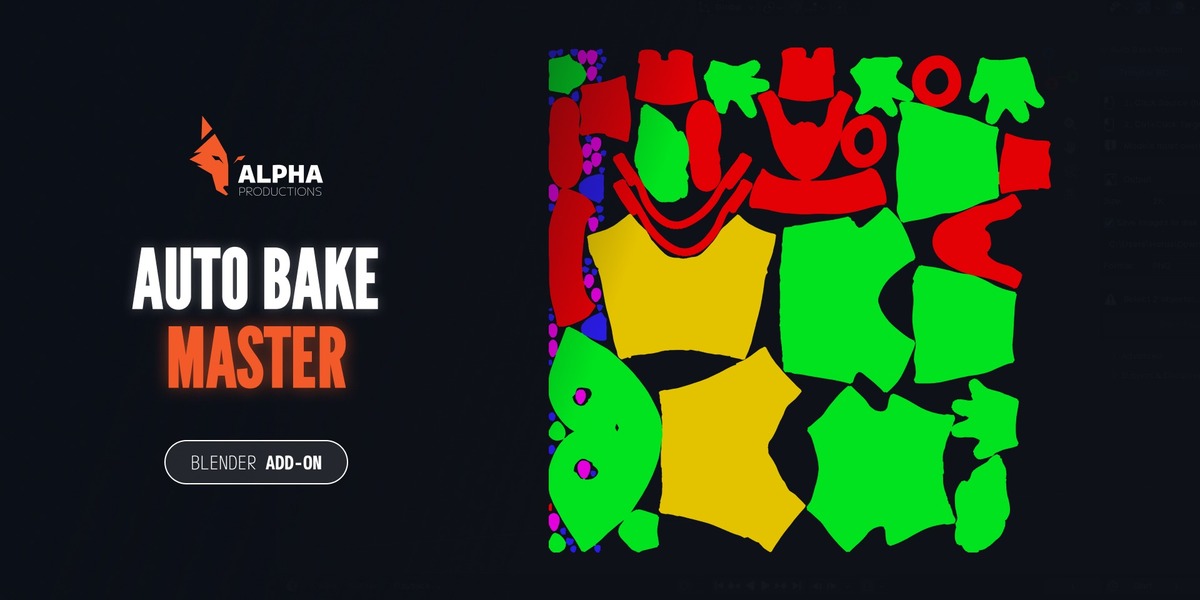


Bake Base Color and Color ID maps in Blender with a few clicks.
Auto Bake Master is a Blender add-on that removes the repetitive setup of baking. It has two modes in one panel.
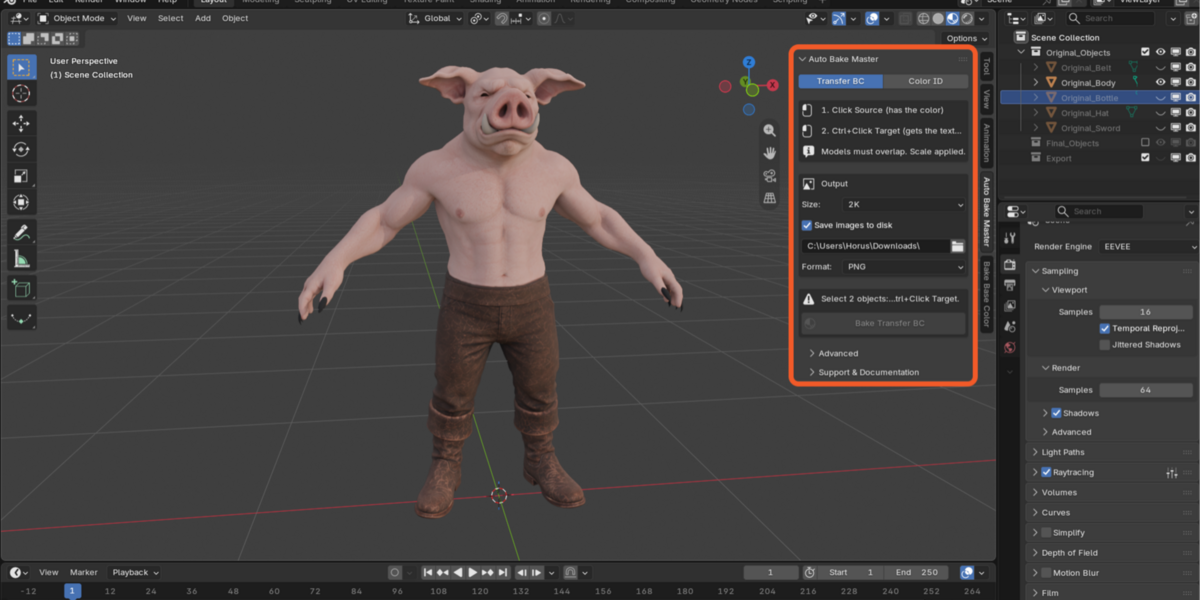
TRANSFER BC (Base Color)
Transfers the Base Color of one model into a texture for another model's UV map. It moves texture information, not polygons, so both models can have the same or a different polygon count. They only need to overlap in space.
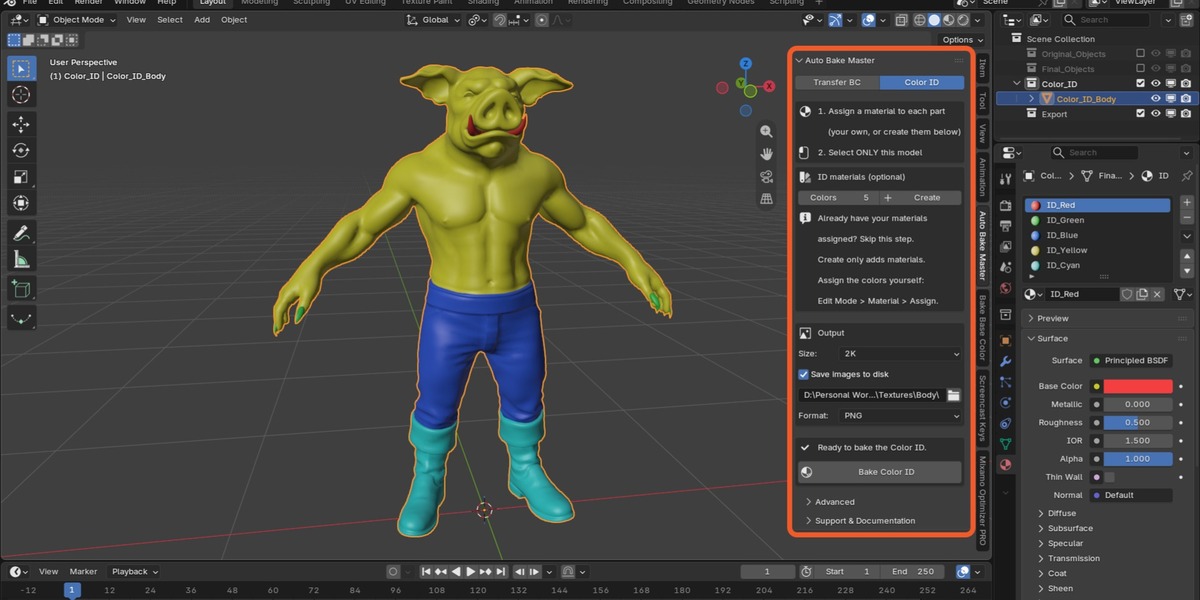
COLOR ID
Bakes the material colors of one model into a single ID map. Create ID materials with one click (optional), assign them to your faces, and bake. ID maps are commonly used to select parts of a model in texturing programs such as Substance Painter.
What you get
- Size selector: 512, 1K, 2K or 4K (2K by default).
- PNG, TGA or JPG saved to the folder you choose.
- Checks before baking (selection, scale, UV map, material slots, free RAM) with a clear message for each problem.
- Progress bar in the status bar and Esc to cancel.
- Your render and bake settings are restored afterwards.
- An interactive manual in English and Spanish inside the add-on.
What it does not do
- No Normal, Ambient Occlusion, Roughness, Metallic or ORM maps in this version. They are planned for a future version, with no date promised.
- In Color ID mode, you assign the colors to the faces yourself.
Requirements: Blender 4.2 or newer (tested on 5.2) with Cycles enabled.
How to install: Edit > Preferences > Get Extensions > menu at the top right > Install from Disk > select the .zip.
License: GPL v3 or later, source included. Support: [email protected]
Tutorials: https://www.youtube.com/@AlphaProductions-UE5-blen