Auto Modeller Pro
 Blender Procedural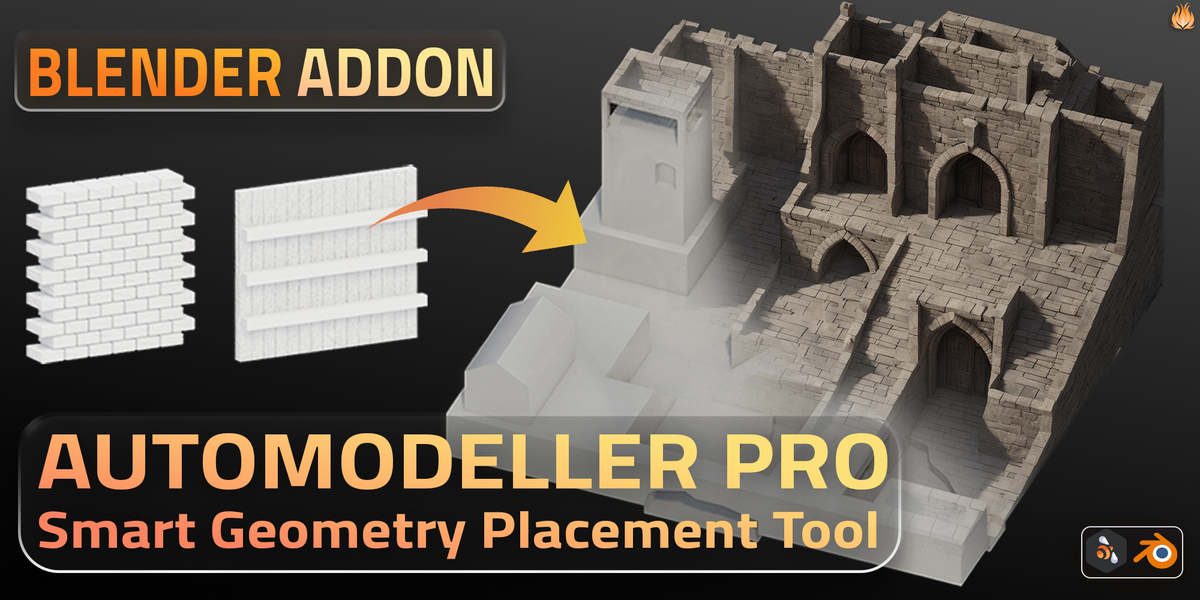
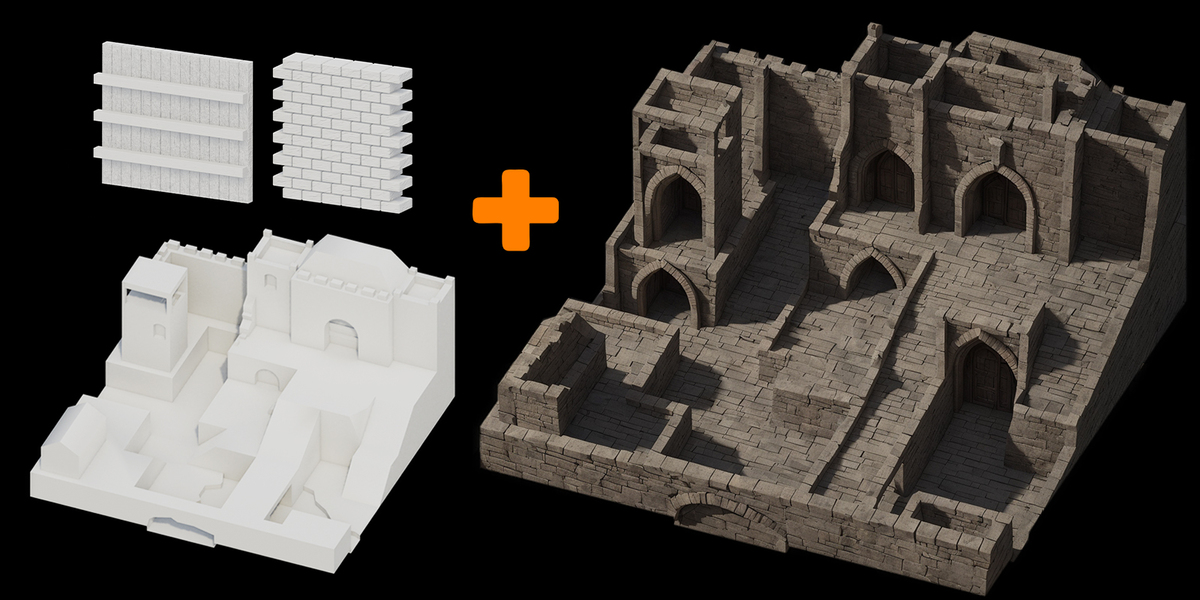
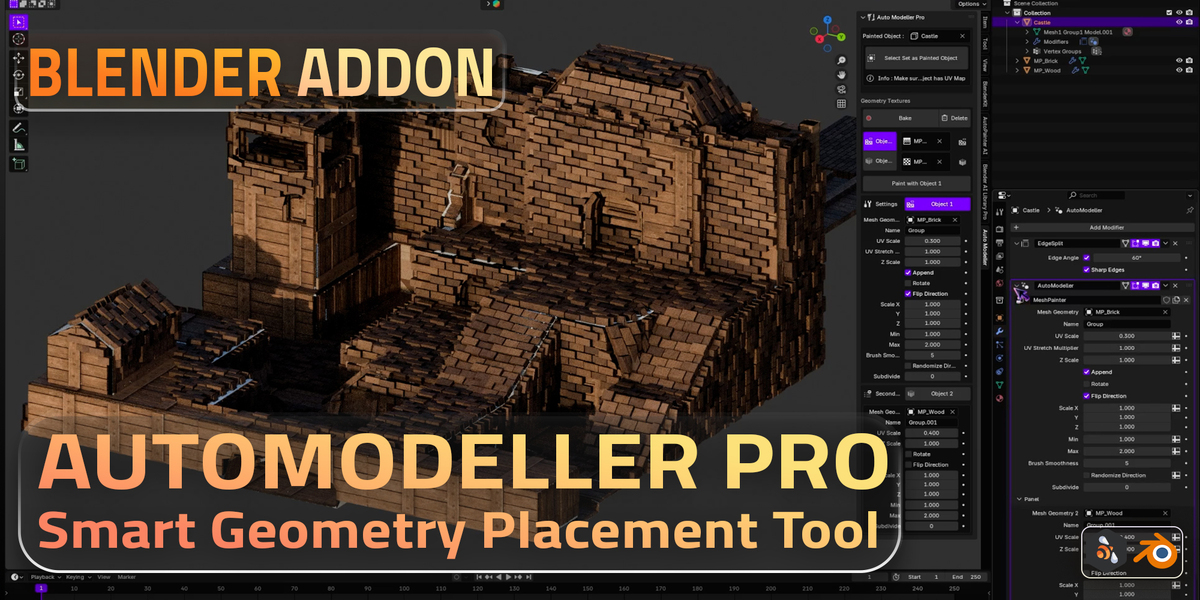
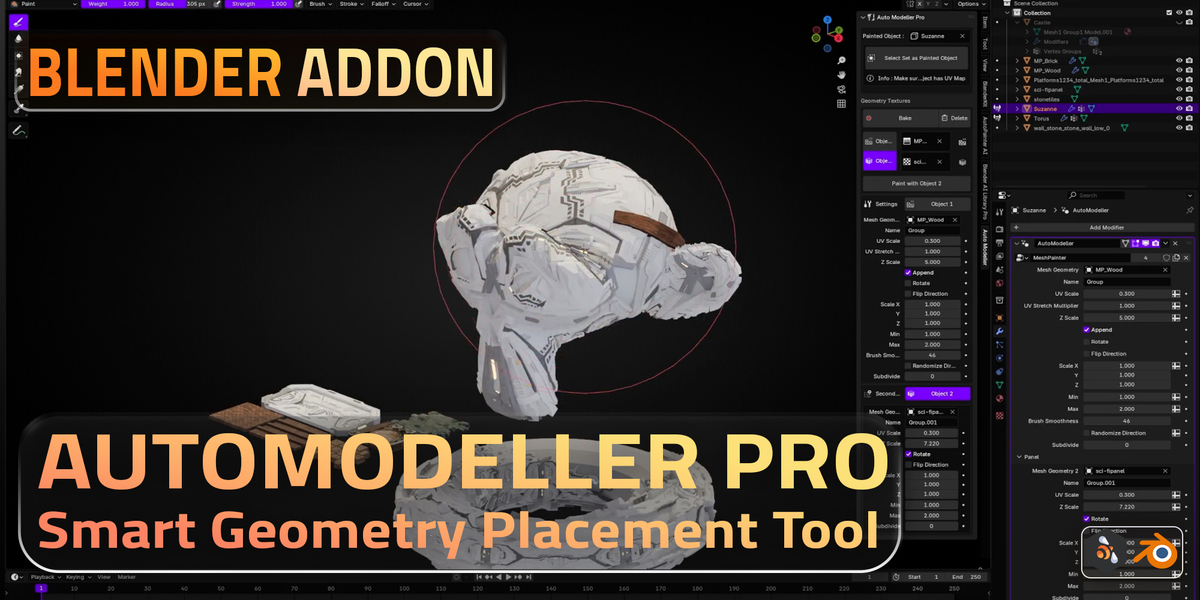
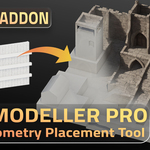
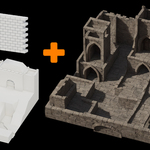
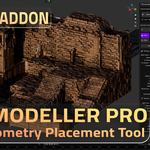
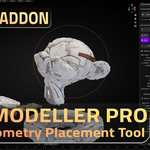
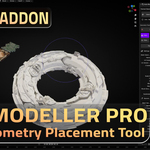
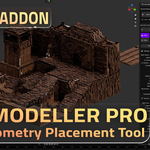
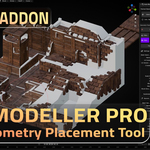
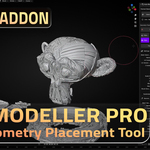
How It Works
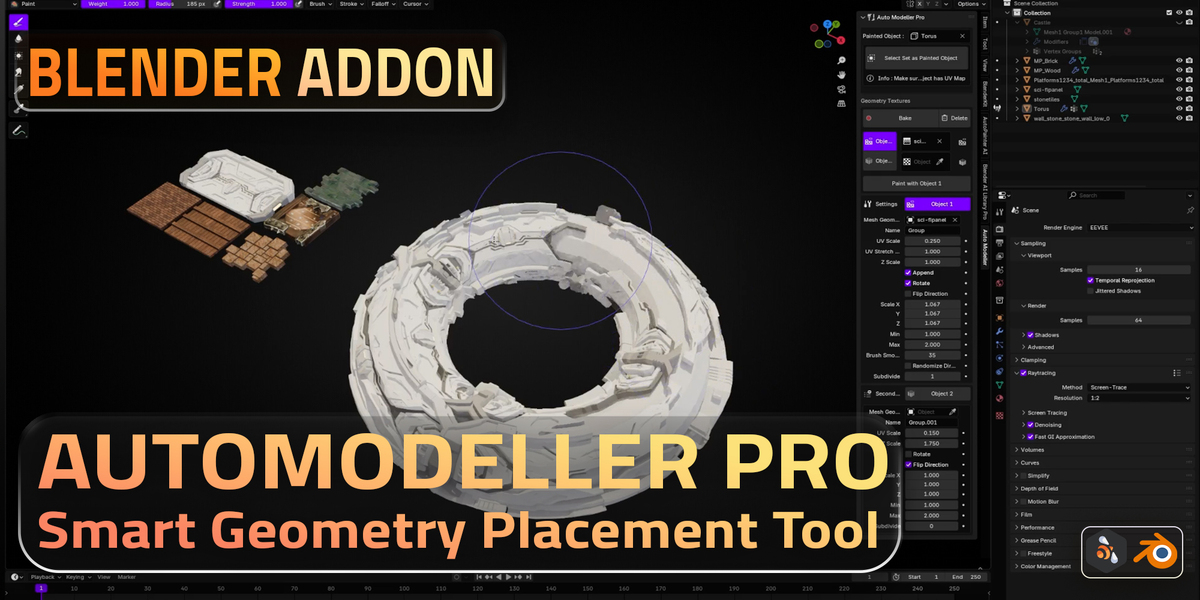
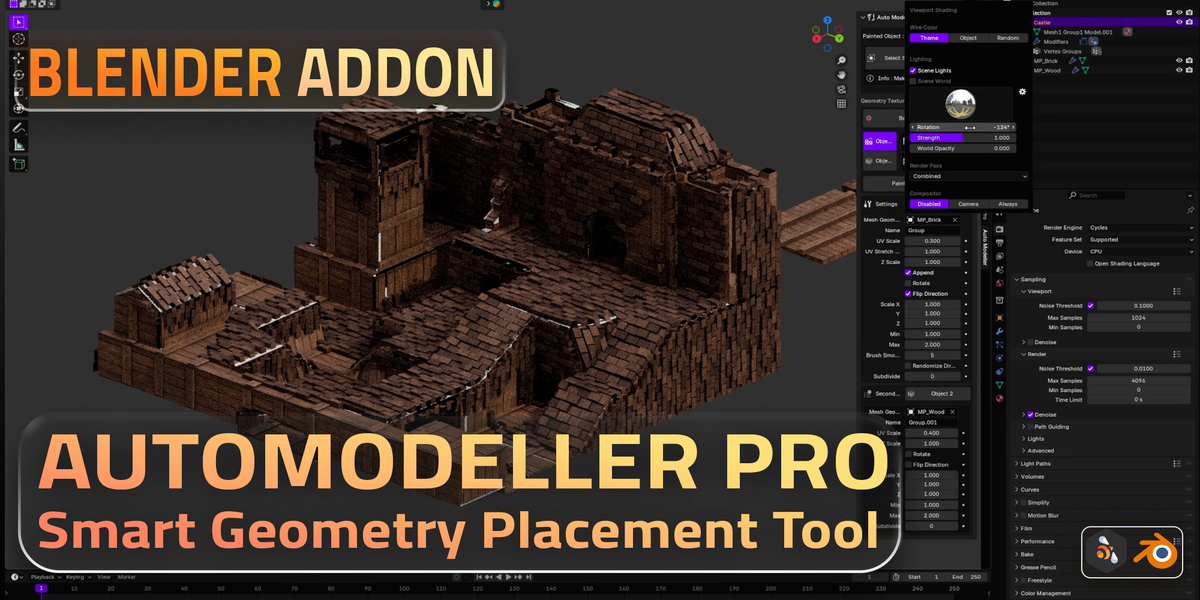
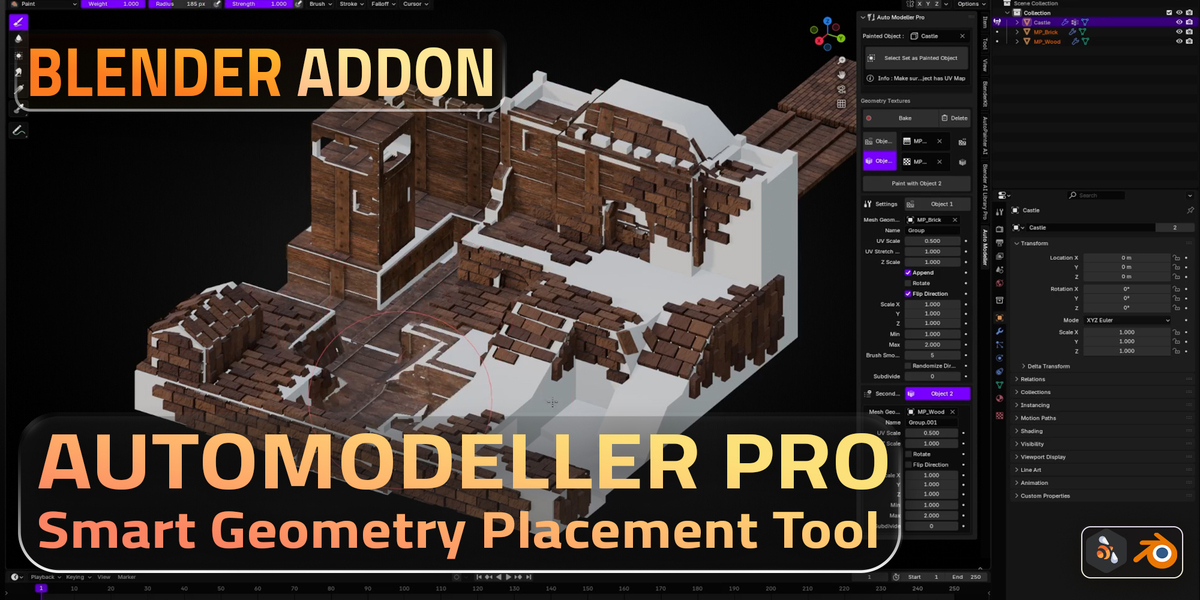
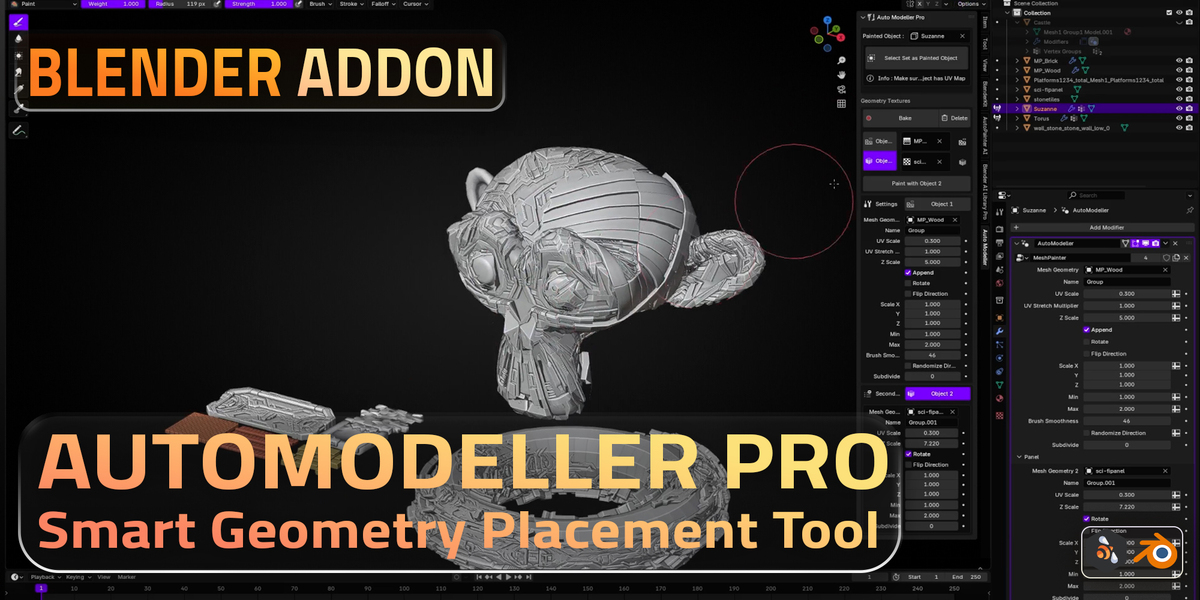
- Bake First: Click the “Bake” button to lock in UV placement for optimal performance.
- Paint: Select the “Paint with Object 1” (or your chosen slot) to start painting your selected geometry.
- Adjust UV Scale: Use the “UV Scale” slider to resize your instanced geometry or textures.
- Deform with Any Geometry: Import or create your own custom shapes to add unique deformations onto your surface.
Discover more products like this
Fast Workflow environment creation geometry brush procedural tools asset detailing Texture Painting surface painting uv painting geometry painting sci fi panels geometry scatter object painting Modular Design 3d painting uv based instancing Non-Destructive Modeling blender 4.2 performance optimization blender addon auto instancing baking workflow blender modeling blender uv smart geometry placement kitbash painting